

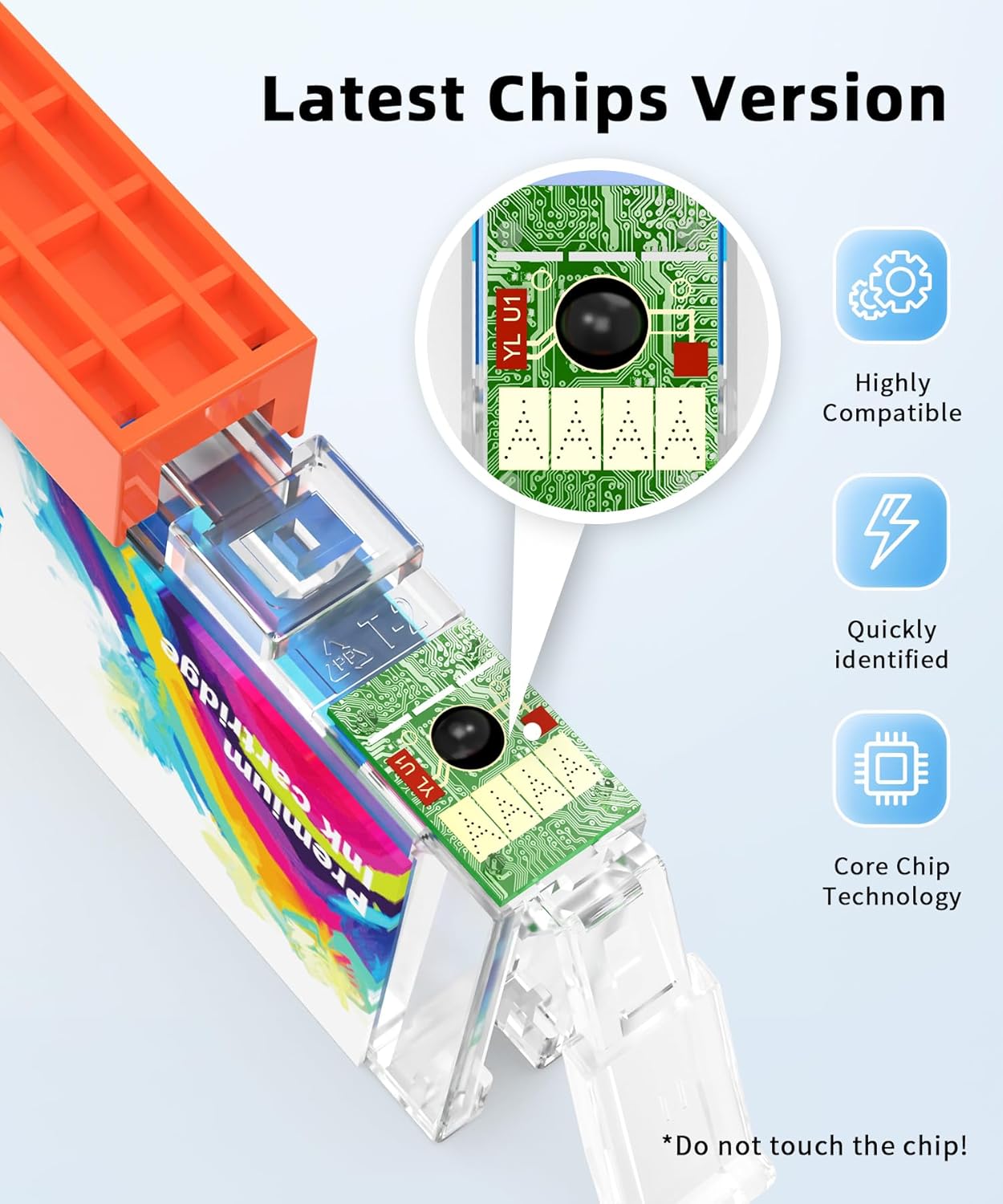


Q-image PGI-530 CLI-531 6‑Pack Ink Cartridges 🖨
Product description
This six‑pack set of compatible ink cartridges supplies replacements for Canon Pixma TS8750 and TS8751 printers, offering an economical option for everyday printing. It includes a PGBK plus black, cyan, magenta, yellow and grey cartridges, aimed at home and small office tasks where balanced colour and sharp text matter. The pack is presented as compatible with PGI‑530 and CLI‑531 series, and the listing specifies page yields according to the manufacturer equivalent, so you can expect predictable running costs.
What to know
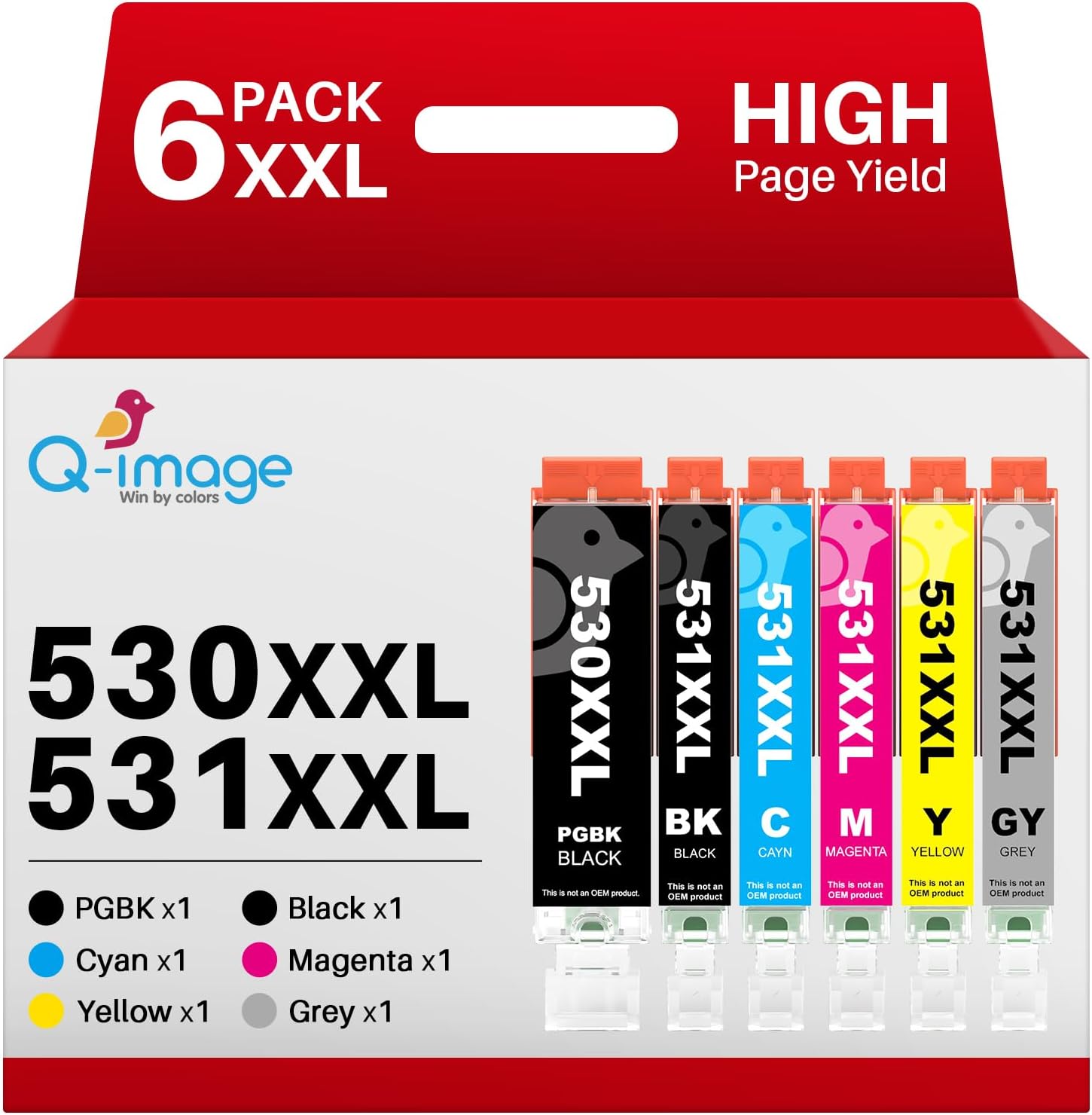
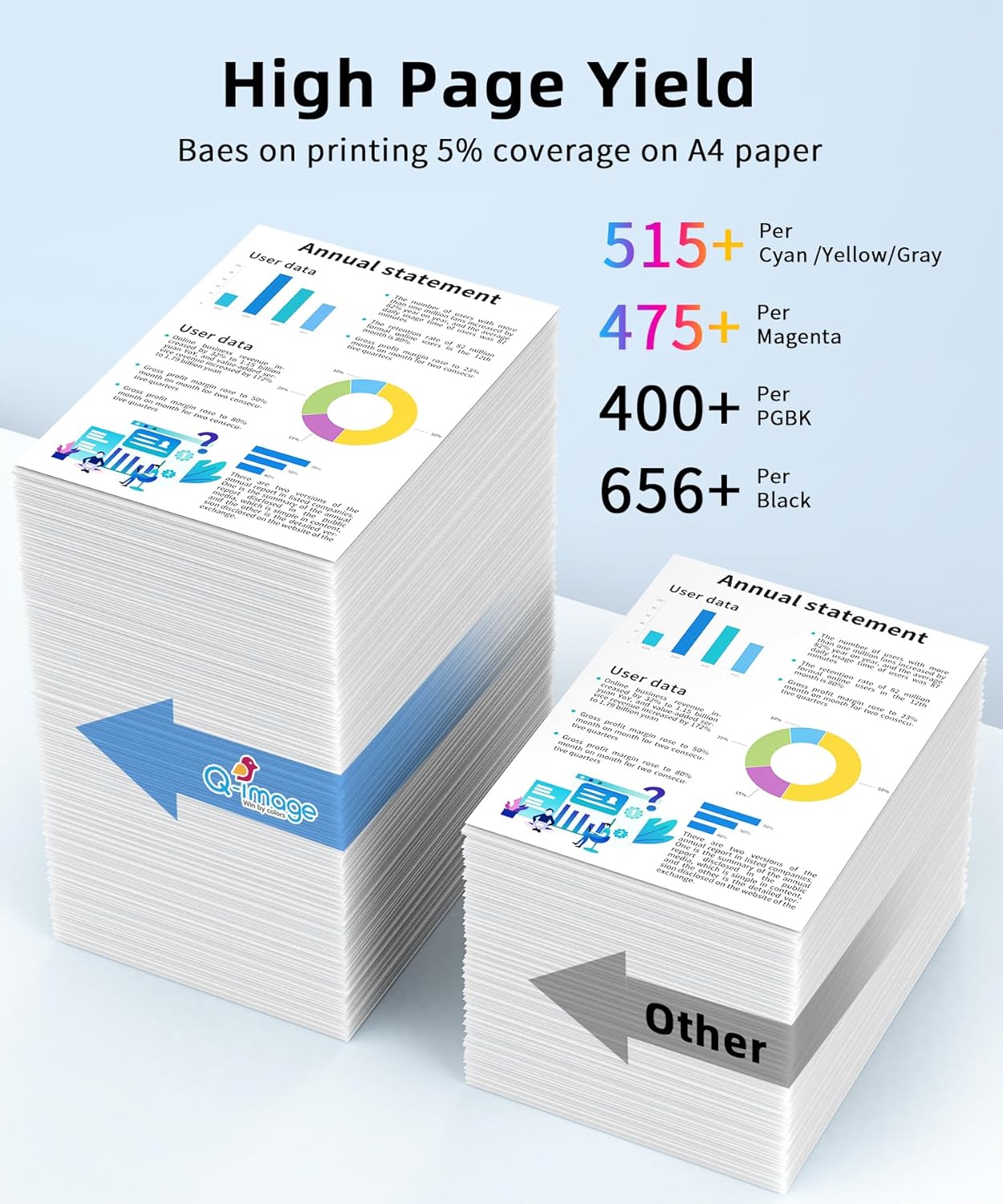
The multipack brings both pigment black and dye colours in one box, which helps avoid multiple orders and downtime. Q-image PGI-530 CLI-531 is described as compatible rather than original, so you should bear in mind that formulation and longevity can differ from Canon originals. The manufacturer states page yields of 400 pages for the PGBK and 515 pages for the other XXL cartridges at 5% A4 coverage, which gives a rough idea of frequency of replacement.
Product specs
- Name: Q-image PGI-530 CLI-531 6‑Pack
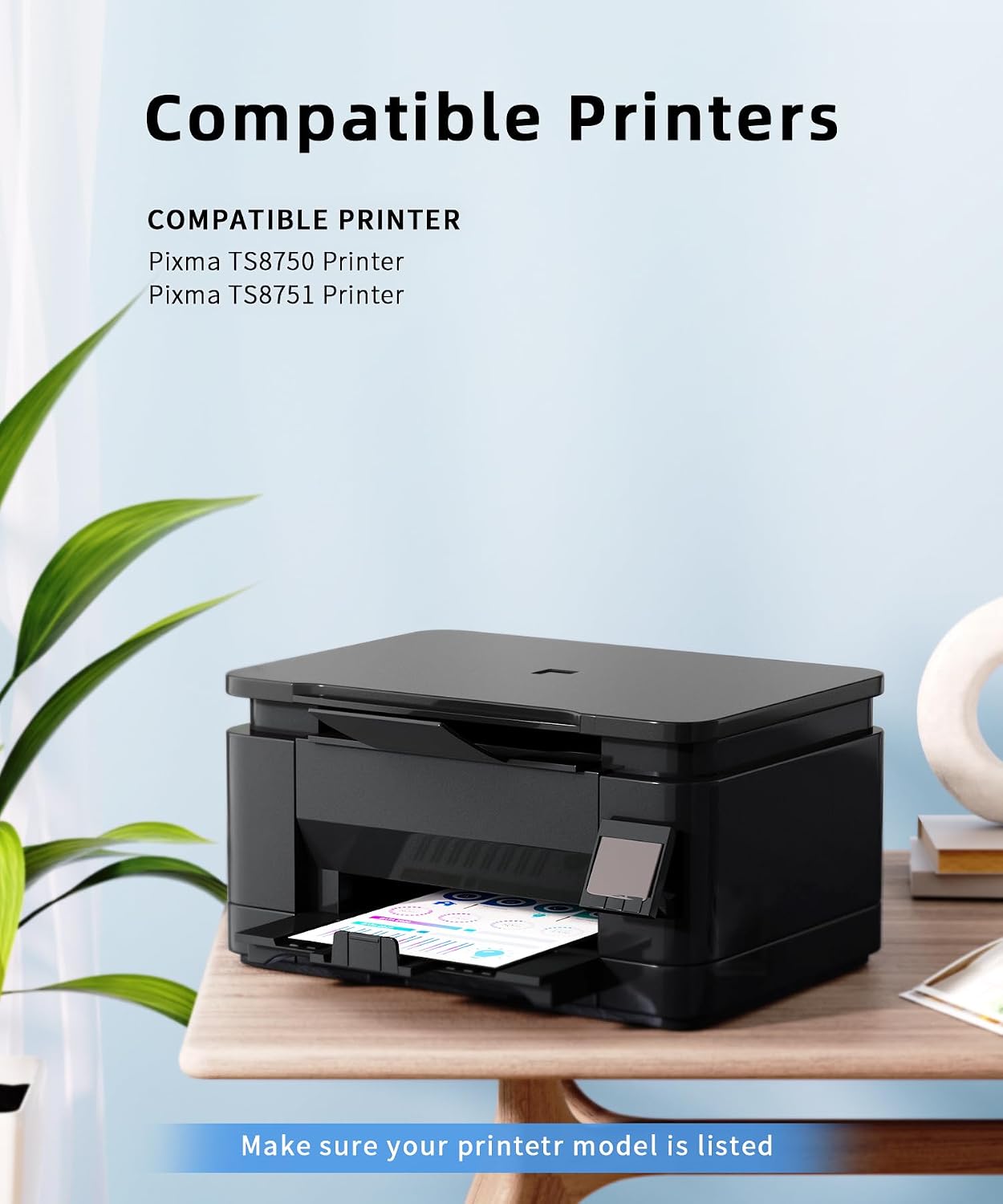
- Compatibility: Canon Pixma TS8750, TS8751
- Colour: PGBK, Black, Cyan, Magenta, Yellow, Grey
- Page yield: PGBK 400 pages, BK/C/M/Y/GY 515 pages (A4, 5% coverage)
- Type: Compatible replacement ink cartridges
Where it shines
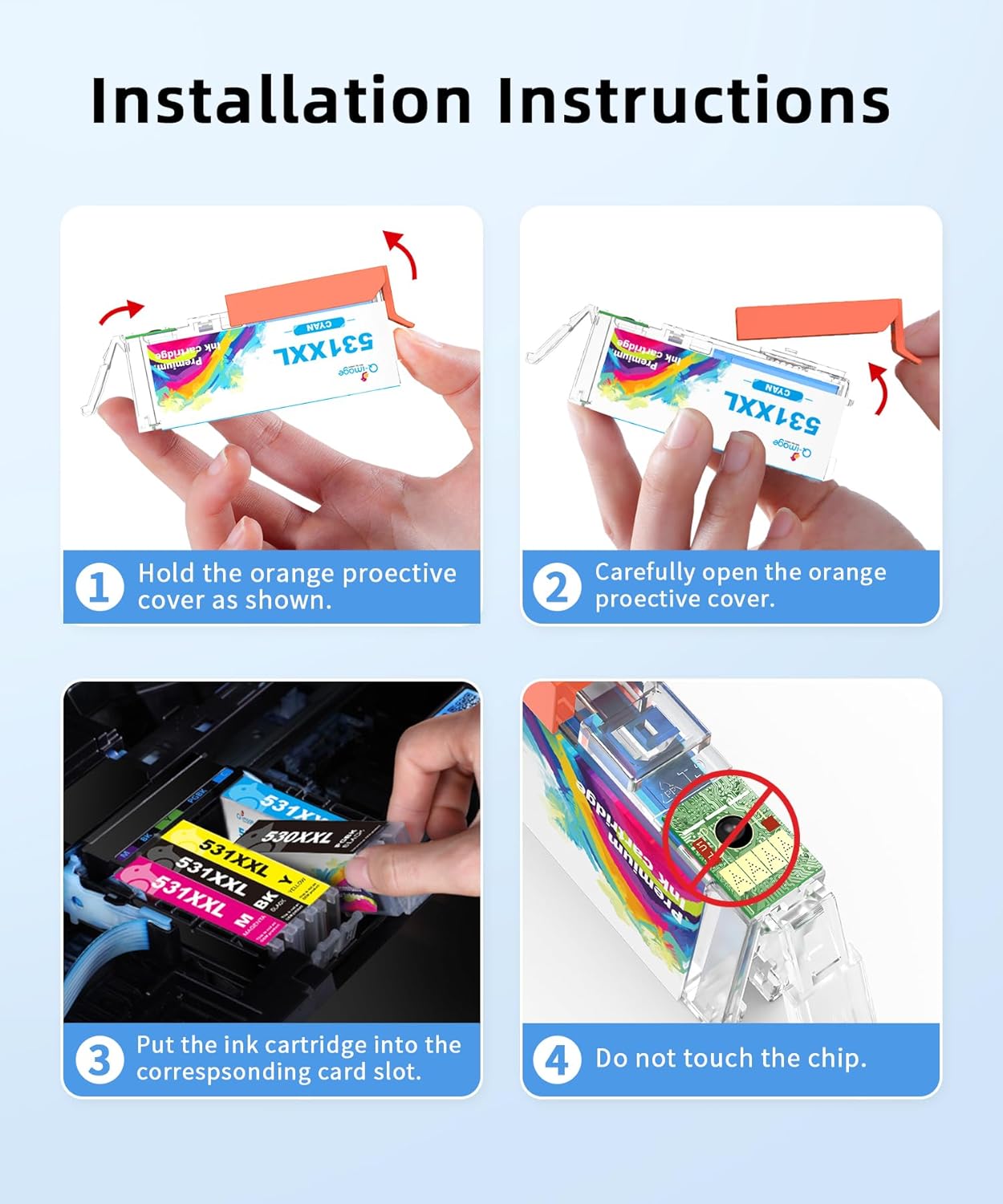
It keeps printing running with a single purchase, reducing interruptions for households and small businesses that print frequently. The inclusion of a grey cartridge can improve photo and photo‑like print gradients, while the separate pigment black aims to deliver crisper text than dye black alone. For users watching costs, the stated page yields help plan supplies and budgets.
Usage tips
Install cartridges following your printer prompts and run a nozzle check if colours look uneven after fitment. You’ll want to store spare cartridges away from direct sunlight and at room temperature to help preserve performance. Keep in mind that compatibility kits can vary between batches, so check alignment and run a print head cleaning if you notice streaking or banding, especially on photo prints.