

ieGeek Doorbell Camera 2K wireless doorbell
Product description
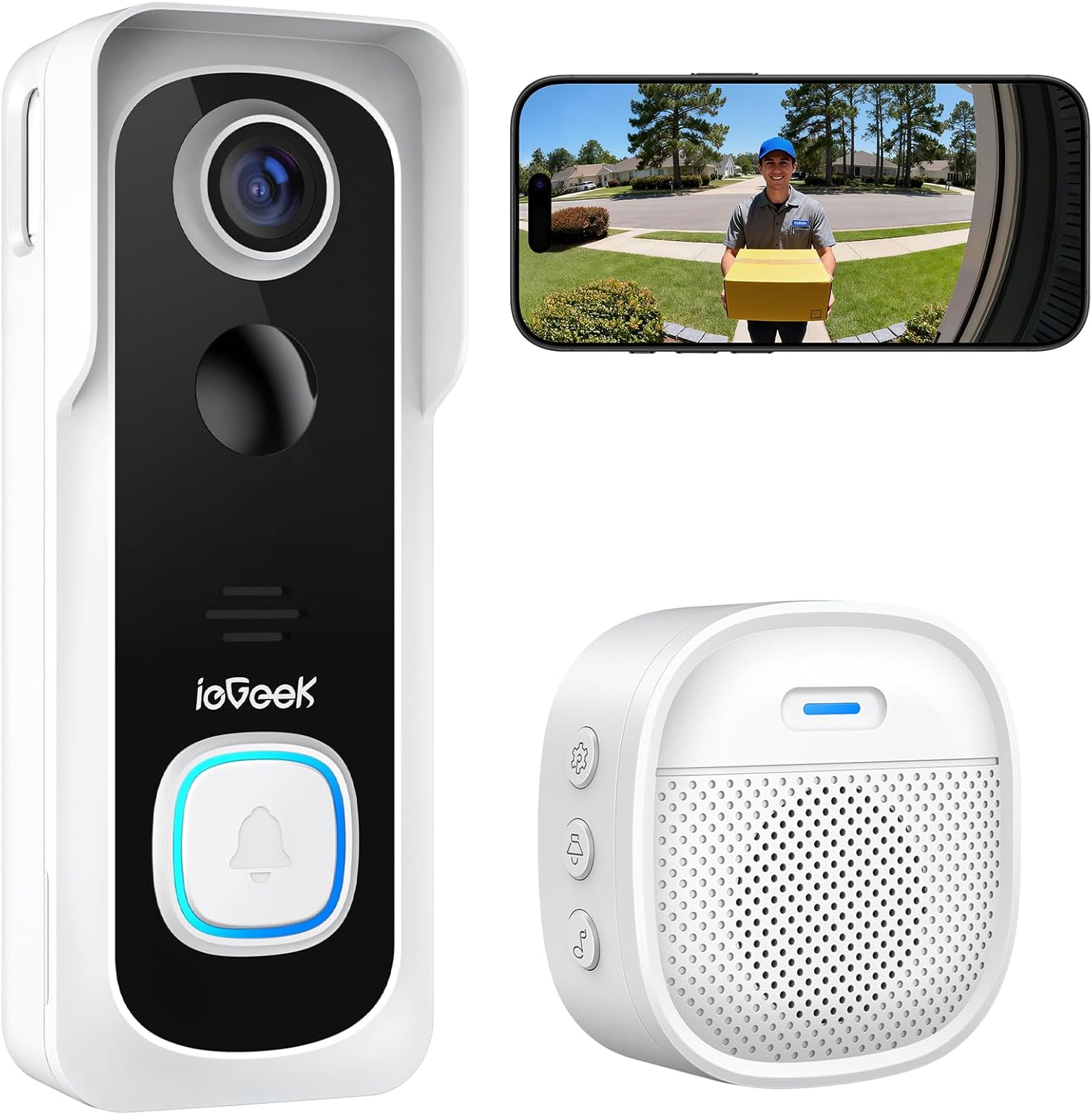
This wireless video doorbell combines a compact white camera unit with an indoor chime to help monitor arrivals and front-door activity day and night. It promises long battery life and simple installation, and it may be used to speak with visitors from a phone or through the chime when paired with the app.
Key Points
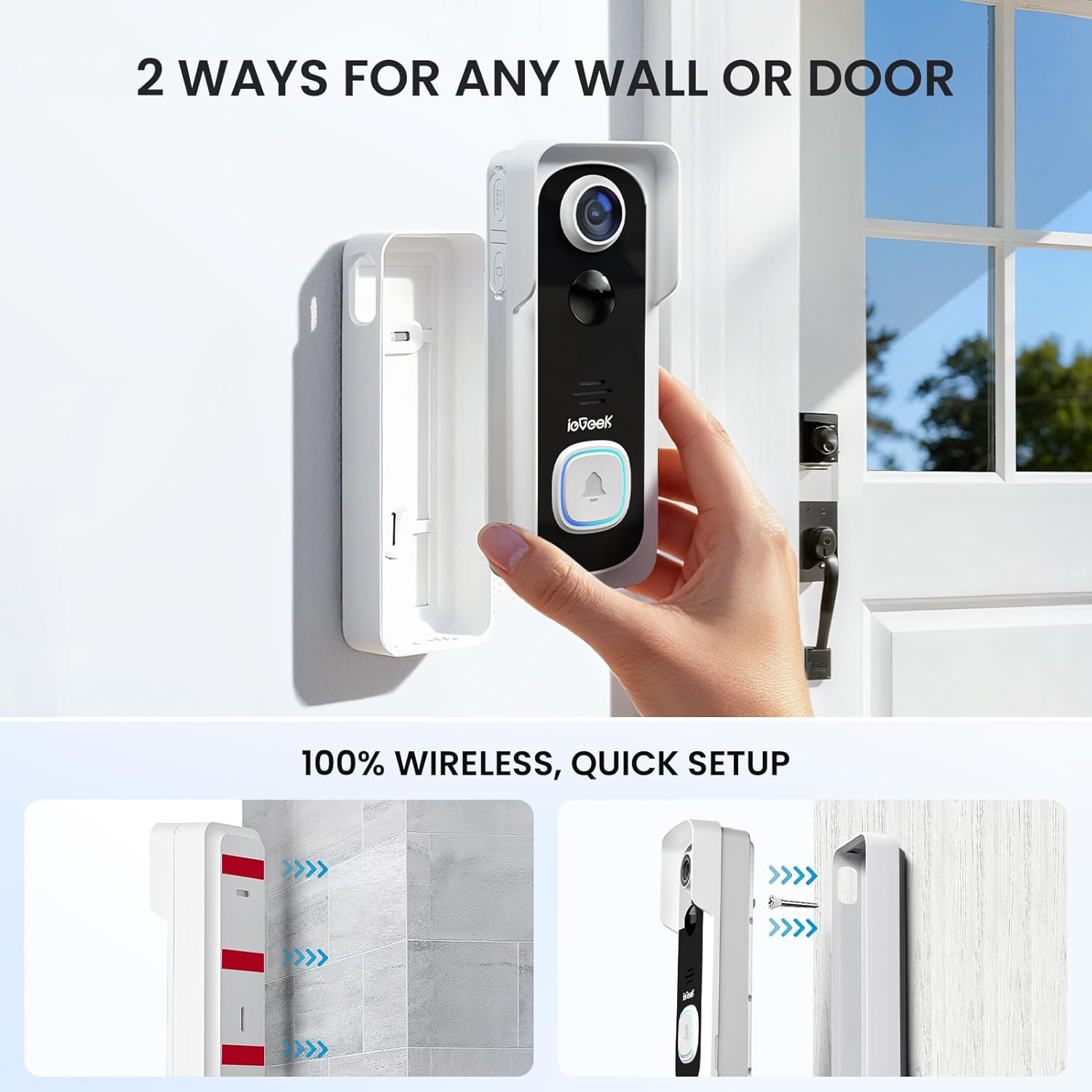
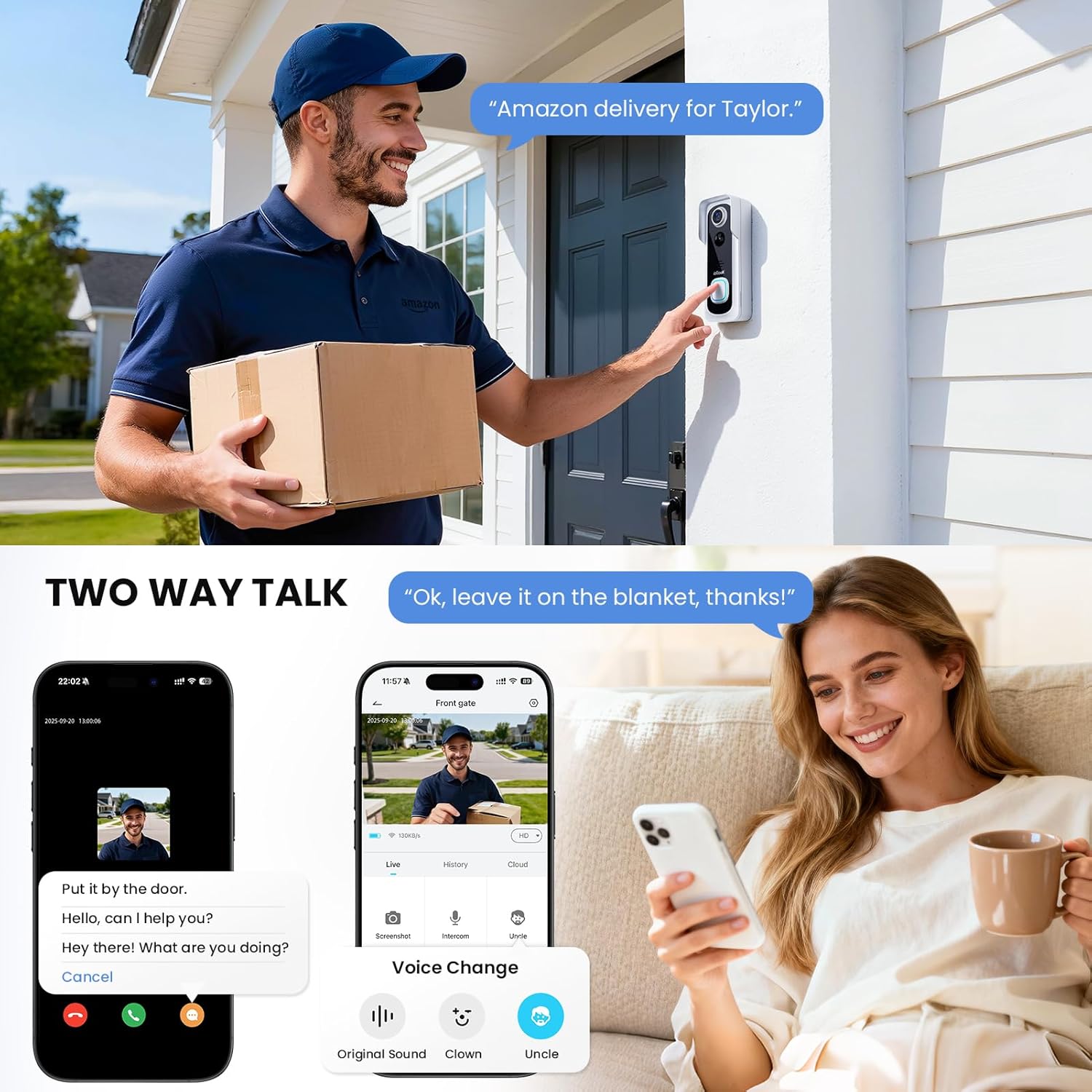
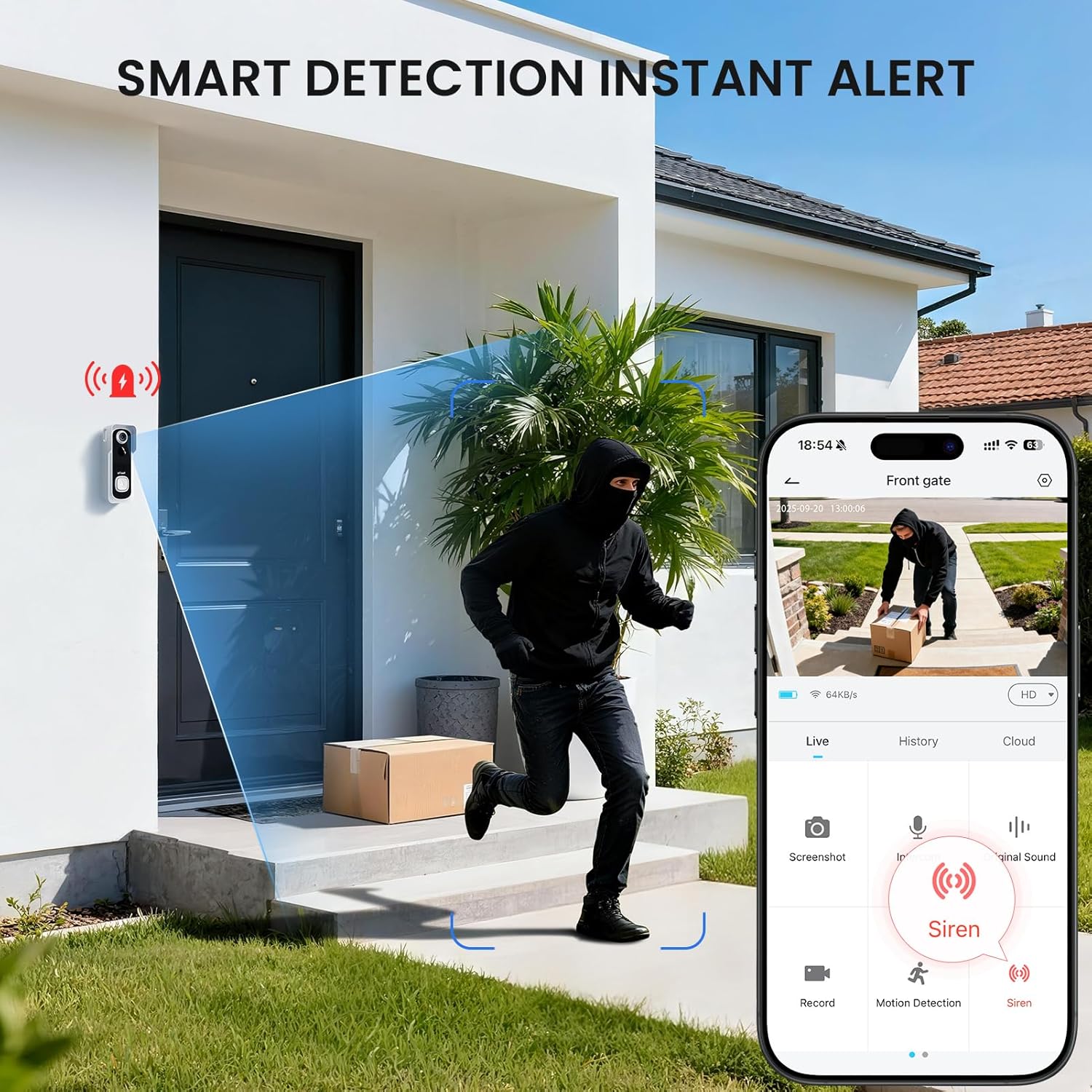
The doorbell uses PIR motion sensing and AI-assisted detection to reduce false alarms and send instant alerts to your mobile device. Two-way audio lets you listen and reply, and there are pre-recorded voice messages and a voice changer option for extra privacy. Installation can be completed with basic tools in about five minutes, or with 3M double-sided tape if you prefer not to drill. 🔋
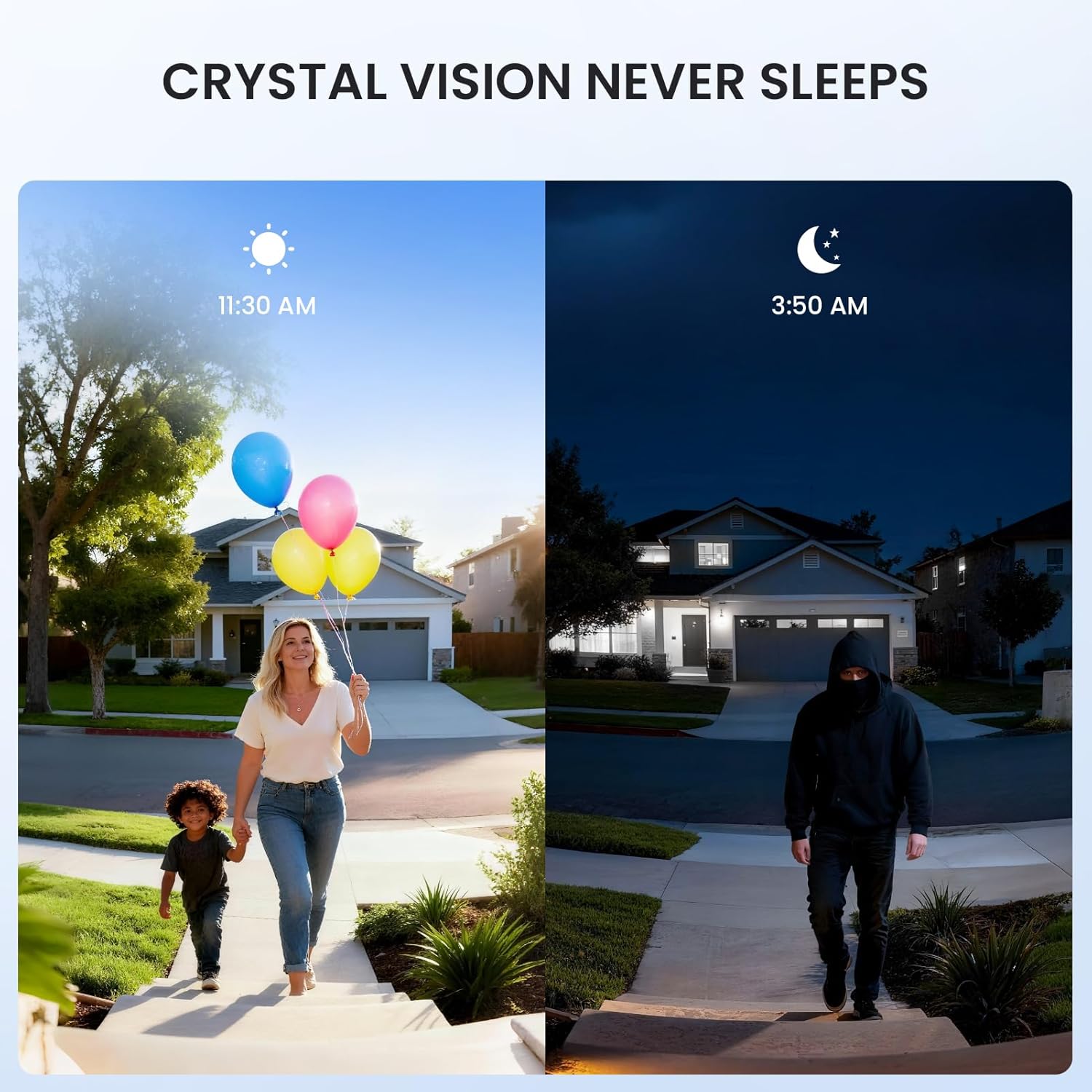
Night-time visibility is maintained by infrared LEDs that record after dark. The unit carries an IP66 rating for resistant performance in rain and damp conditions. It operates on 2.4 GHz WiFi only, so it will not connect to 5 GHz home networks. The manufacturer states that a full battery charge delivers up to 90 days of operation under typical use.
Technical Specifications
- Name: ieGeek Doorbell Camera Wireless
- Video resolution: 1080P Full HD
- Field of view: 166 degrees
- Connectivity: 2.4 GHz WiFi only
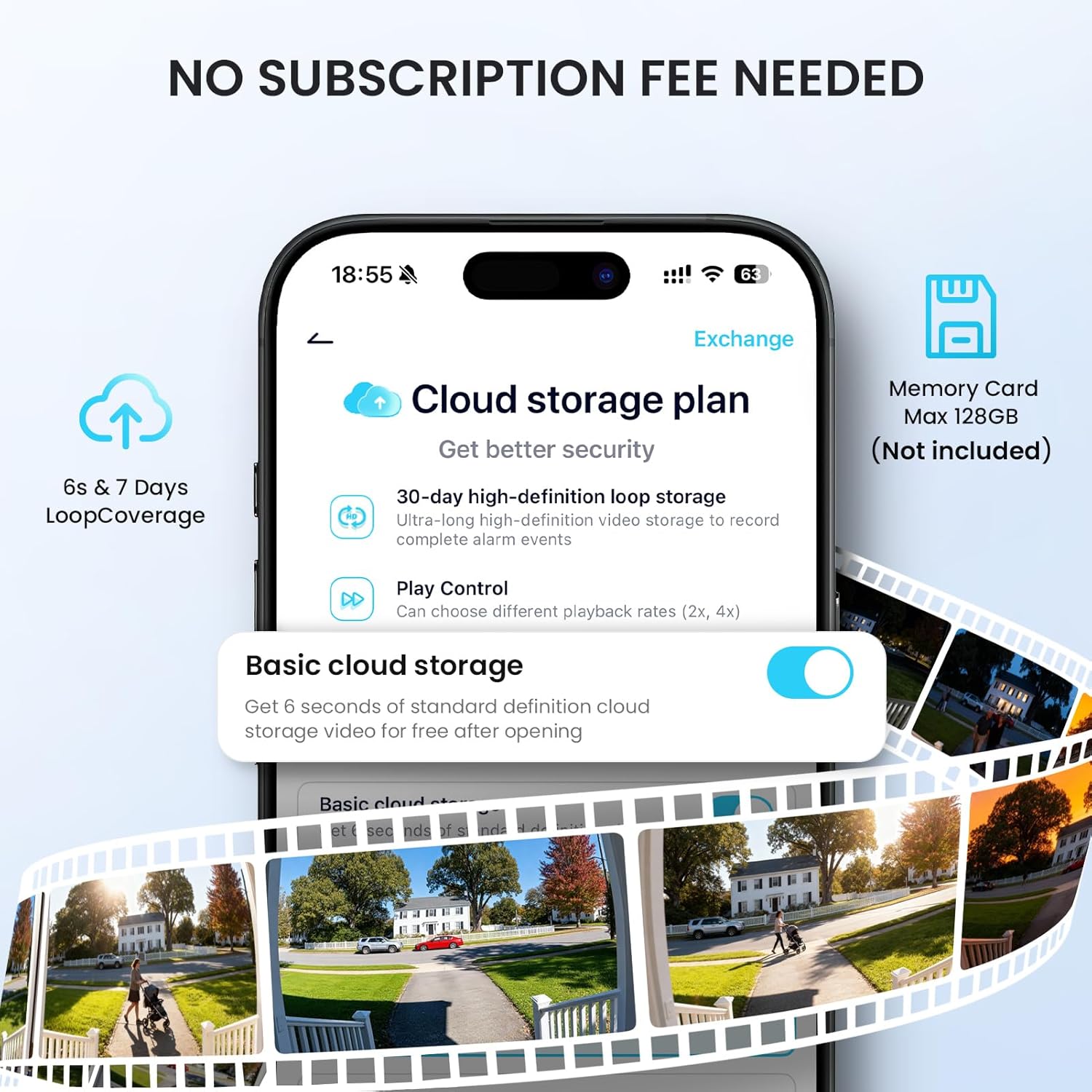
- Storage: microSD up to 128 GB supported, cloud storage with 7-day trial available
- Weather protection: IP66
- Battery life: up to 90 days per full charge according to the manufacturer
Usage Recommendations
Use the companion apps CloudEdge or ieGeek Cam to configure detection zones and sensitivity so you receive fewer unwanted alerts and capture the events that matter. Place the included indoor chime in a central room to make sure you hear the door even when your phone is elsewhere. For quieter households, the pre-recorded responses are useful for acknowledging visitors without live interaction. 📱
Consider that the unit will not work on 5 GHz networks, so ensure your home router broadcasts a 2.4 GHz band for initial setup and ongoing use. Also bear in mind that recorded footage storage on a microSD card is limited by card capacity and overwrite settings, and that cloud storage beyond the trial period may require a subscription. 🌧️
Practical Tips
Position the camera at a height that captures faces clearly while keeping the 166 degree view from capturing too much ground. Regularly check the battery level in the app and adjust motion sensitivity if you notice frequent false positives from passing cars or pets. For enhanced privacy, enable the voice disguise feature when required and review encryption settings in the app to confirm data protection.