

ieGeek Baby Monitor 1080P with 2 Cameras 👶
Product description
This baby monitor from ieGeek combines two 1080p cameras with a 5-inch colour screen to keep an eye on infants during sleep and play, offering clear day and night images and split-screen viewing for families who want simultaneous monitoring of two spaces. It highlights remote pan, tilt and 4x zoom so parents can follow movement across the cot or nursery with more confidence.
Key Points
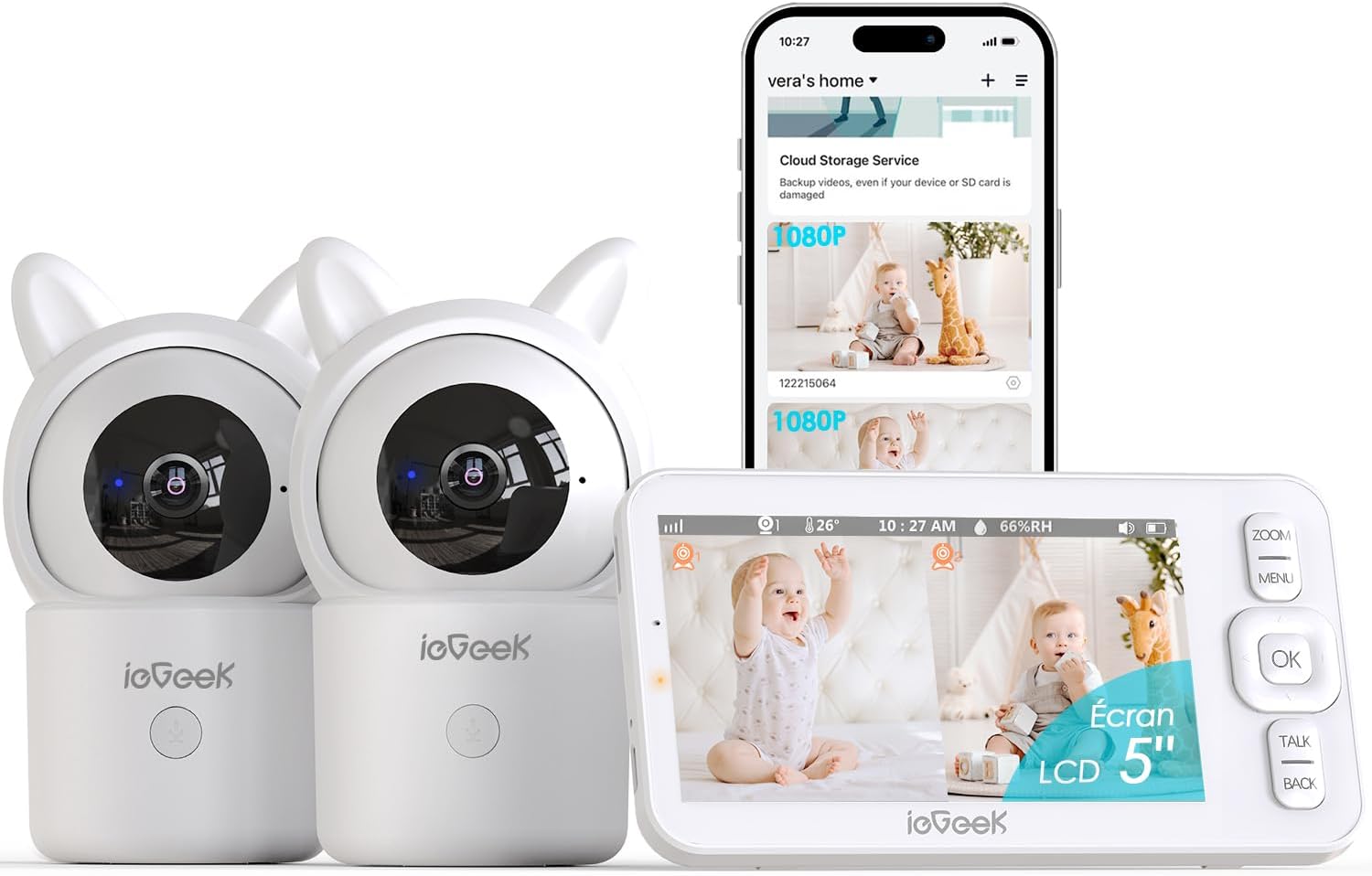
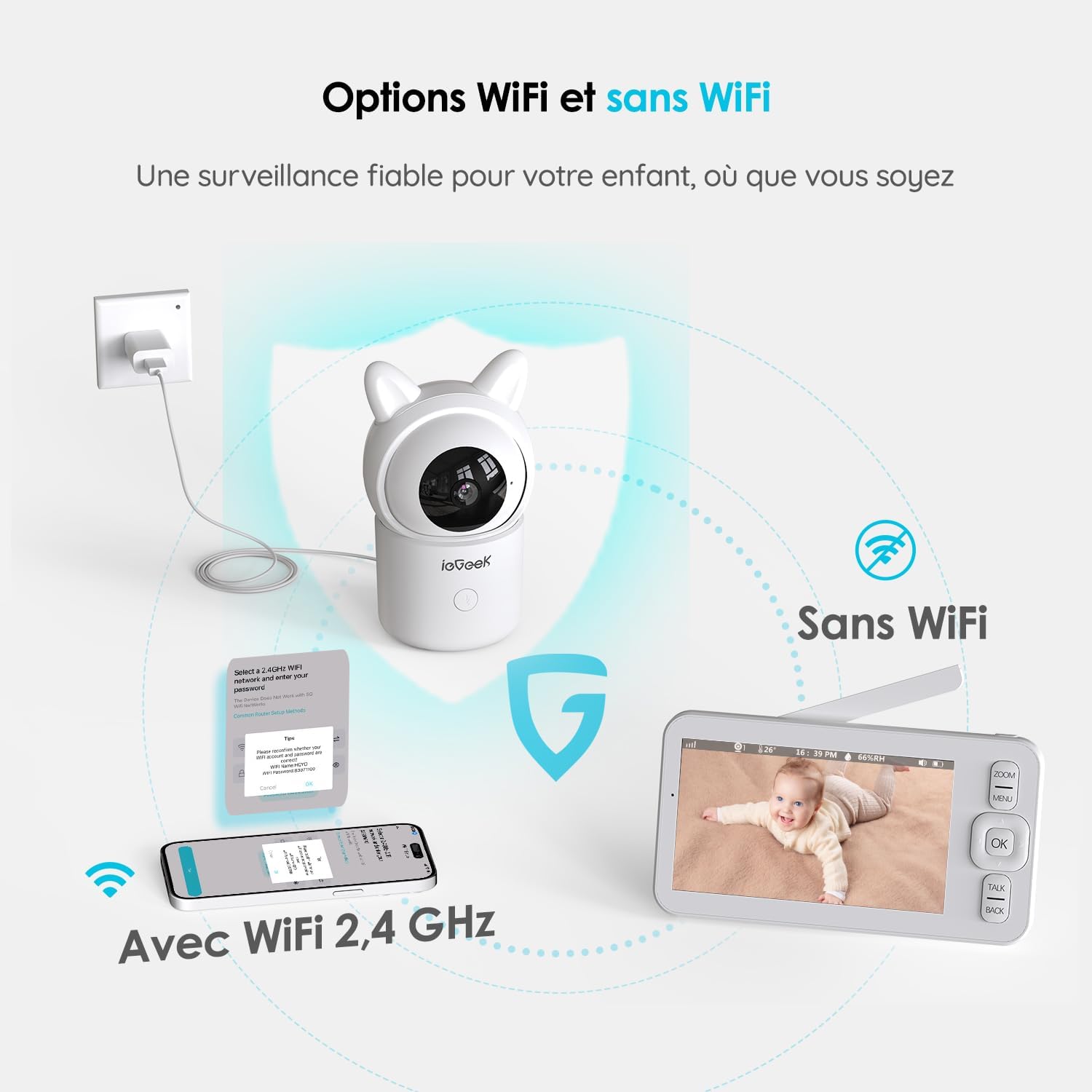
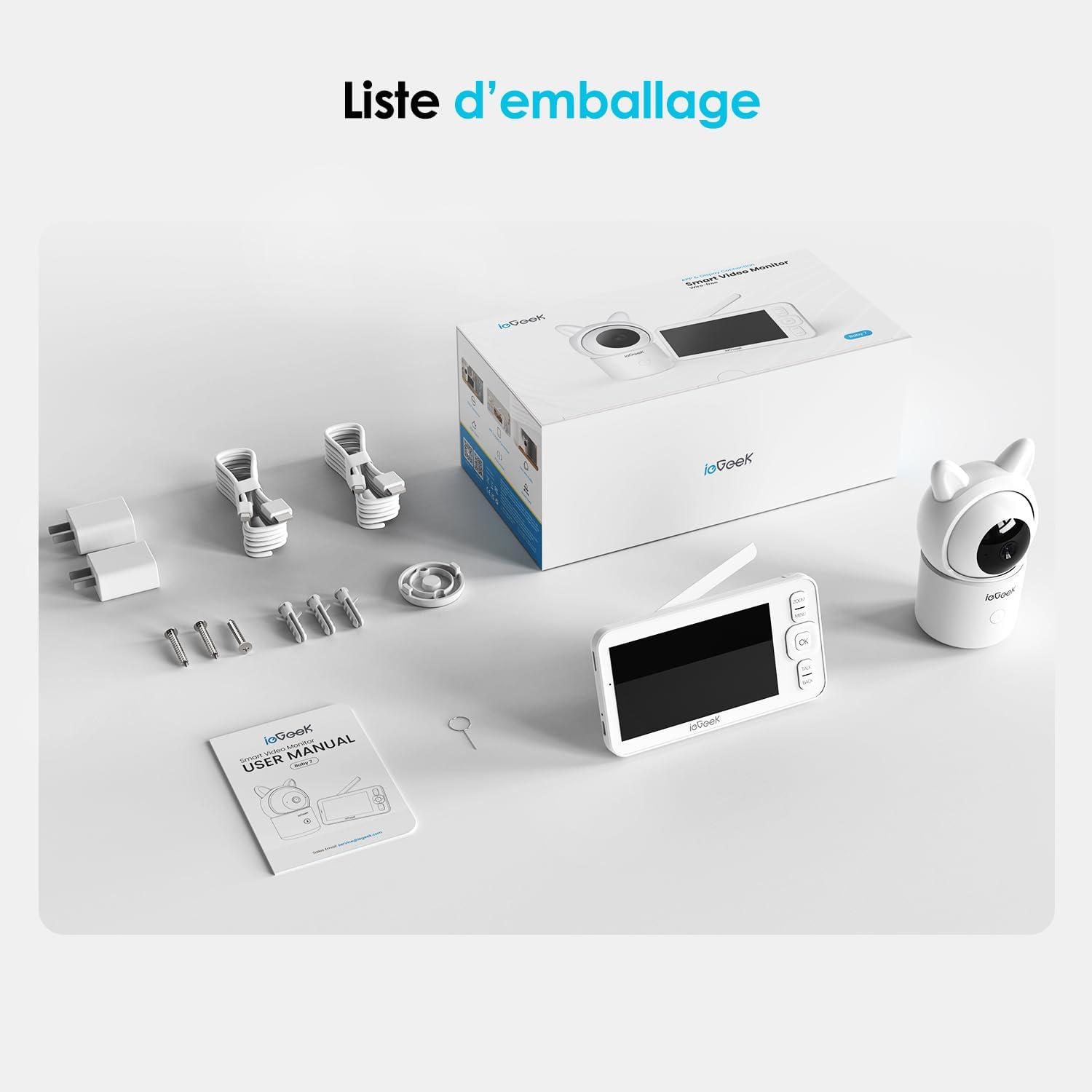
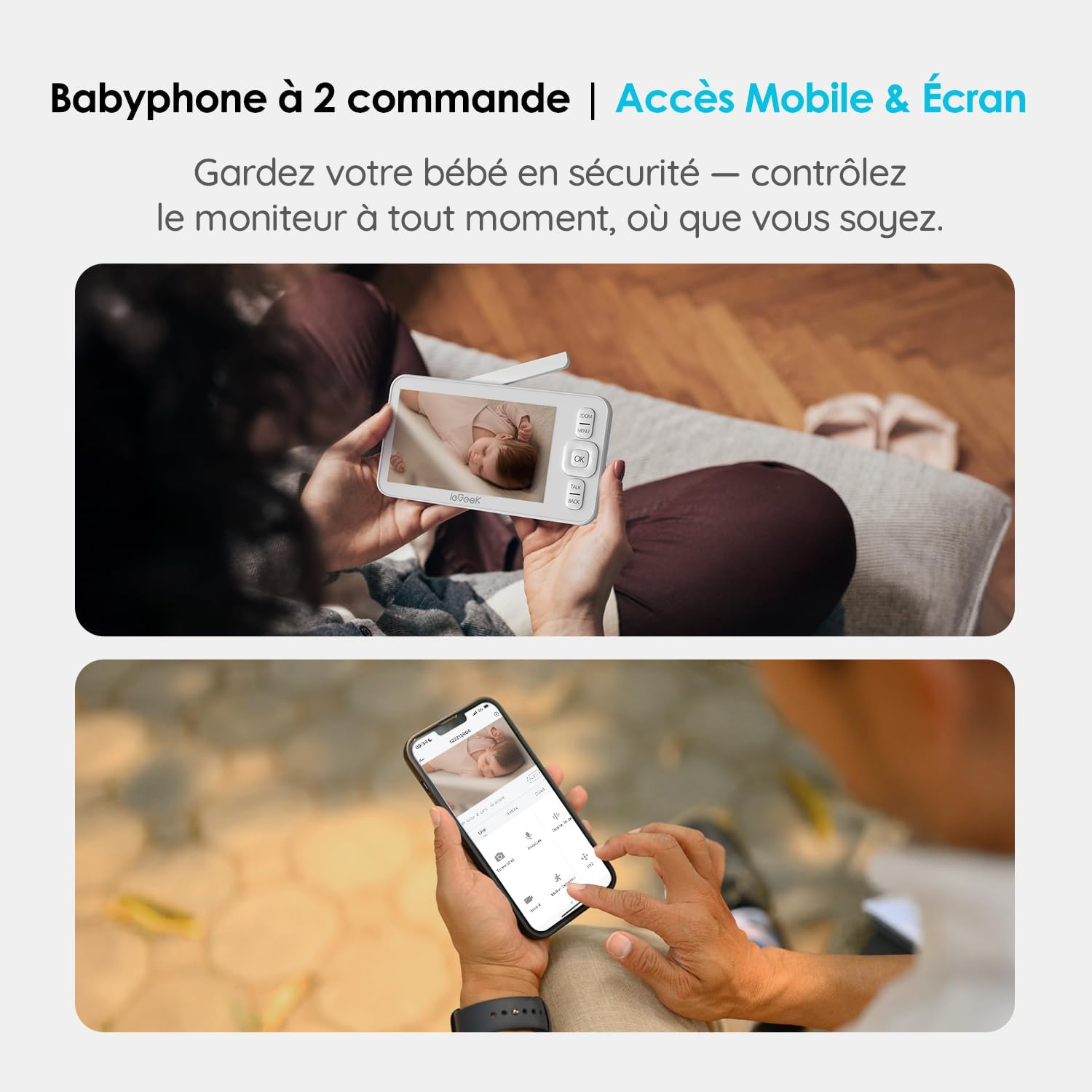
The unit includes two wireless cameras that stream to a 5-inch 720p display with split-screen capability. Night vision is active for low-light monitoring, and a temperature and humidity sensor helps you check nursery conditions at a glance. Two-way talk and built-in lullabies allow caregivers to soothe the child remotely, while a dedicated camera button sends alerts or initiates communication quickly. The monitor can work without Wi-Fi using a direct screen-to-camera link, and it also supports app connectivity over Wi-Fi for live streaming and remote control when you are away from home.
Technical Specifications
- Name: ieGeek Baby Monitor with 2 Cameras 1080P
- Screen: 5-inch 720p colour display with split-screen mode
- Camera resolution: 1080p HD
- Pan/Tilt range: 355° pan, 100° tilt
- Zoom: 4x digital zoom
- Sensors: Temperature and humidity sensor
Benefits
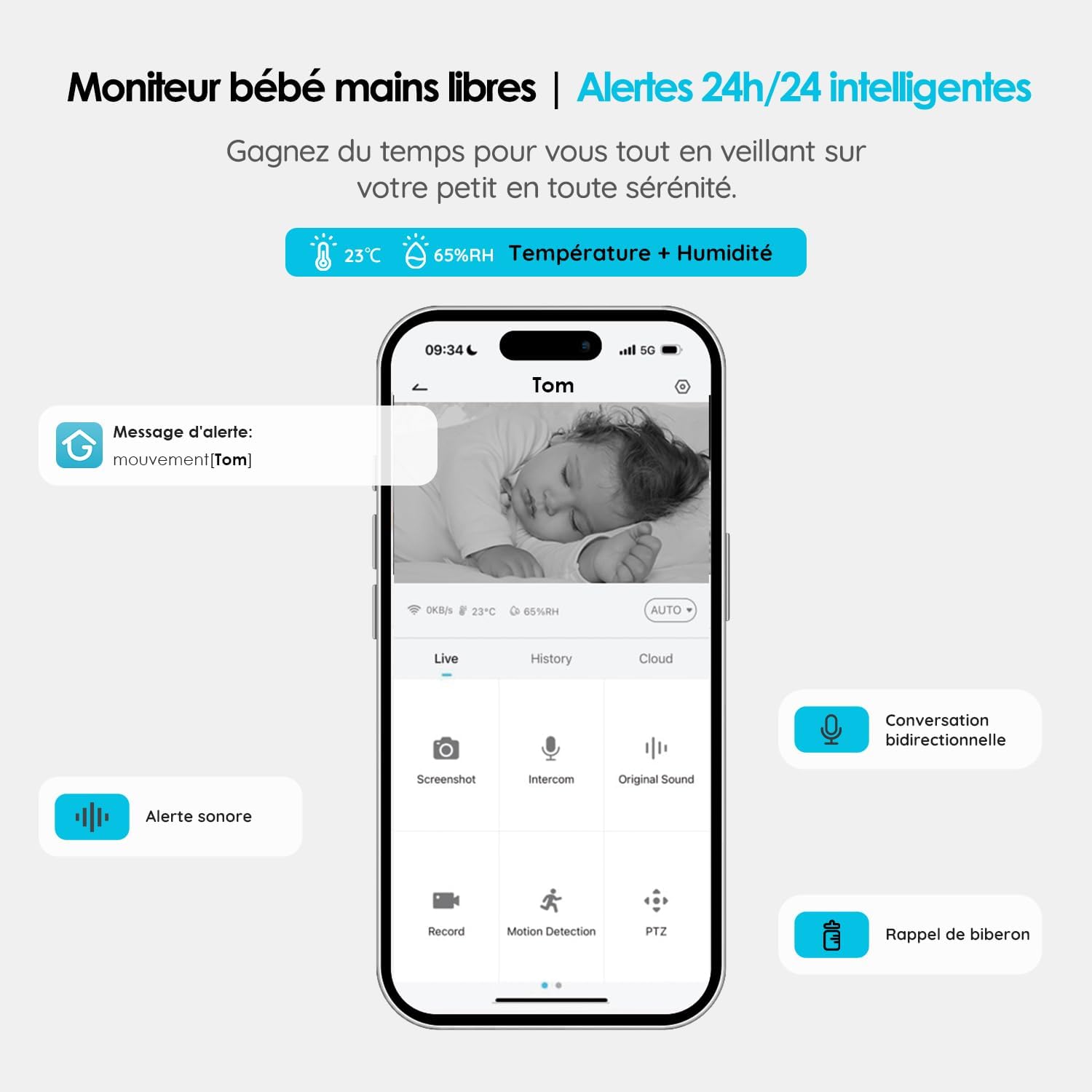
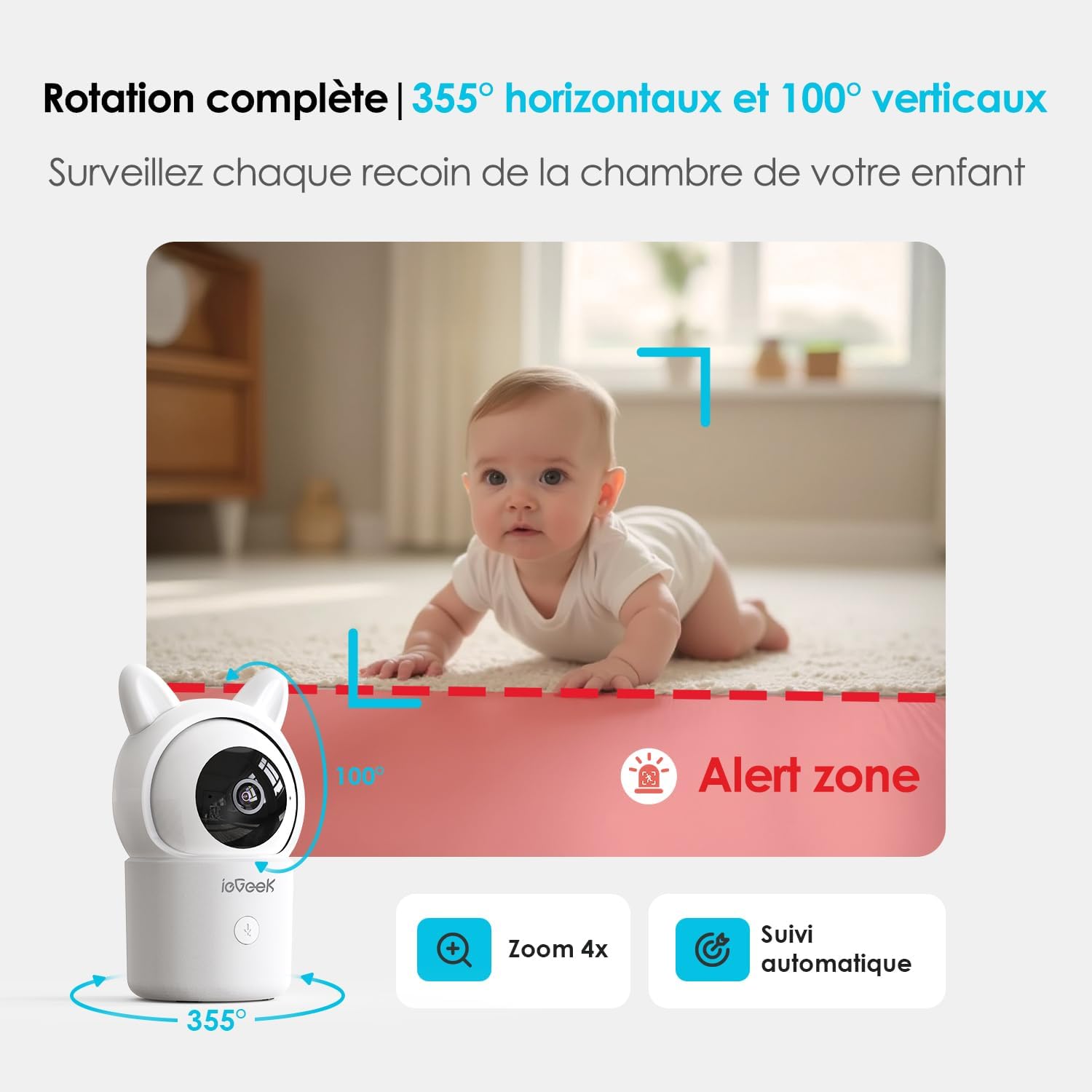
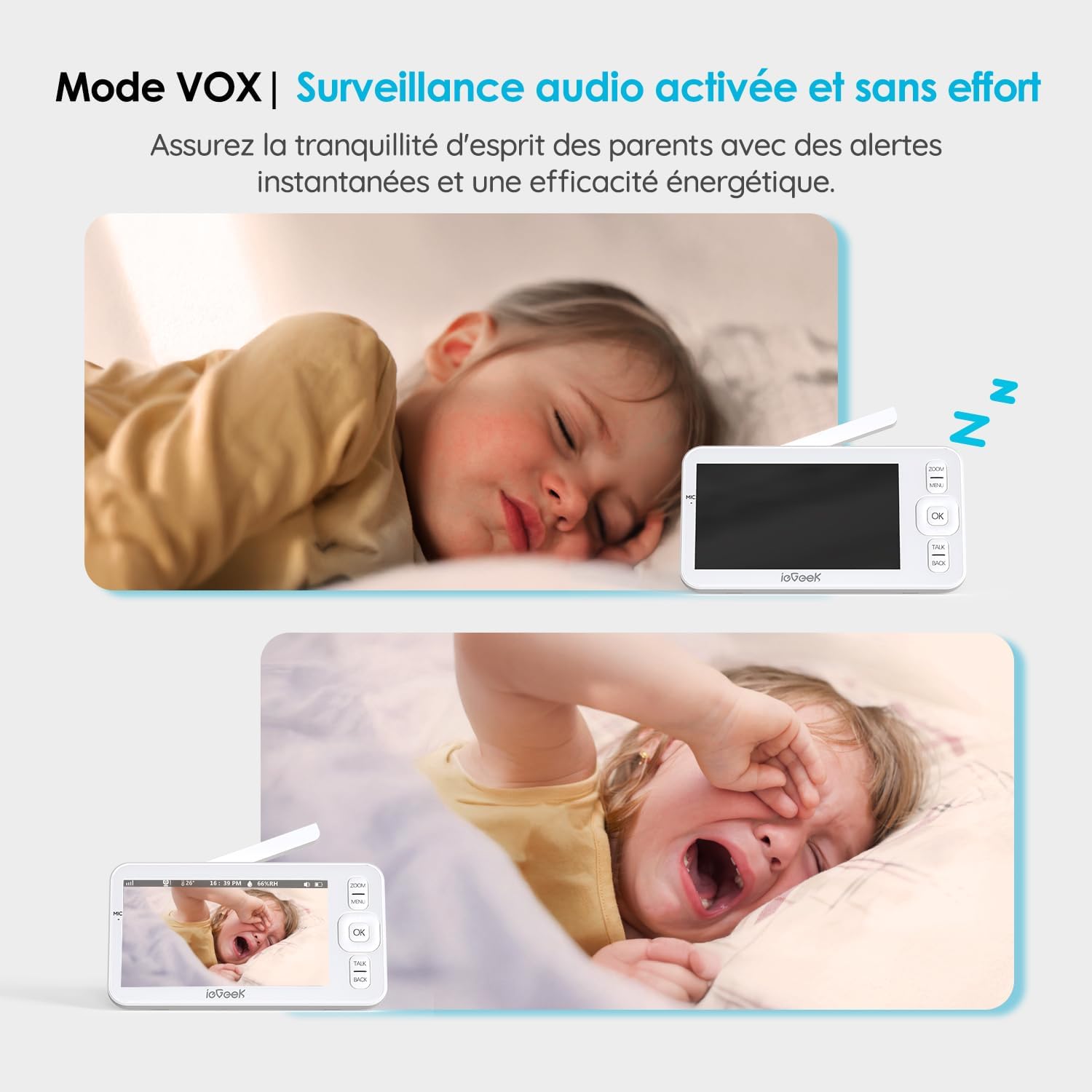
Image clarity is a primary benefit, with full-HD cameras and a clear display that capture subtle facial expressions and small movements during both day and night. The automatic tracking feature adjusts pan and tilt to follow motion, which reduces the need for manual repositioning and helps keep the child centred in view. Using the VOX mode reduces unnecessary screen activity by waking the monitor only when sound is detected, which can conserve battery life of the parent unit. The two cameras make it straightforward to watch siblings or a cot plus a play area without swapping devices.
Usage Recommendations
Place each camera at a safe distance from bedding and cords, positioned for an unobstructed view of the cot or play area. For indoor rooms with very low light, expect the infrared night vision to show monochrome images, according to the manufacturer. When using the app over Wi-Fi, ensure your home network is secure to maintain privacy while accessing live view remotely. Consider enabling VOX mode during daytime naps to avoid constant screen activation, and use the temperature and humidity readout to check that the nursery environment is comfortable.
Practical Tips
If you need continuous remote access while out of the house, connect the cameras to your router and pair the device with the ieGeek app for notifications and pan/tilt control. For simple local monitoring without internet, use the screen-to-camera link which provides a direct connection between camera and display. Note that digital zoom enhances visibility but will not increase true resolution, so move the camera or use pan and tilt for the best detail.