

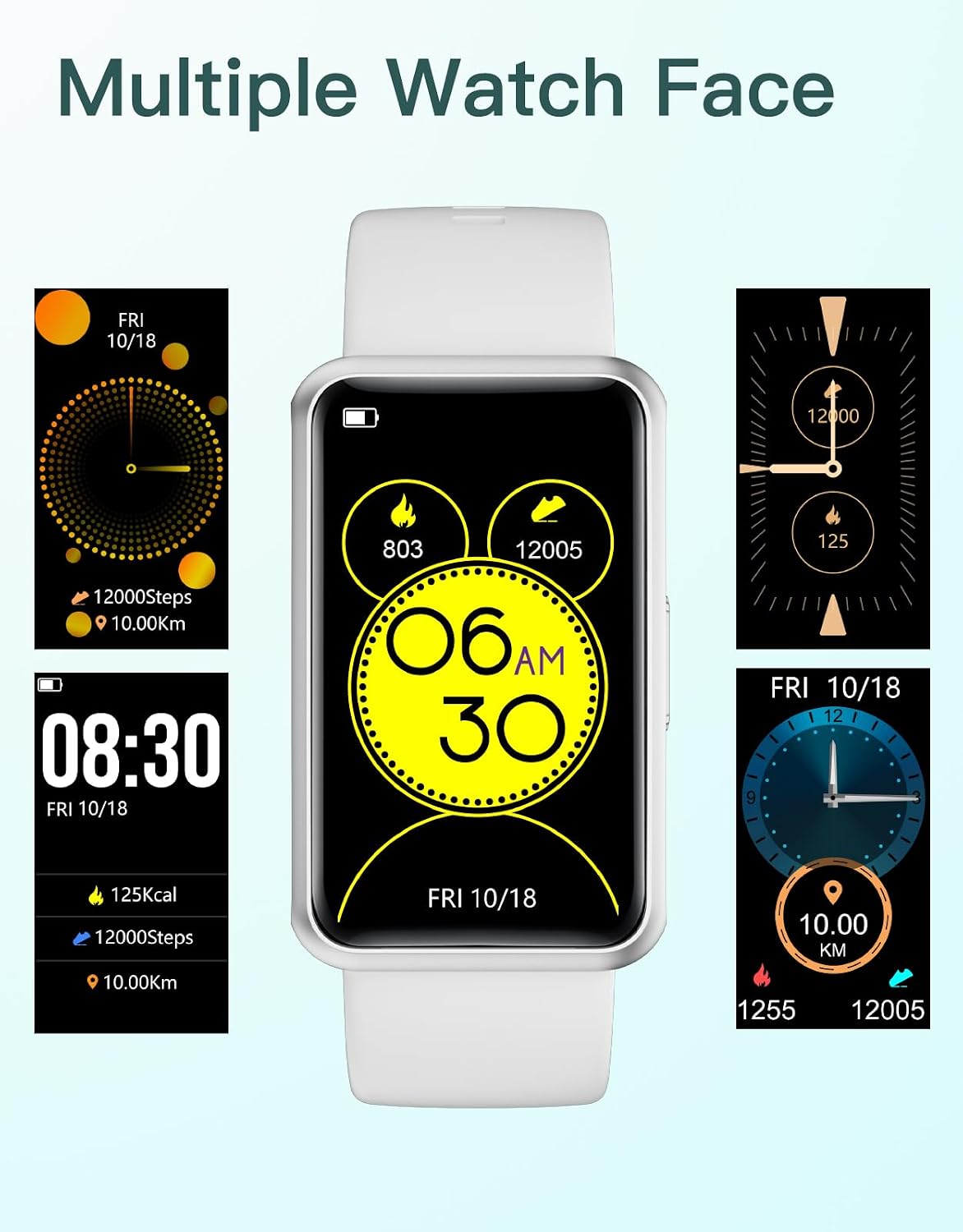
HUAKUA Pedometer Watch 1.47-inch Touch Screen Fitness Tracker (No Bluetooth, No App, IP68)
Product description
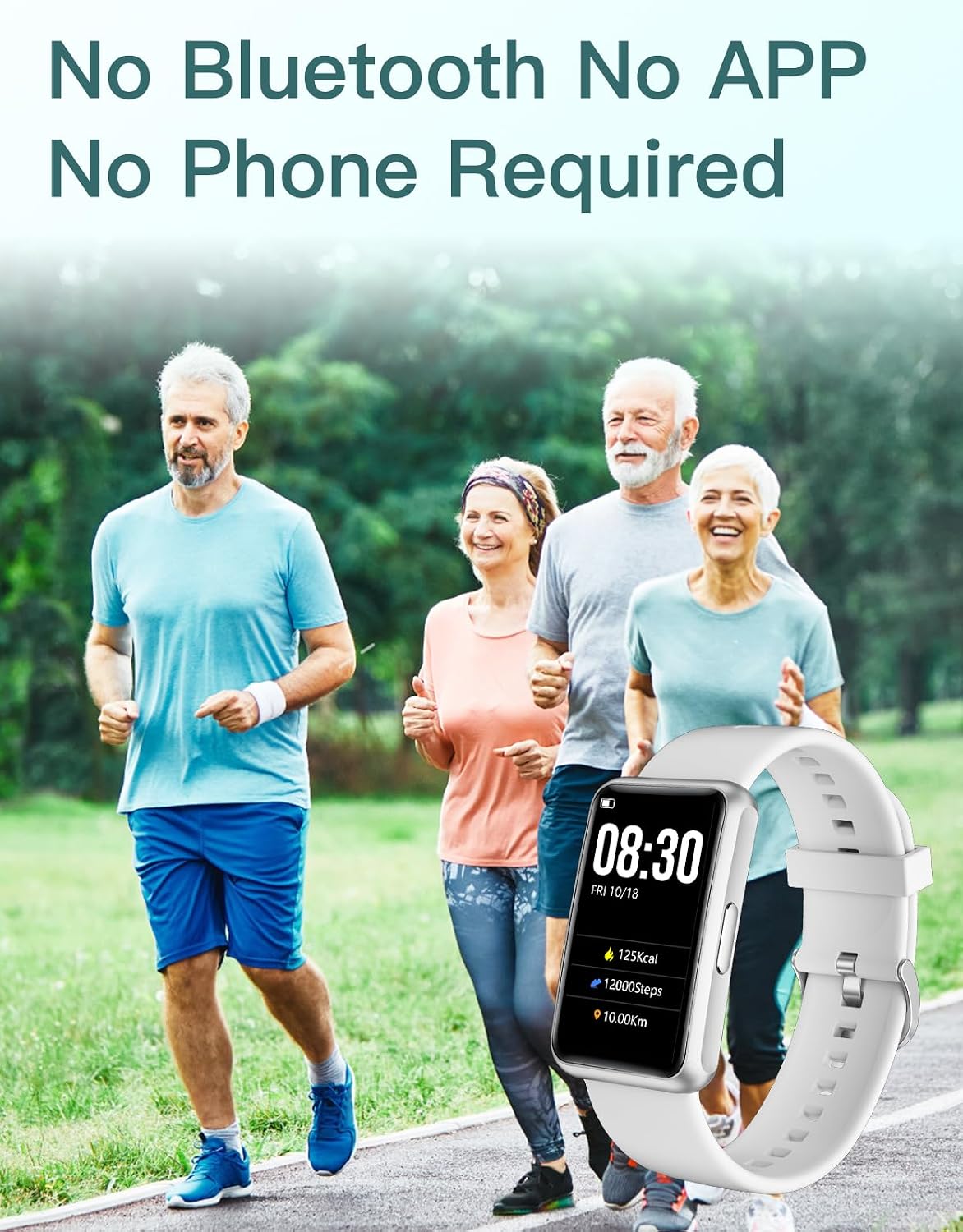
If you want a fitness tracker without the faff of pairing, notifications and constant phone checks, the HUAKUA Pedometer Watch is built around that idea. It’s a “wear it and go” style step counter watch, designed to work independently with no Bluetooth and no companion app.
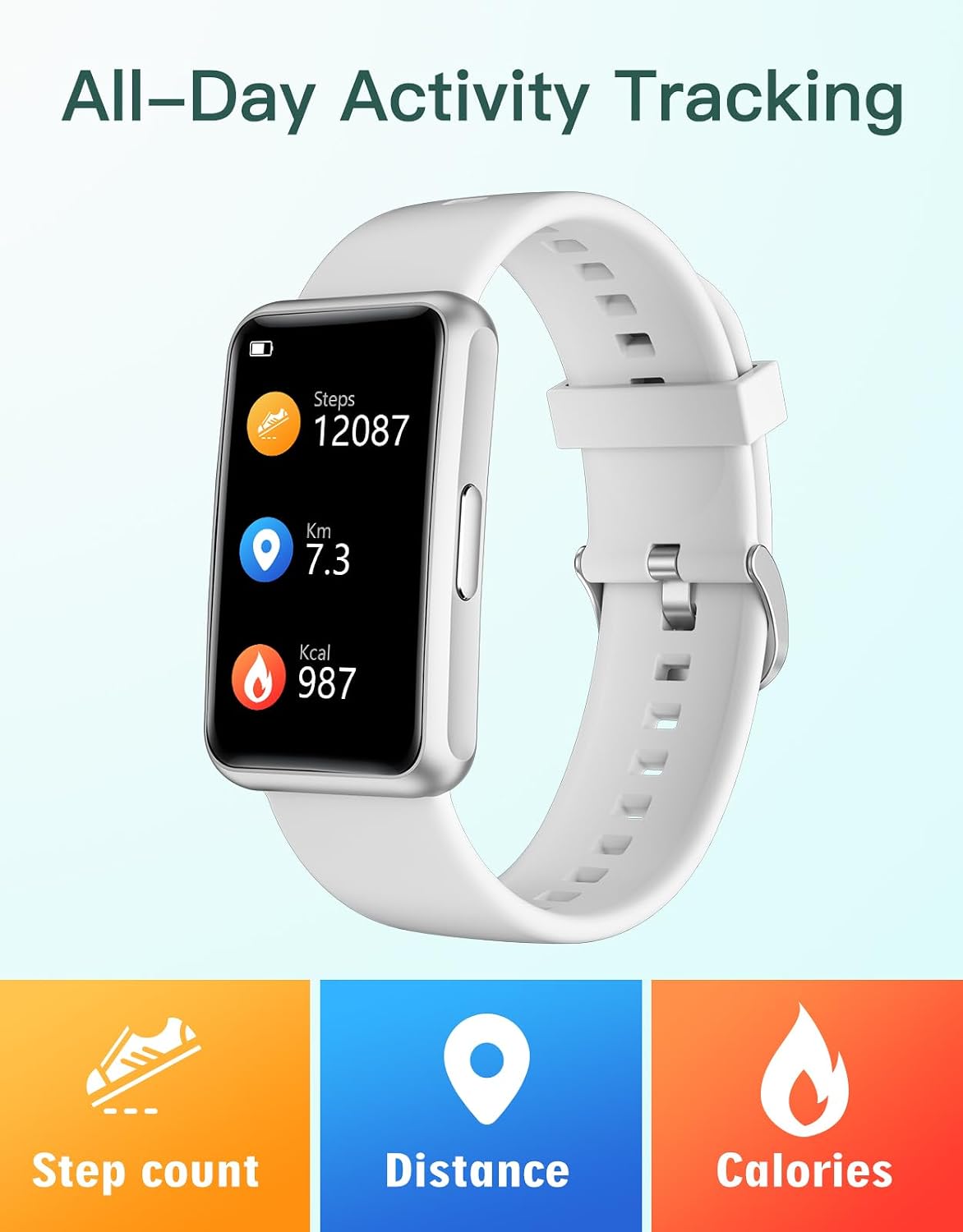
That simplicity is the main draw. On paper, it ticks a lot of boxes—steps, calories and distance tracking, sleep monitoring (manually activated), plus practical reminders, an alarm and even a stopwatch. It’s the kind of watch that can suit people who just want basic daily movement tracking, or families who prefer straightforward operation over smartphone-dependent devices.
The essentials: what it does (and how it feels to use)
The big selling point here is independence. You’re not relying on a phone to start counting steps, and you don’t need an app to get going. The watch is positioned as a standalone fitness tracker where personal data can be entered directly on the device, so you can jump straight into tracking.
In everyday terms, imagine putting it on in the morning, doing your usual walk to the shops or around the block, and seeing your activity without having to sync anything. It’s also set up to be usable for a wider range of users thanks to a 1.47-inch colour touch screen and a multilingual interface.
Where it stands out day to day
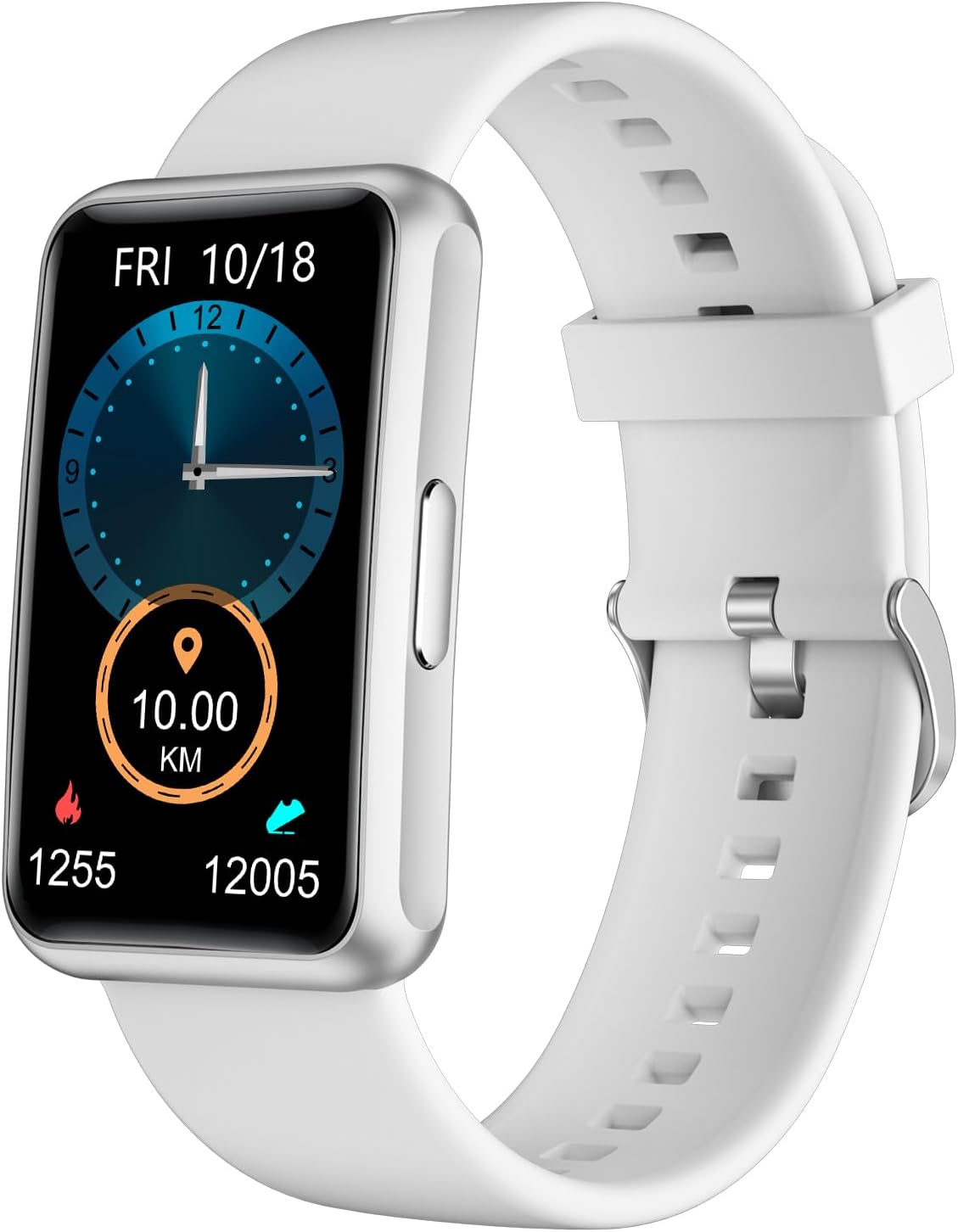
This model combines several features that are useful even if you’re not training for anything specific.
- Step counting with multiple activity modes: it supports walking, running and training, which makes it feel less generic than a basic pedometer.
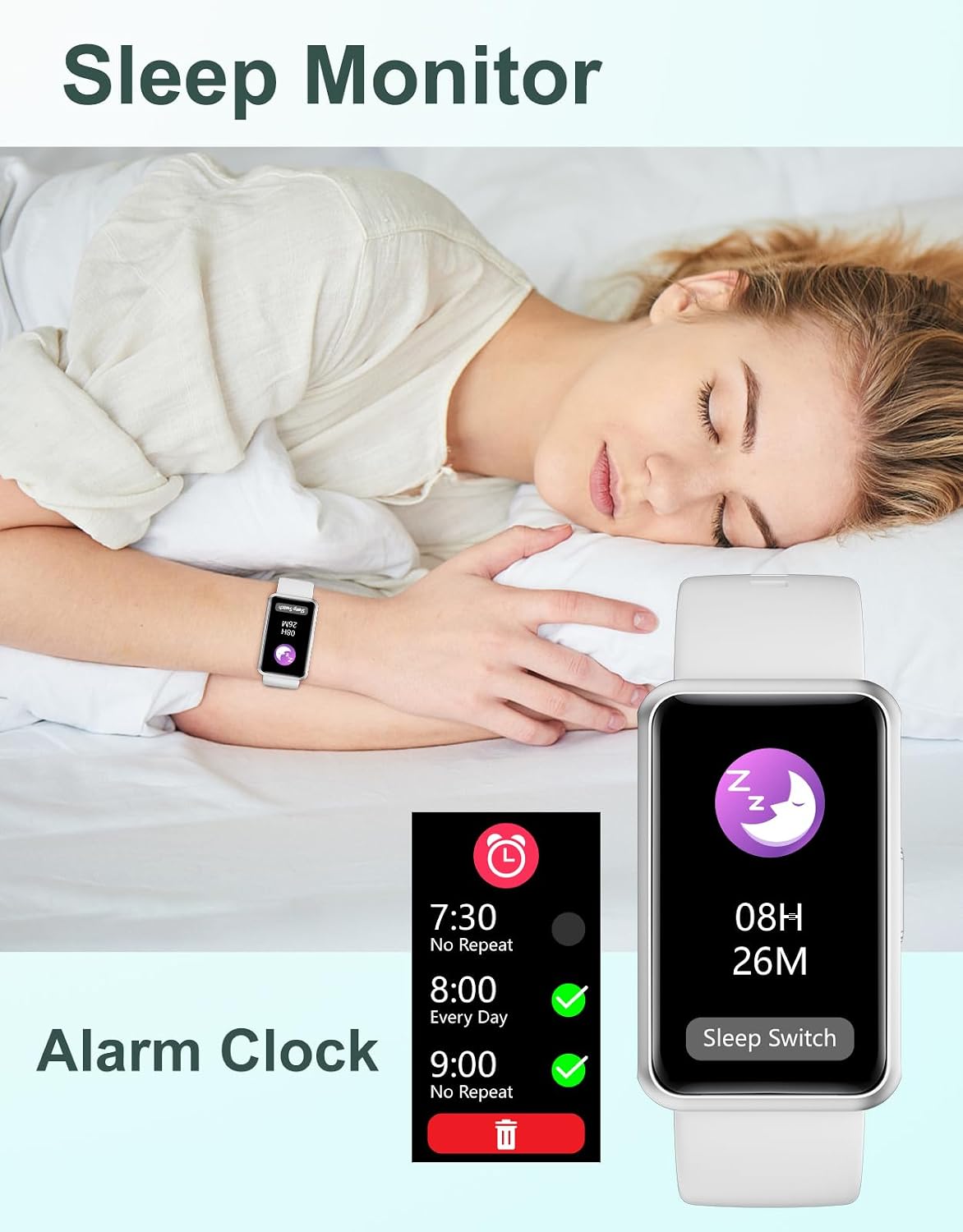
- Sleep monitoring: described as something you activate manually, so it’s not framed as fully automatic sleep tracking.
- Sit-reminder and drink-reminder: these are genuinely the sort of prompts that can help on desk-heavy days or school routines.
- Alarm clock and countdown timer: useful for staying on track with meetings, homework or workout times.
There’s also a stopwatch, which is handy if you time short workouts at home.
Tech you’ll likely care about: display, language, and water resistance
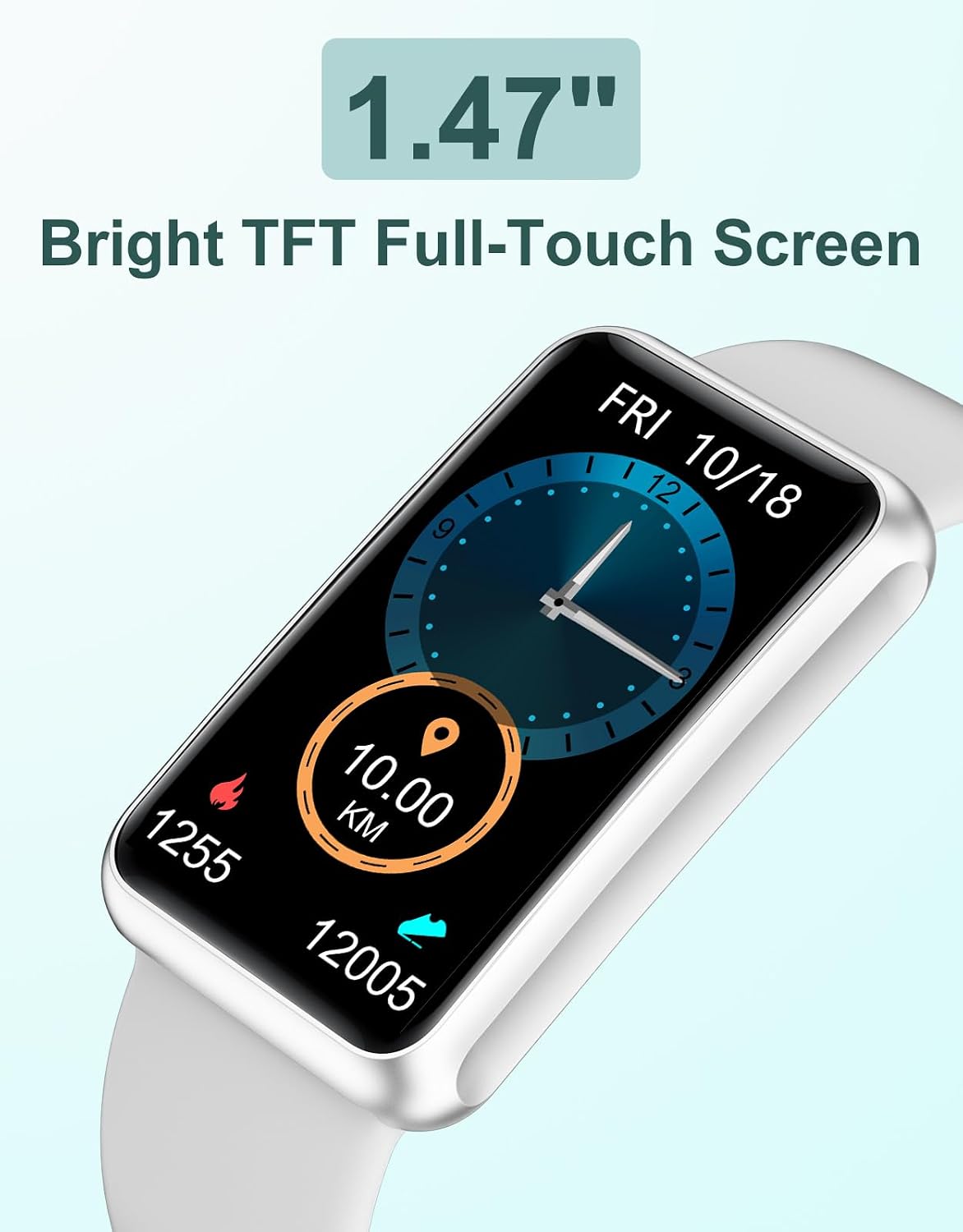
The display is a 1.47-inch colour screen, aimed at being readable in different conditions (including mention of sunlight and nighttime viewing). That matters if you’ve ever struggled to read a dim screen while out and about.
Operationally, the watch is presented with a multilingual interface, which can be a strong point if you’re buying for a child, a senior, or anyone who simply wants the menus to be understandable.
On durability, it’s rated waterproof IP68. That suggests it’s intended to handle everyday exposure to water and splashes more confidently than non-rated trackers—just be aware that IP68 is about water/dust protection, not that it’s necessarily meant for high-impact swimming training.
Battery life and charging expectations
The battery life is stated as 5–7 days, and charging is described as requiring 1–2 hours. For a device like this, that’s a practical range: it’s meant to cope with travel and busy weeks without becoming another gadget you must charge daily.
What to consider before buying (the limitations)
It’s not perfect for everyone. Because it explicitly avoids Bluetooth and an app, you won’t get the typical phone-based experience many people expect from modern smart fitness trackers.
Also, sleep tracking is described as something you activate manually. If you’re the type of person who wants the watch to automatically detect sleep windows with minimal input, this may feel a bit hands-on.
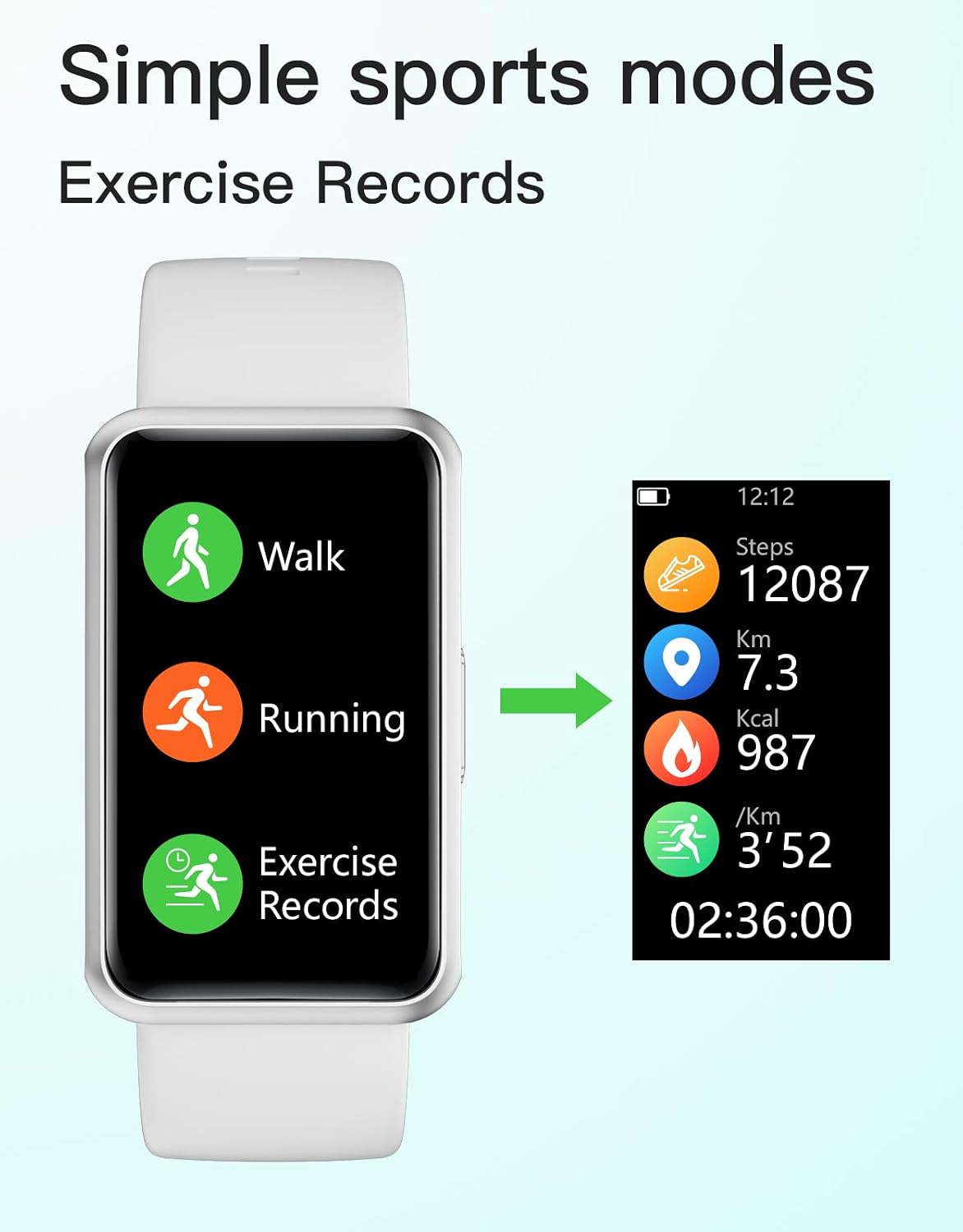
Finally, since the tracking is focused on fundamentals (steps, calories, distance, sleep duration, reminders), it’s likely to sit more in the “everyday fitness / movement tracker” lane than in a “deep training analysis” lane. If you’re trying to extract lots of performance insights, it could end up feeling limiting.
Who it suits best (and who might want to skip it)
It’s a solid pick if you like straightforward tracking, you don’t want to pair a device, or you want something simple enough to be used consistently.
It makes sense if:
- you’re buying for a senior, child, or someone who prefers not to manage smartphone settings
- you want steps, calories and distance tracking without relying on an app
- you’d benefit from sit and drink reminders plus an alarm/countdown
- you need something with IP68 waterproofing and a battery that lasts about a week
It may not suit you if: you specifically want a phone-linked app ecosystem, automatic sleep detection without manual activation, or advanced training metrics beyond basic day-to-day monitoring.
Is it worth it?
Buying verdict: the HUAKUA Pedometer Watch is worth considering when you value independence (no Bluetooth, no app) and want practical reminders alongside step counting. It’s the kind of watch that can keep you moving on ordinary days, and its screen size and multilingual interface make it more approachable than many tech-heavy alternatives.
You should probably skip it if your priority is app-based insights, automatic sleep tracking, or more detailed training analysis. In that case, a more connected smartwatch approach may fit better.
Mini FAQ
Does it need a phone or app to count steps?
No—this watch is described as operating completely independently, without Bluetooth and without an app.
How does sleep monitoring work?
Sleep monitoring is described as something you activate manually.
What activities does it track?
It supports walking, running and training for activity tracking.
Is it waterproof?
It’s rated IP68 for waterproofing.
How long does the battery last?
Battery life is stated as up to 5–7 days, with charging described as taking 1–2 hours.