

HP Z3700 Wireless Mouse | White – Slim, Multi-OS Compatibility and Long Battery Life
Product description
What this is and who it’s for
The HP Z3700 Wireless Mouse is a slim, portable accessory designed to complement everyday work setups. It offers a wireless 2.4GHz connection, multi-OS compatibility and a compact form that fits easily in a laptop bag or pocket. If you prioritise a simple, plug-and-play mouse that travels well and works across Windows, macOS and Chrome OS, this model aims to deliver without fuss. It’s not an office-bling device, but a straightforward companion for scrolling, clicking and navigating documents on the move.
Design and feel
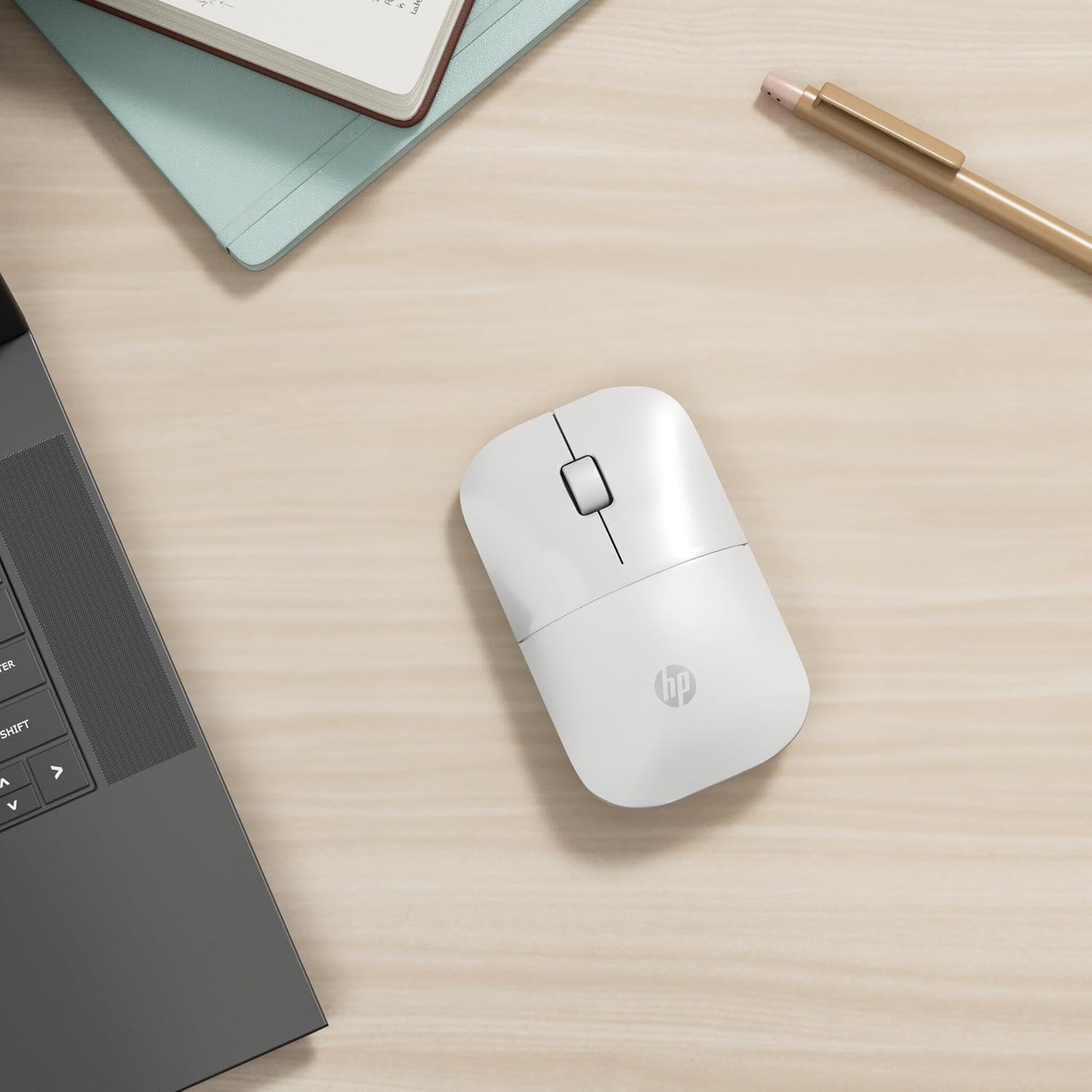
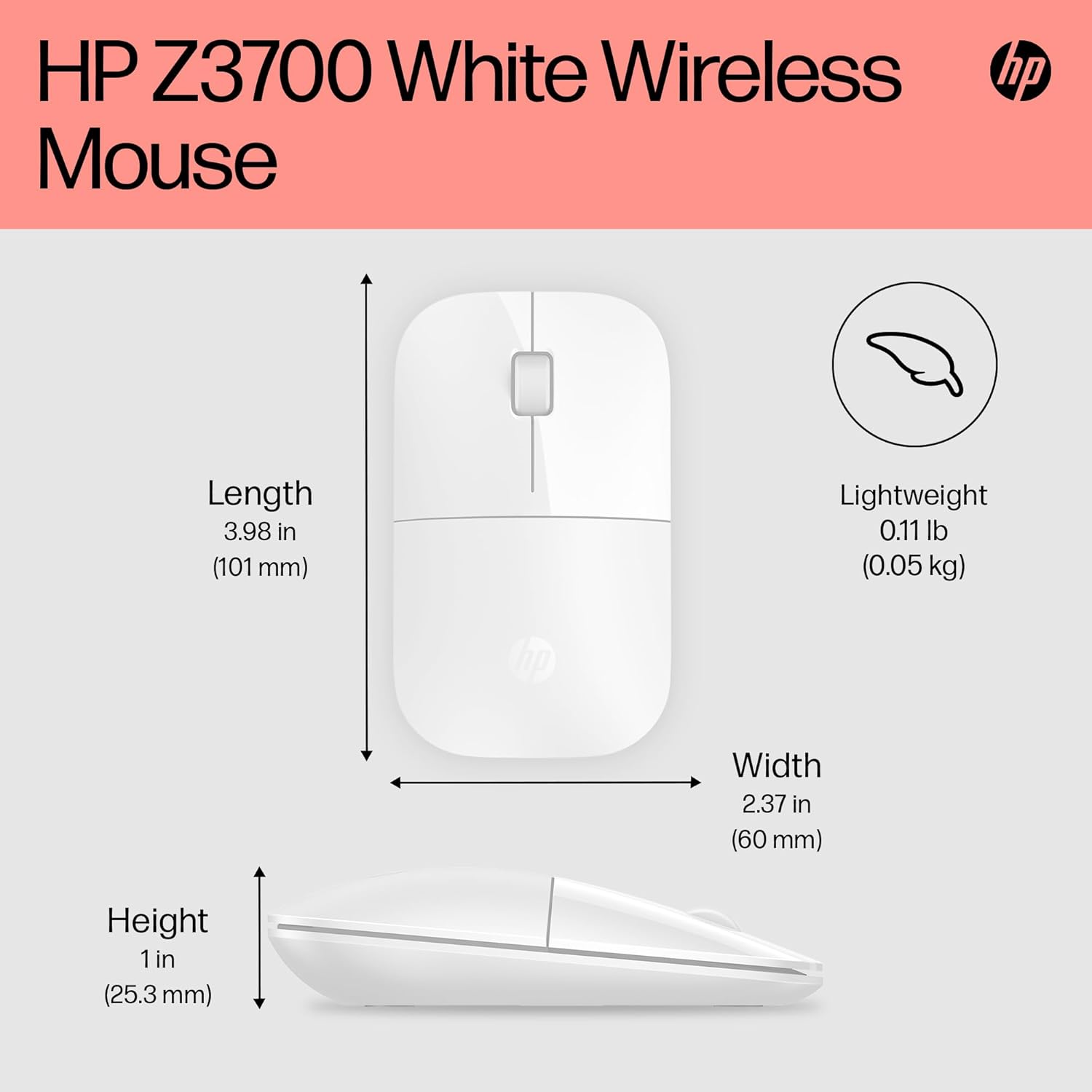
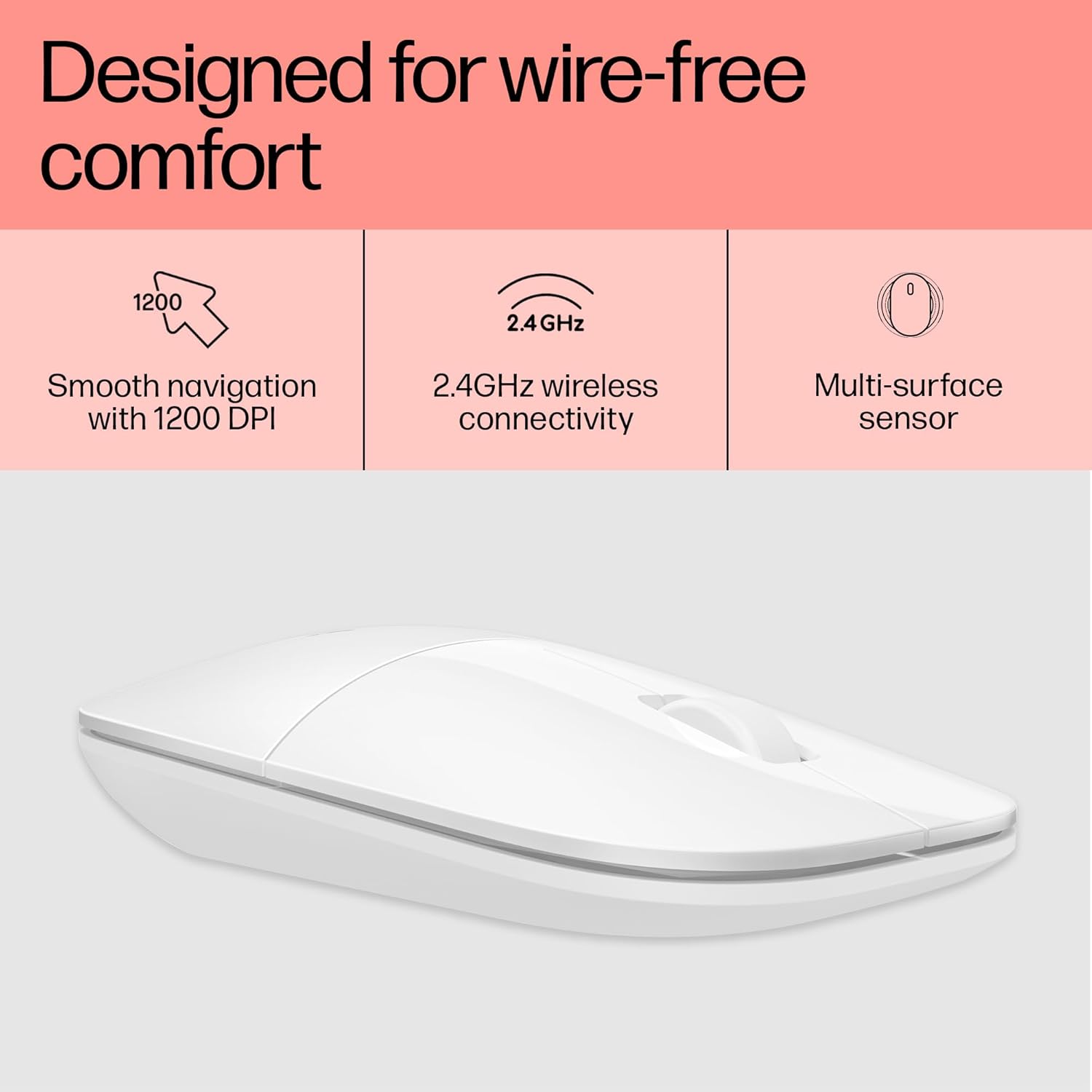
This mouse emphasises portability with a slim profile and a lightweight build. The design is aimed at comfortable handling for long work sessions, while its white finish keeps a clean, understated look. It’s the kind of accessory you might notice less on the desk and more in your bag, which can be a practical plus if you travel frequently.
Connectivity and setup
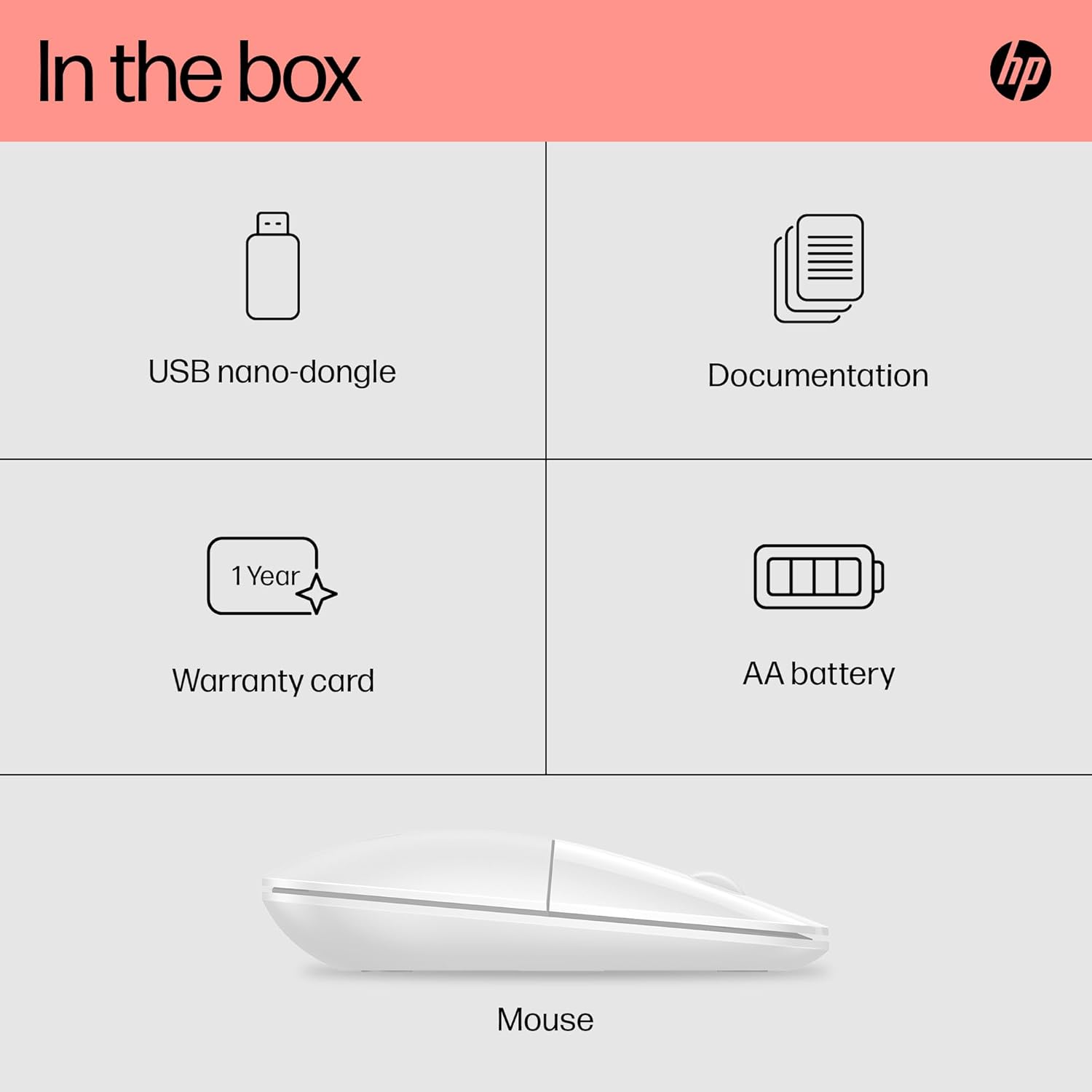
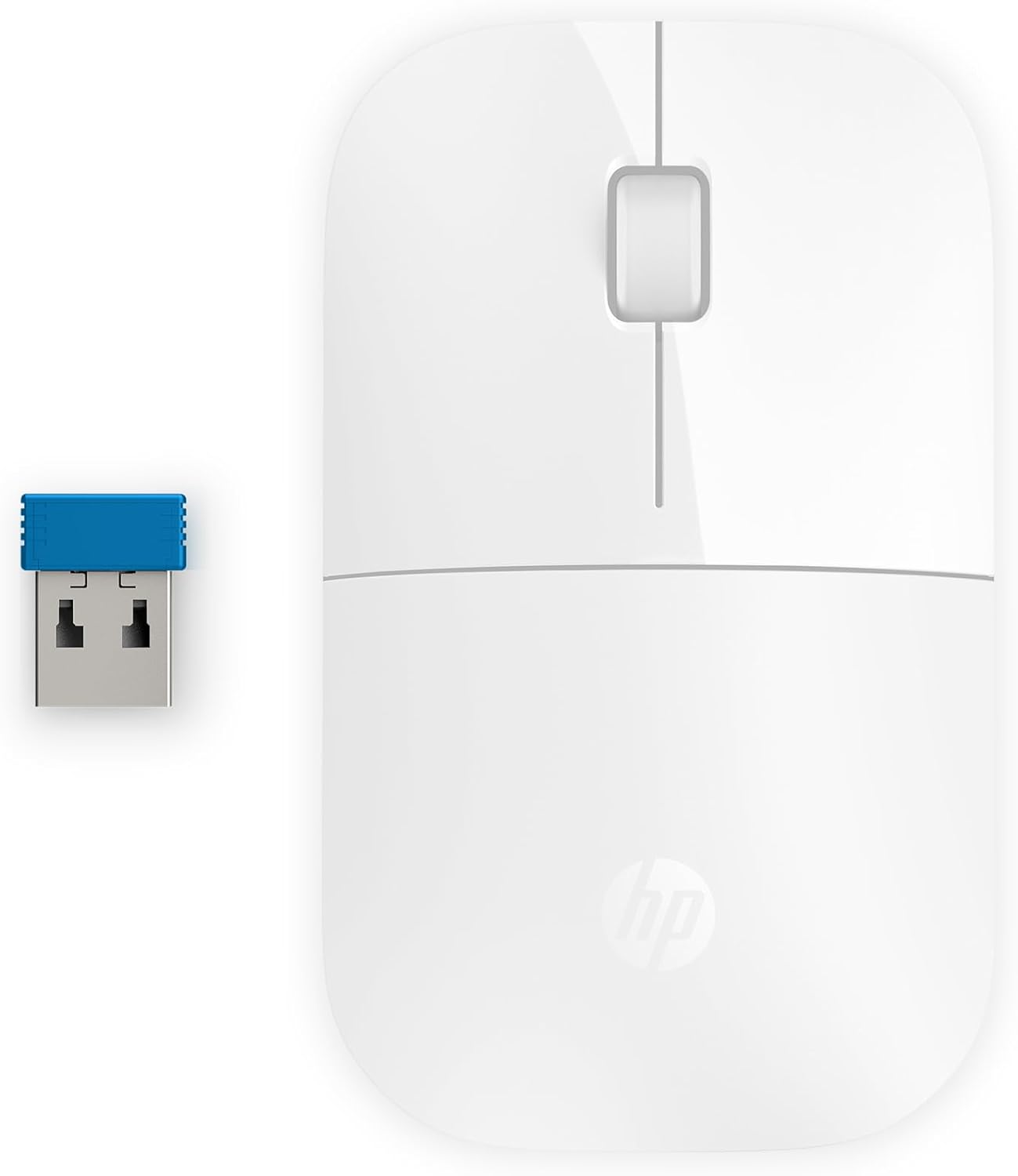
Connectivity relies on a tiny USB receiver that slots inside the mouse for easy transport. Plug and play means there’s no software installation required in most cases, so you can start using it quickly. A reliable 2.4GHz link helps keep the connection stable across typical daily tasks, from browsing to document editing.
Performance on various surfaces
Equipped with Blue LED technology and a 1200 dpi optical sensor, the mouse is designed to work across a range of surfaces you might encounter at work or on the go. Do keep in mind that performance can vary with unusual textures or highly glossy surfaces, where tracking may be less predictable.
Battery life and reliability
One of the standout practical aspects is its claimed up to 16 months of battery life on a single AA battery. In real-world use, this can translate to less frequent battery changes and a lower ongoing cost, though actual longevity depends on usage patterns such as how often you use the mouse and brightness of any LEDs.
Compatibility and what it covers
The Z3700 supports Windows 7, 8, 10, 11, Mac OS 10.3 or later, and Chrome OS. If your setup involves multiple devices or you switch between different operating systems, this cross-compatibility can be convenient. It’s worth noting that, as a mouse designed for general use, it doesn’t offer customisable macros or high-end gaming features.
What to consider before buying
- If you need a device that’s almost invisible on the desk and packs easily, this slim form factor could be ideal. If you require a larger palm support or more pronounced ergonomics, you might find the slim design less comfortable for long hours.
- Battery life is a strength, but you’ll want to confirm whether the AA battery type is readily available to you and consider the cost over time.
- Multi-OS compatibility is broad, yet if you rely on niche software or specific enterprise configurations, check compatibility with your exact setup.
Practical usage example
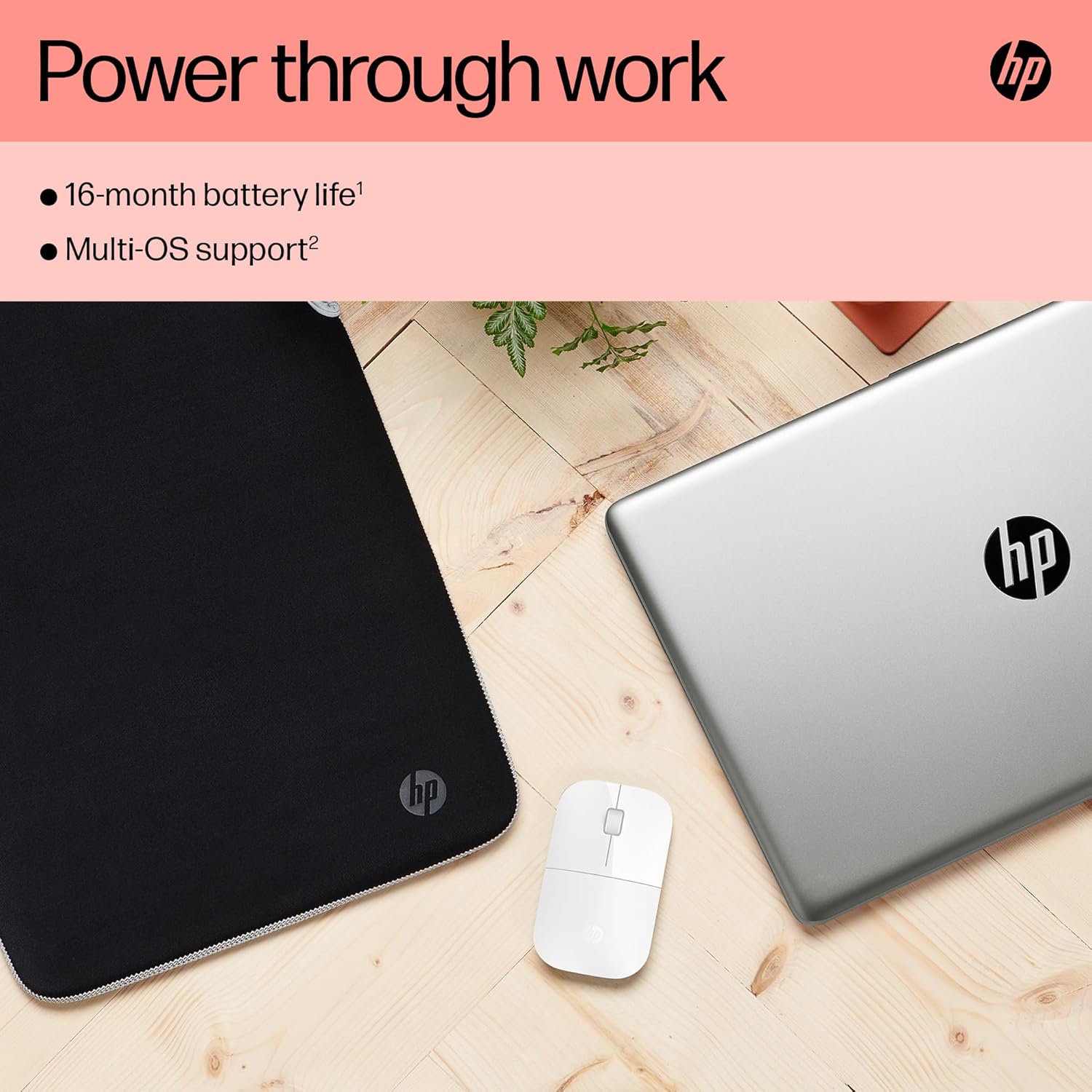
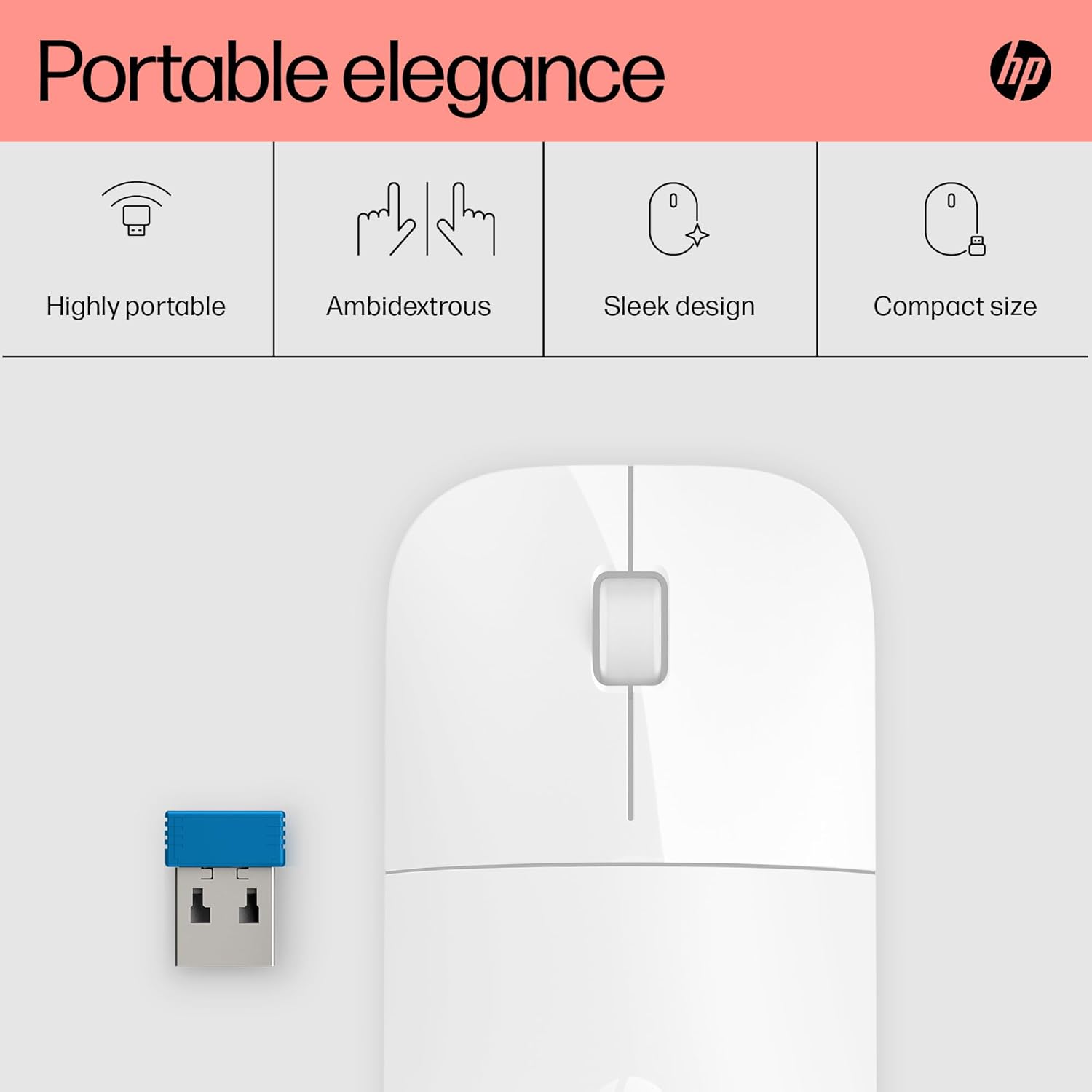
Imagine a day of back-to-back meetings and document tweaks. You slip the Z3700 into your work bag, connect quickly to a laptop via the USB receiver, and you’re ready to navigate slides and edit notes without dragging a larger mouse or dealing with cables. The slim profile means it disappears in a travel case, and the long battery life reduces interruptions during a productive session.
What stands out vs. what might hold it back
What stands out: the slim, portable design combined with long battery life and broad OS compatibility. What might hold it back: the lack of advanced features for heavy productivity or gaming, and potential variability in surface tracking on unusual materials.
FAQ
- How easy is it to set up? It’s designed for plug-and-play use with a USB receiver, typically no extra software is required.
- Can I use it with multiple devices at once? It’s suitable for use with different devices that share a host OS, thanks to its cross-OS compatibility, but you’ll need to switch the USB receiver between devices.
- Will it be comfortable for long hours? The slim design prioritises portability, if you prefer a larger, more contoured shape, you might notice less wrist support over extended sessions.
Final decision
Is it worth it?
Worth considering if you need a lightweight, cross-OS wireless mouse with very long battery life and straightforward setup for daily productivity.