

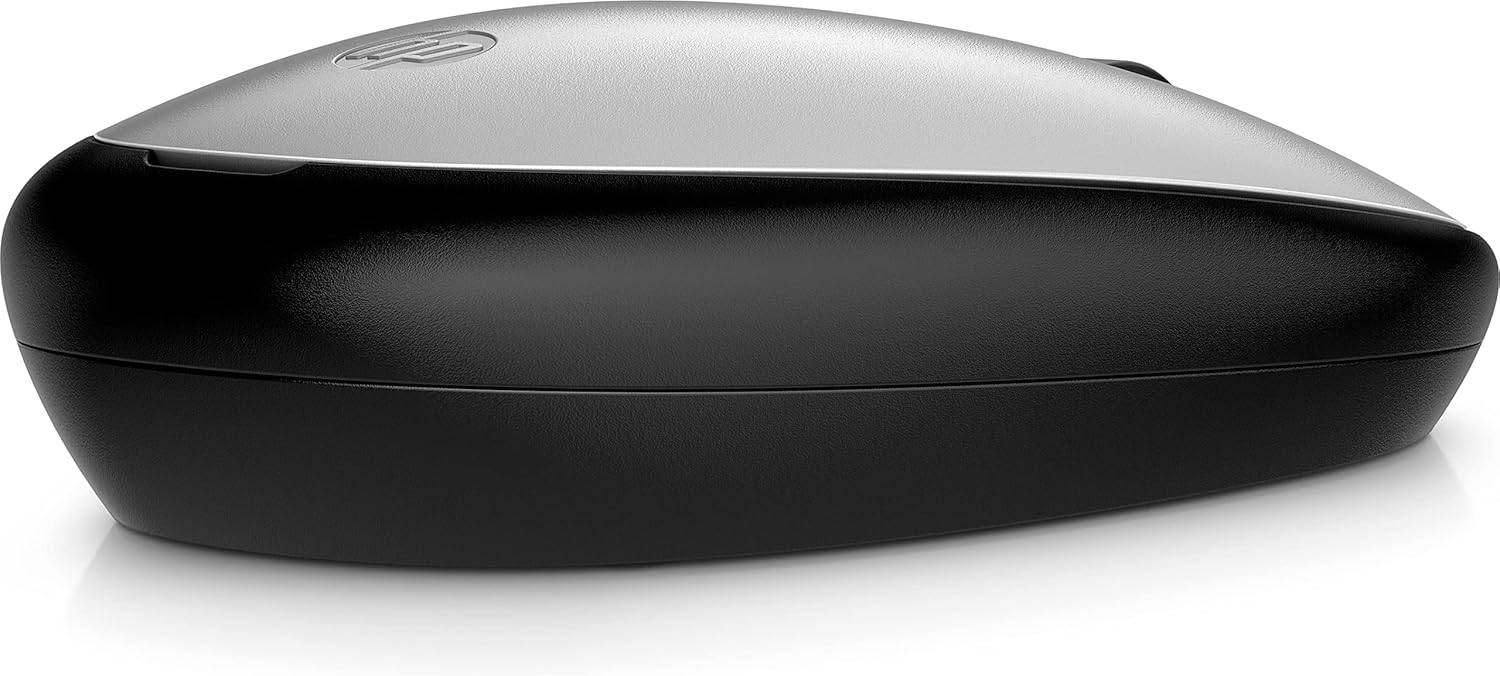
HP 240 Bluetooth Mouse: Ambidextrous, 1600 DPI, Bluetooth 5.1
Product description
What it is
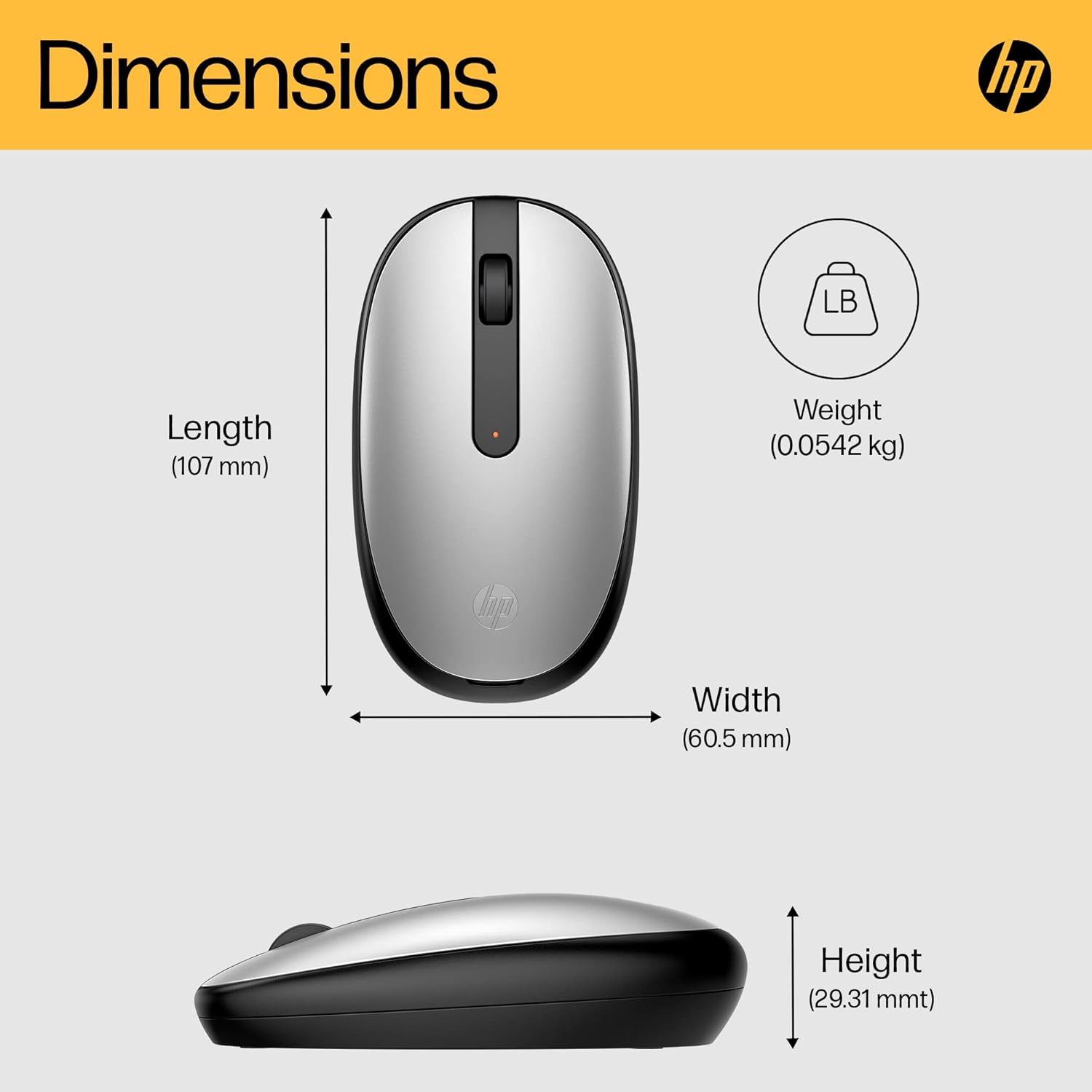
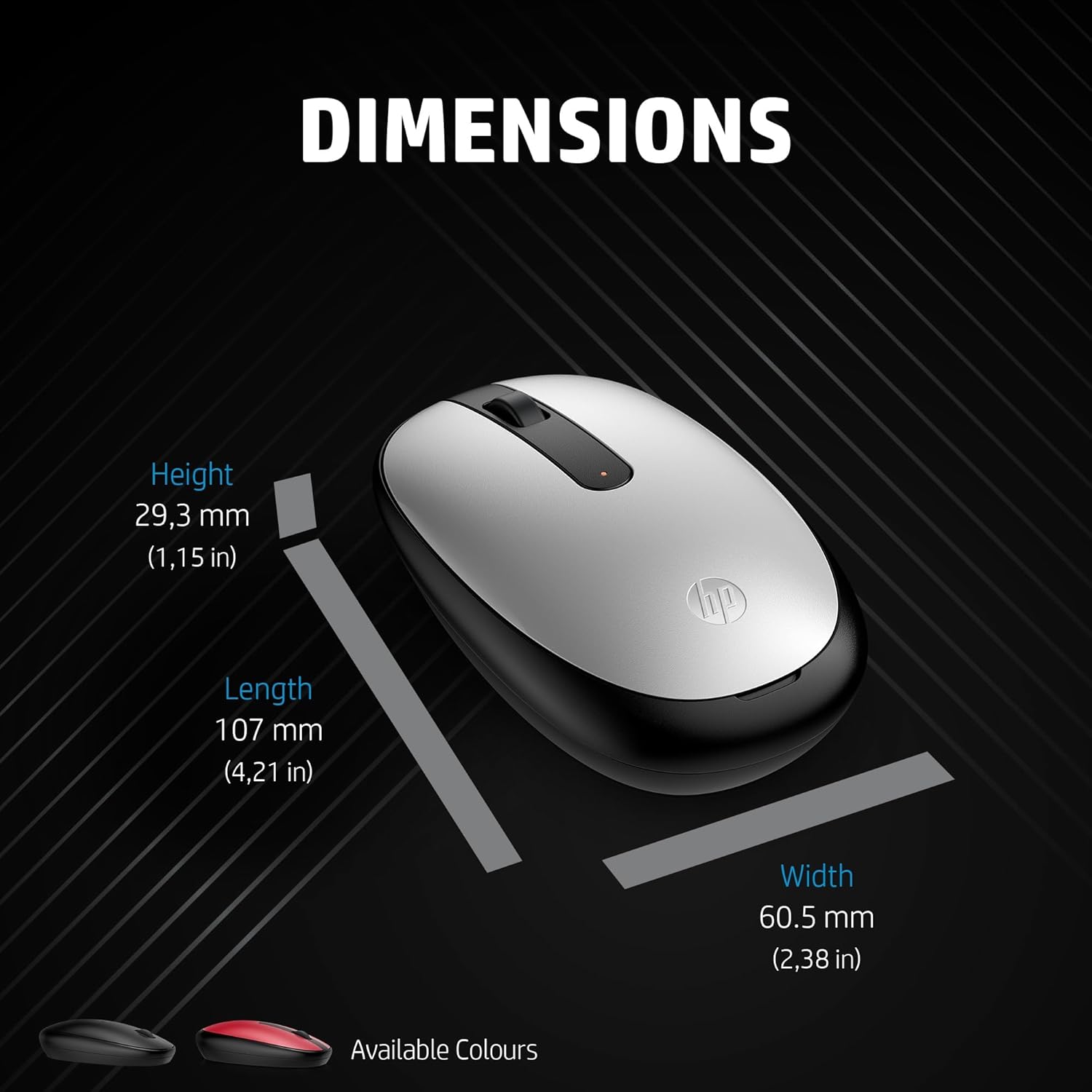
The HP 240 Bluetooth Mouse is a compact wireless pointer designed for everyday use, offering Bluetooth 5.1 connectivity and a 1600 DPI optical sensor for responsive tracking. It's described as lightweight and easy to connect, with an ambidextrous design that suits both left- and right-handed users. It’s a pragmatic option for general computing tasks, commuting between home, office, and travel-friendly setups.
How it feels in use
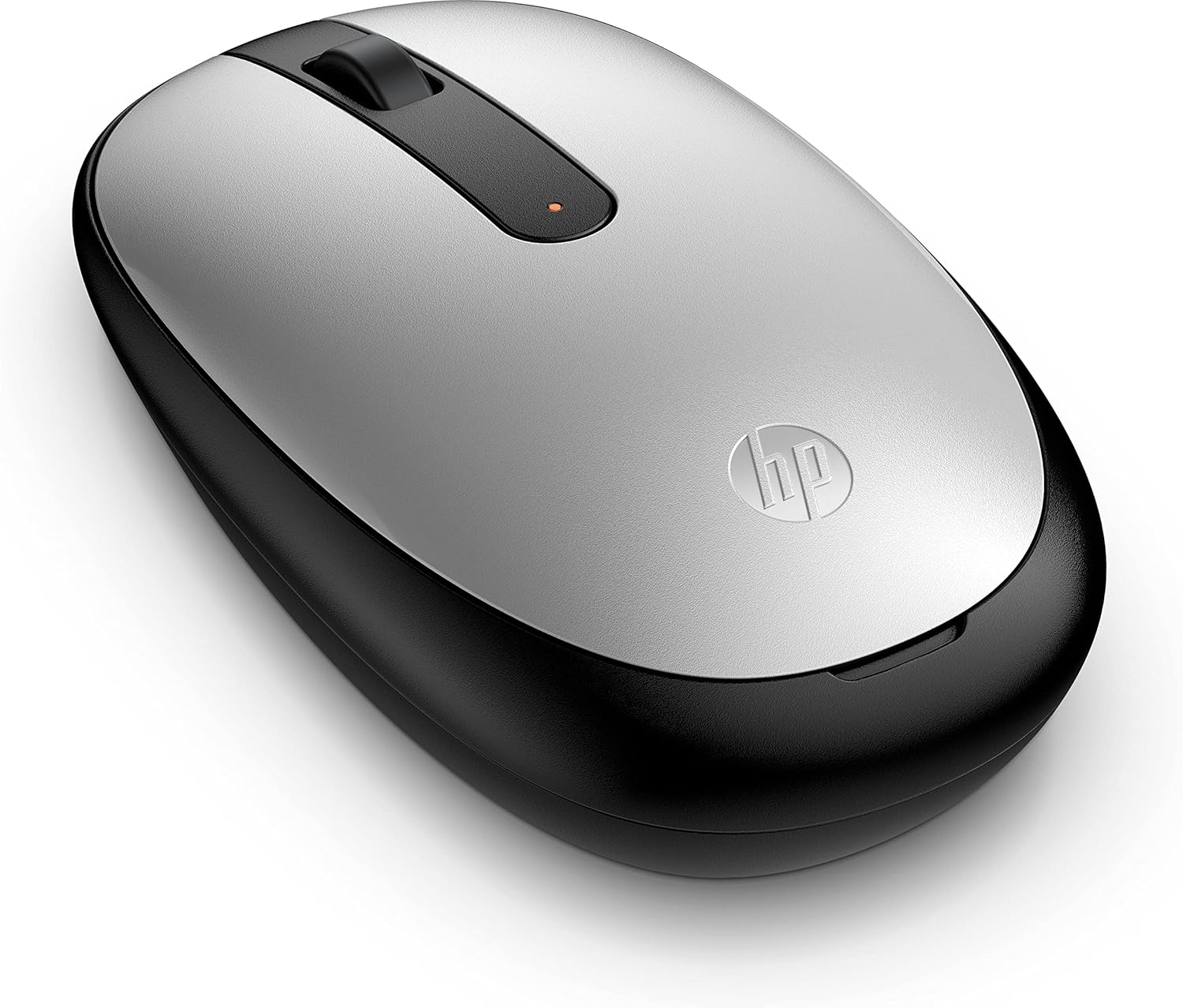
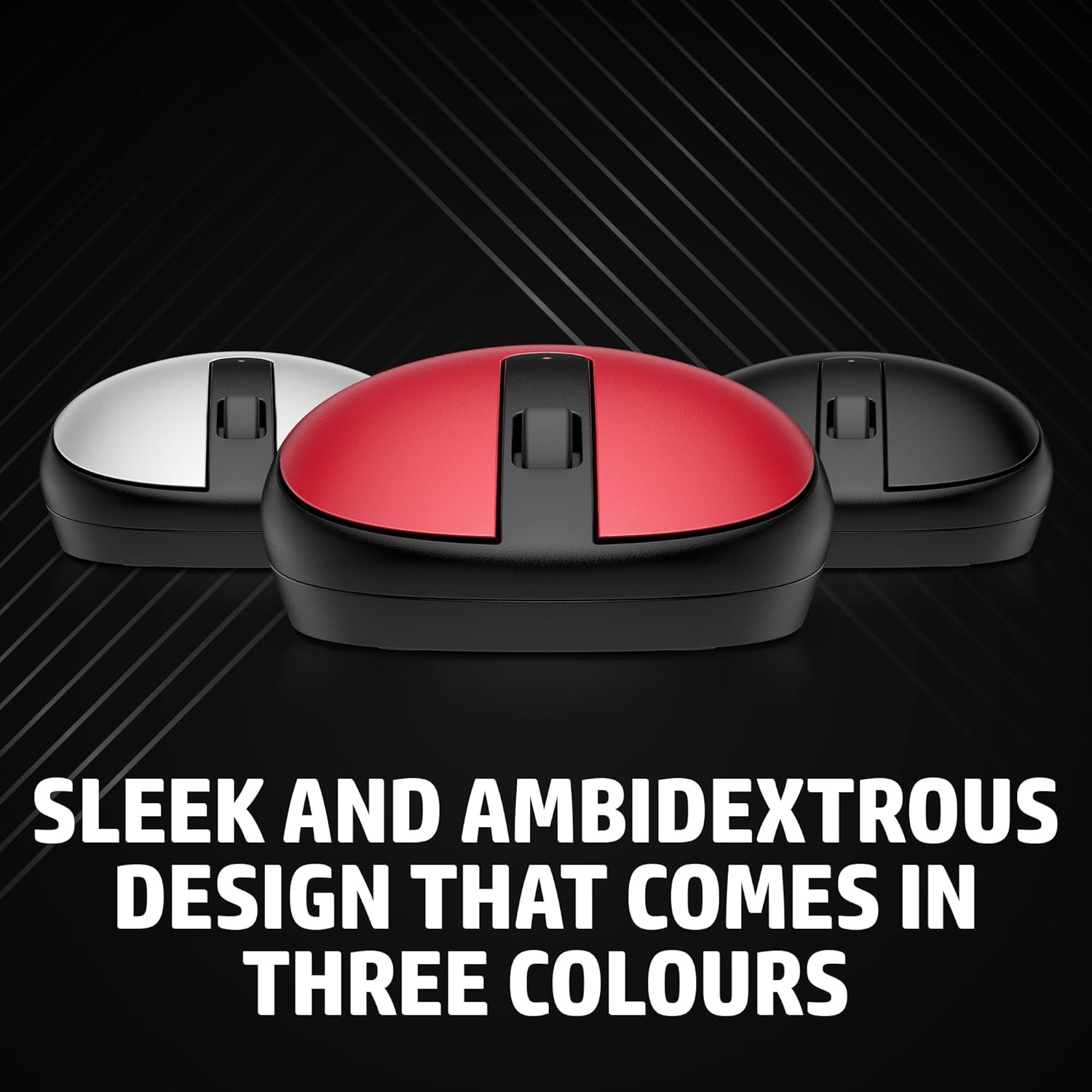
On the surface, the mouse aims to strike a balance between comfort and practicality. The ambidextrous form helps with longer sessions if you don’t want a dedicated-handed shape, and the three-button plus scroll wheel layout keeps familiar navigation straightforward. The 1600 DPI sensor is positioned to deliver decent accuracy for standard tasks like document editing, web browsing, and casual photo viewing. However, it’s worth noting that at higher-speed or precision-demanding work, some users may wish for a more premium sensor.
Connectivity and reliability
The standout feature is true wireless freedom without a dongle, thanks to Bluetooth 5.1. This can simplify your desk setup and reduce cable clutter. Power efficiency is highlighted, which may translate into longer periods between battery changes in day-to-day use. If you prioritise a clean, plug-and-play experience with compatible devices, this model tends to fit well.
What to know before buying
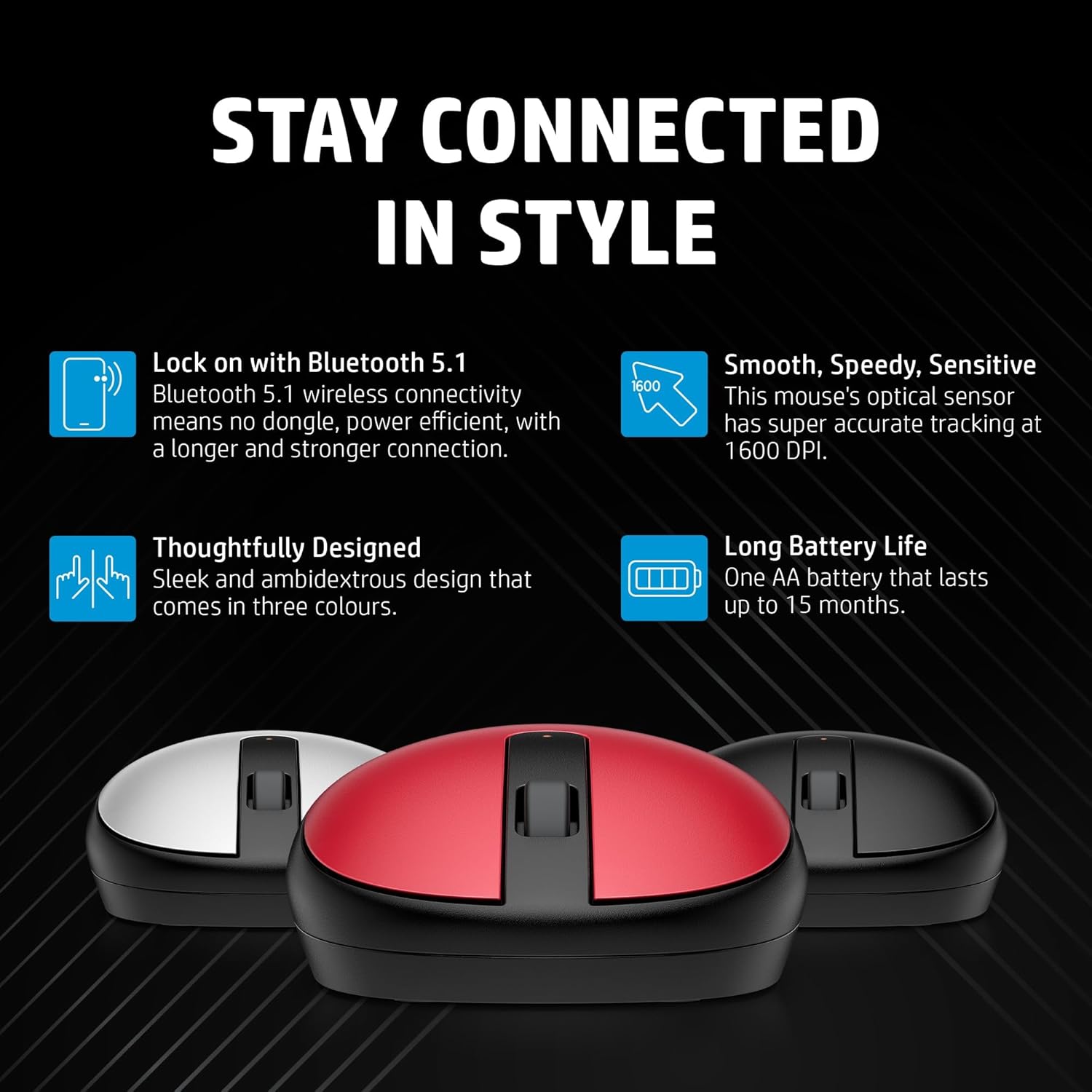
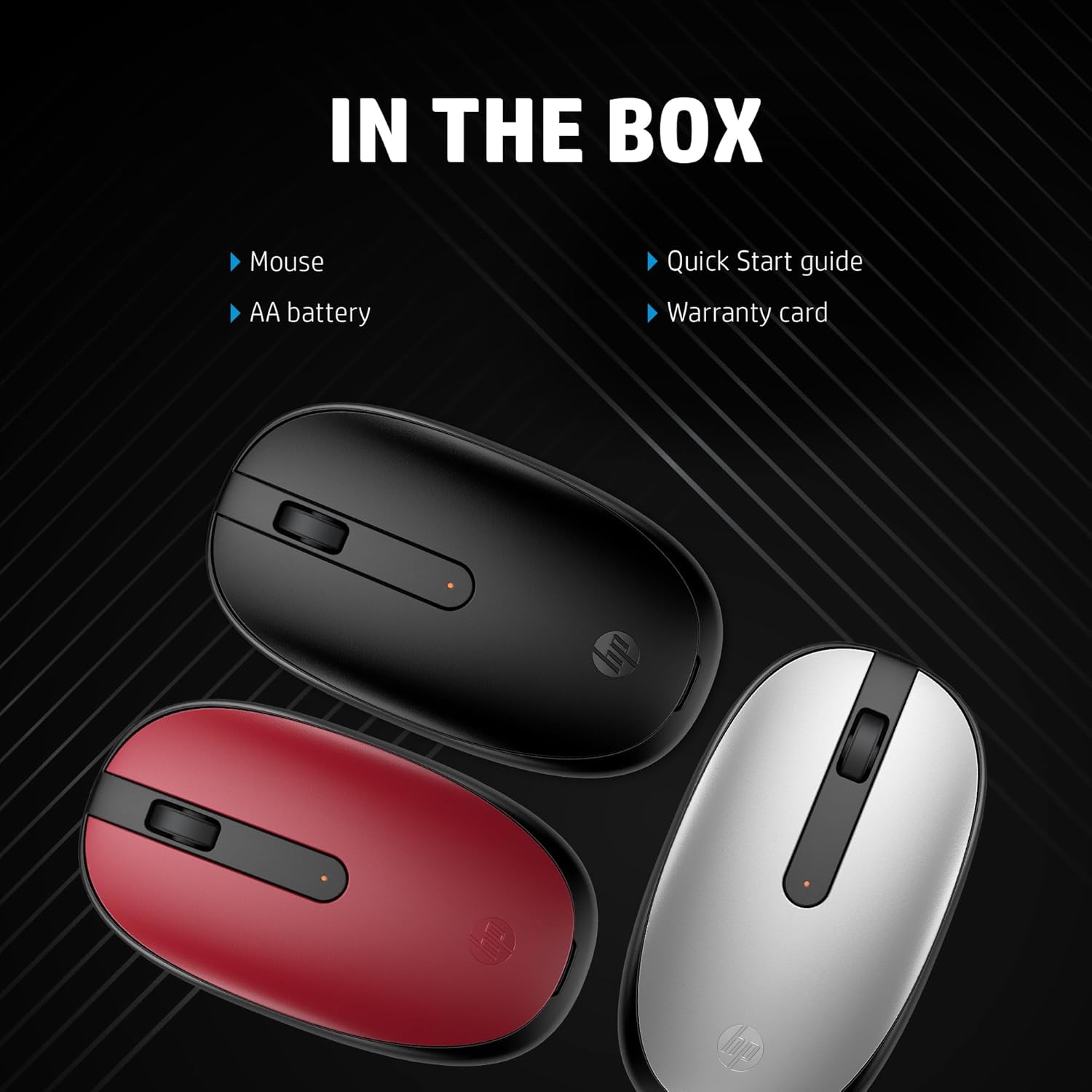
If you value a straightforward, unobtrusive mouse for everyday computing, this HP model offers good basic performance. It may not be the best option for professional design work or gaming that requires ultra-high precision or ultra-low latency. The three available colours—black, red, or silver—let you match your setup, but the choice won’t alter the core performance.
Pros and limitations in practice
Pros: simple pairing with Bluetooth 5.1, no USB dongle, ambidextrous design, 1600 DPI sensor that’s adequate for general tasks, lightweight build, easy to store and transport. Limitations: the sensor resolution is not a substitute for high-end gaming mice, and long sessions may reveal a preference for a more contoured or heavier model. It also relies on Bluetooth compatibility and battery life that can vary with usage patterns.
Who it’s for
This mouse is well-suited for students, casual home office users, and anyone who wants a compact, unobtrusive wireless input device with easy connection. It supports a low-maintenance setup where simplicity and reliability trump top-tier precision.
Who it isn’t for
If you need peak precision for graphic design, CAD work, or intensive gaming, this is likely not the ideal choice. People with very specific ergonomic needs might prefer a model with a more pronounced grip or additional customisable buttons.
When it makes sense to buy
Consider this model if you want a budget-friendly, dependable wireless mouse that works well with laptops or desktops supporting Bluetooth 5.1, and you prioritise freedom from dongles, portability, and a clean desk.
When to hold off
If you anticipate heavy daily use, frequent long sessions, or you expect higher precision for professional tasks, you may wish to compare with mice designed for those workloads, or wait for deals that enhance value with improved sensors or ergonomics.
Quick checks before purchase
- Ensure your device supports Bluetooth 5.1 or a compatible USB-Bluetooth adapter.
- Confirm you’re comfortable with an ambidextrous shape, if you prefer a contoured right-handed design, this may feel less natural.
- Check battery or power preferences in your ecosystem to maximise the stated efficiency benefits.
Practical example in use
Imagine you’re proofreading a lengthy document on a laptop in a coffee shop. The HP 240 stays unobtrusive on a crowded table, pairing quickly via Bluetooth without a dongle. Scrolling through pages feels smooth enough for daily tasks, and the lightweight feel makes it easy to carry between rooms or on a commute.
Tech specs
- Name: HP 240 Bluetooth Mouse
- Type: Wireless mouse
- Format: Bluetooth 5.1 connectivity, 1600 DPI optical sensor
- Colour: Black, Red, Silver
What to know about the decision
If you’re weighing value for money against basic wireless functionality, this model represents a sensible choice for light, everyday use with easy connectivity and a compact footprint.
FAQ
- Is it compatible with Windows and macOS? The product description implies broad wireless compatibility, but you should verify device support for Bluetooth devices.
- Does it come with a USB dongle? No, it uses Bluetooth 5.1 for connection.
- Can you adjust the DPI? The text specifies 1600 DPI, it does not mention on-device DPI adjustment, so assume fixed sensitivity unless stated otherwise.
Final verdict
Is it worth it? Worth considering if you prioritise a simple, reliable Bluetooth mouse with a lightweight build and ambidextrous design for everyday tasks.