

HP 230 Wireless Keyboard and Mouse Combo 1600 DPI ⌨
Product description
This compact wireless mouse and keyboard combo offers quiet, comfortable typing and a responsive optical mouse for everyday office and home use. The wireless mouse and keyboard combo helps reduce desk clutter while providing a number pad and a UK QWERTY layout for familiar typing and numeric entry.
Key Points
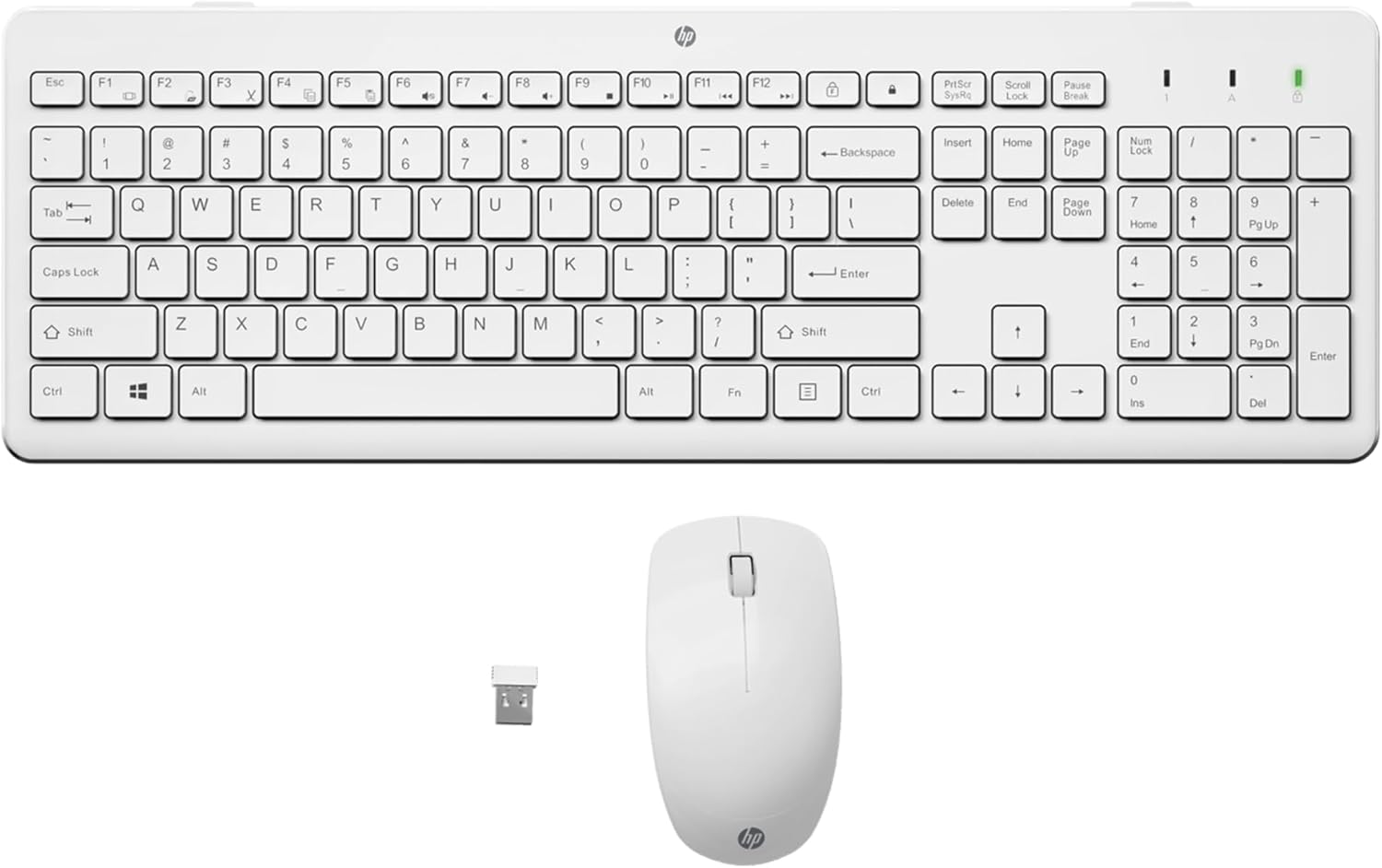
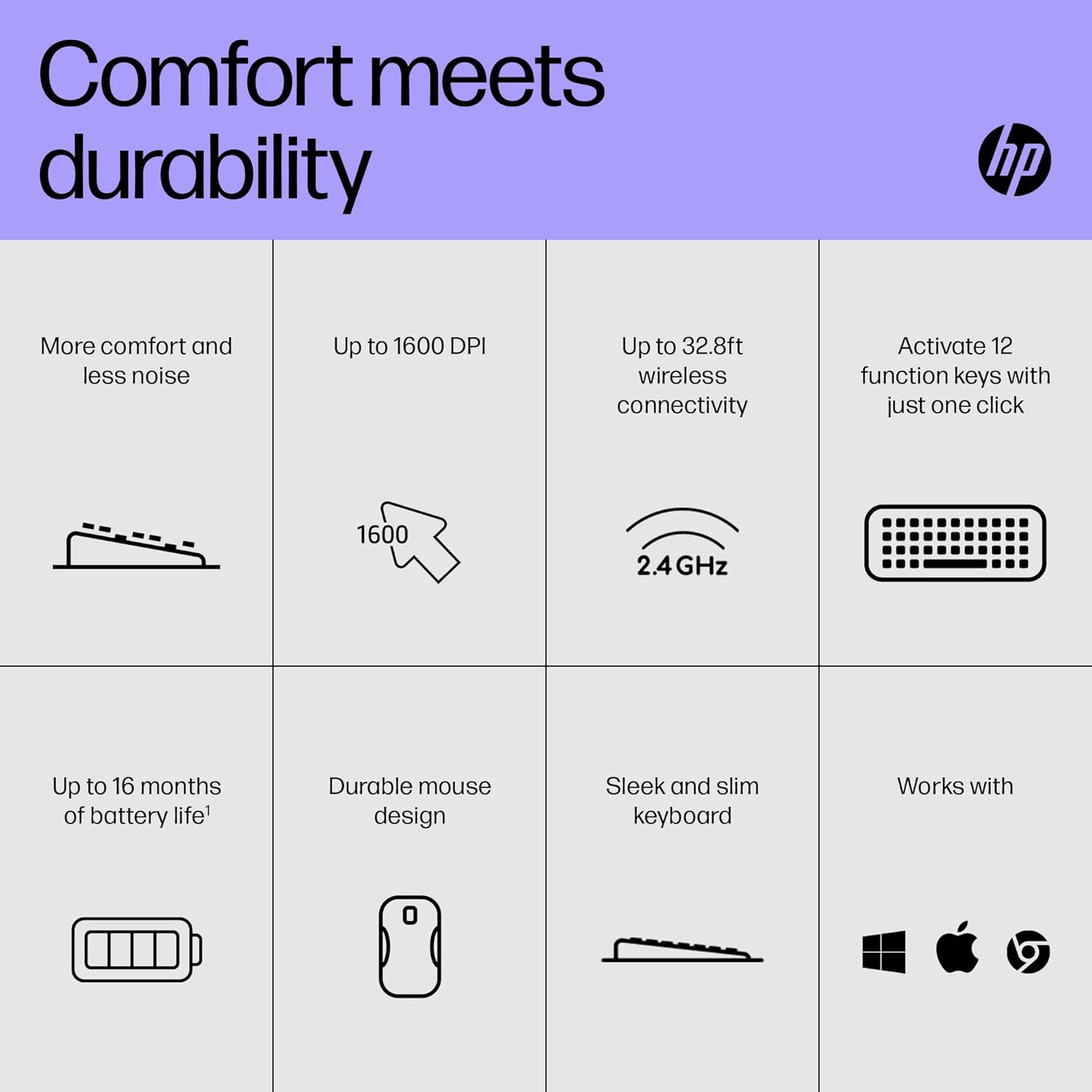
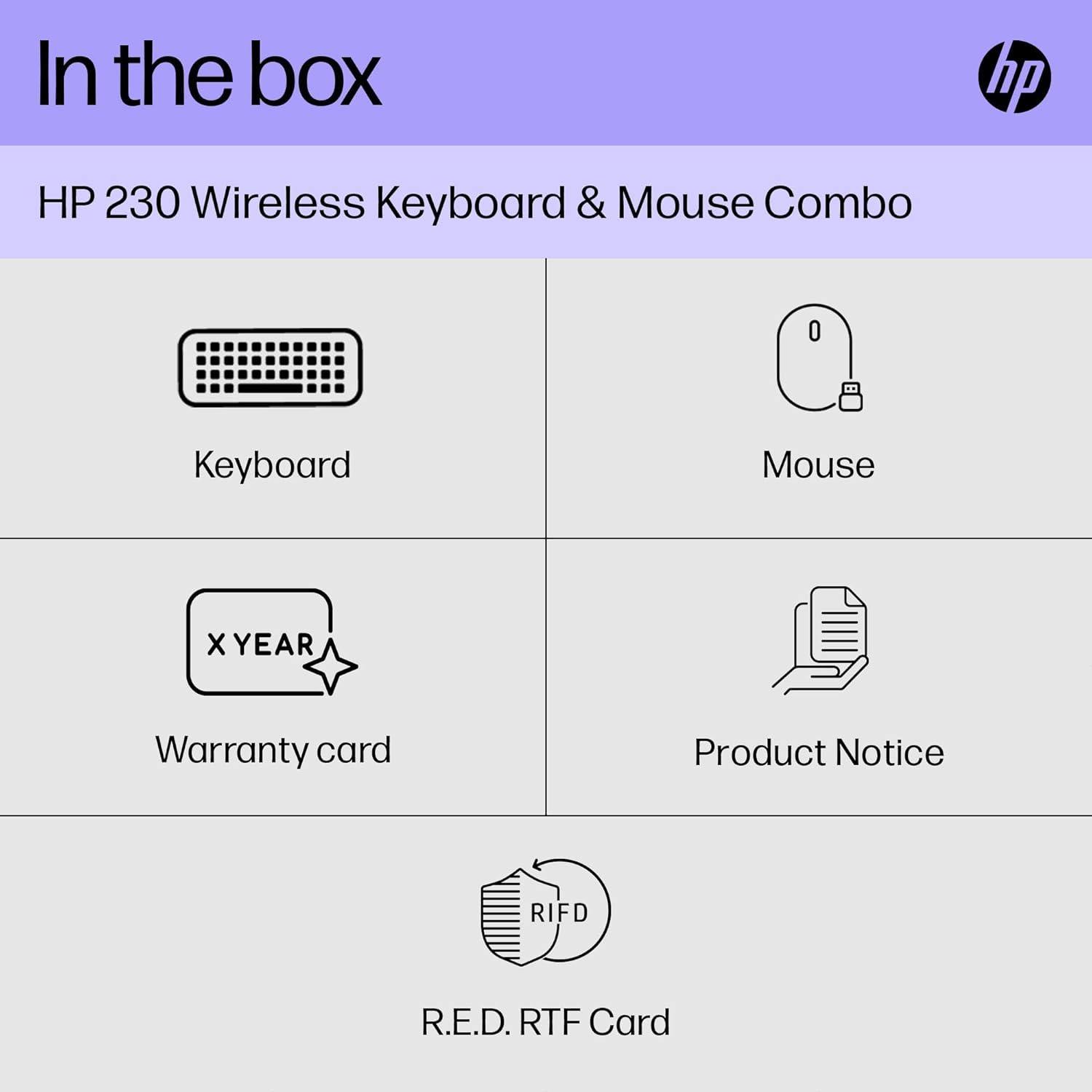
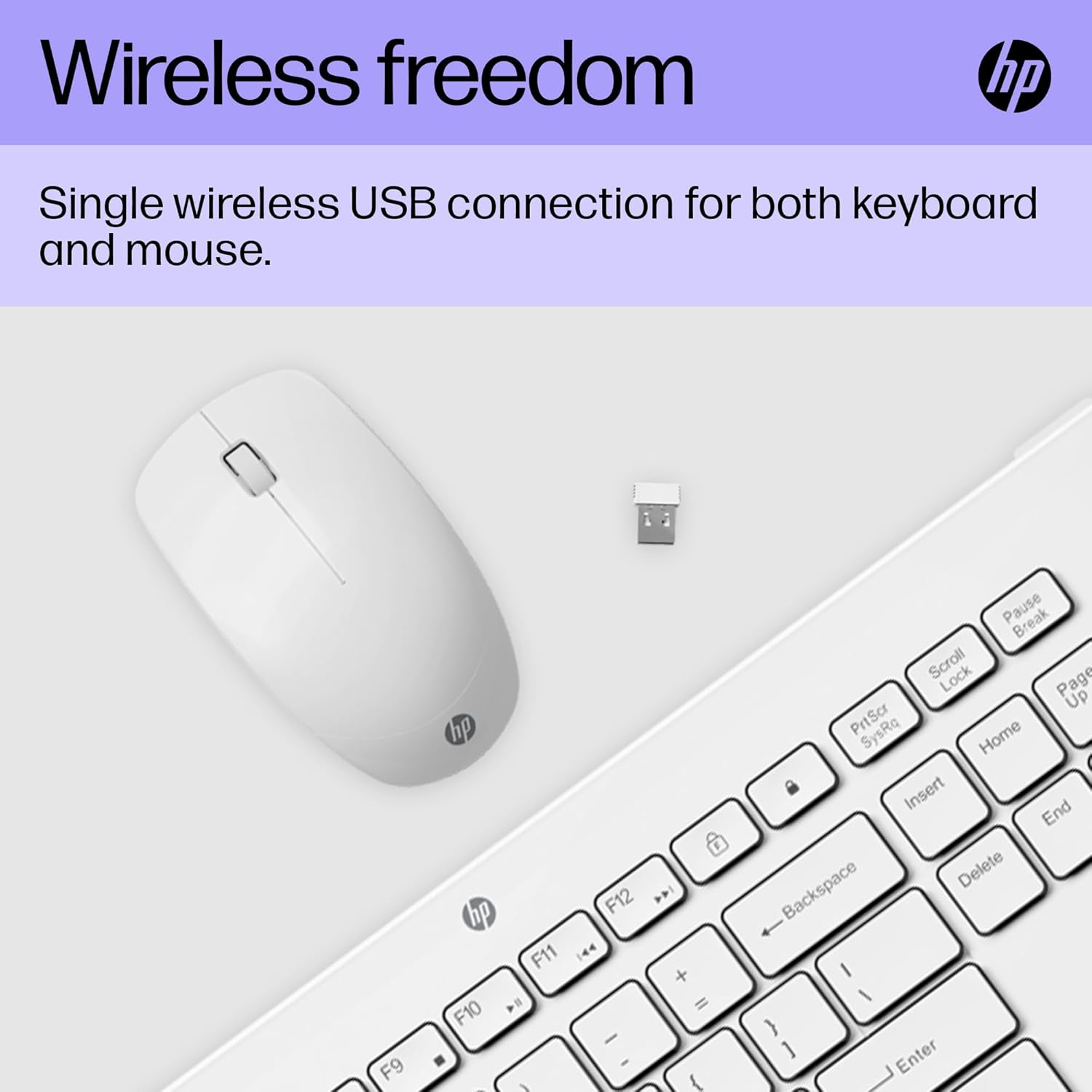
The keyboard features chiclet-style keys that produce low noise and deliver a comfortable feel for extended typing sessions, which can help maintain focus during long tasks. The mouse is ergonomically shaped for common right-handed use and aims to balance comfort with durability. A 2.4 GHz USB dongle provides a plug-and-play connection that is intended to be lag-free within standard desk ranges. 🔌
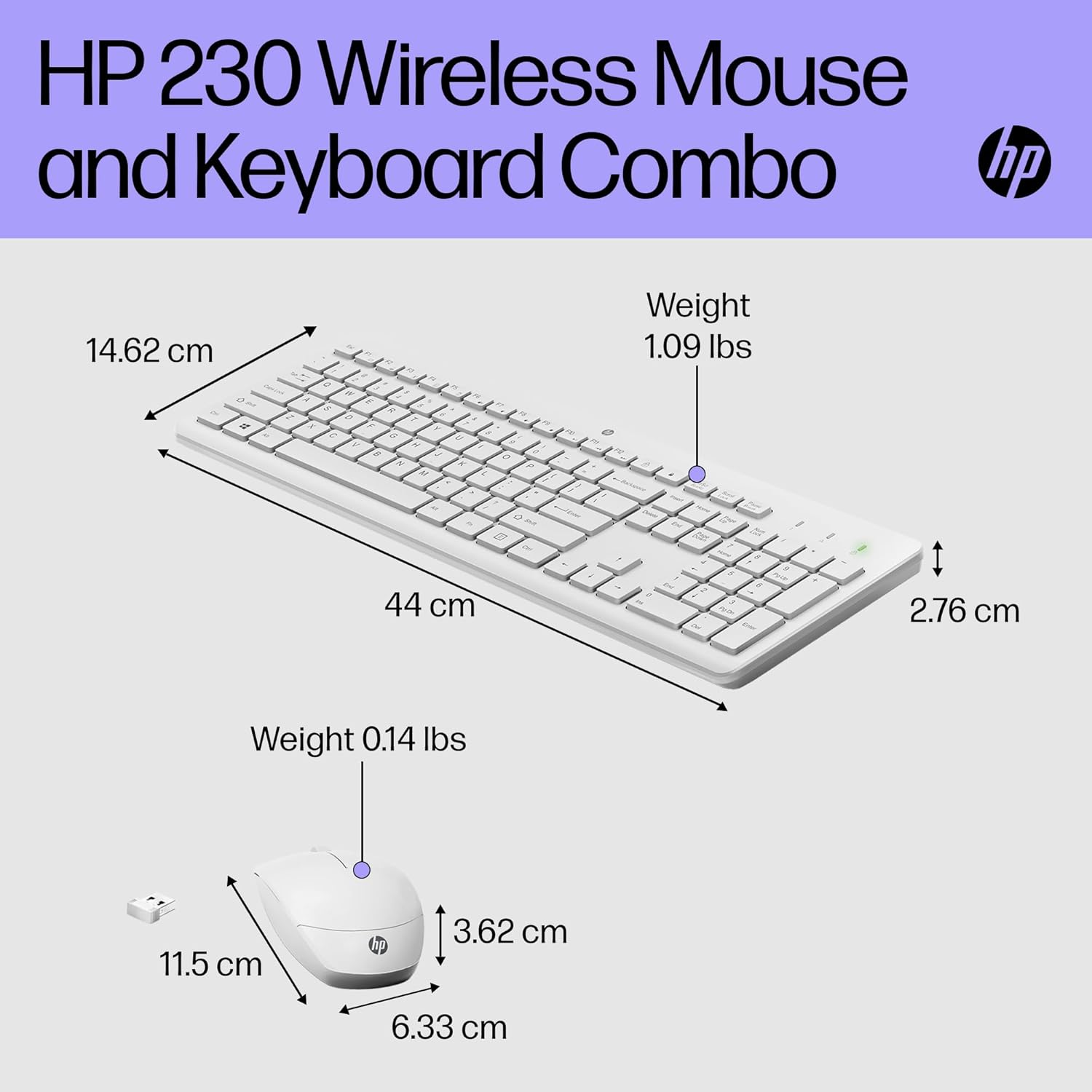
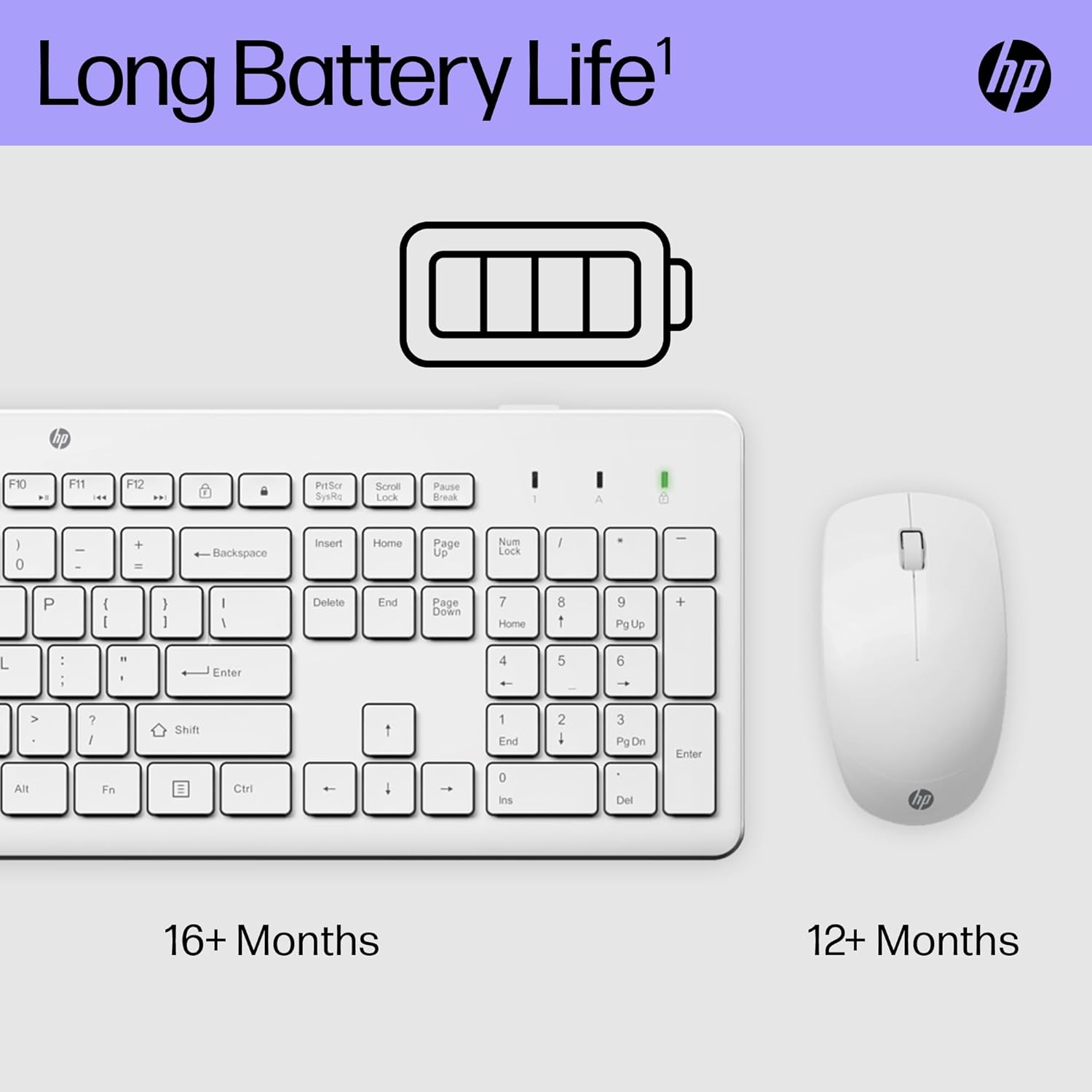
Battery life is a notable advantage, according to the manufacturer, with the keyboard rated to last up to up to 16 months and the mouse up to 12 months under typical usage patterns. This reduces the need for frequent battery changes and keeps the set ready for daily work. 🔋
For quieter environments the combo prioritises reduced keystroke noise and softer clicks. Consider that actual battery life may vary with usage and environmental conditions, and that the mouse does not include advanced features such as Bluetooth pairing or programmable buttons.
Technical Specifications
- Name: HP 230 Wireless Mouse and Keyboard Combo
- Connection: 2.4 GHz wireless via USB dongle
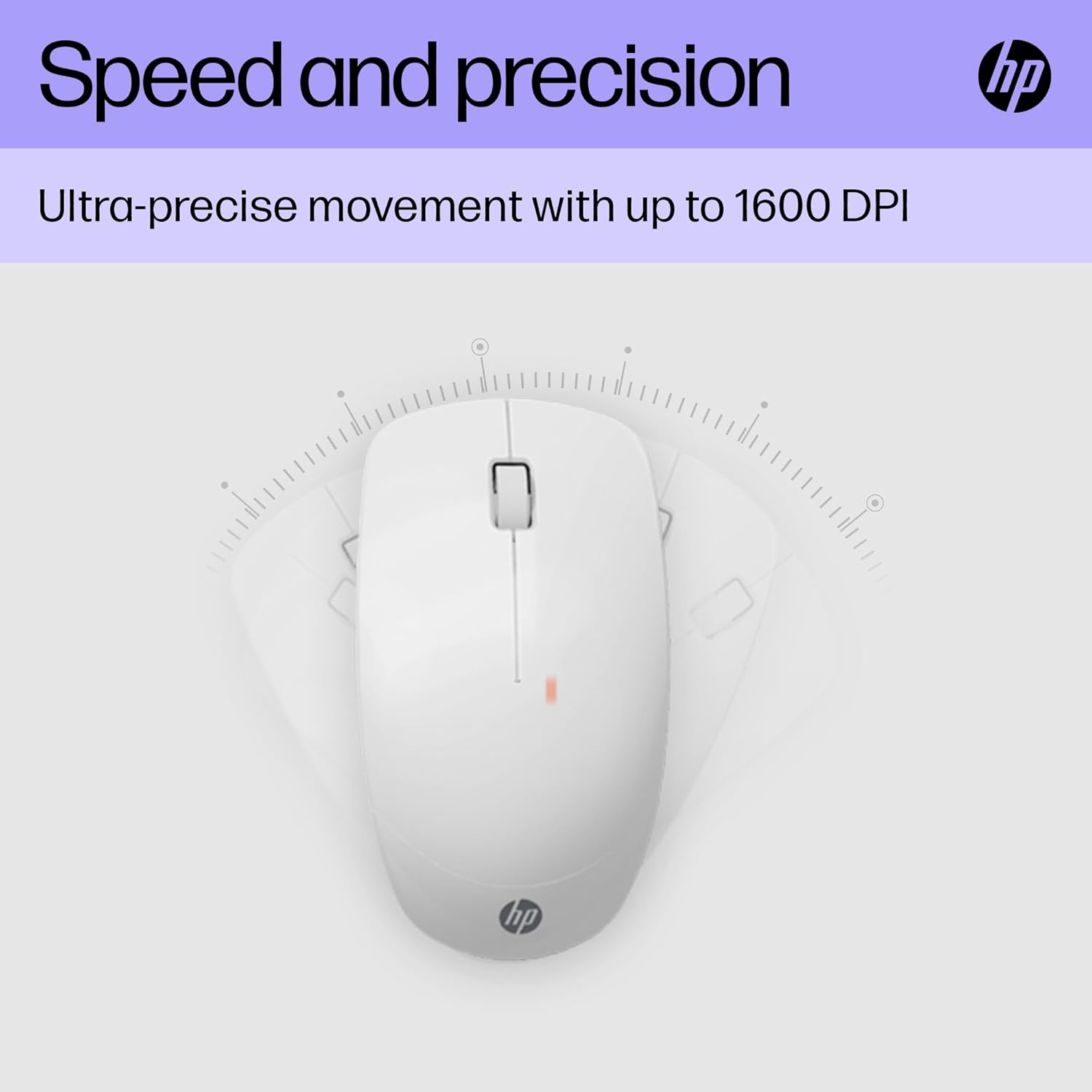
- Mouse sensor: 1600 DPI optical
- Keyboard layout: QWERTY UK with number pad
- Colour: White
- Manufacturer-stated battery life: Keyboard up to up to 16 months, Mouse up to 12 months
Benefits
The integrated number pad simplifies spreadsheet work and numeric entry without adding much width to the keyboard. Quiet keystrokes are useful in shared offices or home setups where noise levels matter. The set is lightweight and simple to set up, making it straightforward to replace older peripherals. For basic office tasks and web browsing it offers a fuss-free option with minimal configuration. 🖱️
Usage Recommendations
Place the USB dongle in a front USB port for the most reliable connection. Keep spare AA batteries on hand if you expect heavy daily use, because intense workloads will shorten the stated battery life. For laptop users who move between locations frequently the compact profile makes it easy to pack, but note that the absence of Bluetooth may limit compatibility with devices where USB ports are scarce. 🧭