

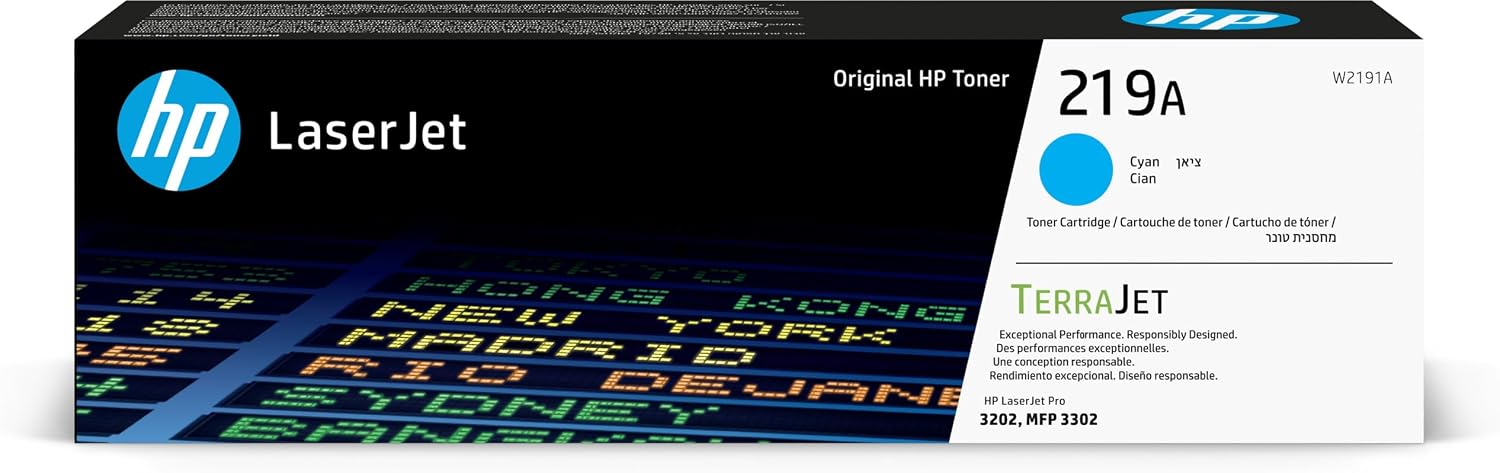
HP 219A Cyan Original LaserJet Toner Cartridge
Product description
What it’s for (and why you’d pick it)
An HP 219A Cyan Original LaserJet Toner Cartridge is a straightforward way to keep your LaserJet printing in colour without jumping through hoops. If your main goal is dependable cyan output for everyday documents and graphics, an original cartridge approach is often the safest bet on paper.
HP positions this cartridge around reliability and consistent results, using Original HP Supplies designed to work smoothly with compatible LaserJet printers. It’s also built around HP’s “next generation” toner idea (HP TerraJet Toner), with claims around efficient toner use and strong print quality, including sharper details in images.
Of course, no toner is perfect for every budget scenario. If you’re chasing the absolute lowest cost per page and you’re comfortable with more variability, you might find cheaper third-party options elsewhere. But if you value predictable colour and fewer headaches, this one sits in the “proper original replacement” category.
Key features in plain English
This cyan cartridge is aimed at producing bright, usable colour for printed graphics, not just a rough approximation of cyan. HP’s description mentions:
- Brilliant graphics and high-quality black text alongside the colour output
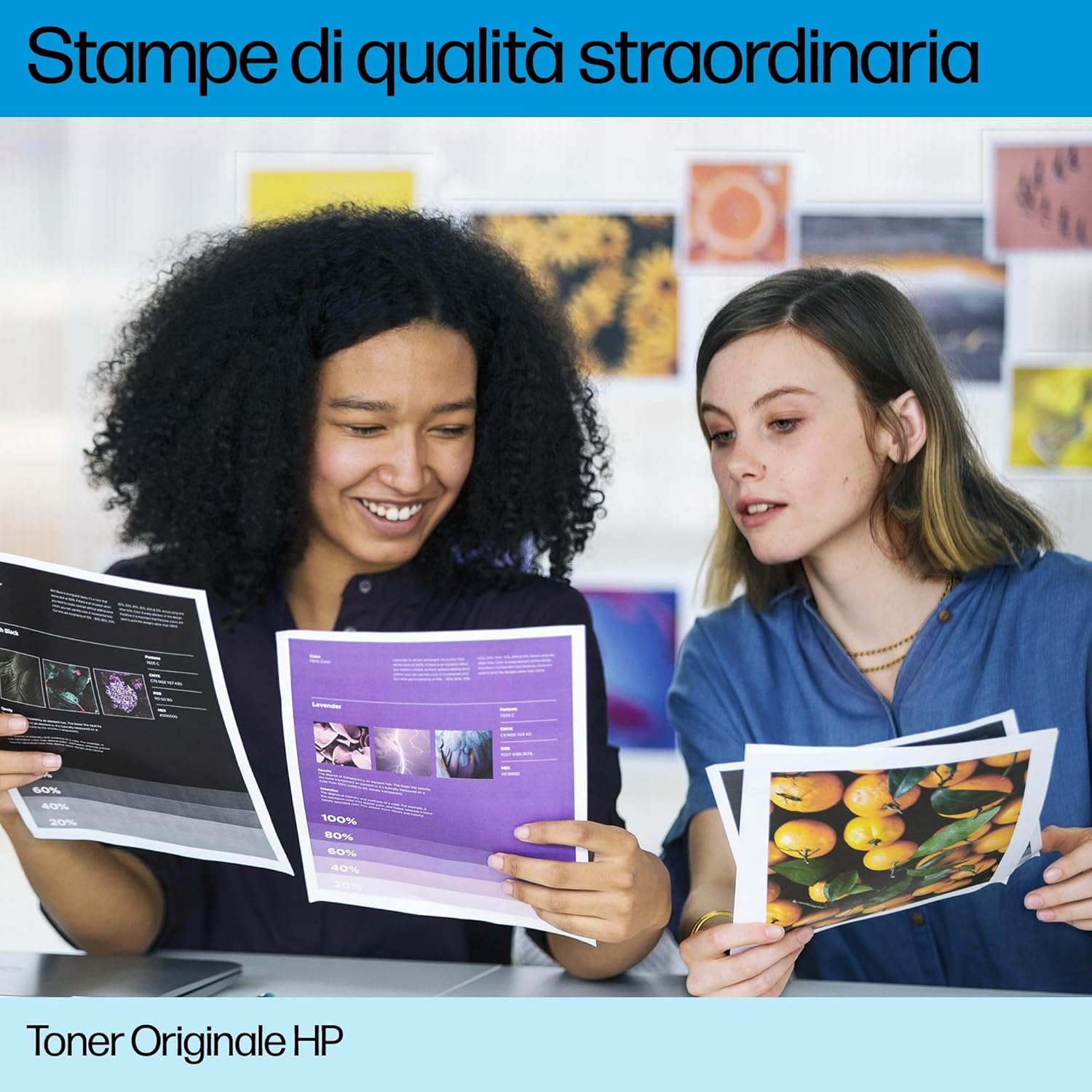
- “More true-to-life” colours and sharper details in images (so photos/graphics don’t look dull or smeared)
- A toner design that’s meant to use toner efficiently, which can matter if you print regularly
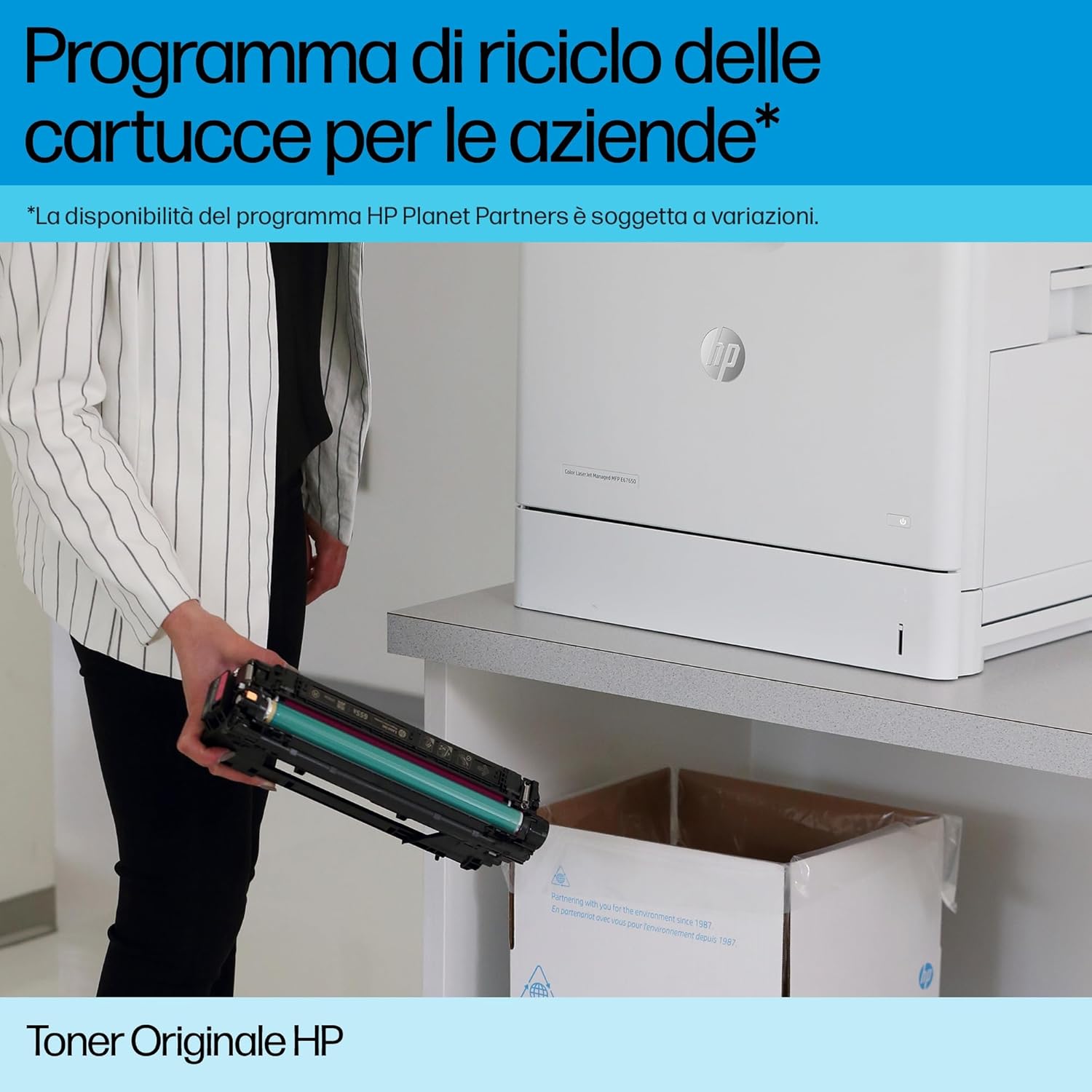
- A manufacturing process where HP says it uses recycled cartridge plastic when producing many HP cartridges (mentioned as part of their closed-loop approach)
A small reality check: the page yield is quoted at around 1,200 pages in the source text, but actual output tends to vary with coverage, document types, and print settings. It’s still useful as an expectation baseline rather than a guarantee.
Where it shines (practical use cases)
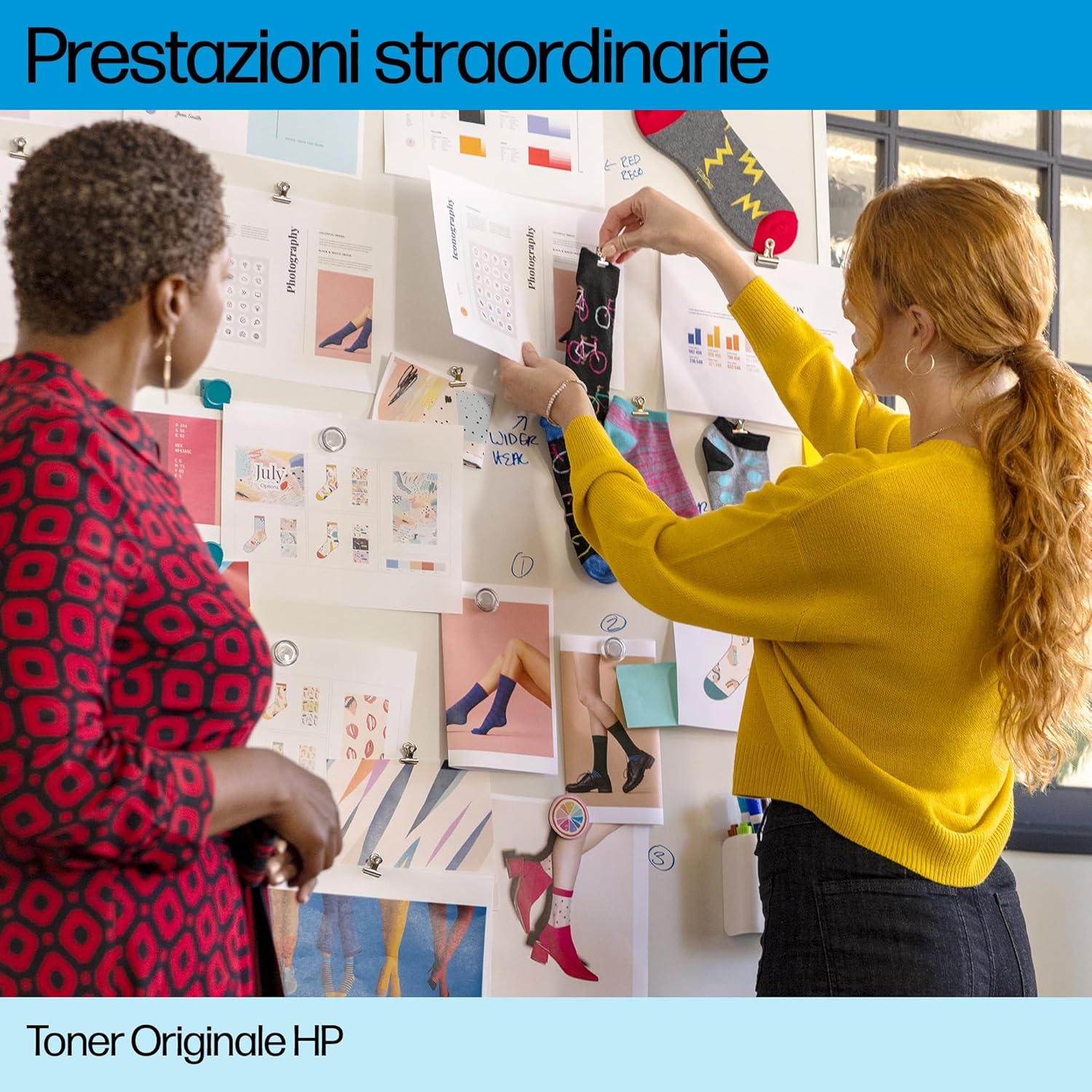
If you print a mix of things—say, school or work documents with charts, simple marketing handouts, or slides exported to print—cyan quality tends to be the bit people notice first. With this cartridge, the value is that HP is explicitly aiming for clearer graphics and more accurate colour rendering.
Imagine printing a monthly team update: you’ve got a dark header (black text) and a couple of colour bars and small icons (cyan). A cartridge like this is the kind you install when you want the colours to look like they do on screen more often, and for the details in small graphics to stay crisp.
It also makes sense if you’re replacing a cartridge you’re already using in your workflow. Switching approaches mid-stream can lead to different colour behaviour or maintenance quirks, originals are usually chosen specifically to avoid that.
What to know before you buy
Because the information you provided focuses on the cartridge itself rather than your exact printer model, the one thing to be careful about is compatibility. Always check that “HP 219A” matches your printer’s requirements before ordering. If you don’t, you can end up with a cartridge that simply won’t work in your device.
Also, look at your print mix. If you mostly print text-heavy documents with minimal cyan coverage, you might not use toner anywhere near the typical page expectation. On the other hand, if your documents genuinely rely on colour graphics, the “efficient toner use” angle becomes more relevant.
Another consideration is value-for-money. Original cartridges can cost more than alternatives, so it’s worth deciding whether predictable colour and reliability are more important to you than chasing the lowest price.
Tech specs (from the info available)
- Name: HP 219A Cyan Original LaserJet Toner Cartridge
- Type: LaserJet toner cartridge
- Colour: Cyan
- Page yield (stated): approximately 1,200 pages
- Brand/series context: Original HP Supplies designed for reliability

Pros, cons, and who it suits
What stands out - Cyan output aimed at “brilliant graphics” and sharper image details - HP claims more true-to-life colours and efficient toner use - Positioned as reliability-focused by using Original HP Supplies - Includes a stated sustainability angle (recycled cartridge plastic in manufacturing many HP cartridges)
The limitations to be honest about - The page yield is “around” 1,200 pages, and real-world results can change depending on what you print and how much cyan coverage you use - If your main priority is the cheapest possible cost per page, originals may feel expensive compared with non-original toner
It makes sense if you print colour documents regularly, care about consistent cyan rendering, and want to stick to an original replacement approach.
It might not be a great match if you rarely print in cyan, or you’re primarily chasing minimum running costs and are open to the trade-offs that often come with cheaper alternatives.
Quick FAQ
Is this toner meant for everyday colour printing?
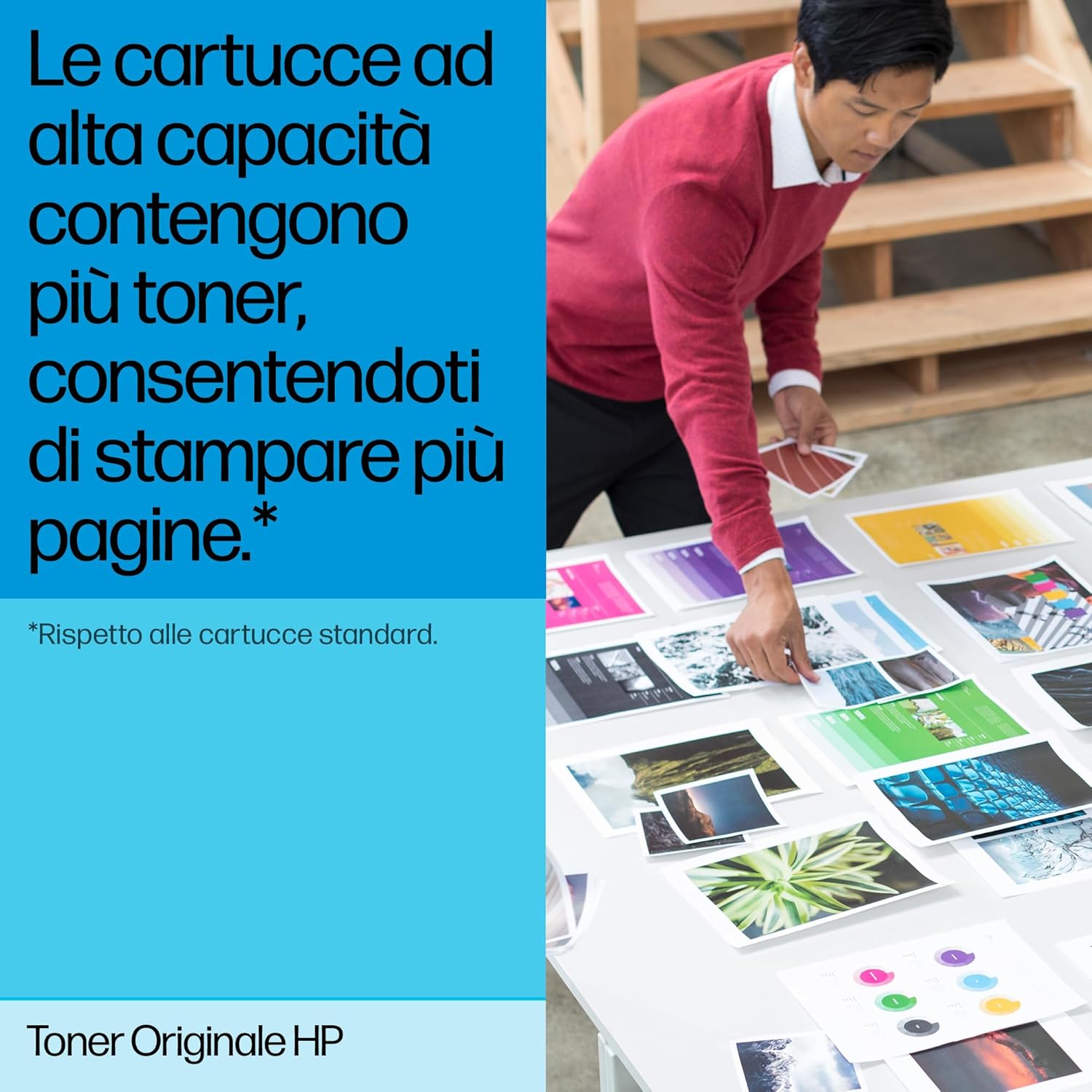
Yes—based on the way HP describes it, it’s geared towards printing colour graphics with sharp detail, alongside high-quality black text.
How many pages should I expect from it?
The source text mentions approximately 1,200 pages. Expect variation depending on your print settings and coverage.
Does HP claim improved colour accuracy?
HP does mention “more true-to-life” colours and more discernible printable colours with this next-generation toner design.
Is it better to choose original toner for reliability?
If reliability and predictable colour behaviour are your priorities, an original cartridge approach is a sensible route. The downside is that it may not be the lowest-cost option.
Should I check anything before ordering?
Yes—double-check compatibility with your LaserJet printer using the “HP 219A” cartridge designation.
Final verdict
Worth buying if you want a cyan LaserJet toner replacement with a reliability-first approach, and you print enough colour graphics for the quality claims (true-to-life colours, sharper image details, efficient toner use) to matter. Skip it if cyan usage is minimal, you’re focused purely on the cheapest cost per page, or you’re not confident about printer compatibility before you order.