

HEMUDU HD04W-001 single monitor arm 35 kg 📺

Description:
This single monitor arm from HEMUDU raises a desktop display for ergonomic viewing and helps clear space on a crowded desk. It suits office and home setups where tilt, swivel and height adjustment make long screen hours more comfortable.
Key Points
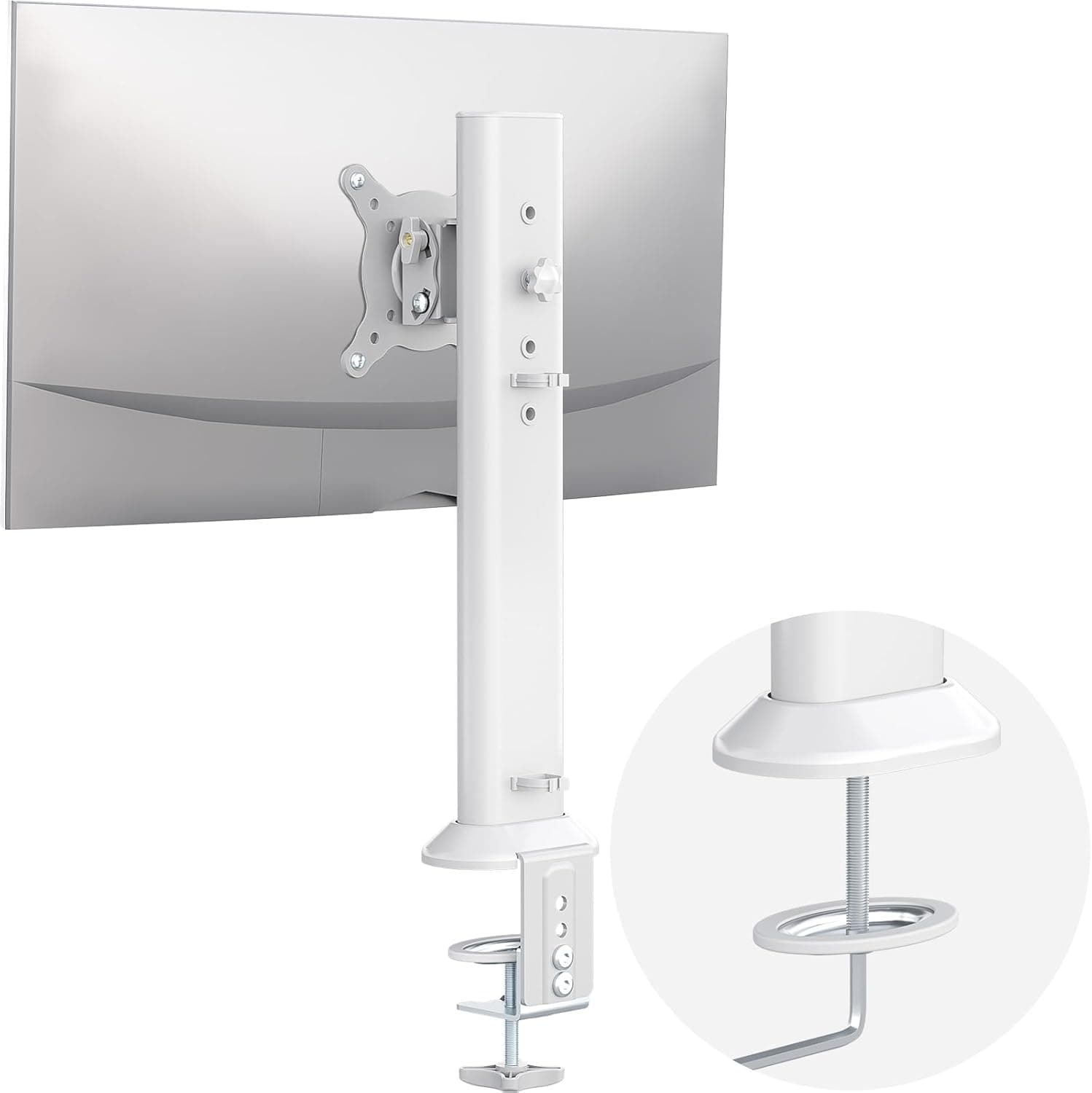
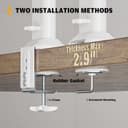
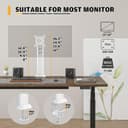
The stand supports most flat or curved screens between 13 and 32 inches and attaches via the common VESA patterns 75x75mm and 100x100mm. Installation is tool free for the main clamp and the package includes the accessories needed to fit the arm to a desktop within minutes, according to the manufacturer. The pole allows vertical adjustment and the arm offers wide articulation for positioning the screen at a comfortable angle. 📺
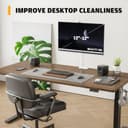
Cable management clips are integrated along the arm to keep cords tidy and reduce clutter on the work surface. The construction uses cold-rolled steel which contributes to a stable support when the monitor is moved or tilted. 🔧
Technical Specifications
- Name: HEMUDU HD04W-001
- Screen compatibility: 13–32 inches
- VESA patterns: 75x75mm and 100x100mm
- Weight capacity: Holds up to 35KG
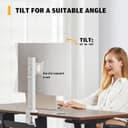
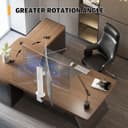
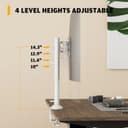
- Adjustments: 360° rotation, ±50° tilt, ±50° swivel, height adjustable along metal pole
- Colour: White
- Material: Cold-rolled steel
Benefits
The arm’s full articulation, including 360° rotation, gives fast access to both portrait and landscape orientations. This is handy when switching between document review and design work, and it reduces the need to move the whole monitor base. The height adjustment promotes a better viewing angle for the neck and shoulders, which can ease discomfort during long sessions. The neat cable route keeps peripherals organised and improves the look of a workspace.
Consider that the maximum load is relatively high at Holds up to 35KG, so it can carry heavier monitors and some small all-in-one displays. However, very large ultrawide screens above 32 inches are outside the specified range and may not be compatible.
Usage Recommendations
Place the clamp on a desk edge with enough clearance behind the monitor for full swivel and tilt movements. When mounting a heavier display, double check the VESA screws are secure and use the included accessories to balance the screen before final tightening. For multi-user desks, adjust the height and angle quickly to suit different viewing positions. Keep cables routed through the clips to avoid interference with motion and to preserve the arm’s smooth operation.
