

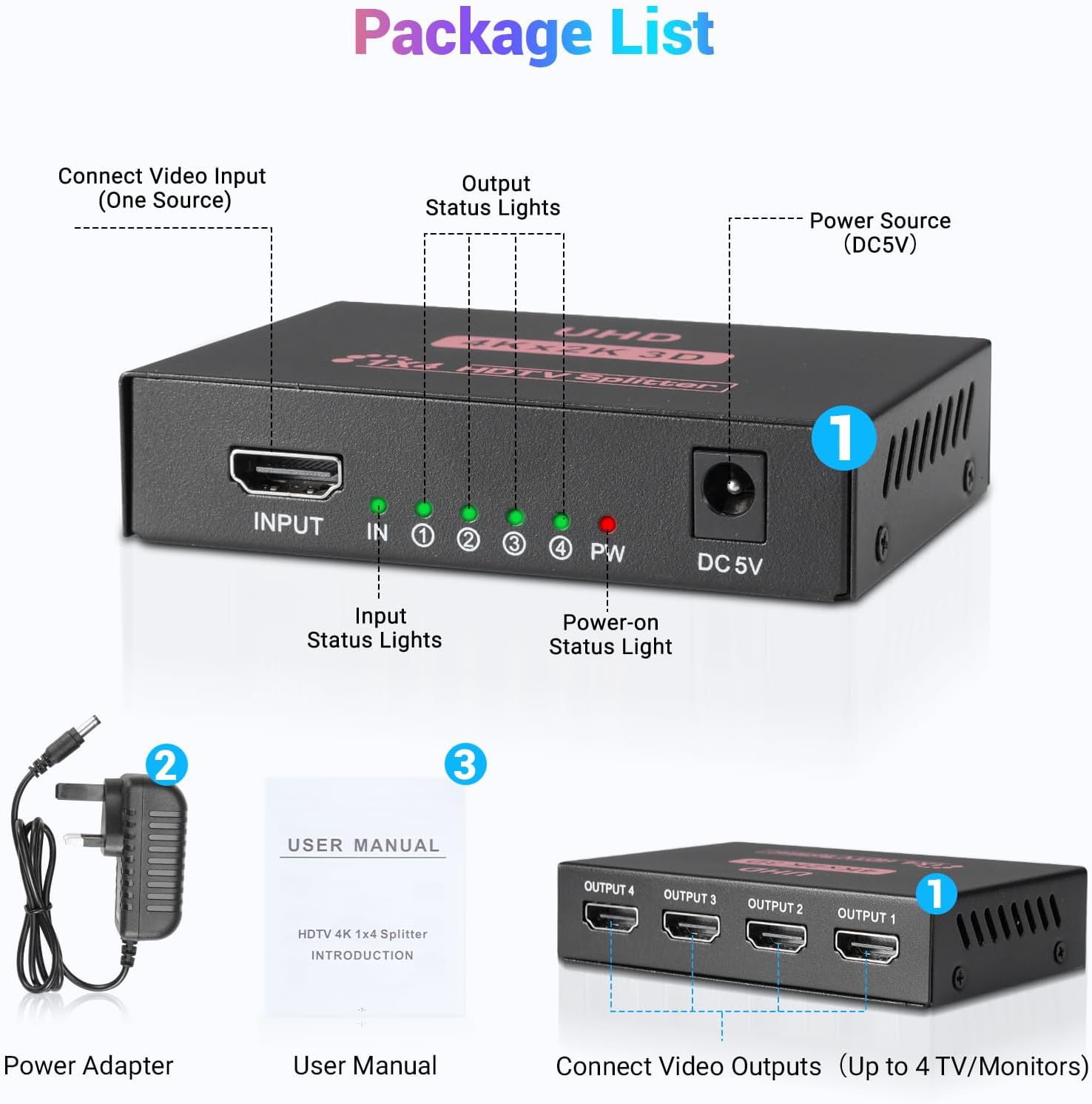
HDMI Splitter 1 In 4 Out – 4K@30Hz Mirror, Not Extend, for Multiple Displays
Product description
What it is
A practical HDMI splitter that takes one source and mirrors it across four displays. It is designed for setups where you want the same image on multiple screens without extending the desktop.
What it does
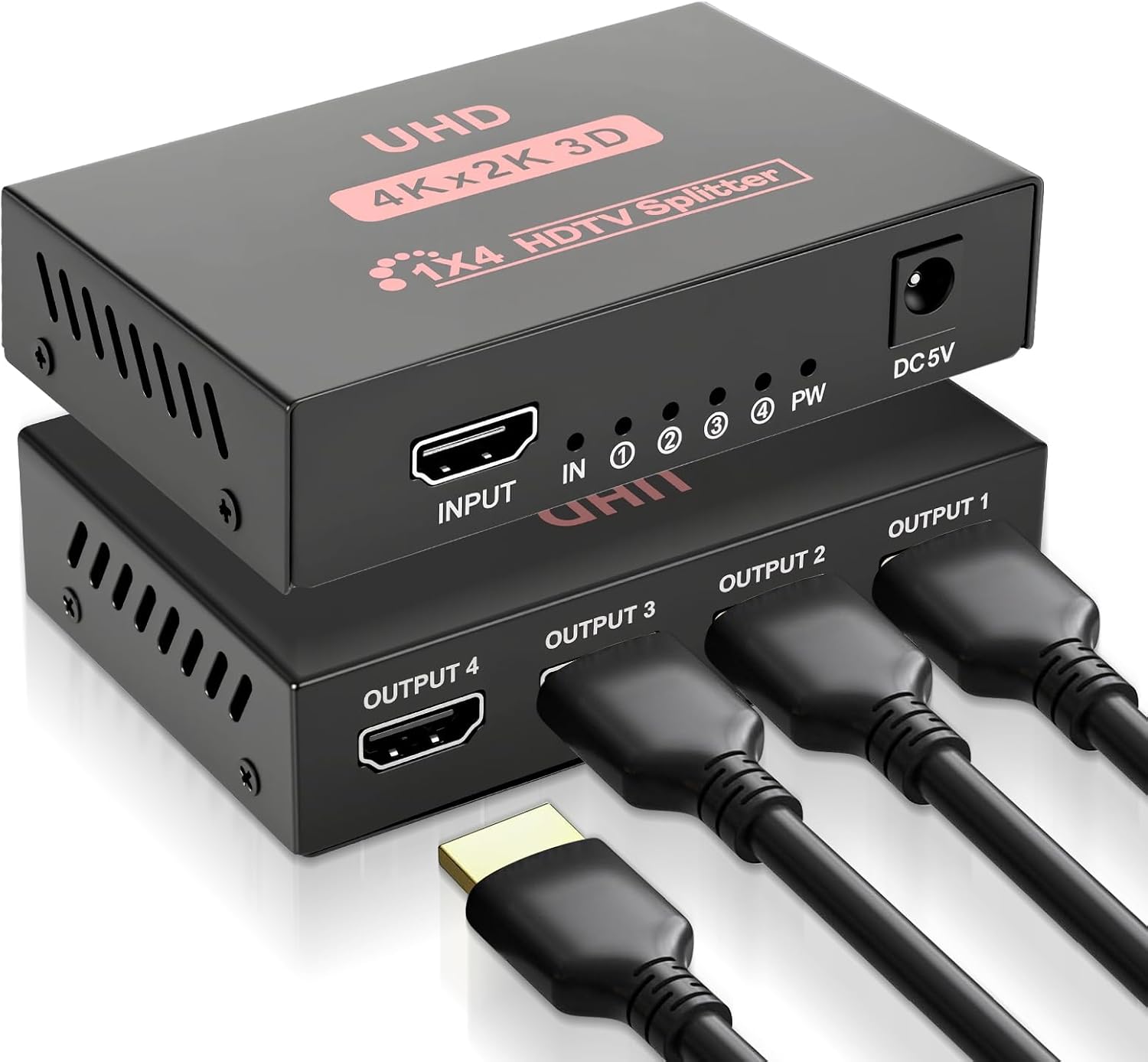
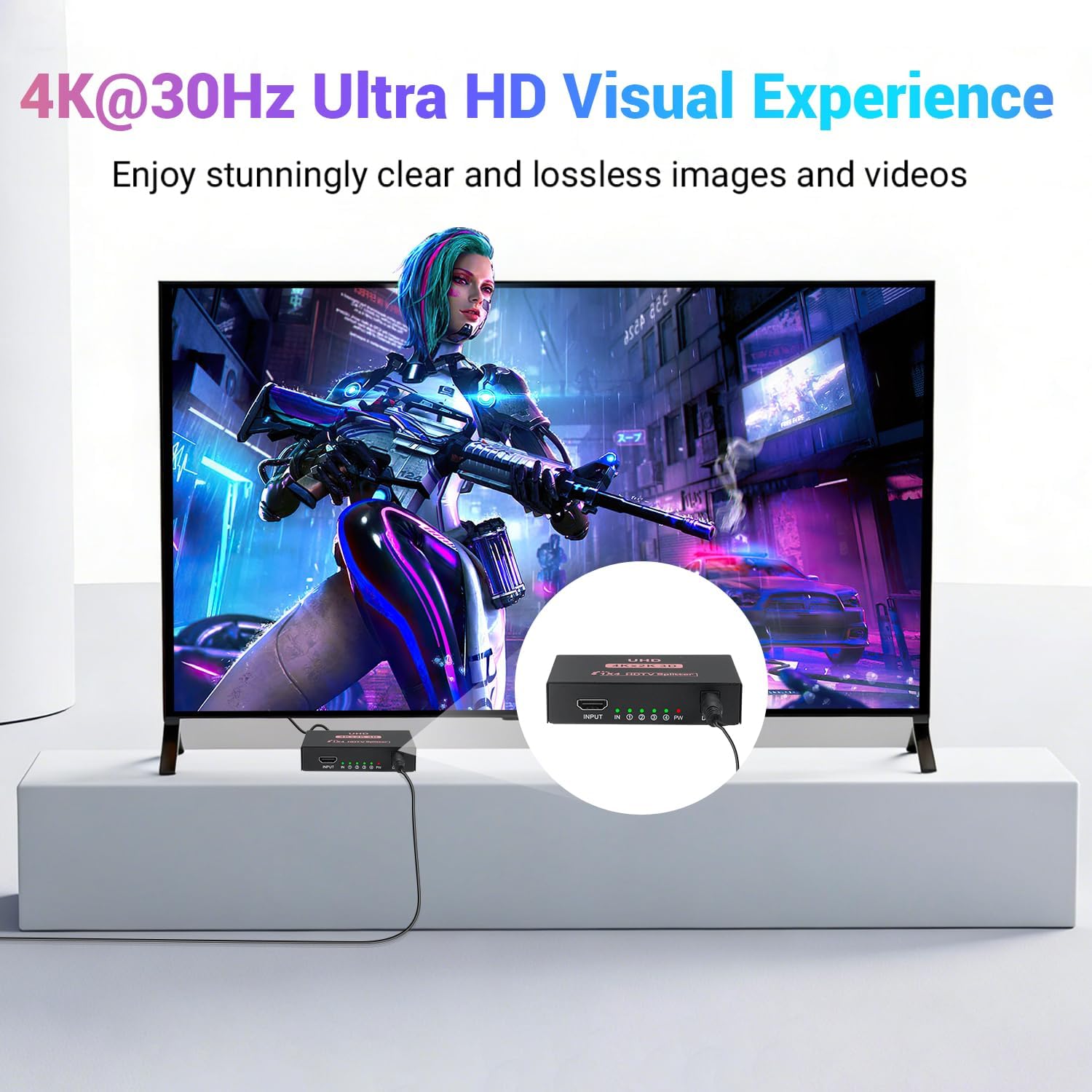
This device distributes a single HDMI source to four outputs simultaneously. It supports 4K at 30Hz and Full HD 1080p at 60Hz, which means compatible displays can show clear, synchronised video and audio. It’s described as plug and play, so there’s no driver installation required.
How it performs in practice
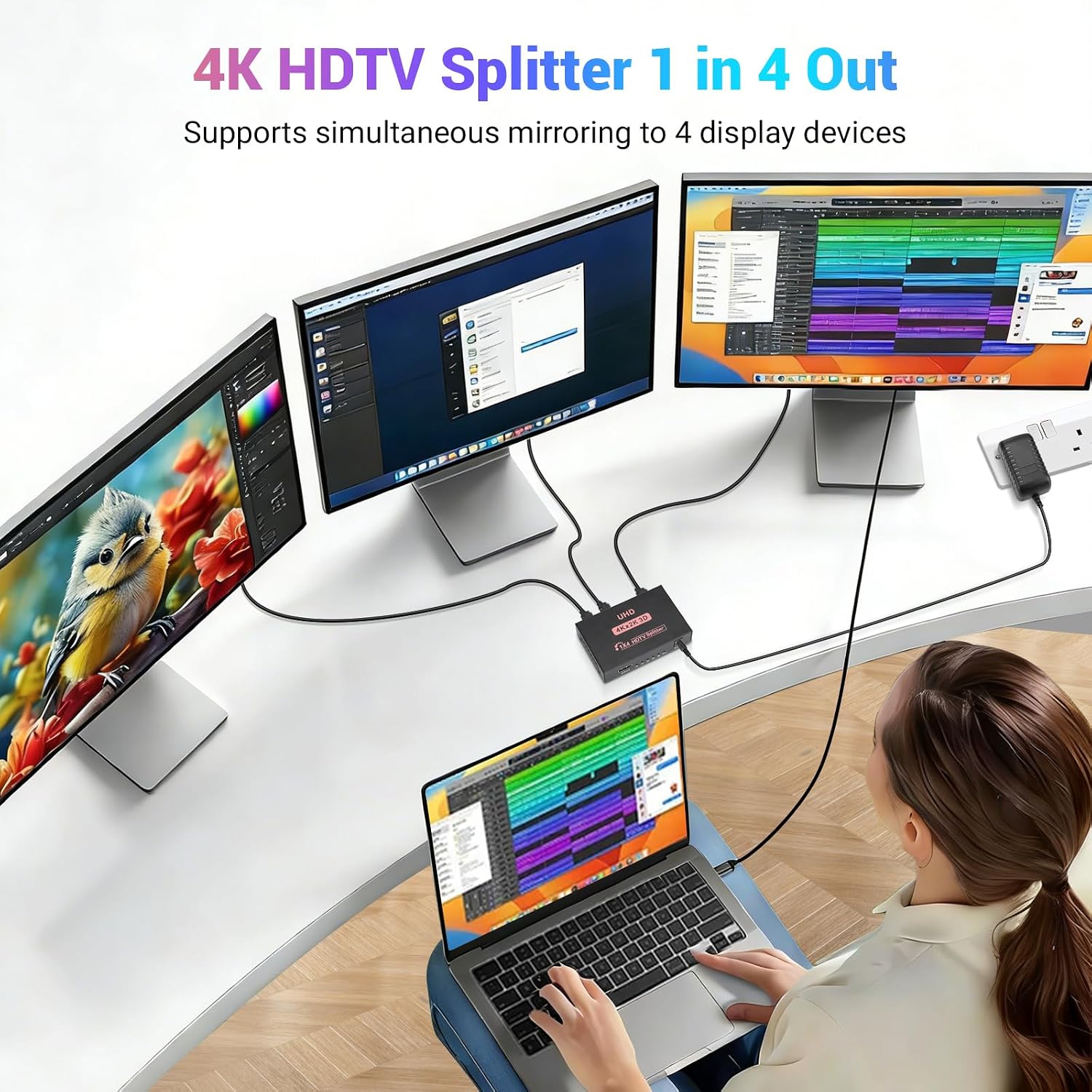
On paper, you get a straightforward mirroring solution suitable for home theatres, presentations, or gaming setups where you want one source shown on several screens. If your HDMI chain and cables are up to date (HDMI 2.0 or higher for 4K), the four outputs can stay aligned in the same resolution, subject to the source’s limits.
Strengths and limitations
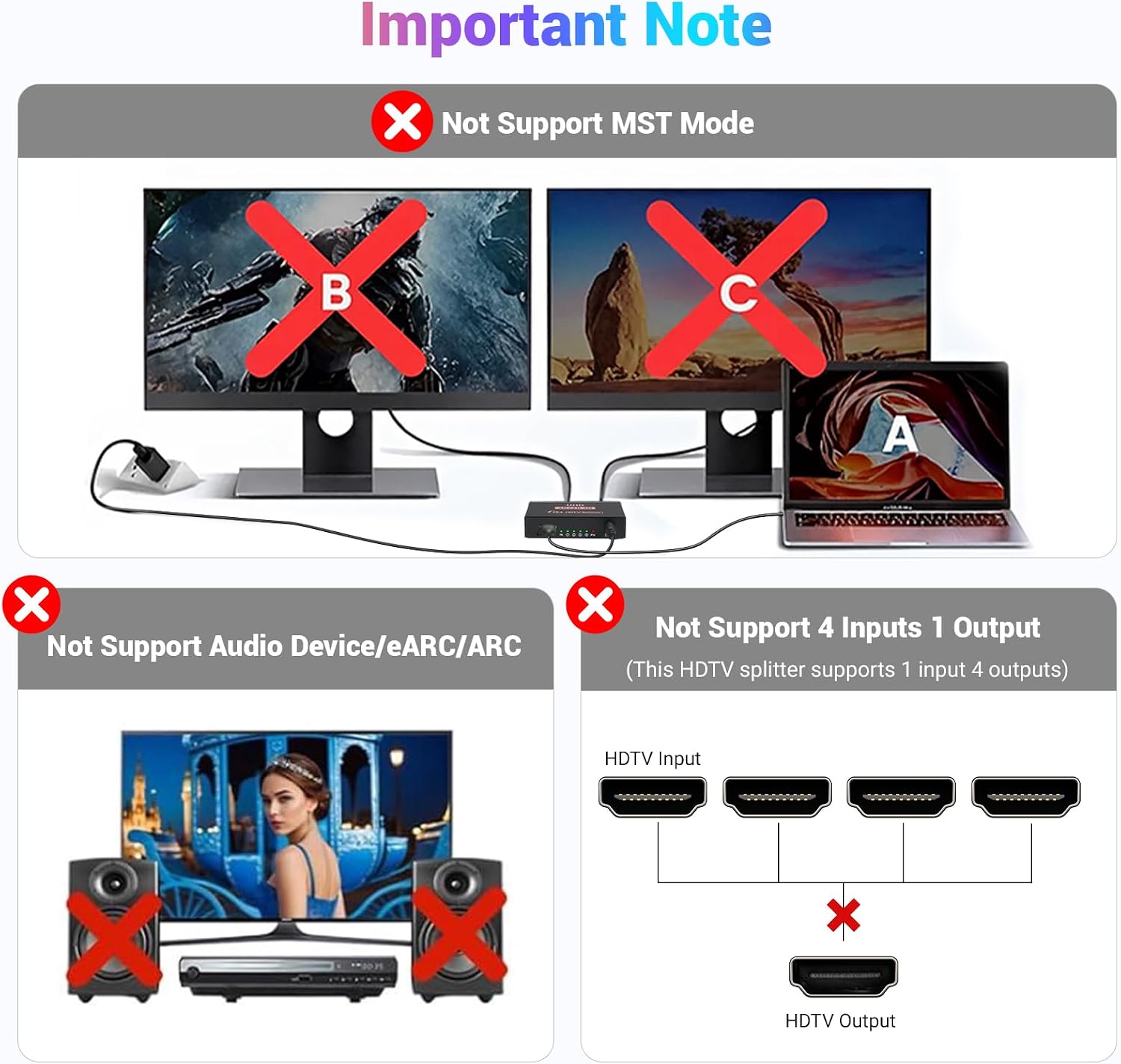
The main advantage is simplicity: a single input feeding four displays without the complexity of signal management or software. The obvious limitation is that it is a mirror-only splitter, not an extender, so you won’t be able to create separate desktops on each screen or arrange content across displays. It also presumes that all connected displays can operate at the chosen resolution and refresh rate.
Who it’s for
This splitter suits small conference rooms, classrooms, or home cinema setups where the goal is to display the same content on multiple screens—think wall-mounted TVs, a projector, or a studio monitor array. It is appropriate if you value reliability and ease of use over advanced multi-monitor layouts.
Who it isn’t for
If you need independent screens showing different content, or if you want to run games or video across multiple screens with extended desktops, this is not the ideal choice. It may also fall short if your source or cables cannot consistently support 4K@30Hz across all outputs.
Buying considerations
- Check that your source device and the HDMI cables meet the 4K/HDMI 2.0+ standard if you’re aiming for 4K output on all four displays.
- Confirm that all displays can accept the display mode you plan to use, some devices may default to different resolutions.
- Remember this is a mirror setup: content appears identically on every connected screen.
- Consider how long your HDMI runs are, as longer distances can sometimes degrade signal quality, even with a robust splitter.
- If you anticipate needing separate content on each screen in the future, you may want to explore an extender or a matrix switch instead.
Practical example
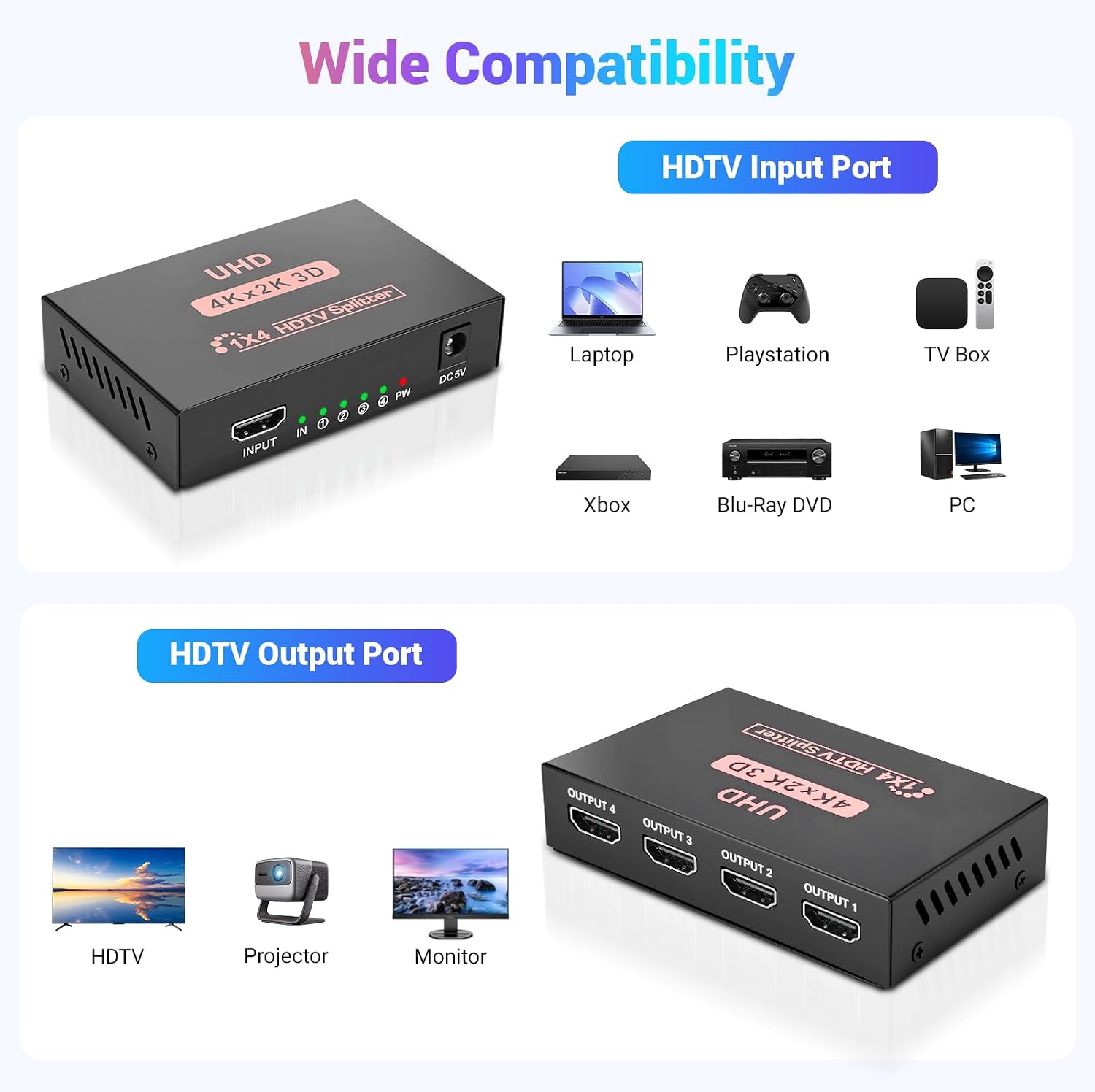
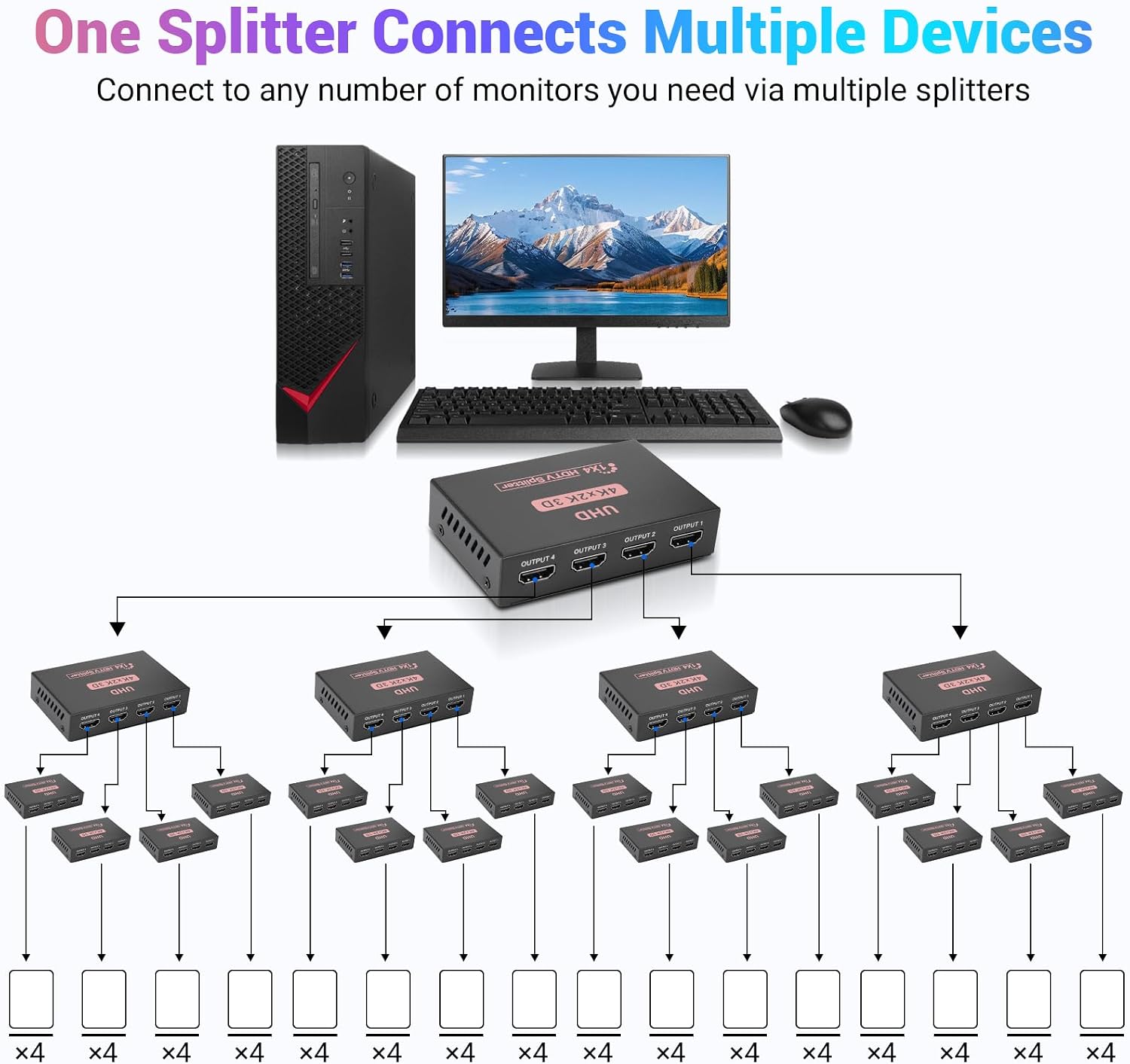
Imagine a small showroom where you want the same movie playing across four TVs. You’d connect the media player to the splitter’s input and run four short HDMI cables to each TV. As long as the source and cables support the chosen resolution, all screens should display in sync without additional configuration.
Final decision
Final verdict
If your goal is a straightforward, reliable way to mirror a single HDMI source to four displays, and your anticipated resolution is within 4K@30Hz or 1080p@60Hz, this splitter offers a sensible, no-fuss solution. It is not the right pick if you need extended desktops or independent content across screens, or if you require higher than 4K/30Hz across all outputs.
FAQ
- Can it extend desktops across monitors? No—it’s designed for mirror output only.
- Do all four displays have to use the same resolution? Yes, by design the outputs mirror the same content, so they share the same resolution.
- Is drivers required for setup? No, it’s described as plug and play.
- Will it work with a Blu-ray player or game console? Yes, as long as the source and cables support the desired resolution and refresh rate.
- What if one monitor shows a different refresh rate? In mirror mode, all outputs typically follow the source’s capability, inconsistency can occur if displays have differing supported modes.