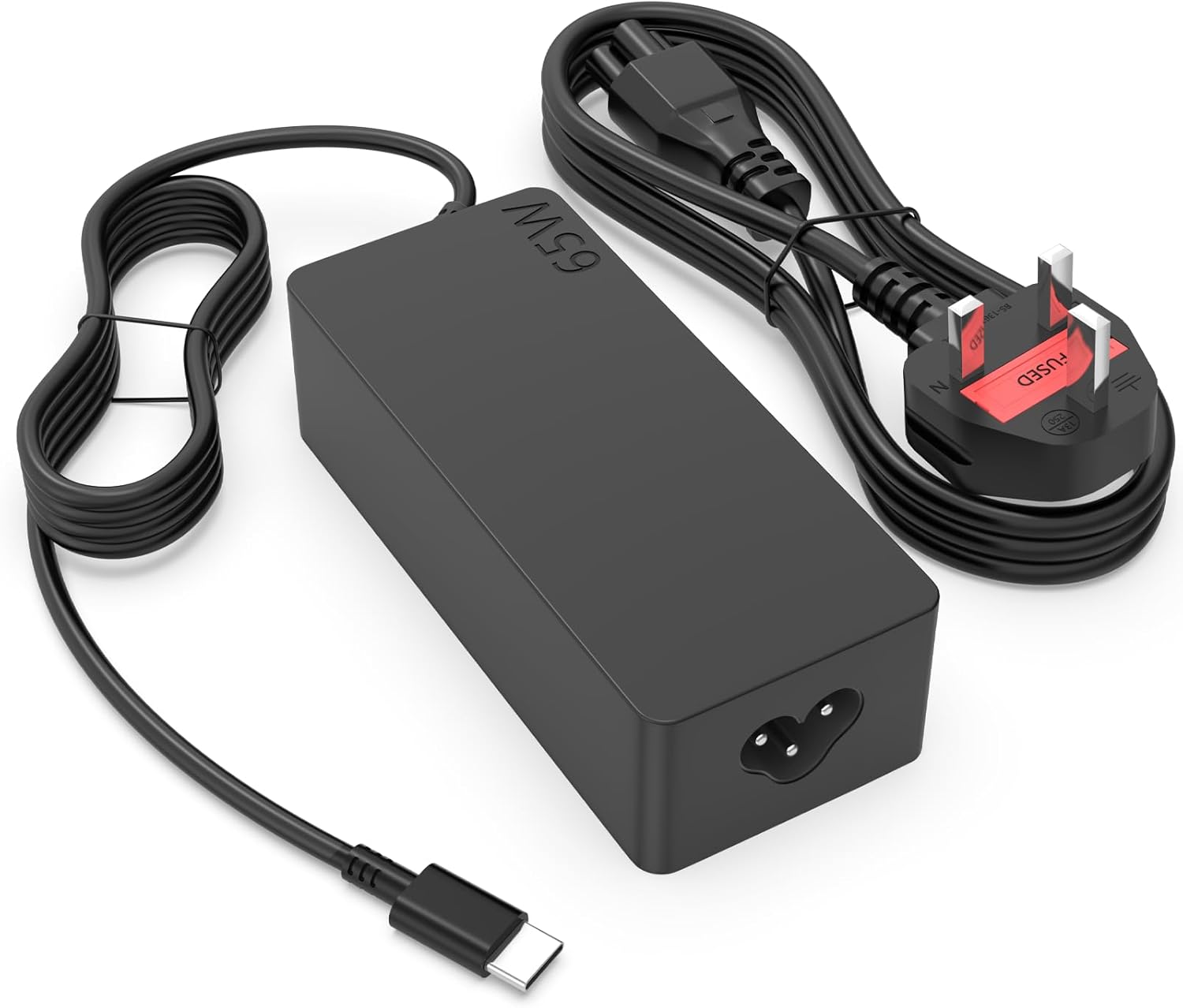
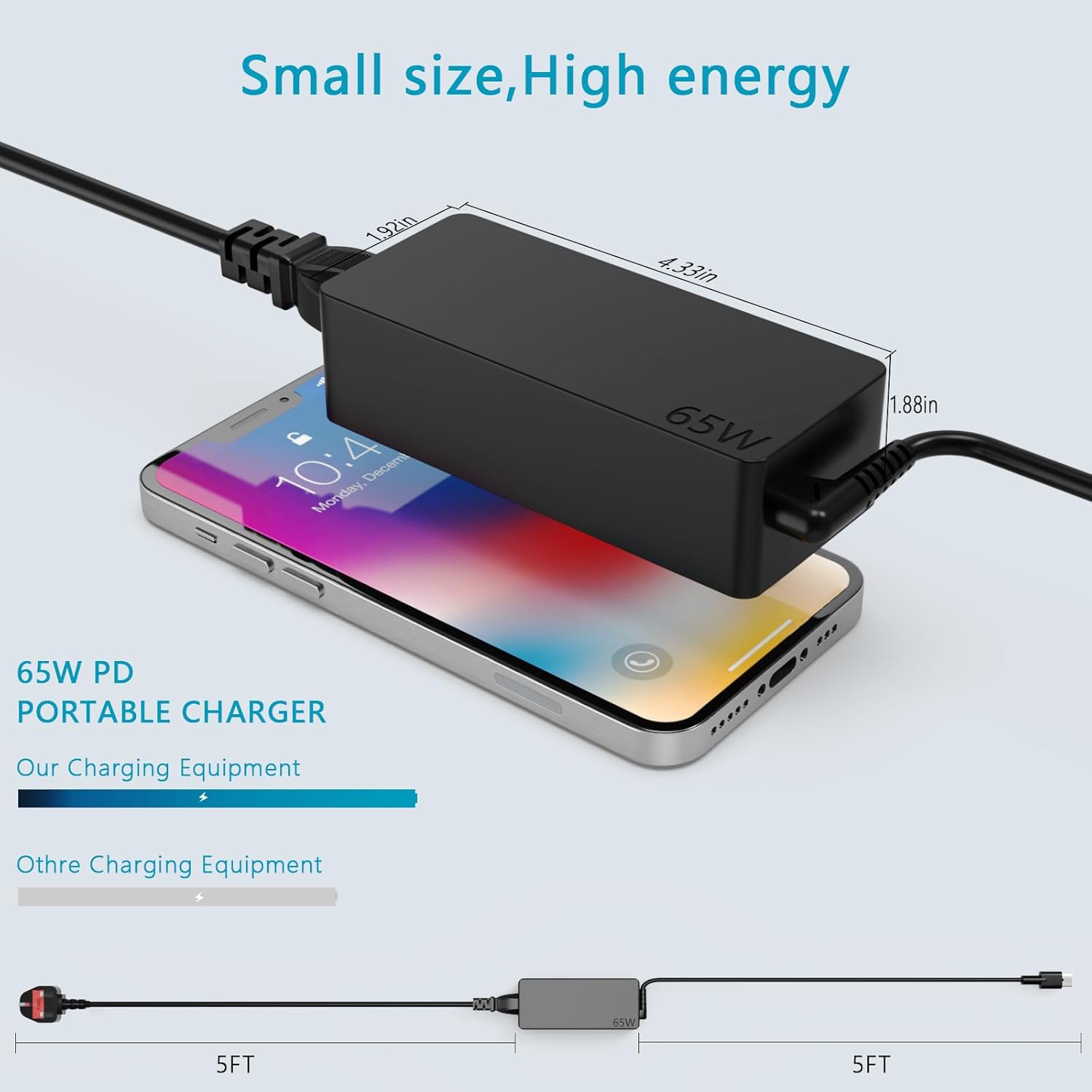
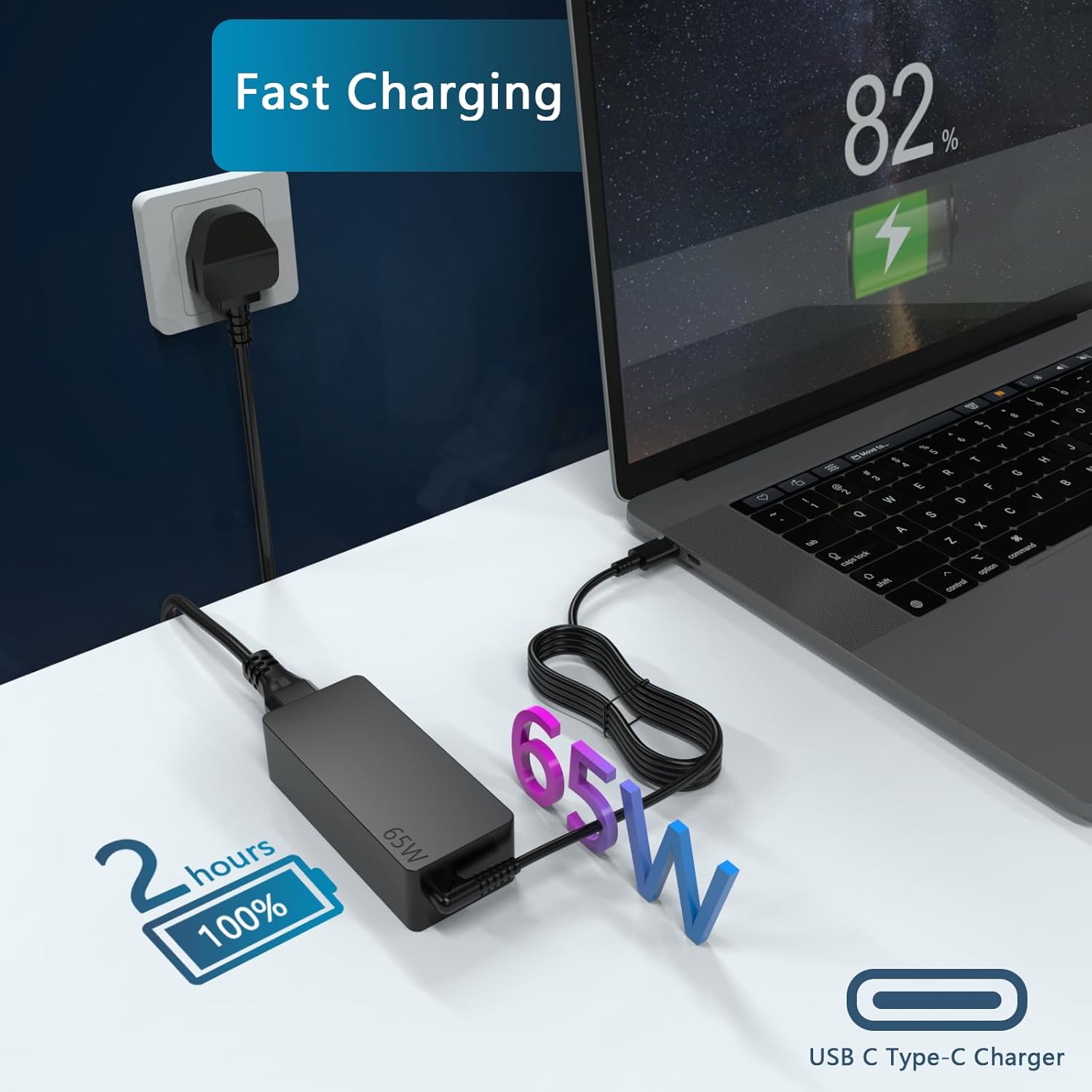
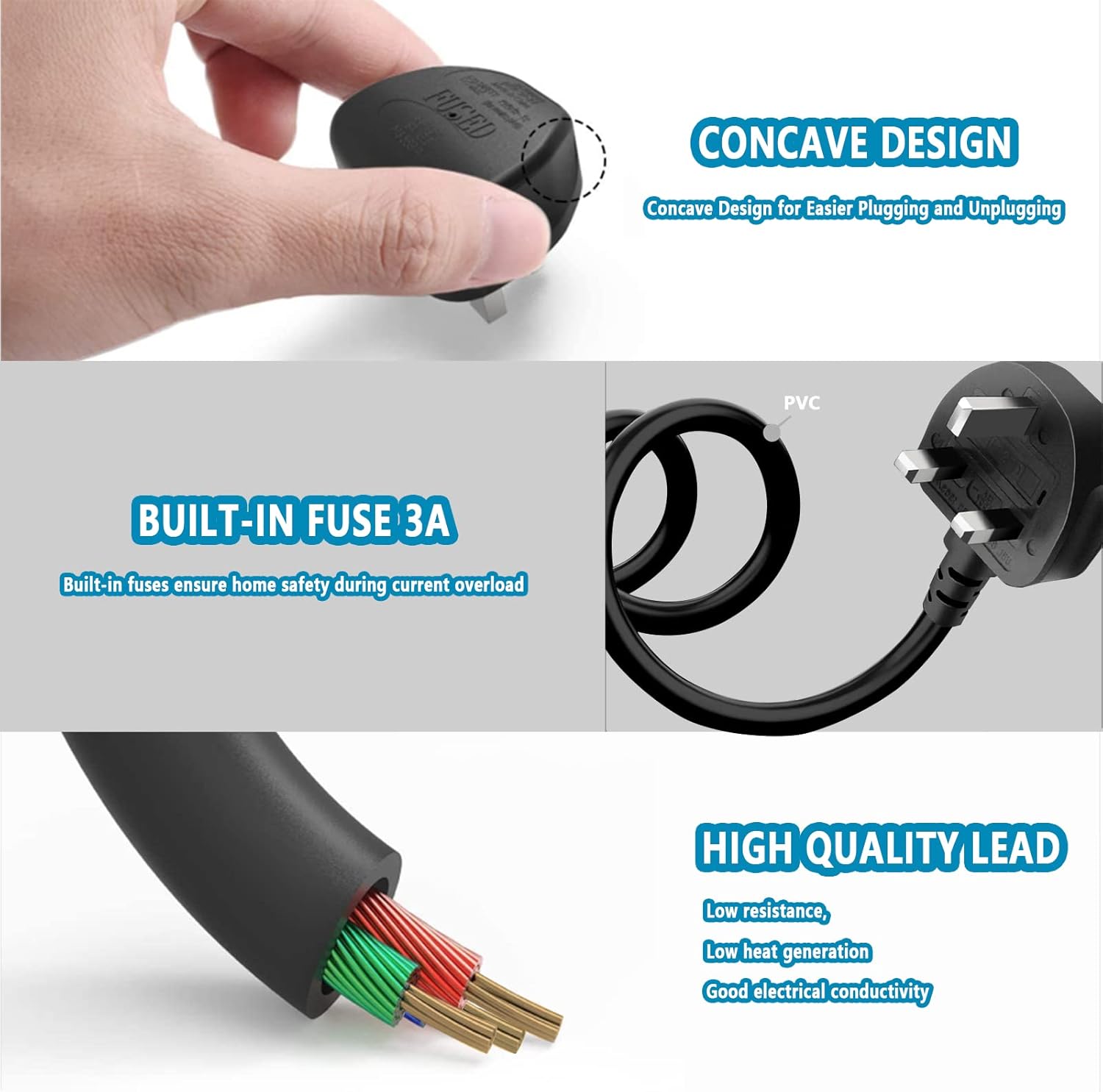
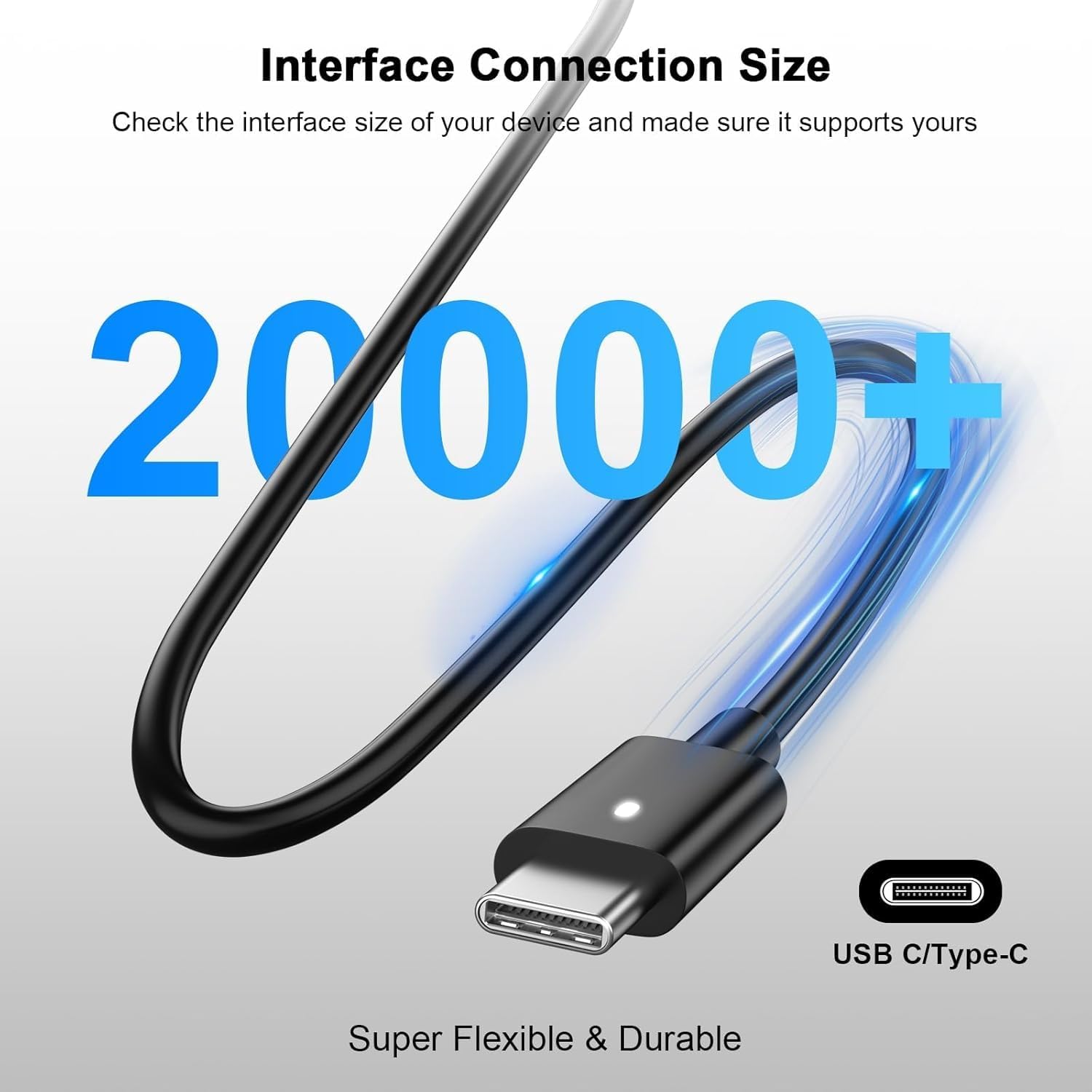
What this is and what it helps with\nThe 65W USB‑C Laptop Charger from GVKRLXZ is pitched as a versatile power brick designed for a broad range of Lenovo laptops, including ThinkPad models and some Yoga/Chromebook lines. On paper, it aims to deliver standard USB‑C PD charging up to 65W, with multiple voltage outputs (5V, 9V, 15V, 20V) to match different devices. If you’re juggling work tasks, study sessions, or travel, this charger could serve as a single reliable accelerator for work laptops and compatible USB‑C gear.\n\n## How it stacks up for real-world use\nWhat stands out is the breadth of compatibility claimed: from T-series ThinkPads to modern X1 Carbon variants and various ThinkBook/IdeaPad lines. The inclusion of a 3.9ft power cable is convenient for office desks and hotel setups where outlets aren’t perfectly placed. The build notes mention oxygen-free copper wires with tin plating for conductivity and what the maker describes as multiple protection mechanisms (over‑voltage, over‑current, short‑circuit, and real‑time temperature monitoring). In practice, that combination sounds sensible for everyday charging and business travel, helping reduce the risk of surges or heat buildup during use.\n\n## The pros you’re likely to notice\n- Broad compatibility across Lenovo ThinkPad family and related lines, which can simplify buying a single charger for multiple devices.\n- 65W USB‑C with PD support suggests decent speed for many laptops that draw about 65W or less.\n- Protection systems and temperature monitoring aim to give peace of mind during long workdays or when charging near busy outlets.\n- Comes with a ready‑to‑use package (adapter plus 3.9ft lead), useful as a spare or travel charger.\n\n## The potential drawbacks or limitations\n- It’s not clear from the data whether this charger supports higher wattage devices beyond 65W or if it gracefully handles fast charging on every listed model. If you rely on larger power draws or faster recharging, you may want to check device compatibility more closely.\n- The description focuses on compatibility rather than strict performance benchmarks or real‑world charging times, so results may vary by laptop model and battery state.\n- For some users, the breadth of listed models could raise questions about user‑experience specifics, such as which pins or cables are included for particular regions. Consider whether the included 3.9ft lead suits your workspace.\n\n## Who it’s best for\nThis charger makes sense for people with multiple Lenovo devices or those who travel and want a single, compact charger with a standard USB‑C PD profile. If you prioritise a clean one‑cable solution for office and light travel, it could be a sensible fit. It may not be the best option if you require the fastest possible charge for power‑hungry setups or need model‑specific optimised charging.\n\n## When to buy and when to pause\n- Buy if you want a practical, mid‑range charger that covers a wide range of Lenovo notebooks and you value a dedicated 65W USB‑C PD solution with protective features.\n- Pause if your device frequently requires charging above 65W or if you need model‑specific fast charging optimisations that are not detailed here.\n\n## What to check before buying\n- Confirm your Lenovo model supports USB‑C PD at up to 65W and whether your charger needs to deliver 20V at 3.25A for optimum performance.\n- Ensure the included power lead length matches your usual setup and that the UK plug type is indeed the one supplied.\n- Look for a clear statement on real‑world charging times for your model, if that matters to your routine.\n\n## Practical use example\nImagine a busy morning: you’ve got a ThinkPad on the desk, a meeting via video call, and you’re moving between rooms. You plug this 65W USB‑C charger into a ready socket, and your laptop starts charging while you take notes. The 3.9ft lead gives you room to sit away from the socket without yanking the cable, and the built‑in protections reassure you during a long day of back‑to‑back tasks.\n\n## FAQ (concise)\n- Does it work with ThinkPad X1 Carbon? Yes, it’s listed among compatible models.\n- Is 65W enough for all ThinkPads? It should be adequate for many but not necessarily for devices demanding more than 65W. Check your model’s PD requirements.\n- Is there a spare cable included? Yes, a 3.9ft AC power cable is included.\n\n## Decision moment: Is it worth it?\nA solid pick if you prioritise pragmatic compatibility and a compact, travel‑friendly charger that covers a wide slice of Lenovo laptops. It may not be the best option if your setup relies on higher wattage delivery or device‑specific fast charging optimisations. If you plan to use it as a daily work charger for multiple Lenovo laptops, it’s worth considering.