

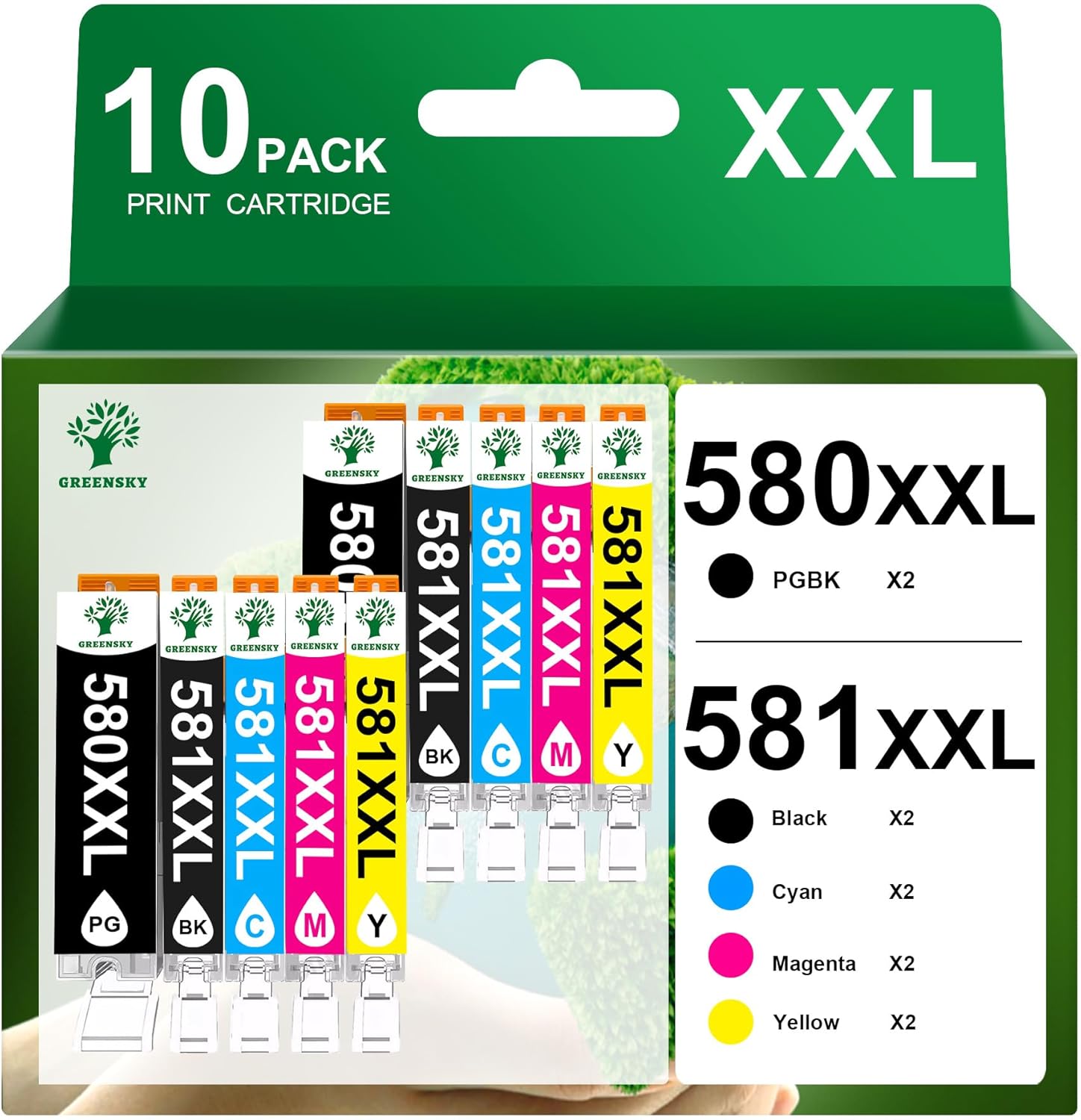
GREENSKY PGI-580XXL & CLI-581XXL compatible ink cartridges (10-pack) for Canon PIXMA
Reviews
Price
Product description
If you’re running a Canon PIXMA setup and you want fewer cartridge swaps, a high-capacity compatible multipack like this GREENSKY 10-pack is the kind of purchase that makes sense on paper. It’s aimed at people who print regularly—at home, or with a small office rhythm—where the “how often do I need to replace ink?” question matters as much as the print results.
The key idea here is simple: the PGI-580XXL black and CLI-581XXL cyan/magenta/yellow cartridges are designed for higher page yields compared with standard sizes, and the set is built to fit a long list of Canon PIXMA models. That said, compatibility is only as good as your printer’s exact cartridge range, so it’s worth double-checking your printer’s cartridge numbers before you order.
Key features you’ll notice
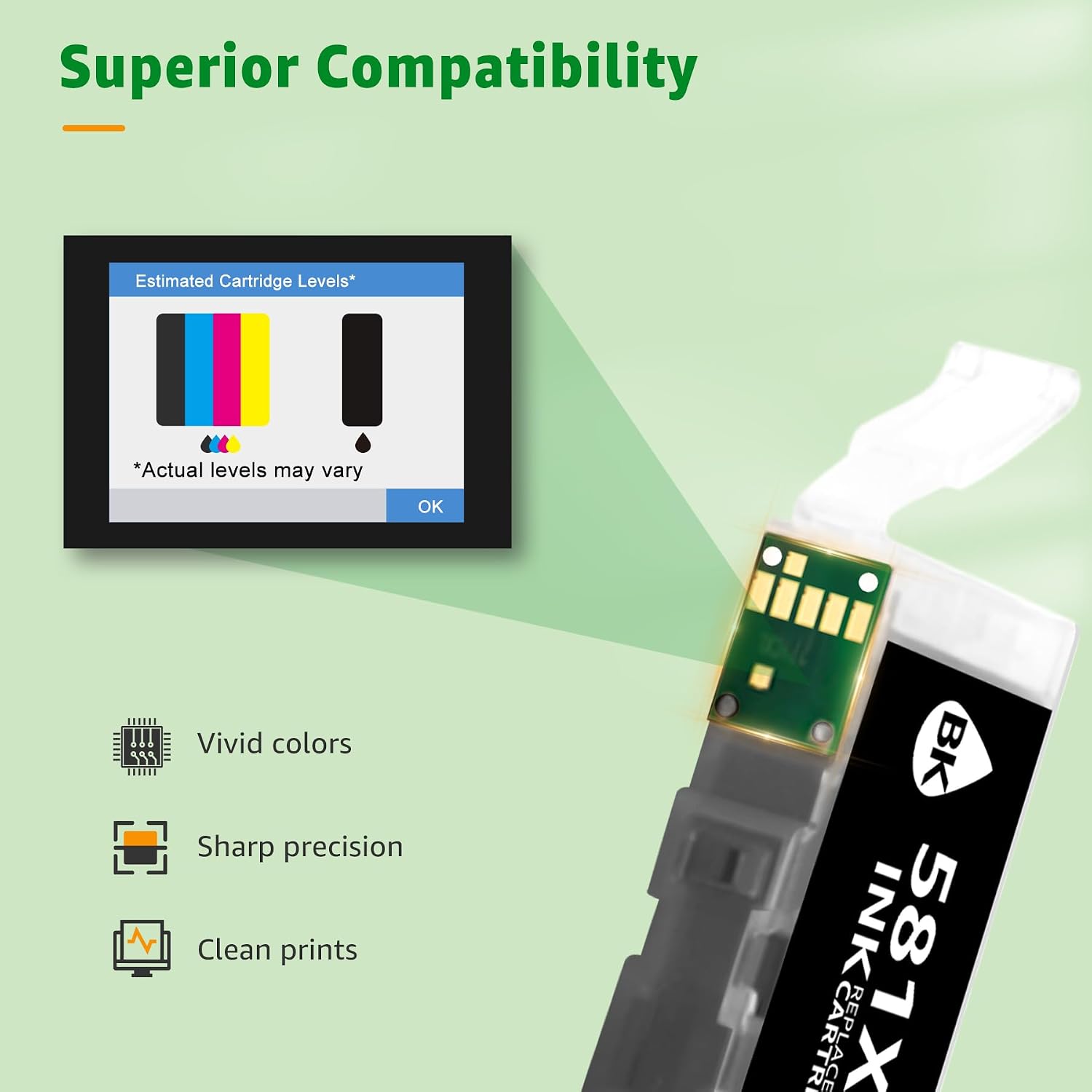
What stands out with this GREENSKY set is the mix of convenience and capacity. The cartridges use an intelligent chip, and the pitch is that your printer recognises them quickly once installed—no fiddly workarounds, at least based on the way they’re described.
On the output side, the manufacturer claims sharp text and vivid, realistic colours. For everyday documents, that typically translates to legible printing without the “washed-out” look you sometimes see with bargain inks. For photos, you’re still not guaranteed studio-level colour matching (compatible inks can vary), but the intent here is clearly realistic colour rather than muted results.
Where it shines in day-to-day printing
This is the sort of 10-pack you buy when you expect to print through the week, not just occasionally.
A practical example: imagine you’re printing a batch of school materials and work documents on Monday, a few flyers mid-week, and then a couple of colour pages for something personal on Friday. With XXL-style cartridges, the goal is to stretch the interval between replacements, so you’re not forced into ordering ink every time you need a quick print job.
It’s also positioned for higher-volume use. The listing explicitly frames it as suitable for daily office needs and bulk printing, which is a clue that the pack is meant to reduce downtime from frequent cartridge changes.
Print yield claims (and what to take with a pinch of salt)
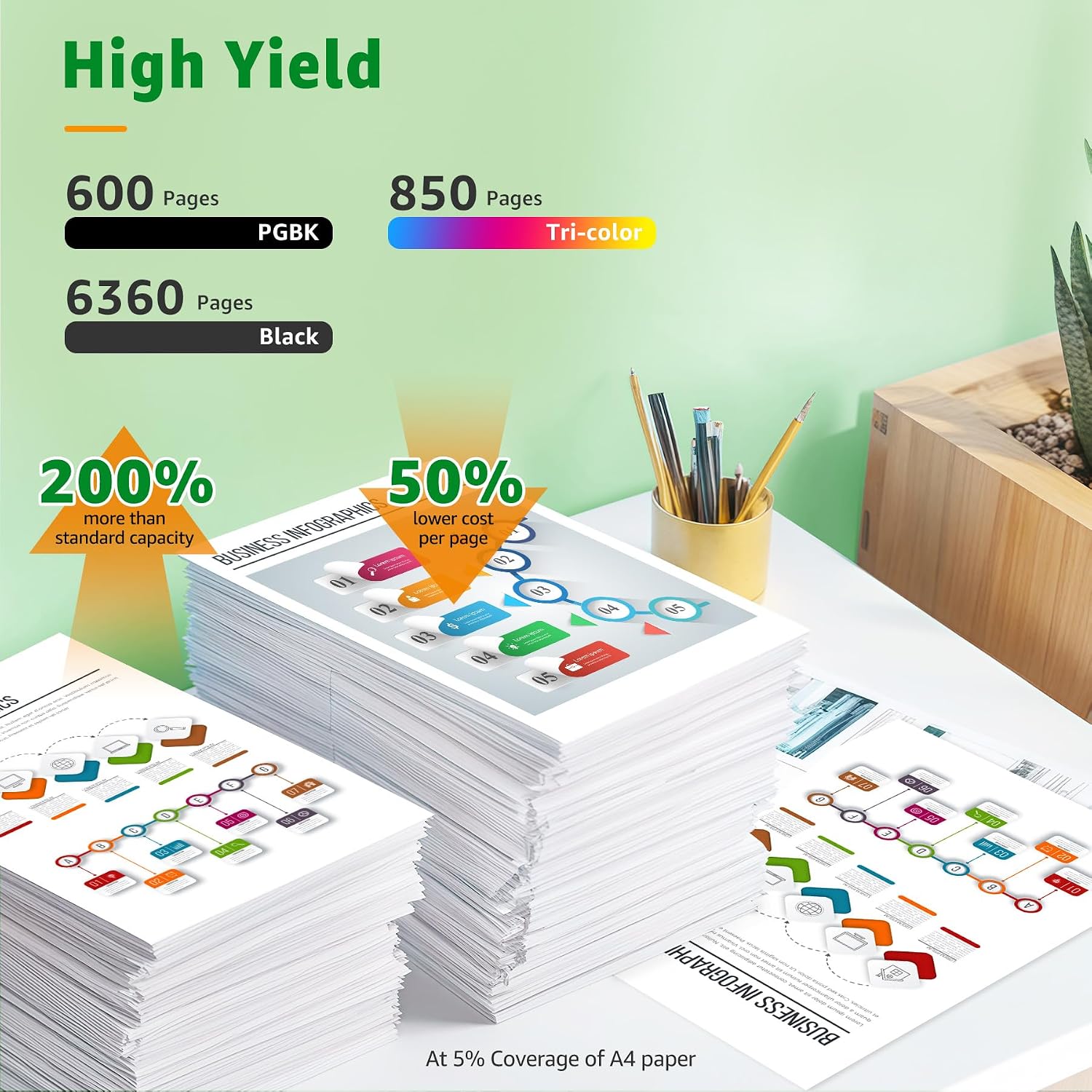
The listing provides yield numbers based on a 5% coverage assumption: 600 pages per PGI-580XXL PGBK cartridge, 6360 pages per 581XXL black cartridge, and 830 pages for each CLI-581XXL colour cartridge (cyan, magenta, yellow). That’s a huge spread between the black and colour claims, so if your printing is mostly text-heavy, the economics are probably where this multipack is intended to work best.
Keep in mind that page yield is always an estimate and depends on what you print (text density, colour use, draft vs normal settings, and paper type). If you mostly print dense graphics or lots of colour, the “how many pages” picture can shift.
Compatibility: a big list, but it still pays to verify
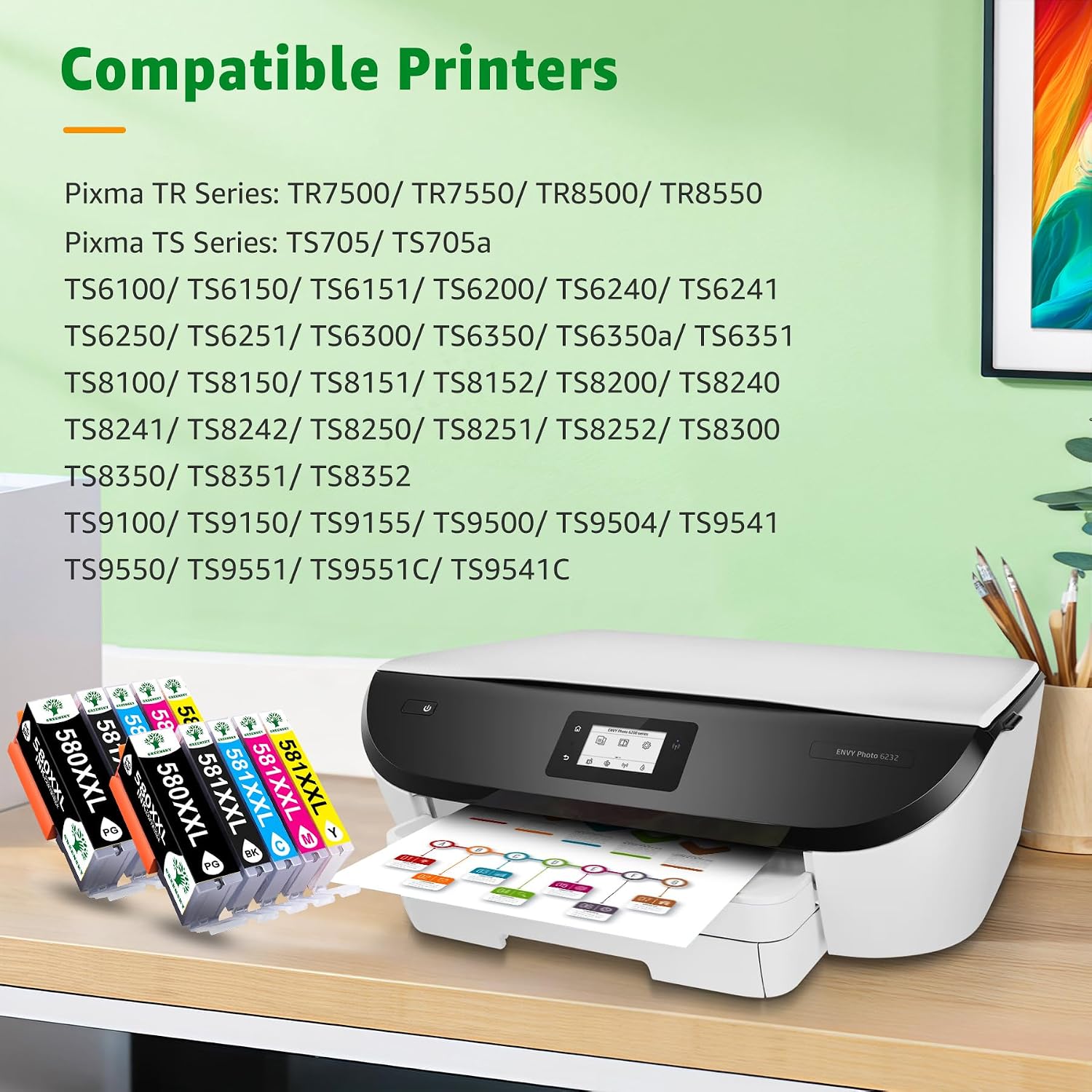
This pack is described as compatible with a range of Canon PIXMA models, including the Canon PIXMA TS705a and multiple TS and TR series models listed in the description.
That’s helpful if you’re sure your printer uses PGI-580/CLI-581 cartridges with XXL variants. But if your printer model sits close to the list yet uses a different cartridge code, you could end up disappointed. A good buying habit is to look at the cartridge numbers your printer currently uses (or what it asks for) before you click buy.
Installation and day-to-day handling
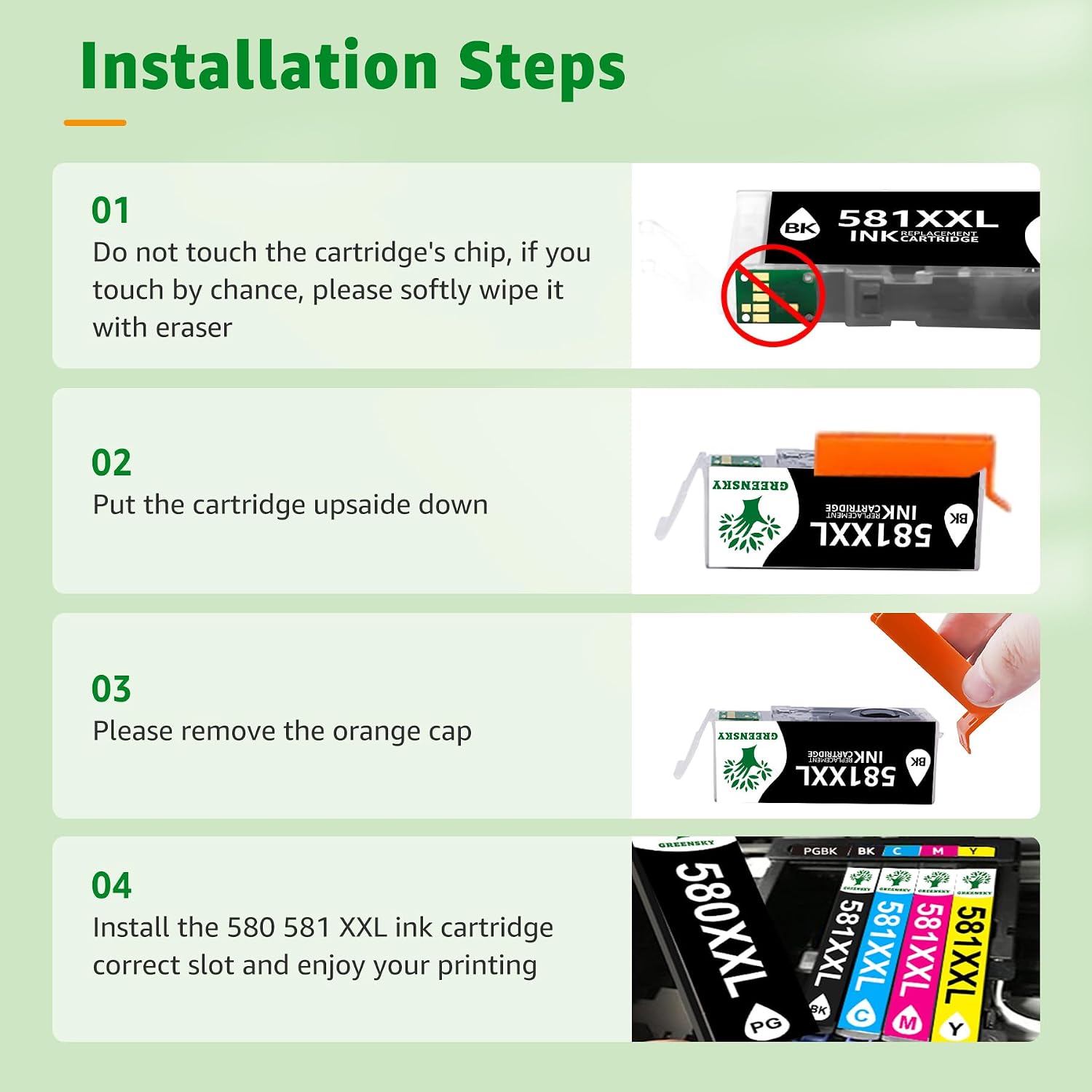
The listing says installation is straightforward thanks to a smart chip: insert the cartridges and the printer should recognise them immediately.
In the real world, “easy to install” often means the cartridge fits properly and the printer doesn’t throw a persistent “non-genuine” or error message. Even so, compatible ink experiences can vary by printer tolerance and firmware, so if your printer is sensitive to cartridge recognition, it’s worth checking your model’s typical behaviour with compatible cartridges.
What’s included and packaging note
You’re buying a 10-pack, and it’s designed as a replacement set for the Canon 580 & 581 ranges, using the XXL-style codes stated in the product name.
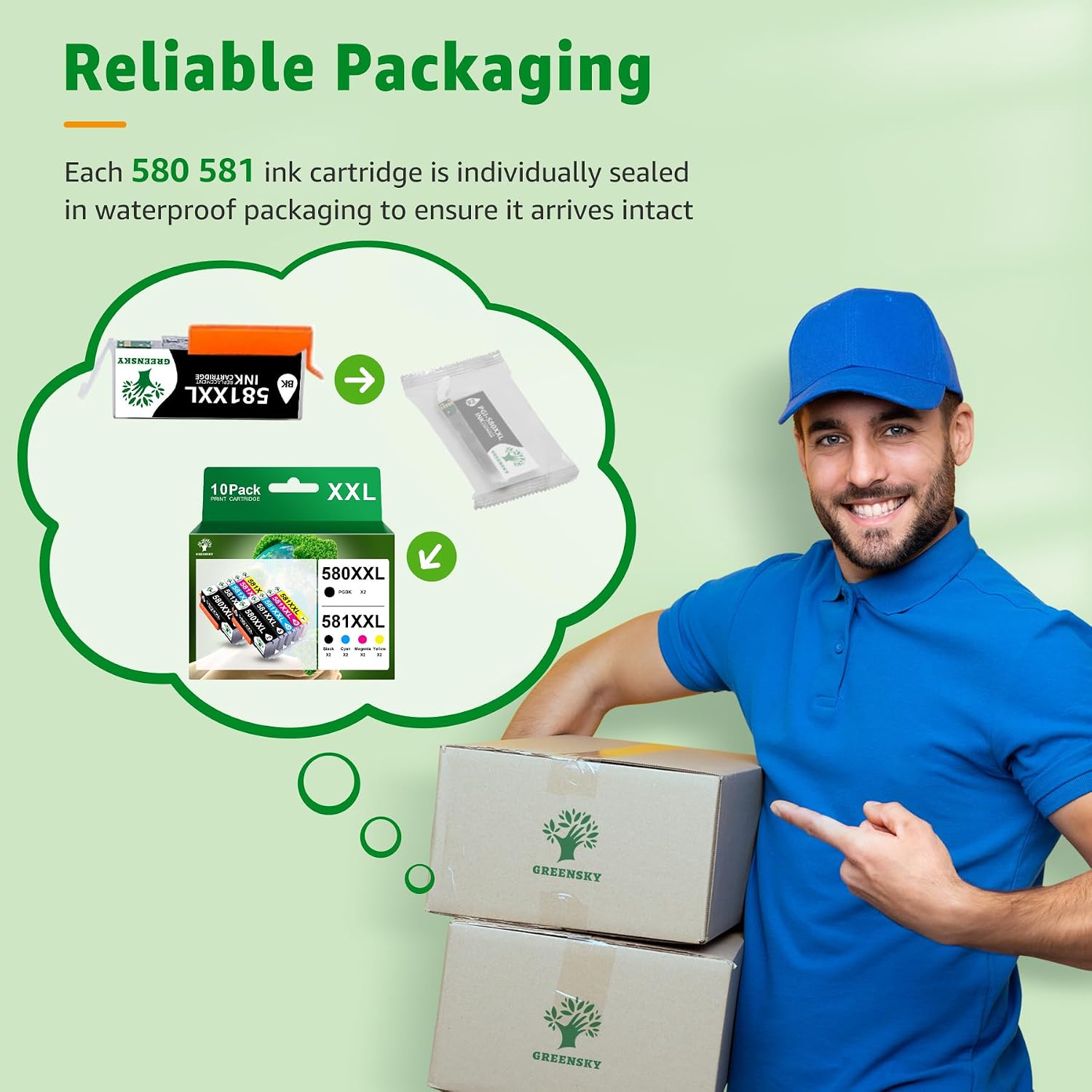
The description also includes a packaging note: the packaging may differ from what you see in the images, but the product is the same. That’s not unusual for consumables, and it mainly matters if you’re strict about presentation.
Pros
- Designed to reduce how often you replace ink by using XXL-style cartridges.
- Uses an intelligent chip for easier recognition after installation (per the listing).
- Includes both black and colour cartridges in a single multipack.
Cons and limitations to consider
- Page yield figures are estimates based on 5% coverage, real results vary with your print habits.
- Compatible cartridge performance can be hit-and-miss depending on the printer model and settings, so colour consistency for photos may not match what you’d expect from every original-ink setup.
- Compatibility depends on the exact cartridge range, if your printer uses a different code, this won’t be the right swap.
Buying verdict
A GREENSKY PGI-580XXL & CLI-581XXL 10-pack is worth considering if you print regularly, especially if your work is text-heavy and you want fewer cartridge changes. It’s also a sensible way to stock up for home-office use where you’d rather keep spares ready.
You may want to skip it if you only print occasionally (the XXL value can be less compelling), if you’re very specific about photo colour matching, or if you can’t confidently confirm your printer uses the PGI-580XXL / CLI-581XXL cartridge range.
As with any compatible ink, it’s a “good fit if” your printer is in the listed cartridge family and you’re happy to judge colour and longevity based on your own print use rather than a one-size-fits-all promise.
Quick check FAQ
Quick FAQ
Do I need to install a driver or update for these compatible cartridges?
The listing focuses on inserting the cartridges and having the printer recognise them immediately, without complicated adjustments.
Are these cartridges compatible with Canon PIXMA TS705a?
The description specifically mentions Canon PIXMA TS705a as part of its compatible printer list.
How many pages do these ink cartridges claim to print?
The listing quotes 600 pages for PGI-580XXL PGBK, 6360 pages for 581XXL black, and 830 pages for each CLI-581XXL colour cartridge, based on a 5% coverage assumption.
Will I get sharp text and vivid colours?
That’s the claimed outcome: sharp text and vivid, realistic colours for documents and photos.
Does the packaging matter?
The product packaging may differ from the images you see on the page, but the description says the cartridges remain the same.