


Gofunly Kids Camera Instant Print 1080P 2.4"
Product description
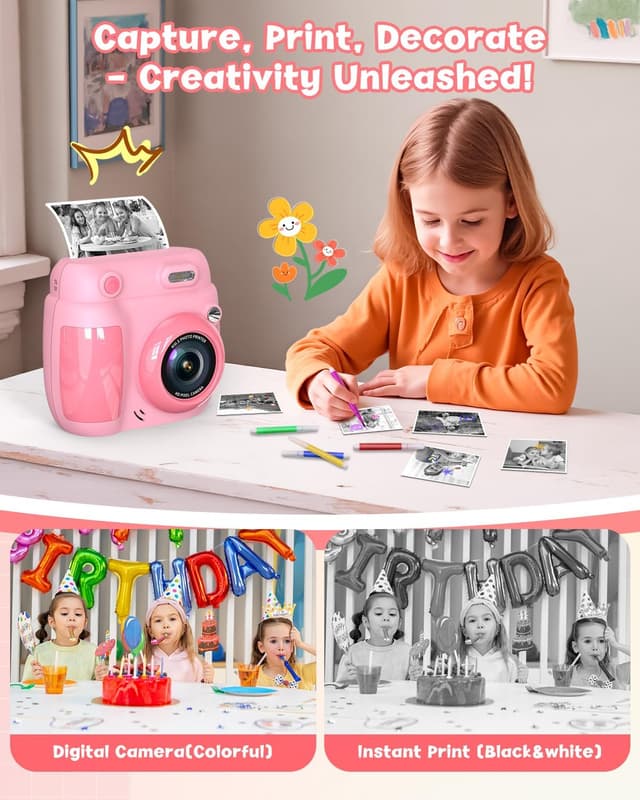
This compact instant-print camera for children combines simple controls, a 2.4-inch display and quick black-and-white prints to make photography tangible and playful. The Gofunly model records 1080p video and includes a rechargeable battery and 32GB memory card, so youngsters can capture and keep hundreds of photos while exploring creative filters and frames.
Key Points
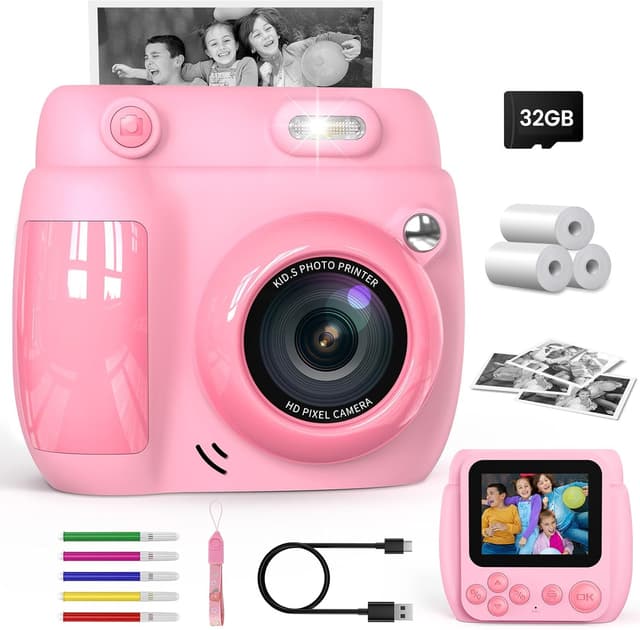
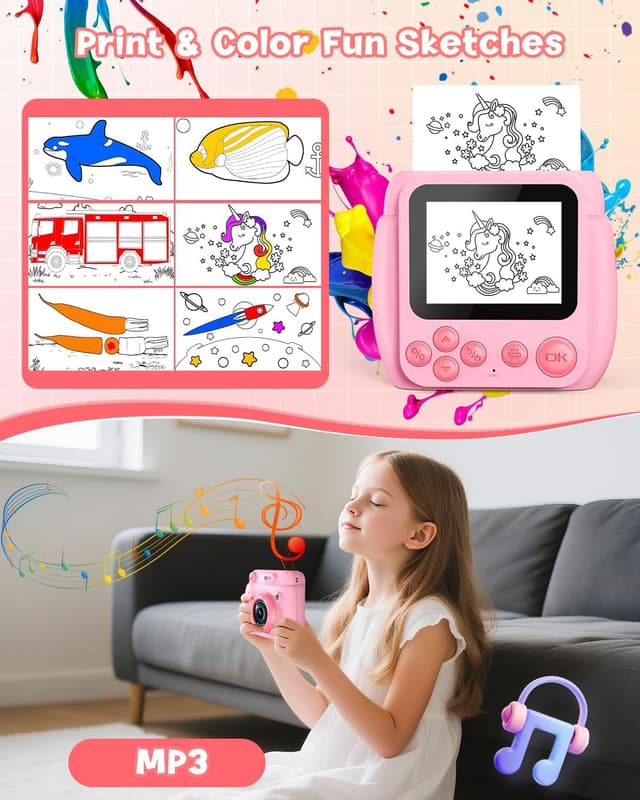
The camera prints photos without ink, producing small black-and-white images in seconds and coming with three rolls of print paper. It records video at 1080p and offers timed shots, burst mode and continuous shooting for a variety of shooting styles. A 2.4-inch screen shows previews and playback with an auto shut-off and screensaver to save battery life. The pack includes a 32GB card and a 1000mAh rechargeable Li-ion battery, plus a USB cable for file transfer.
Technical Specifications
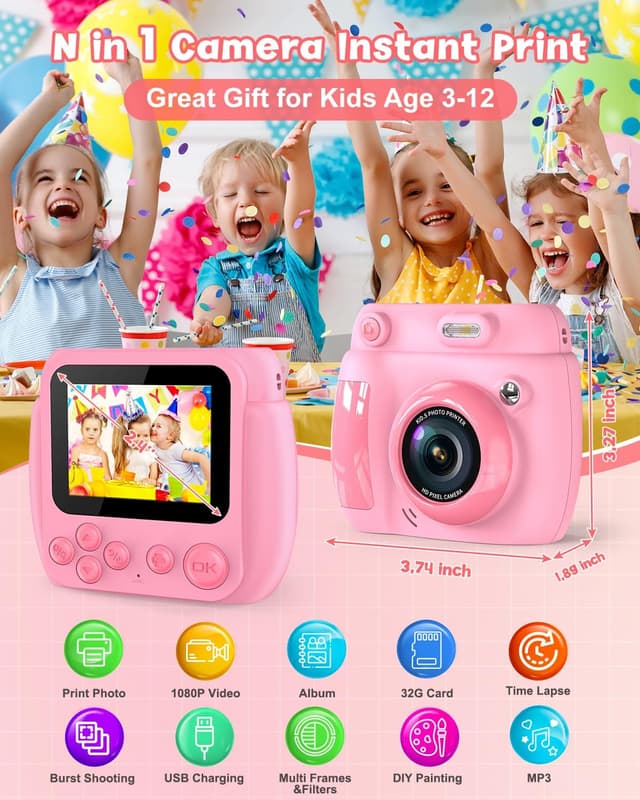
- Name: Gofunly Kids Camera Instant Print
- Screen size: 2.4 inches
- Video resolution: 1080p
- Battery: 1000mAh rechargeable Li-ion
- Storage: 32GB memory card included
Benefits
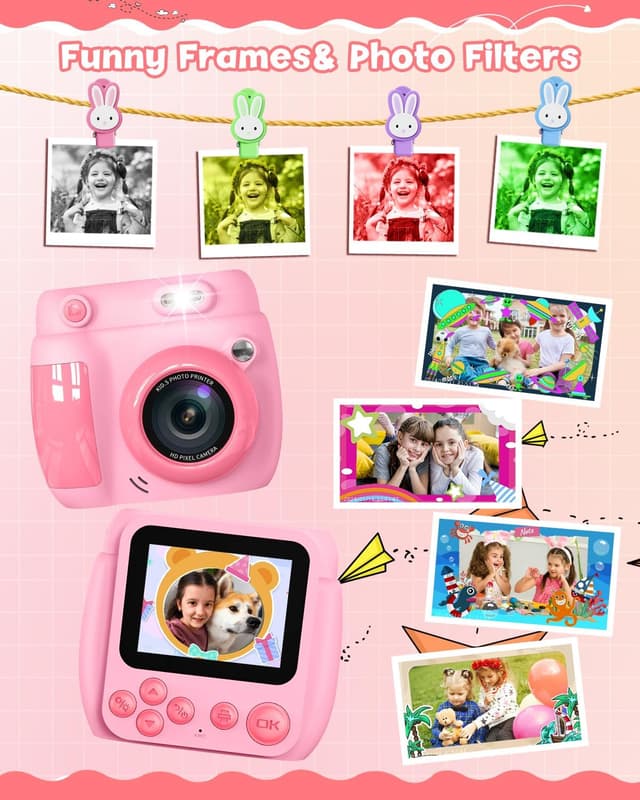
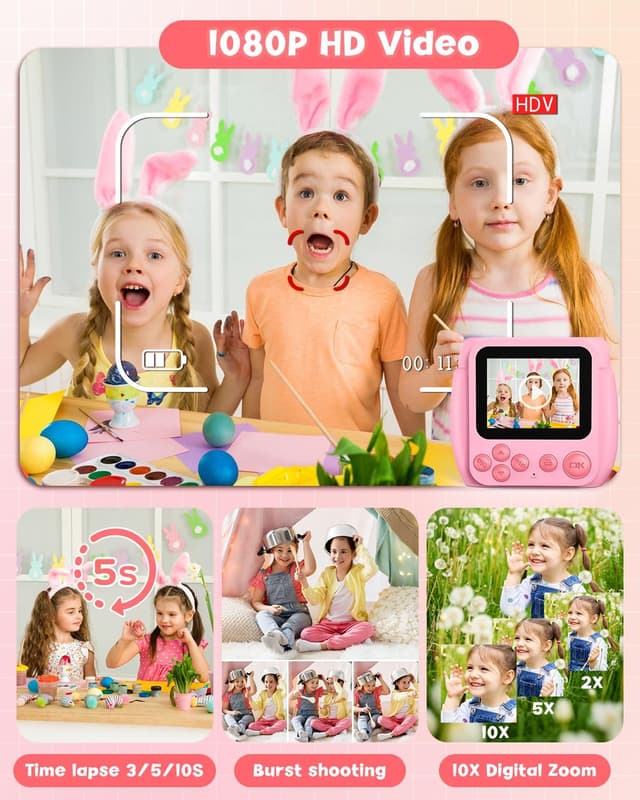
Children can experiment with photography without needing ink cartridges, which keeps ongoing running costs low and reduces mess. Built-in filters, funny frames and sketch effects encourage visual creativity and let kids personalise both digital images and the instant prints. The included coloured pencils and keychain add tactile fun and immediate customisation of the printed photos.
Usage Recommendations
For outdoor play, keep a spare roll of printing paper handy as print capacity is limited by the small paper rolls that come in the box. Charge the camera fully before extended use and test the timed and burst modes at home so younger children learn how to hold the camera steady. Transfer photos to a computer via the USB cable when you want to archive or print larger copies. Consider supervision for the youngest users when swapping paper rolls or charging the battery.