

GeeekPi Cable Entry Panel with Brush Strip (1U, 7in) for DeskPi RackMate TT – Black
Reviews
Product description
What it is
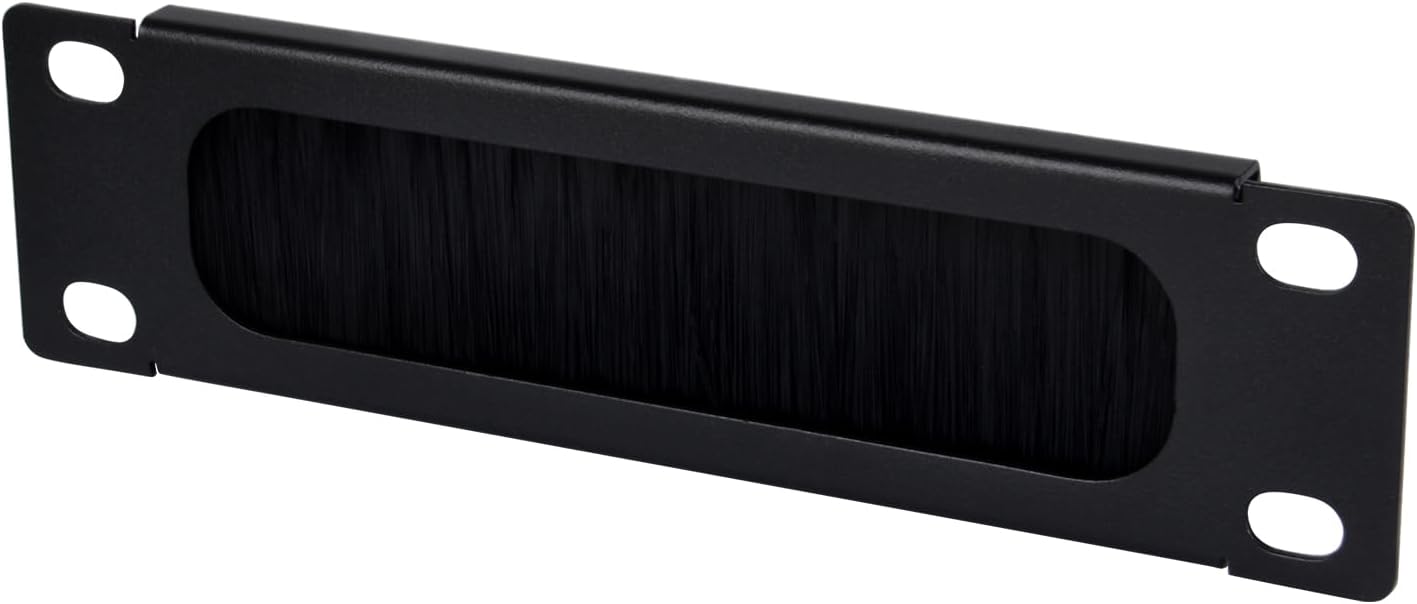
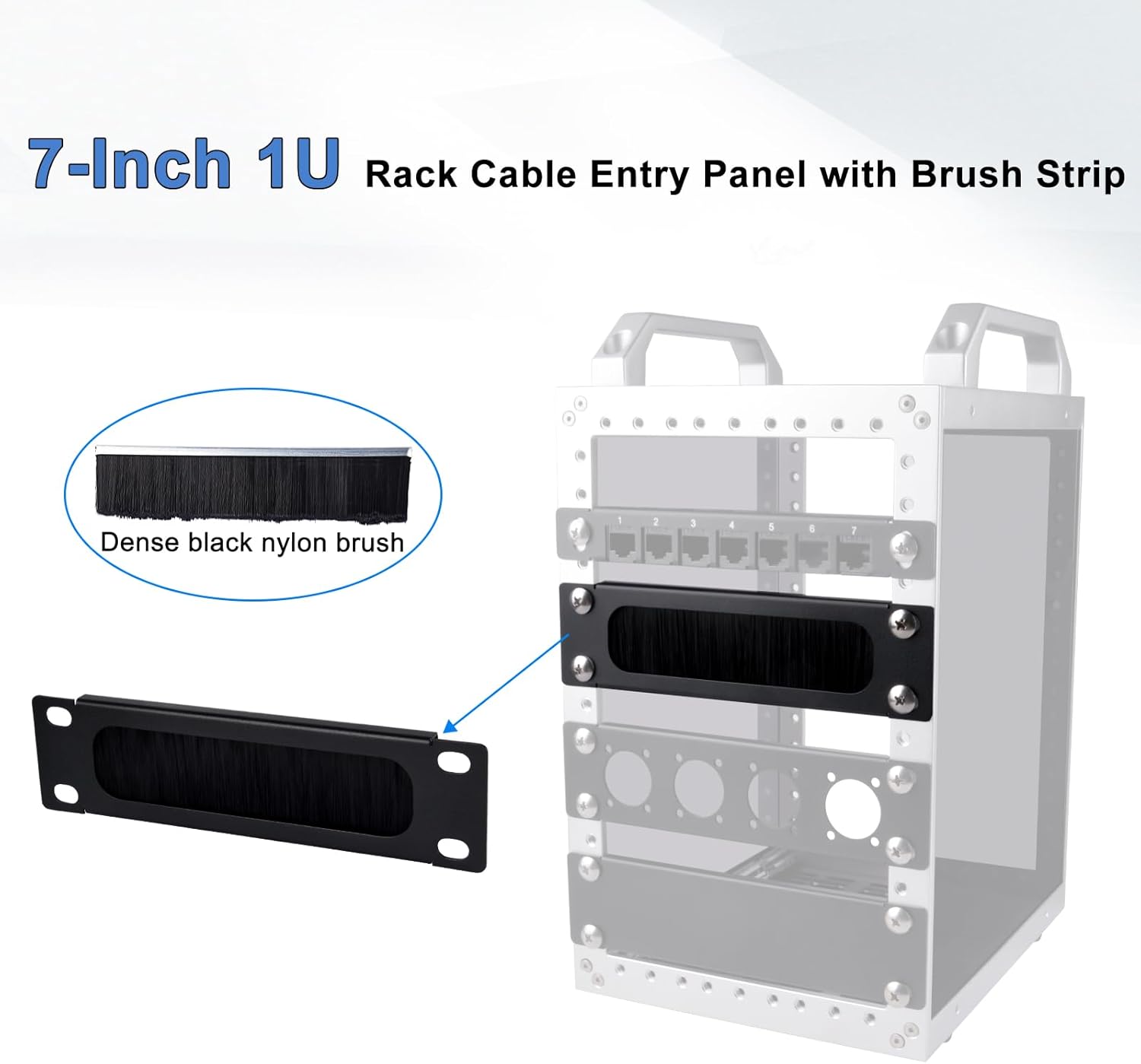
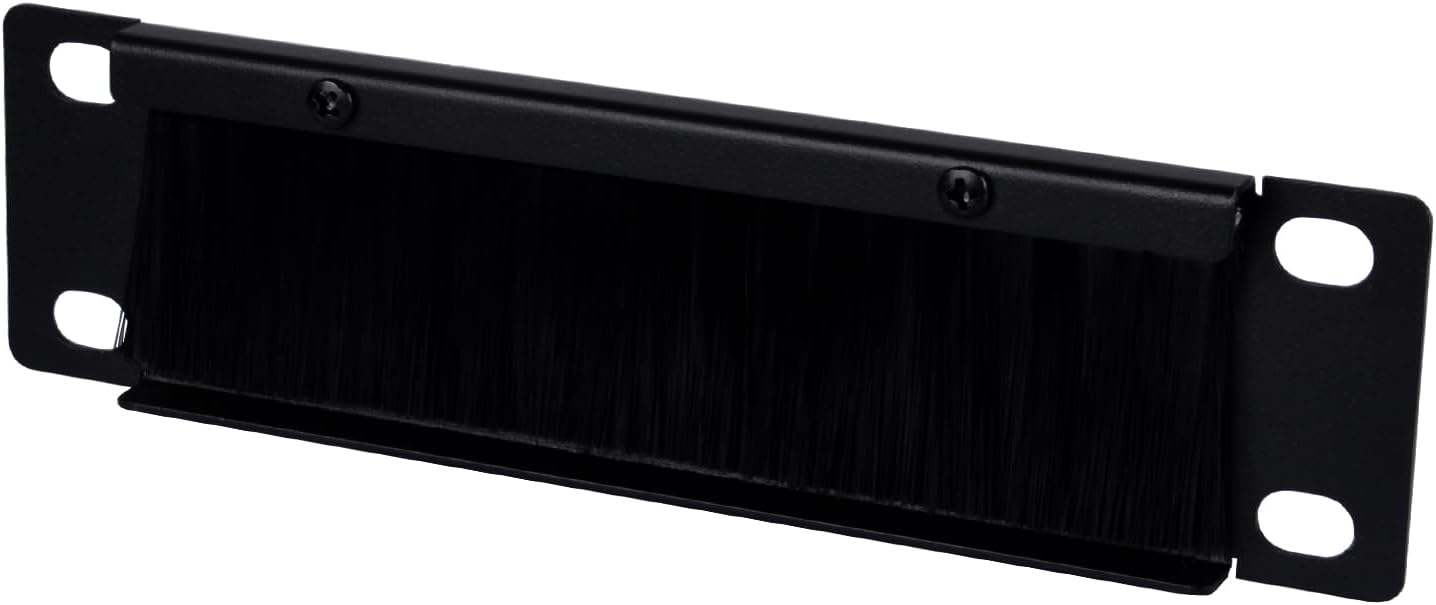
The GeeekPi Cable Entry Panel is a compact 1U, 7-inch solution designed to manage cables entering a DeskPi RackMate TT network cabinet. It uses a brush strip to guide cables neatly through the panel, helping to keep runways tidy and reduce clutter inside a rack. On the outside, it presents a slim profile that makes the most of available rack space while offering a durable, metal-sided build.
How it helps your setup
If you’re tidying a desk-to-rack transition or maintaining a cleaner data cabinet, this entry panel focuses on practical cable management. The brush strip supports a cleaner, less obstructed entry path for multiple cables, which can make ongoing changes or additions easier to manage and less fussy on a daily basis.
Key features in practice
- Compatibility: Specifically designed for DeskPi RackMate TT Network Cabinets. If your setup uses a different cabinet, compatibility may be limited. Always confirm fit before purchase.
- Efficient cable management: The brush strip is the standout detail, intended to reduce visible cabling mess at the entry point.
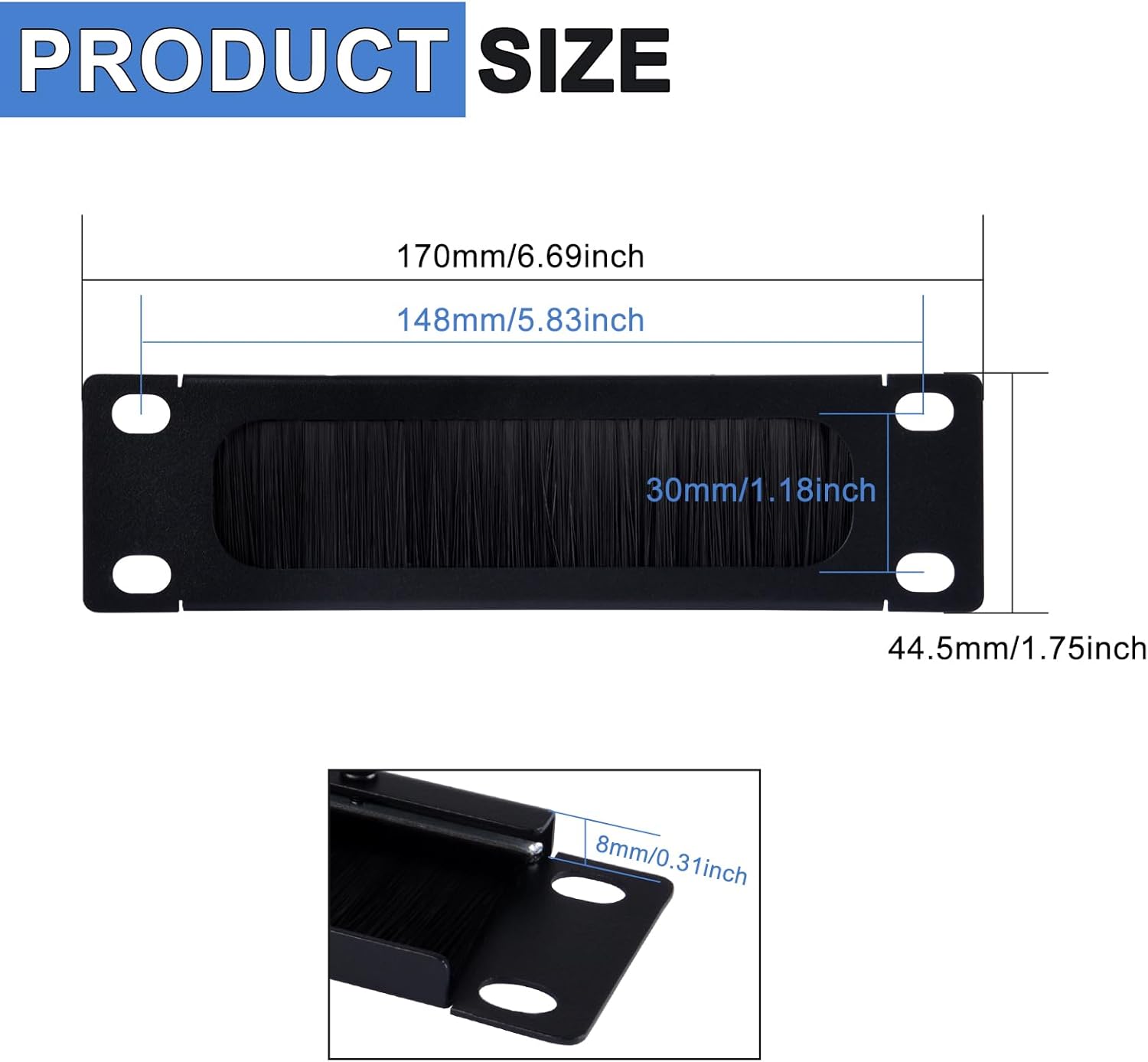
- Space-saving design: A slim 1U form factor helps preserve rack real estate for devices and more cables where needed.
- Sturdy construction: Metal sides contribute to durability, offering solid handling in environments where panels are opened and closed regularly.
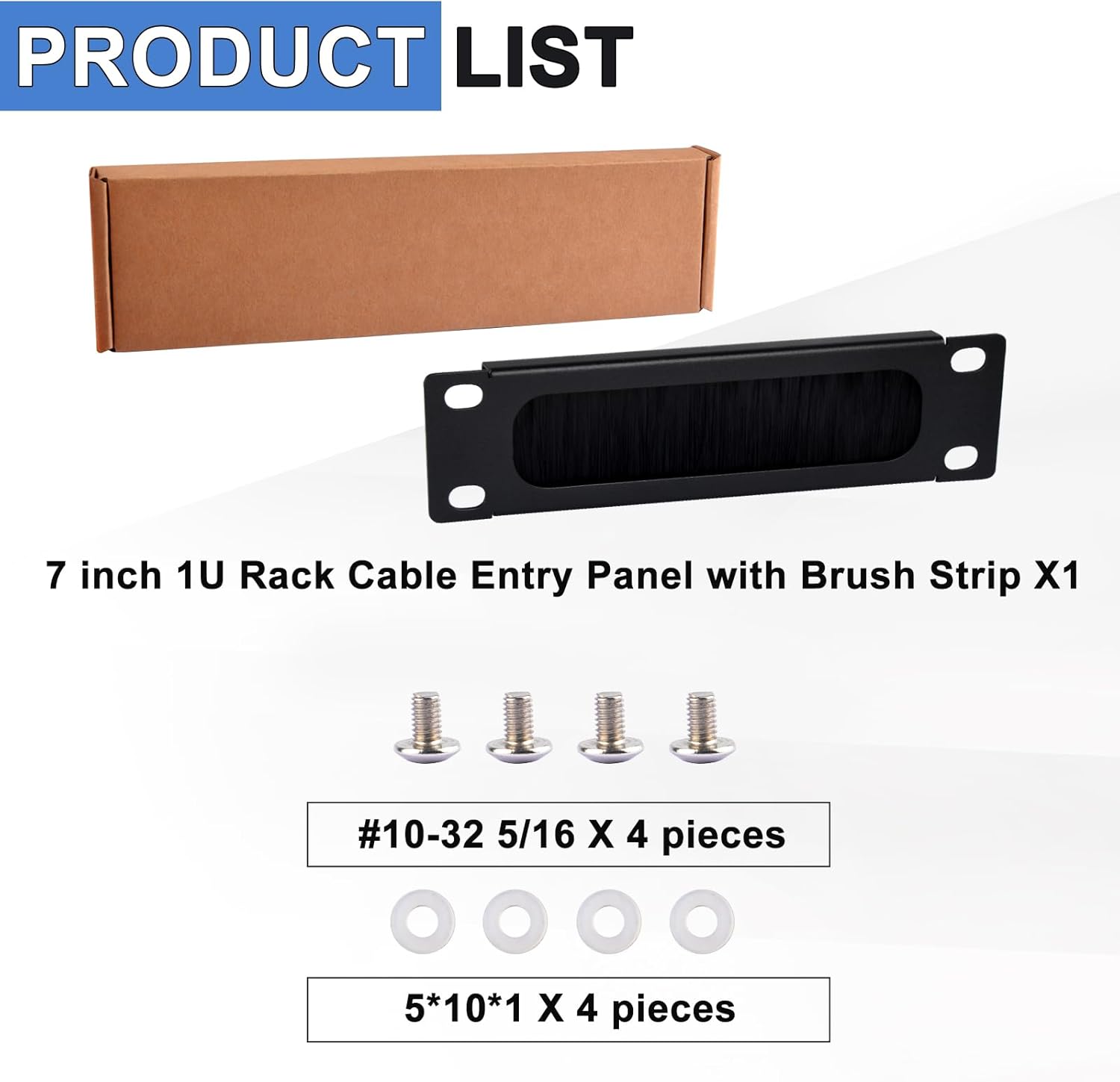
- Easy installation: The panel claims a straightforward setup requiring only two screws, which means less time spent on mounting and more on configuration.
What to know before you buy
On the surface, this is a practical add-on rather than a feature-heavy improvement. If your cables are already well-organised or you need a model that supports a range of cabinets beyond DeskPi RackMate TT, this may not be the universal solution you’re after. It may also be less impactful if your cabling is minimal or encoder-heavy and needs other forms of management.
Who it suits
- Users with DeskPi RackMate TT cabinets seeking a tidy cable ingress.
- Small to medium rack setups where every unit of space matters and quick installation is valued.
- Those prioritising durability and a simple, low-profile solution over a feature-rich panel.
Who should think twice
- If your cabinet is not the DeskPi RackMate TT, compatibility could be a concern and you might need a more versatile option.
- If you require extensive cable protection or strain relief beyond a brush-strip approach, you may want to explore alternatives with additional management features.
When it makes sense to buy
- You want a modest upgrade to improve cable presentation at the entry point without major restructuring.
- You value straightforward installation and a compact footprint in a 1U space.
What to check before purchasing
- Confirm the exact DeskPi RackMate TT model you own and whether its dimensions align with a 1U, 7-inch entry panel.
- Consider the total number of cables and whether a brush-strip entry will be sufficient for your needs.
- Ensure the required two-screw mounting aligns with your rack’s available mounting points and tools.
Practical usage example
Imagine a small server room where a DeskPi RackMate TT hosts a handful of network cables. After mounting the GeeekPi panel, you can thread cables through the entry with the brush strip guiding them, resulting in a neater silhouette at the front of the cabinet and easier access for future changes without pulling cables across a cluttered face.
Technical quick take
- Form factor: 1U, 7in
- Material: Metal sides for durability
- Finish: Black
- Installation: Two screws
- Compatibility: DeskPi RackMate TT Network Cabinets
Final verdict
Final verdict
It’s a sensible, no-frills upgrade for users who prioritise tidy cabling and easy installation within DeskPi RackMate TT cabinets. If you value a slim profile and straightforward mounting over a feature-rich cable management device, this panel is worth considering. If you need broader cabinet compatibility, or more comprehensive cable protection, you may want to compare other options.
FAQ
- Is this panel compatible with other cabinet brands? Compatibility is described as DeskPi RackMate TT specific, cross-compatibility isn’t stated, so verify fit with your cabinet model.
- Does the brush strip affect cable thickness? The description highlights the brush strip for neat entry, but it does not specify cable size limitations.
- How easy is the installation? Installation is described as needing two screws, suggesting a quick setup, assuming the rack has matching mounting points.