

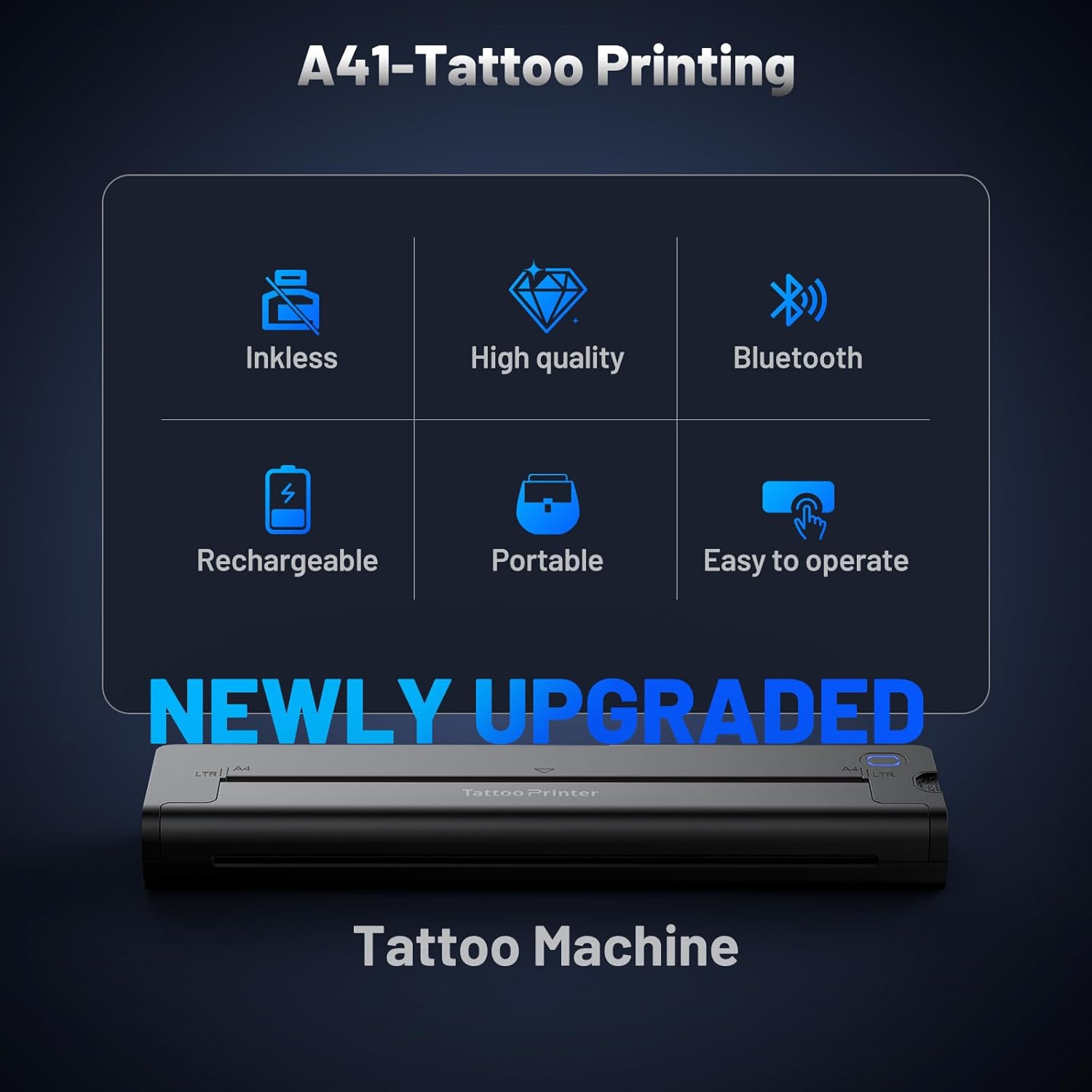
EXTOLINK A41 Wireless Tattoo Transfer Printer with Bluetooth and 10 Paper Sheets (2600mAh)
Product description
What it is and why people buy it
The EXTOLINK A41 is a wireless tattoo transfer printer machine designed to create stencil transfers without ink. Over the paper-and-printer workflow, that’s the main reason it gets attention: you feed in a design and end up with a clear stencil-ready output, rather than dealing with messy ink bottles or cartridges.
It’s positioned as a device for both tattoo artists and beginners. That matters, because getting consistent stencils isn’t only about “can it print?”. It’s also about whether the printer’s thermal method and editing flow are straightforward enough for regular use.
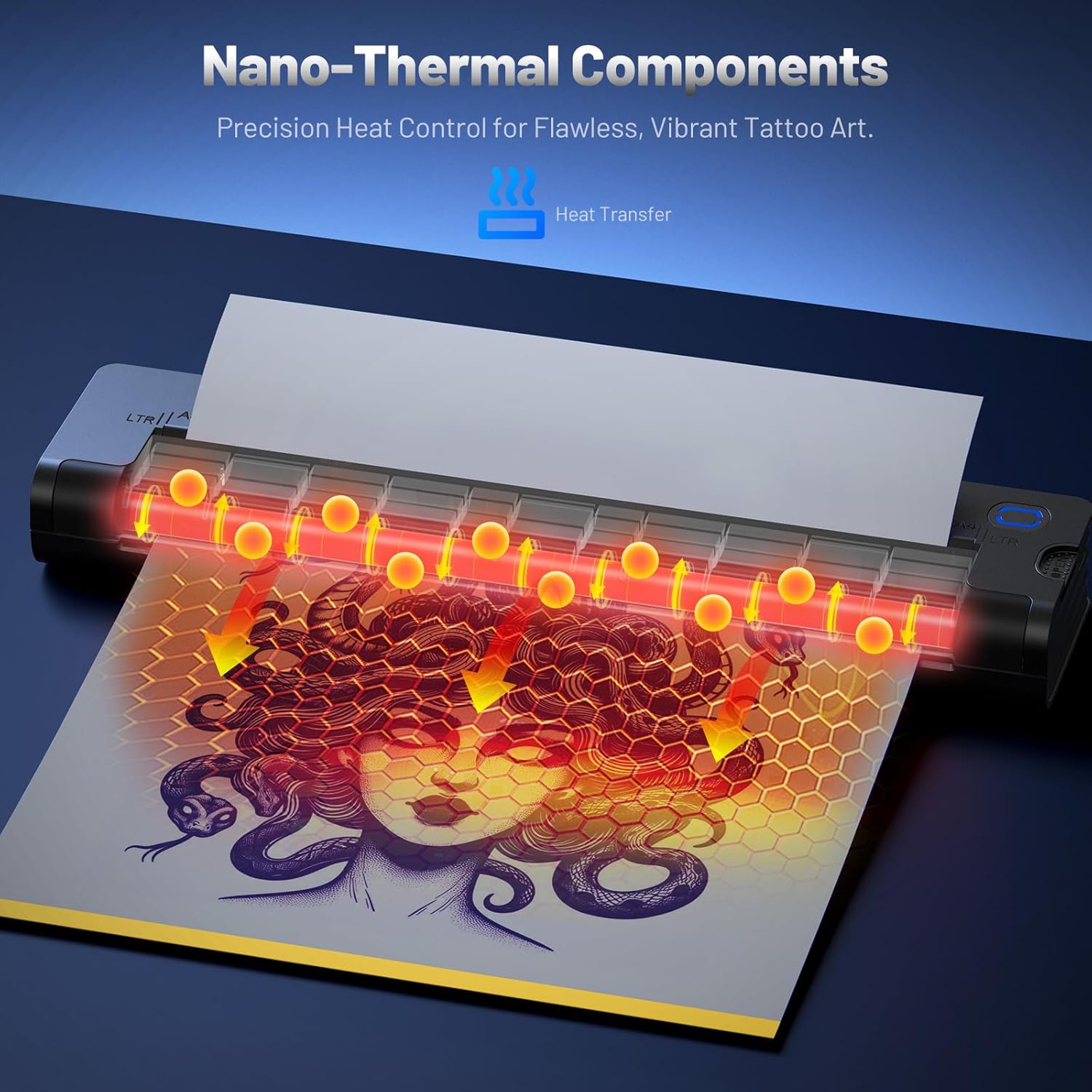
On the A41 specifically, the brand highlights an “improved nano thermal element” aimed at faster response and high-detail output. In plain terms: if you often print intricate designs, sharper lines and even shading are what you’ll care about once you’re transferring.
One practical way to think about it: imagine you’ve got a script-style design and a small shading element. You want the text to read cleanly and the shading to look even when it’s transferred. This printer is built around that kind of expectation.
The essentials: what you’ll notice in use
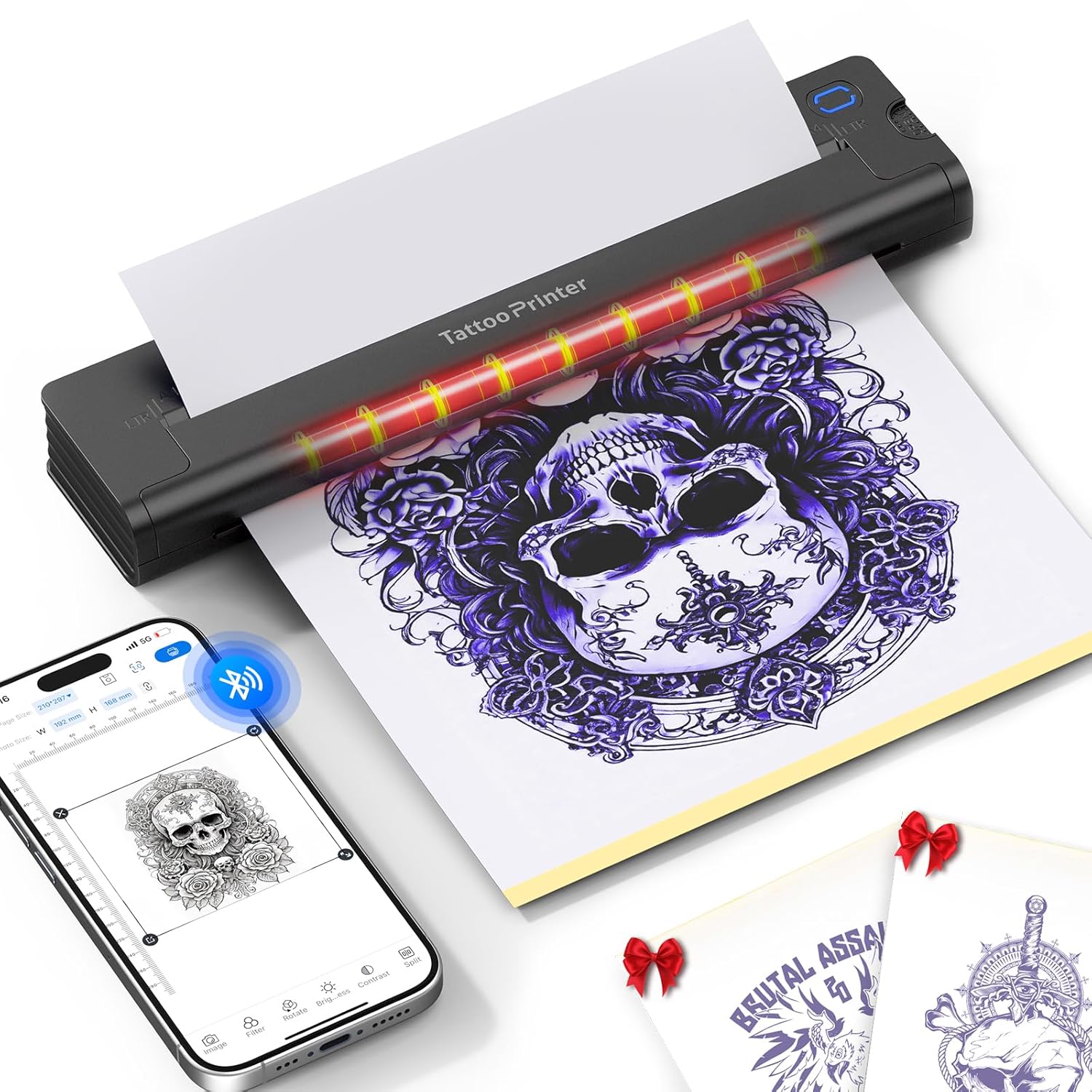
Where the A41 tries to stand out is in its stencil clarity and workflow convenience.
First, there’s the “nano thermal” claim and a faster response figure compared with traditional models (stated as 200% faster). If that translates well for your particular designs, you should see consistent clarity—especially in fine details and contour work. The description also mentions uniform shading, which is important for stencils where patchy gradients can turn into uneven transfer results.
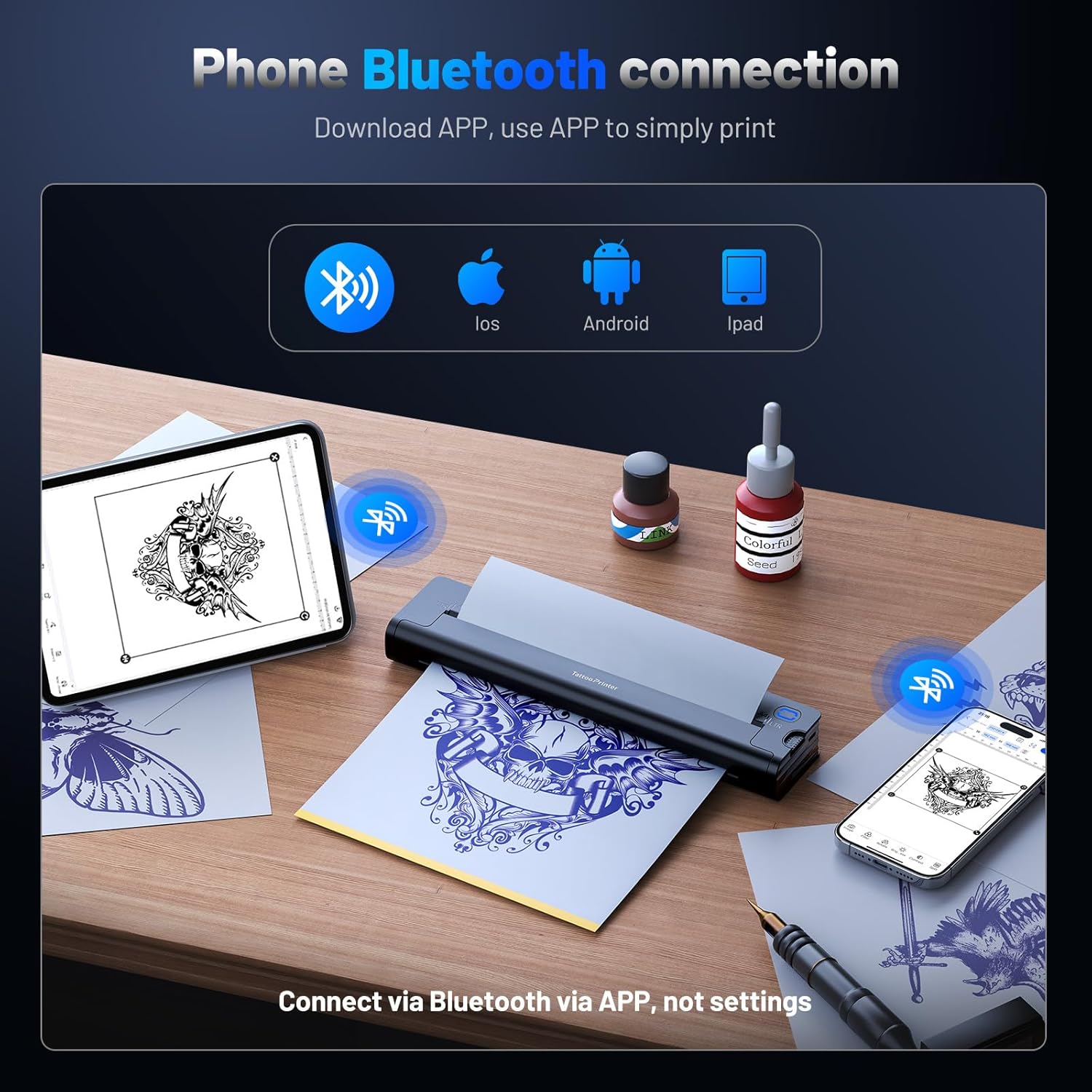
Second, it’s wireless and controlled via a dedicated Bluetooth app. The listing says you can edit, swap, and print designs from an iPad, phone, or PC through Bluetooth. In everyday terms, that means less faffing with cables and fewer “move files around” steps when you’re working between your device and the printer.
Third, it uses thermal greyscale printing with no ink. That’s not just a convenience point—no ink can also mean no cartridge clogs and less day-to-day cleaning than ink-based setups.
Key features that affect buying decisions
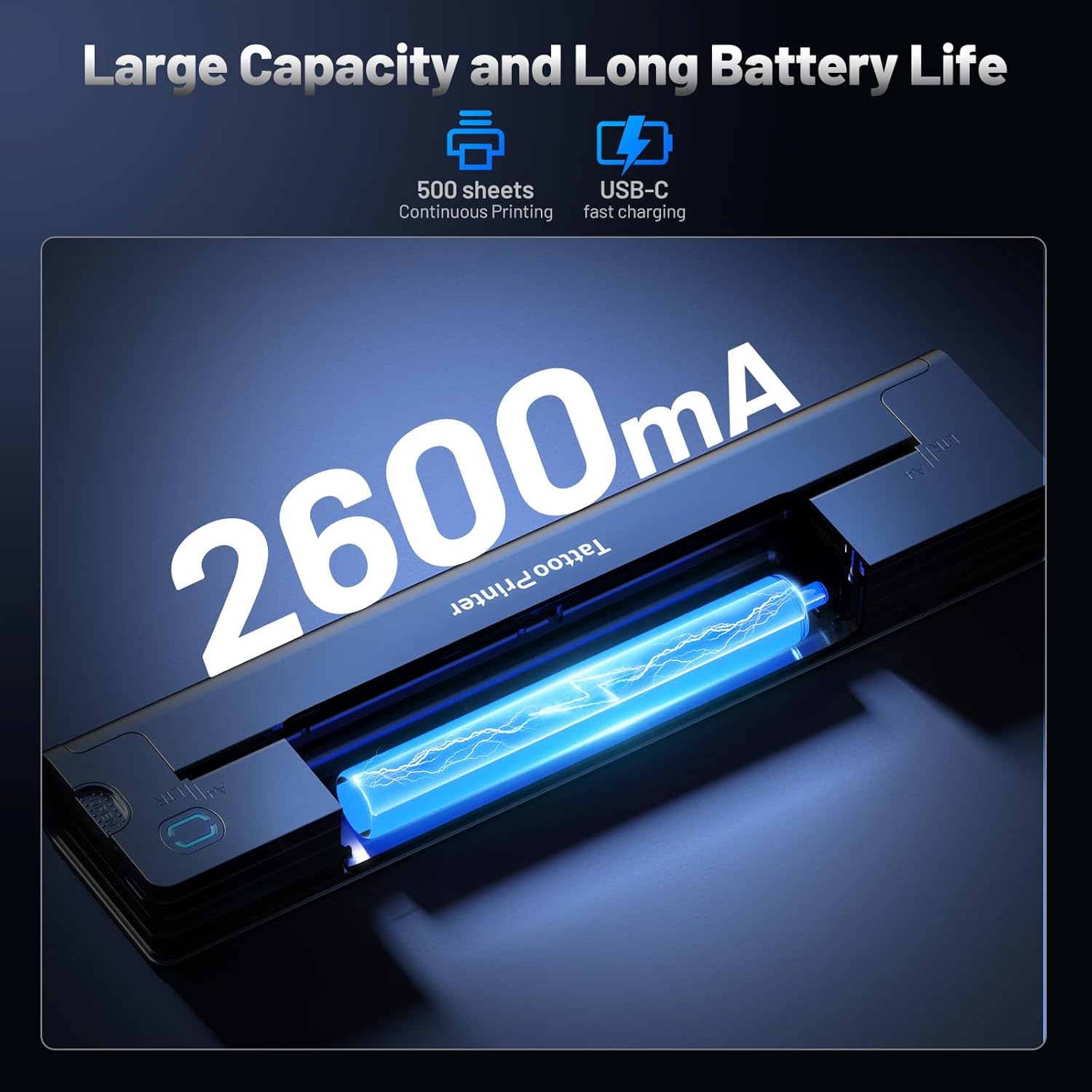
The A41 includes a rechargeable 2600mAh battery and is described as portable and lightweight (listed as 2 pounds). The idea is that you can handle printing sessions without being tethered to a socket all day.
The listing states that a single charge can print up to 500 pages of clear images or text. That figure is helpful for planning, but do keep in mind that real-world output can depend on how intensively you print and how your designs are set up.
It also comes with 10pcs of paper in the bundle, which is useful if you’re starting out and don’t want to wait to begin testing your process.
Portability is another practical detail. A light printer can be handy for smaller studios, walk-in bookings, or when you simply prefer a compact setup. If your “workflow” relies on moving between stations, this design goal makes sense.
Tech specs (only the details provided)
- Name: EXTOLINK A41 Tattoo Transfer Printer
- Type: Wireless tattoo stencil (transfer) printer
- Format: Thermal greyscale printing
- Size: Portable design (compact, weight listed as 2 lb)
- Capacity: Rechargeable 2600mAh battery
- Dimensions: Not provided
- Weight: 2 lb
- Colour: Not provided
- Display: Not provided
- Processor: Not provided
- Memory: Not provided
Where it shines—and where it may fall short
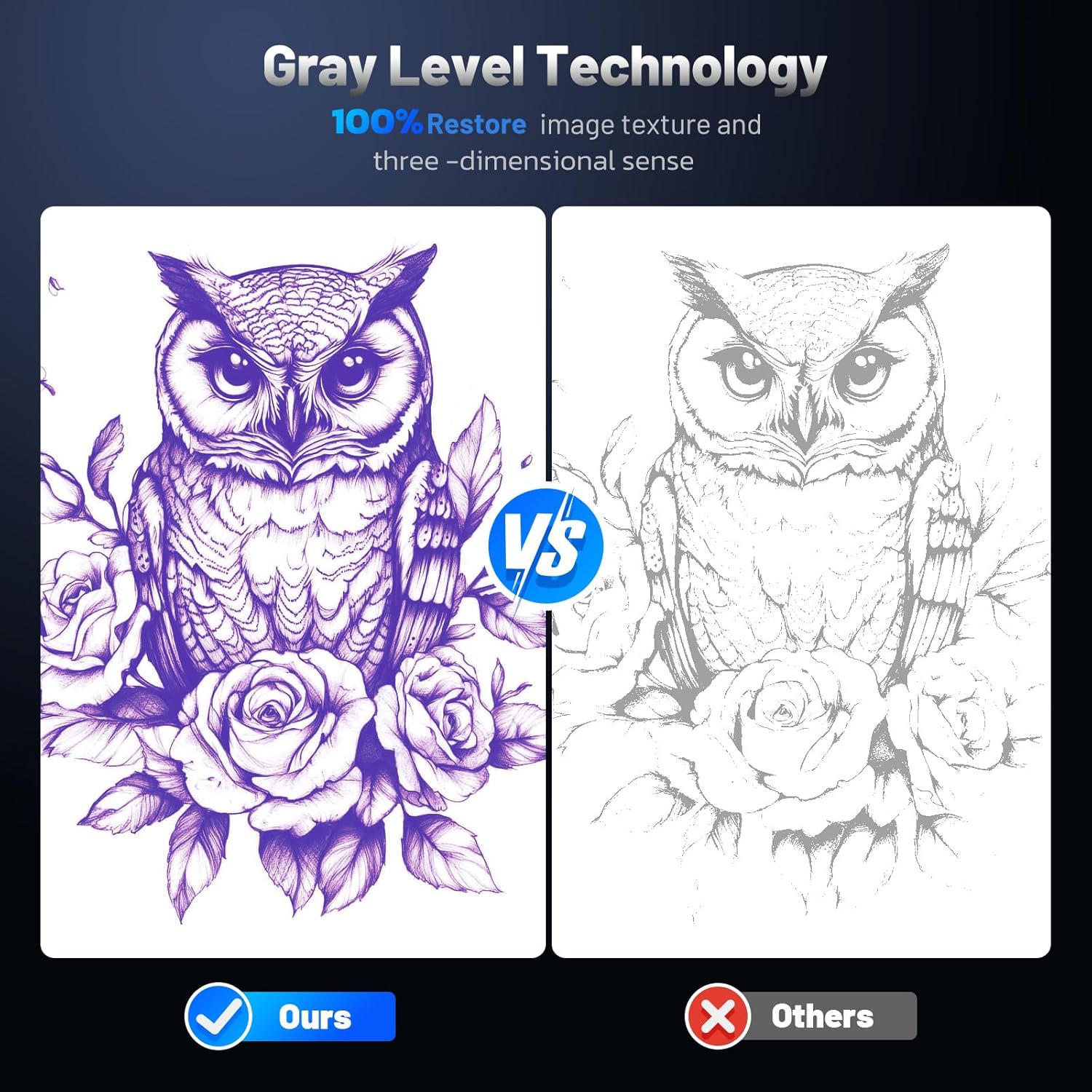
It’s at its best when you want a simpler stencil workflow: no ink, Bluetooth editing/printing from your phone/iPad/PC, and output aimed at detailed contours and even shading.
That said, it may not be a perfect fit if you’re expecting “professional studio results” in every situation with zero setup effort. Even with a good printer, stencil quality can depend on the quality of your source designs, your editing choices in the app, and how you handle the paper/transfer step. The listing focuses on printing performance, but it doesn’t provide specifics on paper type settings or transfer handling.
Also, the battery print claim (up to 500 pages) is a strong selling point, yet it’s worth treating it as an approximate guideline. If you’re doing long consecutive sessions, you’ll still want to keep an eye on charging habits.
Who it’s for (and who should look elsewhere)
It makes sense if you’re a tattoo artist or beginner who wants to avoid ink-related clutter and keep your stencil printing wireless. If your current process feels interrupted by maintenance or cable setup, the A41’s thermal approach and Bluetooth app workflow could feel like a genuine improvement.
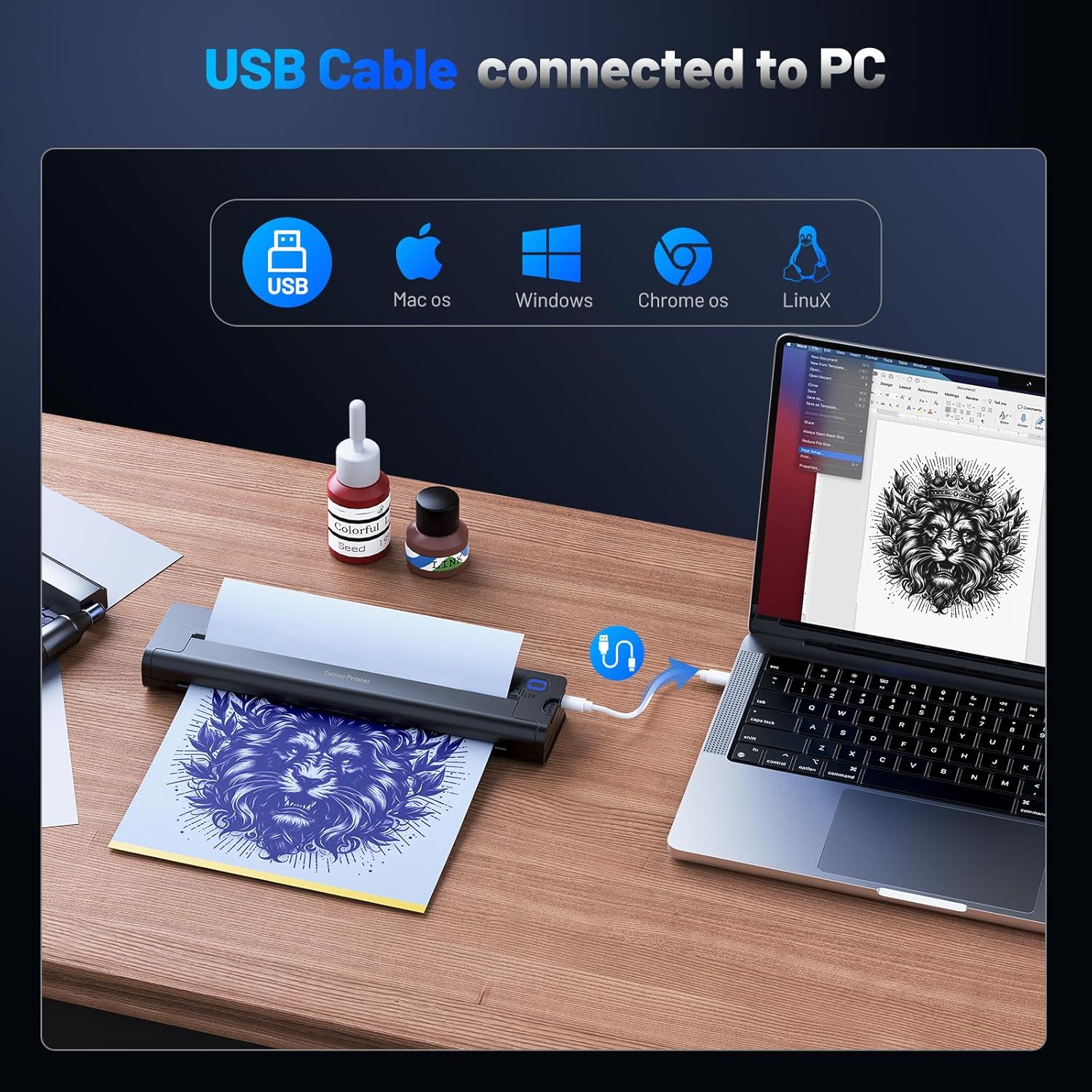
You may want to skip it if you need detailed documentation for advanced power users—such as fully transparent paper compatibility guidance, specific resolution figures, or a clearer breakdown of how different file types perform. The listing mentions compatibility with iPad, phone, and PC via Bluetooth, but it doesn’t provide more granular details than that.
It’s also not the first thing to choose if you’re already happy with your existing stencil workflow and only need an incremental upgrade.
Quick checklist before you buy
Before committing to the A41, it’s worth checking a few practical angles based on what’s stated:
- Your devices: confirm you’ll be able to use your phone/iPad/PC via Bluetooth with the dedicated app.
- Your typical workflow: if you do lots of intricate designs and you care about shading consistency, the “uniform shading” claim is relevant.
- Your stamina needs: the 2600mAh battery and the “up to 500 pages” promise may suit longer sessions, but consider how often you’ll likely print.
- Start-up basics: it includes 10 pieces of paper, which helps if you’re getting going, but you’ll want to plan for future paper supply.
Is it worth it?
The EXTOLINK A41 is worth considering if you want an ink-free, wireless tattoo stencil printer with a Bluetooth app workflow, and you place value on crisp output for both detailed contours and shading. On paper, the improved nano thermal element and the focus on uniform greyscale printing are aimed at exactly the moments where stencil quality can make or break your session.
However, if you’re the kind of buyer who expects lots of extra technical clarity (for example, deeper specs, resolution details, or broader compatibility/setting guidance), you might find the information provided a little thin. In that case, it could be smarter to compare against options with more clearly documented specs.
If you want something that fits everyday tattoo-studio life—portable, no ink, and designed for beginners as well as experienced artists—the A41 is positioned as a solid practical tool. Just don’t assume it replaces the need for careful setup of your designs and your transfer routine.
Mini FAQ
Does it print without ink?
Yes. The listing says it uses thermal greyscale printing with no ink.
Can I print from a phone or iPad?
That’s what the brand claims: the Bluetooth app lets you edit and print designs from a phone, iPad, or PC.
Is it portable?
It’s described as portable and lightweight, with a listed weight of 2 lb.
How many pages can it print on one charge?
The listing states up to 500 pages of clear images or text per charge, though your real usage can vary.
What’s included in the box?
The product comes with 10 pieces of paper, according to the listing.