

ESR Magnetic Detachable Keyboard Case for iPad Air 13-inch (M4/M3/M2) with large click-anywhere trackpad
Product description
If you like the idea of an iPad that can switch from tablet to something more “laptop-like” at a moment’s notice, this ESR case keyboard is designed for that exact workflow. It’s built specifically for iPad Air 13-inch models with magnetic detachable keyboard support, and it brings a bigger, navigation-friendly trackpad plus backlit keys.
The not-so-seamless part? You’re making compromises that come with any keyboard case: it’s more bulky than a plain cover, and it won’t feel like a traditional standalone keyboard. Still, for desk work, note-taking and everyday editing, it’s a sensible, work-focused approach.
What it is (and the need it targets)
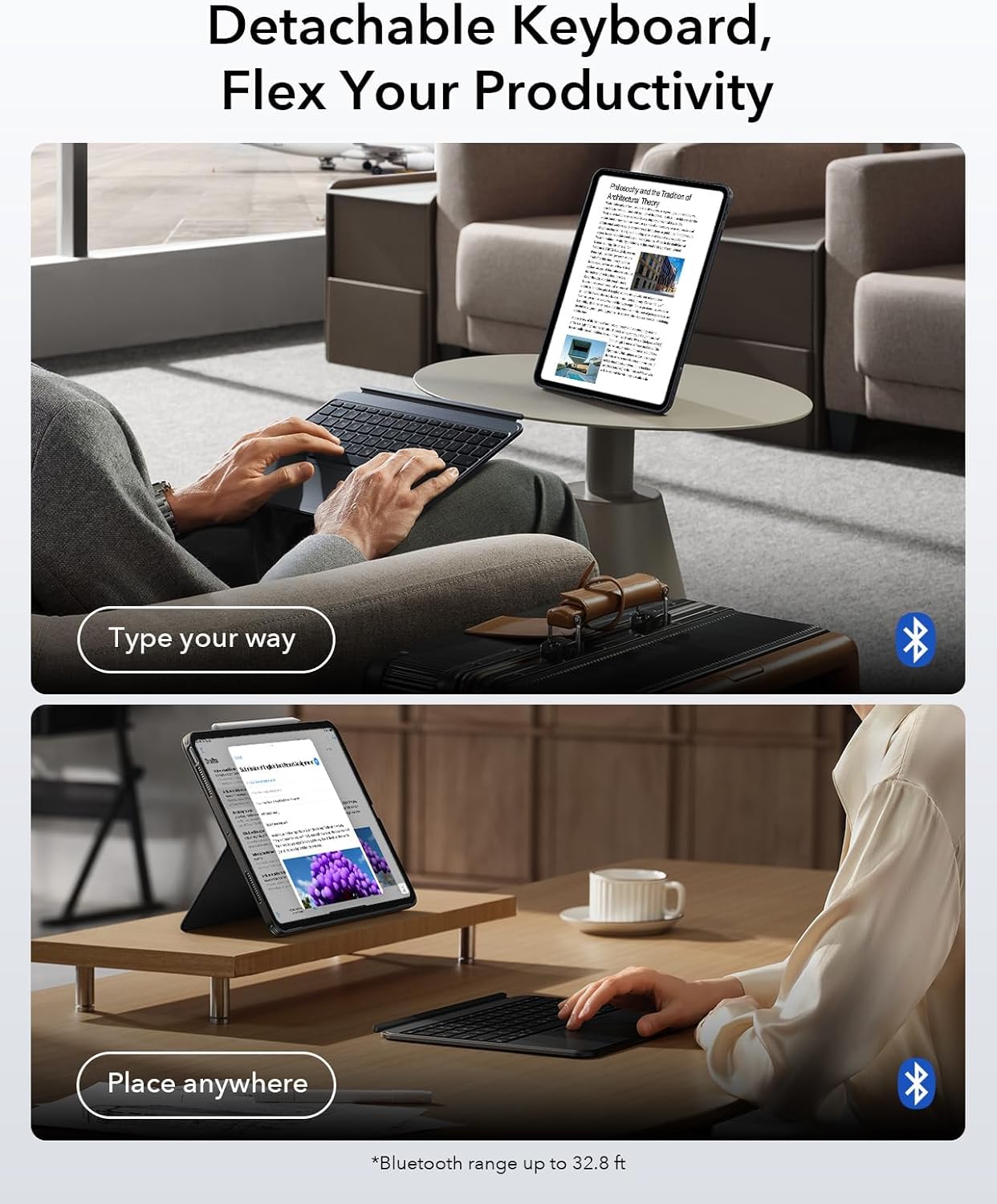
This is a case-style keyboard accessory for the iPad Air 13-inch (M4 2026, M3 2025, M2 2024). Instead of treating the iPad as a tablet only, the keyboard attaches magnetically for typing and detaches when you just want a simpler, more portable tablet experience.
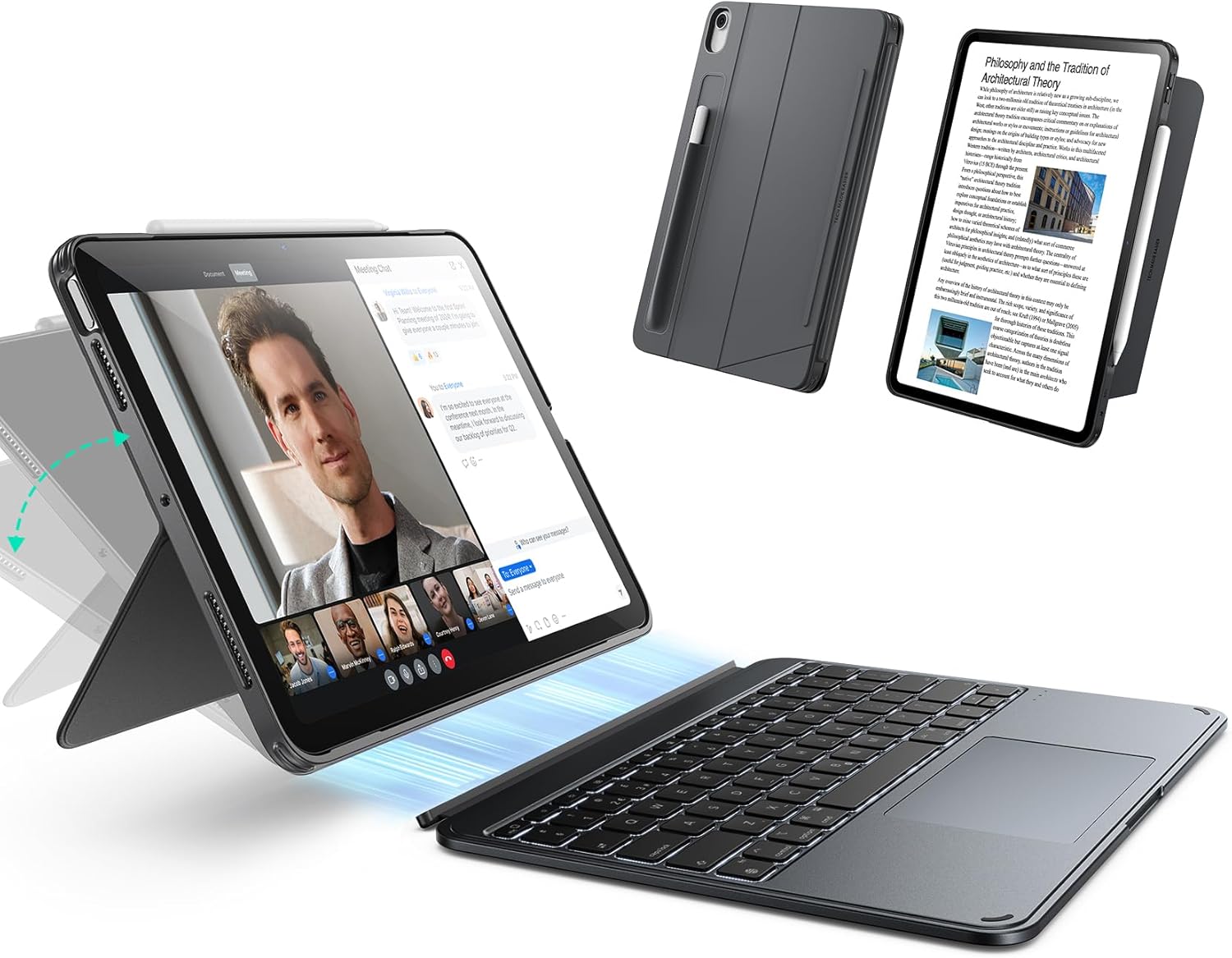
Where that matters in day-to-day use is switching contexts: you might read and mark up documents for a while, then detach and use the iPad for drawing or watching without feeling like you’ve dragged a keyboard everywhere you go.
Design that’s meant to snap into your routine
A big part of why this works for people who actually use their iPad for work is the magnetic detachable design. You attach it for typing, and remove it when you want the iPad’s silhouette back.
It also uses an all-in-one construction concept, combining a protective cover, a sturdy hinge, and the large trackpad into a single integrated system. On paper, that should translate into a desk-ready feel rather than a loose accessory setup.
Trackpad and key setup: smoother control for editing
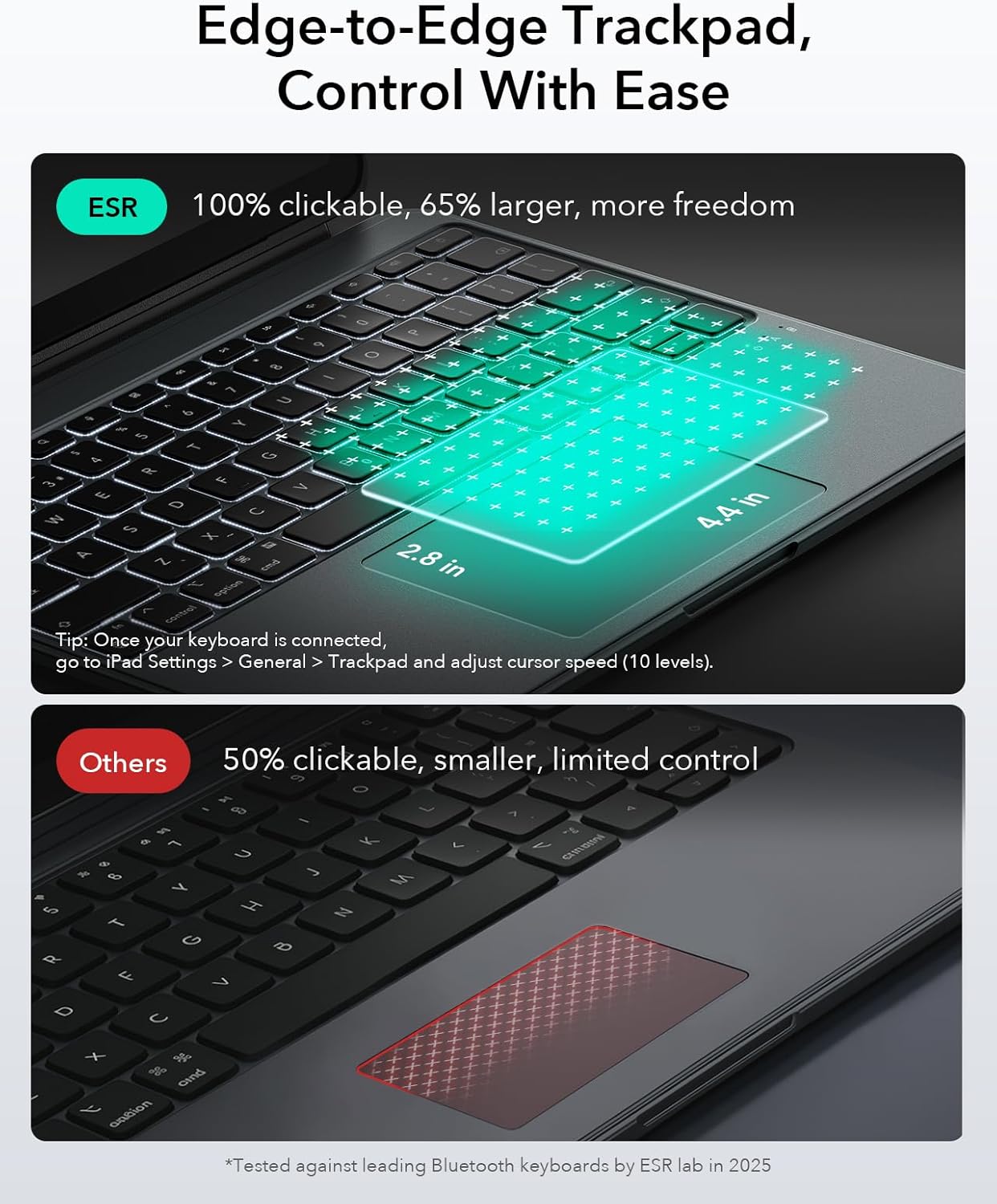
The standout usability feature here is the larger click-anywhere trackpad. ESR states it’s 65% larger than before, with a surface size of 112 × 70 mm, aimed at giving you smoother, more precise control for navigation.
It also supports full iOS gesture control, which is the kind of detail you feel when you’re moving around apps, editing text, or browsing with less “where is the cursor now?” friction.
Backlit keys are included as well, so low-light situations don’t automatically kill your workflow. That’s not glamorous, but it’s genuinely useful.
Stand and viewing angles (portrait and landscape)
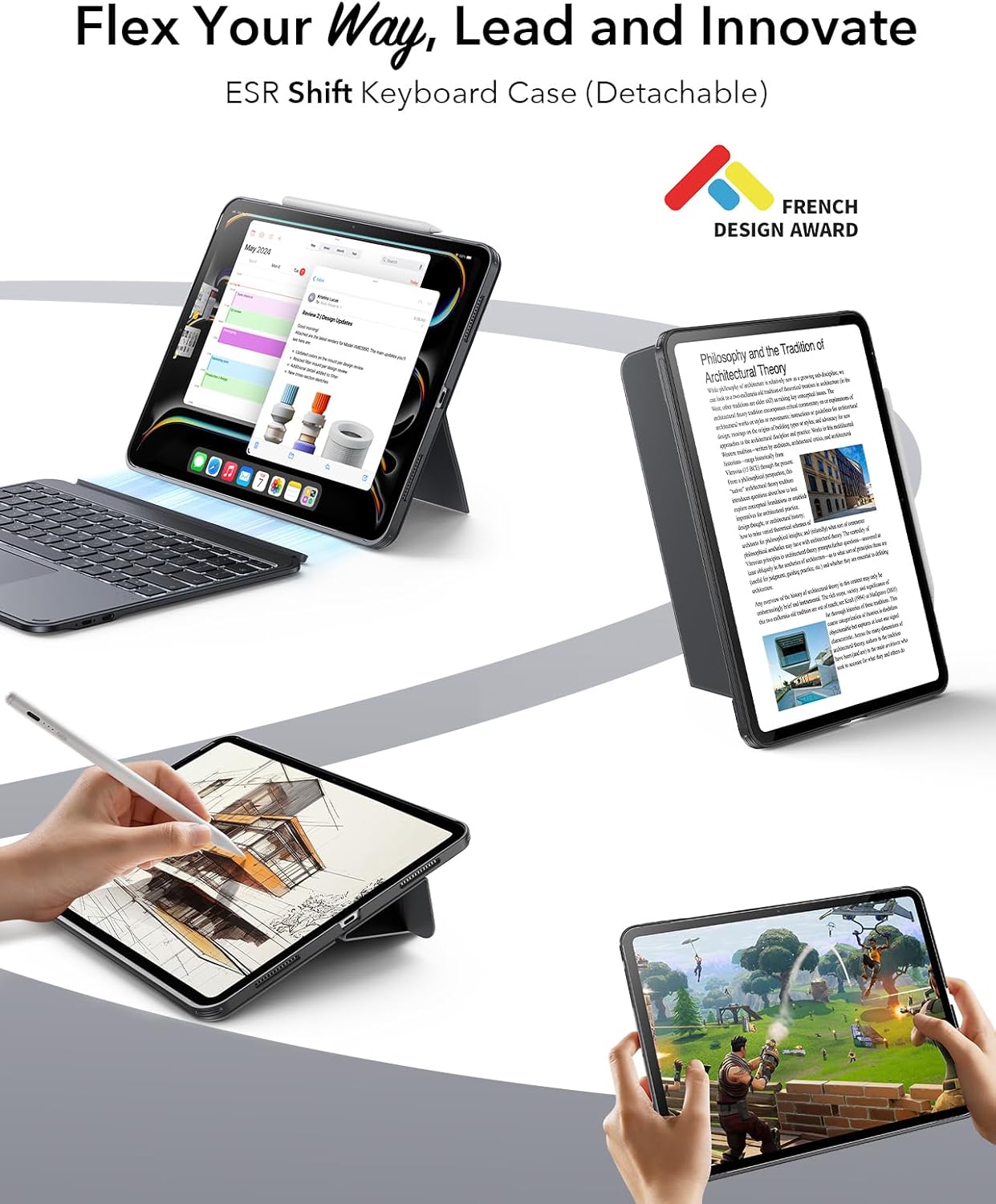
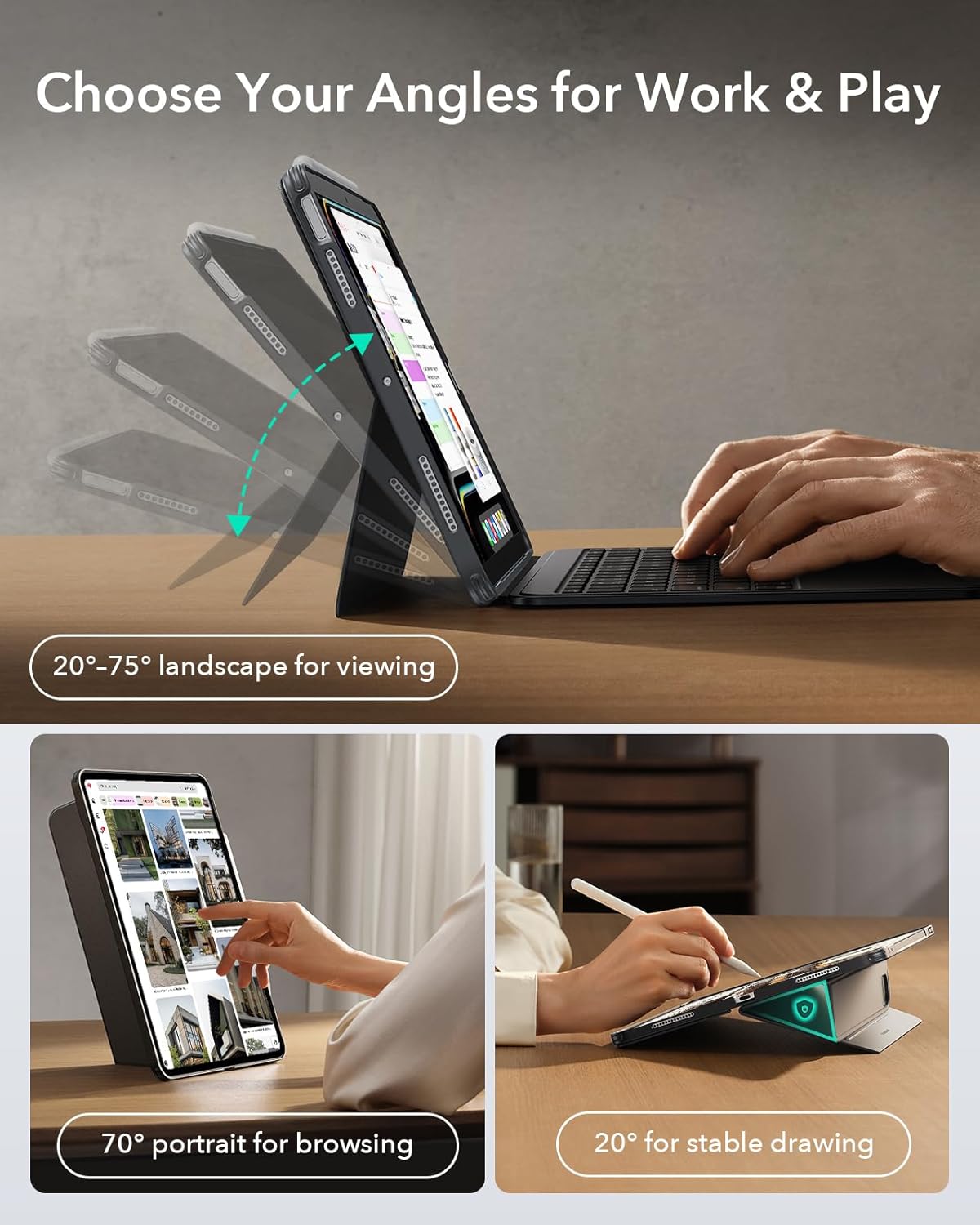
The keyboard case includes a fully adjustable stand with seamless angle adjustment from 0° to 165°. There’s also a stable low-angle magnetic support triangular stand at 20°, which ESR positions as useful for illustrating and taking notes.
Another practical point: it’s intended to work in both portrait and landscape modes. If you regularly flip between layouts (for reading, writing, or diagram work), that flexibility matters more than people expect.
Key specifications worth knowing before buying
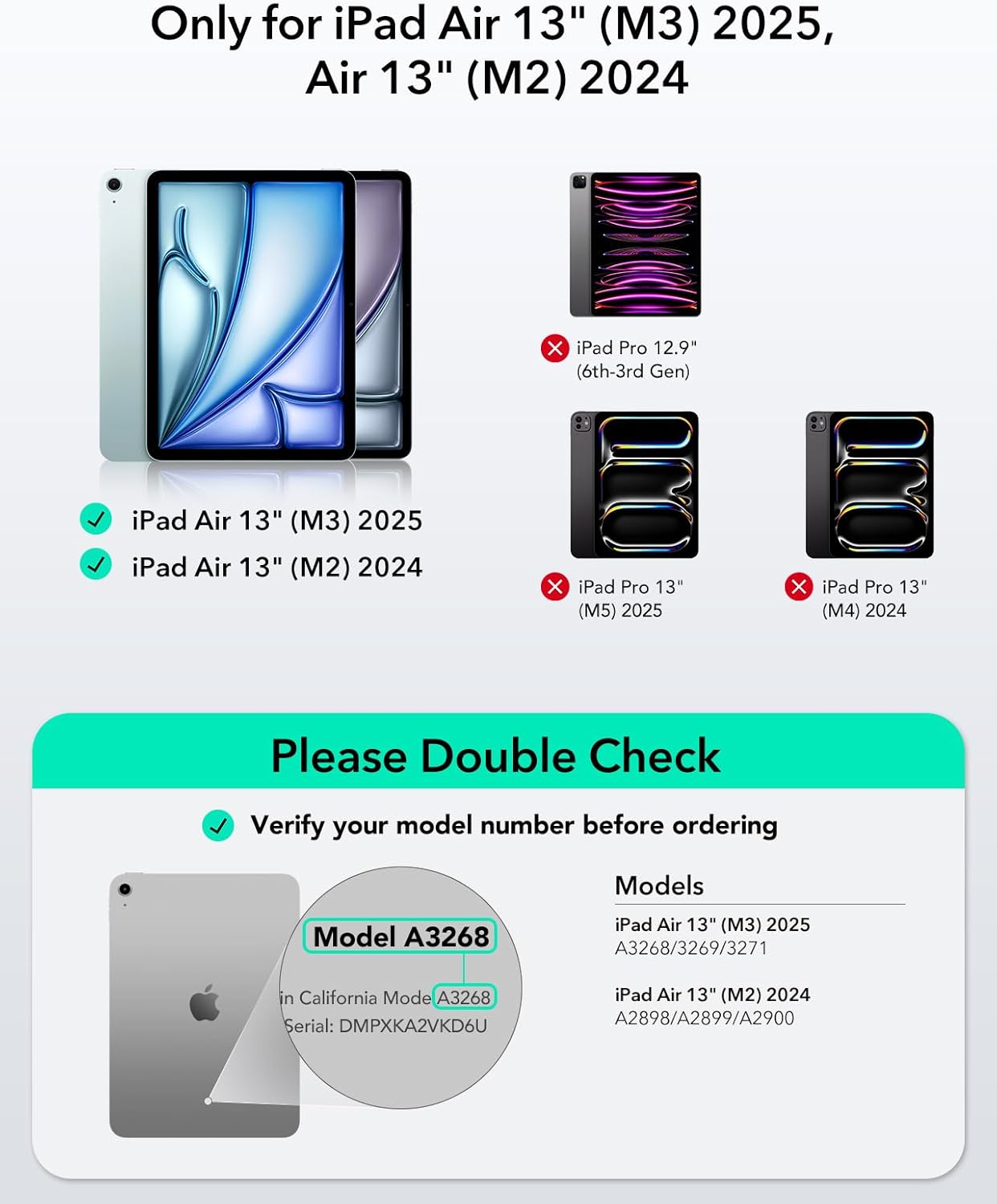
- Compatibility (model requirement): iPad Air 13-inch (M4 2026), iPad Air 13-inch (M3 2025), iPad Air 13-inch (M2 2024). The listed models include A2898, A2899, A2900, A3268, A3269, A3271.
- Keyboard connection style: magnetic detachable design.
- Stand adjustment: 0°–165°, including a stable 20° low-angle triangular support.
- Trackpad area: 112 × 70 mm, described as 65% larger click-anywhere trackpad.
- Keyboard lighting: backlit keys.
Who it suits best (and who might want to look elsewhere)
It’s a good fit if you want a keyboard case that can handle everyday “proper work” tasks—typing, navigating with gestures, switching apps quickly, and keeping the iPad protected—without permanently committing to a full-time keyboard setup.
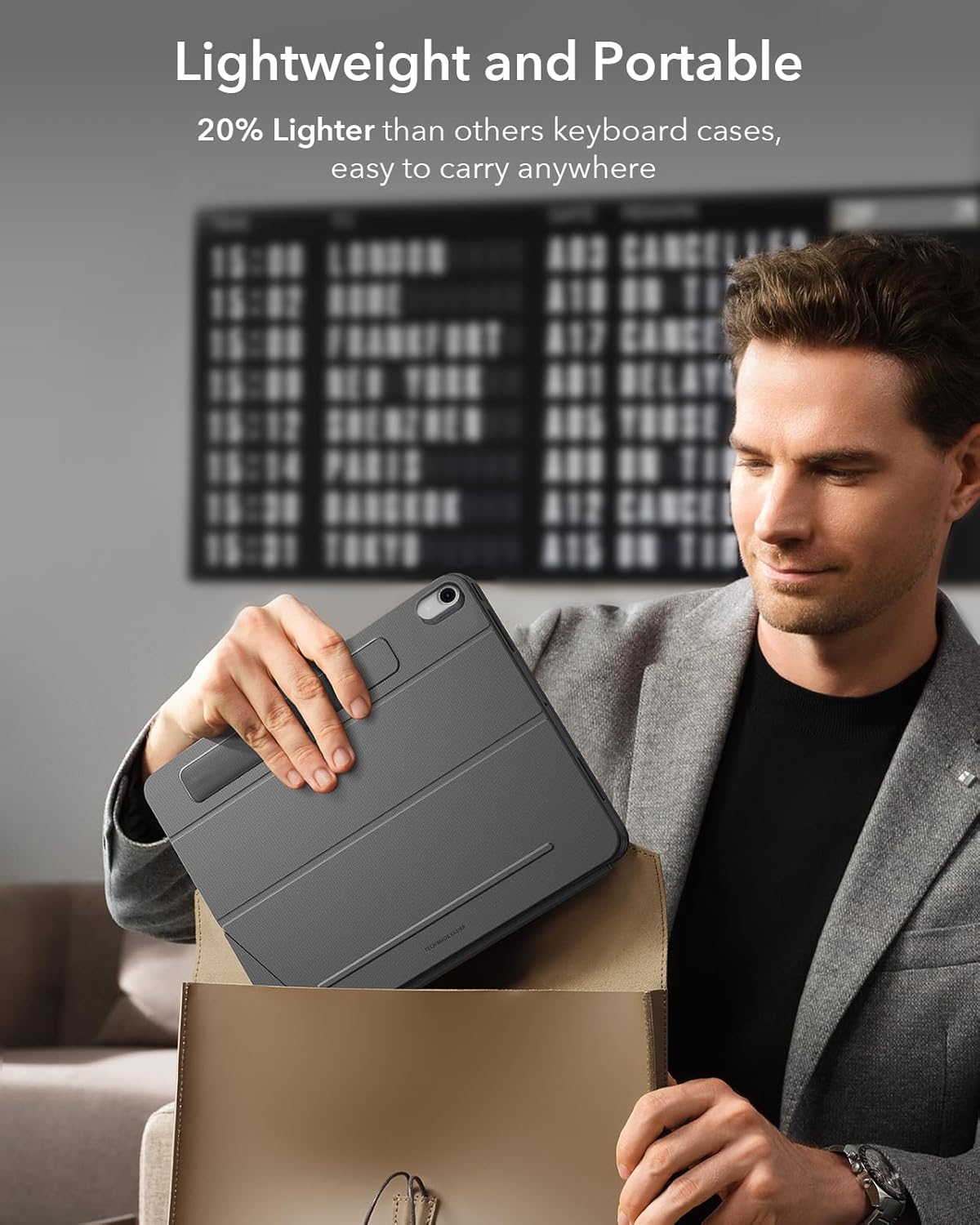
It may not suit you if you prefer ultra-light travel gear, or if you’re very particular about keyboard feel and key travel. As with most detachable keyboard cases, it’s more about productivity in a compact ecosystem than about matching the experience of a high-end standalone keyboard.
Worth noting that compatibility is model-specific: if your iPad Air isn’t one of the listed 13-inch variants, this is likely not the right match.
Practical scenarios: what it’s like to use
Imagine you’re sitting at your desk in the morning: you attach the keyboard, tilt the stand to a comfortable angle, and write notes with backlit keys if the light’s not great. Then you switch to browsing—using iOS gestures on the trackpad to move around and edit without constantly lifting your hands.
Later, you detach the keyboard and continue reading or sketching with a more tablet-forward setup. That “laptop when you need it, tablet when you don’t” rhythm is exactly what this design is aiming for.
Final verdict
It makes sense if you’ve got an iPad Air 13-inch (M4/M3/M2 as listed) and you want a protective keyboard case that attaches magnetically, offers a larger gesture-friendly trackpad, and gives you serious stand positioning for note-taking and illustration.
You may want to skip it if you mainly use your iPad for casual consumption and you’d rather keep the setup minimal, or if you need compatibility outside the specified model numbers.
Mini FAQ
FAQ
Is this case compatible with all iPad Air sizes? No—this one is stated as compatible only with iPad Air 13-inch (M4/M3/M2) with the listed model numbers.
Can the keyboard be detached? Yes. The keyboard uses a magnetic detachable design, so you can remove it for a more streamlined tablet experience.
Does it support iOS gestures on the trackpad? The trackpad is described as supporting full iOS gesture support.
Is the stand adjustable? Yes, angle adjustment is stated as 0°–165°, with a stable 20° low-angle triangular support.
Will it work in portrait and landscape? It’s designed for both portrait and landscape modes.