

Epson EcoTank ET-2861 Ink Tank Printer (A4) – Wi-Fi, Print/Copy/Scan with up to 3 years of ink
Reviews
Price
Product description
The essentials
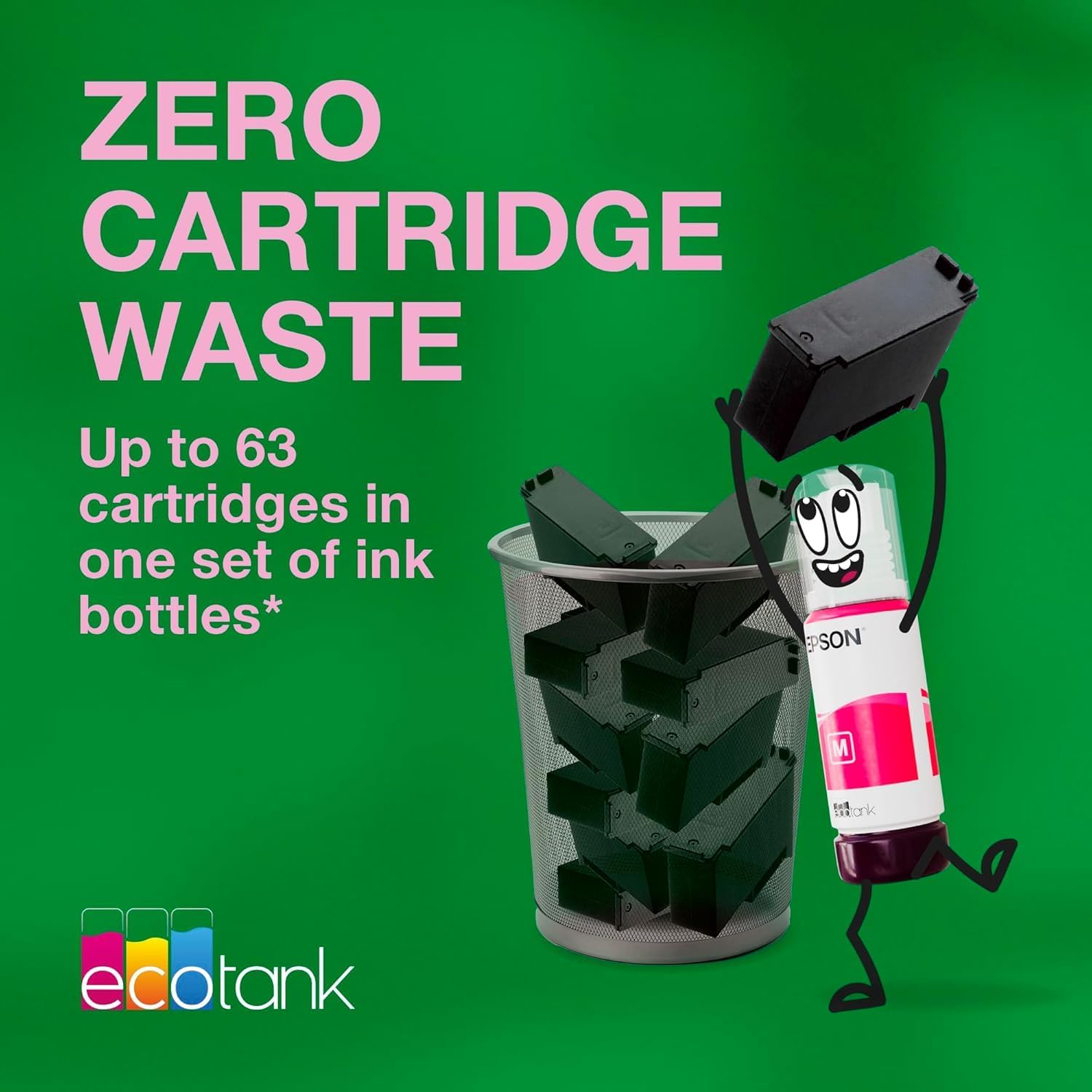
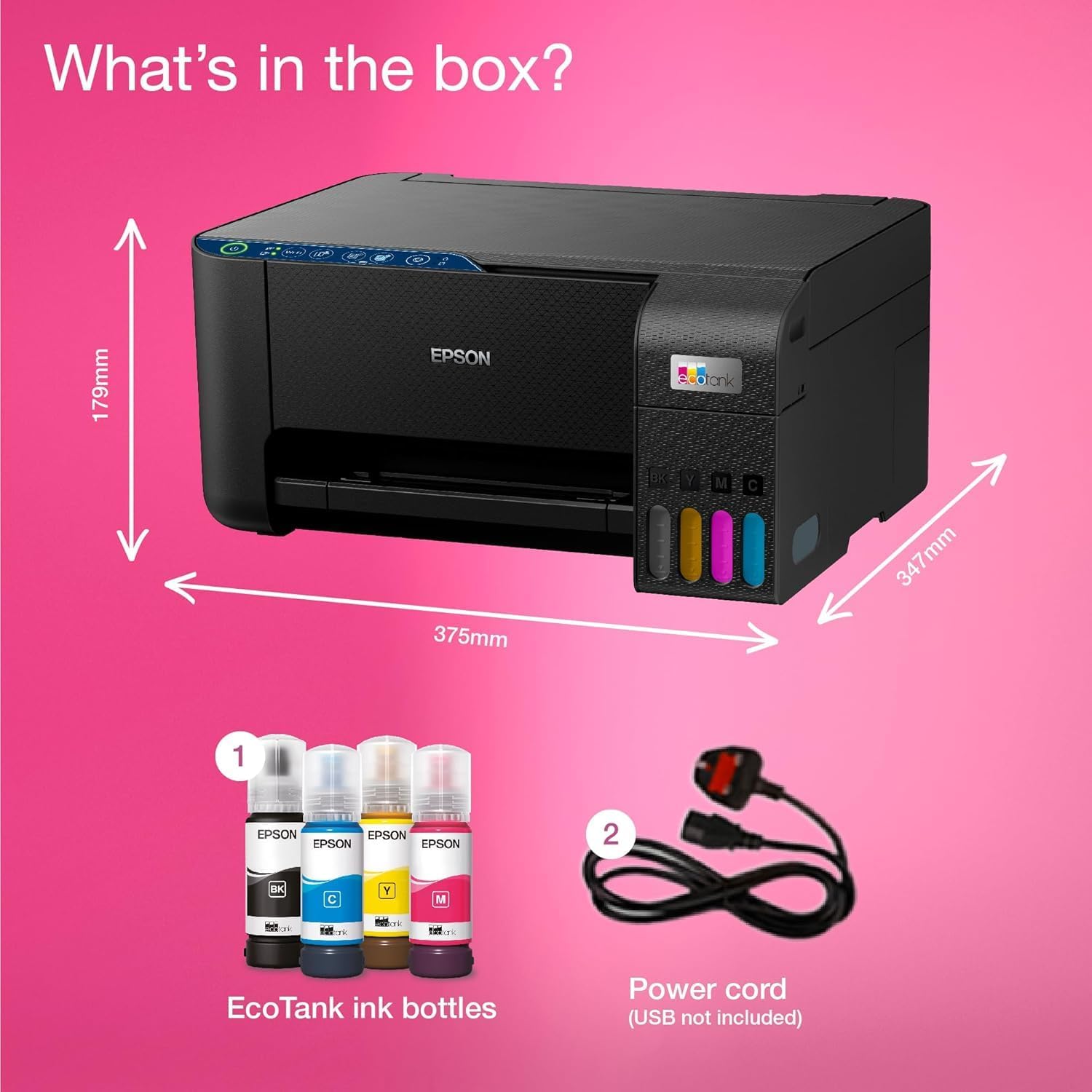
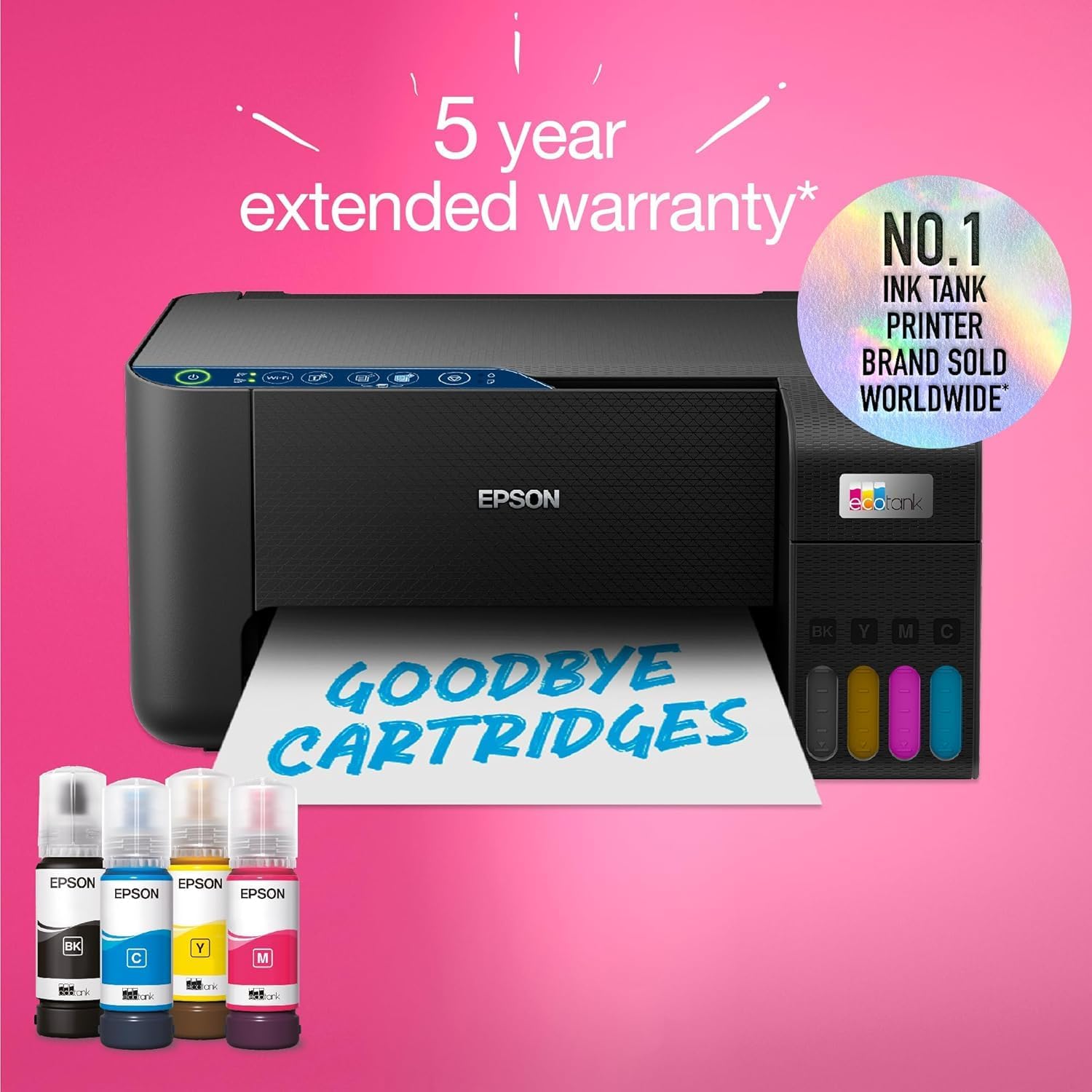
The Epson EcoTank ET-2861 is an A4 ink tank printer aimed at busy households that still print, copy and scan regularly, but don’t want the faff of cartridge shopping. The big selling point here is the EcoTank ink system: it’s designed around high-capacity ink tanks with mess-free refills using key-locked bottles, so you’re not constantly swapping cartridges.
On paper, it’s the kind of home printer that makes sense when you care about predictable running costs and want a more straightforward day-to-day workflow—especially if you’re printing documents for school/work, occasional photos, and the everyday admin that never really stops.
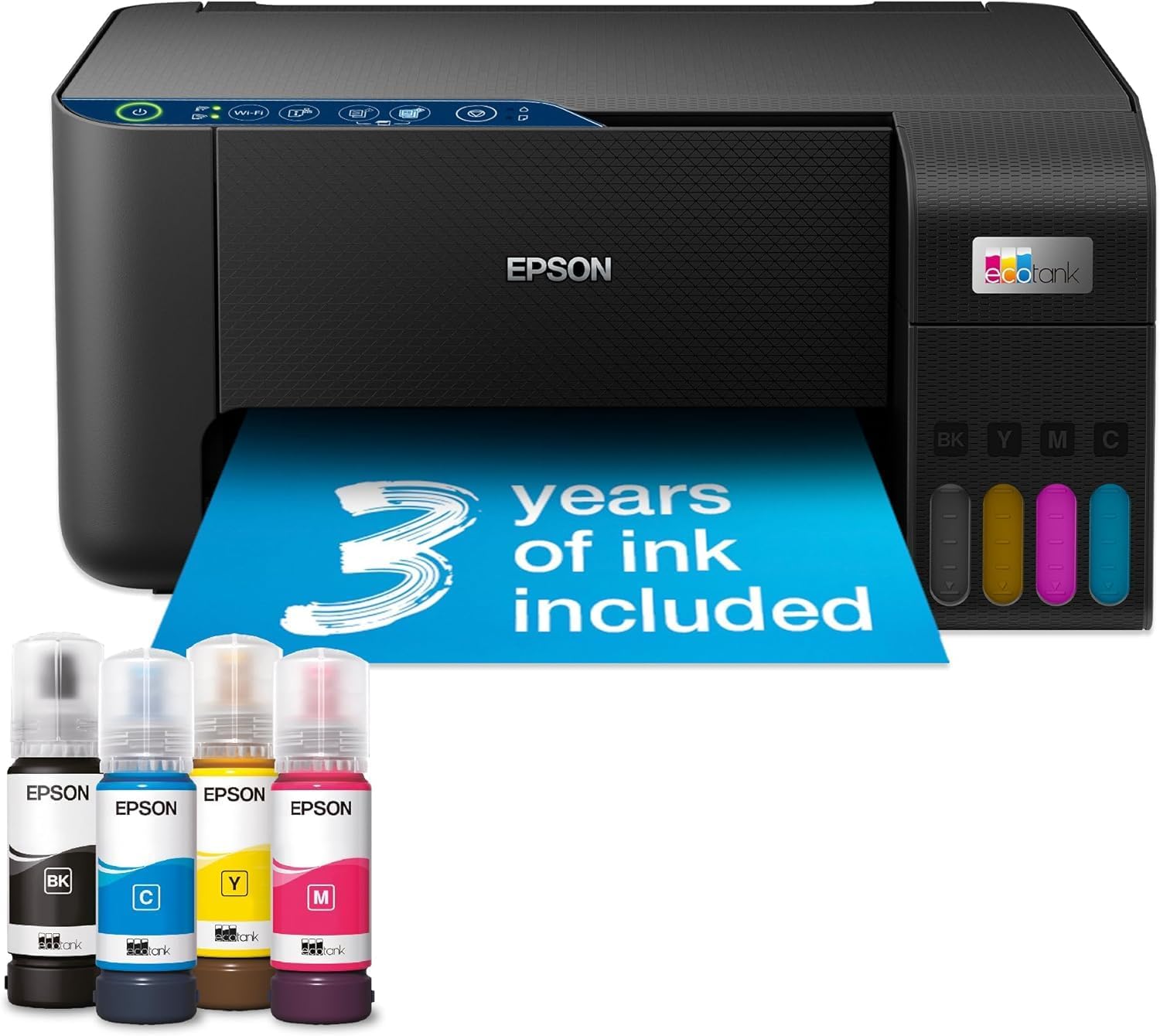
It also ships with ink included (claimed “up to 3 years of ink” based on the included bottles), plus a front ink level display so you can actually see when a refill is coming rather than waiting until it’s too late.
Key features that matter in daily use
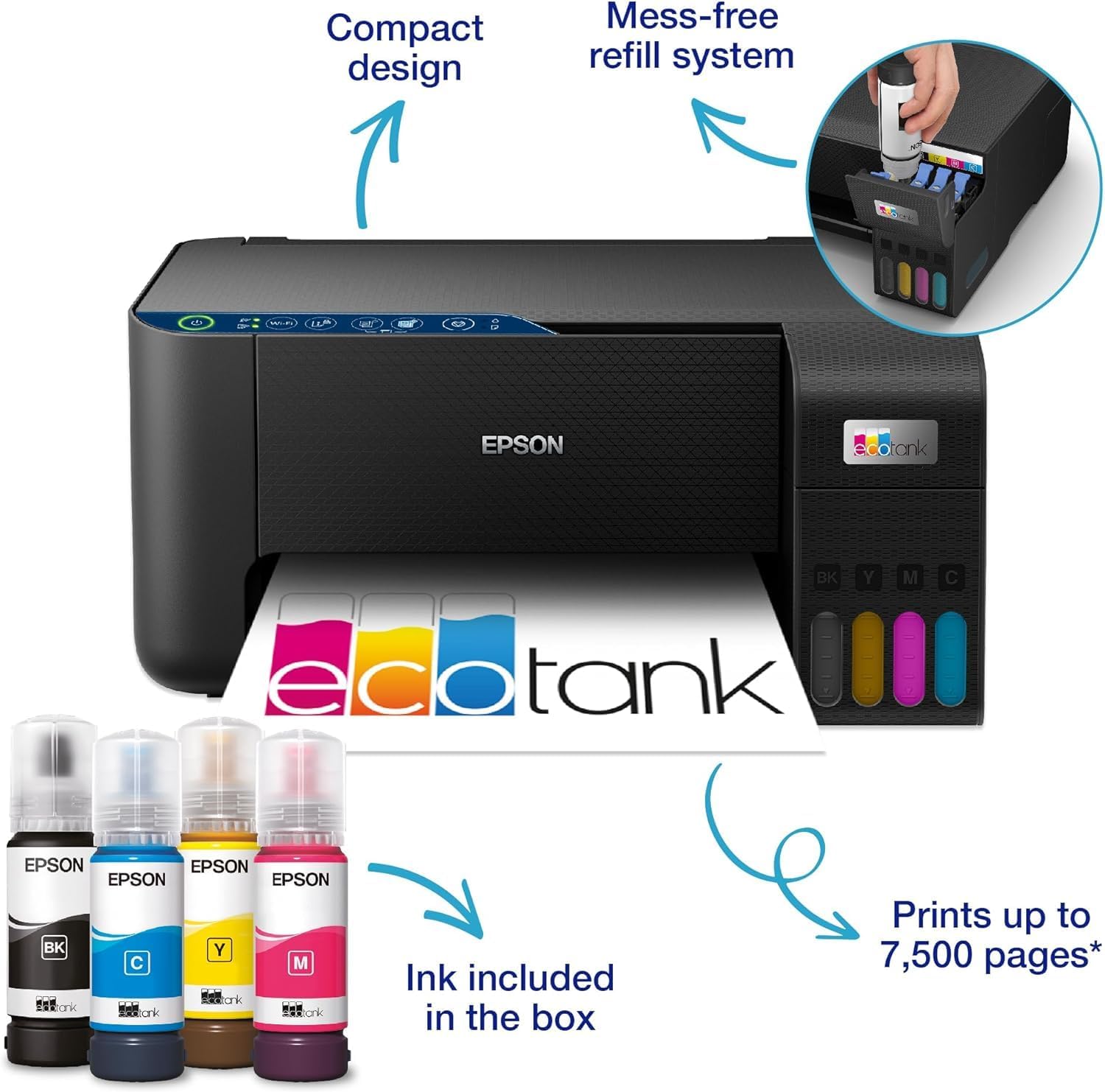
What stands out most is how the EcoTank approach changes the rhythm of ownership. Refills are intended to be simpler and less messy thanks to the bottle/key-lock design, and the front ink level display is there to reduce guesswork.
For paper handling, you get a 100-sheet rear paper tray, which is a practical detail for anyone who prints in batches rather than one page at a time. There’s also borderless photo printing up to 10x15cm, which is handy for small prints—think quick holiday snaps or simple personal photo cards.
Speed is rated at up to 10 pages per minute, which is fairly modest rather than “office fast”. It’s fine for typical home tasks, but if you’re regularly churning through huge volumes, you may want to consider whether a higher-end workflow-focused printer would suit you better.
Wireless setup and mobile control
This model includes Wi-Fi and Wi-Fi Direct connectivity, plus Epson Smart Panel app support. The idea is that you can control the printer from a phone or tablet—set up, monitor and troubleshoot it, not just print.
If you often print from different devices in the house, Wi-Fi and Wi-Fi Direct help keep it flexible. In practice, the Smart Panel app can be useful for checking status without needing to stand at the printer every time.
One limitation to keep in mind: while the app supports monitoring and troubleshooting, the exact feature set can depend on your device setup. If mobile control is a must-have, it’s worth checking compatibility with your phone/tablet before you commit.
What’s the real value: ink capacity and cost approach
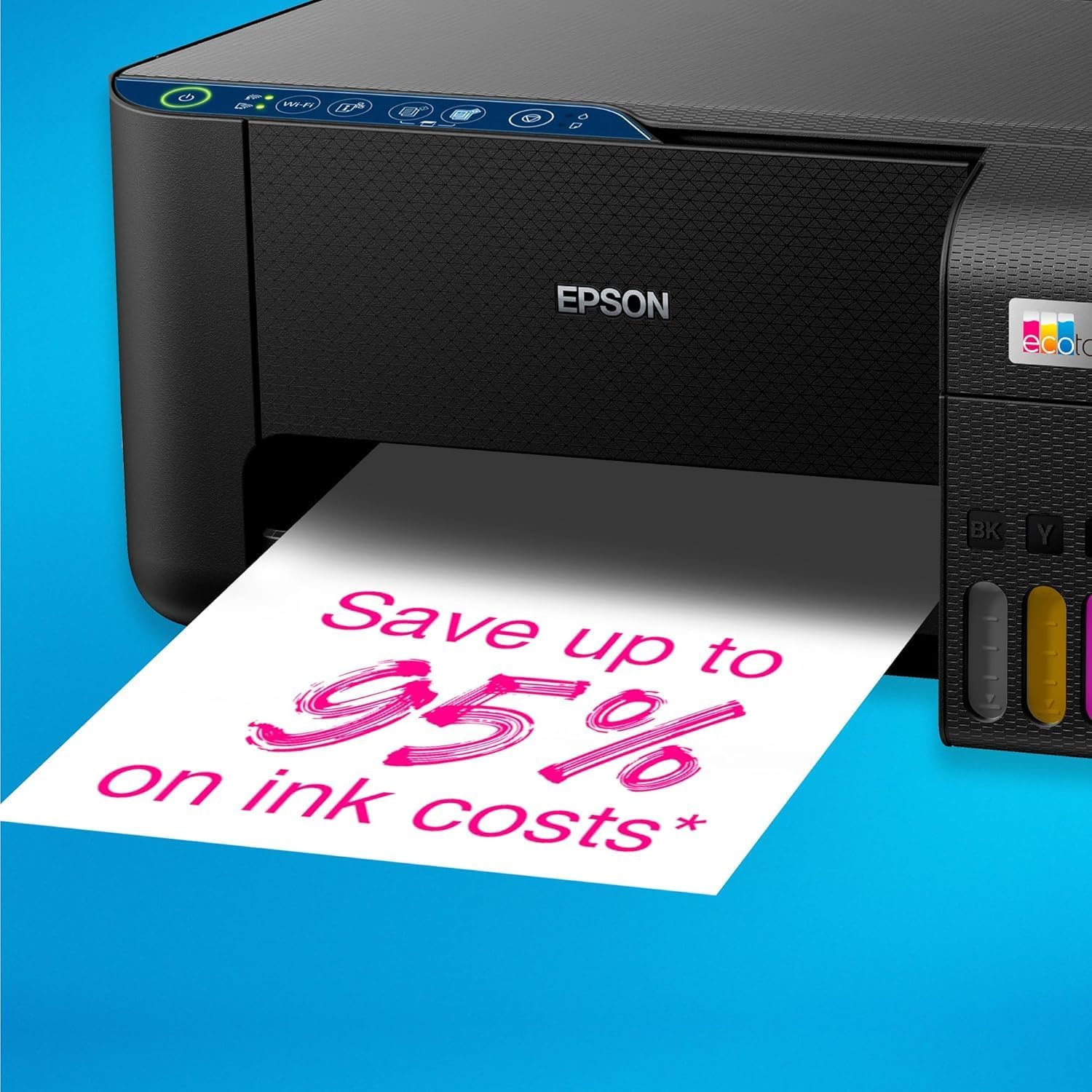
Epson positions the EcoTank ET-2861 around cost savings, claiming you can save up to 95% on printing costs and that a set of ink bottles can deliver up to 4,500 pages in black and white and 7,500 in colour.
Those figures are broadly the reason people choose ink tank printers in the first place: fewer interruptions and less frequent spending compared with cartridge-only systems. The “key-lock bottles” detail is also reassuring if you’re the sort of person who wants to avoid accidental colour mix-ups.
That said, take the savings claims as “up to” numbers and align them with your own print habits. If you print very occasionally, the value may feel slower to show up than it would for regular document printing.
Tech overview
Tech specs
- Type: Ink tank printer
- Format: A4
- Functions: Print, Copy, Scan
- Connectivity: Wi-Fi and Wi-Fi Direct
- Paper capacity: 100-sheet rear paper tray
- Photo printing: Borderless up to 10x15cm
- Print speed: Up to 10 pages per minute
- Ink system: Ultra-high capacity ink tanks with mess-free refills
- Ink visibility: Front ink level display
- Refilling bottles: Key-lock bottles designed for correct colour insertion
- Display/monitoring: Epson Smart Panel app for monitoring/troubleshooting
- Printing technology: Heat-Free Printing Technology, engineered to prevent nozzle clogging
Who it suits (and who should look elsewhere)
It’s a good fit if you’re after an A4 home printer for regular everyday use—documents, forms, schoolwork, and the occasional photo—while also wanting to reduce how often you buy ink.
You may want to skip it if you print so infrequently that ink tank economics don’t really matter to you, or if you need faster throughput than “up to 10 pages per minute” for larger ongoing batches. It also isn’t the most reassuring choice if mobile control isn’t useful to you at all, because the extra app and wireless flexibility is essentially part of the package.
Worth considering if you like the idea of less maintenance: the heat-free approach is designed to help the printhead last, and it’s engineered to prevent nozzle clogging.
Is it worth it?
If you print at home often enough for ink costs to matter, the Epson EcoTank ET-2861 looks like a sensible, household-friendly ink tank option. The front ink level display, mess-free key-lock refills, wireless support, and Smart Panel monitoring all line up with the goal of “less hassle, fewer replacements”.
Buying it is less convincing if your printing is sporadic and you’re mostly looking for a low-cost way to do the occasional task—because ink tank value tends to show when usage is consistent.
Mini FAQ
Getting ink refills right
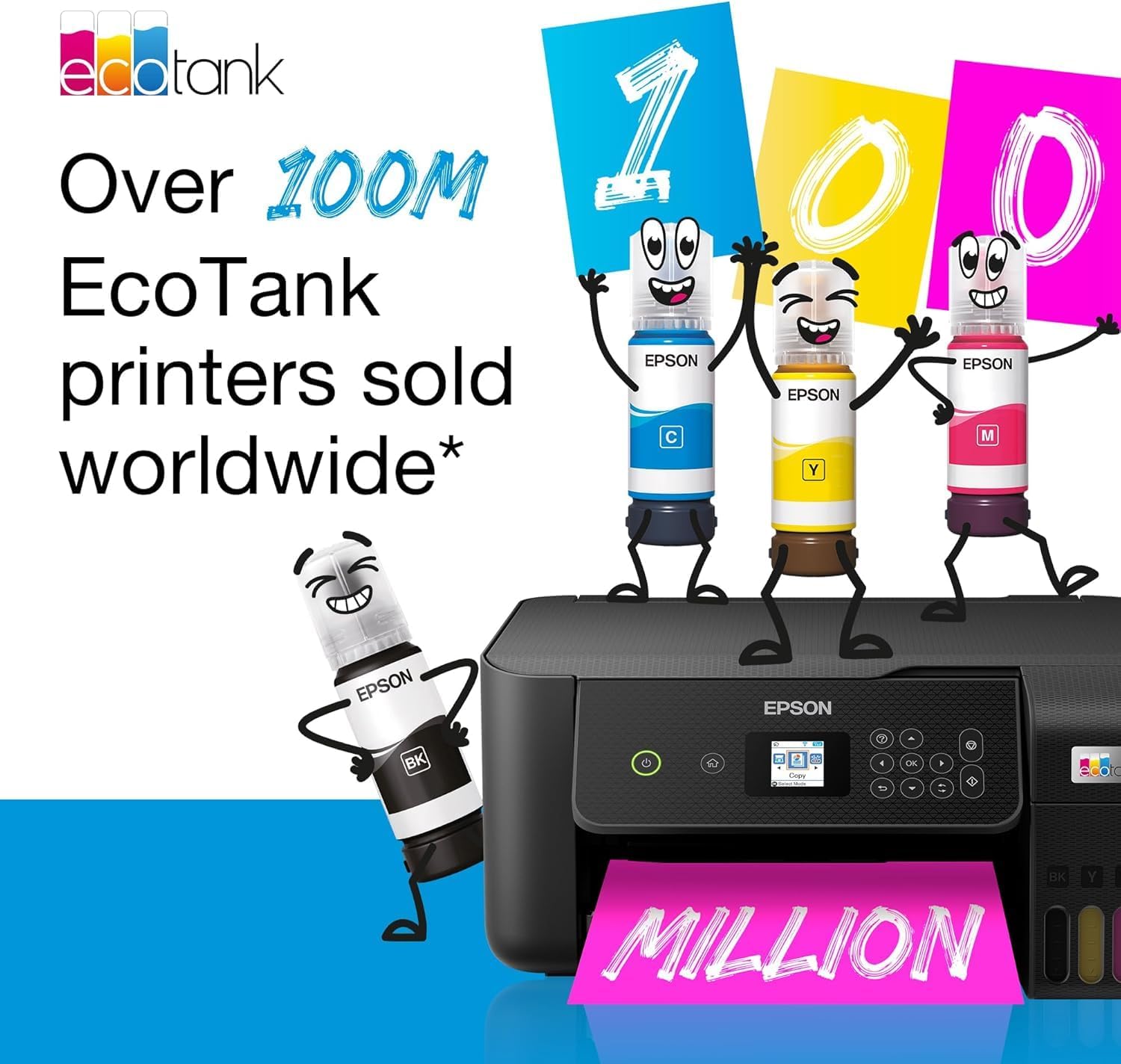
The ink bottles are described as key-locked so only the correct colour can be inserted. That should reduce the chance of mistakes during refills.
Can I print from my phone or tablet?
Yes—Epson Smart Panel app support is included, and the printer is set up for wireless printing via Wi-Fi / Wi-Fi Direct.
Does it handle photos?
It supports borderless photo printing up to 10x15cm, so small photo prints are in scope.
Will it be fast enough for home batches?
It’s rated at up to 10 pages per minute. That’s fine for typical home printing, but don’t expect it to behave like a dedicated high-volume office device.
How often will ink need replacing?
Epson states “up to 3 years of ink” included in the box, and provides page yield estimates for the ink bottles. Actual timing will depend on how much you print.