

drivego 360 Rotating Case for iPad A16 (11th Gen, 2025) & iPad 10th Gen (10.9in, 2022) – Magnetic Detachable Cover with Pencil Holder, Clear PC Back, Red
Product description
The essentials
If you’re after a case that’s less “just protection” and more about everyday usability, the drivego 360 Rotating Case is designed for two specific iPad models: the iPad A16 11th generation 2025 (11 inch) and the iPad 10th generation 2022 (10.9 inch). The big selling point, on paper at least, is the 360° rotating setup. That’s the sort of feature you notice the moment you switch between portrait reading and landscape watching, or when you want to position the screen at a comfortable angle.
It also uses a magnetic detachable approach, meaning the front and back parts can separate. That’s handy if you sometimes want the tablet in-hand without the cover feeling bulky. Add in an integrated pencil holder and an Auto Wake/Sleep function, and you’re looking at a case built around routines—reading, drawing, and passive viewing—rather than a barebones shell.
Key compatibility you should check first
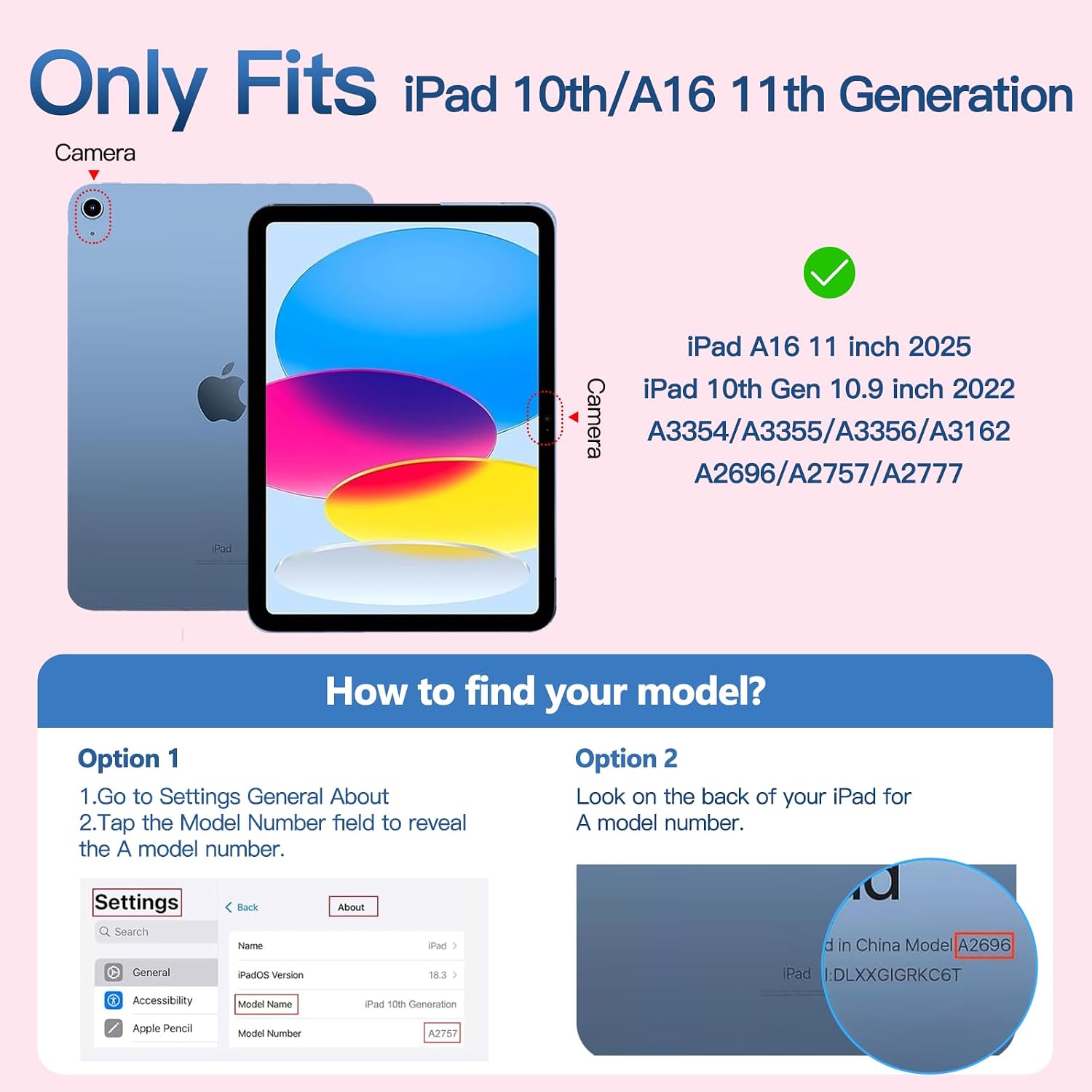
This case is specifically designed for: - iPad A16 11th generation 2025 11 inch (model numbers A3354 / A3355 / A3356) - iPad 10th generation 2022 10.9 inch (model numbers A2696 / A2575 / A2777 / A3162)
The listing is also clear about what it does not fit. It won’t fit iPad Air 11 inch 2025/2024 (M3/M2) or iPad Air 5 2022/2020 10.9 inch, and it’s not meant for other devices. Before you buy, check the model number printed on the back bottom of your iPad (the “AXXX” code). It’s a small step, but it avoids the most frustrating kind of purchase regret.
It’s not perfect in the sense that you’re locked into those model ranges. If you own a different iPad, even if the screen size sounds close, it’s safer to skip.
Where the 360° rotation actually helps
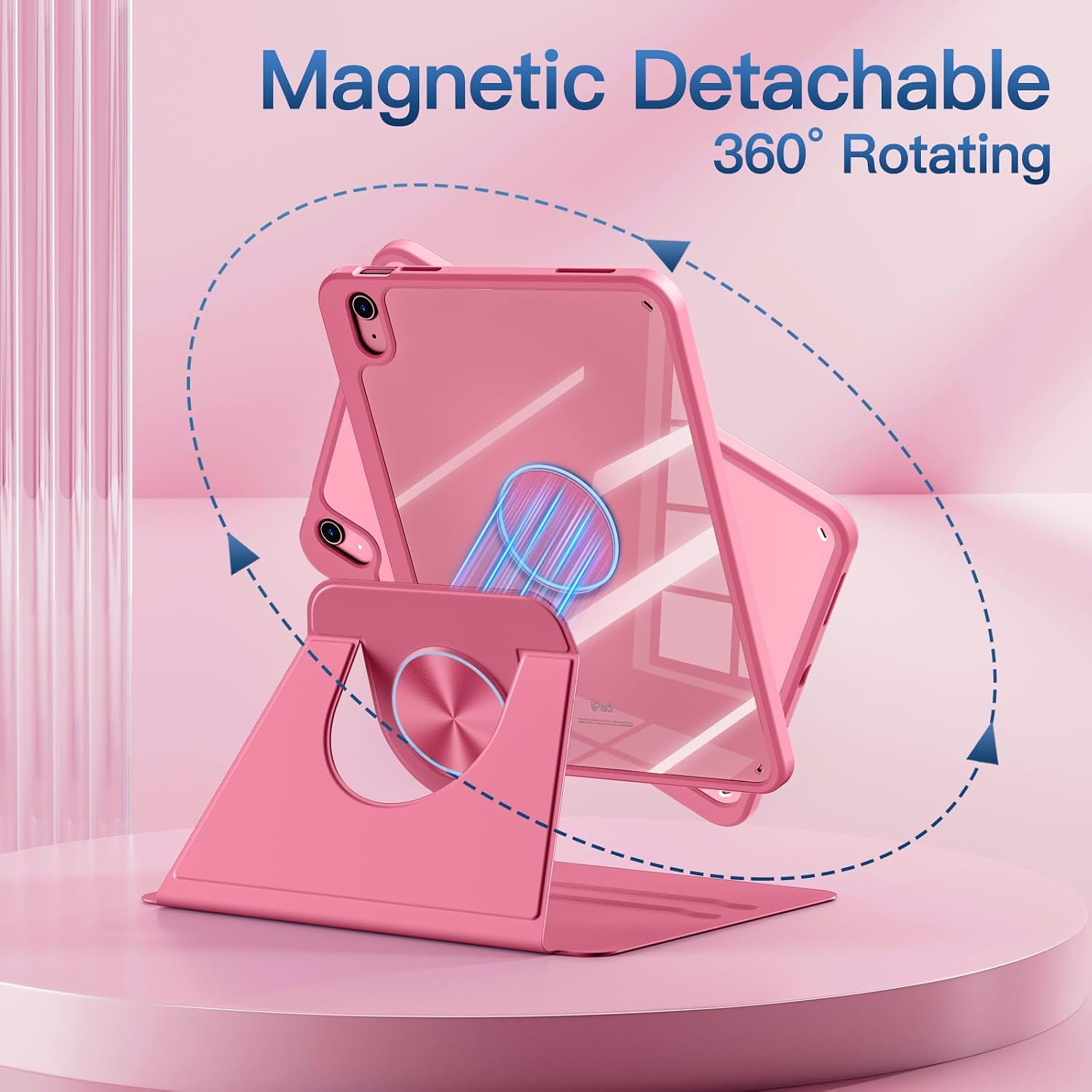
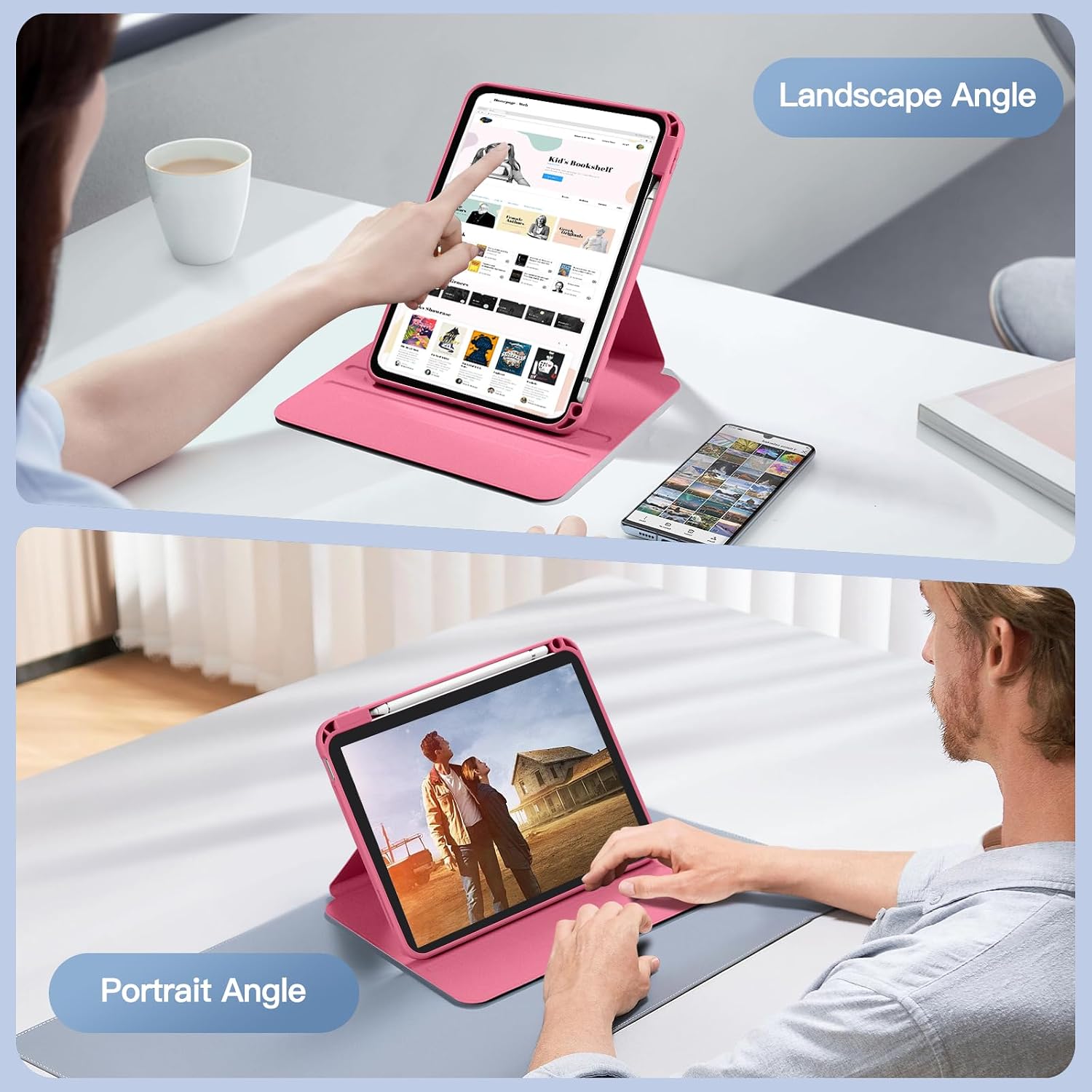
A 360° rotation case sounds dramatic, but its value is fairly practical: it gives you flexibility when you’re consuming content or using the tablet in different orientations. The listing states you can switch between portrait and landscape and still have stable support at various angles thanks to two deep non-slip grooves.
In use, that can mean something as simple as propping the iPad to watch a film without continuously adjusting your hands, or angling it for reading while you’re sat at the table. If you also draw or sketch, being able to reposition the iPad into a comfortable stance can reduce fiddling.
Just bear in mind that the “stable at various angles” claim is about the design’s intent—if you’re very hard on your setup (like constant movement or one-handed use), no hinge-style case will feel exactly like a dedicated stand.
Magnetic detachable cover and the clear PC back
This case uses a strong magnetic connection between the front and back panels, with the ability to separate them. That’s a thoughtful touch if you prefer a lighter grip at times, or if you want the option to remove the front portion.
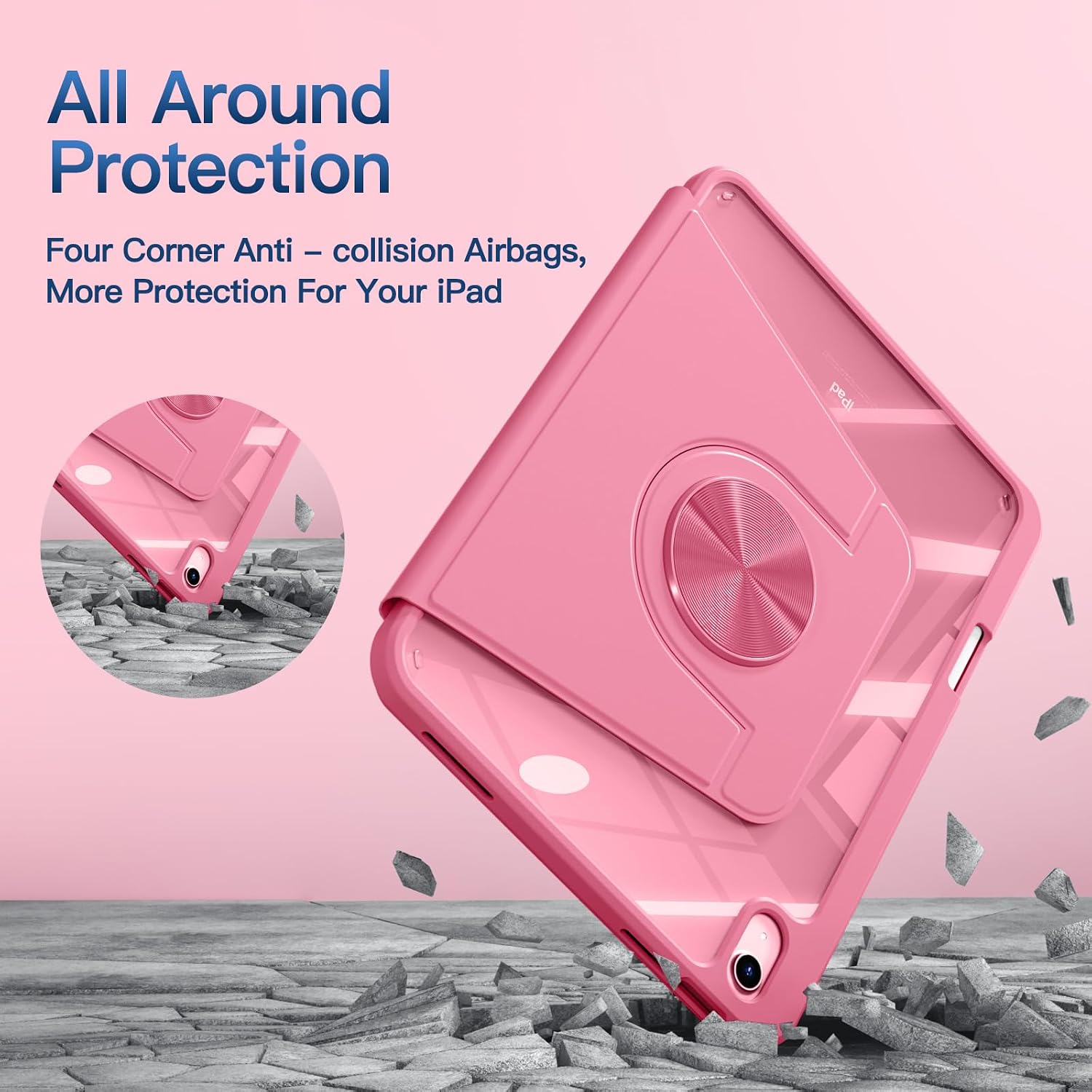
The back is a highly transparent hard PC material. Two things matter here: it’s meant to help you see the icons on the back clearly, and it’s positioned as shock, drop, and scratch prevention. Whether it fully prevents “drops” will depend on how you handle your tablet—nothing in this category can make a tablet unbreakable—but a rigid back does tend to feel more protective than flimsy plastic.
Pencil holder built in (no pencil included)
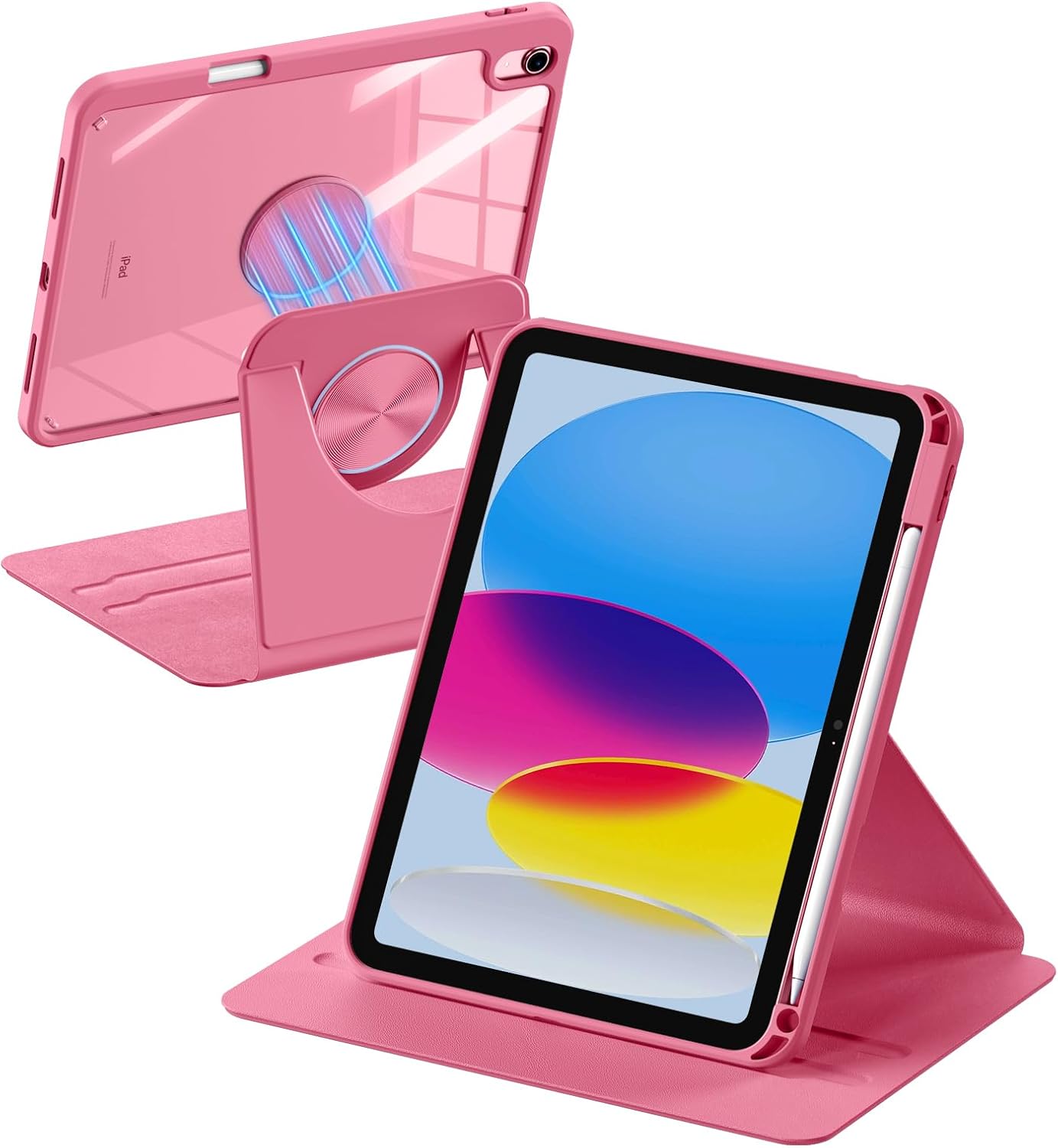
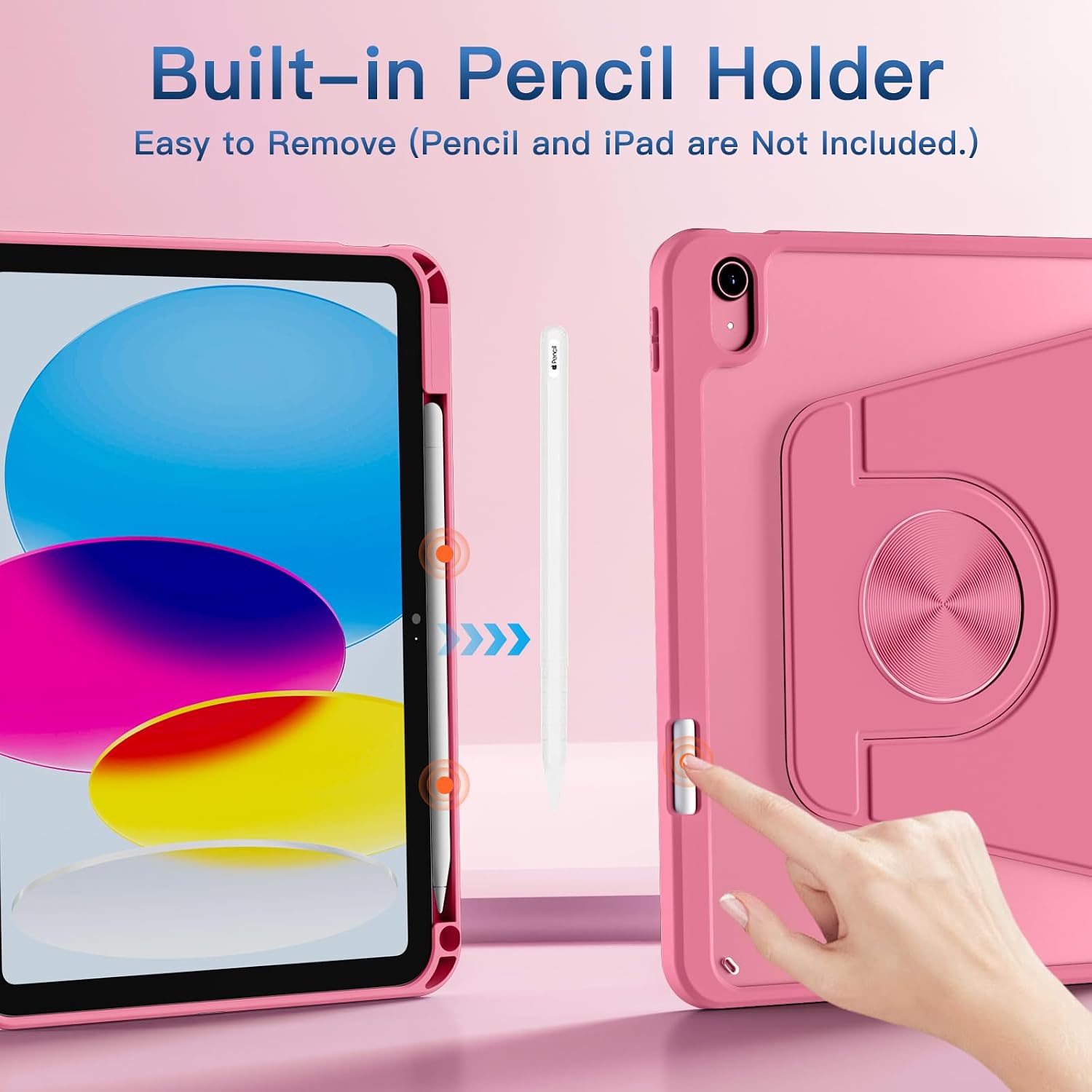
There’s a built-in stylus pencil holder, with storage and protection for Pencil 1st generation. The side hole is for pushing the stylus out, which should make removal more straightforward.
One limitation: the listing explicitly says Pencil is not included. So if you’re buying for drawing and note-taking, factor in that you may need to purchase the stylus separately.
If you don’t use a Pencil, you might see the holder as extra bulk or a feature you simply won’t take advantage of.
Auto Wake/Sleep for daily battery habits
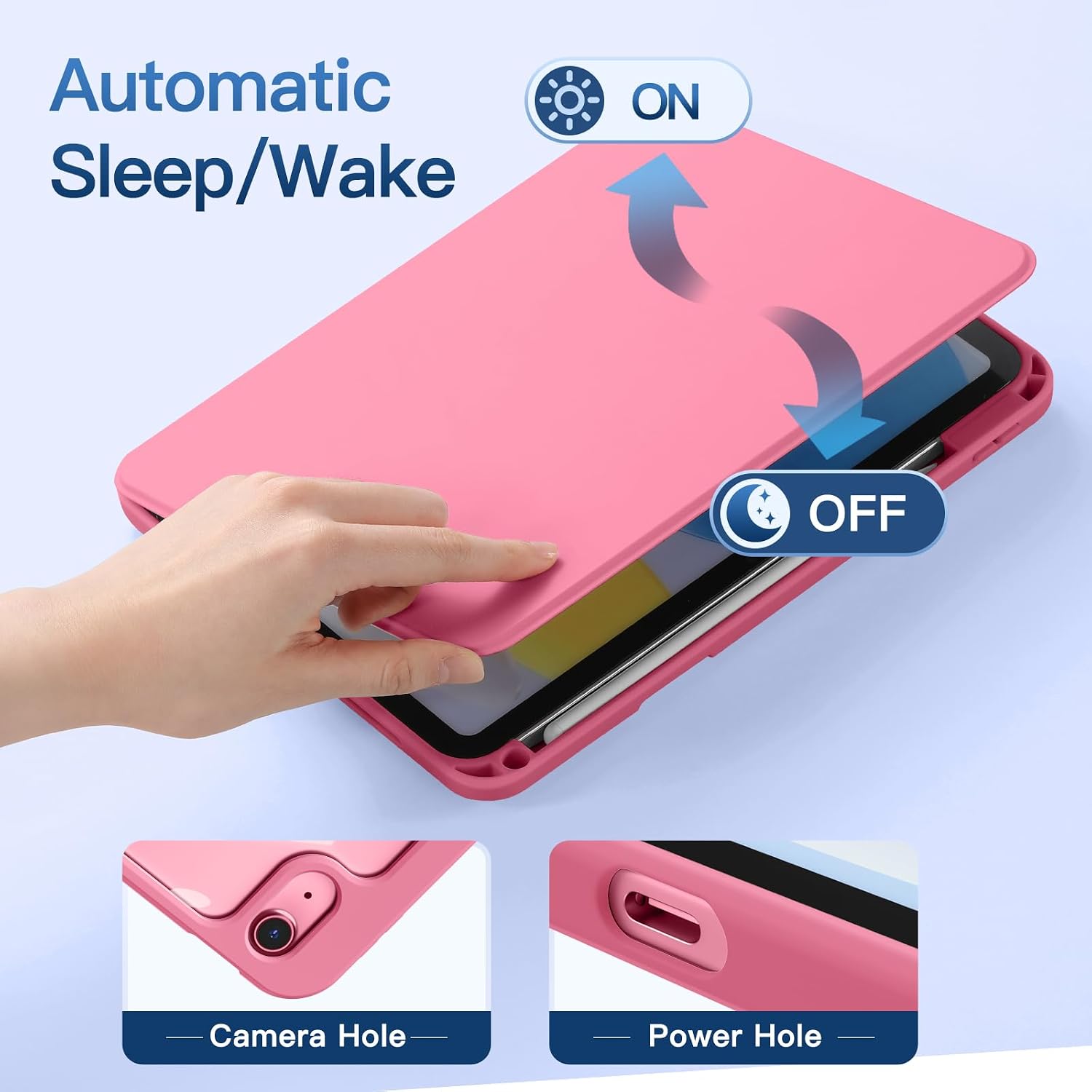
The Auto Wake/Sleep function is designed to automatically wake or put the iPad to sleep when the lid is opened or closed. For daily use, this is the kind of convenience that quietly adds up—especially if you repeatedly pick up and put down your tablet.
It’s not a guarantee that battery life will dramatically change in every situation, but it’s a sensible add-on for people who want less manual screen-on time.
Who it suits (and who should look elsewhere)
It makes sense if you: - own one of the compatible iPad models listed by model number - want rotation freedom for watching, reading, or angled use - like the idea of a detachable magnetic cover for easier handling - use a Pencil 1st generation and want storage built into the case
You may want to skip it if you: - have an iPad Air model or a different iPad generation not listed for this case - mainly need ultra-basic protection and don’t care about rotation - prefer a stand that’s fixed at one angle rather than hinge/rotation based
Final verdict
Is it worth it?
The drivego 360 Rotating Case is a good fit if you want a case that supports flexible viewing angles, includes a Pencil 1st generation holder, and offers Auto Wake/Sleep for everyday convenience. The detachable magnetic design and clear hard PC back are also aimed at making day-to-day handling feel easier, not just more protected.
That said, it’s more of a specialised case than a universal one. The compatibility is strict, and if your iPad isn’t one of the specified models (based on the “AXXX” code), it simply won’t be the right purchase. And if you only want minimal bulk and don’t use a stylus, the extra features may not feel worth it.
Quick FAQ
Does it fit any iPad with a similar screen size?
No. The listing specifies exact model numbers for iPad A16 11th generation (2025) and iPad 10th generation (2022). It also states it does not fit iPad Air models listed on the page.
Is the Pencil included?
No. The pencil holder is included, but Pencil is not.
Will the case work for both portrait and landscape?
Yes. The 360° rotating design is intended to support both orientations and different angles.
Does Auto Wake/Sleep require any extra setup?
The listing states it supports Auto Wake/Sleep when the lid is opened or closed, so it’s meant to work as part of the case behaviour.
What’s the back material?
It’s a highly transparent hard PC (polycarbonate) material designed to show the icons on the back and help prevent scratches and shock damage.