

Dremel 290 Engraver compact engraving pen with carbide tip and stencil
Product description
Quick overview
The Dremel 290 Engraver is a compact engraving pen tool designed for controlled, in-your-hand marking and engraving. It’s aimed at people who want more than a basic scribe, but don’t necessarily need a full rotary engraving setup. On paper, it focuses on repeatable control: a reciprocating action for steadier guidance, variable stroke depth for different engraving looks, and a soft-grip body to keep handling comfortable during longer sessions.
What you get here is a carbide engraving tip that’s replaceable, plus a stencil for engraving. That combination suggests a practical “start making marks quickly” approach rather than pure experimentation. It’s the sort of tool that can be genuinely useful in a workshop, but also one you’ll want to be sure about—because engraving results depend heavily on material choice, how steady your hand is, and the depth you dial in.
What to know before you buy
Engraving pens are often bought for two reasons: personal marking (names, labels, details) and decorative or functional work (patterns, guides, finer etching). The 290 Engraver leans into that with its variable stroke depth, so you’re not stuck with one engraving intensity.
The reciprocating action is the other notable point. It’s there to help with “optimal engraving control”, which is exactly what you’re looking for when you’re trying to keep lines consistent—especially on smaller, curved, or detailed areas. Still, keep expectations grounded: this is a compact pen tool, so it’s best thought of as a precision helper rather than a device for deep structural carving.
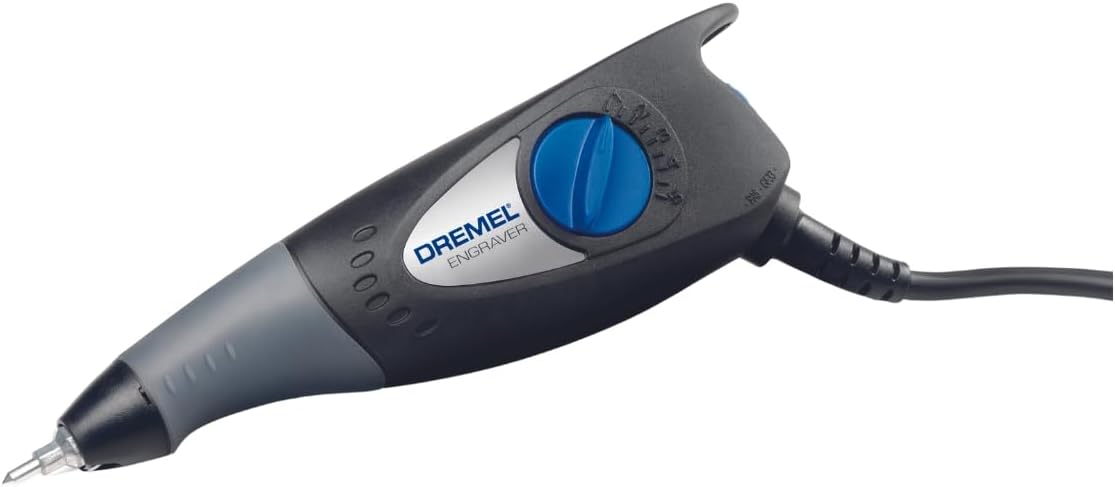
A separate on/off switch that also helps keep your depth setting is another sensible detail. If you’ve ever bumped a depth adjustment mid-project, you’ll appreciate the idea—though you’ll still want to be careful with setup before you start.
Key features that matter in use
In everyday use, the differentiator is how the tool helps you control the cut. A reciprocating action can feel different from rotary methods, and that can be a good thing if you find rotational approaches too “grabby” for fine control.
Depth control is where it earns its keep. Variable stroke depth means you can aim for lighter engraving for subtle contrast, or go deeper when you want a more visible result. And the soft grip is there for comfort—because even a “small” engraving job can take time when you’re doing lettering or following a stencil.
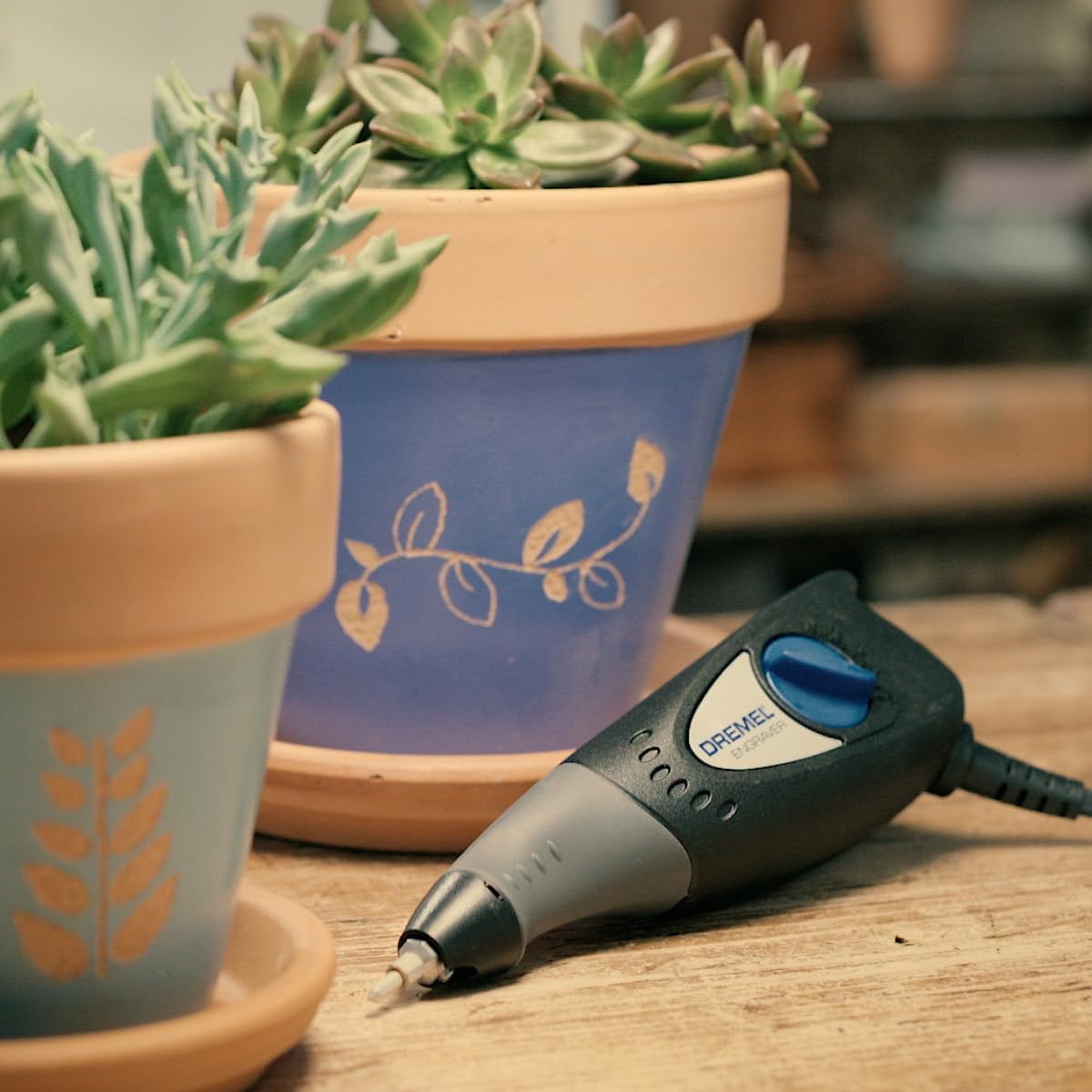
The replaceable carbide tip is also worth considering. Over time, tips wear out, and being able to replace the carbide is usually the difference between treating a tool as a long-term investment versus a short-lived gadget.
There’s also a stencil included. Depending on what you’re engraving, a stencil can save a lot of guesswork and help you keep alignment—particularly for repeated patterns or clean lettering.
Materials and expectations
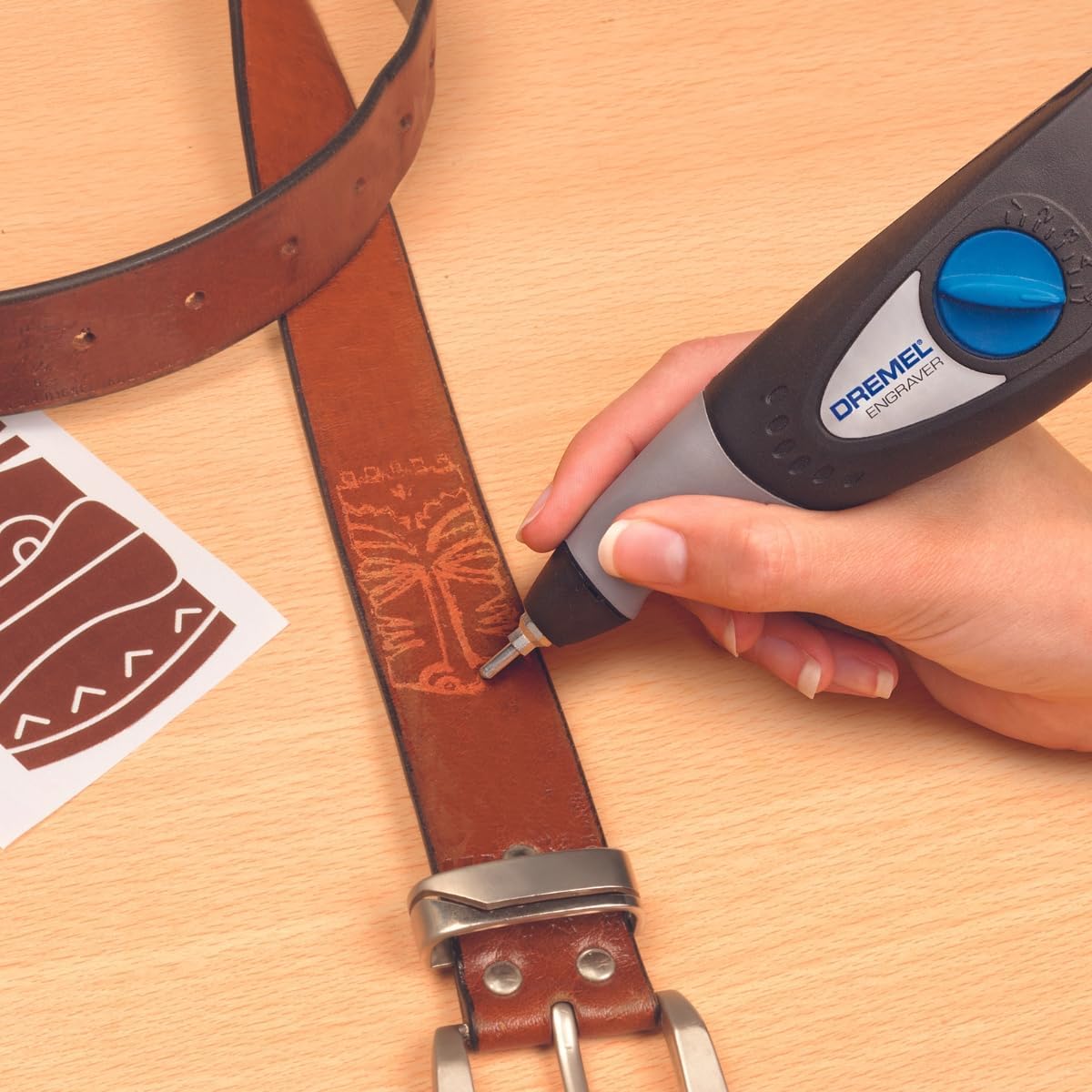
The description states the carbide tip is for use on wood, metal, ceramics, plastic, and leather. That broad list is useful if you tend to tackle mixed-material projects.
However, “works on many materials” doesn’t automatically mean “same results on every material”. In practice, material hardness, surface finish, and how much you vary the stroke depth will strongly affect what you get. You may find it shines for crisp detailing when depth is kept sensible, but it can be harder to achieve uniform depth if you press too aggressively or move too fast.
If you’re doing light decorative engraving, you’ll likely appreciate the control and depth settings. If you’re hoping for heavy-duty carving or large-scale removal, a dedicated carving approach may be more suitable.
Getting the most from the Dremel 290
A practical way to use it is to start with a scrap piece of the same material. Set a moderate stroke depth, then test a few short lines. Once you see how deep the engraving goes, you can adjust before you commit to the final item.
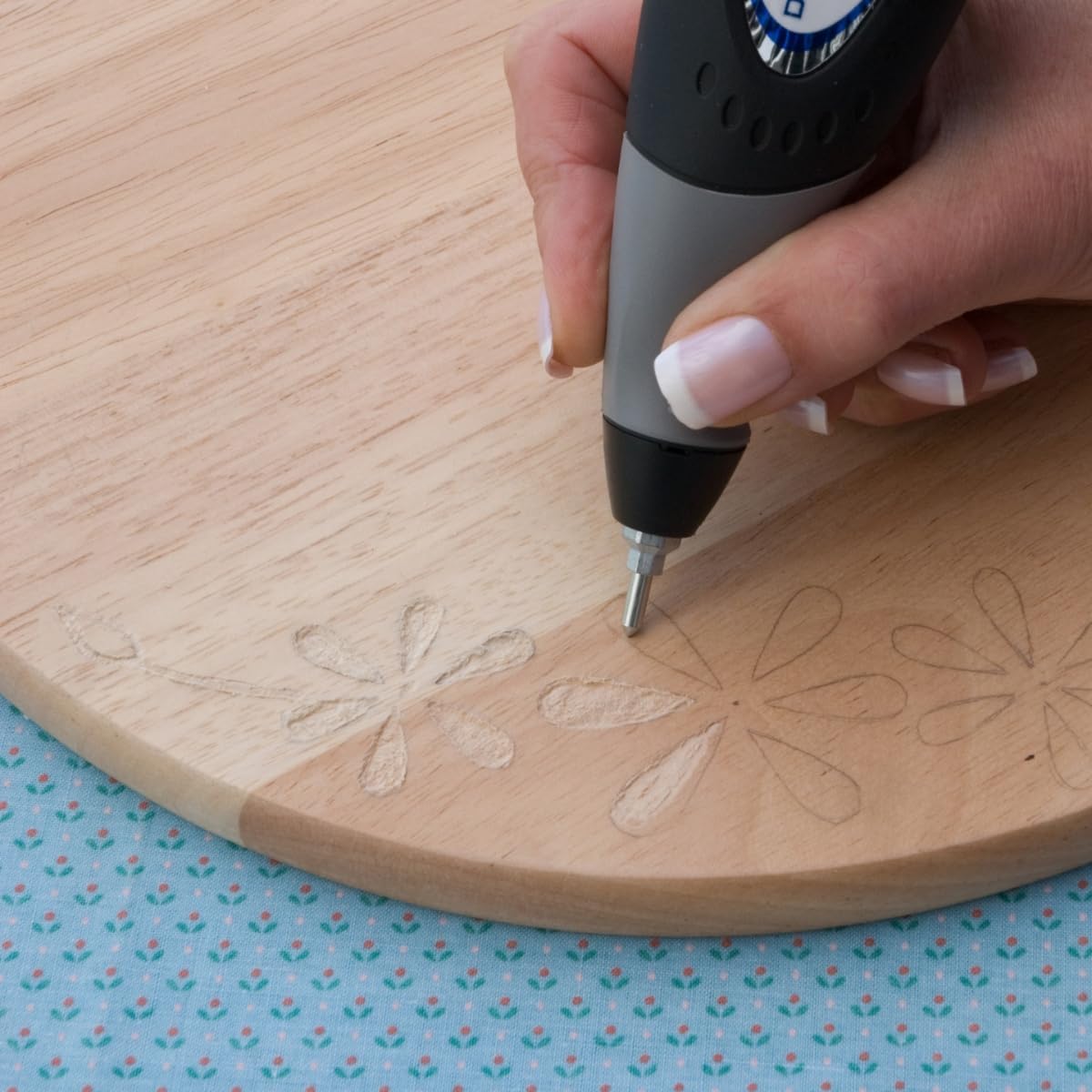
If you’re using the stencil, position it carefully and take your time. Engraving through a stencil is one of those tasks where slow, steady movement tends to look better than rushing. The soft grip helps with that “stay steady” aspect, and the depth setting being kept separate from the on/off action can reduce the risk of accidentally changing your settings mid-job.
If you find your results are too faint, increase stroke depth gradually rather than jumping to extremes. If you’re getting overly deep or messy marks, reduce depth and focus on control.
Pros, limitations, and who it suits
Strengths
- Reciprocating action aimed at engraving control
- Variable stroke depth for different effect styles
- Soft grip for comfortable handling
- Replaceable carbide tip for multiple material types
- Separate on/off switch to keep depth setting
- Includes 1 stencil to help with aligned engraving
Worth noting (a couple of limitations)
- Engraving quality will depend on your material and your depth choice, it’s not automatically “perfect on every surface”.
- As a compact engraving pen, it’s more of a precision tool than something designed for large-scale material removal.
Who it’s a good fit for
It makes sense if you want a controlled engraving pen for detailed personalisation, patterns, or neat marking across common workshop materials.
Who may want to skip it
It might not be a great match if you’re expecting heavy carving depth or if you’re after fast, broad metal stock removal.
Final verdict
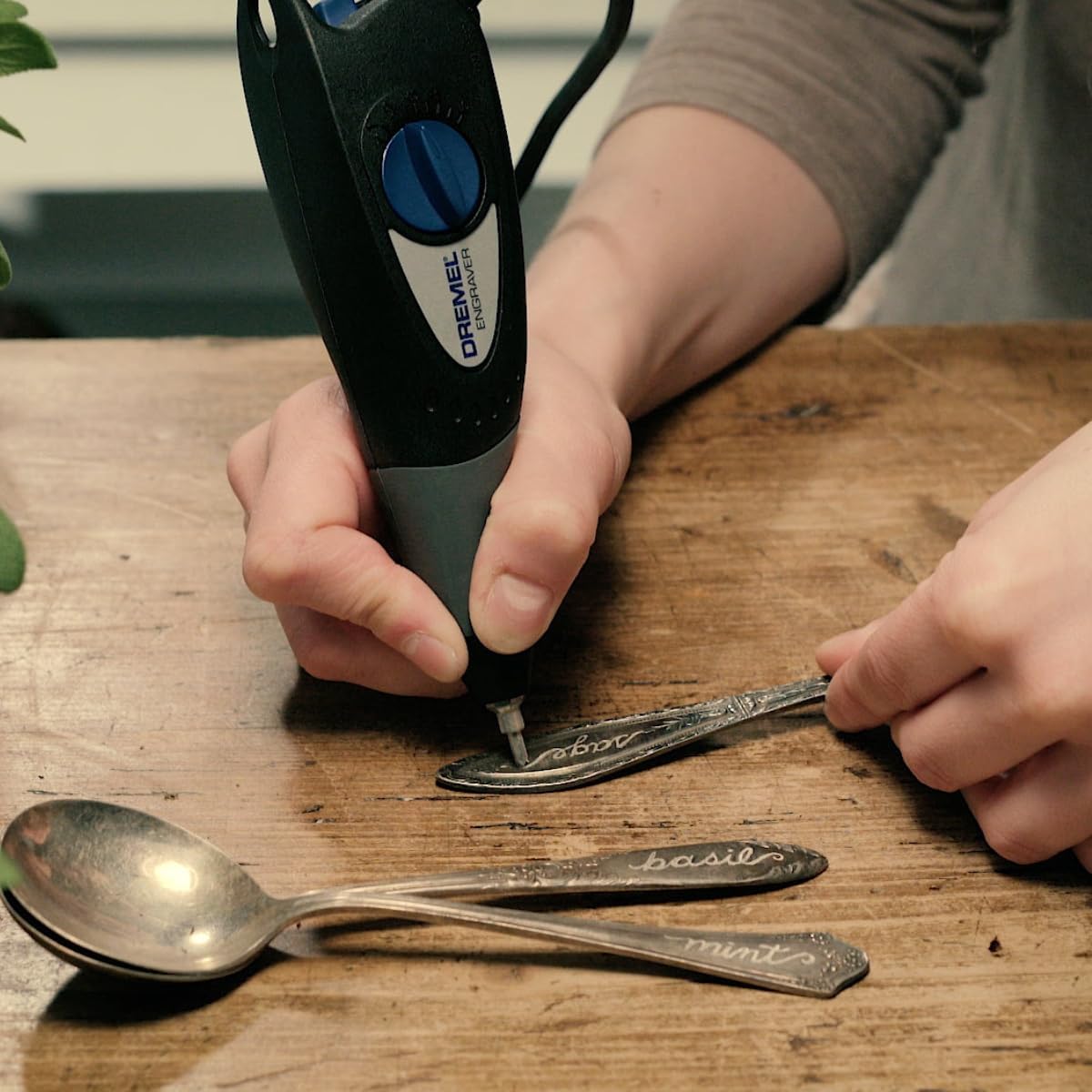
Should you buy it? It’s worth considering if you value control, adjustable stroke depth, and a replaceable carbide tip for engraving wood, metal, ceramics, plastic, or leather. The included stencil also helps if you want cleaner alignment rather than freehand every time.
You may want to look elsewhere if your main goal is deep carving or major material removal, because this is fundamentally a compact engraving tool with precision in mind—not brute-force work. As with most engraving setups, it can also help to be ready to do a quick test on scrap first, so you can dial in the depth before committing.
Mini FAQ
Does the Dremel 290 engraving pen include a stencil?
Yes, the package includes 1 stencil for engraving.
Can the carbide tip be replaced?
The description specifies that the carbide is replaceable, which matters if you plan to use the tool regularly over time.
What materials is it intended for?
It’s described as suitable for engraving wood, metal, ceramics, plastic, and leather.
Is there depth control?
Yes, it has variable stroke depth so you can produce different engraving effects.