

Dragon Touch Calendar 10.1" digital calendar 1080P
Reviews
Price
Product description
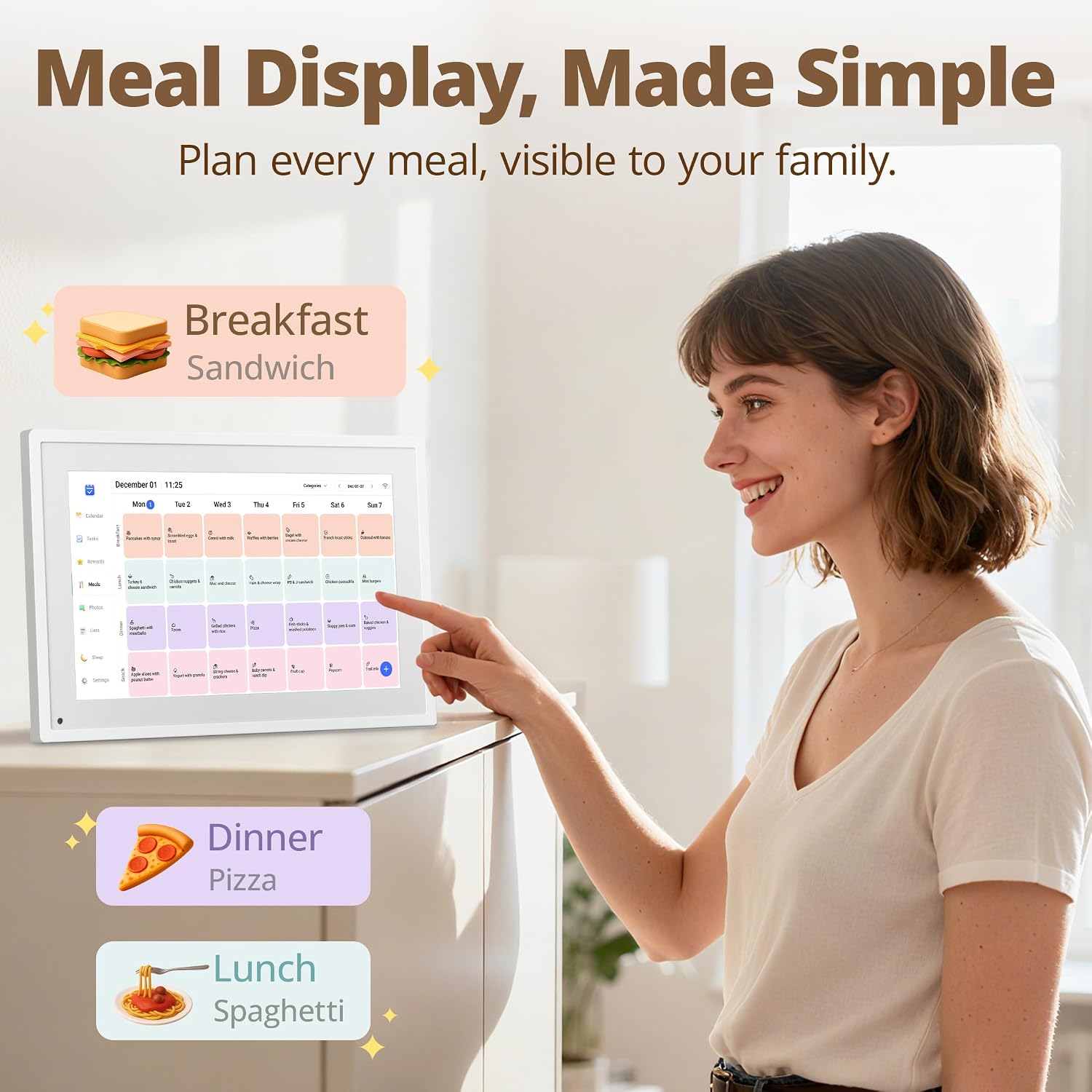
This 10.1-inch digital family calendar from Dragon Touch helps keep busy households organised by aggregating appointments, chores and meal plans on a single touchscreen display. The compact 10.1-inch panel and Full HD resolution make it useful in kitchens, hallways or home offices where the family needs a shared visual planner and a simple interactive hub for daily routines.
Key Points
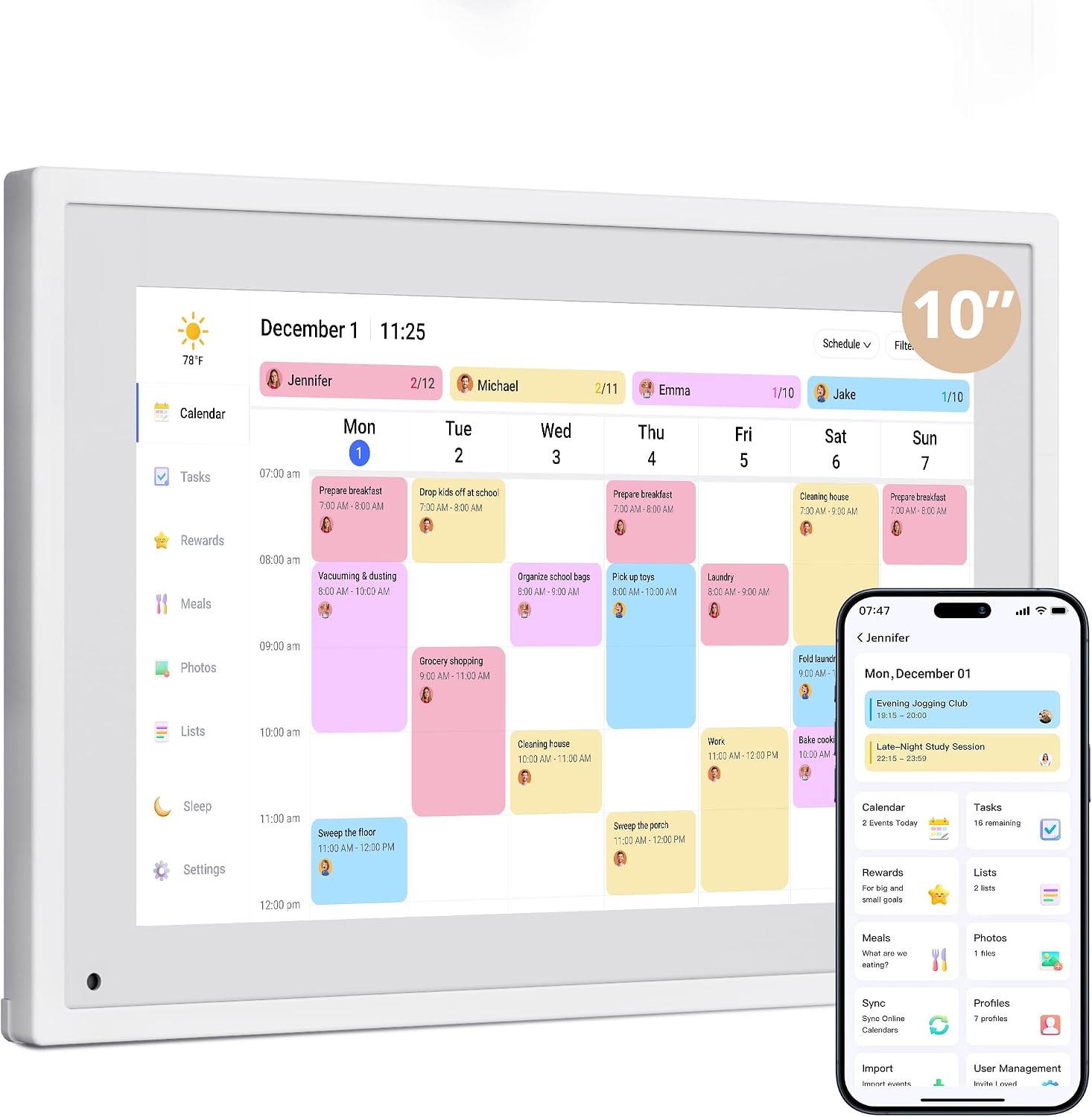
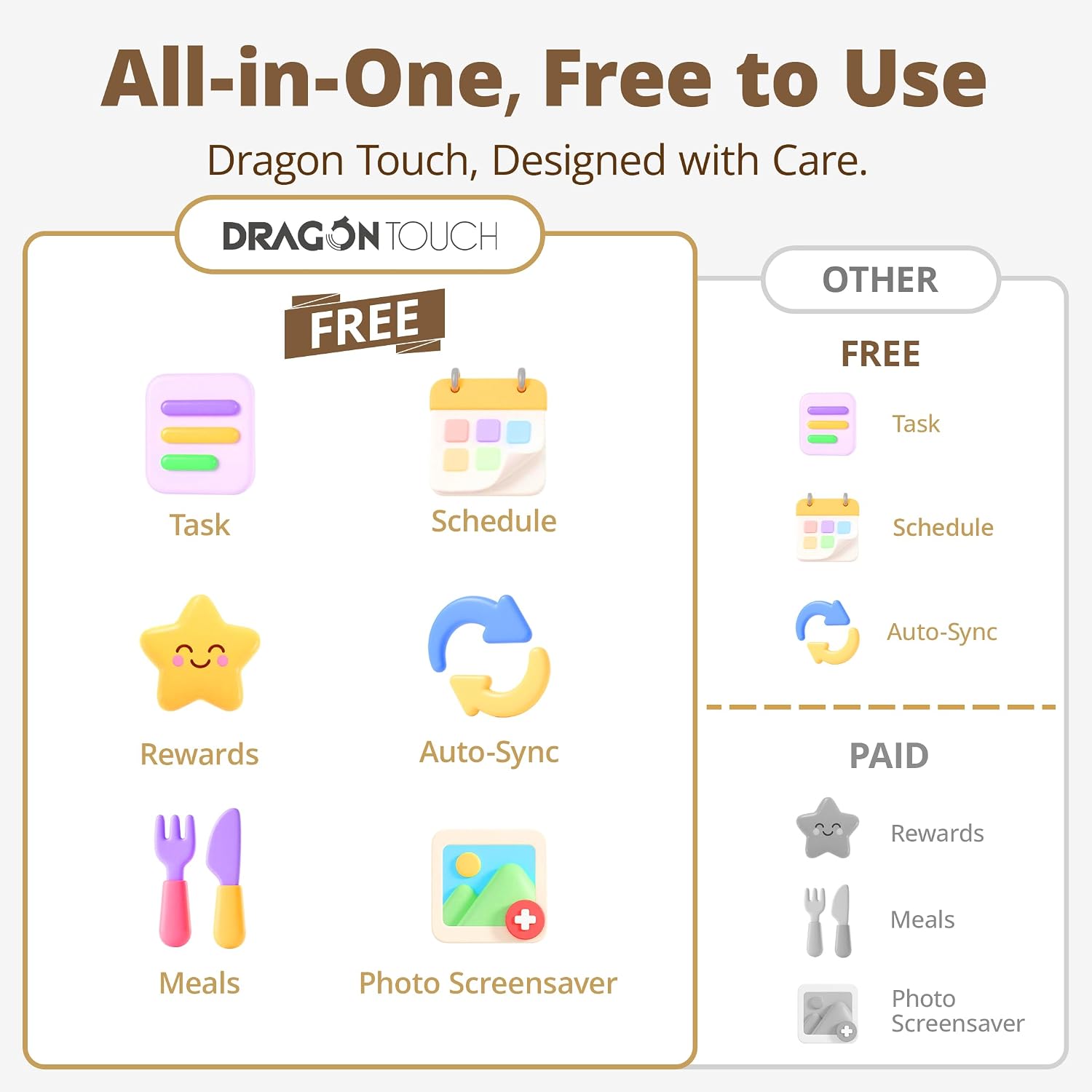
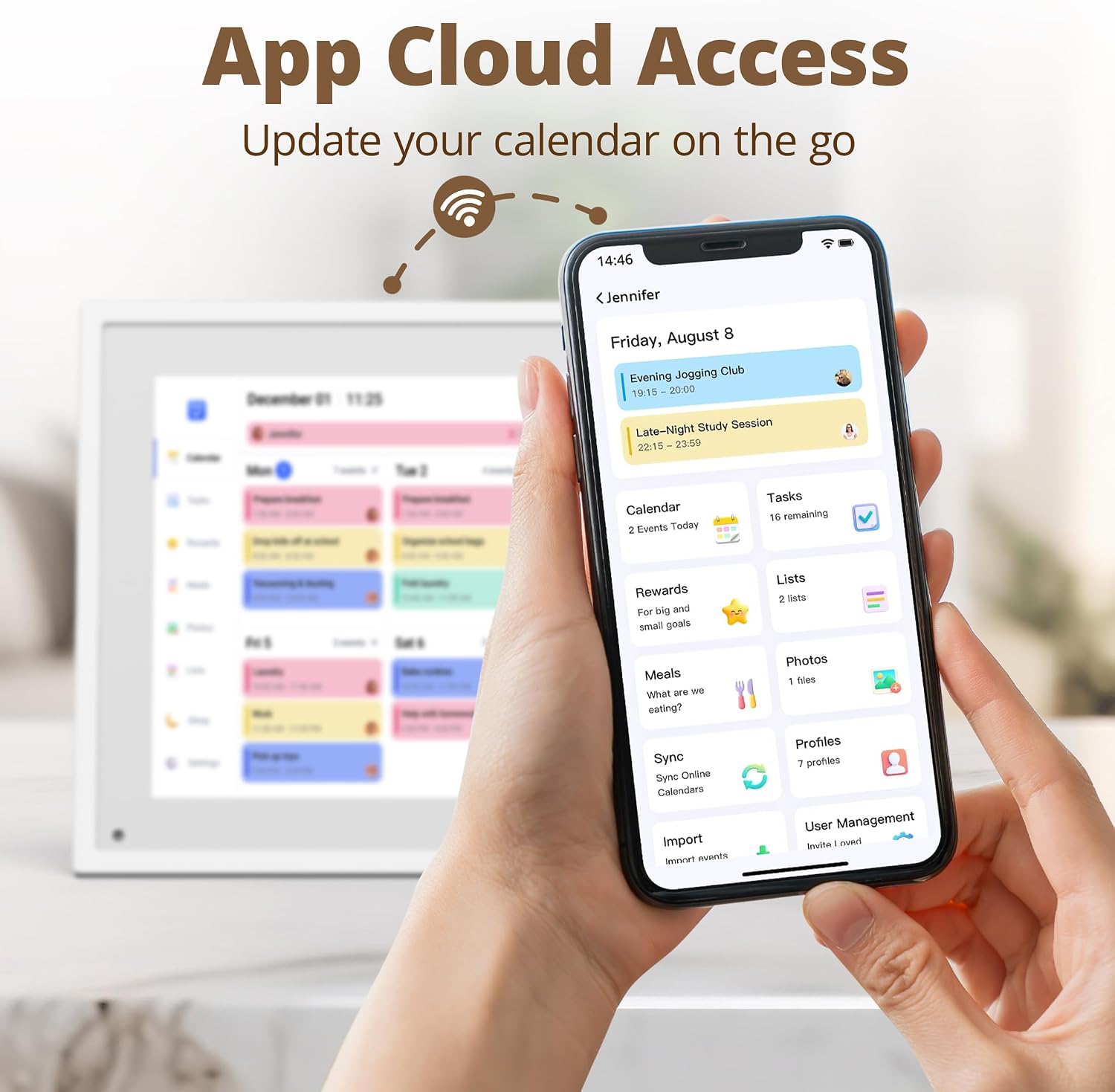
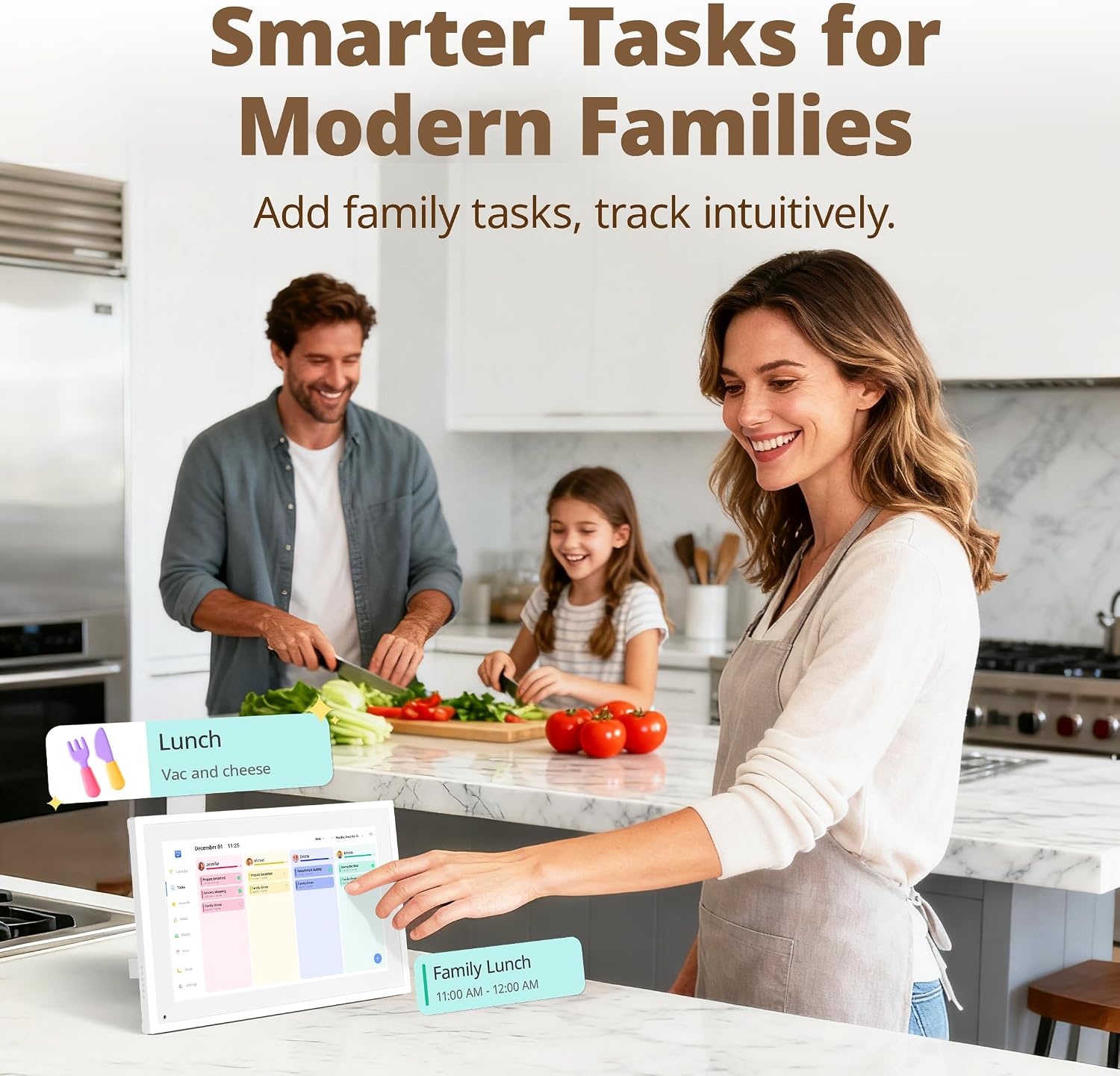
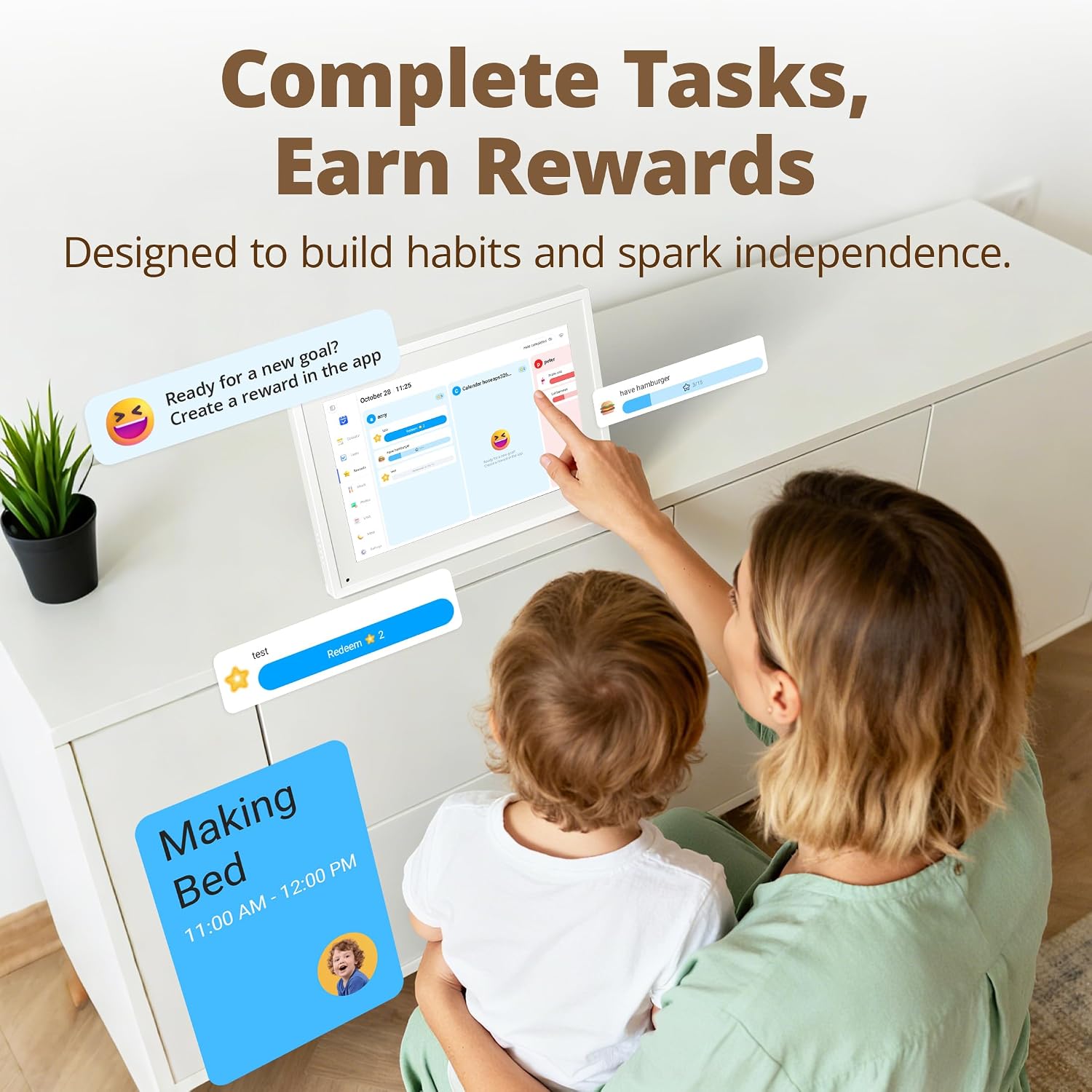
This calendar allows multiple family members to add events via a companion app, syncing calendars from different platforms into one view. It also includes a chore chart feature that can be used interactively with children to track tasks and encourage responsibility. The device doubles as a photo frame when not showing the calendar, looping uploaded images for a personal touch. 😊
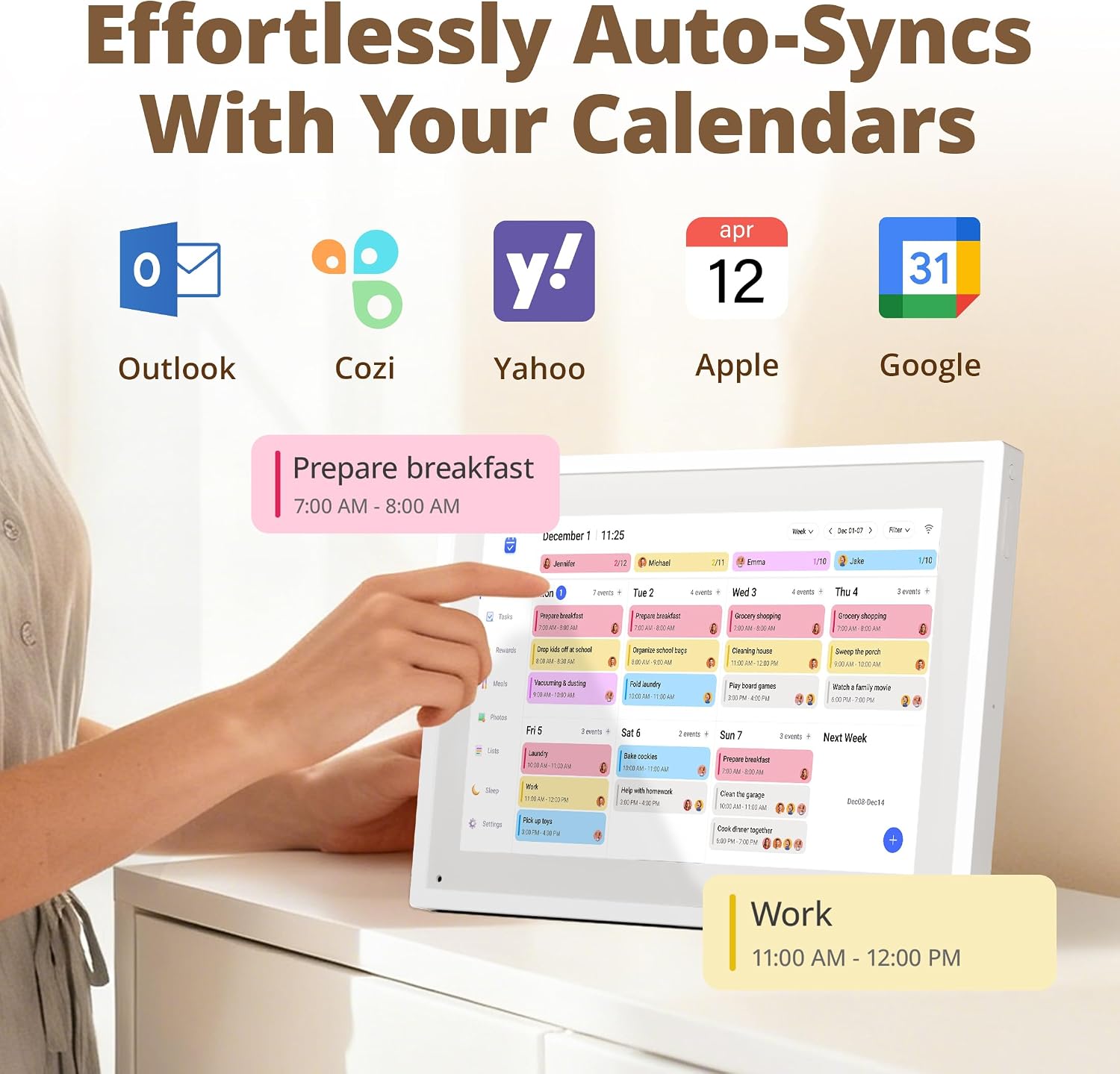
The display aims to offer clear text and images with a pixel density that, according to the manufacturer, avoids obvious graininess and keeps icons readable from a short distance. Consider that the 10.1-inch model is compact; it may not be the best option if you prefer a large wall-filling display for distant viewing. ⚠️
Technical Specifications
- Name: Dragon Touch Calendar
- Screen size: 10.1 inches
- Resolution: 1920x1080P
- Processor: A63 Quad-core 64-bit ARM Cortex-A75, 2.3GHz
- RAM: 2GB
- Storage: 32GB
- Power: UK adapter included
Benefits
The touchscreen interface simplifies day-to-day management by letting you tap to create, move or complete tasks. With integrated calendar syncing, the device reduces the need to open multiple apps across different phones and tablets. The photo-frame mode helps keep relatives connected by displaying recent images when the unit is idle. The 1080P Full HD screen helps ensure sharper images and clearer calendar text, while the 10.1-inch format keeps the unit unobtrusive on busy walls and countertops. The Dragon Touch Calendar can therefore act as both a scheduling tool and a small digital display for family photos.
Usage Recommendations
Set up is straightforward: plug the unit in, connect it to Wi-Fi and link the wall planner to the mobile app to start syncing calendars and authorising family devices. Use separate calendar categories or coloured entries for each family member to make the weekly overview easier to scan. For chores, create simple daily tasks that can be tapped as completed to encourage interaction and track progress over time. When using the photo loop feature for elderly relatives, upload larger, high-quality images so they appear clear on the screen.
.