

Creality Falcon A1 10W Engraving Machine: Enclosed CoreXY Router with AI Materials Recognition
Product description
What this is and what it aims to solve
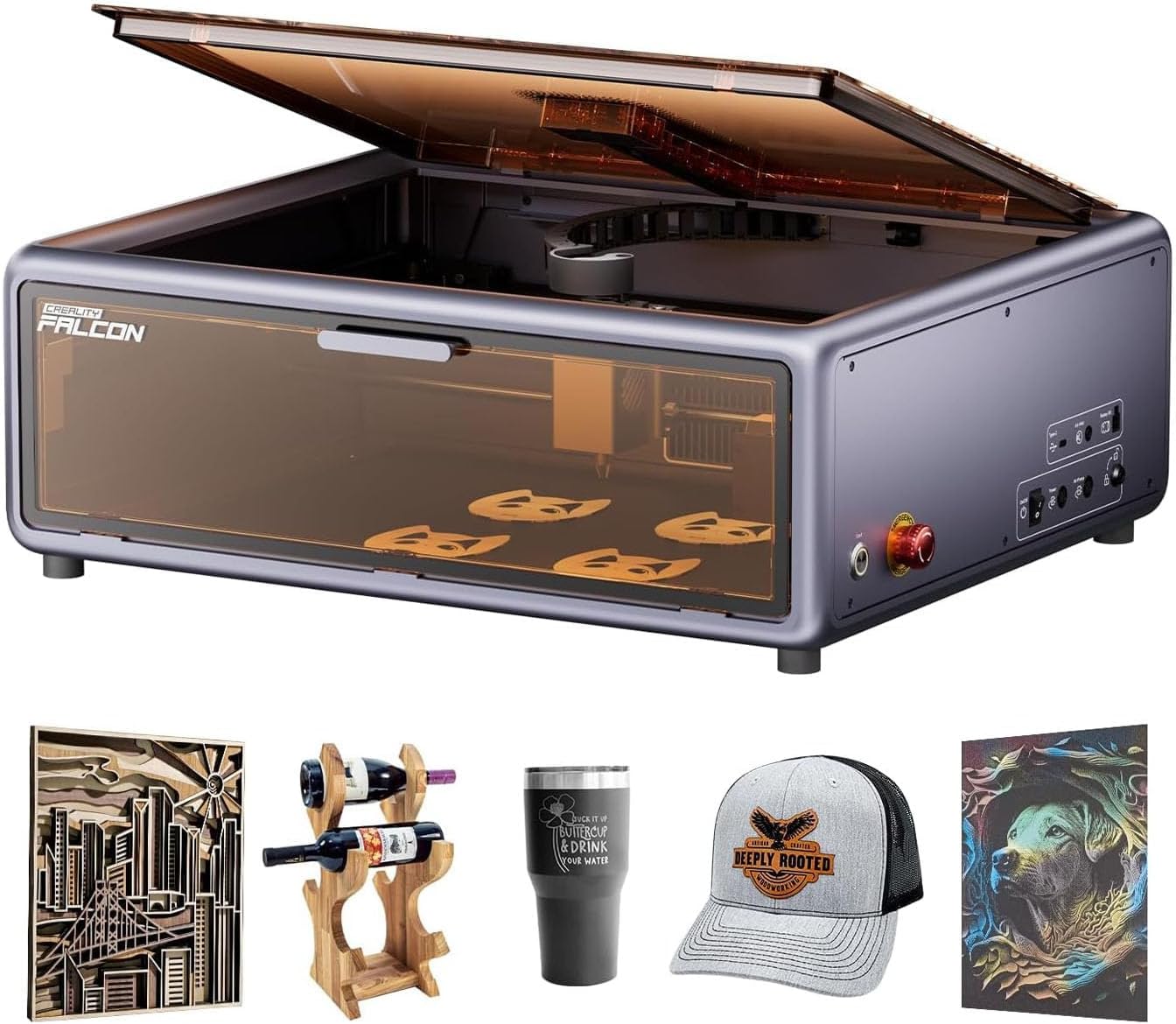
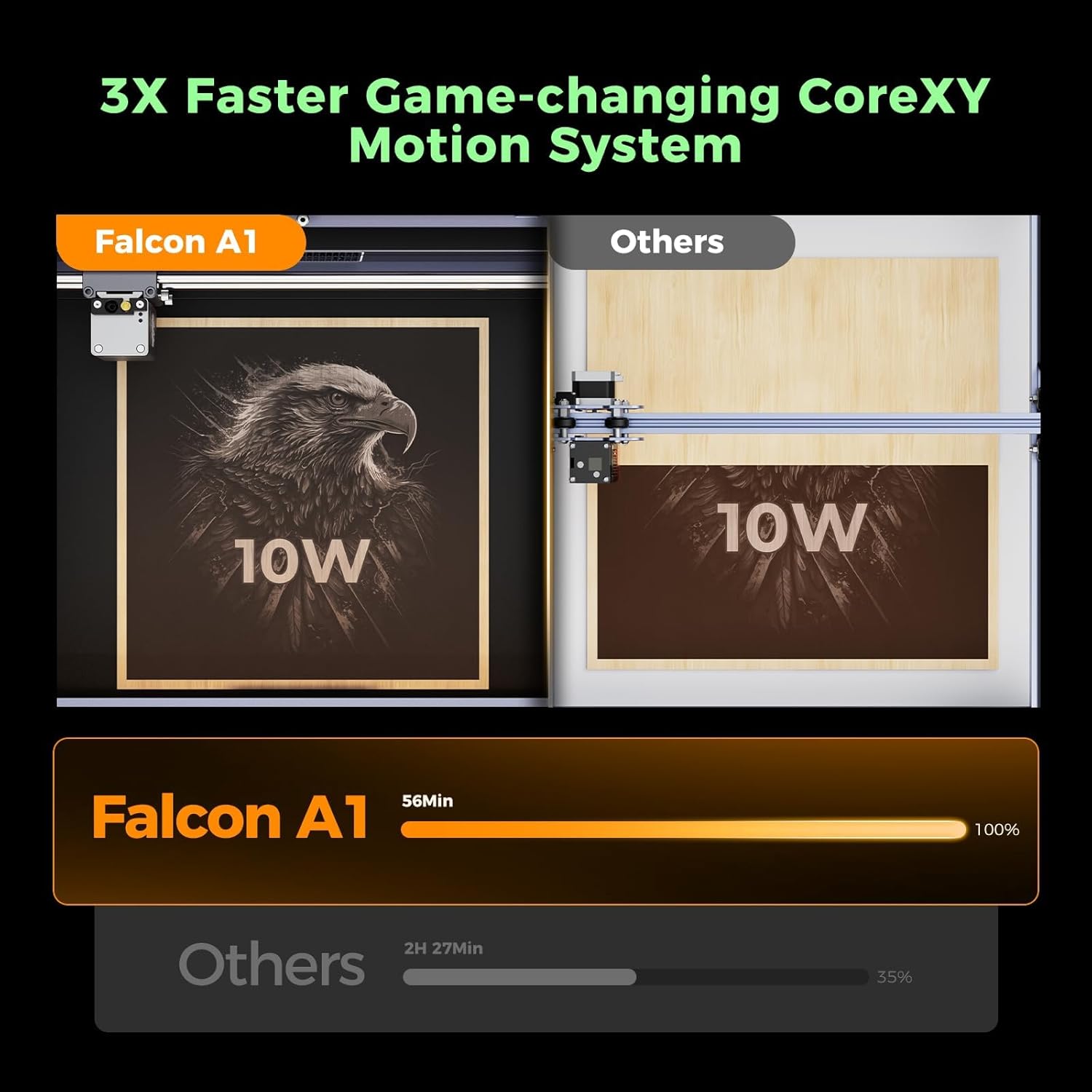
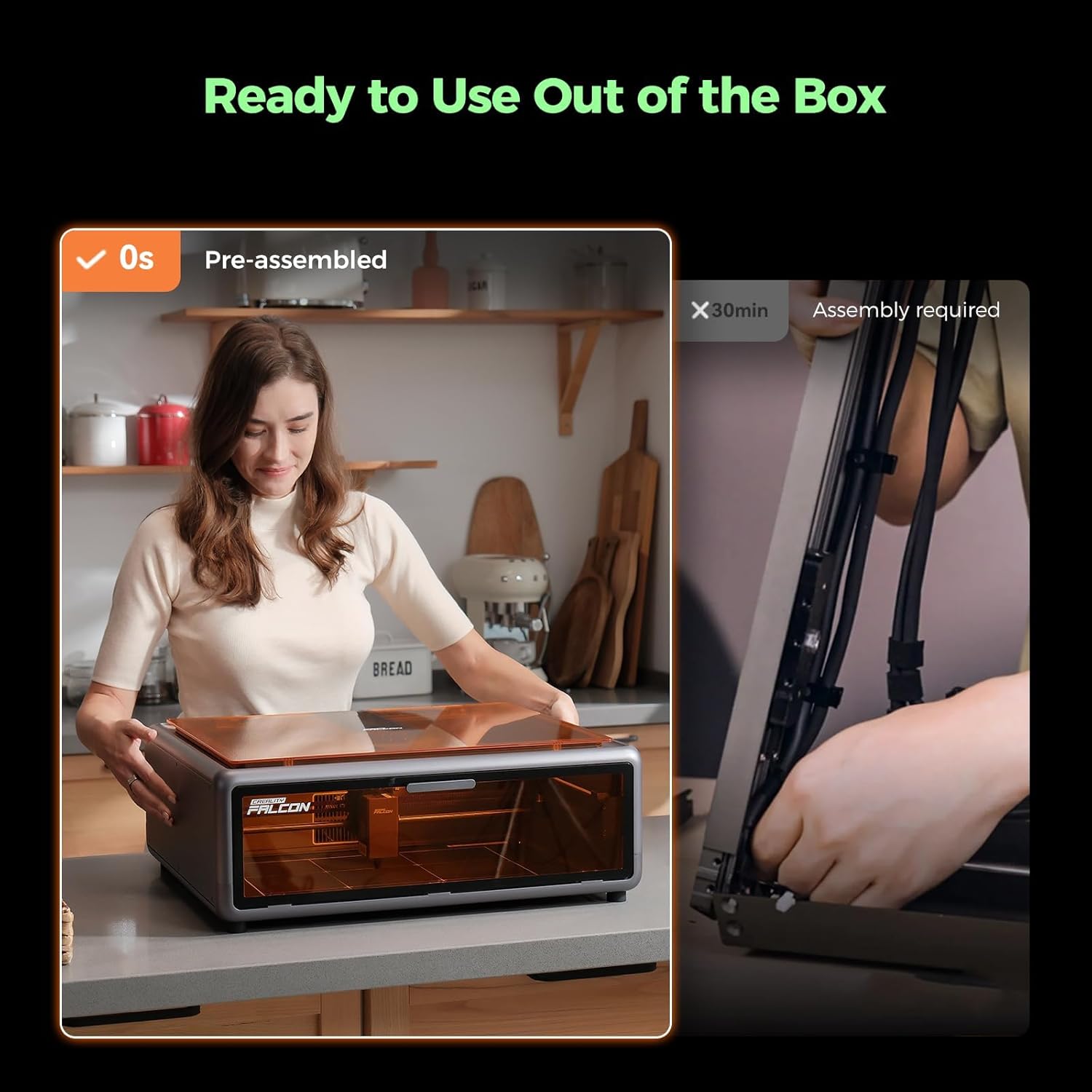
The Creality Falcon A1 is an enclosed engraving and cutting machine designed to simplify material preparation and alignment for projects on wood, acrylic, and similar substrates up to a certain thickness. On paper, its standout feature is AI material recognition via a built‑in camera, which scans the workpiece and automatically loads presets for engraving or cutting. This is intended to reduce trial and error and speed up setup, particularly for beginners or workflow environments with higher throughput. The core motion system is a CoreXY configuration, delivering fast movement (up to 600 mm/s) and claimed stability for detailed designs, while the enclosure and dust/particle management aim to keep debris and noise contained. It’s described as plug‑and‑play with preinstalled components, and it ships ready to use straight out of the box.
How it feels in practice
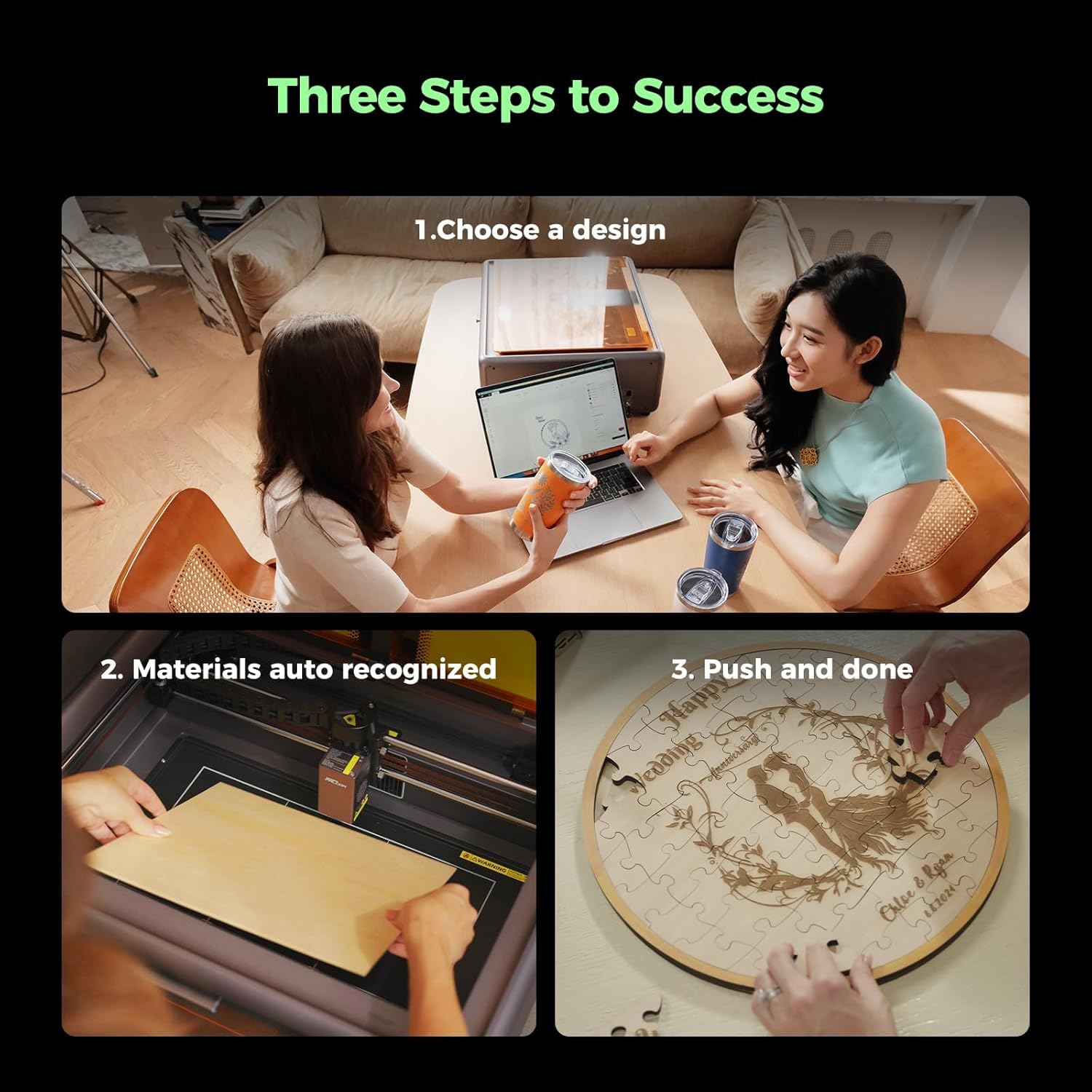
If you prioritise a quick start, the Falcon A1’s auto‑adjustments and live camera view can help you place designs by dragging and dropping on screen, then watch as the hardware moves to align. In real terms, this reduces manual trials and error, which can save time, especially on longer runs or when switching between materials. The dual‑door design with a filter is meant to improve safety and air quality while letting you monitor operations without removing protective covers. The system is marketed as suitable for beginners but capable enough for higher volumes thanks to the fast CoreXY mechanics.
What stands out positively
- AI material recognition and one‑click presets aim to standardise results across common surfaces like wood and acrylic up to a practical thickness. If you have a steady workflow with standard materials, this feature can translate into less setup fuss.
- 600 mm/s CoreXY motion promises rapid execution of detailed designs, which is attractive for batches or studios that value throughput.
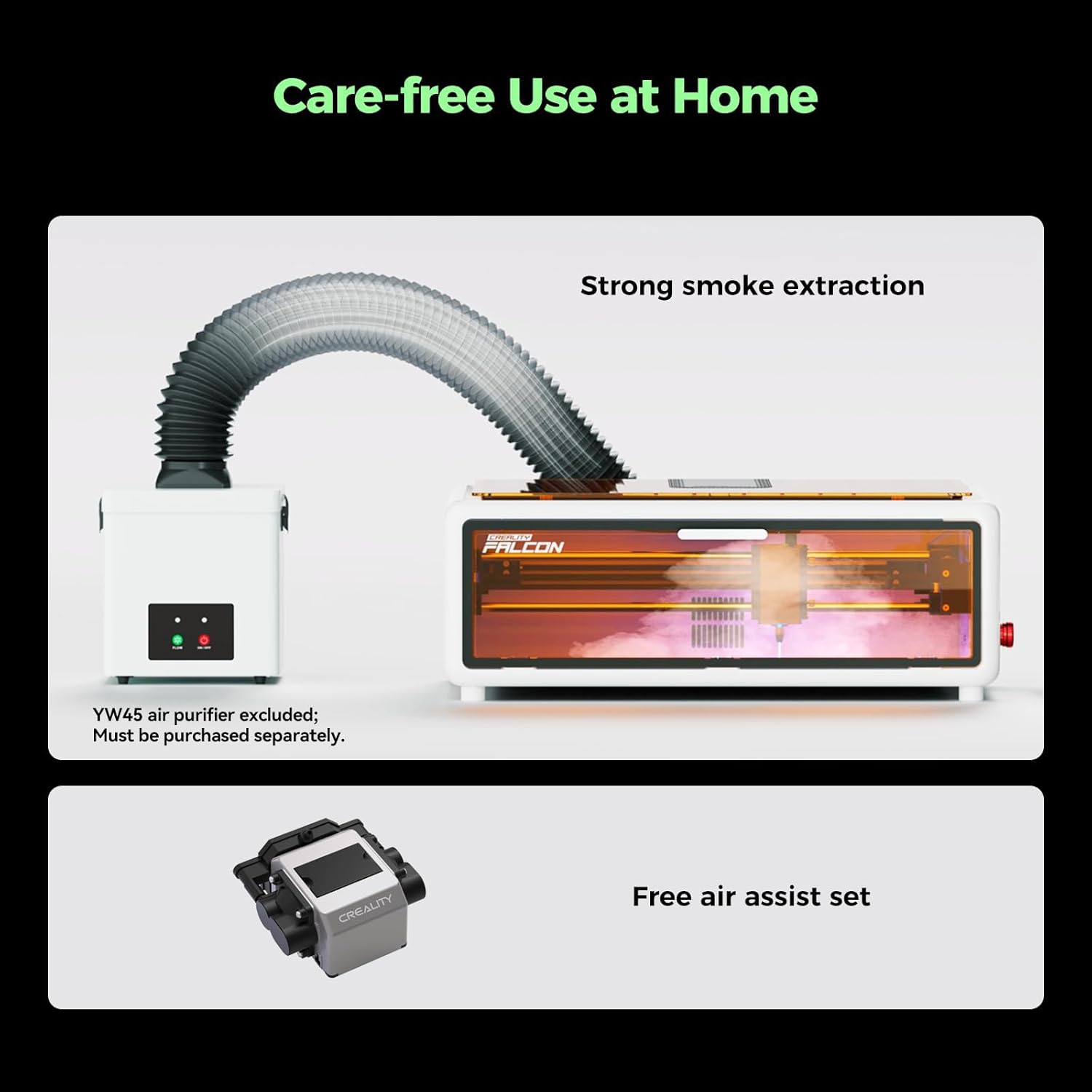
- An enclosed, dual‑door design with a 99% filter helps contain smoke and noise, contributing to a safer, more comfortable workspace and potentially reducing post‑processing mess.
- The machine arrives preassembled and preinstalled, offering a straightforward plug‑and‑play experience without heavy setup.
Limitations and potential drawbacks
- A key caveat is that the AI recognition and automatic presets depend on the software ecosystem, while Creality provides its own software and compatibility with LightBurn (separately) and LaserGRBL, you may need to ensure the workflow you prefer is fully supported.
- While the enclosure and live camera aid alignment, precise outcomes still depend on material flatness, texture, and thickness variations. For very precise tolerances, you may need to verify results with test runs.
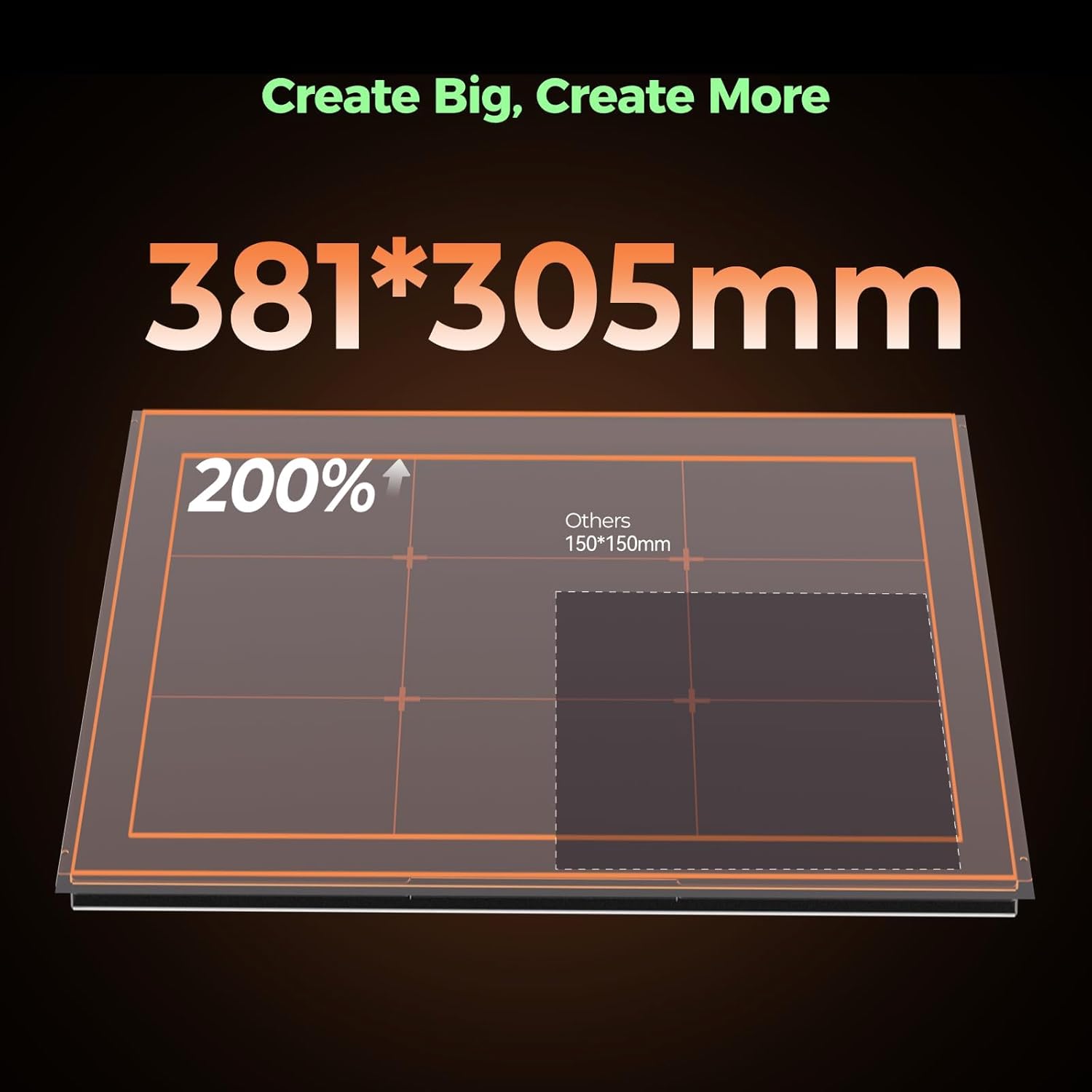
- The stated working area is generous, but if you regularly work with curved or unusually sized pieces, you’ll want to consider how the material holder and optional accessories (such as a roller) adapt to your setup.
- The “plug‑and‑play” claim is appealing, yet practical use depends on compatible software versions and drivers, if your chosen software updates diverge from the supported setup, you may encounter a transition period.
Who this is for
This machine could suit hobbyists taking first steps into engraving and cutting, makers who want to speed up material testing, and small shops that process higher volumes of standard material types. If you value a breezy setup, live visual positioning, and a safer enclosure for ongoing work, the Falcon A1 aligns with that intent. It also fits users who prefer keeping noise and smoke within a contained space during operation.
When it might not be the best fit
- If you frequently need to engrave or cut on materials beyond the supported thickness or on surfaces that require more aggressive material handling, you may outgrow the preset approach.
- If your workflow relies heavily on a specific software ecosystem not fully aligned with Creality’s or LightBurn alternatives, you might experience friction during updates or feature changes.
- For users seeking ultra‑high precision or exotic materials, the combination of AI presets and automatic alignment could still require adjacent verification steps.
What to check before buying
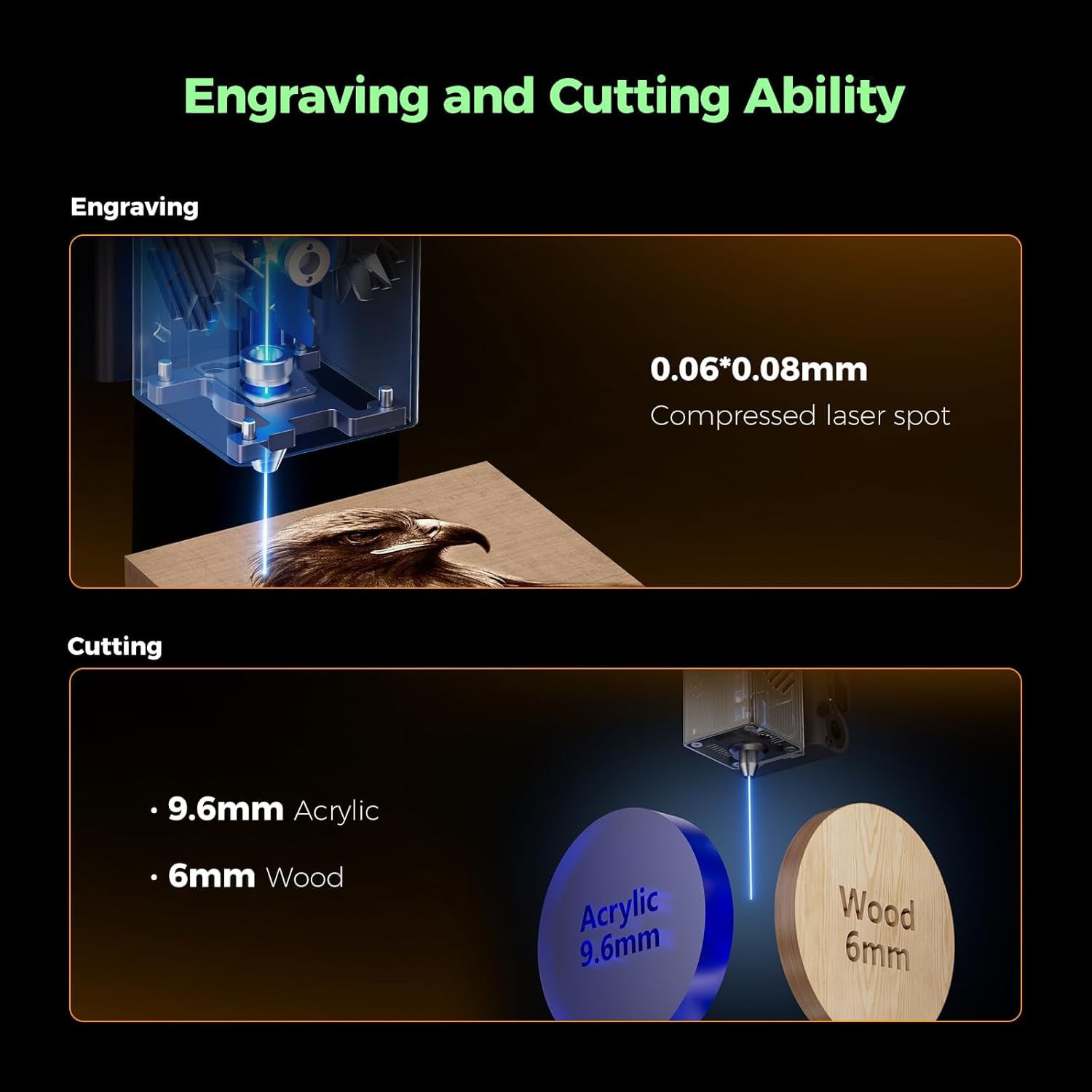
- Confirm material compatibility for your typical projects (wood and acrylic are mentioned, up to 6 mm thickness in the base description).
- Consider whether you want to use LightBurn or LaserGRBL in addition to Creality’s software and whether any licences or purchases are required.
- Assess your workspace for adequate cable management, ventilation, and a stable surface to support the enclosed dimensions (387 x 305 mm work area).
- Think about workflow: if you often work with curved surfaces or need rollers, verify availability and compatibility of add‑ons and templates.
Practical use example
Imagine preparing a batch of engraved wooden nameplates. You place a sheet on the bed, use the live camera to align the design, and rely on the auto presets to calibrate your depth and speed. The dual doors stay closed, the filter cuts down on smoke, and you can monitor progress at a glance. If the job requires tweaks, the drag‑and‑drop interface lets you adjust quickly and re‑run a segment without re‑setting the entire job.
What you get and what it implies
The Falcon A1 ships preassembled, ready to plug in and use with Creality’s software. Pluses include the enclosed design for safety and cleaner work, and the ability to use LightBurn (with a separate purchase) or LaserGRBL, which can broaden your software options. Plan for potential setup variations if you switch between software ecosystems or adopt new templates.
FAQ (based on available information)
- How thick can the material be? The description notes suitability for materials up to 6 mm thick for engraving on wood and acrylic. If you work with thicker materials, plan for additional testing.
- Is it ready to use out of the box? Yes, it’s described as plug‑and‑play with preinstalled components.
- Can I use third‑party software? It supports Creality software and LightBurn (separately) plus LaserGRBL, but ensure compatibility with your desired workflow.
Final decision: Is it worth it?
Worth considering if you value a quick start, an integrated camera for alignment, and a safer enclosed workspace for standard engraving tasks. It makes sense for beginners who want guidance through AI presets and for makers who need faster turnarounds on consistent material types. It may not be the best option if you regularly work with non‑standard materials, require ultra‑tight tolerances, or rely on software ecosystems outside the supported ones.