


CORSAIR RS120 ARGB 120mm PWM Fans 3-pack
Reviews
Price
Product description
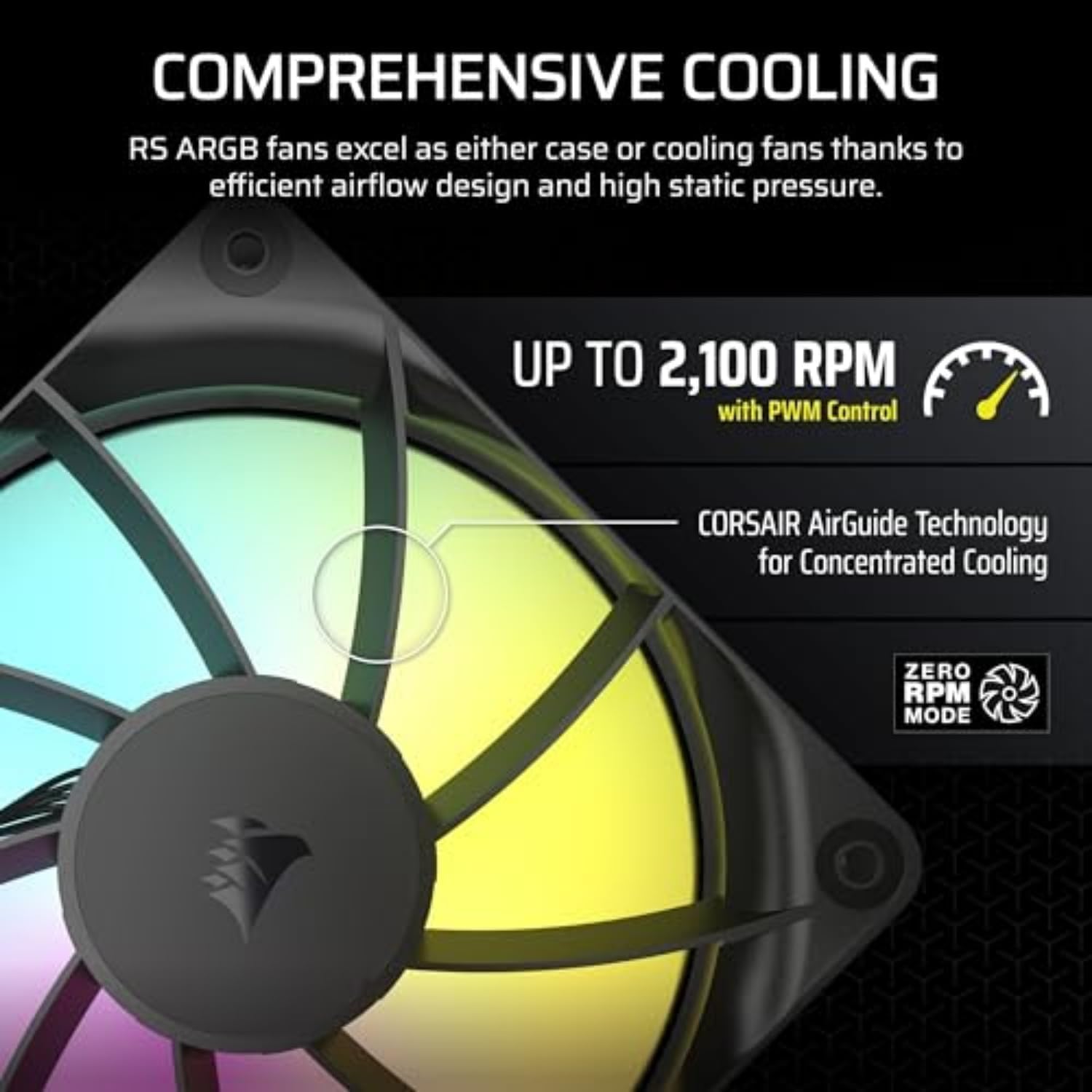
This triple pack of 120 mm cooling fans from Corsair brings focused airflow and addressable RGB lighting to PC builds that need effective cooling and clean cable routing. With PWM control up to 2,100 RPM and daisy-chain connectors for both fan power and ARGB, these RS120 ARGB fans simplify installation while offering targeted cooling for radiators, heatsinks and case ventilation.
Key Points
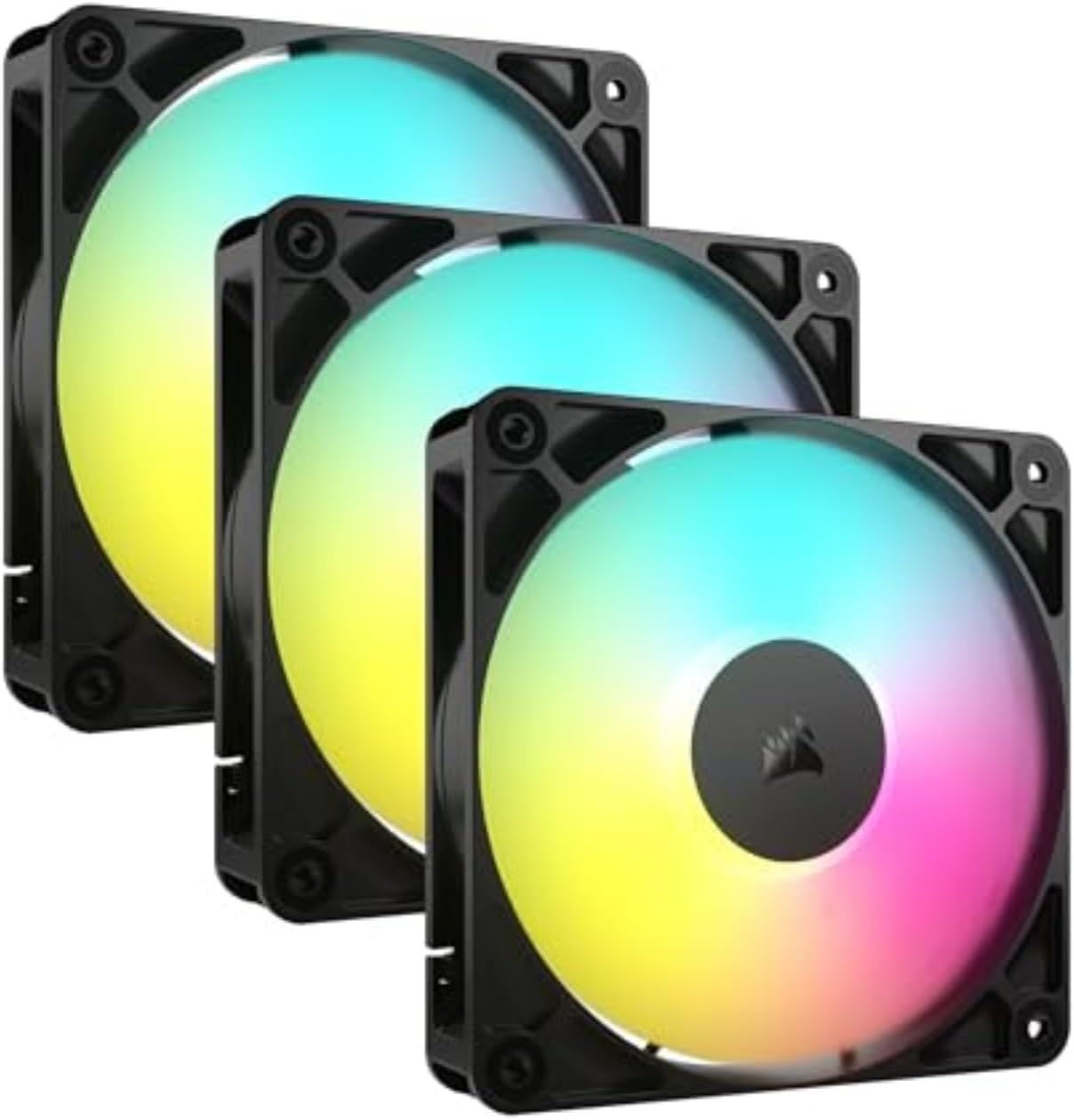
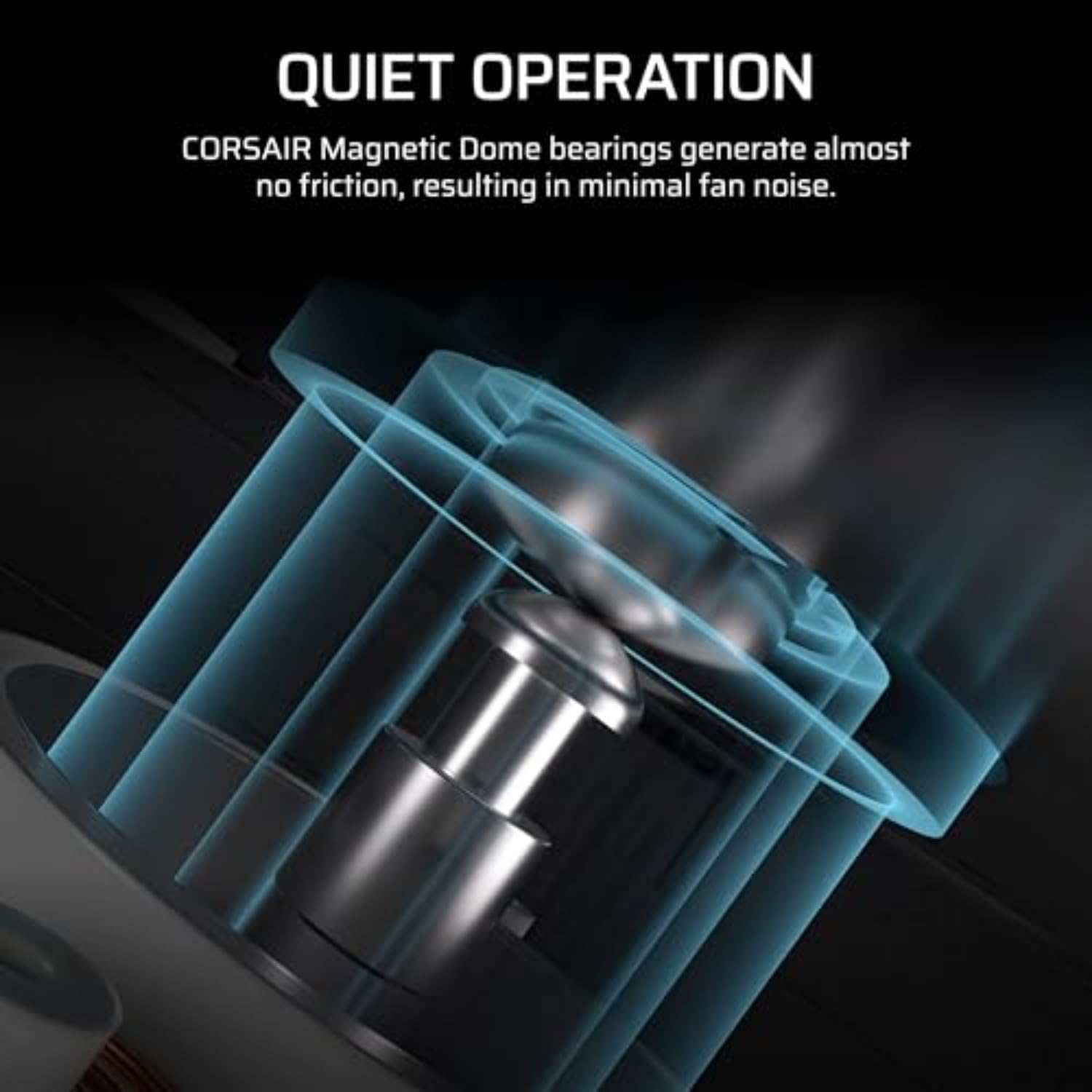
The RS120 ARGB set includes three 120 mm fans with magnetic dome bearings for quieter operation and longer life. According to the manufacturer, each fan can deliver up to 72.8 CFM airflow and 2.8 mm-H2O static pressure, which helps push air through radiators and densely packed components. Eight ARGB LEDs per fan allow motherboard-synchronised lighting when paired with a compatible 5 V ARGB header. The daisy-chain design reduces cable clutter by linking multiple fans to a single 4-pin PWM connector and a single ARGB cable.
Technical Specifications
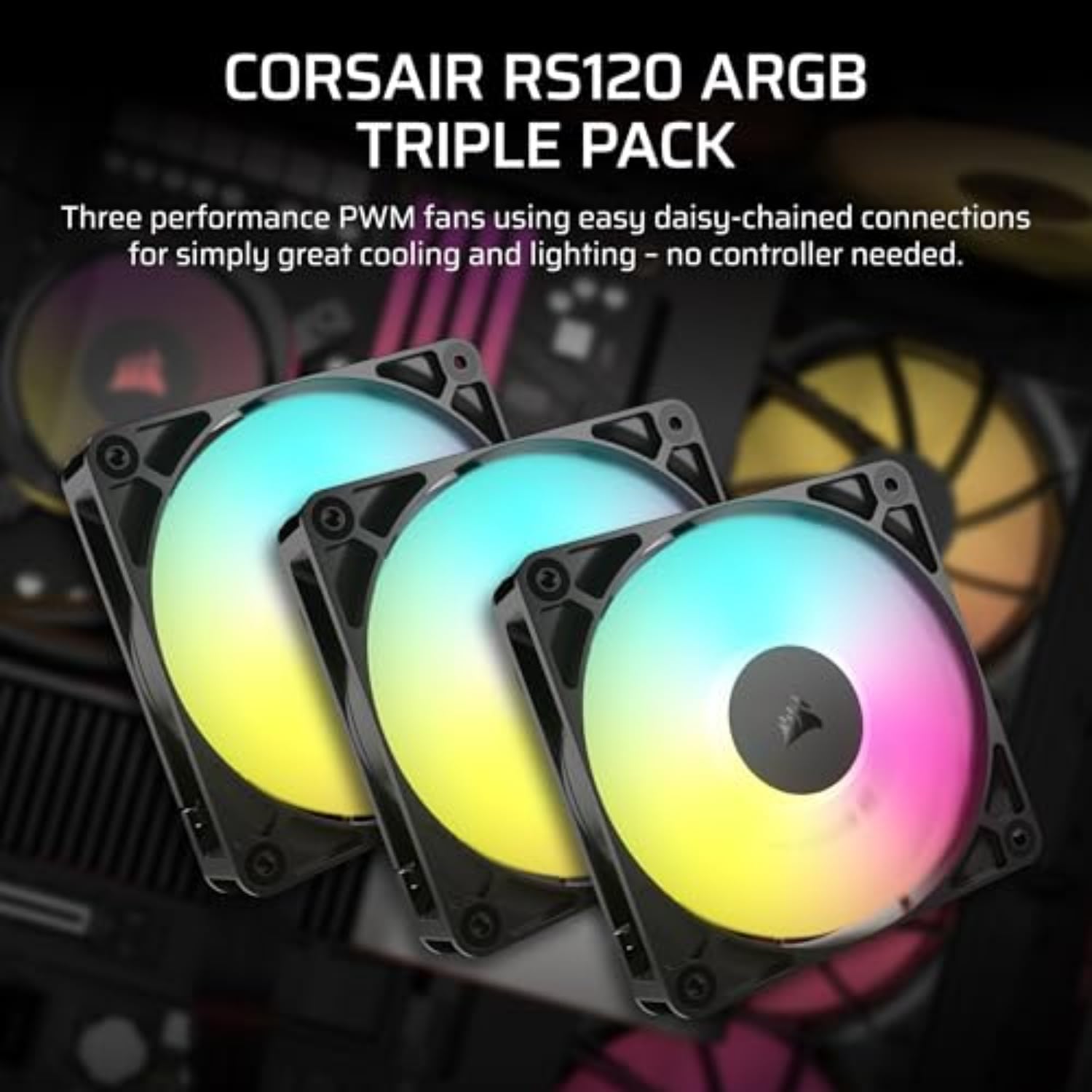
- Name: Corsair RS120 ARGB triple pack
- Size: 120 mm
- Maximum speed: 2,100 RPM
- Maximum airflow: 72.8 CFM
- Static pressure: 2.8 mm-H2O
- Bearing type: Magnetic dome bearing
- Lighting: 8 ARGB LEDs per fan, 5 V ARGB compatible
Advantages
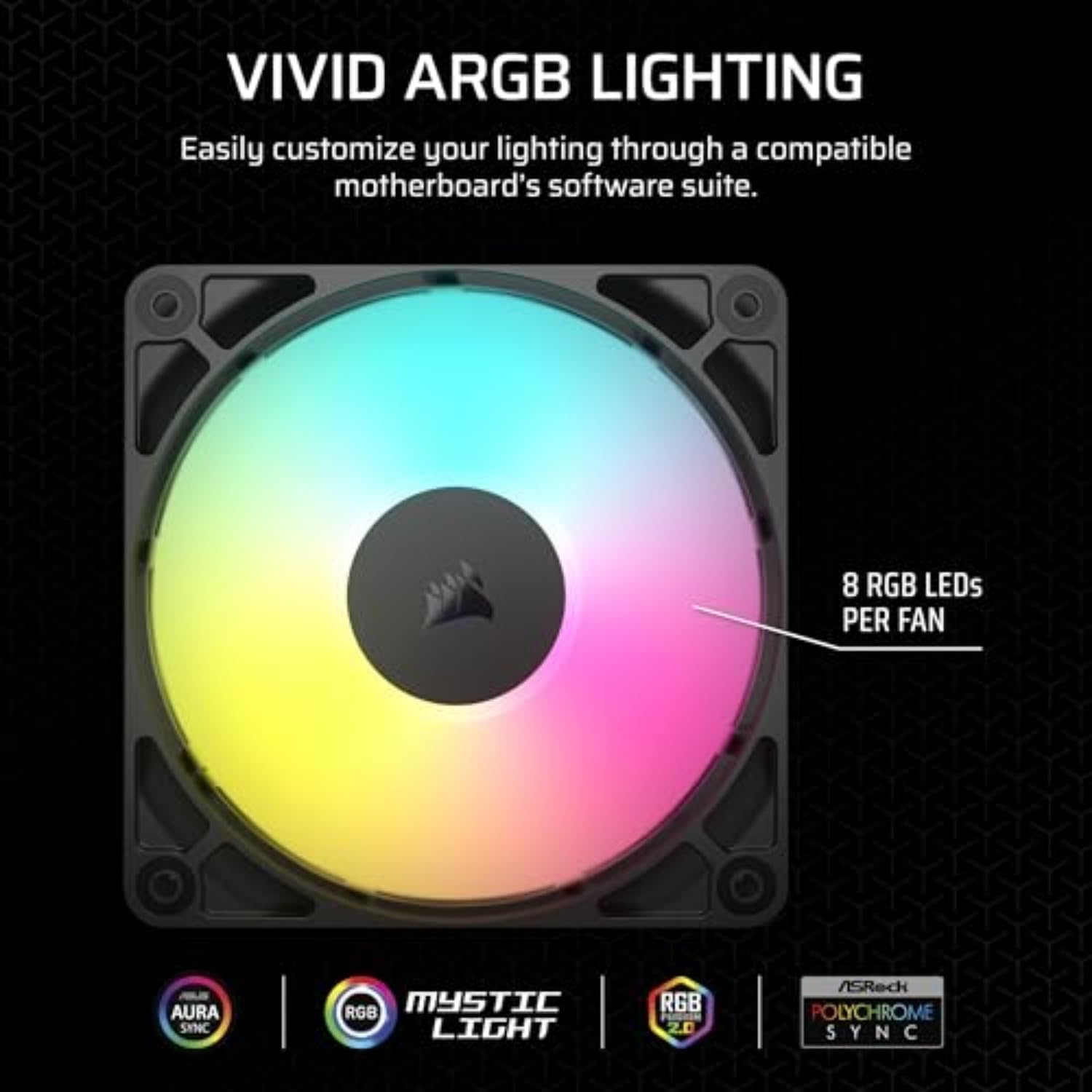
These fans are well suited to situations where both airflow and visual customisation matter. The high static pressure rating means the RS120s can perform as radiator fans or as intake/exhaust fans in cases with restrictive front panels. The integrated ARGB allows synchronous lighting effects through many modern motherboards, and because the LEDs sit on each fan, you can get consistent illumination across a push-pull radiator setup. Noise is moderated by the magnetic dome bearing and engineered blade design that includes anti-vortex vanes to focus airflow.
Usage Recommendations
Install the fans on radiators or heatsinks with the arrow indicators aligned for consistent airflow direction. Use the daisy-chain connectors to run multiple units from a single PWM header on the motherboard, which keeps cable runs tidy and simplifies speed control. For lighting control, connect the ARGB chain to a 5 V addressable header and select compatible software for colour profiles. Consider that motherboard compatibility for ARGB is required for full lighting control, and that fan performance figures are manufacturer-stated values that can vary slightly depending on case layout and ambient temperature.
Practical Tips
Position the fans so they blow directly towards the hottest components, and combine them with a balanced intake and exhaust configuration to avoid negative or excessive positive pressure. Run the PWM curve in BIOS or motherboard software to find a compromise between cooling and acoustics. If silence is a priority, reducing peak RPMs will lower noise while still providing adequate airflow in many mid-range systems.