

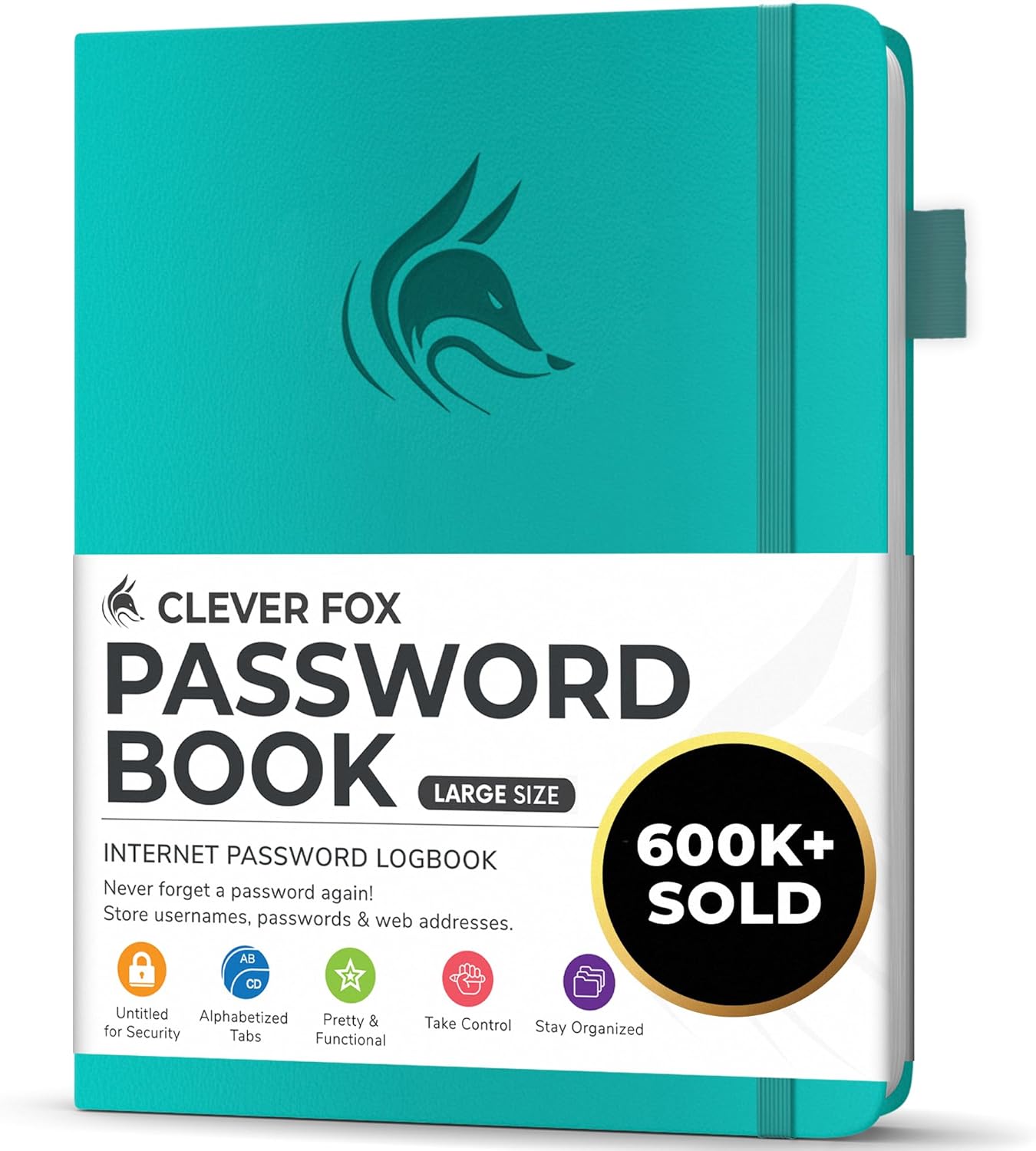
Clever Fox Password Book with Alphabetical Tabs (Medium) – Yellow password & internet address organiser logbook
Product description
What it is and why people buy it
If you’ve ever tried to keep website logins in your head (or in a random Notes app), you’ll know how quickly things get messy. This Clever Fox Password Book is a medium-sized password and internet address organiser logbook designed to hold passwords and related info in one place, with an alphabetical A–Z tab system to help you find entries quickly.
It’s not a replacement for a password manager, and it won’t “secure” your accounts in the way encryption does. But as a practical paper-based backup or a central place to store details you don’t want scattered around, it can be a sensible approach—especially if you prefer something you can physically control and label.
The essentials: how it’s set up
The big differentiator here is the alphabetical tab system (A–Z). On paper, that sounds obvious, but it matters in day-to-day use: you’re not flicking through pages hoping to remember whether a site starts with “G” or “B”. Tabs make the book feel more like an address logbook than a flat notebook.
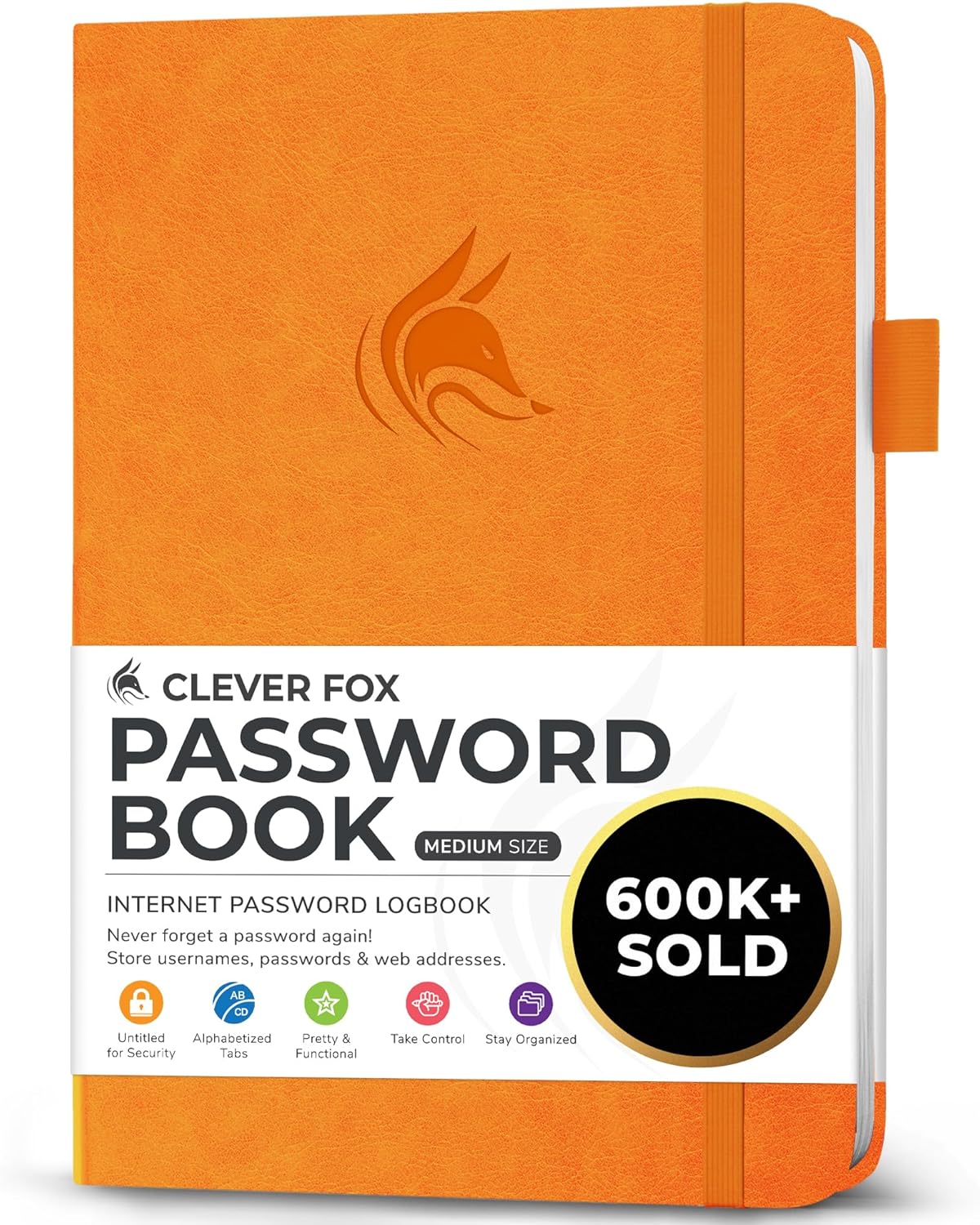
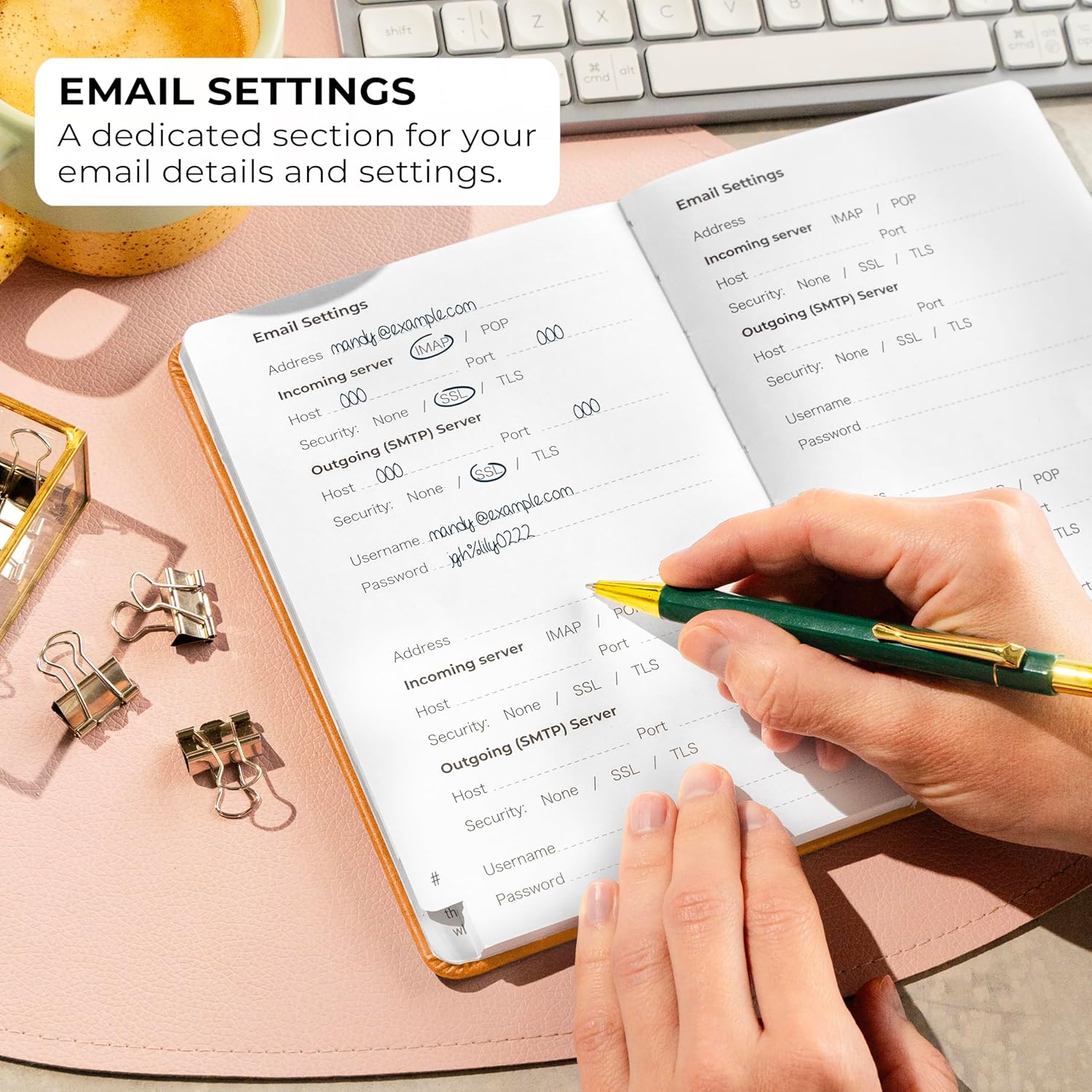
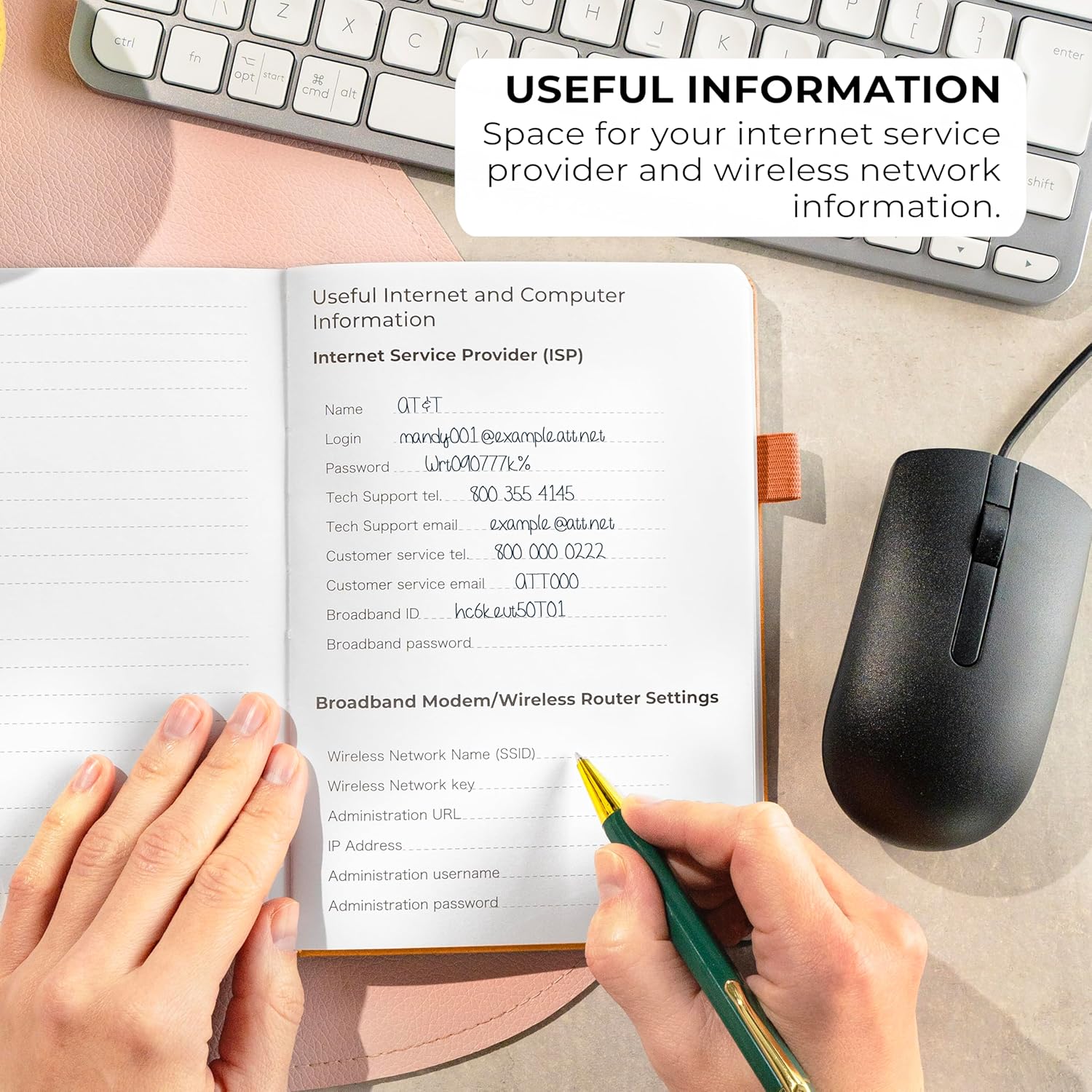
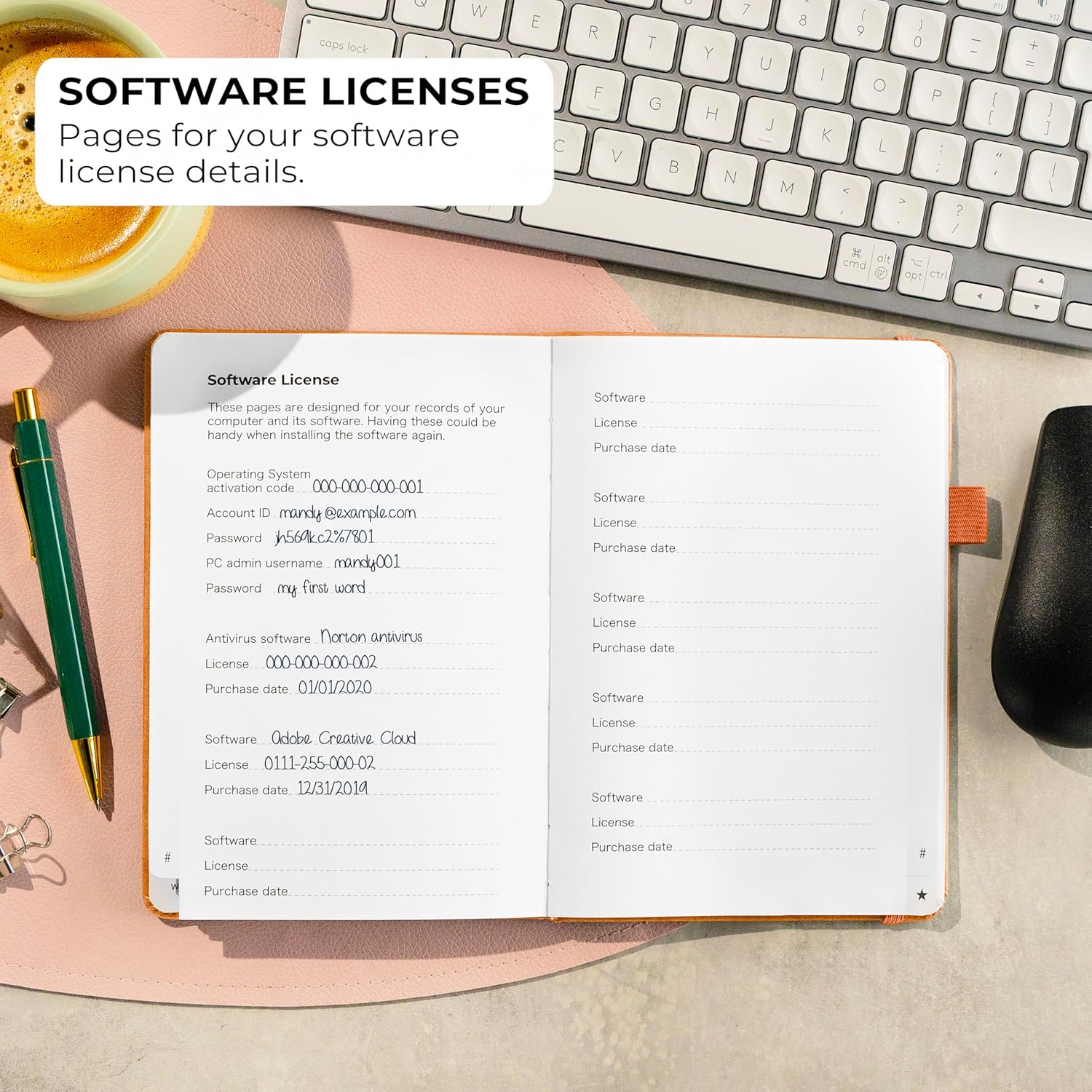
It also includes sections for the kinds of information that typically sit alongside passwords. The description highlights dedicated areas for most important passwords, wireless & email settings, software license information, and additional notes. There’s even space to write hints rather than the password itself for added security.
Worth noting: “hints instead of the password” can help, but if you’re storing a hint, you still need to be confident you’ll remember what the hint points to.
Key features you’ll notice day to day
This is the sort of product that either fits your routine or becomes an unused folder in a drawer. On this one, the layout choices are clearly aiming for quick retrieval and calmer organisation.
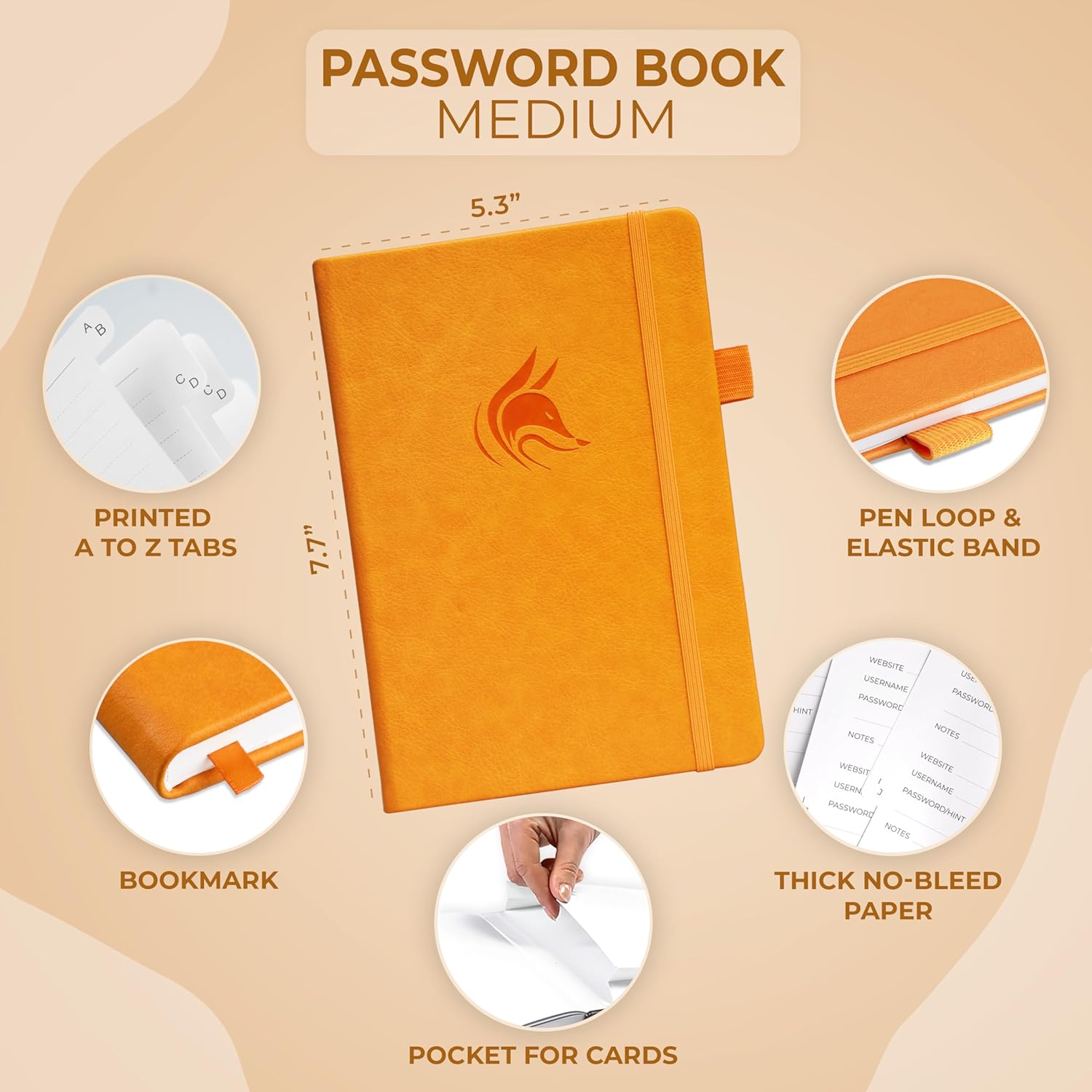
A few details stand out from the provided information: - Alphabetical tabs to reduce hunting time when you’re locked out - A dedicated, structured format for passwords plus related settings - A cover designed to look “anonymous”, with no obvious obvious title on the front - Writing support designed for everyday use: an elastic band, pen loop, and bookmark - A pocket for notes and thick 120gsm paper, which should be more comfortable for handwriting than thin pages
In other words, it’s trying to be both organised and discreet. It’s not flashy, it’s meant to sit quietly in your desk or home office.
Tech specs
- Type: Password book / internet address organiser logbook
- Size: Medium (13.5 x 19 cm)
- Paper: Thick 120gsm
- Features: Alphabetical A–Z tabs, elastic band, pen loop, bookmark, pocket for notes, space for hints
- Binding/material: Eco-leather hardcover
- Colour: Yellow
Strengths and where it may fall short
What works well (strengths): It’s a clear, focused concept: store passwords and related info in one book, then use tabs to find what you need without going page-by-page. If you like the idea of keeping important account details together—along with wireless, email, and software licence information—this one is built around that.
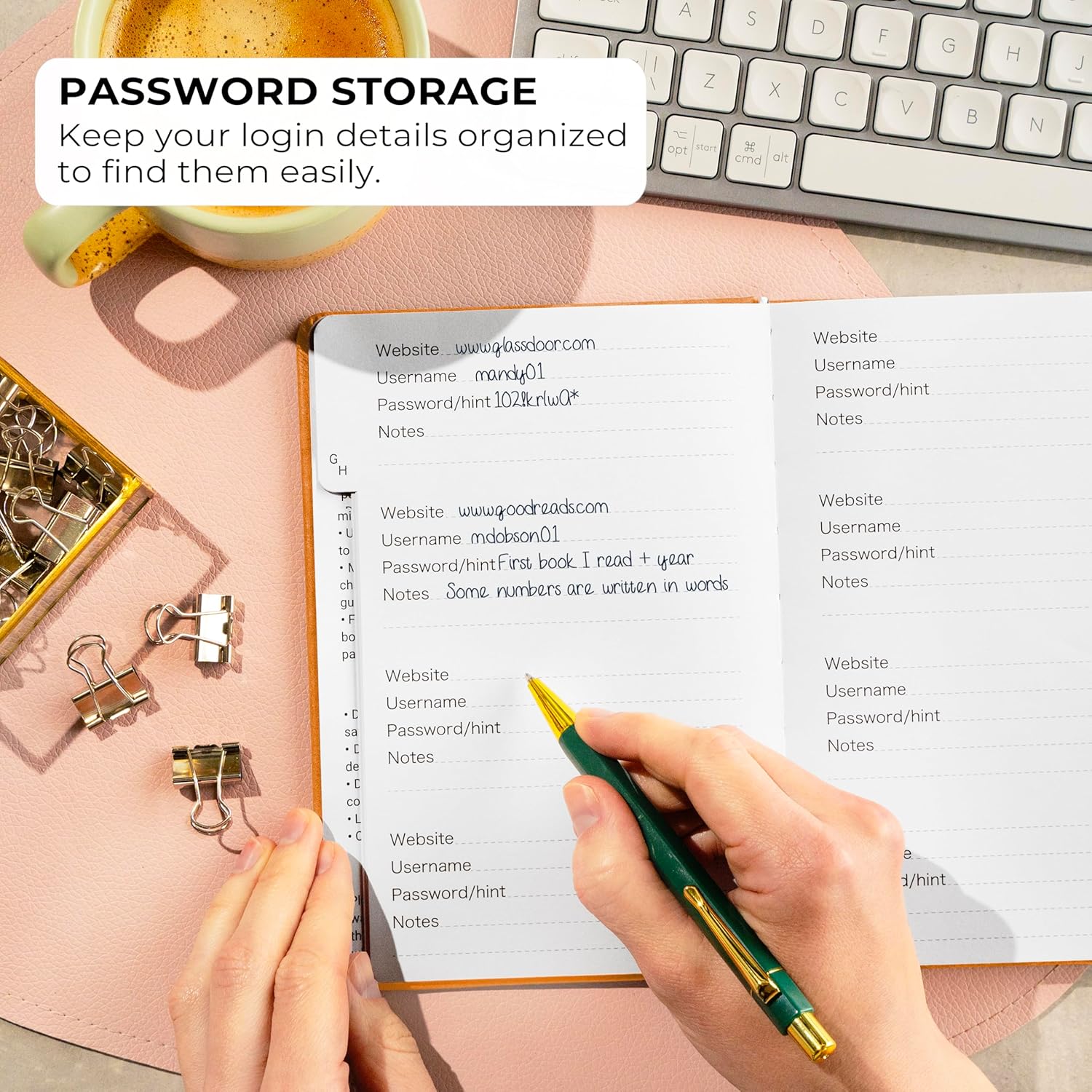
The “anonymous” cover approach and the option to write hints rather than the password itself are also practical touches for anyone who wants the book to be less conspicuous.
Where you might want to be cautious (limitations): A paper password book is only as secure as how you store it. If it’s left somewhere accessible, the whole concept becomes far less useful. Also, if you prioritise convenience across devices (phone, laptop, tablet) when you’re away from home, a physical book can’t compete.
It may also feel more “gamed” for home use than for frequent travel, depending on how often you need to look up logins.
Practical tips: getting the most from it
A quick example of how this tends to work in real life: imagine you’ve just reset a router and need to note the Wi‑Fi login and the email password used for admin. Instead of scribbling on sticky notes, you can write both under the relevant sections, then add the website account under the correct letter tab. Later, when you’re setting up a new device, you open the book to the matching tab, flip to the entry, and you’re done.
To get the best experience, it helps to build a simple habit: - Keep the book in the same place every time (so you don’t waste time searching) - Use consistent wording for website names so the tabs make sense - If you use hints, make them memorable to you (but not obvious to someone else)
Who it suits, and who should skip it
It suits you if: you want one medium-sized, structured place to record passwords and related internet information at home, you prefer handwritten organisation, and you’ll actually use an alphabetical tab system.
It might not suit you if: you’re expecting strong “digital security” features (it’s still paper), you need instant access on multiple devices while out and about, or you don’t have a secure place to store a password book.
In many households, this kind of organiser fits as a central reference or backup. If you’re purely looking for secure account management across devices, you may want to look at other approaches first.
Final verdict
It’s a straightforward, mid-sized password organiser with alphabetical A–Z tabs, an elastic band and pen loop, and the option to store hints rather than raw passwords. If you’re the type who values clear retrieval and keeping key internet details in one place, it can be a solid fit.
However, it’s not ideal if you can’t store it securely, or if you need mobile, cross-device access. Overall, it’s more of a practical home organisation tool than a security system—so buy it with that mindset.
Mini FAQ
FAQs
Is it designed to replace a password manager? No—this is a paper logbook. It helps with organisation and keeping related details together, but it’s not a digital security tool.
How easy is it to find a specific entry? The alphabetical A–Z tab system is included to make look-ups faster than browsing a blank page.
Does it include space for extra information beyond passwords? Yes. The provided description mentions sections for most important passwords, wireless & email settings, software license information, and additional notes.
Is there any way to avoid writing the password directly? The book includes space to write hints instead of the password itself, which is intended to add a layer of discretion.
What size is it? It’s listed as medium, measuring 13.5 x 19 cm.