

Cisteen iPad stylus pen 13 min fast charge
Product description
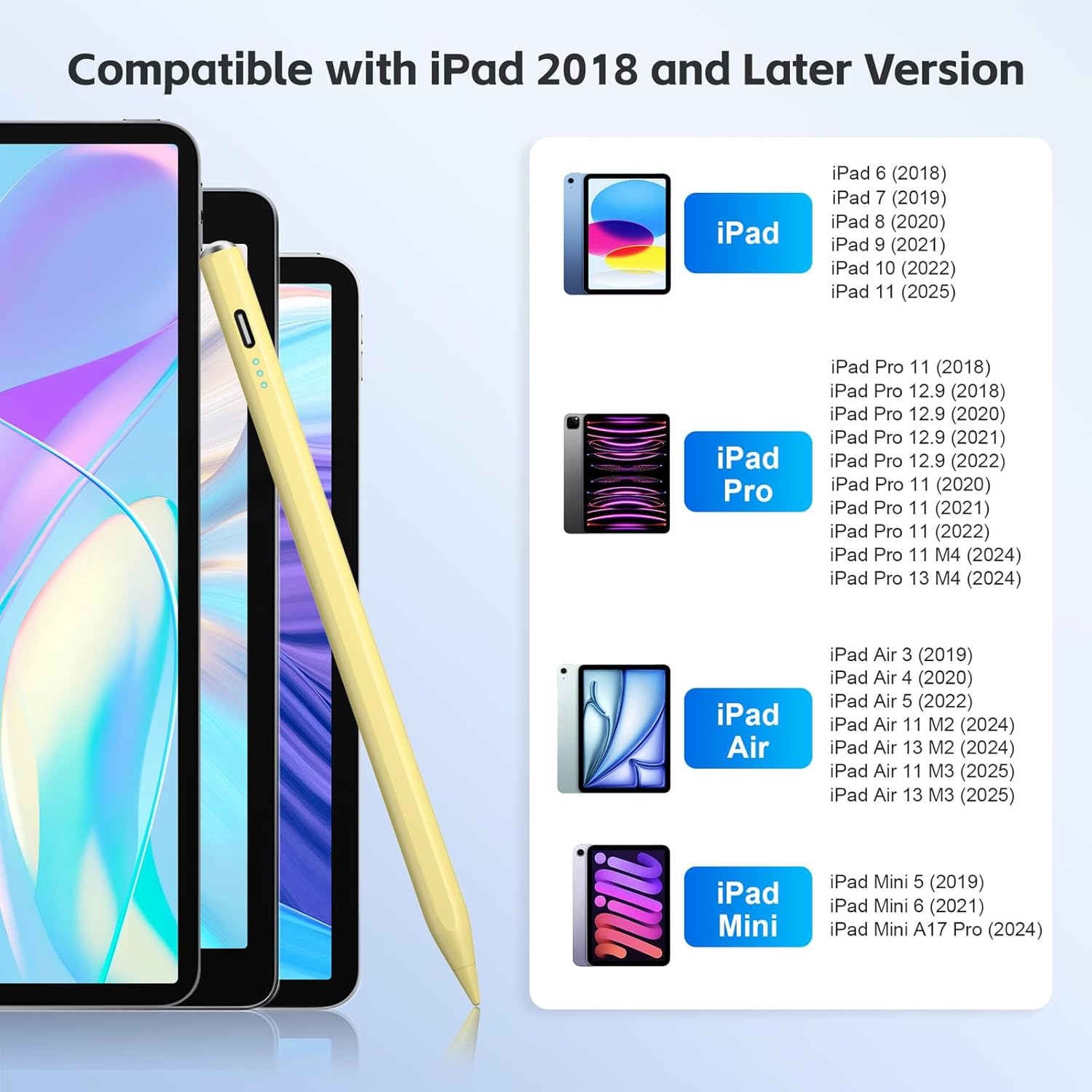
A smooth, reliable stylus can change how you sketch, annotate, and take notes on your iPad. The Cisteen Stylus Pen is made for a wide range of compatible iPad models released from 2018 onwards, offering a fine tip for cleaner lines and everyday page navigation. It also includes practical power features like 13 minutes of fast charging, plus palm rejection and a tilt sensor to help you draw more naturally. ✍️
If you want a pen that starts up quickly and keeps going during work or study sessions, this one is designed to fit that rhythm. It includes extra replacement tips, so you are not stuck if the nib wears over time. You should still double-check your exact iPad model before you order, because it is not compatible with older iPads or several other device types. 🧩
Key points
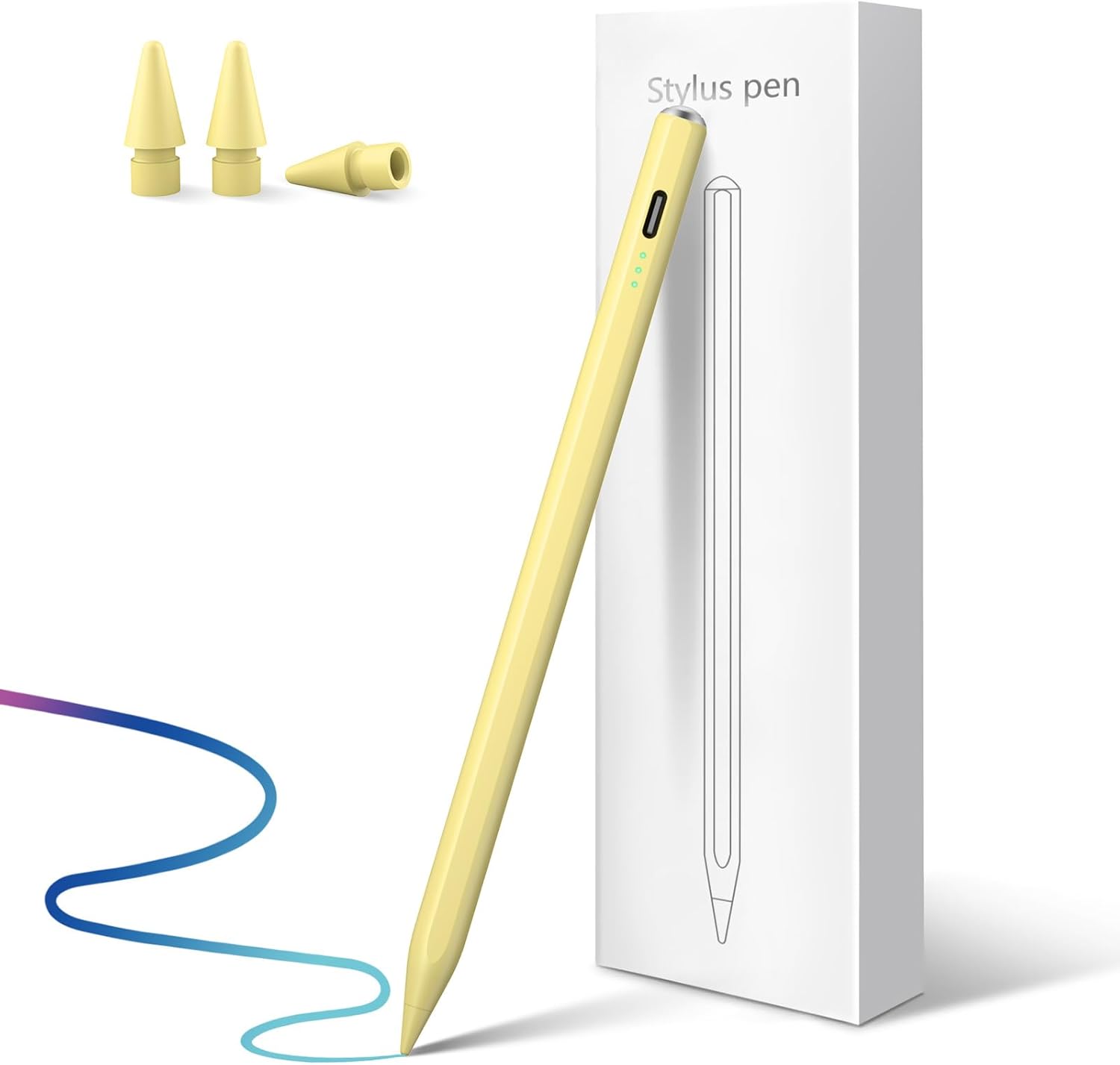
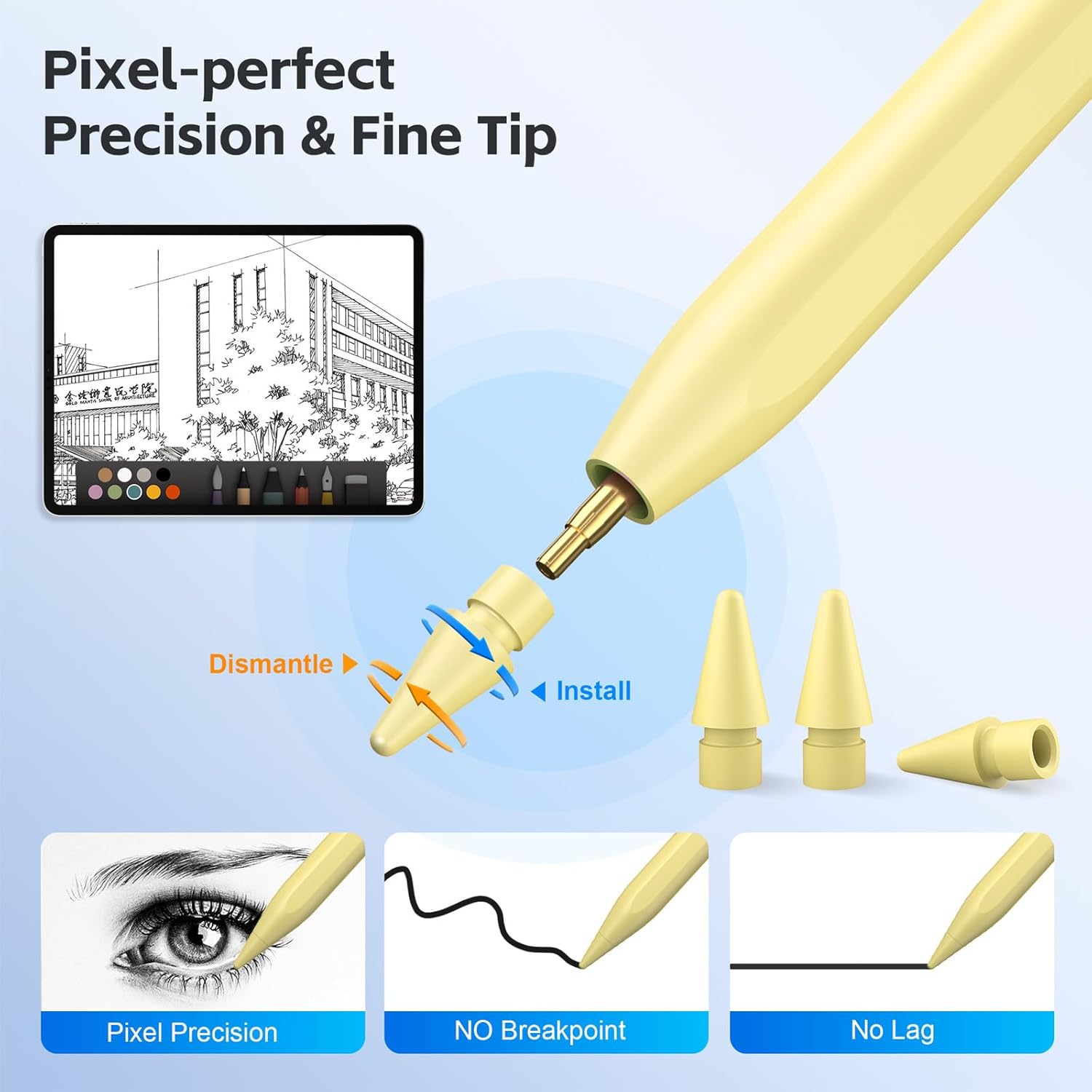
This stylus pen from Cisteen is built around an easy, button powered on and off experience, so you can start drawing or marking up right away without fiddly steps. The fine tip is intended to deliver precise, smooth lines for sketching and for tasks like handwriting and light note taking. For lots of daily use, it is also meant to support easy scrolling and navigation on your iPad pages, which is handy when you switch between writing and browsing. The included extra nibs give you added peace of mind for longer term use.
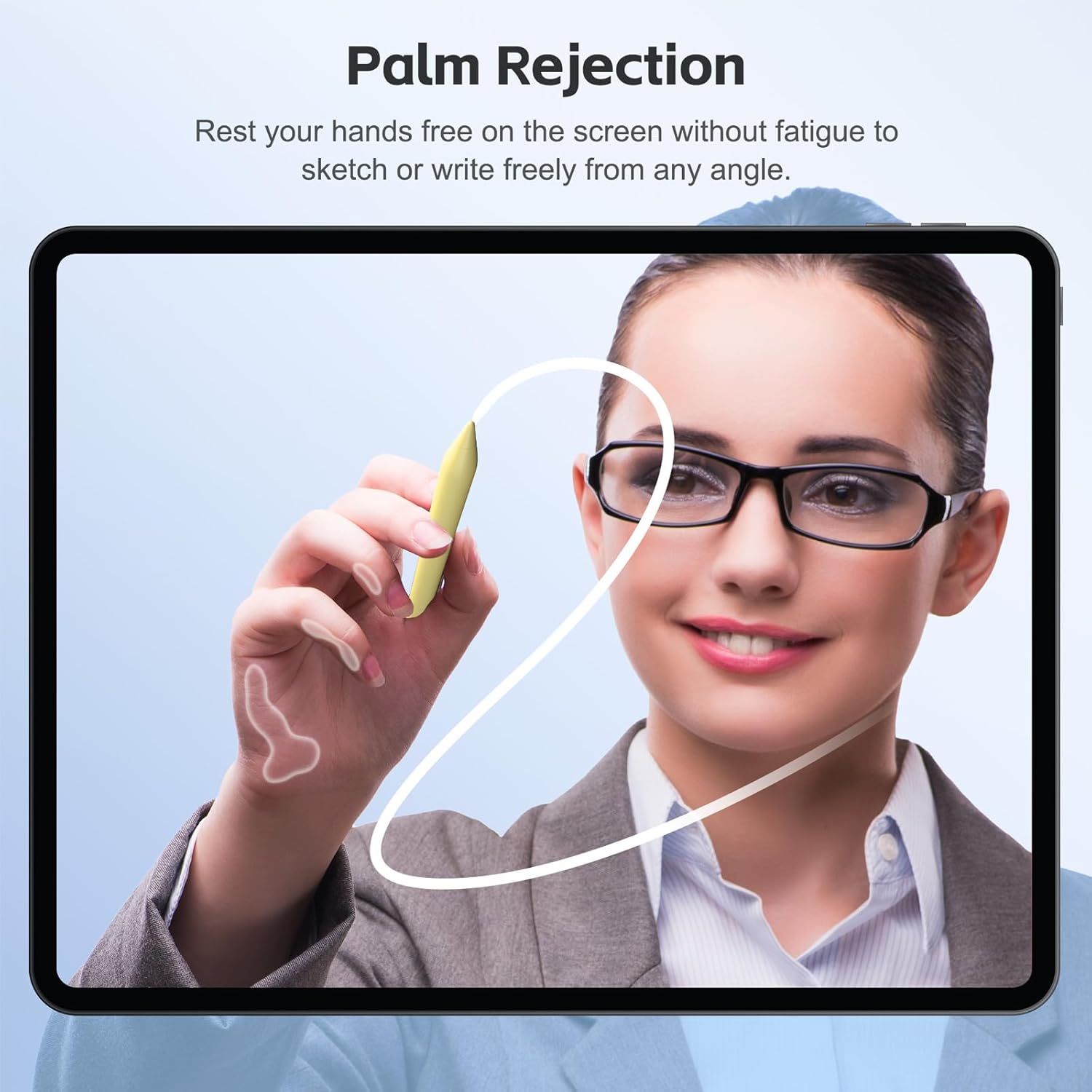
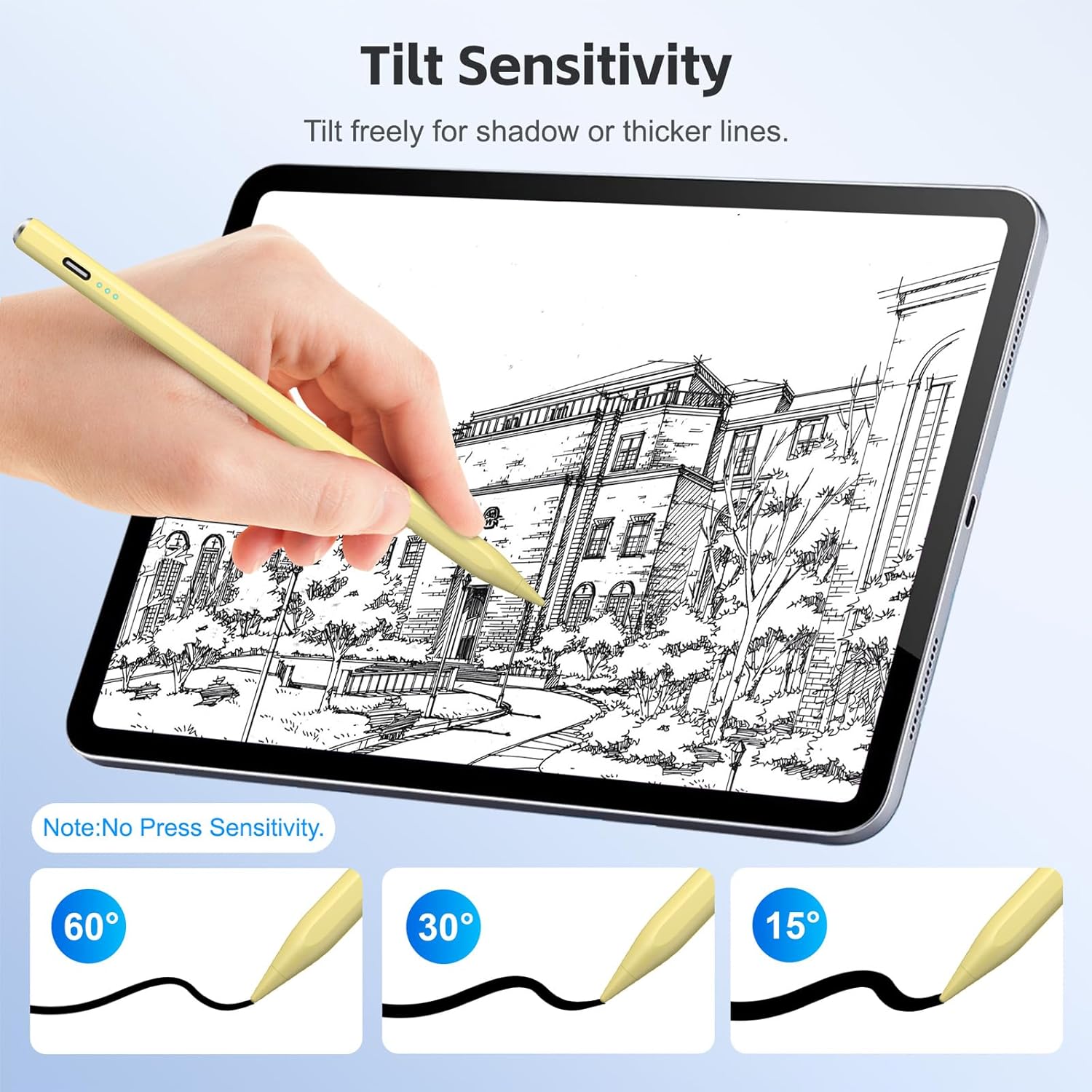
A standout detail is the tilt sensor and palm rejection combination. By recognising when your hand is resting on the screen and tracking the tilt of the pen, you can vary line width during drawing, without needing to constantly lift your hand. That can make freehand sketching feel more controlled, particularly when you are building up strokes. Keep in mind there is no pressure sensitivity, so if your workflow depends on pressure based effects, you may find this specification limits what you can do.
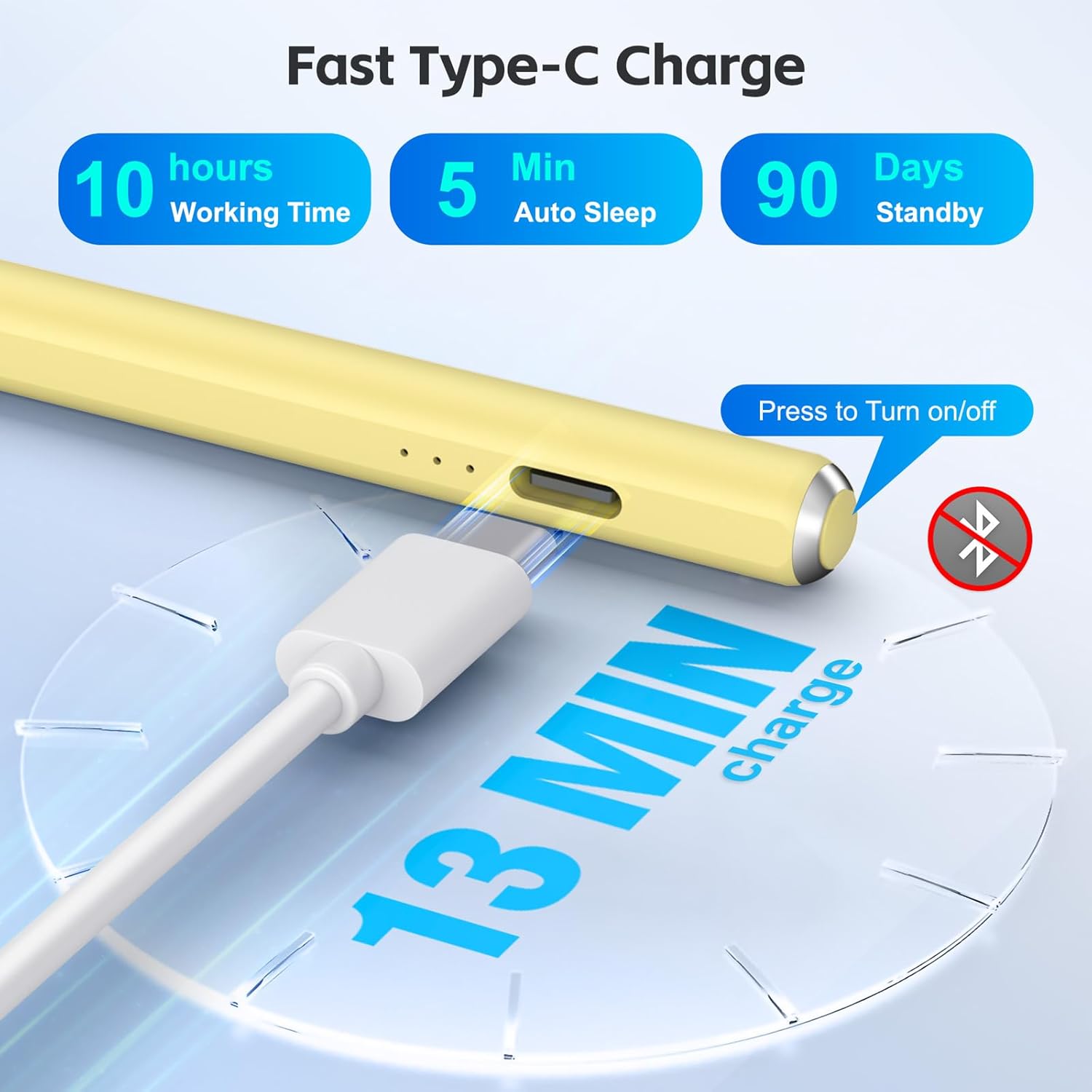
The power features are also designed for real life sessions. According to the product description, a 13 minute fast charge using the included USB Type C cable is intended to provide up to 8 hours of continuous use, while LED indicators show remaining power level so you know what is left. There is also an automatic shut off after 5 minutes of inactivity to help save energy when you step away.
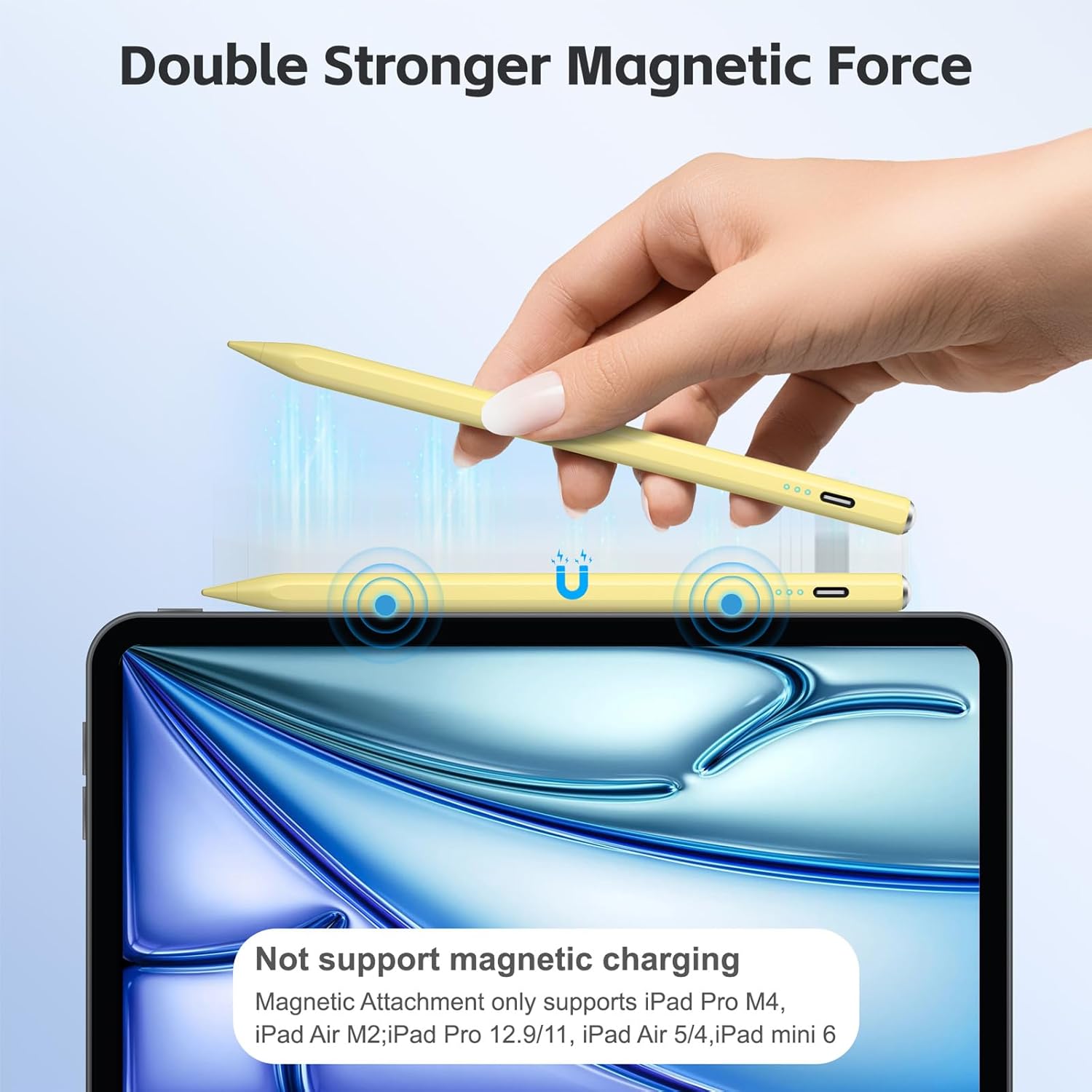
For organisation and portability, the pen includes an attachment magnet feature that helps prevent it moving around and makes it easier to keep tidy. That can be useful if you carry it in a bag with chargers, cases, or stationery. There are a couple of compatibility notes though, such as magnet behaviour not fitting every iPad model listed and wireless charging not being supported, so it is worth checking those details against your setup. 📌
Tech specs
- Name: Stylus Pen for iPad 2025 to 2018 with 13 mins fast charge
- Type: Stylus pen
- Format: Tilt sensor with palm rejection
- Charge: 13 minutes fast charge
- Battery claim: up to 8 hours continuous use
- Auto power off: after 5 minutes of inactivity
- Compatible iPads: iPad Pro 11 inch and 13 inch M4, iPad Air 11 inch and 13 inch M2, iPad 10th to 6th generation, iPad Pro 12.9 inch 3rd to 6th generation, iPad Pro 11 inch, iPad Air 3rd to 5th generation, iPad mini A17 Pro 5th to 6th
What you’ll notice day to day
The main day to day advantage is how straightforward it feels to use. The pen turns on and off by pressing the button on the top, and the fine tip is designed to help you create clean, smooth lines for sketching and handwriting style work. When you need to switch tasks, the pen is also described as offering easy scrolling and navigation, which can reduce the need to constantly move between touch and pen input. If you like working in apps for notes and drawing, that continuity can make your session feel more fluid.
In drawing and annotation, the palm rejection and tilt sensor are aimed at making the experience more natural. Palm rejection helps when your hand rests on the screen, and the tilt sensor allows line width changes by tilting the pen tip while drawing. That means you can shift between narrower and broader strokes as you draw, which is useful for outlining, shading style marks, and general sketch work. Just note the pen is described as having no pressure sensitivity, so effects that rely on pressing harder will not work in the same way.
Power management is another practical strength. The description states that you can get 13 minutes of fast charging with the included USB Type C cable, then work, draw, and draw for up to 8 hours continuously, with three LED lights indicating power level. There is also an automatic shut off after 5 minutes without use, which helps avoid forgetting the pen is on. If you regularly top up between sessions, those indicators and the fast charge window can make it easier to stay ready.
For transport, the magnet attachment feature is intended to help stop the pen from slipping, making it easier to pack and store. However, the product notes that wireless charging is not compatible, and that the pen does not magnet attach for certain iPad models in the list. It is also stated that it is not compatible with phones, Android devices, and Microsoft devices, plus models earlier than 2018. If you are unsure, checking your exact iPad model before purchase is the safest way to avoid disappointment. ✅
It suits you if
It’s a good fit if you have a compatible iPad from 2018 or later, and you want a fine tipped stylus for clear, smooth line work and everyday navigation. It makes sense if you value quick power up and practical charging, especially if you often switch between notes, sketching, and scrolling.
You may want to skip it if you rely on pressure sensitivity for drawing effects, because the pen is described as lacking pressure sensitivity. It might not suit you if your iPad model is not included in the stated compatibility list, or if you expect wireless charging support, since wireless charging is noted as not compatible in the product details.