

CHEREEKI Wireless Controller for PS4: Multi‑Platform Bluetooth Gamepad with Back Buttons and Turbo
Product description
What it is and who it’s for
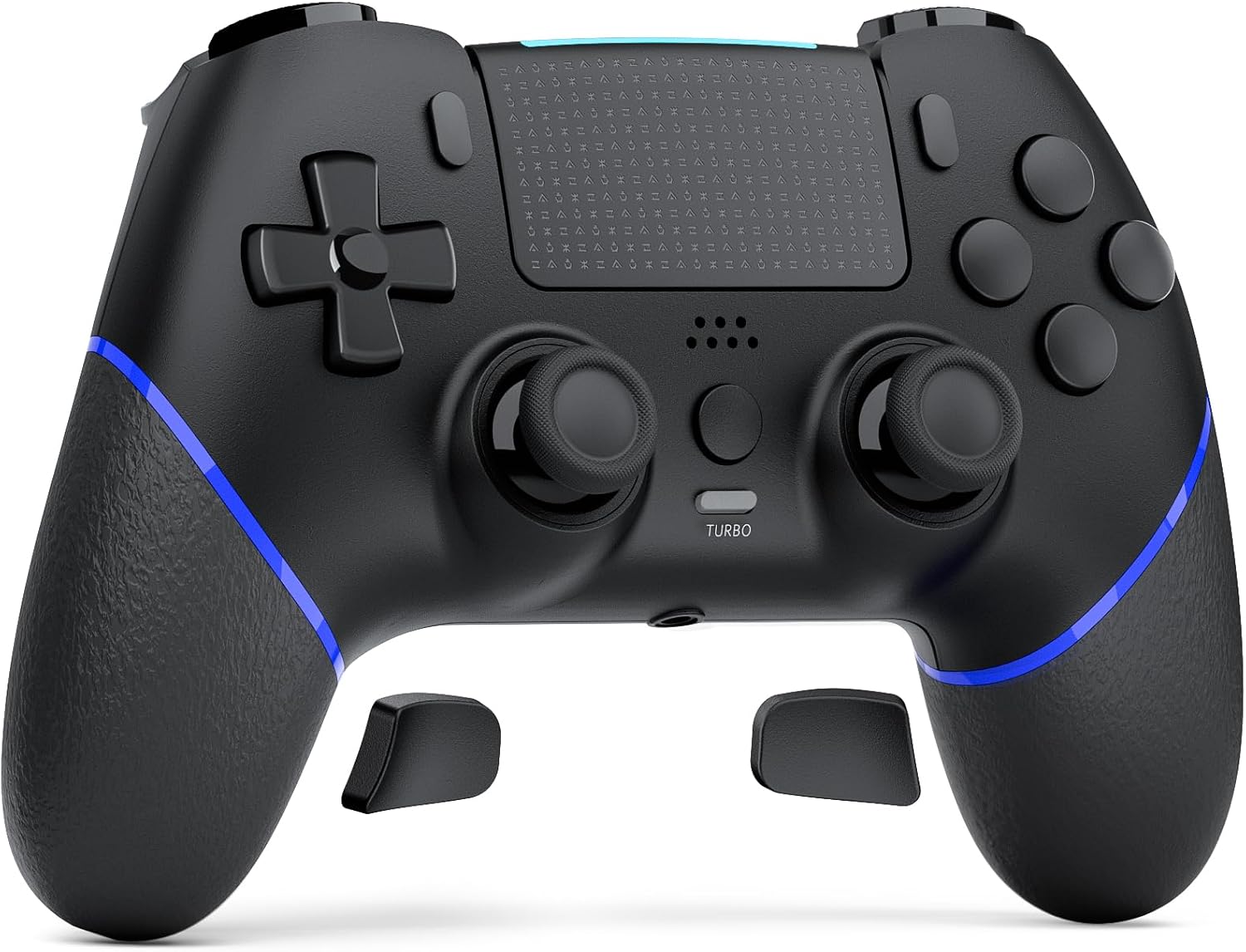
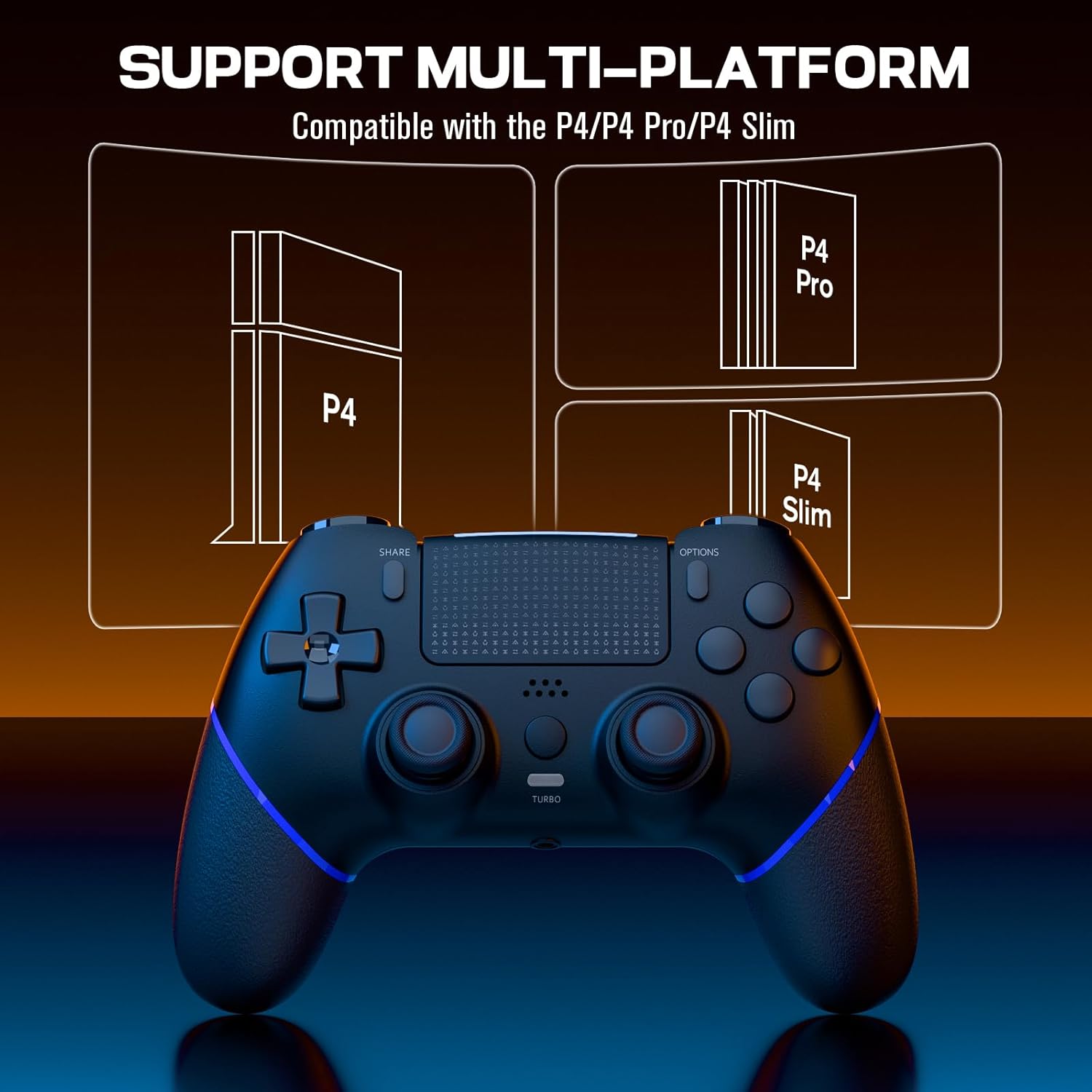
The CHEREEKI Wireless Controller for PS4 is a Bluetooth gamepad designed to work with PS4, PS4 Pro and PS4 Slim. It offers a familiar layout with a few thoughtful additions, such as back macro buttons and a modern touchpad, aimed at players who want a different control setup or added customisation without paying top‑tier prices. If you prioritise a practical, pragmatic upgrade to the standard PS4 controller, this might be worth a closer look.
How it connects and what to expect
On first use, you’ll need to connect via USB to activate the device, then pair over Bluetooth for wireless play. The controller supports the latest system software and is built to work with a broad range of games. In everyday use, the pairing flow is straightforward, though, like many third‑party pads, you may notice small differences in button feel compared with Sony’s official model.
Feedback and control in play
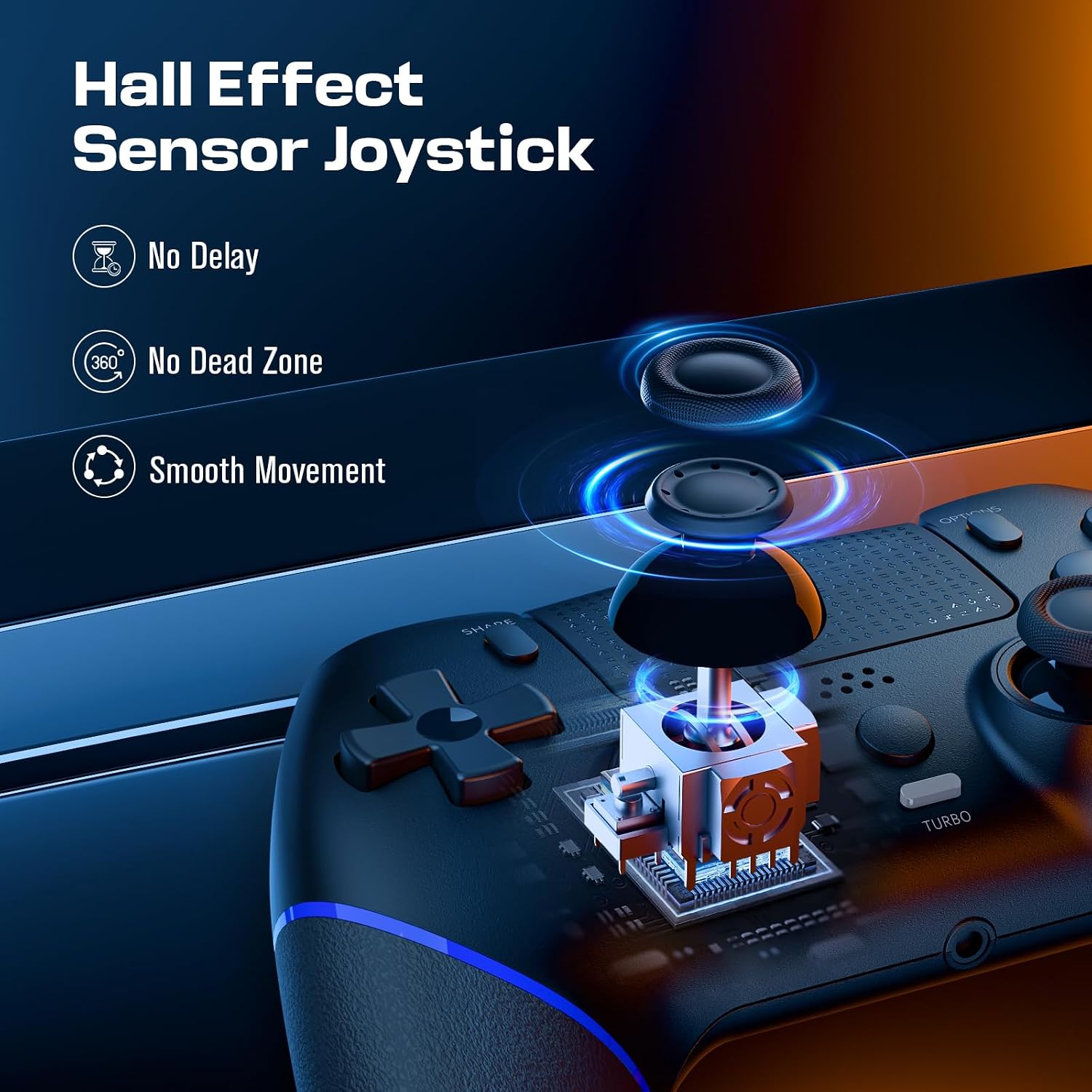
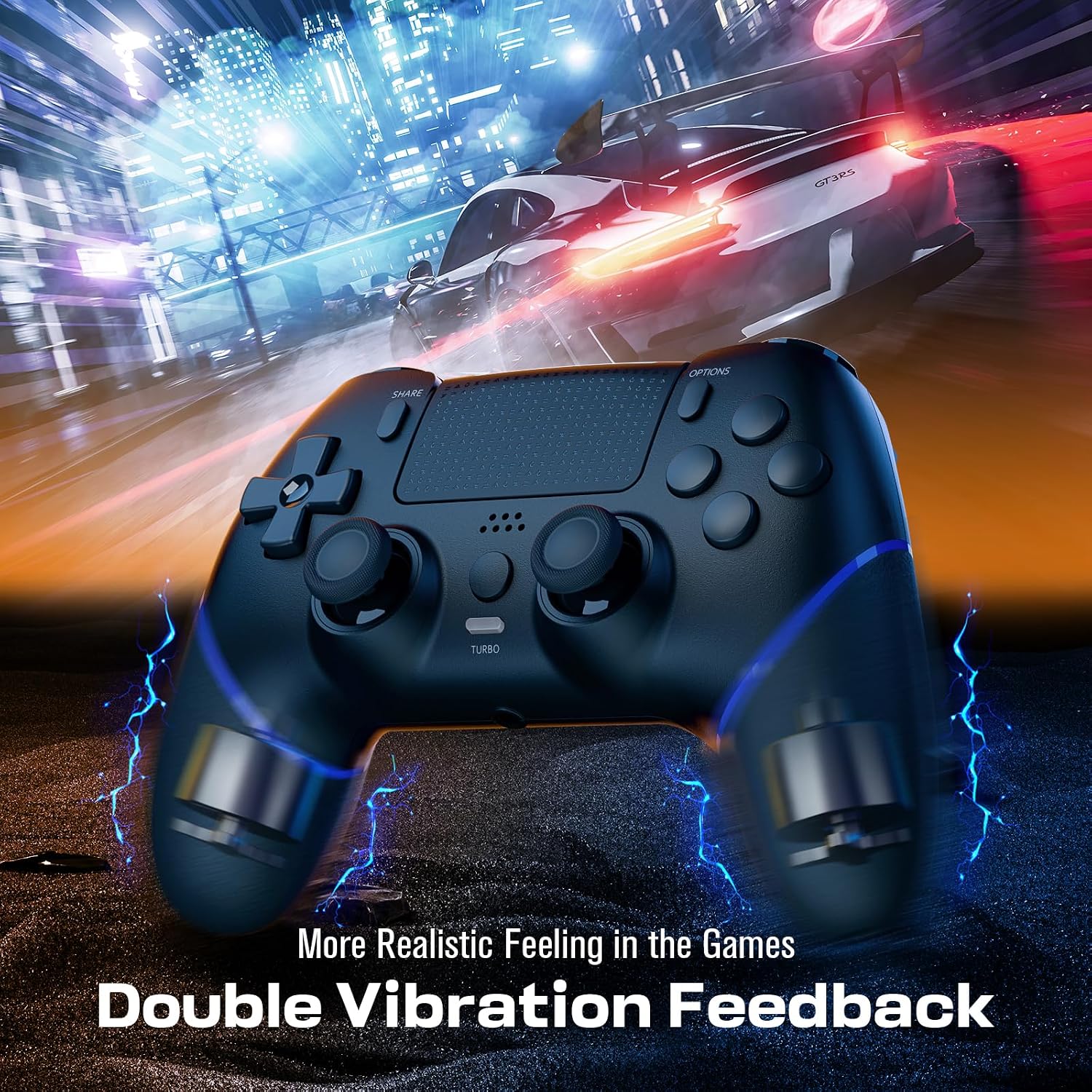
The device houses a 6‑axis gyro and dual vibration motors, which aim to deliver immediate haptic feedback and intuitive motion sensing. The analogue sticks are described as 360° refined with no dead zone, and there’s a face touch pad intended for more precise control. If you enjoy a tactile sense of responsiveness, this layout should feel reasonably familiar, with a hint of refinement rather than a dramatic departure.
Battery life and reliability
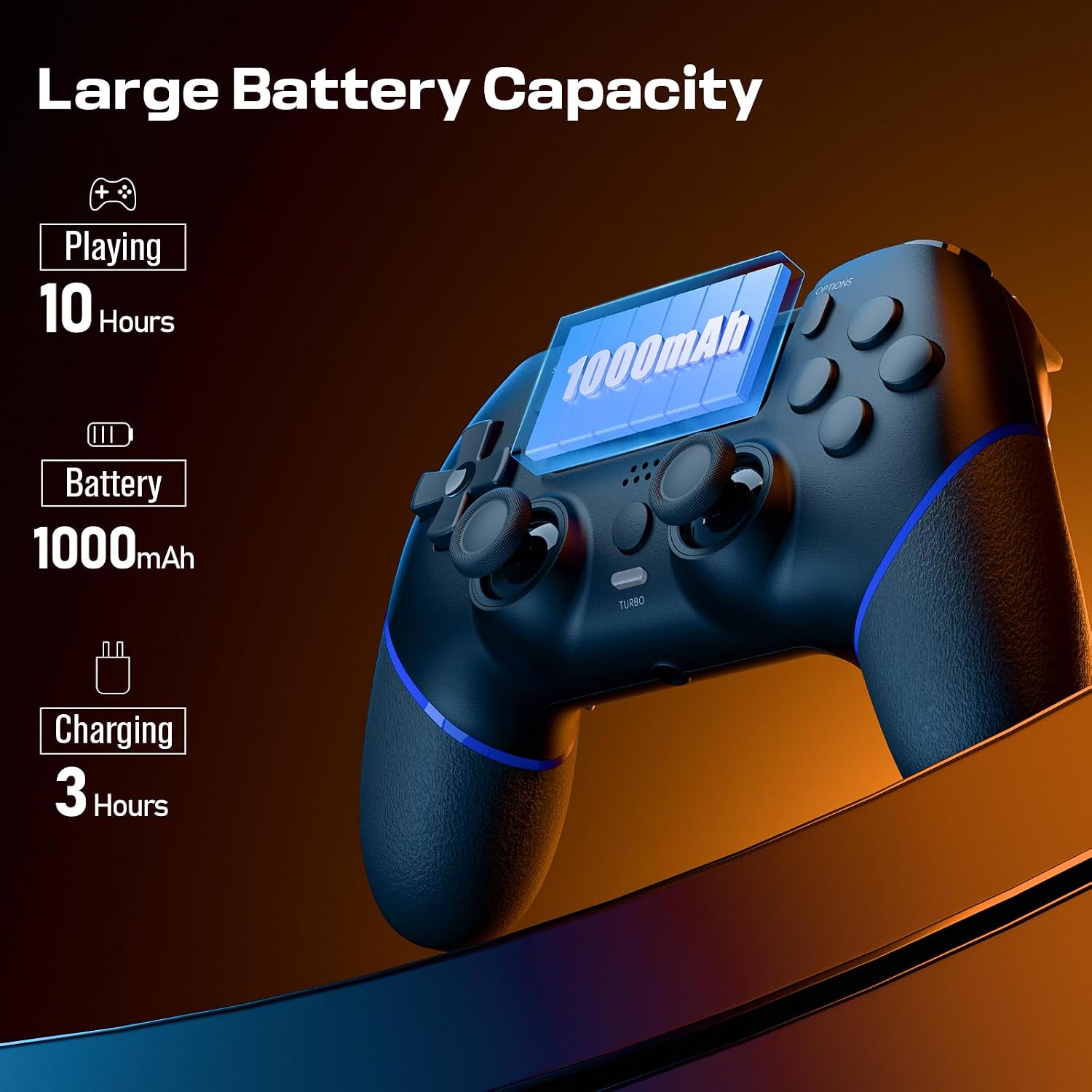
Equipped with a 1000mAh battery, charging takes around 2–3 hours and you can expect roughly 10–12 hours of playtime per full charge. That’s workable for casual sessions or extended gaming evenings, though actual endurance will depend on how heavily you use wireless features like vibration and any back‑button programming.
Customisation and comfort
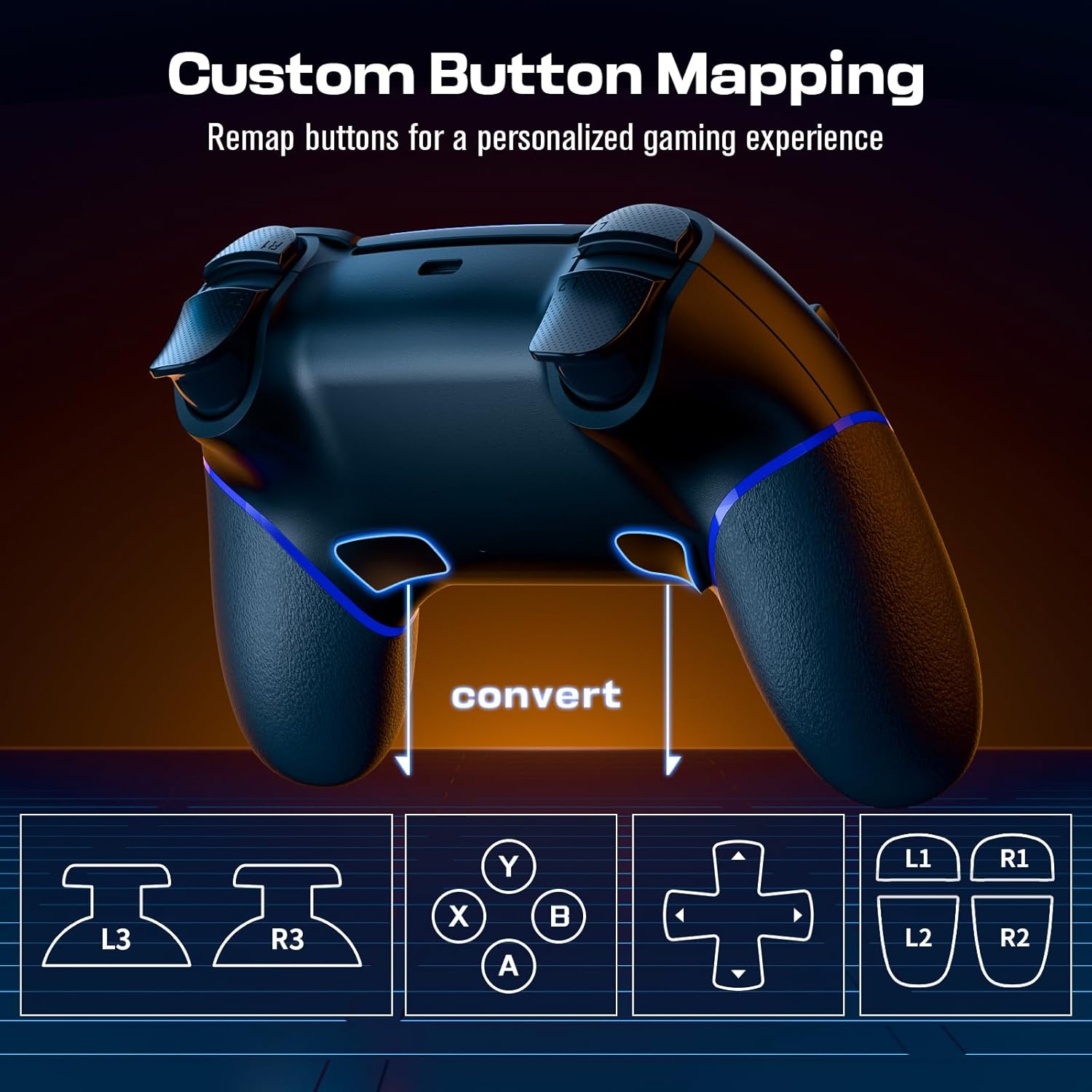
A notable feature is the back macro buttons, which can be programmed for customised game styles. The design emphasises an anti‑slip, sweat‑resistant surface to help you game longer without fatigue. If you often play for long stretches, the ergonomic focus is a sensible addition, but you may notice it isn’t a factory‑defined premium feel compared with official controllers.
What to review before buying
- Confirm your platform needs and ensure you’re on a compatible PS4 system version.
- If you rely on zero‑dead‑zone sticks, test the feel of the CHEREEKI analogue inputs, as experiences vary between third‑party pads.
- Consider how important back macro buttons are for your games and whether you’ll spend time programming them for your usual titles.
- Check whether you require a wired initial connection, some users prefer to connect via USB for the first pairing as specified.
How it compares to other approaches
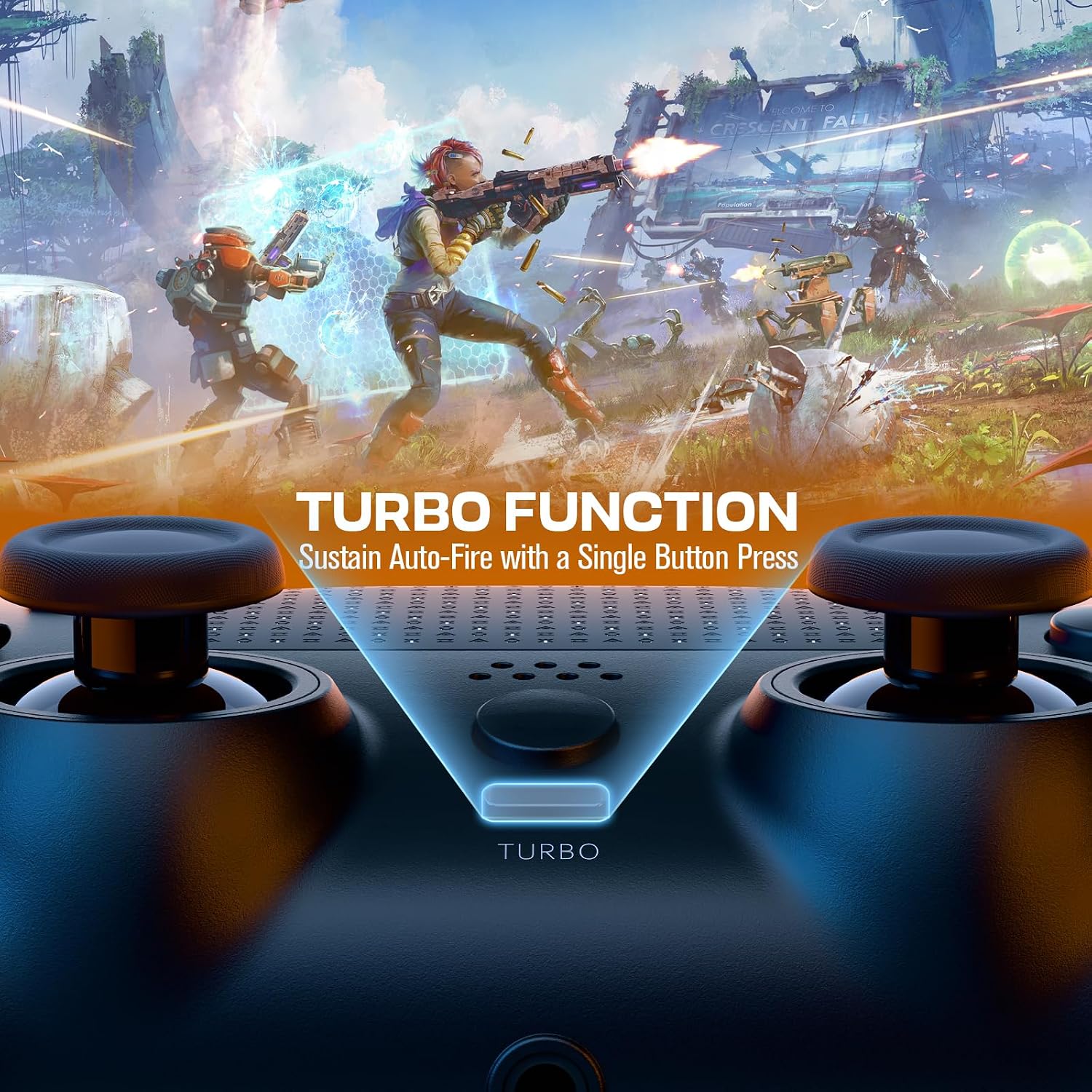
If you want a budget alternative with similar multi‑platform intent, third‑party controllers often offer comparable features like turbo, vibration and additional buttons. This model leans into ergonomic design and macro capability as differentiators, which can be useful for certain play styles. It isn’t positioned as a premium replacement, so if you expect factory‑level build quality and flawless button feel, you might be better suited to higher‑end options or the official PS4 controller.
Practical usage example
Imagine you’re jumping into a party‑style racing night with friends. The extra back buttons let you map quick gear shifts or nitro without removing your thumbs from the sticks, keeping action smooth while you focus on steering. The built‑in touch pad could offer a more precise camera control in a shooting game, though the experience is still contingent on how developers map those inputs.
Final thoughts — is it worth it?
Is it worth it? Worth considering if you’re after a budget PS4 controller with programmable back buttons, longish battery life and a compact, non‑official option. It’s not the perfect replacement for everyone—especially if you prize the flawless, premium feel of the official pad, or if you need absolute consistency across all titles. For players who value value‑for‑money, ease of use and a degree of customisation without breaking the bank, this CHEREEKI model sits in the mid‑range space and could be a sensible pick.
FAQ
- How does pairing work? Connect via USB for the first pairing, then use Bluetooth for wireless play.
- How long does the battery last? Approximately 10–12 hours of playtime on a full charge, depending on usage.
- Are macro buttons useful for all games? They can be handy in titles that support custom button maps, but effectiveness varies by game and by how you choose to programme the back buttons.