

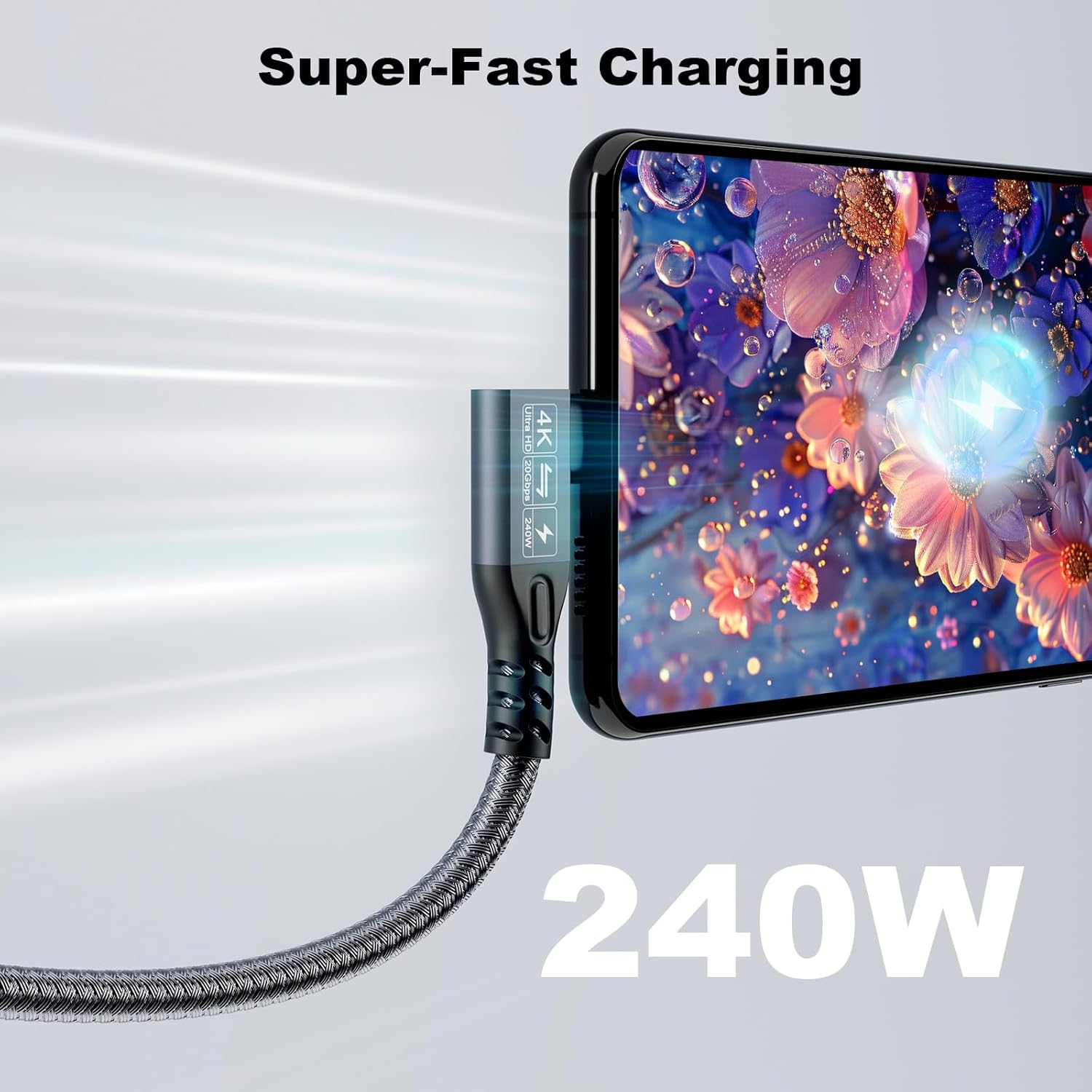
CHENLENIC 90Degree USB-C 3.2 Extension Cable (20Gbps) with 240W USB PD & 4K@60Hz video support, 1M+1M
Reviews
Price
Product description
What it’s for (and why the 90° angle matters)
This CHENLENIC 90Degree USB-C extension cable is designed to give you more reach between a USB‑C/Thunderbolt 3/4 capable laptop and a compatible monitor, docking setup, external SSD, or other USB‑C device. On paper, it’s built for people who’ve got a short lead problem—something that’s painfully common when your laptop sits further back on a desk, or when ports are tucked behind a monitor.
The standout practical detail is the 90‑degree connector design. Rather than forcing the cable to bend sharply off the device, the angle brings the cable closer to the surface once connected. That can be a relief if you’re repeatedly plugging and unplugging, or if the cable tends to get pulled when you move your laptop around.
The essentials: speed, charging power and video
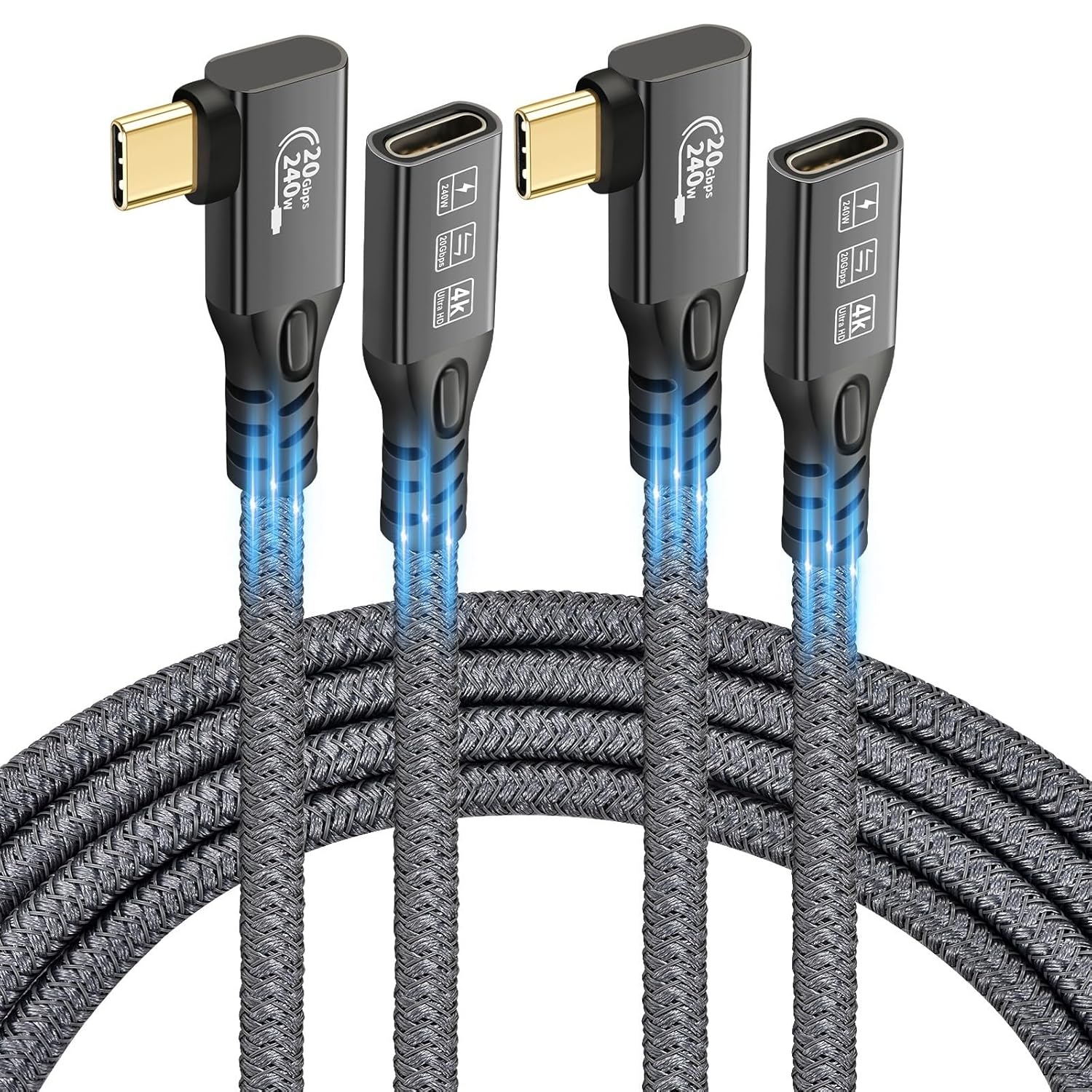
This is a USB‑C 3.2 extension cable positioned around three key jobs:
- Data transfer up to 20Gbps (the manufacturer’s claim)
- Video output up to 4K @ 60Hz where supported by both the source and display ports
- Charging power up to 240W via USB PD (with compatible USB‑C power adapters)
There’s a notable “it depends” caveat though: the full 20Gbps speed only applies if both ends are connected to devices that support the relevant high‑speed modes (USB 3.2 Gen 2, USB4, Thunderbolt 3/4). If your devices don’t match that capability, you may see lower real-world speeds.
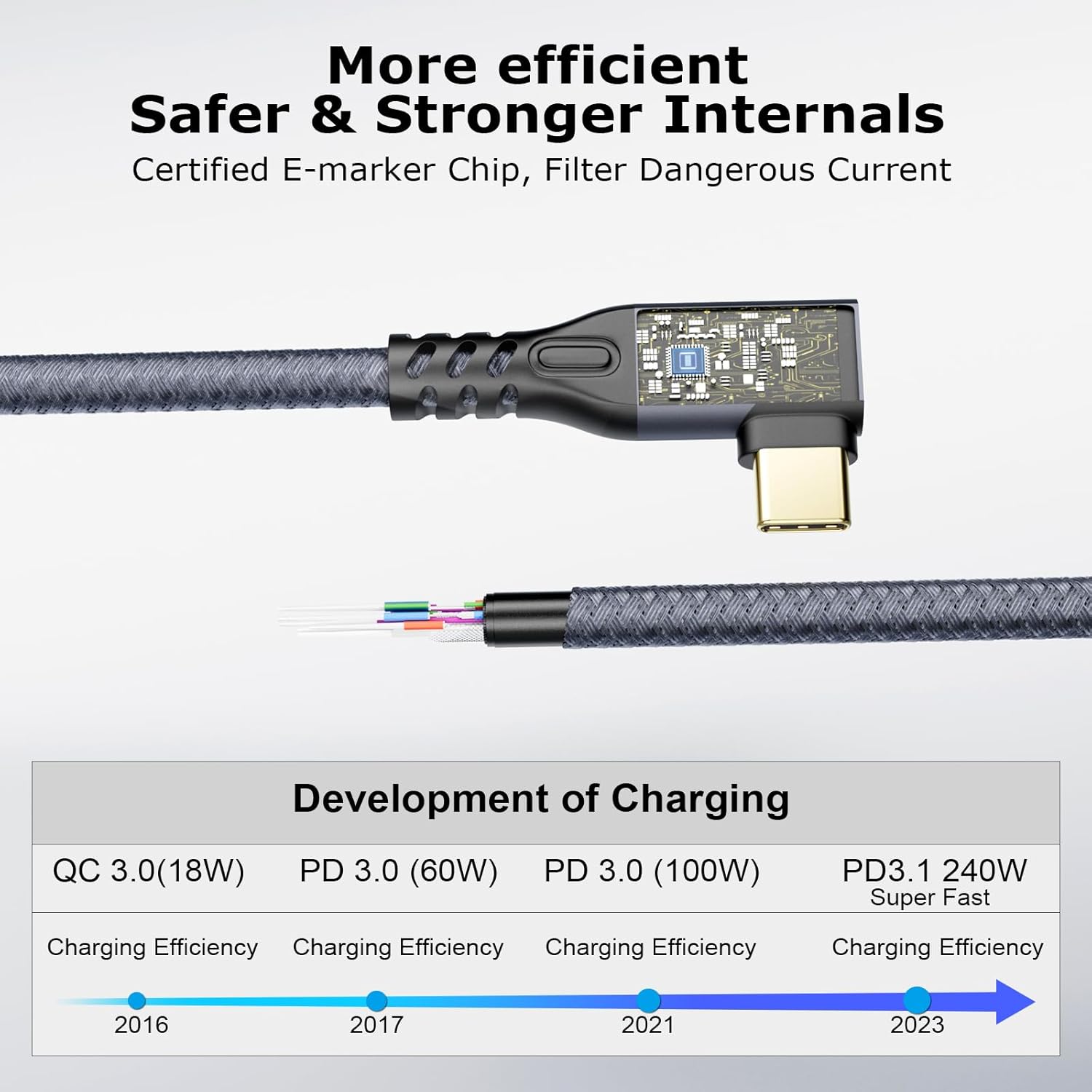
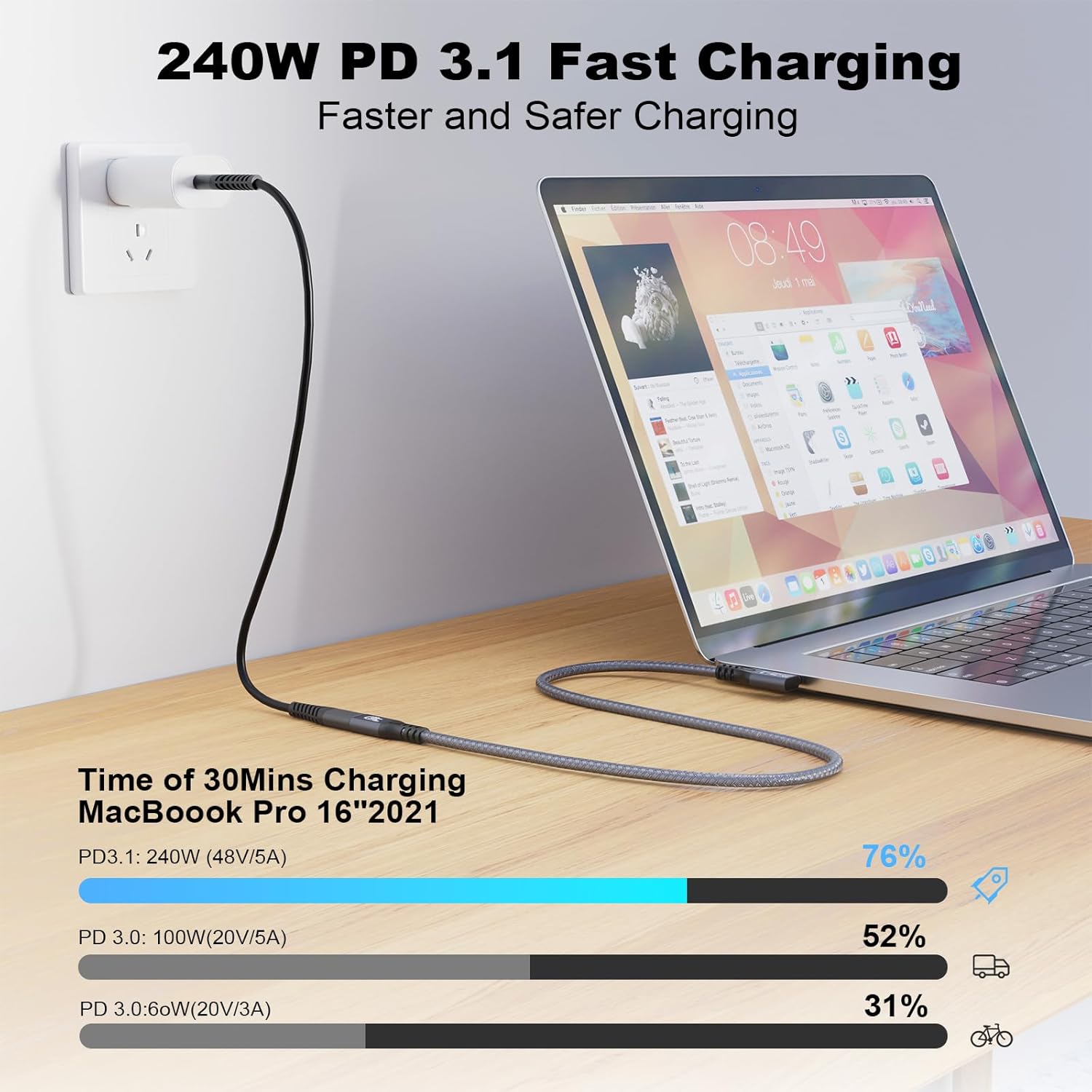
For charging, the cable supports USB PD 3.1 and QC4.0 up to 50V / 5A (max), and also says it’s compatible with PD 3.0/2.0, QC 3.0/2.0, and adaptive fast charging for Samsung. The general buying logic here is simple: if you want higher charging performance, you’ll still need a USB‑C power adapter that suits your device.
What you’ll notice in everyday use
If you’re using a laptop for work plus a peripheral setup (external display, storage, eGPU where supported), a properly chosen extension cable can quietly remove a lot of hassle. With this one, you’re mainly buying convenience plus the ability to keep charging and data/video travelling through the same extended run.
A simple micro-scenario: you connect your laptop to a USB‑C monitor using the extension so the monitor cable can reach comfortably across a desk. You’re not just extending power—you’re extending the pathway for sync/data and, where supported, video output. It’s the sort of add‑on that makes your setup feel “cleaner”, because you’re not forced to swap to a longer cable every time.
That said, it’s not perfect for every situation. The 90° connector helps with bending, but it won’t fix cable length problems if your desk layout demands a much longer run than what this kit offers. Also, because it’s an extension, you’ll want to be cautious about compatibility with whatever you’re extending—especially for the top-end speeds.
Key considerations before you buy
Buying an extension cable is where people sometimes get caught out, because the cable itself is only half the equation. For this CHENLENIC model, the main checks are:
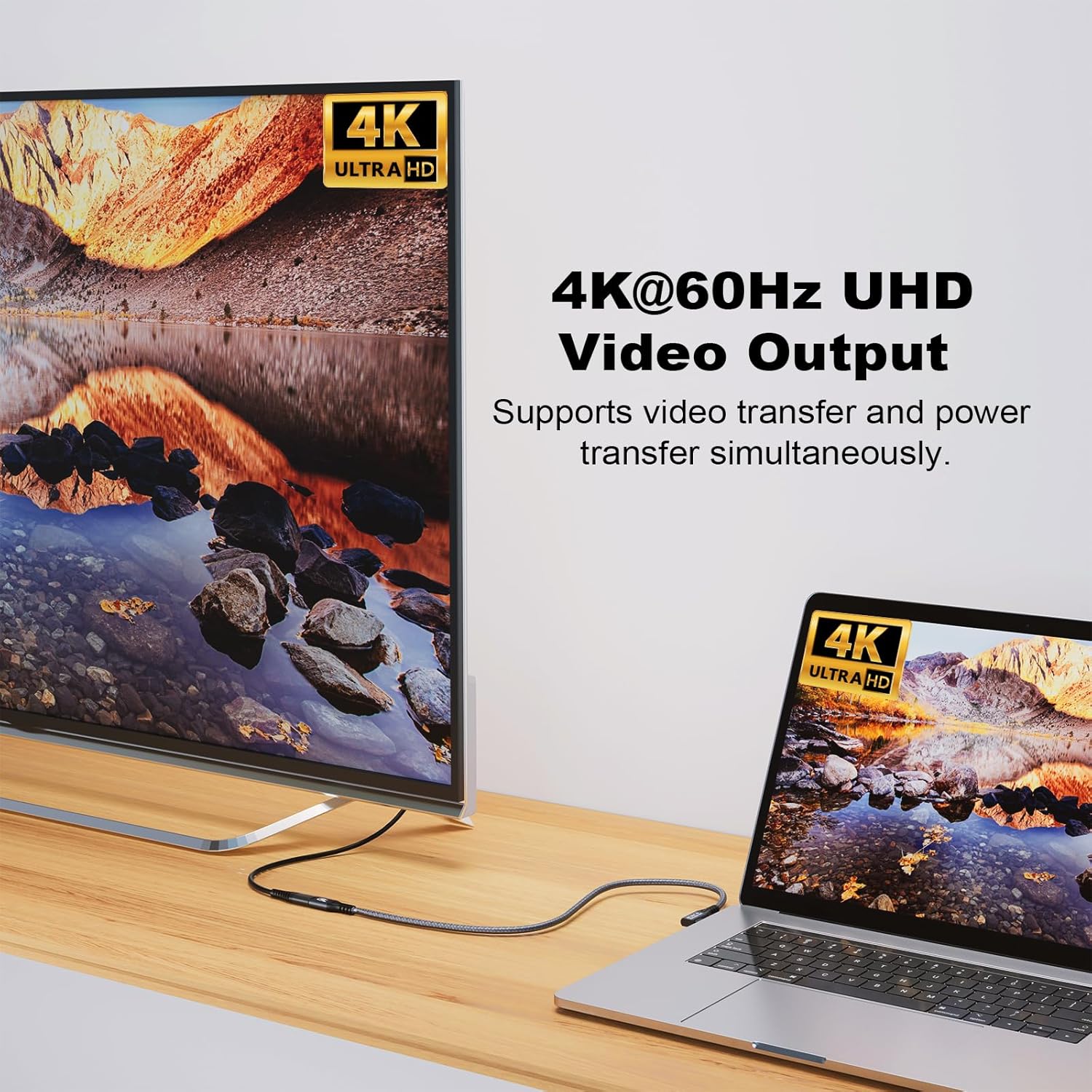
First, confirm your laptop port and the destination port both support the relevant features (high-speed USB modes for 20Gbps, and USB‑C/Thunderbolt support for video). The listing specifically notes that 20Gbps requires both ends to support USB 3.2 Gen 2 / USB4 / Thunderbolt 3 or 4.
Second, if you care about charging at higher wattage, make sure the USB‑C power adapter you already use (or plan to use) is compatible with USB PD and can deliver the power your device needs. The cable supports up to 240W PD by spec, but the charger you pair it with still matters.
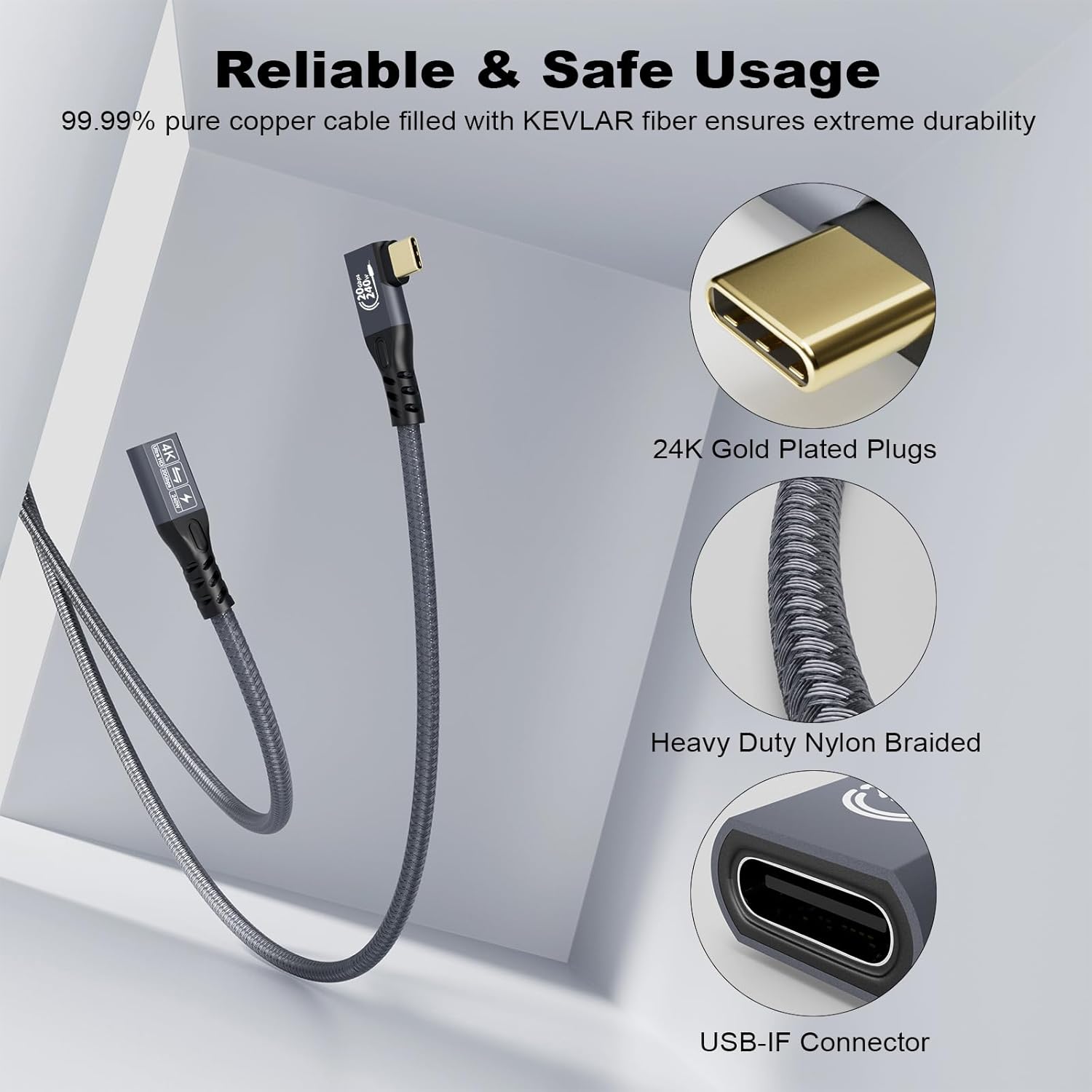
Third, think about strain. The cable uses a nylon braided build and a moulded strain relief, with 24K gold-plated connectors and an aluminium alloy housing on the connectors. That’s all helpful for durability over time—though if your setup involves extreme pulls, you’ll still want to route cables sensibly.
Tech specs
- Name: CHENLENIC 90Degree 20Gbps USB C 3.2 Extension Cable, USB‑C 3.2 Gen2 Type‑C Male to Female Extender Cable
- Type: USB‑C extension cable (90‑degree connector design)
- Format: Type‑C male to female extender
- Size: 1M + 1M (extension cable set)
- Type of charging support: USB PD 3.1 (also compatible with PD 3.0/2.0), QC4.0 and QC3.0/2.0 (plus adaptive fast charging for Samsung)
- Charging power / output (max): up to 240W, 50V / 5A (max) when used with compatible USB‑C power adapters
- Data transfer speed (claimed): up to 20Gbps (requires compatible devices at both ends to achieve this)
- Video output (claimed): up to 4K @ 60Hz (requires compatible input/output USB‑C/Thunderbolt ports that support video)
- Compatibility note in listing: full 20Gbps requires both cable ends connected to devices that support USB 3.2 Gen 2, USB4, Thunderbolt 3 or Thunderbolt 4
Pros
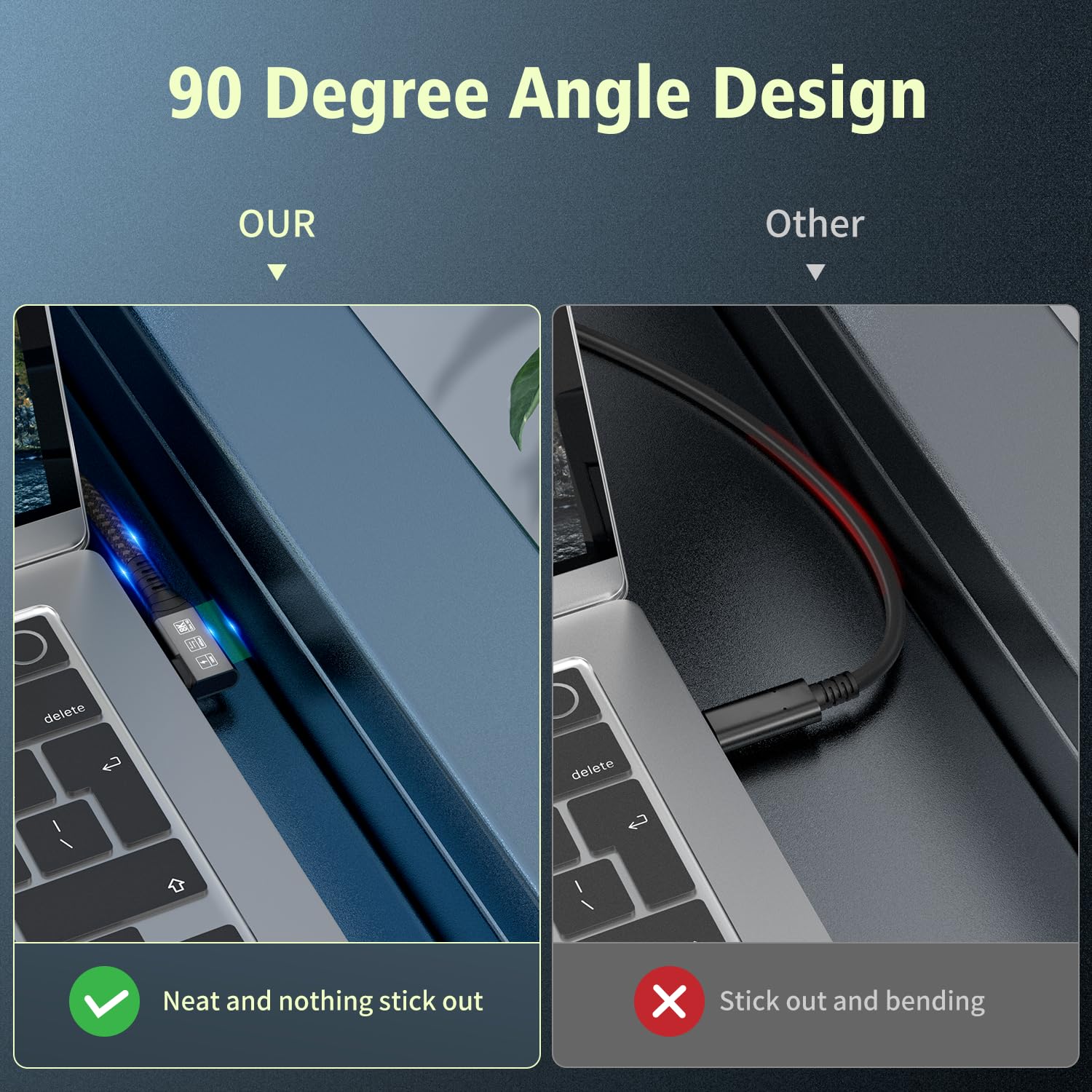
- 90‑degree design should make cable routing less awkward and may reduce harsh bending at the device port.
- Supports USB PD charging (up to 240W by claim) and a stated high data speed (up to 20Gbps) plus video up to 4K @ 60Hz—useful if your devices support those features.
- Nylon braided build with gold-plated connectors and moulded strain reliefs, aimed at everyday durability.
Is it worth it?
This CHENLENIC 90Degree USB‑C 3.2 extension cable is worth considering if your setup genuinely supports high-speed USB‑C/Thunderbolt features and you want one extension path for data, charging, and (when supported) video—without constantly swapping cables.
You may want to skip it if you’re only extending a basic USB‑C power or low-speed connection, because the headline 20Gbps figure won’t be guaranteed unless both sides support the relevant modes. It might not be a great match either if your monitor/dock/laptop combination isn’t set up for USB‑C video over the ports you’re using.
Mini FAQ
FAQ
Will I get the full 20Gbps speed? Only if both ends connect to devices that support USB 3.2 Gen 2, USB4, Thunderbolt 3 or Thunderbolt 4, otherwise, you should expect lower speeds.
Does it support fast charging? The listing states USB PD 3.1 and QC4.0, up to 240W, with compatibility for PD 3.0/2.0 and QC 3.0/2.0, you still need a suitable USB‑C power adapter.
Can it output 4K at 60Hz? It claims up to 4K @ 60Hz, but only if both your input device and output display ports support video over USB‑C/Thunderbolt 3/4.
Is the cable direction-friendly? The listing says it can connect without worrying about port orientation, thanks to the Type‑C design.