BSEED Smart Light Switch 1 Gang Glass Panel 💡

Product description
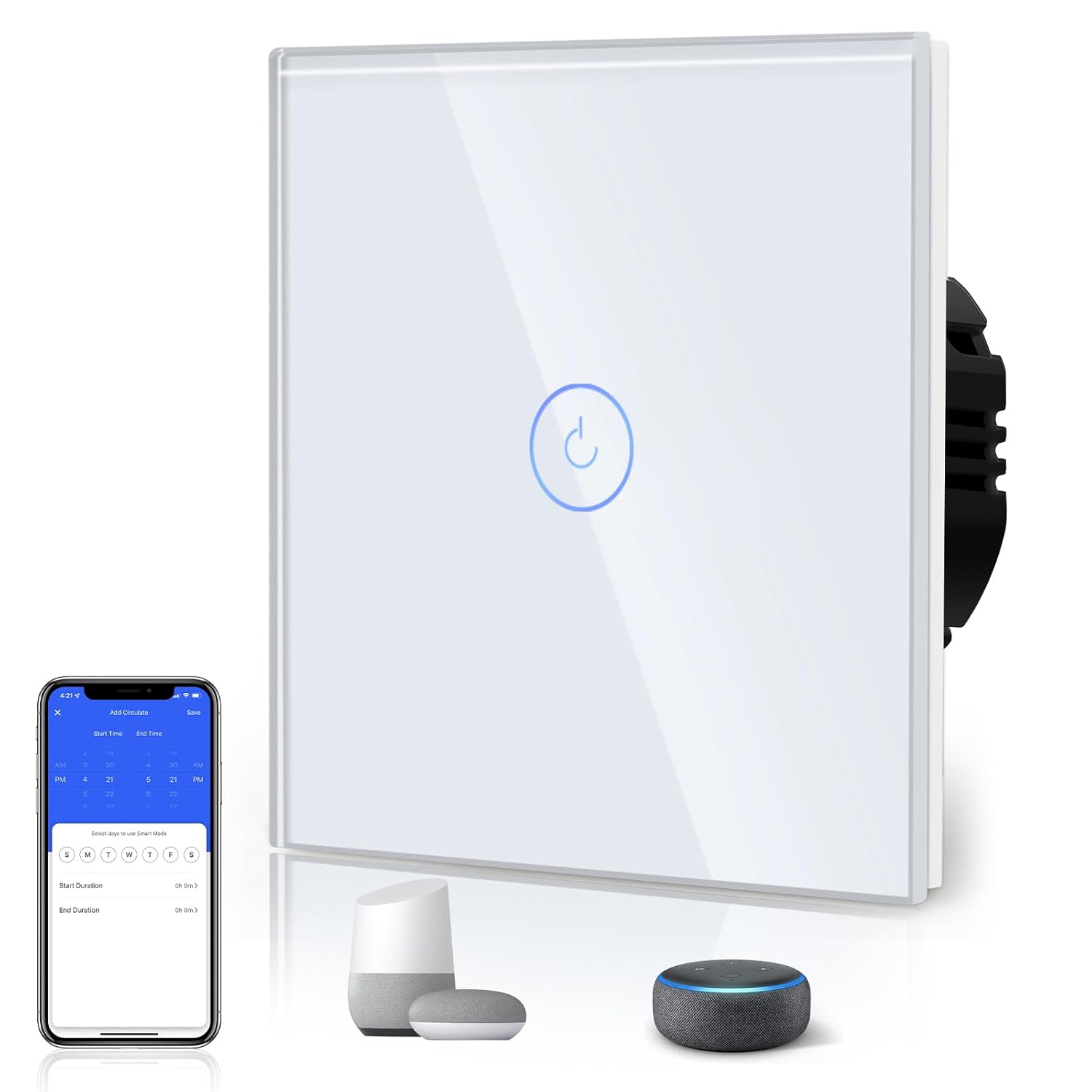
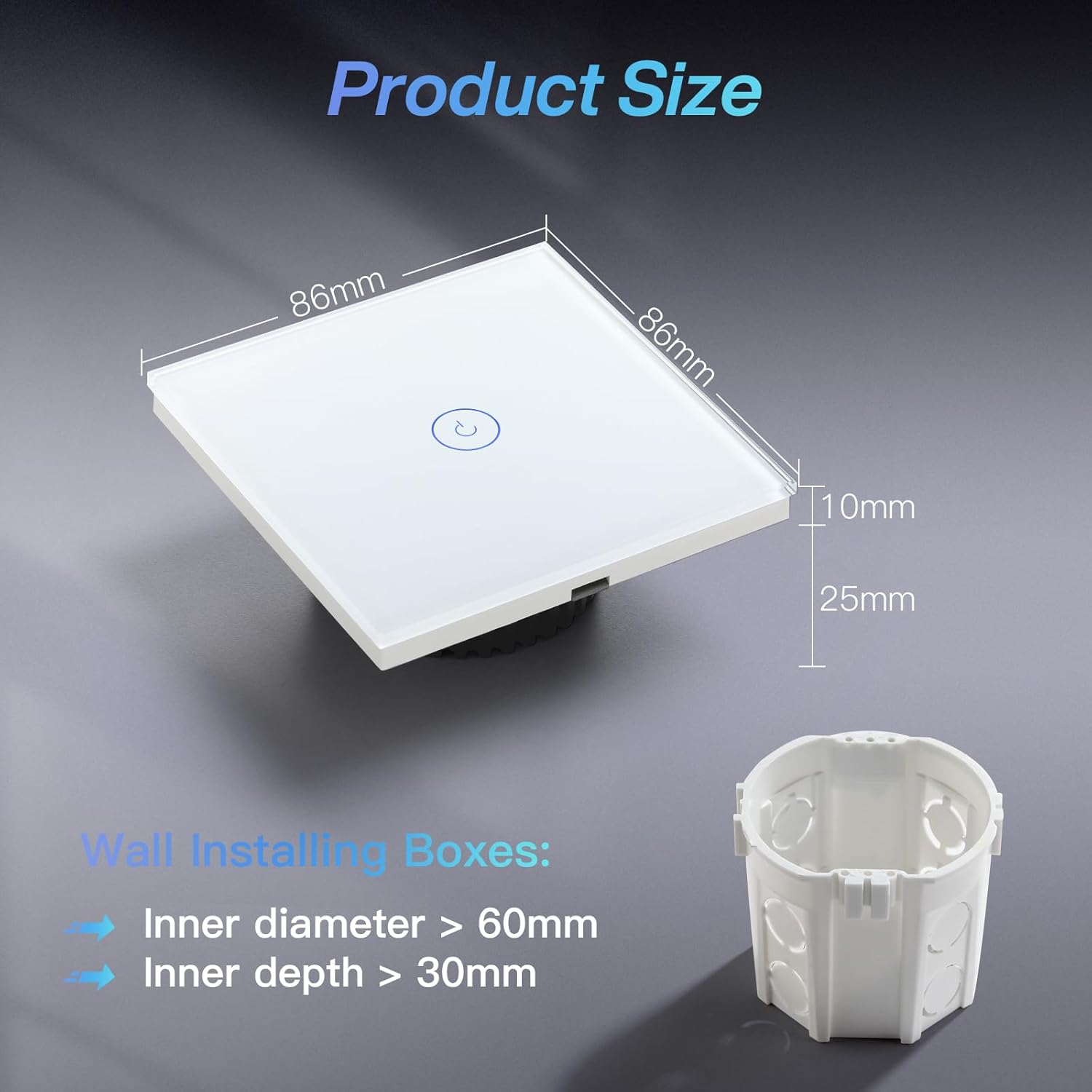
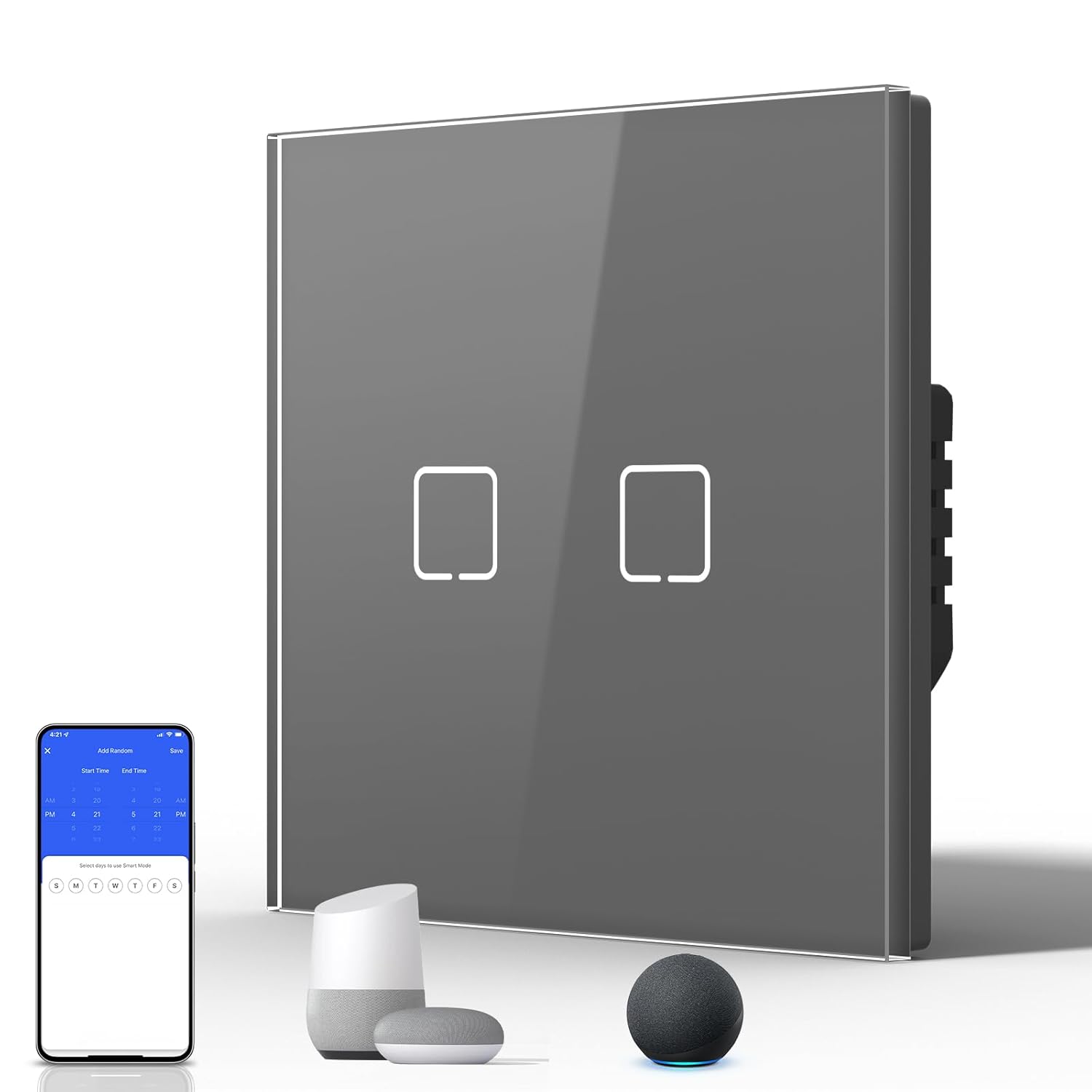
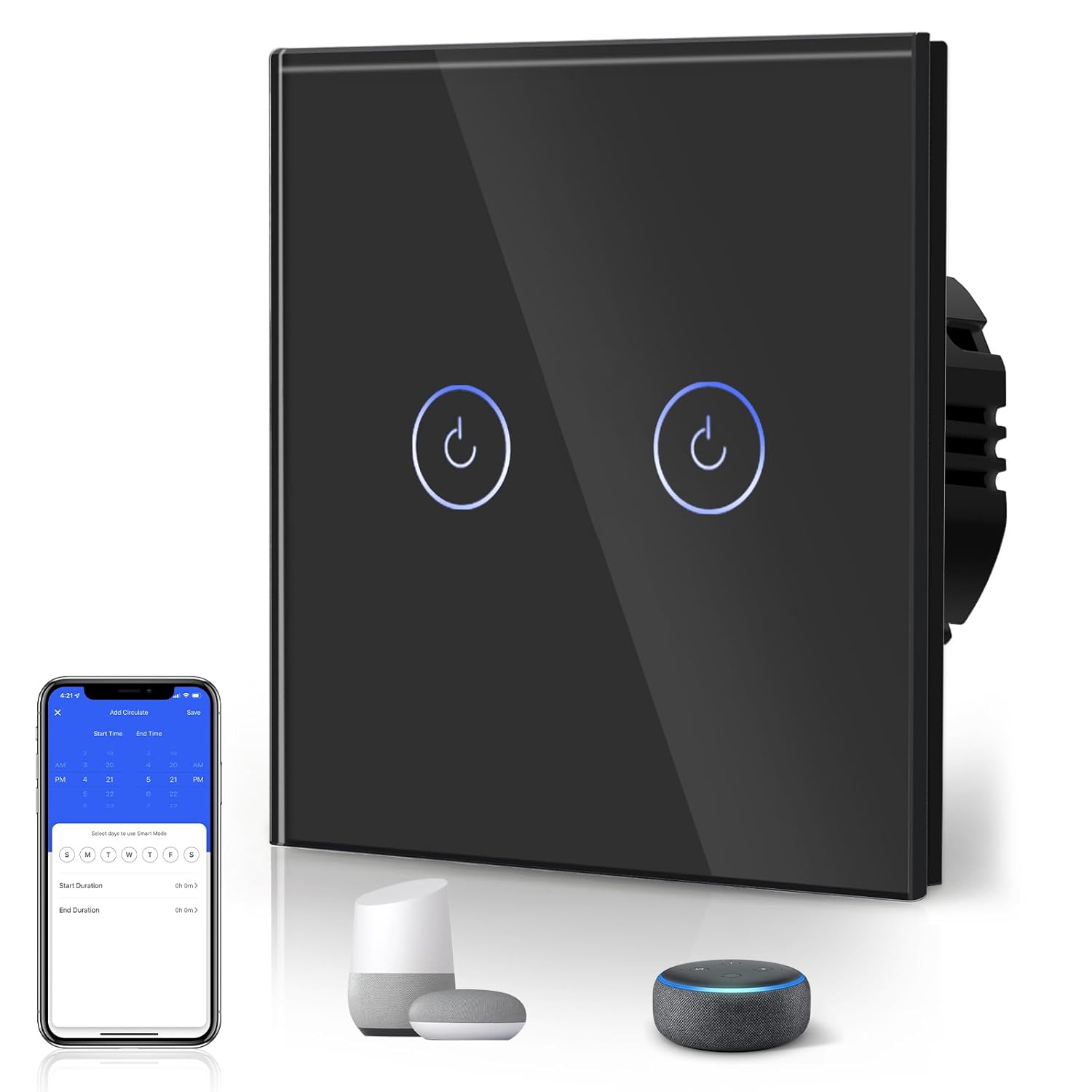
This glass-panel touch light switch brings smartphone and voice control to a standard wall switch while keeping a minimalist white finish and 86mm footprint. It makes it easy to switch lights on or off remotely and set automatic schedules, with compatibility for Alexa and Google Assistant for hands-free operation.
Key Points
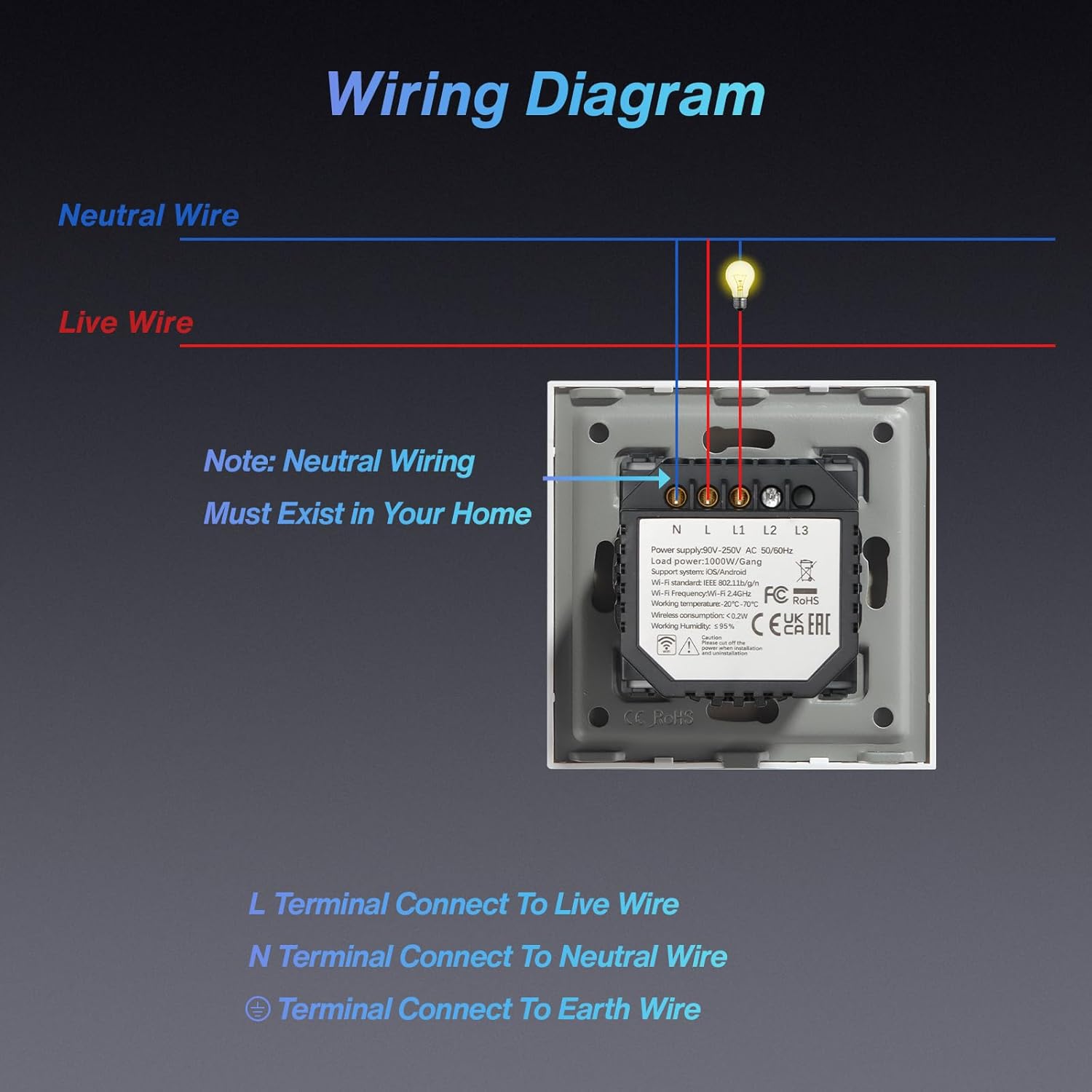
The switch uses a capacitive touch glass panel with backlighting so the control is visible in low light and looks tidy on the wall. It connects to a home network using 2.4 GHz WiFi only, allowing remote control from a phone app and integration with common voice assistants. For timed routines there is a built-in scheduler so lights can be set to turn on or off at chosen times. Consider that the device requires a neutral wire in the switch location, so an electrician check is recommended before installation.
Technical Specifications
- Name: BSEED Smart Light Switch
- Type: 1 Gang 1 Way touch switch
- Panel finish: White glass with backlit indicator
- Connectivity: 2.4 GHz WiFi only
- Wiring: Neutral wire required for installation
Benefits
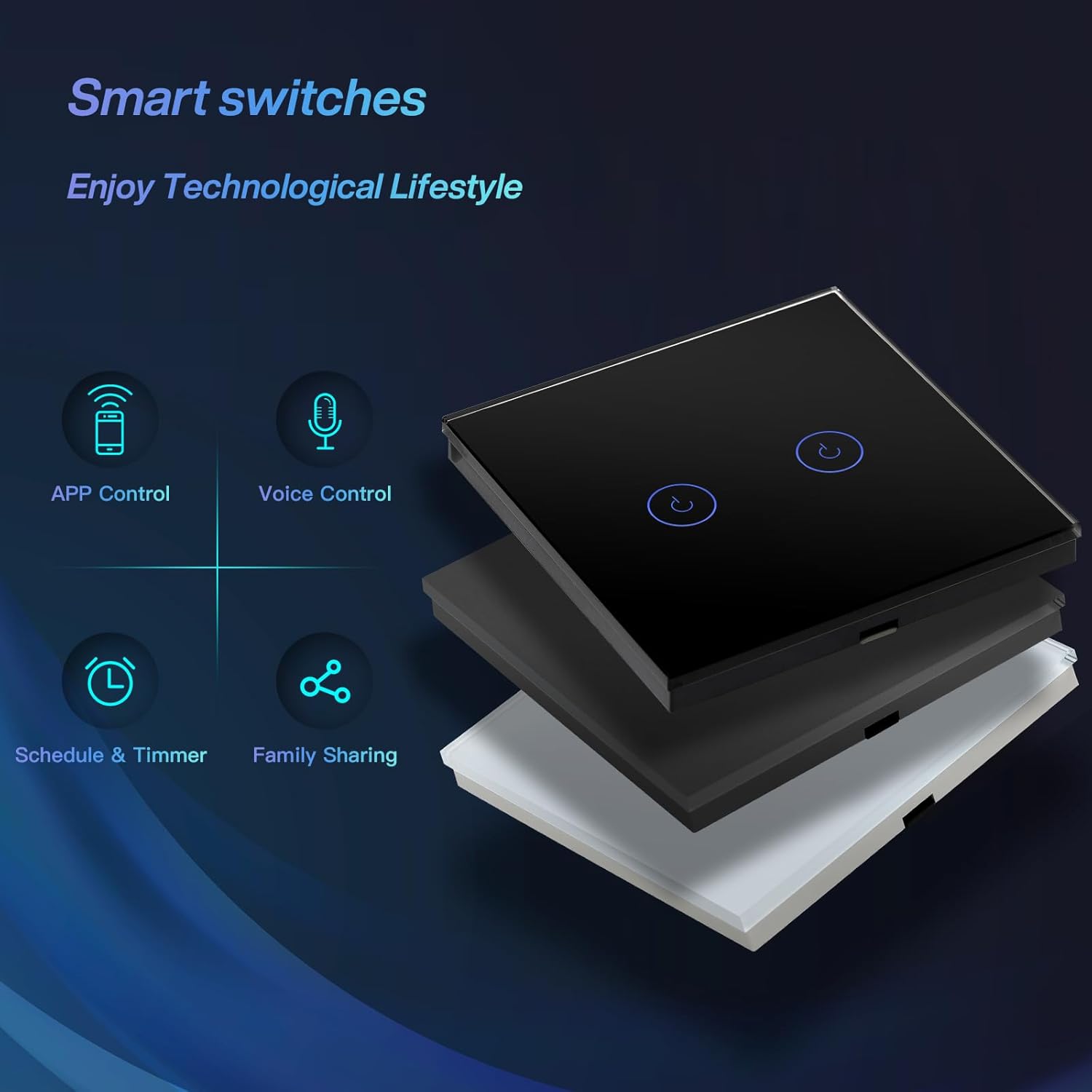
The touch interface replaces mechanical toggles and gives a sleeker appearance while reducing noisy clicks. Voice control with Alexa or Google Assistant allows simple hands-free operation when your hands are full or you are in another room. Remote access via the mobile app means you can switch lights from anywhere, which is convenient for security or convenience when away from home. The scheduler function helps automate daily routines and can contribute to energy savings when lights are not left on unnecessarily. A potential limitation is that older homes without a neutral line at the switch box may need wiring updates to use this model.
Usage Recommendations
Turn off mains power before beginning any installation work and follow local electrical regulations. Use the switch with a 2.4 GHz network and keep the router positioned for reliable signal at the switch location. After wiring and power-up, follow the app pairing steps to add the device to your smart home setup and link with Alexa or Google Assistant if desired. If two-way control is needed with multiple switch locations, confirm compatibility of your existing wiring and consider professional installation for multi-location setups.
Price evolution
Description:
This glass-panel touch light switch brings smartphone and voice control to a standard wall switch while keeping a minimalist white finish and 86mm footprint. It makes it easy to switch lights on or off remotely and set automatic schedules, with compatibility for Alexa and Google Assistant for hands-free operation.
Key Points
The switch uses a capacitive touch glass panel with backlighting so the control is visible in low light and looks tidy on the wall. It connects to a home network using 2.4 GHz WiFi only, allowing remote control from a phone app and integration with common voice assistants. For timed routines there is a built-in scheduler so lights can be set to turn on or off at chosen times. Consider that the device requires a neutral wire in the switch location, so an electrician check is recommended before installation.
Technical Specifications
- Name: BSEED Smart Light Switch
- Type: 1 Gang 1 Way touch switch
- Panel finish: White glass with backlit indicator
- Connectivity: 2.4 GHz WiFi only
- Wiring: Neutral wire required for installation
Benefits
The touch interface replaces mechanical toggles and gives a sleeker appearance while reducing noisy clicks. Voice control with Alexa or Google Assistant allows simple hands-free operation when your hands are full or you are in another room. Remote access via the mobile app means you can switch lights from anywhere, which is convenient for security or convenience when away from home. The scheduler function helps automate daily routines and can contribute to energy savings when lights are not left on unnecessarily. A potential limitation is that older homes without a neutral line at the switch box may need wiring updates to use this model.
Usage Recommendations
Turn off mains power before beginning any installation work and follow local electrical regulations. Use the switch with a 2.4 GHz network and keep the router positioned for reliable signal at the switch location. After wiring and power-up, follow the app pairing steps to add the device to your smart home setup and link with Alexa or Google Assistant if desired. If two-way control is needed with multiple switch locations, confirm compatibility of your existing wiring and consider professional installation for multi-location setups.