


Brother DR2400 Drum Unit 1-Pack for HL-L2310D
Product description
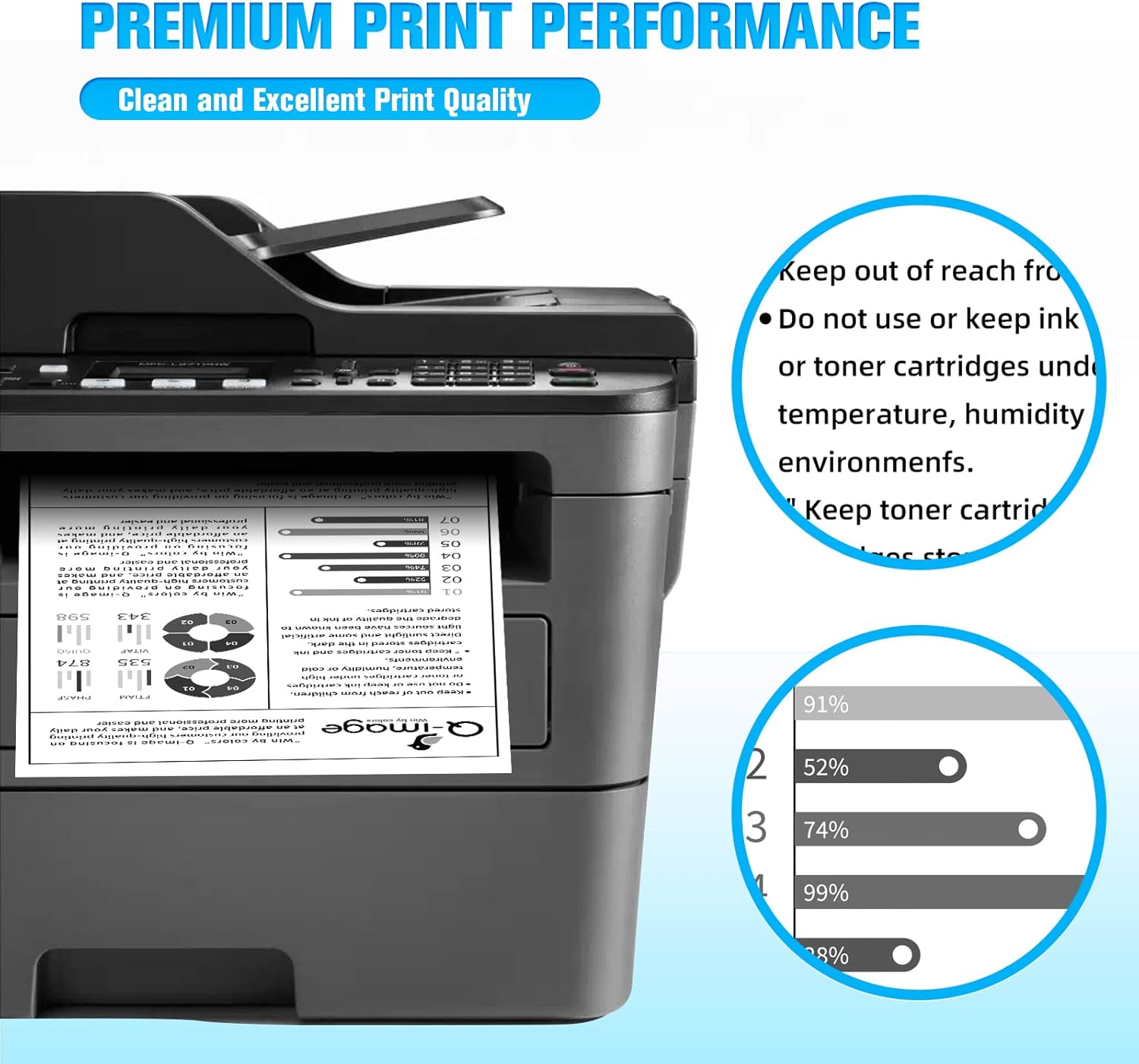
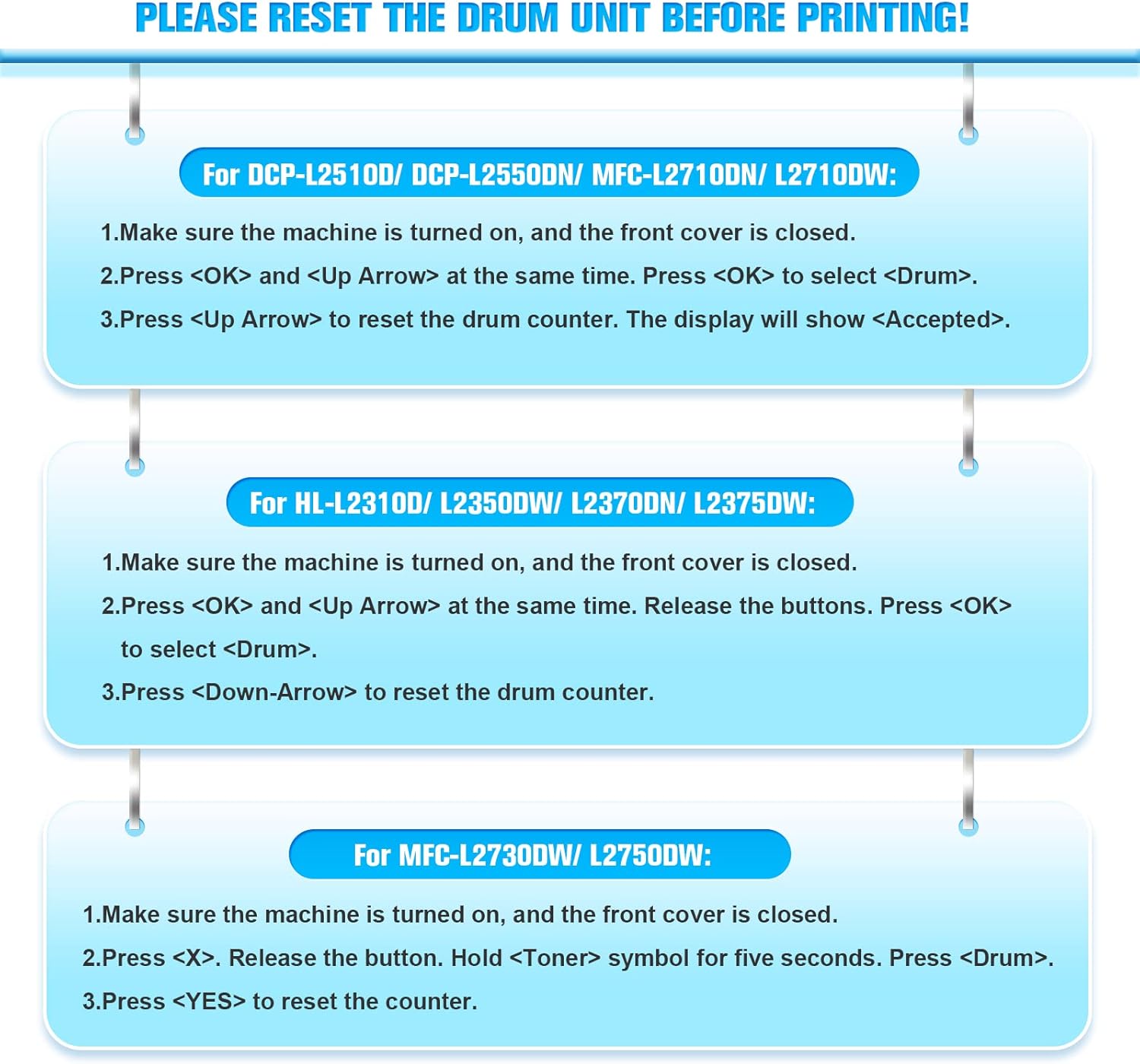
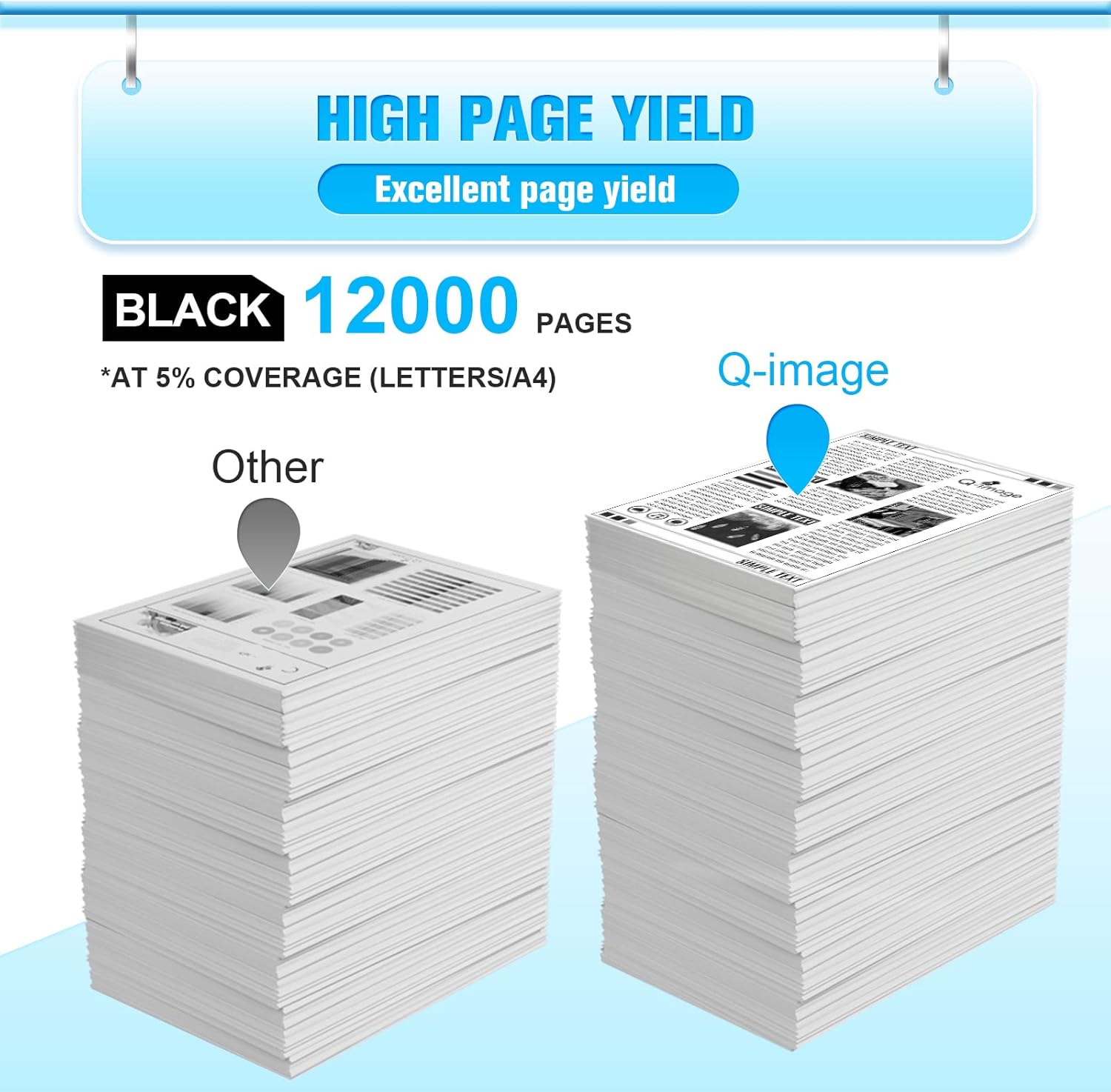
This replacement drum unit is designed to restore image quality and page yield in compatible Brother monochrome laser printers, helping small offices and home users maintain reliable black-and-white output. With a quoted yield of around 12,000 pages at 5% coverage according to the manufacturer, this single DR2400 unit is supplied without toner and requires a counter reset before use.
Key Points
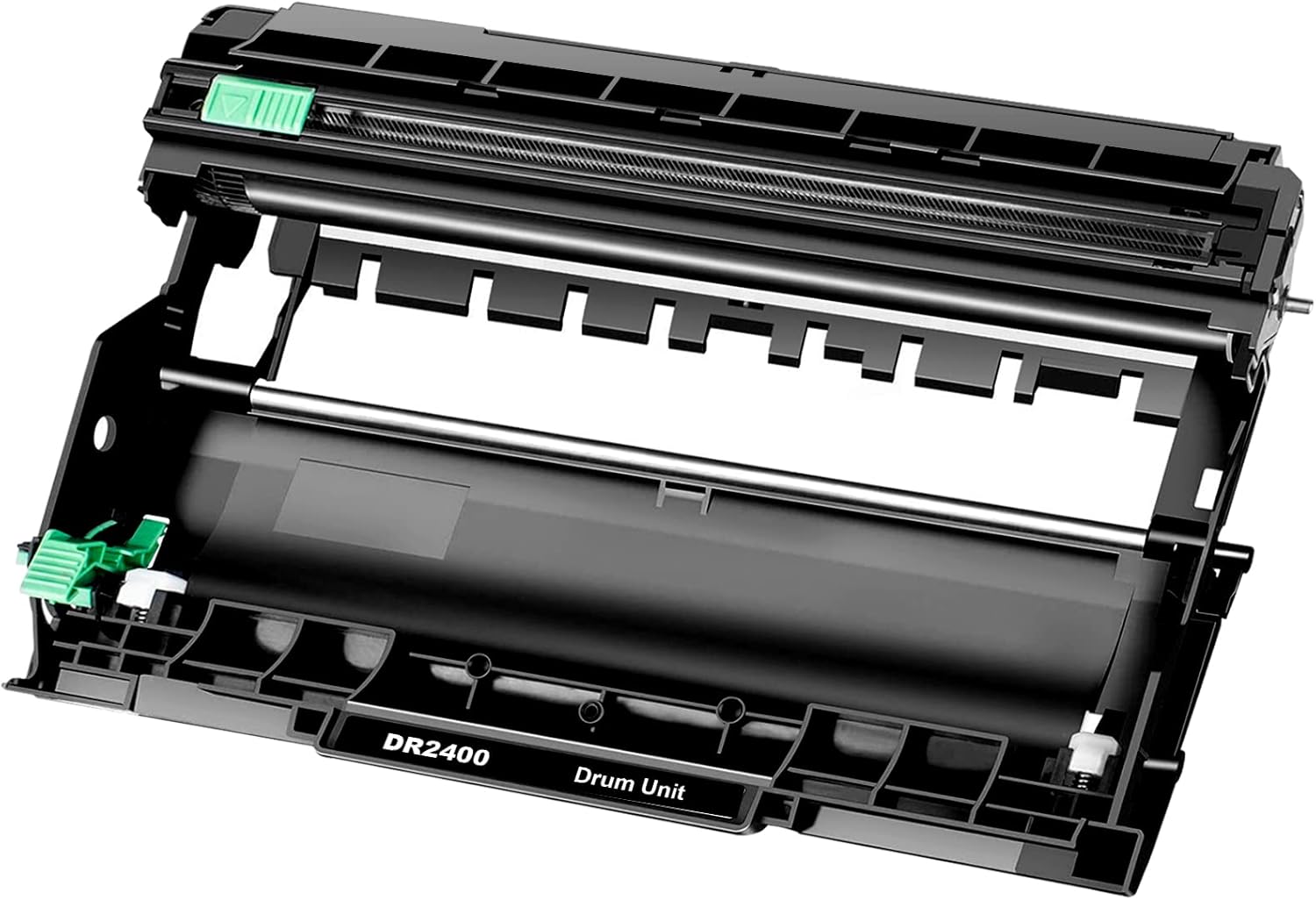
The pack includes one compatible DR2400 drum unit only, not an original Brother part and not supplied with a toner cartridge. It is intended as a cost-effective alternative when the drum in the printer shows the “replace drum” message. Note that you will need to reset the drum counter for correct operation and page tracking.
Technical Specifications
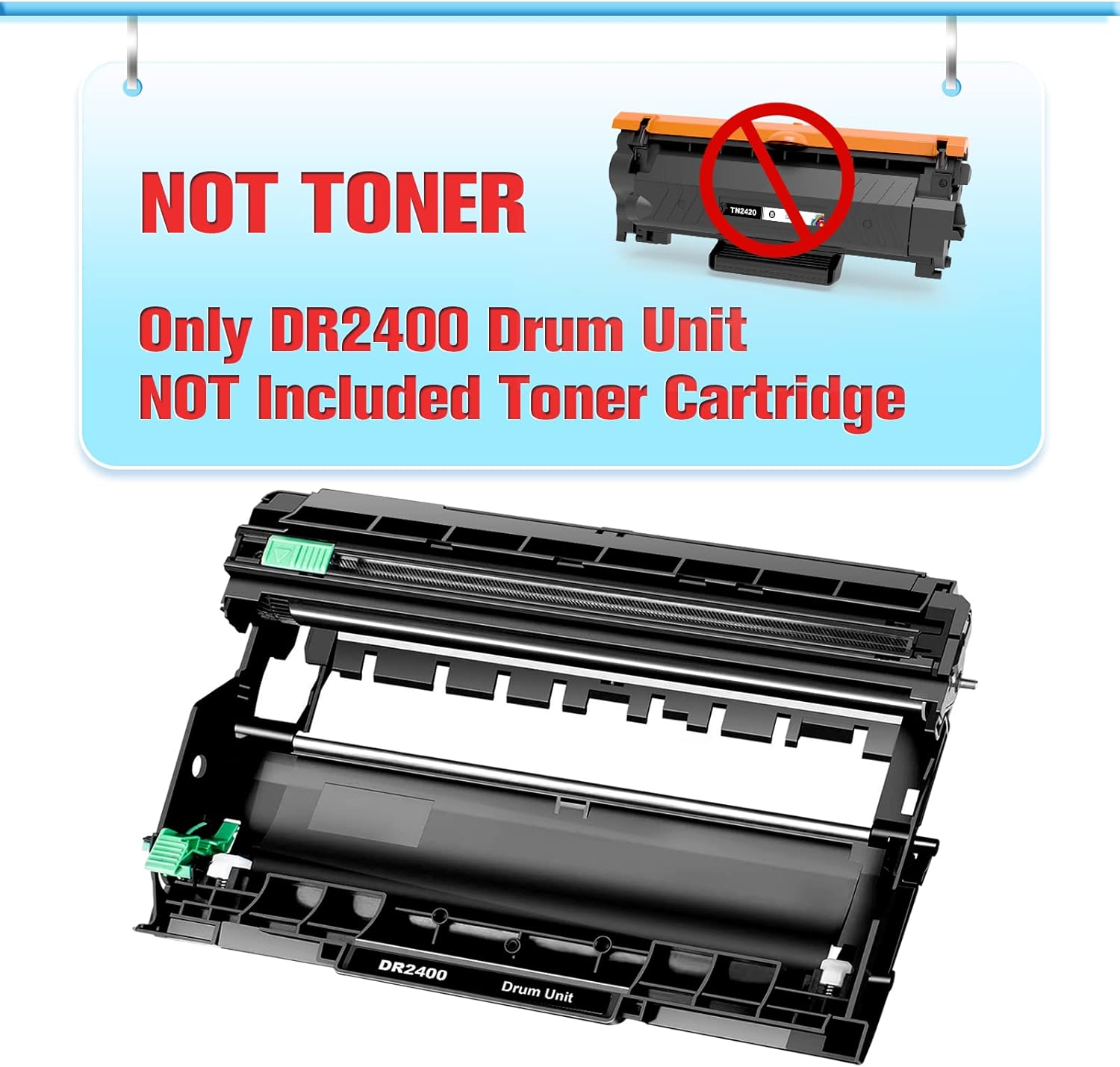
- Name: Bold DR2400 drum unit
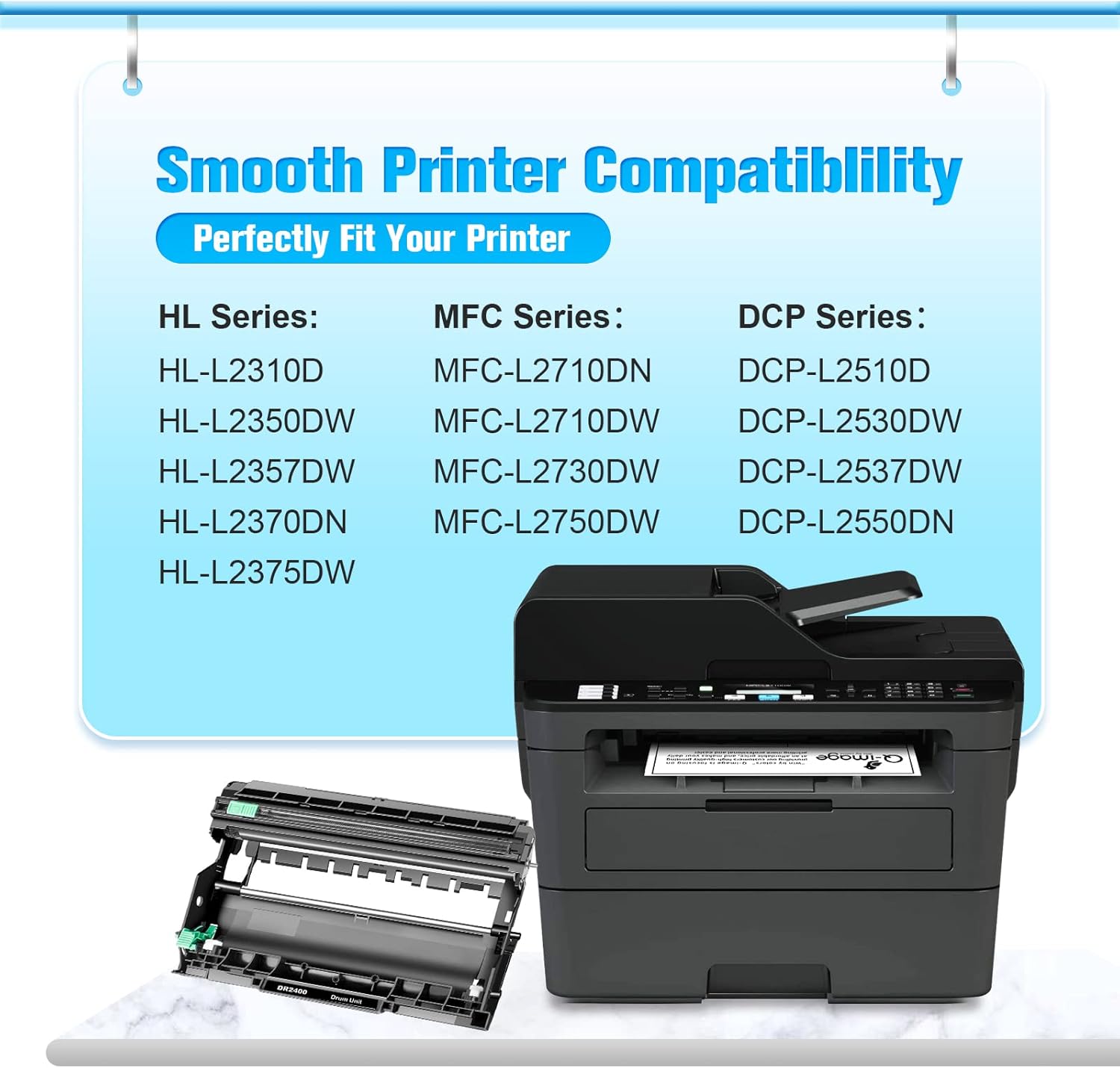
- Compatible models: HL-L2310D, HL-L2370DN, HL-L2375DW, HL-L2395DW, HL-L2350DN, HL-L2350DW, DCP-L2510D, DCP-L2530DW, DCP-L2531DW, DCP-L2535DW, DCP-L2550DW, DCP-L2550DN, MFC-L2710DN, MFC-L2710DW, MFC-L2713DW, MFC-L2715DW, MFC-L2716DW, MFC-L2730DW, MFC-L2750DW, MFC-L2751DW, MFC-L2770DW, MFC-L2771DW
- Page yield: 12,000 pages at 5% coverage on A4/Letter, according to the manufacturer
- Contents: 1 x black drum unit, toner not included
Usage Recommendations
Install the drum unit following the printer manufacturer’s guidance or the instructions provided with the product. After fitting the unit you must reset the drum counter on the printer to ensure the device recognises the new drum and allows normal printing to continue. Consider handling the drum by its edges and avoid exposure to direct light for extended periods to prevent premature image defects.
Nuances and Limitations
This is a compatible component rather than an original Brother drum. Performance and longevity may vary compared with OEM parts, and occasional differences in print density can occur. The product does not include toner so a separate compatible toner cartridge is required for printing.