

BORLTER Clamp USB-C USB4 Cable (13cm) with Key Fob — 80Gbps 240W, 8K@60Hz USB4/Thunderbolt 4-compatible
Product description
What it is and why the 13cm matters
This BORLTER Clamp USB-C cable is built for one specific kind of everyday carry: short, tidy, and easy to keep attached to something. At 13cm long, it’s designed as a “bridge” cable rather than a sofa-to-desk lead. The key fob/clamp approach is meant to stop the ends from flopping around and tangling in a bag, which is handy if you regularly travel with a laptop, a couple of peripherals, or an external drive.
On paper, the cable is positioned as a full-featured USB4-style lead that also claims compatibility with Thunderbolt 4 use cases. That matters because buyers looking at USB4 cables usually want more than basic charging—think high-speed data and video output. The spec claims include up to 80Gbps data transfer and video output capability up to 8K@60Hz (with the usual “only if your device supports it” caveat).
Key features you’ll actually care about
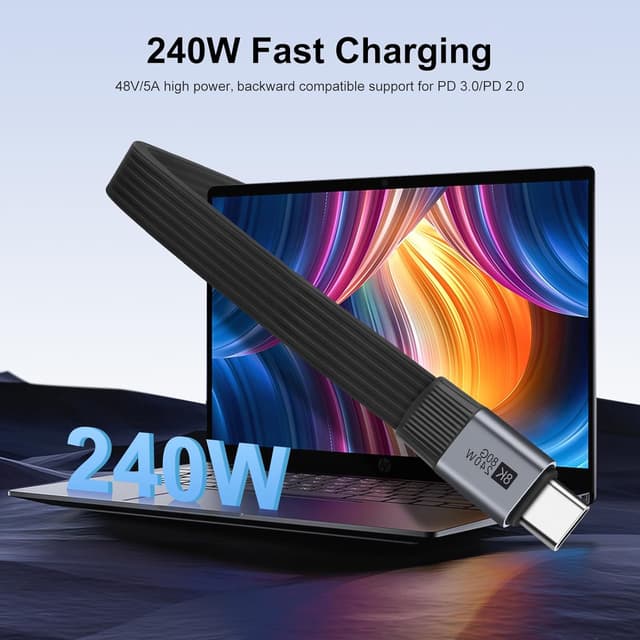
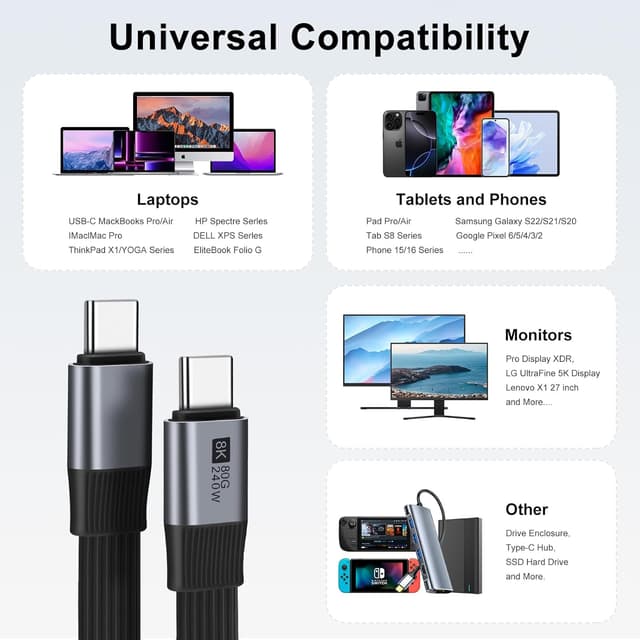
The headline here is a combination of power and speed. The cable is described as supporting high-output charging up to 240W (with protocol support including PD3.1/PD3.0/PD2.0) and high data throughput up to 80Gbps. It also references support for dual-device setups where one connected device can act as the host to charge the other.
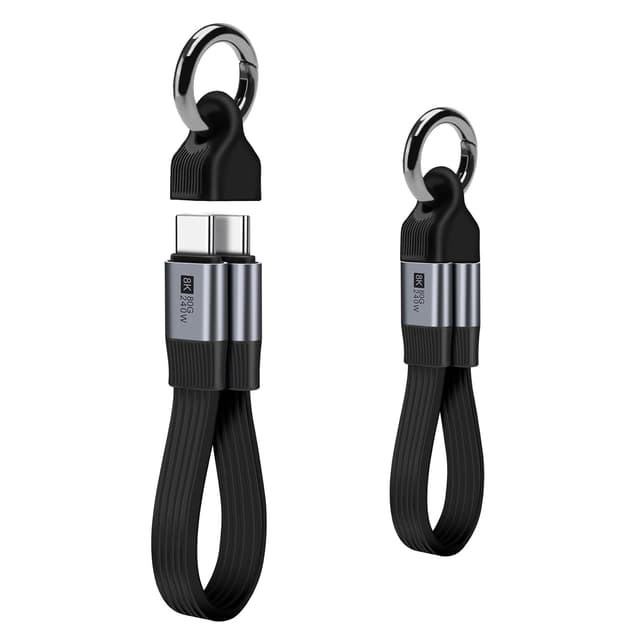
It’s also marketed as usable for: - Video expansion up to 8K@60Hz (or dual 4K@60Hz) when connected to a suitable monitor setup - Fast transfers of large files (the brand mentions music, movies, and full-season TV series being moved quickly) - SSD workflows where the short, flat cable body helps avoid snagging
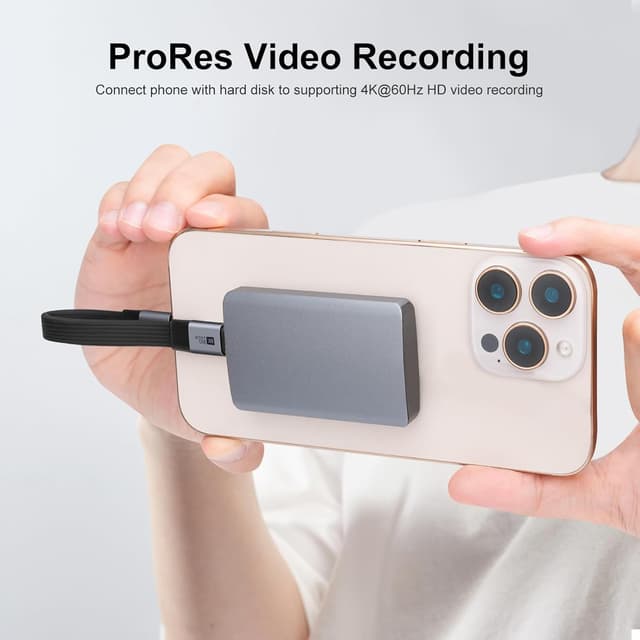
A nice practical touch is the “MagSafe stand” adaptation mentioned for the iPhone 16 Pro ProRes direct recording SSD use case. Even if you’re not using that exact workflow, the underlying idea is the same: short flat cable geometry to reduce mess.
Where it shines in day-to-day use
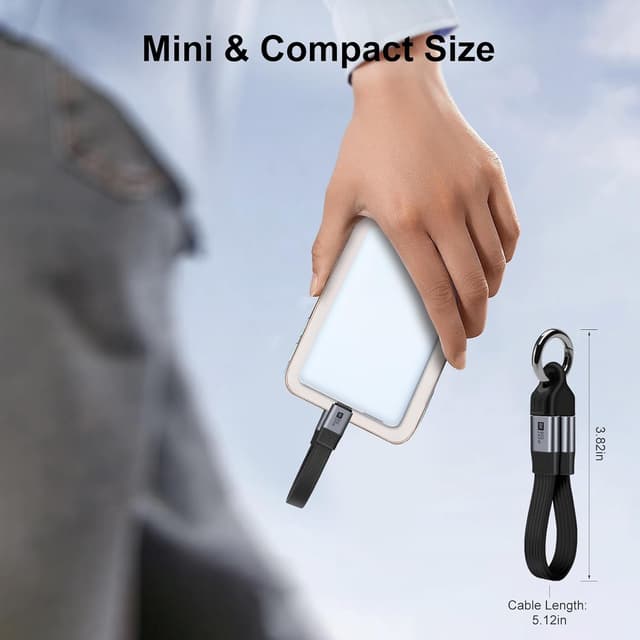
If your routine is laptop + drive + occasional external screen, this kind of short USB-C cable is more convenient than longer leads. For example, you can clip/buckle the ends (the cable is described as “portable” with a keychain-friendly clamp) and then hang it on your backpack. That’s the sort of small thing that saves time when you’re packing up at the station and don’t want to untangle wires later.
For file work, the speed claim (80Gbps) is aimed at creators or anyone moving big media libraries. And for the specific “SSD direct edit” scenario mentioned, the cable being 13cm can make a noticeable difference: it keeps the SSD closer to your MacBook Pro so you’re less likely to stress cables or bump connectors during editing.
What to watch before buying
There are a few “it depends” points that are worth taking seriously with this cable.
First, the 8K video output claim comes with a specific requirement: your device needs to support DP Alt mode, and you may have to manually enable 8K in the display settings. If your setup doesn’t support those features, you won’t get the headline resolution.
Second, although the cable is described as full-featured and power-capable, the real-world charging you can pull will depend on what your power devices support (the description references compatibility with various power levels such as 140W/100W/60W). In other words, the cable can be capable without your charger or device being able to make full use of it.
Finally, it’s a short 13cm cable. That’s a strength for travel and tight desk setups, but it can be limiting if you need distance—for example, if your laptop sits far from your monitor or power brick.
Pros and trade-offs (a balanced view)
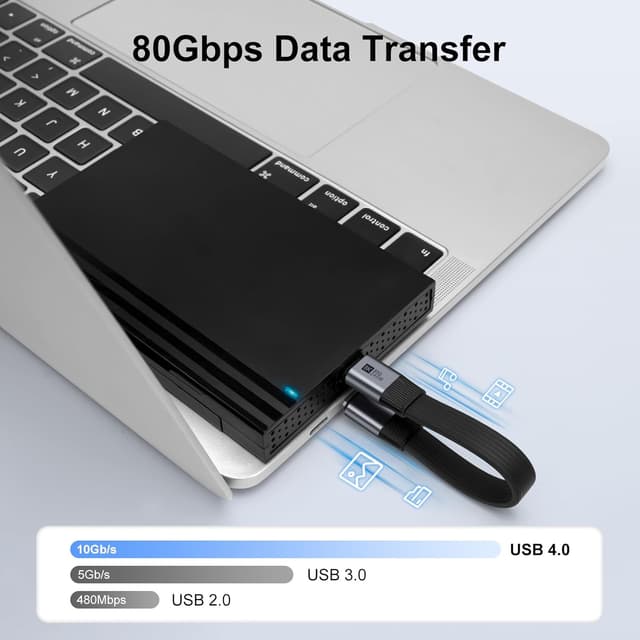
What stands out: - Short, portable 13cm length with a key fob/clamp style approach for bag-friendly storage - USB4/Thunderbolt 4 compatibility is claimed, with up to 80Gbps data transfer and up to 240W fast charging - References both high-power charging (via USB PD protocols) and high-speed file movement - Video output support up to 8K@60Hz (again, dependent on device support and settings)
Where it may not fit: - If you specifically need a long cable run, 13cm may feel awkward - If your devices don’t support DP Alt mode, the 8K promise won’t be relevant - If you’re expecting it to “just do everything” without checking compatibility settings, it might be more hassle than you want
Who it suits (and who should skip it)
It’s a solid match if you want a compact USB-C cable for travel or a clean desk setup, and you care about more than basic charging—especially high-speed data transfer and potential high-resolution video output.
It may not be the best match if you need a flexible cable length, you’re not using devices that support DP Alt mode/8K-capable display settings, or you only need simple charging (in that case, you may not benefit from the more demanding spec).
Final verdict
This BORLTER clamp USB-C USB4 cable feels aimed at people who carry tech around and want fewer tangles, while still keeping the door open for fast data and serious charging. The key question is whether your devices actually support the video and DP Alt mode requirements mentioned—because the cable’s headline features depend on your setup.
If your workflow includes portable SSD editing, frequent large-file transfers, or occasional display expansion, it’s the kind of short cable that makes practical sense. If you mainly want a spare cable for everyday charging at any distance, the 13cm short length and the dependency on device capabilities could make it less convenient than more basic options.

Mini FAQ
Can this cable really do 8K output?
The description says 8K support depends on your device supporting DP Alt mode, and you may need to enable 8K in the display settings manually.
Is it only for charging?
No. It’s described as a full-featured USB4-style cable with high-speed data transfer support (up to 80Gbps) and video output capability.
How short is the cable?
It’s described as a 13cm short USB-C cable, which is designed for close connections rather than long reach.
What does the key fob/clamp feature do?
It’s intended to let you buckle the USB-C ends tightly and hang the cable on a keychain or backpack, reducing loose cable clutter.
Is it compatible with Thunderbolt 4 equipment?
Compatibility with Thunderbolt 4 use cases is claimed in the product name/description, but your device support will still matter—especially for video output.