


BlueSwan MacBook Pro 16-inch Case (M1–M5 A-series) TPU Frame + Ultra-thin Matte Clear Cover
Reviews
Price
Product description
If your MacBook Pro 16-inch is your daily workhorse, a protective case can feel like boring peace of mind. This BlueSwan cover is designed specifically for the 16" MacBook Pro Pro/Max line across several model years, using a flexible TPU edge with a hard, matte clear outer for day-to-day protection.
It’s not a shield against everything, though. The fit matters a lot with laptop cases like this, and you’ll want to be sure your MacBook’s model number matches before you order—otherwise, it simply won’t be the right match.
Quick overview
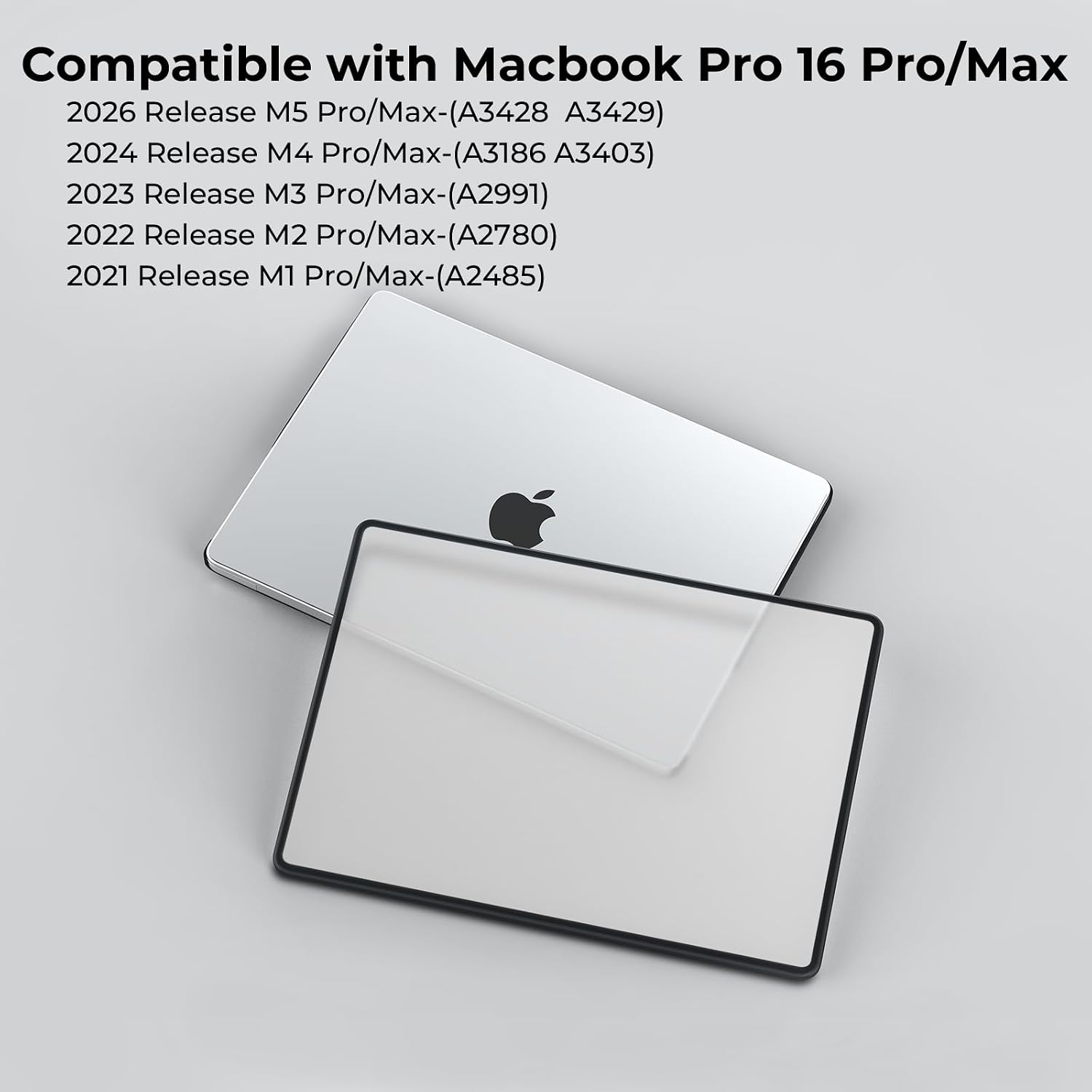
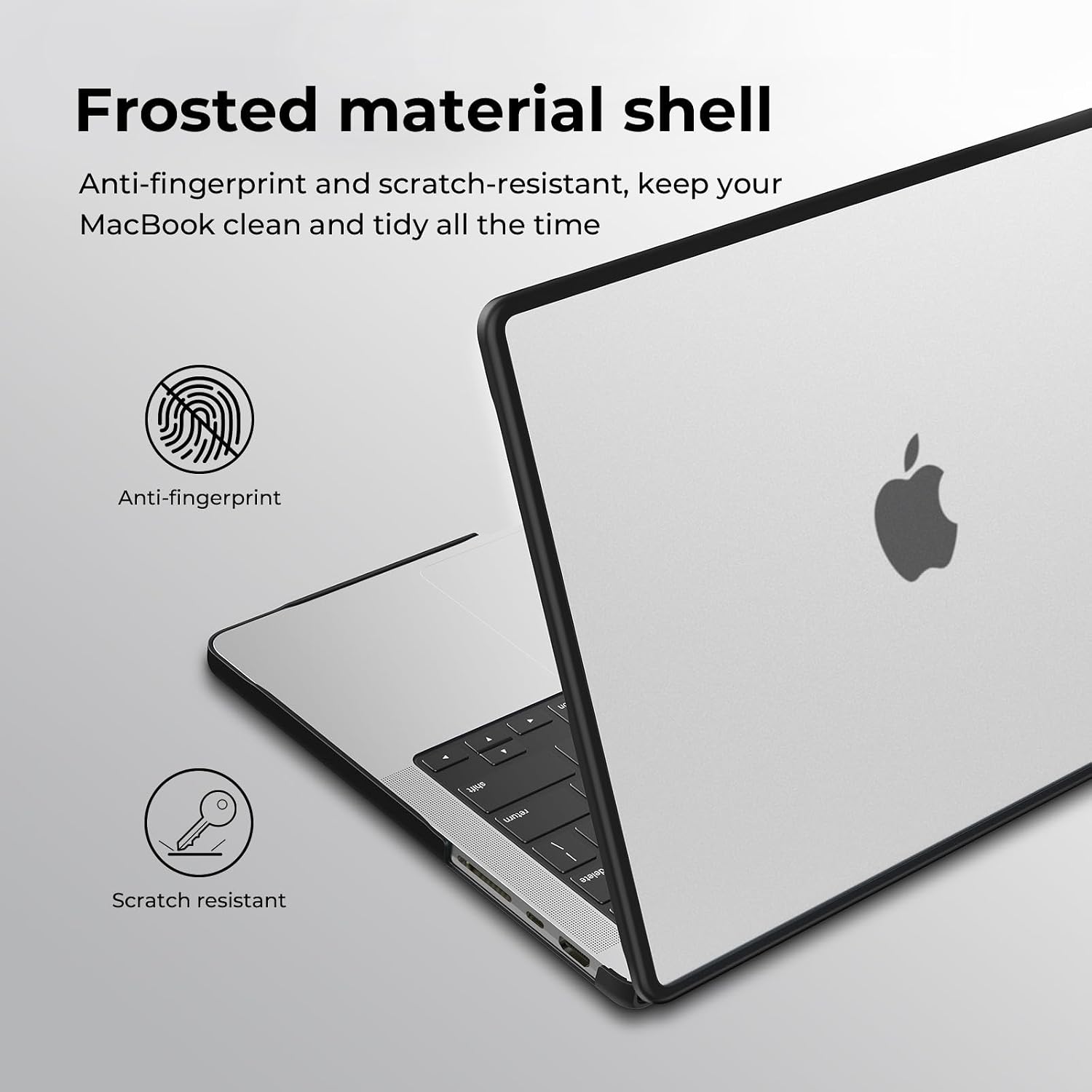
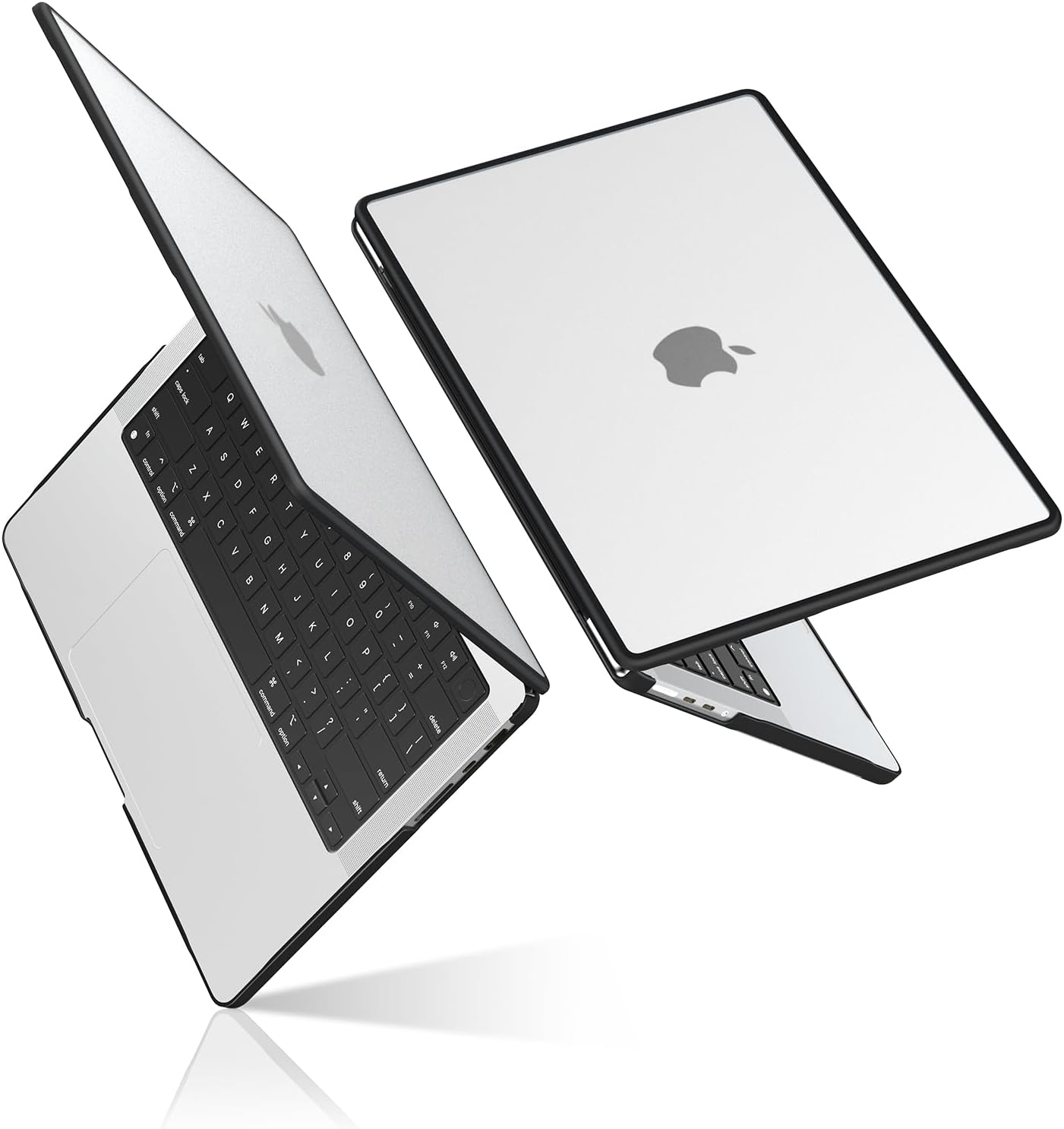
This is a compatible case for a MacBook Pro 16-inch Pro/Max, described as suitable for specific model numbers listed by the brand (A2485, A2780, A2991, A3403, A3186, A3428, A3429) and model years covering 2021 up to 2026. The shell uses a soft TPU frame on the sides paired with an ultra-thin hard polycarbonate (PC) cover with a frosted/matte finish.
The pitch is fairly straightforward: help reduce minor scratches, keep edges more resilient, and still let the MacBook look transparent/matte rather than fully opaque.
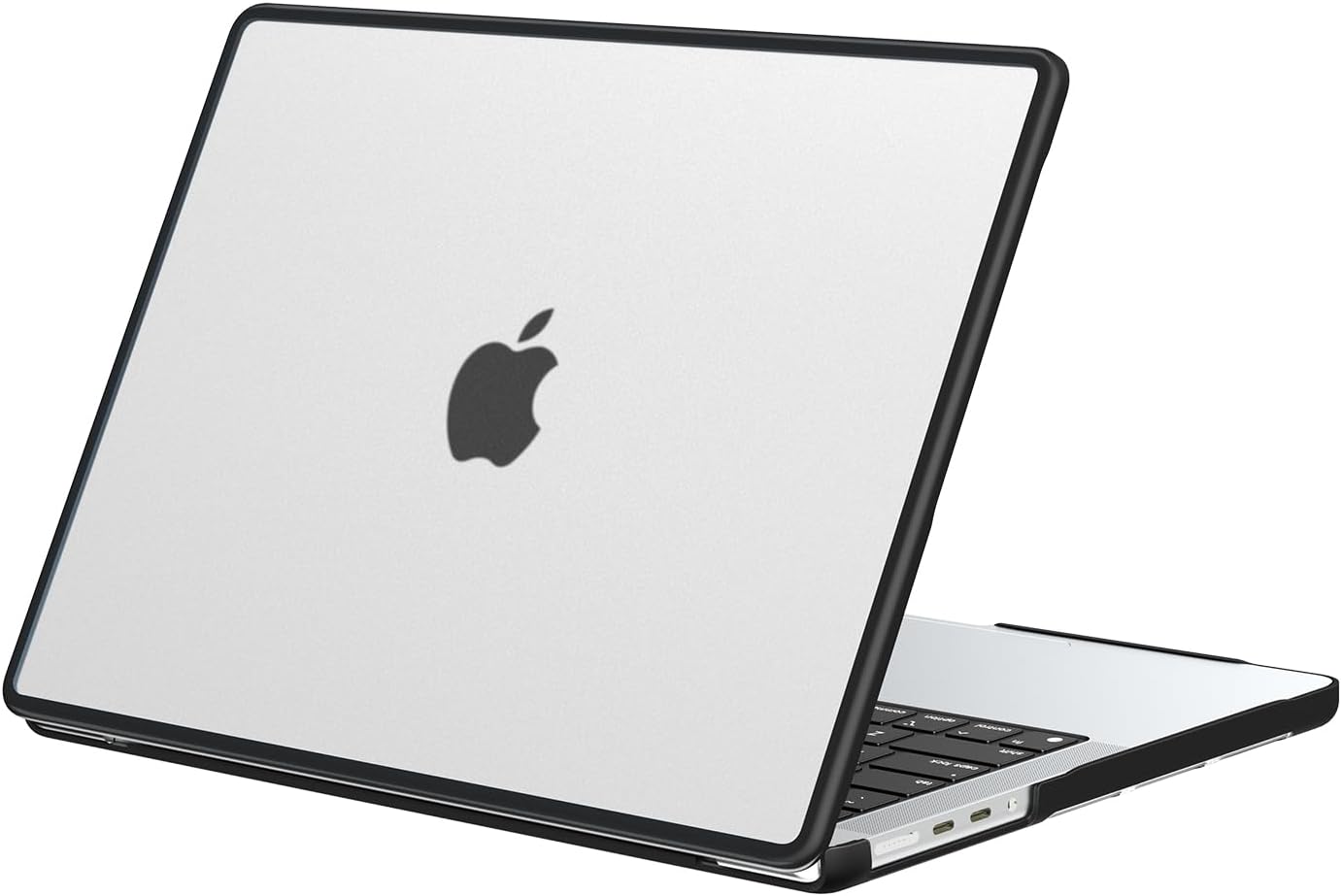
What it’s for (and what you’ll notice day to day)
On paper, the combination of TPU + hard shell is there for the places that typically take knocks first—edges and corners. The TPU side border is meant to resist impacts and avoid cracking with longer use, while the matte interior surface is positioned as a way to minimise small scuff marks.
In practical terms, it’s the kind of cover that suits: - commuting or carrying your laptop in a bag - desks where your MacBook may rub against sleeves/stands - people who want protection without going for a fully sealed, opaque design
One thing to keep in mind: even with matte and frosted finishes, you should still expect normal wear over time if the laptop gets rough treatment. It’s protection, not a magic forcefield.
Key points
The case is made to fit only the stated MacBook Pro 16-inch Pro/Max models, so the biggest factor isn’t the material—it’s compatibility. BlueSwan explicitly asks you to check the “AXXXX” model number on the back before buying, and also notes that it’s not suitable for other MacBook models.
It also leaves openings for ports so you can use them without removing the cover. There are ventilation/heat-dissipation air vents, plus reserved socket positioning, which should help avoid a “sealed box” feeling on the underside.
And yes, there are anti-slip pads: four silicone pads are mentioned as improving friction so the MacBook is less likely to slide unexpectedly on a desk.
Materials and design choices
The build is the main differentiator here. You get: - A soft TPU frame on the sides, aimed at handling bumps without cracking - A hard PC cover with a matte/frosted clear finish, intended to limit minor scratches
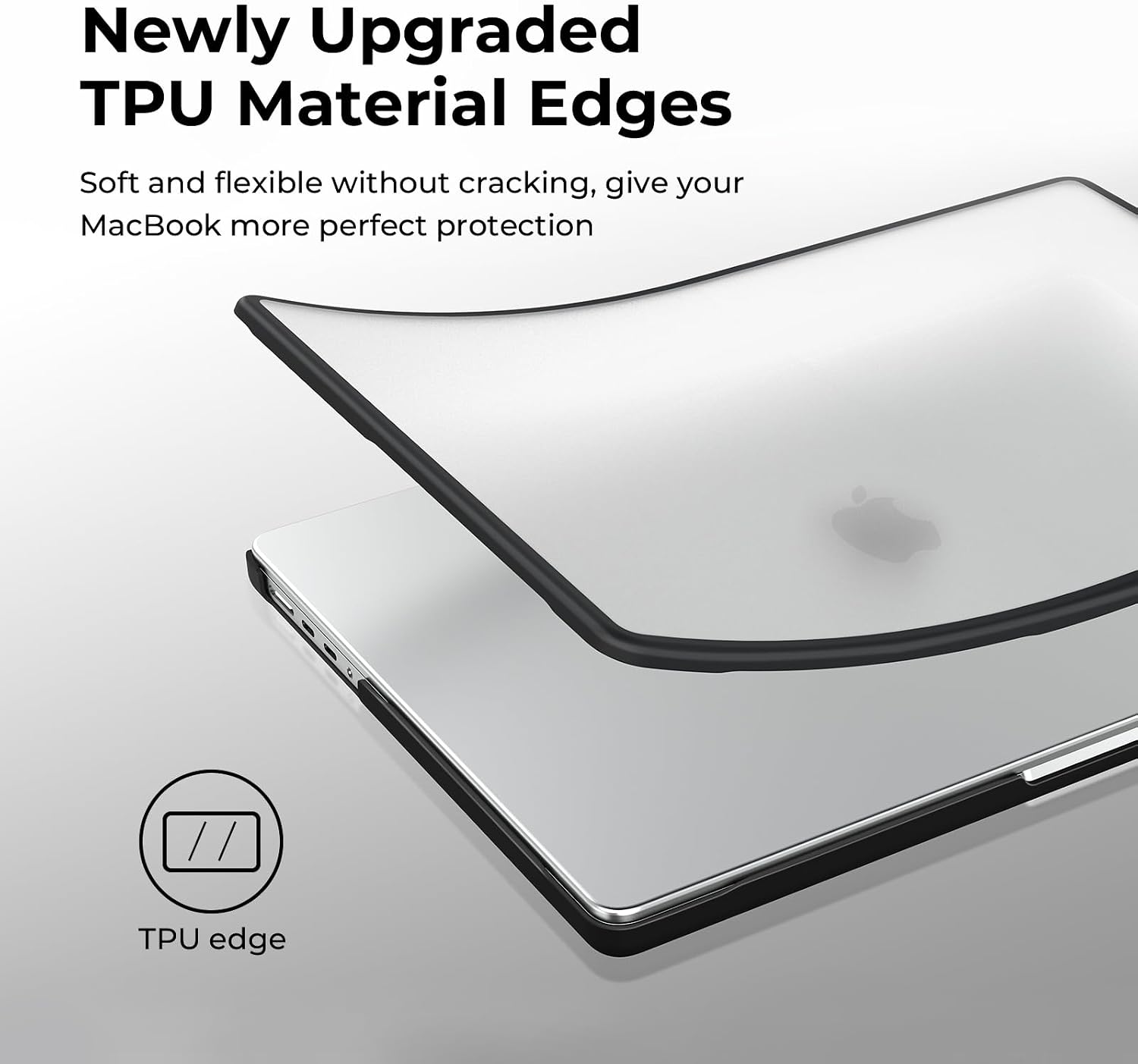
The “ultra-thin” angle suggests it’s meant to stay lightweight-looking and not turn your MacBook into a bulky device. The matte clear finish is also meant to keep transparency, but with less glare than a fully glossy option (depending on your lighting and viewing angles).
The company also flags that, if you prefer transparency, a “matte transparent” version is recommended—so this finish is more about controlled visibility than high-gloss style.
Fit, installation, and the compatibility limitation
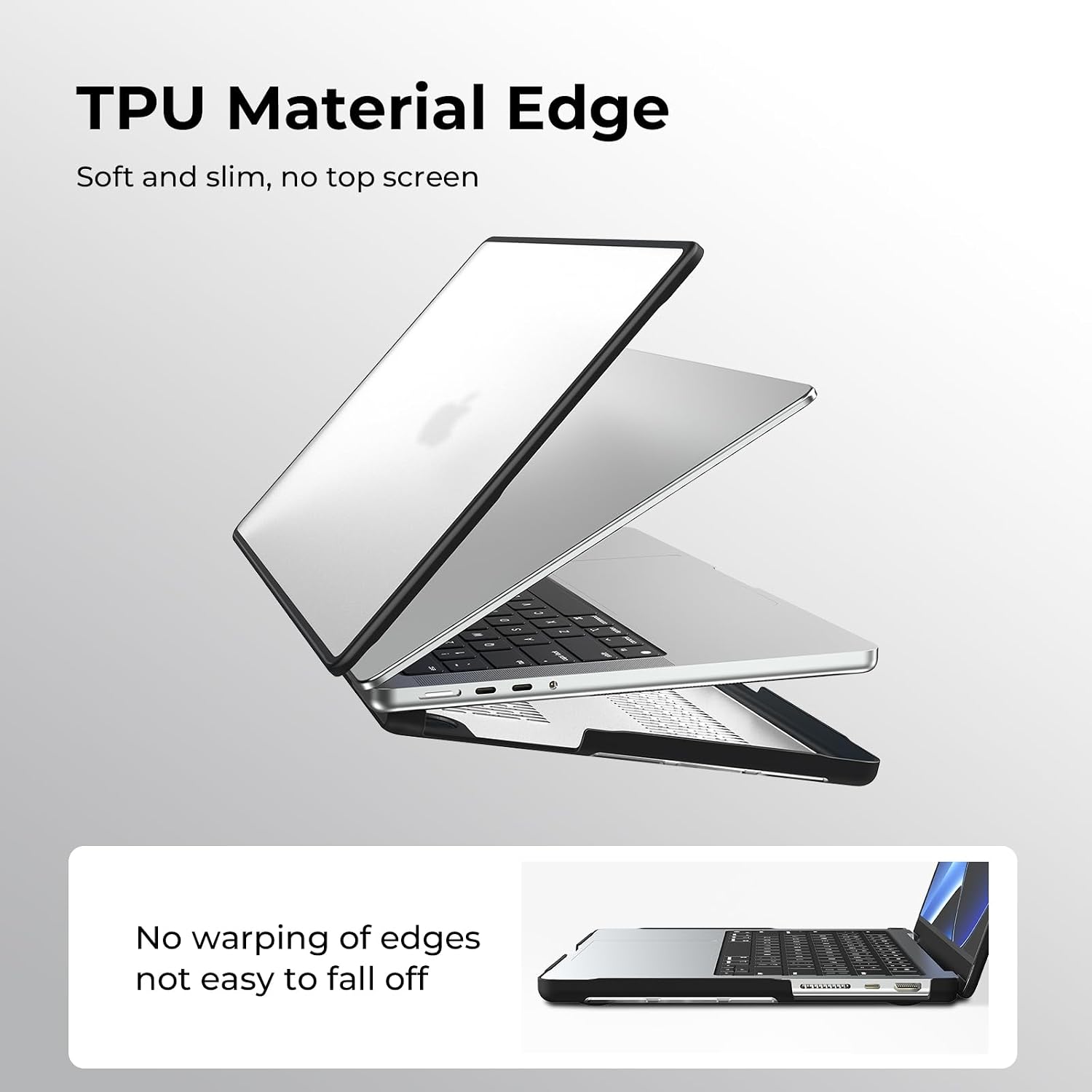
This is the area where most returns happen with laptop cases, and BlueSwan is clear about it: follow the correct installation steps and pay attention to your exact model.
The case is described as a two-piece setup (top cover + bottom cover). The instructions mention confirming the direction of the shell, then pressing it into place, for removal, lifting from a corner is suggested.
Worth noting: there’s no mention of accommodating multiple MacBook generations beyond the specific model numbers listed. If your AX model code doesn’t match, it’s best to skip rather than assume “close enough”.
Specs you can actually use for buying decisions
While this isn’t a full spec sheet, there are several concrete design elements to help you judge whether it suits your routine: - Ventilation/heat dissipation air vents for the underside - Port openings so you can use connections without removing the case - Four anti-slip silicone pads to improve grip - Reserved socket positioning
If your priority is purely maximum protection, this might feel more like a practical everyday cover than a rugged enclosure. It’s a “keep it looking good and handling well” type of accessory.
Who it suits (and who should look elsewhere)
It makes sense if you want a thin, matte-clear cover for a compatible 16-inch MacBook Pro Pro/Max, and you’re comfortable checking the model number first.
It may not suit you if: - you have a different MacBook model than the A-series codes listed - you’re after a case designed for heavy drops or extreme protection (this is described for impact resistance at the edges, plus scratch/minor protection, not battlefield-level durability) - you dislike covers because you want the laptop’s feel and underside fully exposed
Mini FAQ
Will I need to remove the case to use ports?
No—BlueSwan states that ports are left open, so you can use connections without removing the case.
Does it affect heat management?
The design includes heat-dissipation venting on the underside, and there’s also mention of reserved socket positioning.
Is the case compatible with all MacBook models?
No. It’s only described as compatible with the specific 16-inch MacBook Pro Pro/Max models listed, and it explicitly warns against buying for other MacBook models.
How easy is it to fit?
It’s described as easy to put on and take off, using a two-piece top and bottom shell, with removal by lifting from a corner.
Should you buy it?
A solid pick if you’ve confirmed your MacBook Pro 16-inch Pro/Max model number matches the A-series codes listed, and you want thin, matte-clear everyday protection with TPU edge resilience, ventilation, and anti-slip pads. It’s especially relevant for daily commuting, desk use, and anyone who cares about avoiding minor scuffs.
Skip it if your model number doesn’t match exactly or if you’re looking for something more rugged than a slim cover. With laptop cases, compatibility is the make-or-break detail—double-check the “AXXXX” code on the back before you commit.