

Beikell SD Card Reader USB‑C with USB 3.0 — Dual Slot

Price evolution
Product description
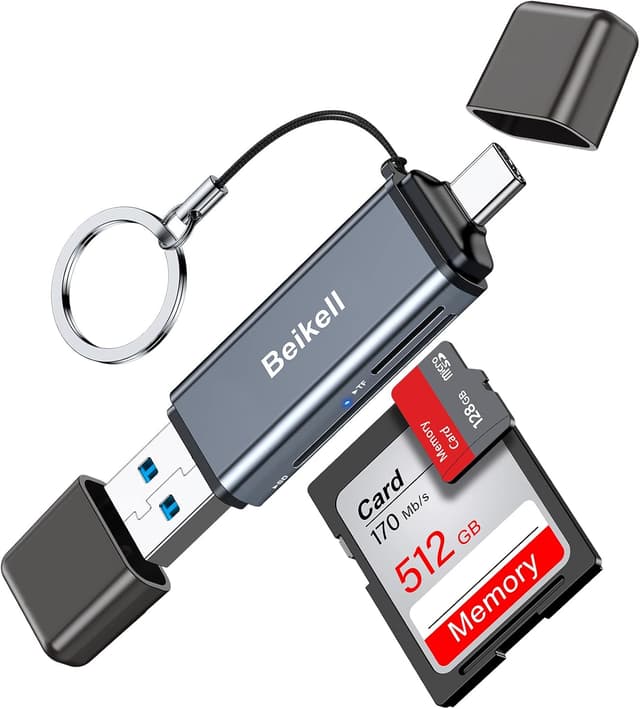
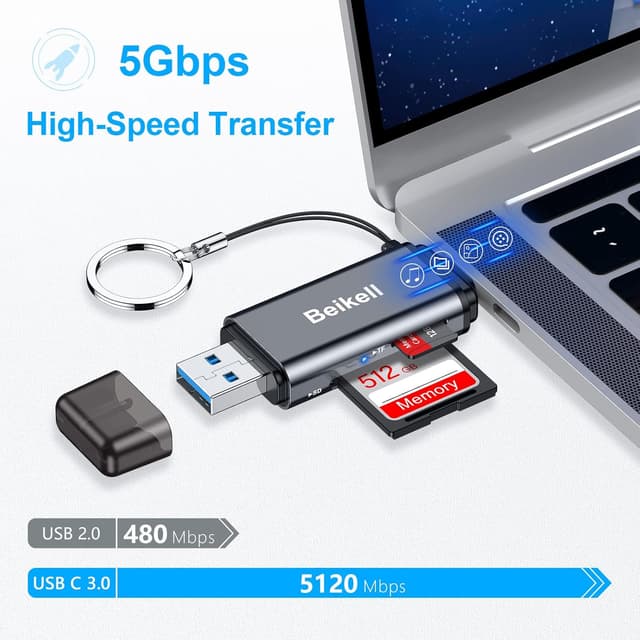
This USB-C card reader from Beikell offers quick and flexible file transfers for photographers and mobile workers who move large photo or video libraries between devices. It supports fast USB 3.0 speeds for rapid offload of images to laptops, tablets and compatible smartphones, helping reduce waiting time when backing up or editing on the go.
Key Points
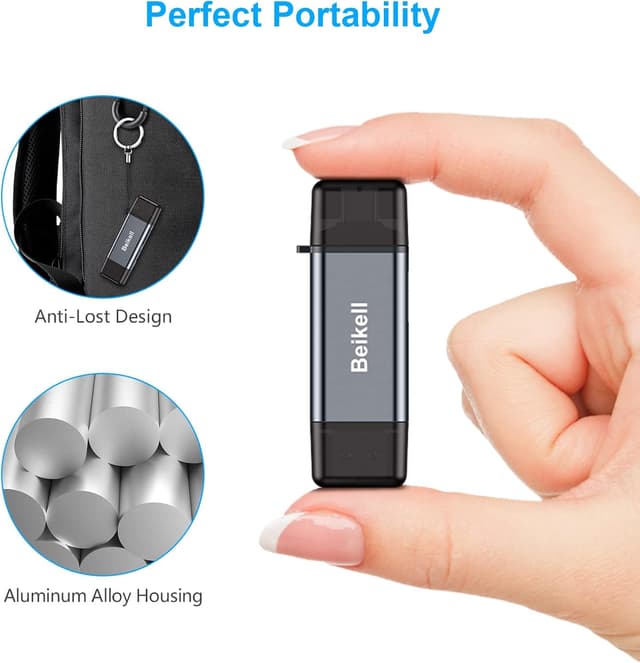
Designed for convenience, the reader accepts a wide range of formats including SD, SDHC, SDXC, microSD and MMC cards. The dual-slot layout allows two cards to be read simultaneously, which is helpful when copying media between cards or consolidating footage during a shoot. The lightweight aluminium shell gives it a durable feel while remaining compact enough to slip into a camera bag or pocket. 📸
Plug-and-play operation makes this adapter straightforward to use with modern devices. No drivers are required for Android, macOS, Chrome OS, Windows and many Linux distributions, so you can connect and start transferring straight away. An LED indicator shows connection status and a small protective cap helps keep ports clear of dust. ⚡
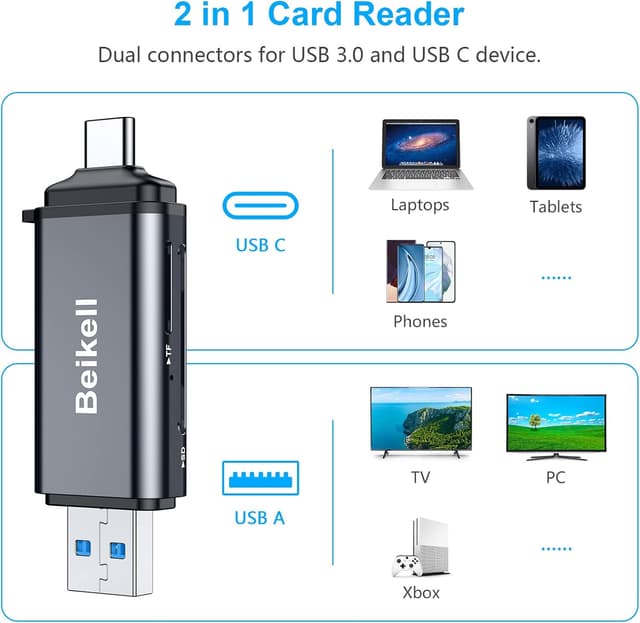
Compatibility covers USB-C devices such as recent MacBook Pro and MacBook Air models, iPad Pro, many Android phones and tablets, plus USB-A computers when using the alternate connector. Consider that transfer speed will depend on card performance and host device capability according to the manufacturer.
Technical Specifications
- Name: Beikell SD Card Reader
- Interface: USB 3.0 (up to 5 Gbps), compatible with USB 2.0 and USB 1.1
- Supported cards: SD, SDHC, SDXC, microSD, microSDHC, microSDXC, MMC, RS-MMC, UHS-I
- Features: Dual card simultaneous access, plug-and-play, hot swapping
- Materials: Aluminium shell with protective cap and lanyard
- Platform compatibility: macOS, Windows, Chrome OS, Android, Linux
Usage Recommendations
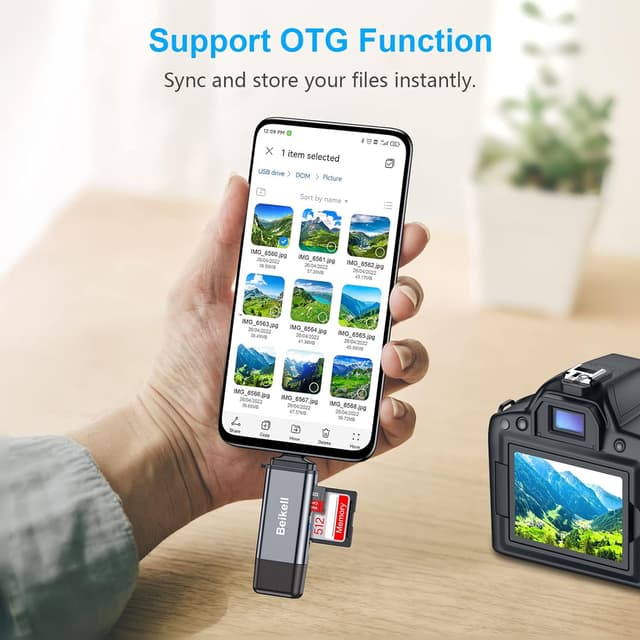
For best results use with UHS-I or higher speed cards when transferring high-resolution photos or 4K video to reduce transfer time. When using with smartphones ensure the phone supports USB OTG before relying on mobile transfers. Keep the protective cap in place when not in use to avoid debris entering the ports and store the reader on the included lanyard if you travel frequently.
Practical Tips
Copying large libraries may be faster by transferring directly to a laptop rather than via a mobile device, especially if the phone’s storage or processing speed is limited. The compact aluminium design is durable but not waterproof, so avoid exposing the reader to moisture. If you experience slower than expected transfers check both the card speed class and the host port specification to confirm the highest possible throughput.