

Avery J8161-25 Smudge Free Printable Address Labels (QuickDry) – White, 63.5 x 46.6 mm
Product description
If you’ve ever watched ink blur on an envelope label, you’ll know the frustration. These Avery Smudge Free, Printable Address Labels are designed to help reduce smearing when printed on standard inkjet printers, using a QuickDry approach.
On paper, they’re a simple “print, peel, stick” solution for everyday mail. You get blank label sheets in a practical size for addresses, plus the option to add your own details by hand or use free Avery templates alongside their Design & Print tools.
Key takeaways
Avery’s focus here is pretty clear: readable labels with less risk of smudging after printing. That matters most if your workflow involves printing address labels quickly, then posting them soon after. They’re also set up for more than just letters—these are the kind of multiuse labels people end up using for organising, events and filing once the stationery drawer starts taking over.
What you get and how it helps
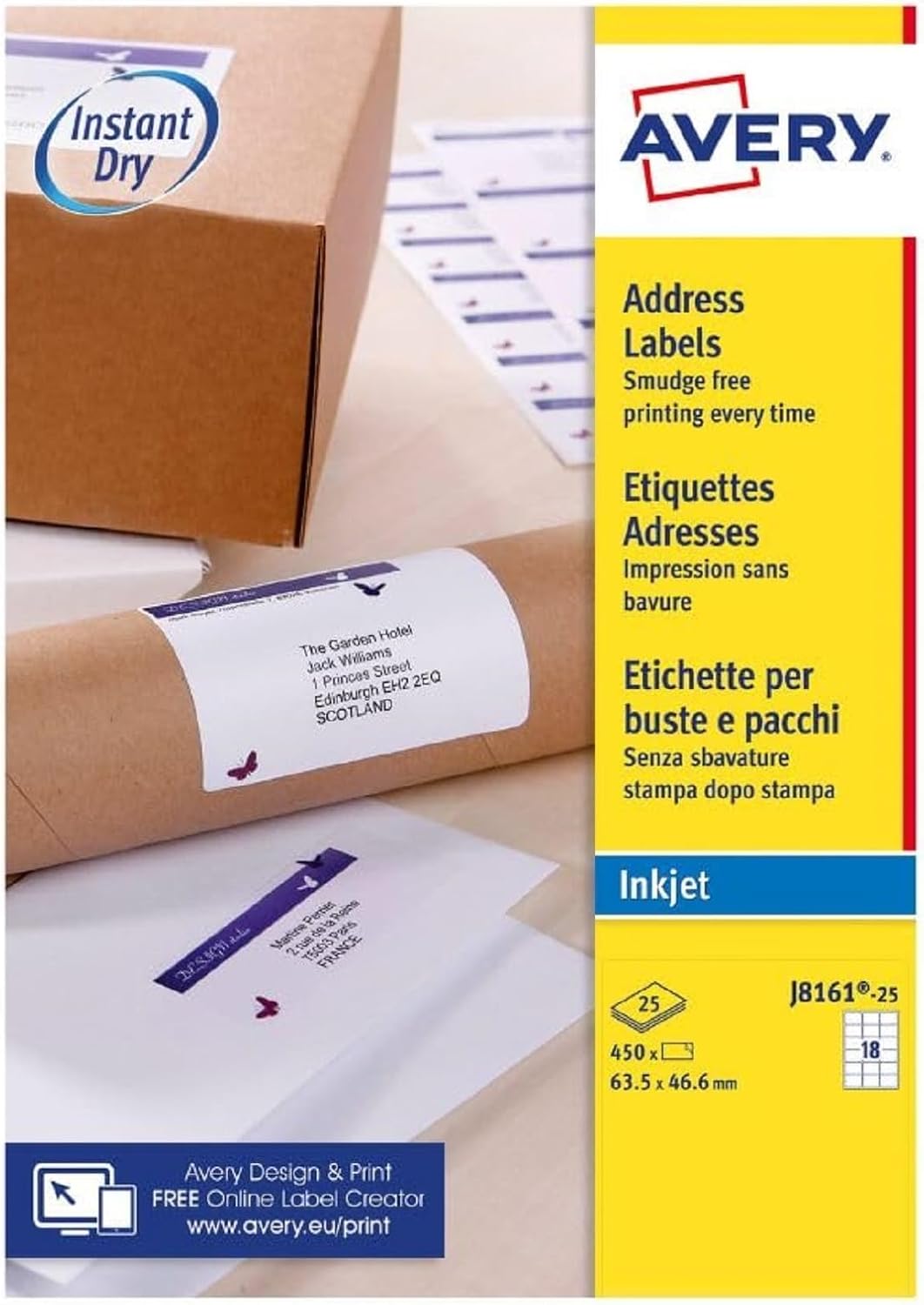
This pack is supplied as blank printable address label sheets (white), with 18 labels per sheet and 450 blank labels in total. The size is listed as 63.5 x 46.6 mm, which should be a workable match for standard address printing—though, as always, it’s worth double-checking your printer and label settings so the layout sits correctly.
You can personalise in a couple of ways: - Print your mailing address using inkjet-compatible templates. - Or customise by hand with your own text and (where you can) simple graphics.
In day-to-day use, it’s the “save time without sacrificing legibility” angle that stands out. For example, if you’re preparing a batch of invitations or posting out returns slips, being able to print clean-looking text and crisp graphics—and not have them smear during the final stage—can make the process feel a lot more controlled.
Where it shines (and where it may fall short)
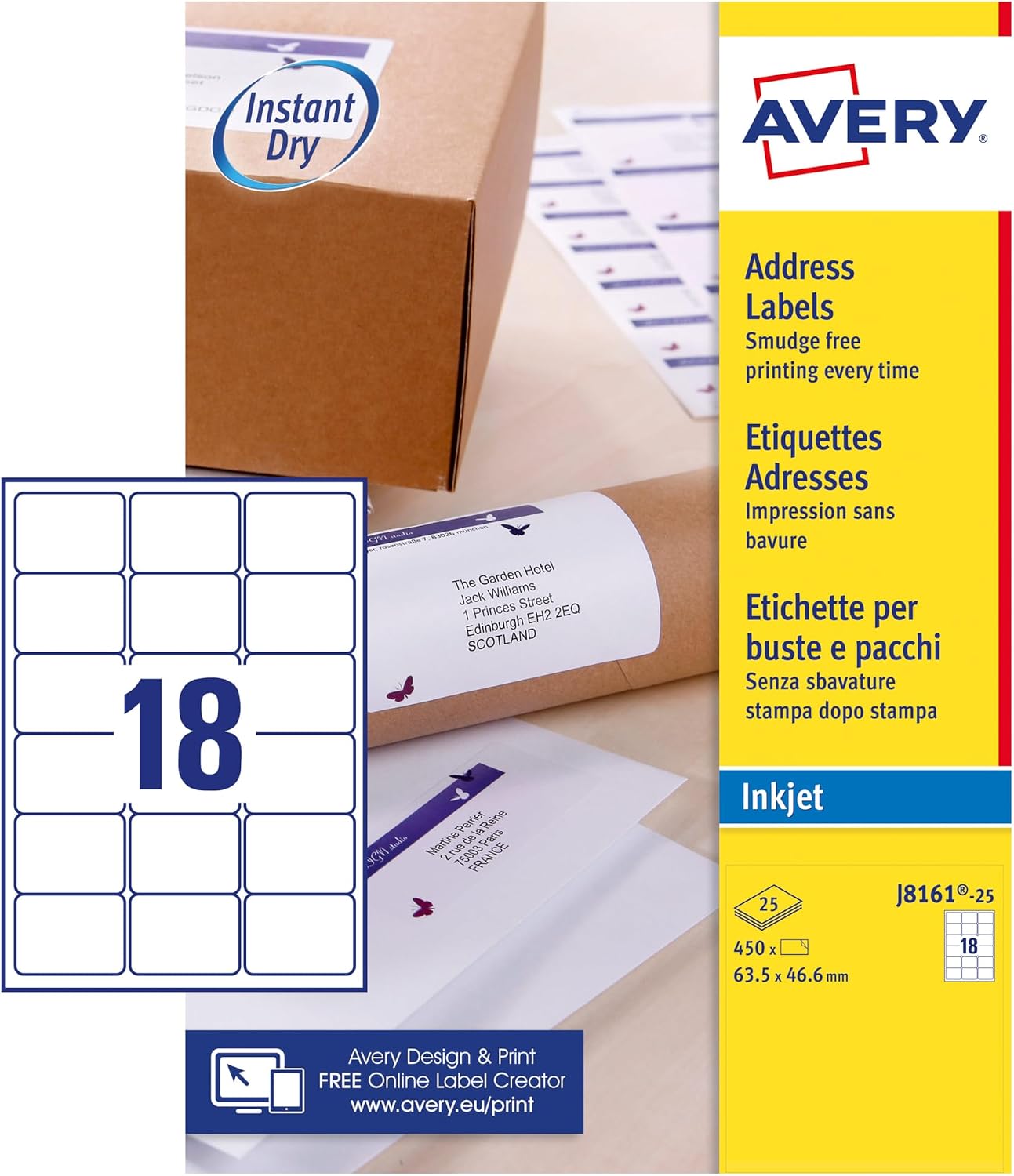
The biggest selling point is the QuickDry / smudge-free intent for standard inkjet printers. If your main pain is ink dragging or smearing before the page settles, these labels are built to address that.
That said, it’s not magic. You’re still relying on your printer, your paper handling, and the time it takes for ink to finish drying. If you tend to print and immediately handle the sheets aggressively, you may still see issues—so it’s worth letting the printed sheet settle for a moment before you peel.
Things to check before you buy
Label packs are easy to buy wrong if you don’t check the basics, so it helps to review a few points:
First, confirm the label size (63.5 x 46.6 mm) suits how your address layout is meant to look. If your current setup uses a different dimension, you may need to adjust formatting in your template or label software.
Second, consider how you’ll print them. These sheets are optimised for inkjet printers, so if you primarily use something else (like a non-inkjet setup), they might not be the best match.
Lastly, think about how many you need. With 450 blank labels in the pack, they’re geared toward people who do regular mail-outs, organising tasks, or frequent events—not just the occasional one-off.
Practical tips for getting clean results
If your priority is sharp, non-smudged text, your method matters as much as the label.
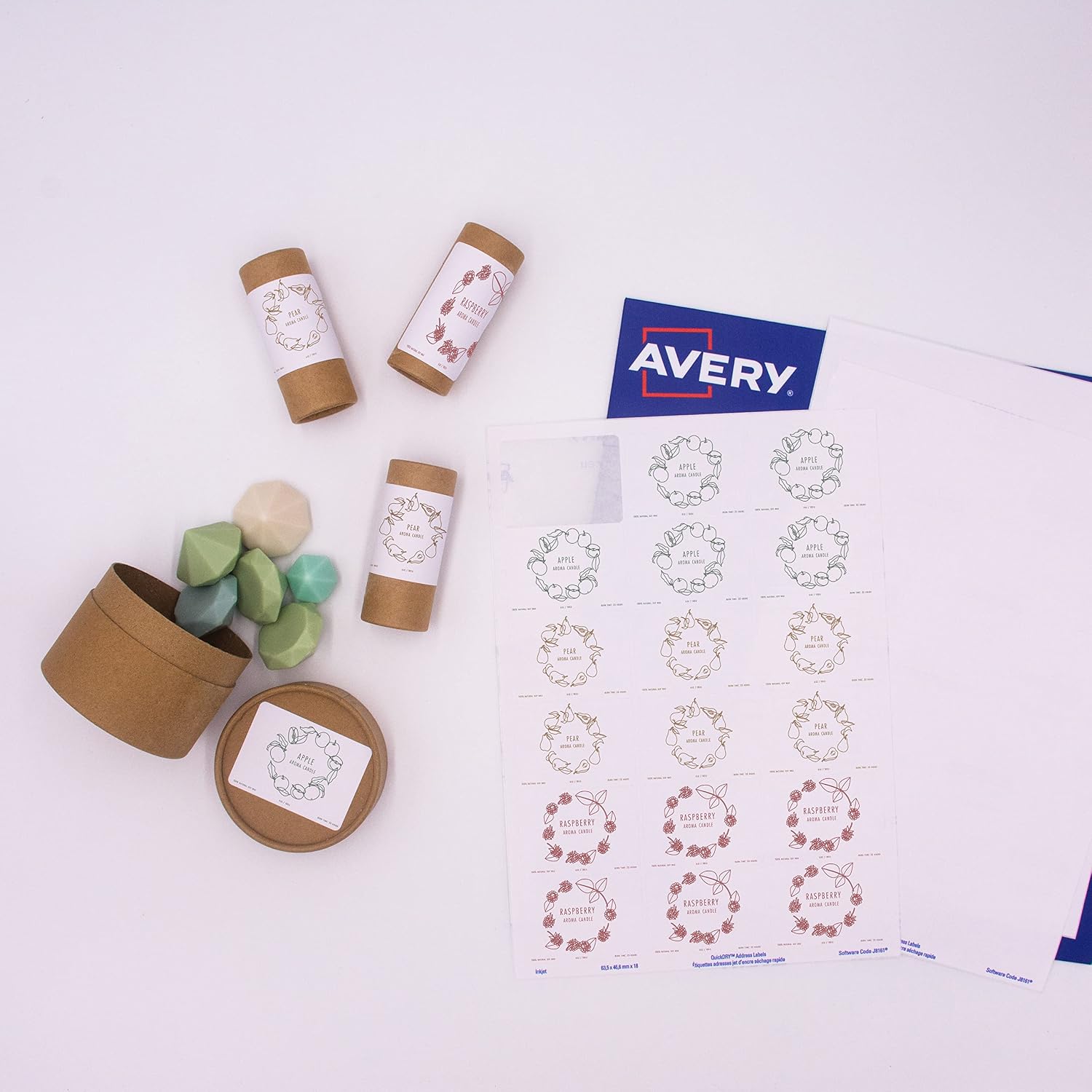
Try printing a small test sheet first—just enough to confirm alignment and scaling. After printing, give the sheet a short pause so the ink can set before you peel. When you apply labels, smooth them down as you go to avoid lifting edges, especially if envelopes will be handled or sorted quickly.
For DIY edits, these labels can also work well when you print a base line (like a name block) and then add a second line by hand. That’s often the easiest way to handle last-minute changes without reprinting everything.
Final verdict
It’s a good fit if you want printable address labels for everyday mail that are specifically aimed at reducing smudging on standard inkjet printers, and you’ll use them often enough to justify a larger pack.
You may want to skip them if you don’t use inkjet printers, or if you’re expecting zero-drying time behaviour straight off the printer—because real-world handling can still affect how ink settles.
Mini FAQ
Can these be personalised without printing? Yes. The labels are described as suitable for customising by hand with your own text and graphics.
Are they meant for inkjet printers? They’re optimised for inkjet printers, with an emphasis on reducing smudging.
How many labels are in the pack? The pack is listed as 450 blank labels total, with 18 labels per sheet.
What label size are they? They’re listed as 63.5 x 46.6 mm.
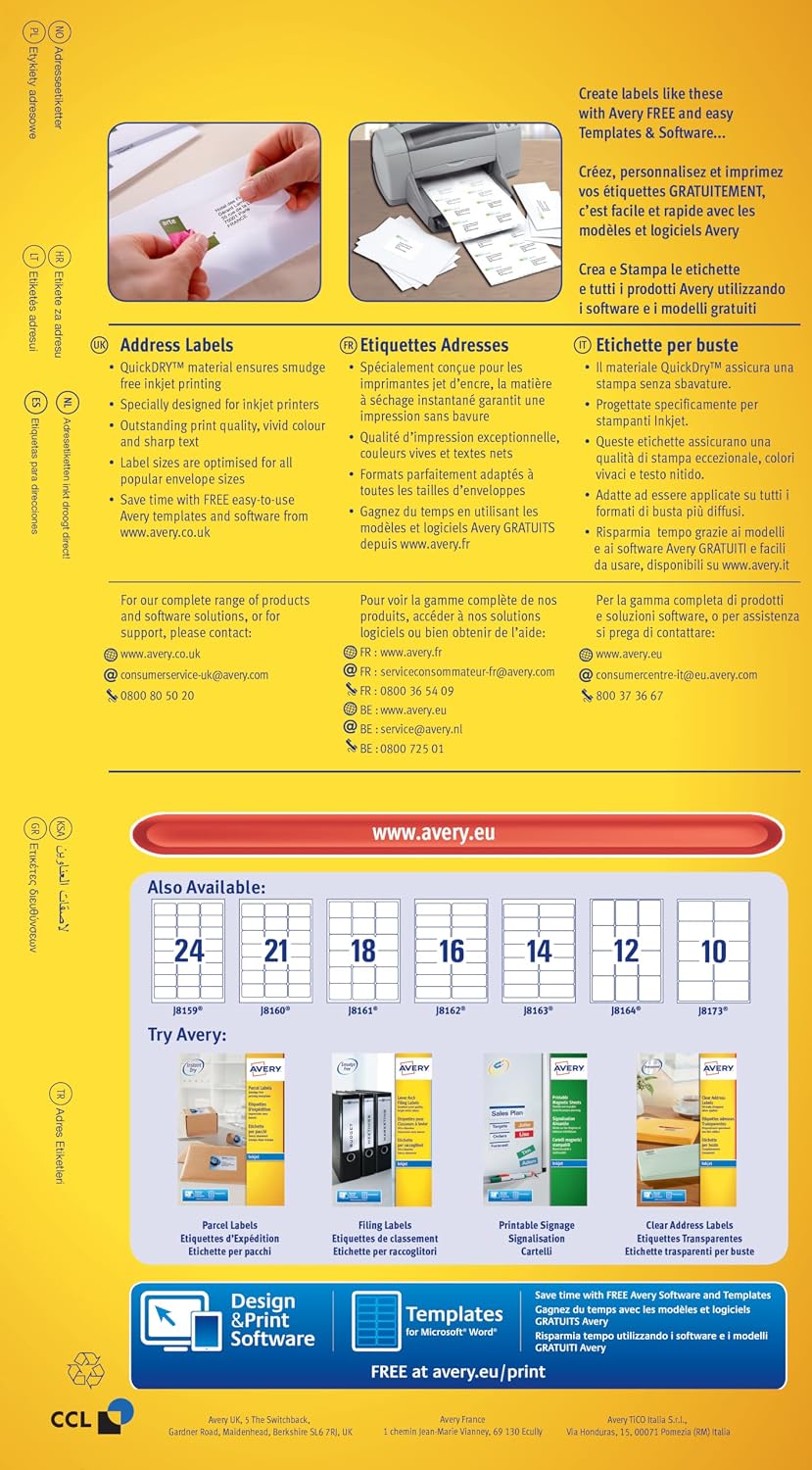
Are there templates involved? Avery mentions free templates and a Design & Print software option on the Avery website for creating your mailing labels.