

Apple Lightning to HDMI Adapter 1080P
Product description
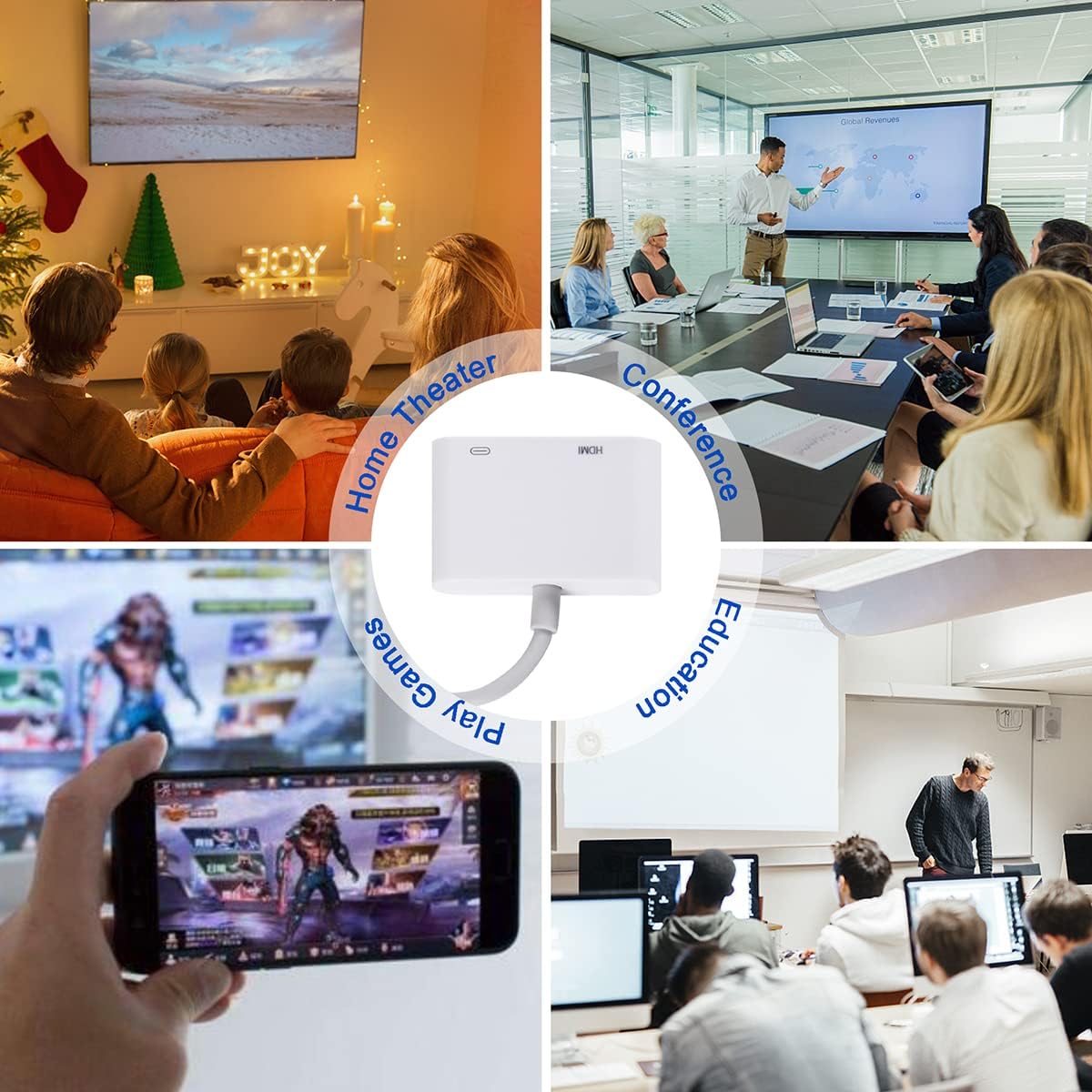
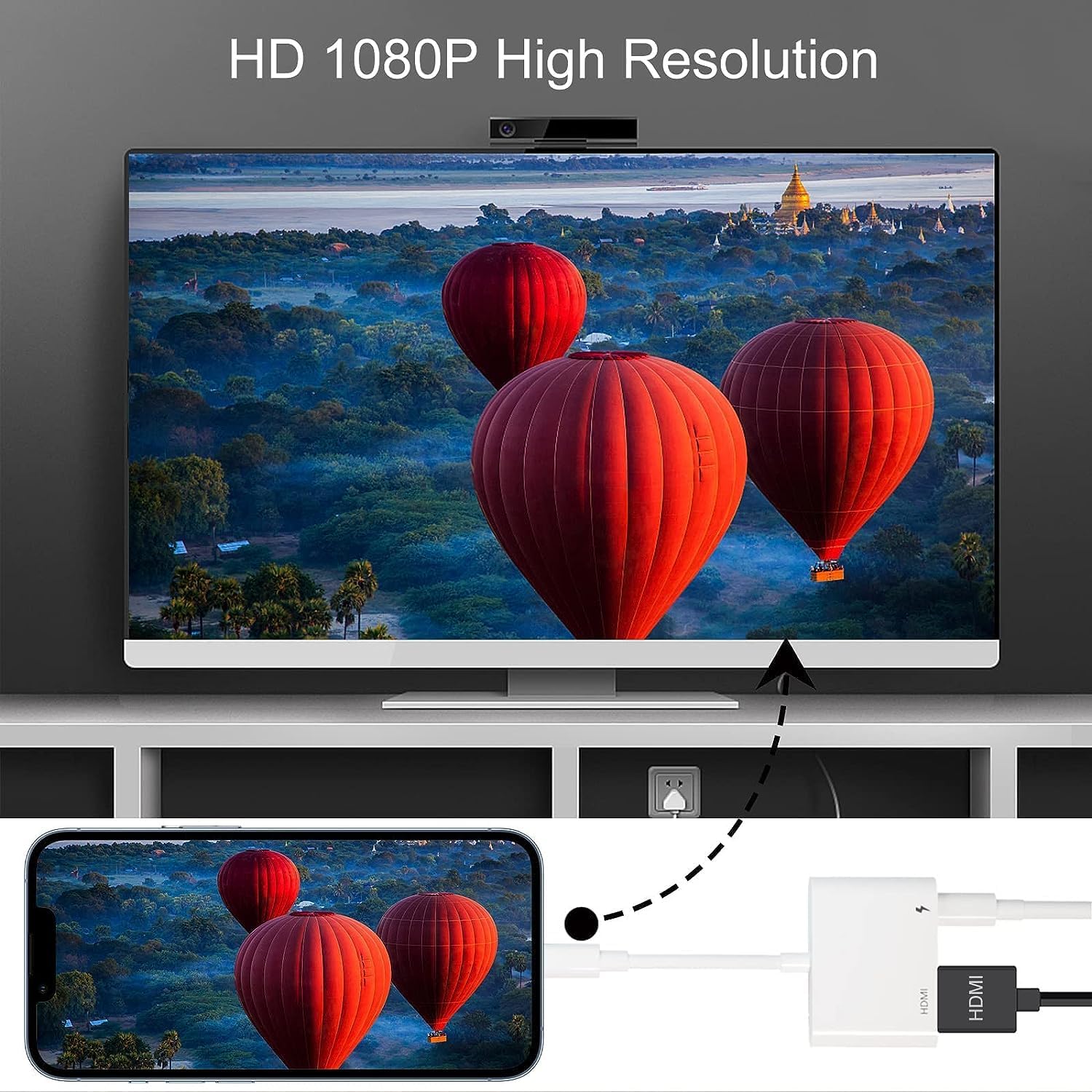
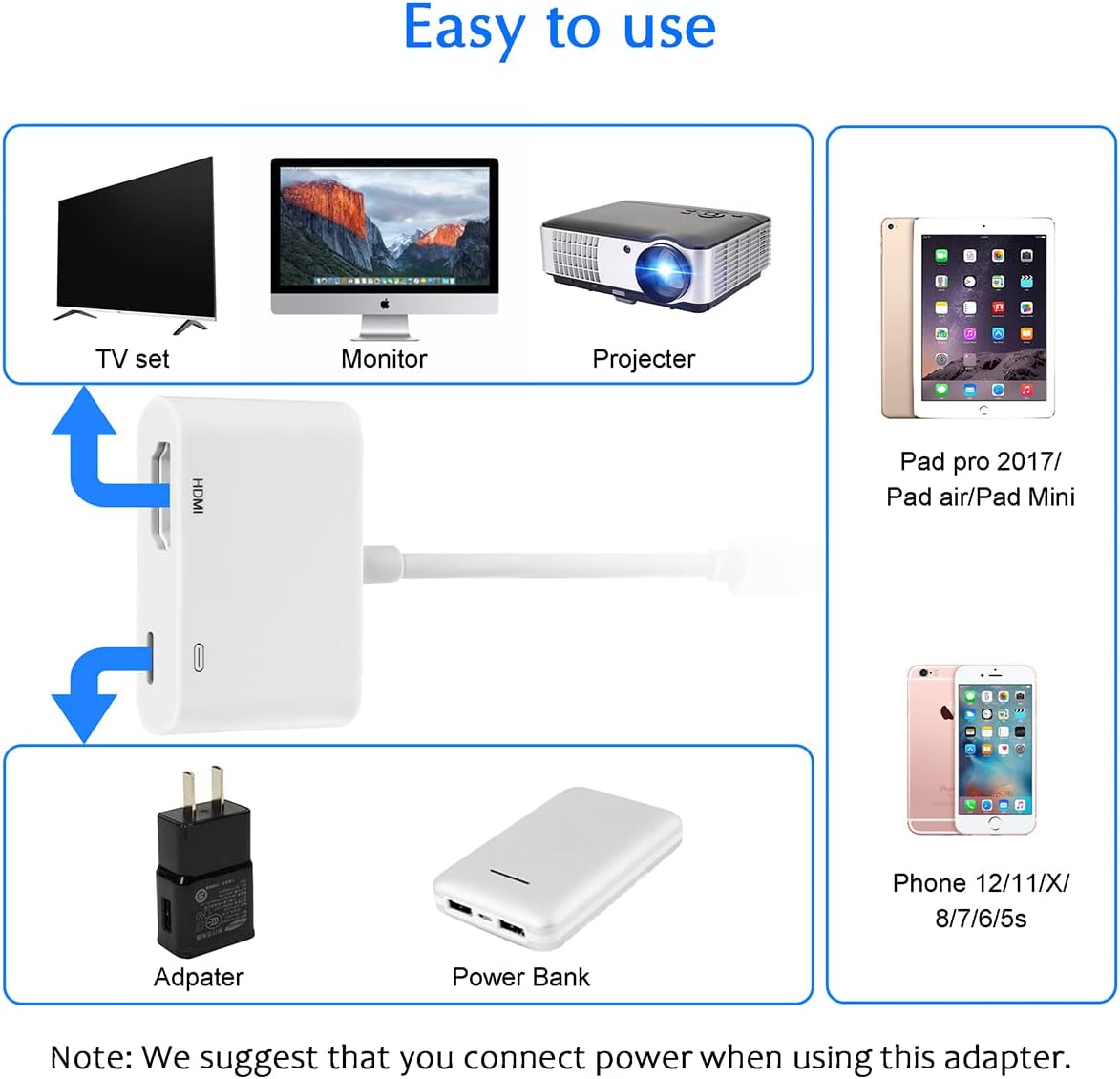
This Lightning to HDMI adapter lets you mirror an iPhone or compatible iPad screen straight to an HDMI display for presentations, streaming personal videos or sharing photos on a TV. It supports up to 1080p HD mirroring and works without installing apps, making it a quick, portable option for home entertainment and on-the-go meetings.
Key Points
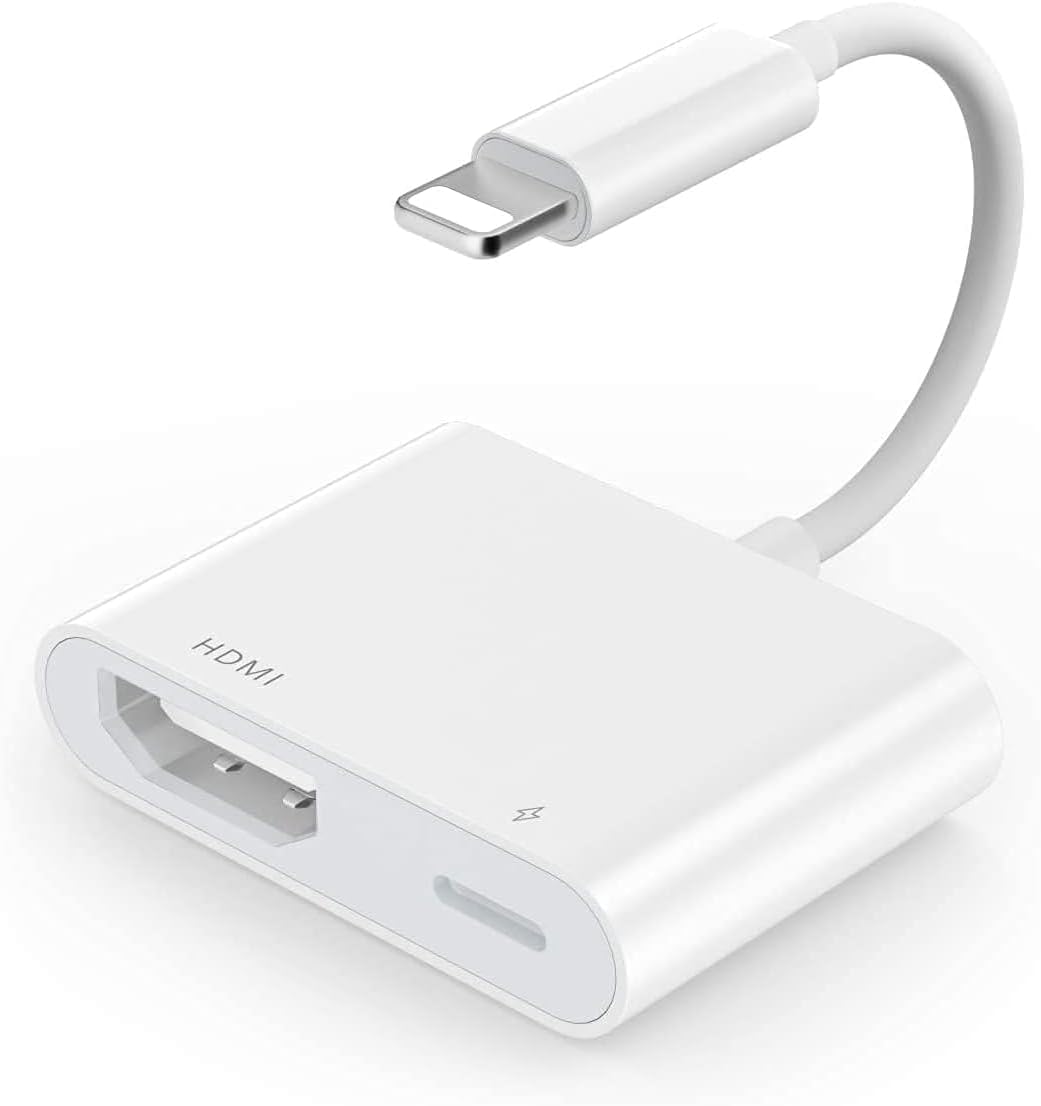
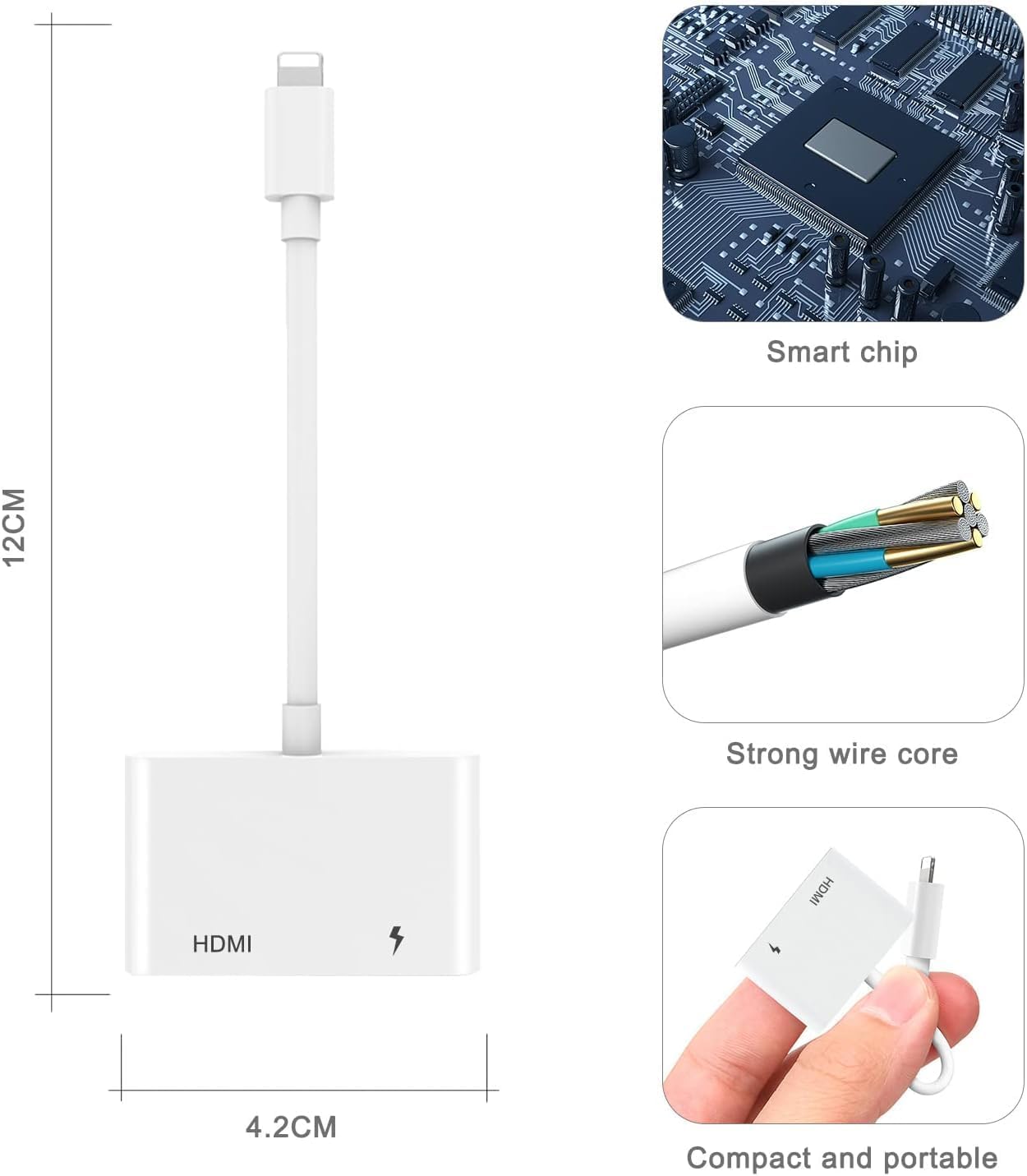
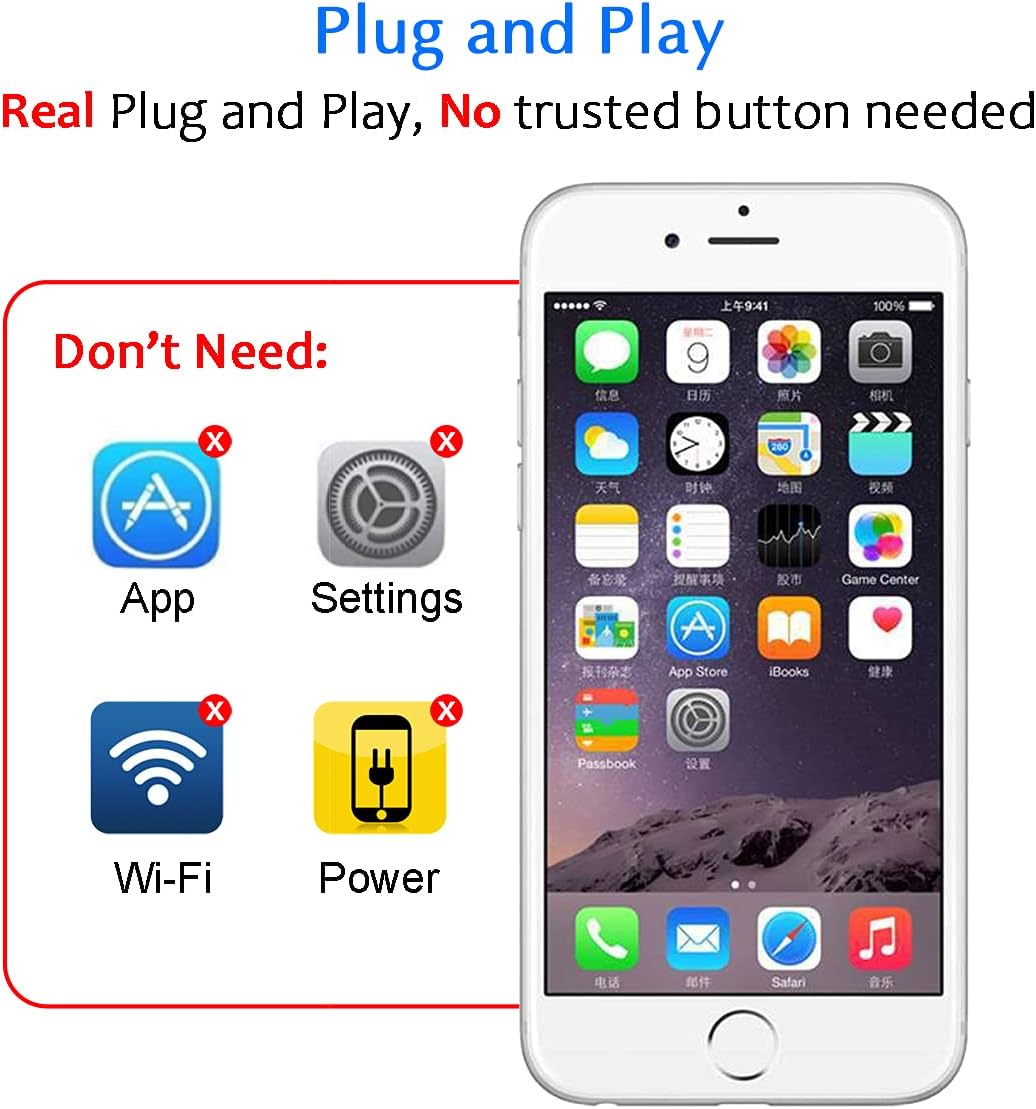
This adapter offers simple plug and play mirroring from Lightning devices to HDMI TVs, monitors or projectors. It handles apps, slideshows, websites and local videos with a wired connection that avoids dependence on WiFi or AirPlay, and it does not require drivers. The unit works without external power for basic use, although connecting a power source is recommended to prevent battery drain during longer sessions. ⚡️
Be aware that some streaming services use HDCP copy protection. This adapter does not support apps that enforce HDCP, so services such as Netflix, amazon Video and similar platforms may be blocked from output. This limitation comes from the content protection systems used by those services rather than the adapter itself. 📺
This product carries Apple MFi certification, which indicates compliance with Apple’s accessory standards. It is designed to be compact and easy to carry for travel, classrooms or business trips. 🎒
Technical Specifications
- Name: Apple MFi Certified Lightning to HDMI Adapter
- Resolution: 1080p HD
- Connector: Lightning to HDMI
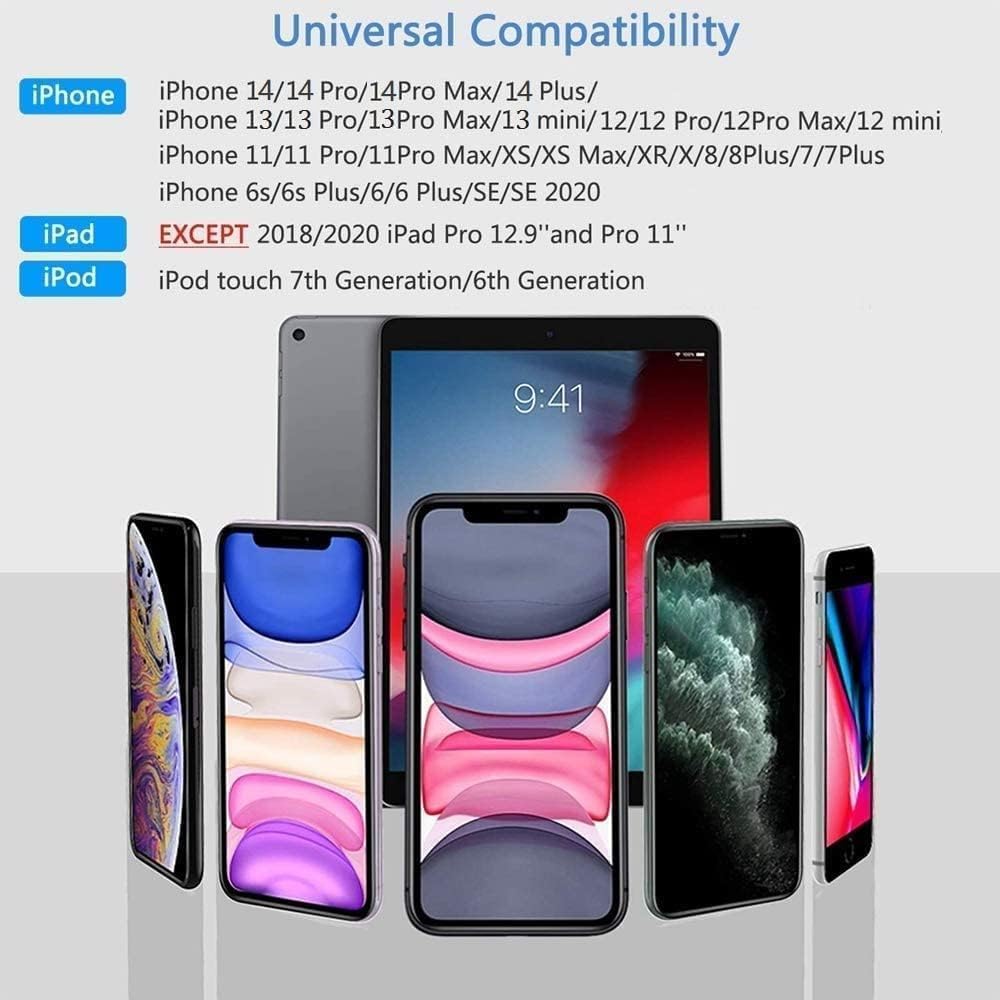
- Compatibility: iPhone 14, 13, 12, 11, XS, XR, X, 8 and compatible iPad models, iOS 13 and later
- Power: Operates without external power, power connection recommended to avoid device battery drain
- Limitation: Does not support apps that use HDCP content protection, not compatible with USB-C iPad Pro
Usage Recommendations
For clearer results, connect the adapter to the HDMI input of the TV or projector before opening video apps on your device. If you expect to run a long presentation or stream extended video from local files, attach a power source to the adapter or to your device to maintain battery level. For classroom or meeting use, test the connection and audio routing beforehand because some venues have multiple HDMI inputs and audio settings that need adjusting.
When using the adapter with older devices, confirm the iOS version is 13 or later for best compatibility. Keep in mind that while the adapter mirrors most screen content, protected streaming services will not display due to HDCP restrictions, and the latest USB-C iPad Pro models are not supported.