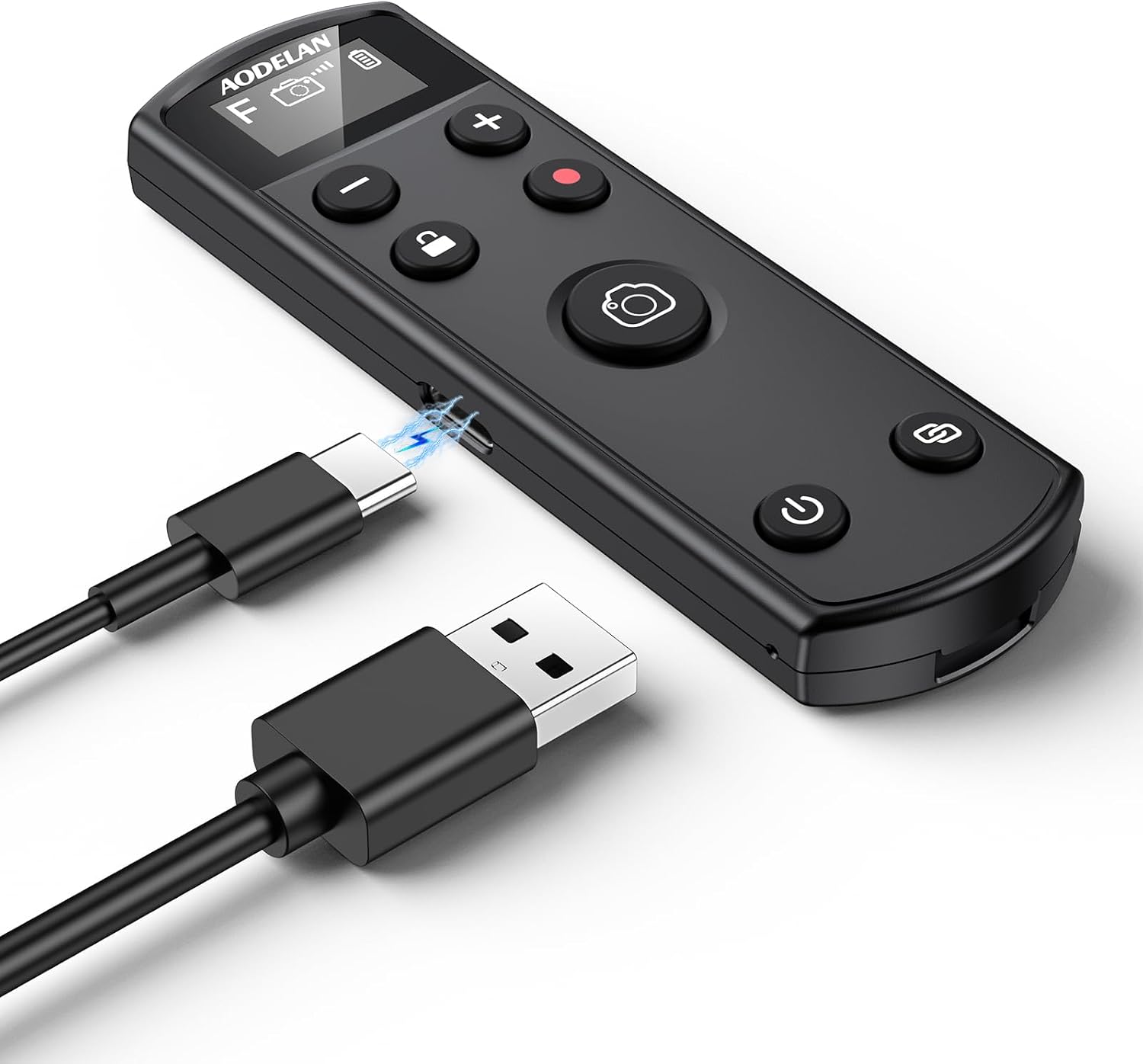
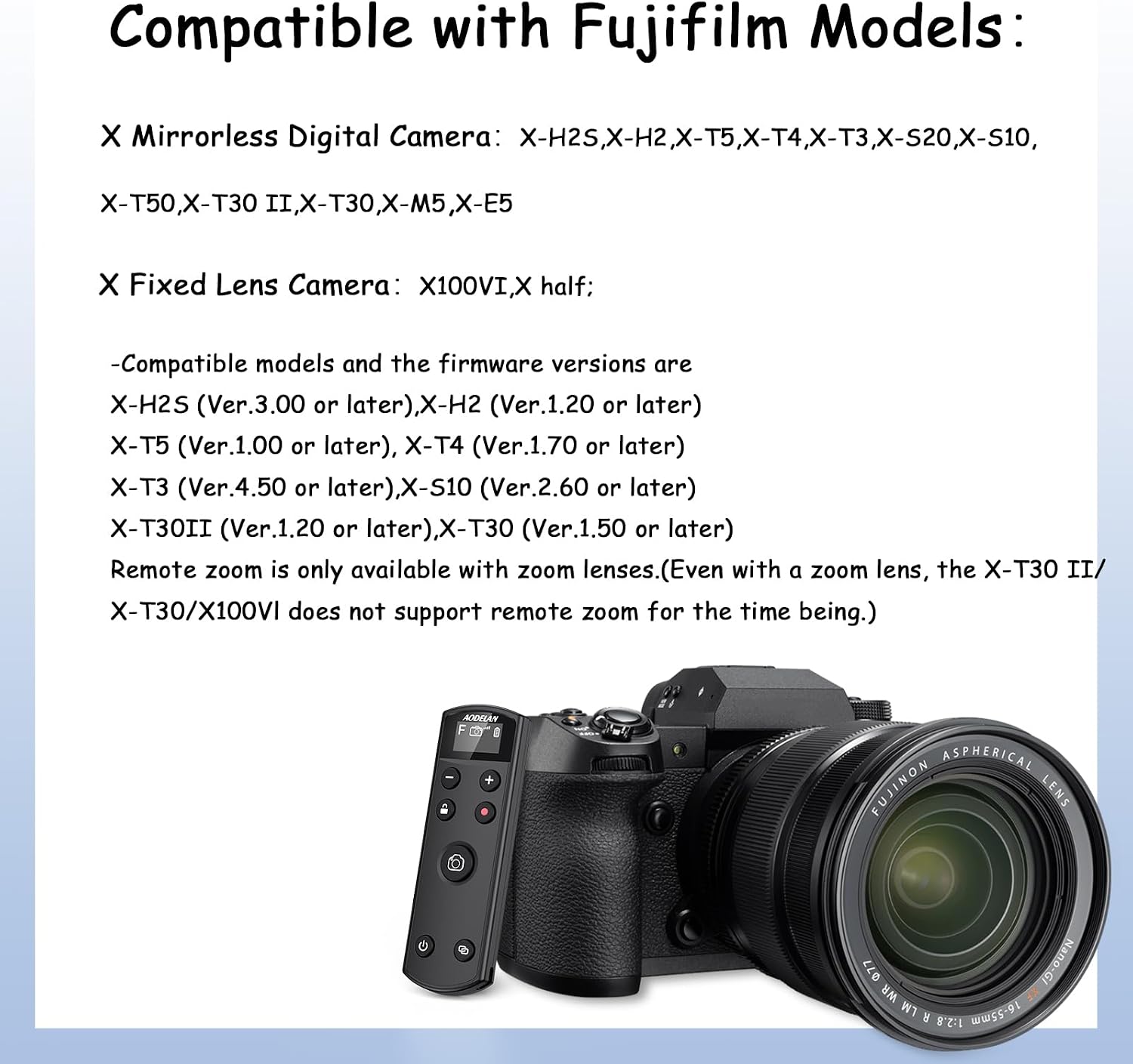
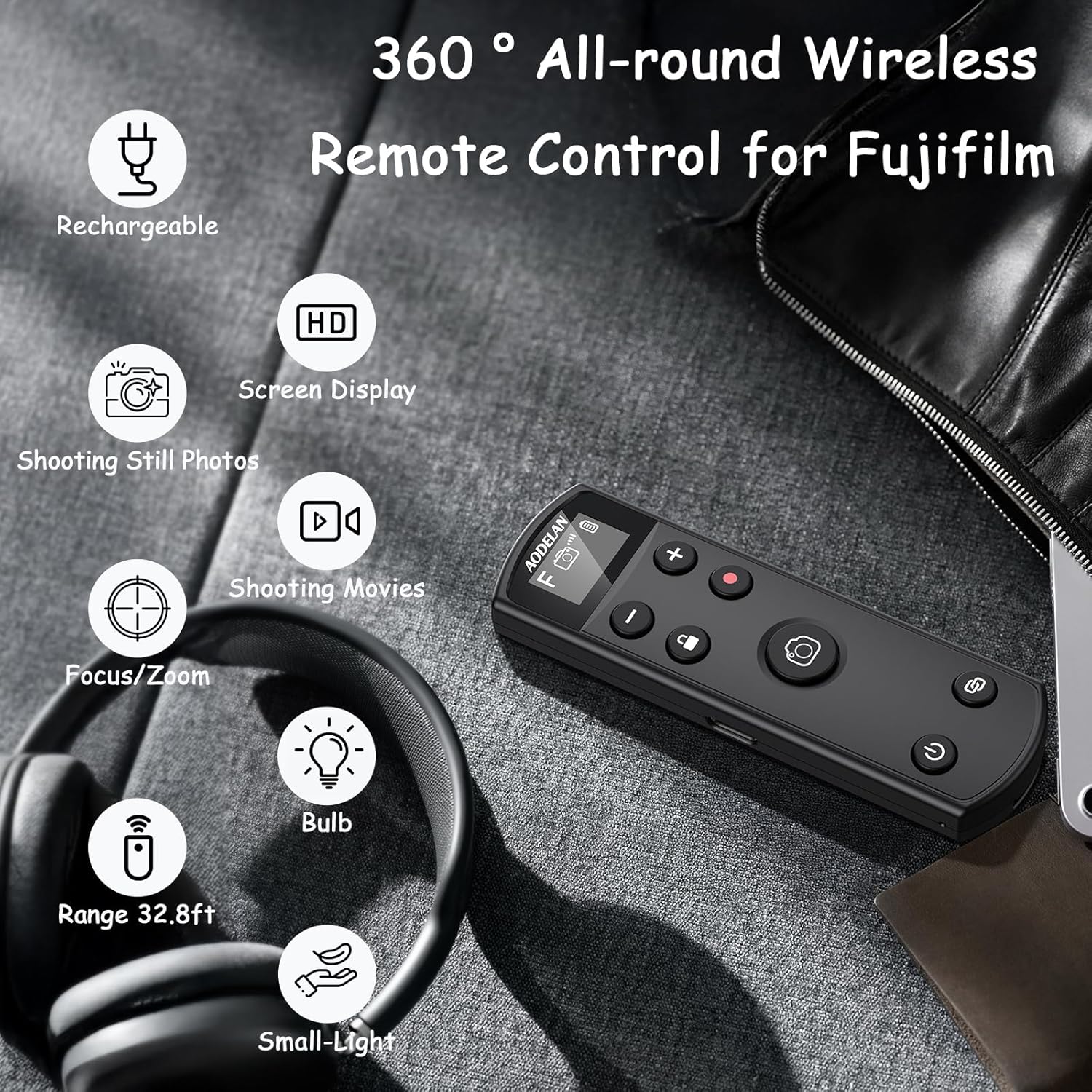
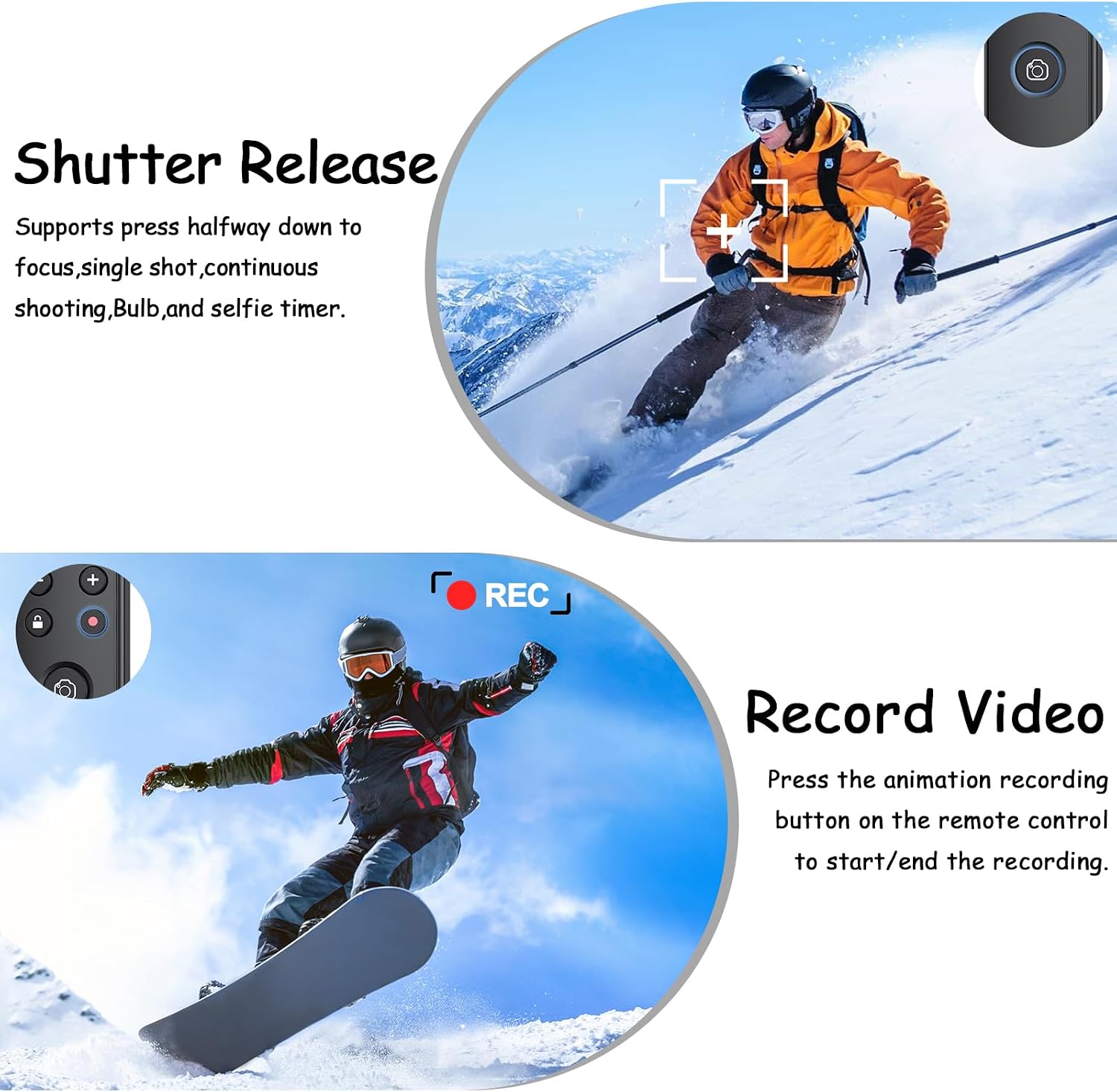
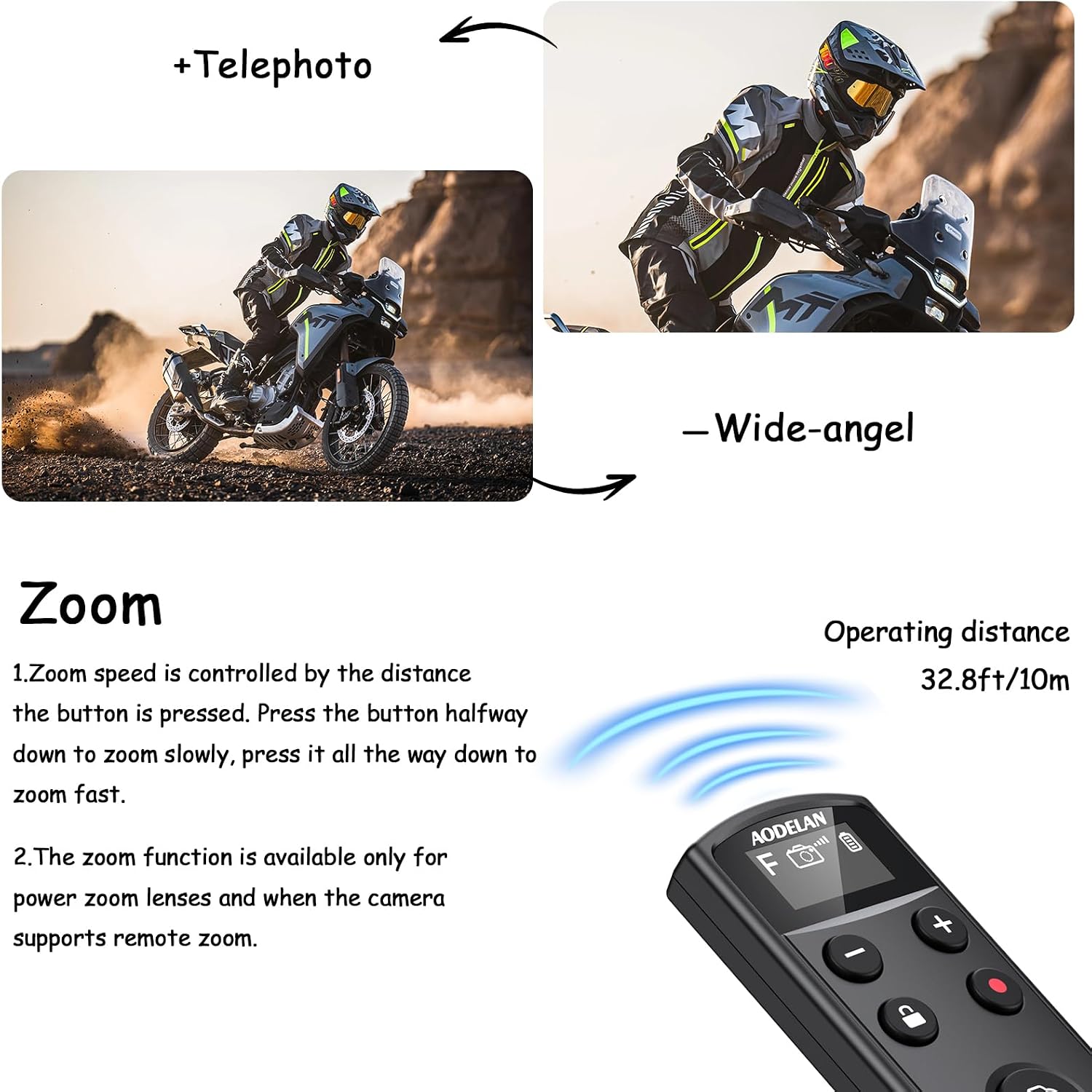
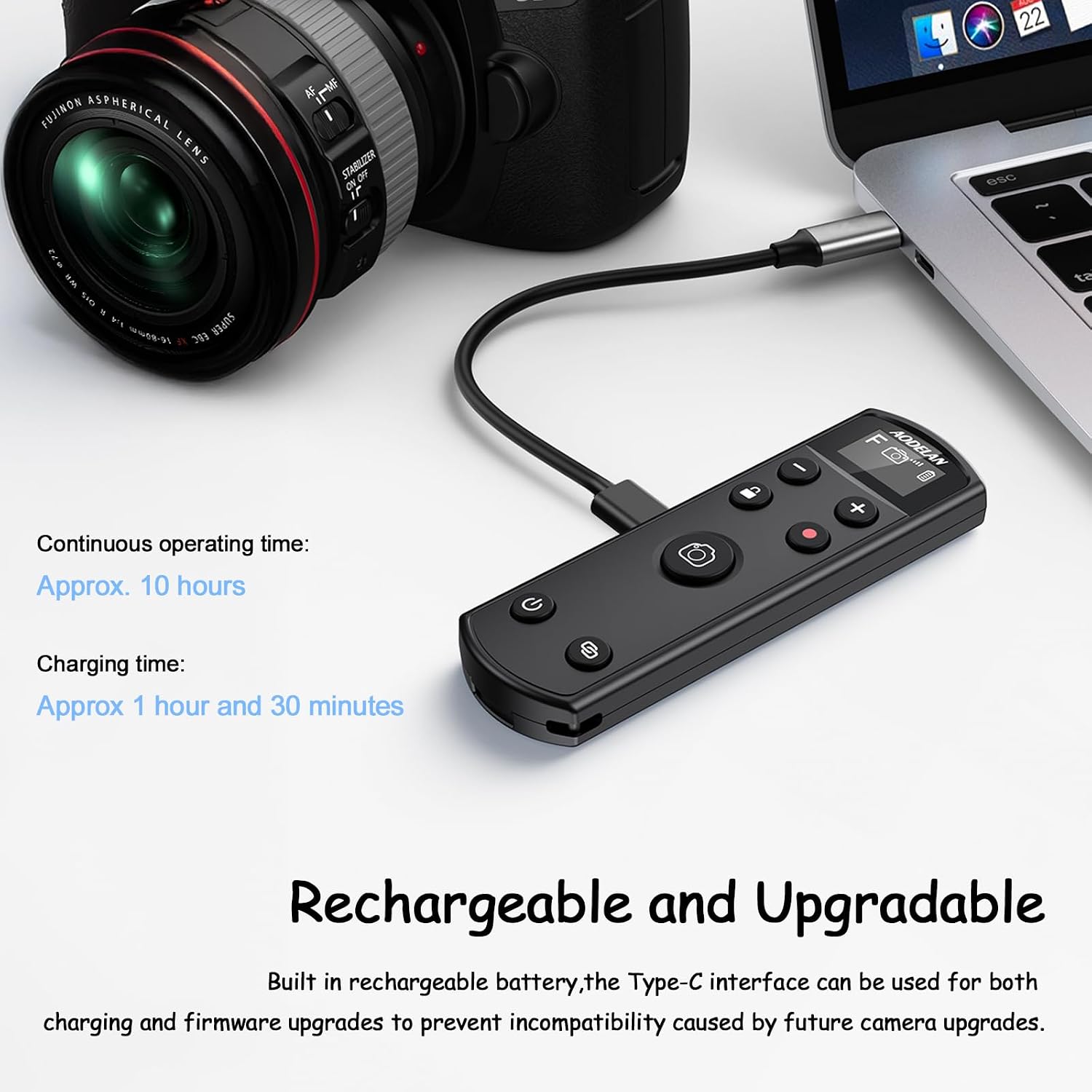
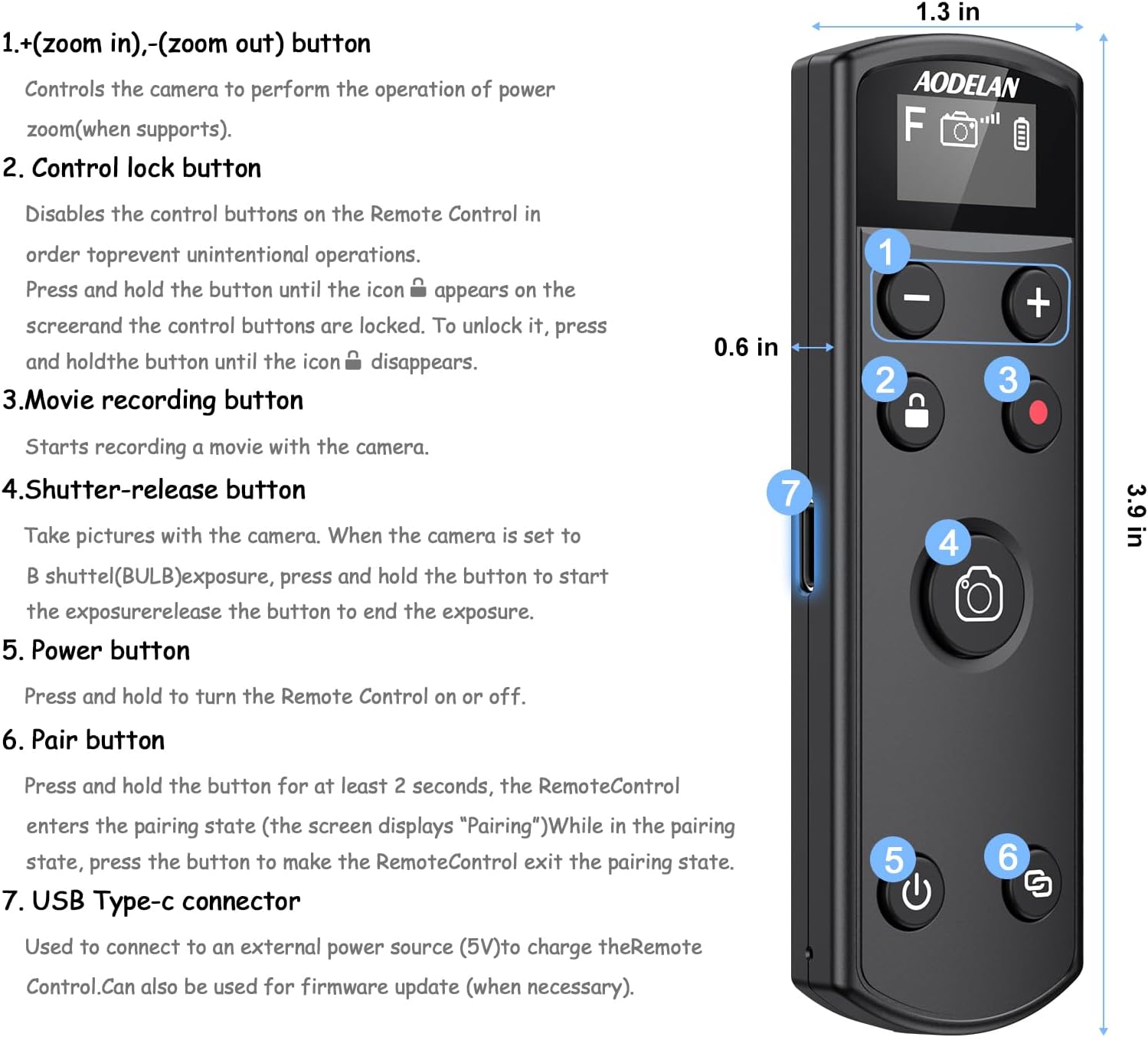
What it is and what it solves\n\nThe AODELAN wireless shutter release is a rechargeable remote designed for a range of Fujifilm mirrorless models. It enables wireless control of stills, short videos, bulb shots, continuous shooting, self-timer, and focus/zoom operations. With a remote range of up to 10 m, it aims to simplify hands-free shooting, long exposures, and tricky angles where touching the camera isn’t practical. It’s particularly useful for landscape, architecture, macro, or studio setups where keeping the camera perfectly still matters and where you want to reduce device shake from button presses.\n\nOn paper, the unit supports both still photography and modest video work, and it includes a practical OLED display to show current mode and settings at a glance. The inclusion of a Type-C charging port also doubles as a firmware upgrade path, which is useful for keeping compatibility with evolving camera firmware.\n\n## How it works and compatibility\n\nCompatibility spans several popular Fujifilm models, with specific firmware version requirements noted for some features. The device supports focusing (half-press) and zoom control when used with power-zoom lenses, and it offers a LOCK function to disable controls when you don’t want unintended presses. Remote zoom is noted as available only with compatible lenses, and some limitations are pointed out for certain camera bodies and versions. If you prioritise a clean workflow for posed shots or time-lapse sequences, this remote can be a practical helper, provided your camera is among the supported models and firmware levels.\n\n## What stands out\n\nThe OLED display is a visible upgrade for quick status checks without looking at the camera screen, which reduces stray adjustments during a shoot. The battery life is described as around 10 hours with the option to shut down to save power, which is sensible for longer sessions. The Type-C charging is convenient for modern setups, and the upgrade capability helps future-proof the accessory against firmware changes on the camera body.\n\n## What may give you pause\n\nThe remote’s best performance hinges on camera compatibility and firmware versions. Some features, notably remote zoom, depend on using supported lenses and the camera’s own capabilities. If you rely on frequent firmware updates, you’ll want to confirm that upgrades won’t disrupt existing setups. For users who mostly shoot with older Fujifilm bodies or non-supported models, remote control options could be more limited.\n\n## Who it’s for\n\nIf you shoot with one of the Fujifilm models listed (for example X-H2S, X-H2, X-T5, X-T4, X-T3, X-S10, X-T30 II, X-T30, X-M5, X100VI, X-E5, X Half), and you want to reduce camera shake, automate bulb or long-exposure sequences, or framework remote focus and zoom in controlled environments, this accessory may fit into your kit. It’s probably not essential if your shooting is mostly casual or you rarely need remote operations.\n\n## When it makes sense to buy\n\nConsider this remote if you frequently work on tripod setups, macro compositions, or studio portraits where you benefit from precise, hands-off camera control. It can also streamline time-lapse or stacked-shot workflows where repeated button presses would otherwise disrupt the scene.\n\n## When you might skip it\n\nIf your current workflow doesn’t require remote triggering, or if your camera/firmware is outside the supported range, you might not gain much from adding this accessory. If you rely on features beyond the listed capabilities (for instance, advanced zoom control on non-supported lenses), you’ll want to look for alternatives that explicitly cover those needs.\n\n## What to check before buying\n\nVerify your Fujifilm model and its firmware version to ensure compatibility for remote shooting, focus, and zoom features. Check whether you use a power zoom lens to get the full remote zoom benefit, and confirm that you understand how the LOCK function protects against accidental activations. Also, ensure you’re comfortable with a 10 m operating range and that you’re okay with the Type-C charging and firmware upgrade workflow.\n\n## Practical use example\n\nImagine you’re composing a landscape from a balcony. You set the camera on a tripod, frame your shot, and use the remote to trigger the shutter while you stand back or move to a different corner of the scene. The OLED readout helps you confirm settings at a glance, and the long battery life means you won’t be scrambling for a charger mid-session.\n\n## Is it worth it?\n\nIt’s worth considering if you regularly use a tripod and need reliable remote control for Fujifilm bodies listed, especially for long exposures or careful focus control. If you prioritise hands-off operation and a clear status display, this device adds genuine convenience. It may not be the best match if you don’t shoot from a distance or if your camera model isn’t explicitly supported.\n\n## FAQ (3–5 quick questions)\n- How far can I control the camera remotely? Up to 10 m / 32.8 ft.\n- Do I need to update the firmware on the remote? Yes, there is a firmware upgrade path via Type-C.\n- Can I use remote zoom on all lenses? Zoom is available only with power zoom lenses and when the camera supports remote zoom.\n- Does it work with all Fujifilm models? It supports a specific list of models and requires certain firmware versions.\n- What about battery life? The advertised life is around 10 hours with typical use, and you can conserve power with the shutdown button.