


A3 Laminator Machine 5-in-1 laminator
Reviews
Price
Product description
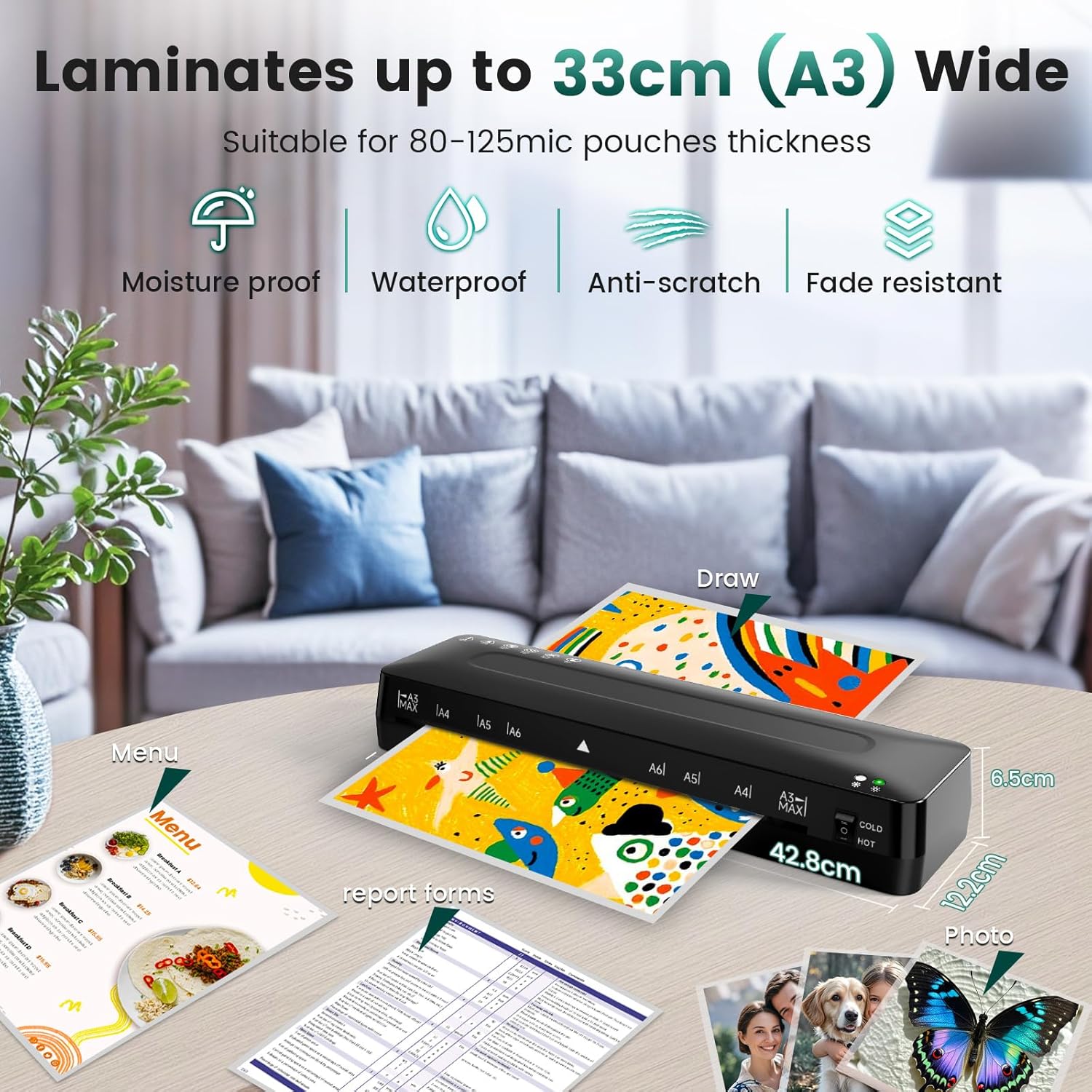
This compact A3 laminator from MAXDONE brings both cold and thermal lamination together with a small toolkit for neat finishes, useful for home, school or small office tasks. It handles documents up to A3 and includes basic accessories to trim papers and round corners, making laminated posters, ID cards and school projects easier to prepare.
Key Points
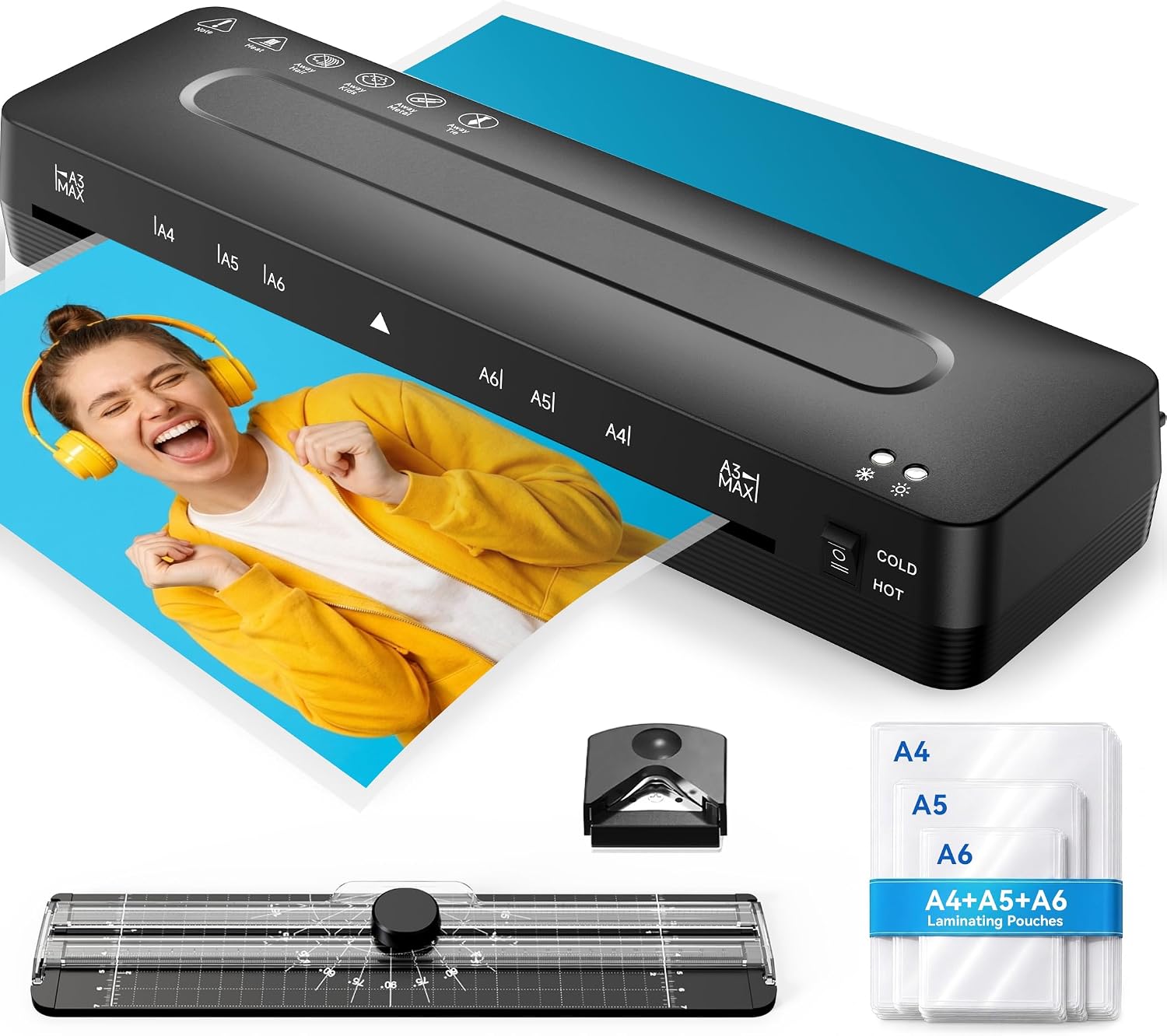
The unit supports five functions in one kit: cold lamination, thermal lamination, paper trimming, corner rounding and a supply of laminating pouches. It is designed for occasional to moderate use and fits comfortably on a desk or craft table. According to the manufacturer, the combination of cold and hot modes lets you choose the right method depending on the material and temperature sensitivity.
Technical Specifications
- Name: MAXDONE A3 Laminator Machine
- Maximum document size: A3.
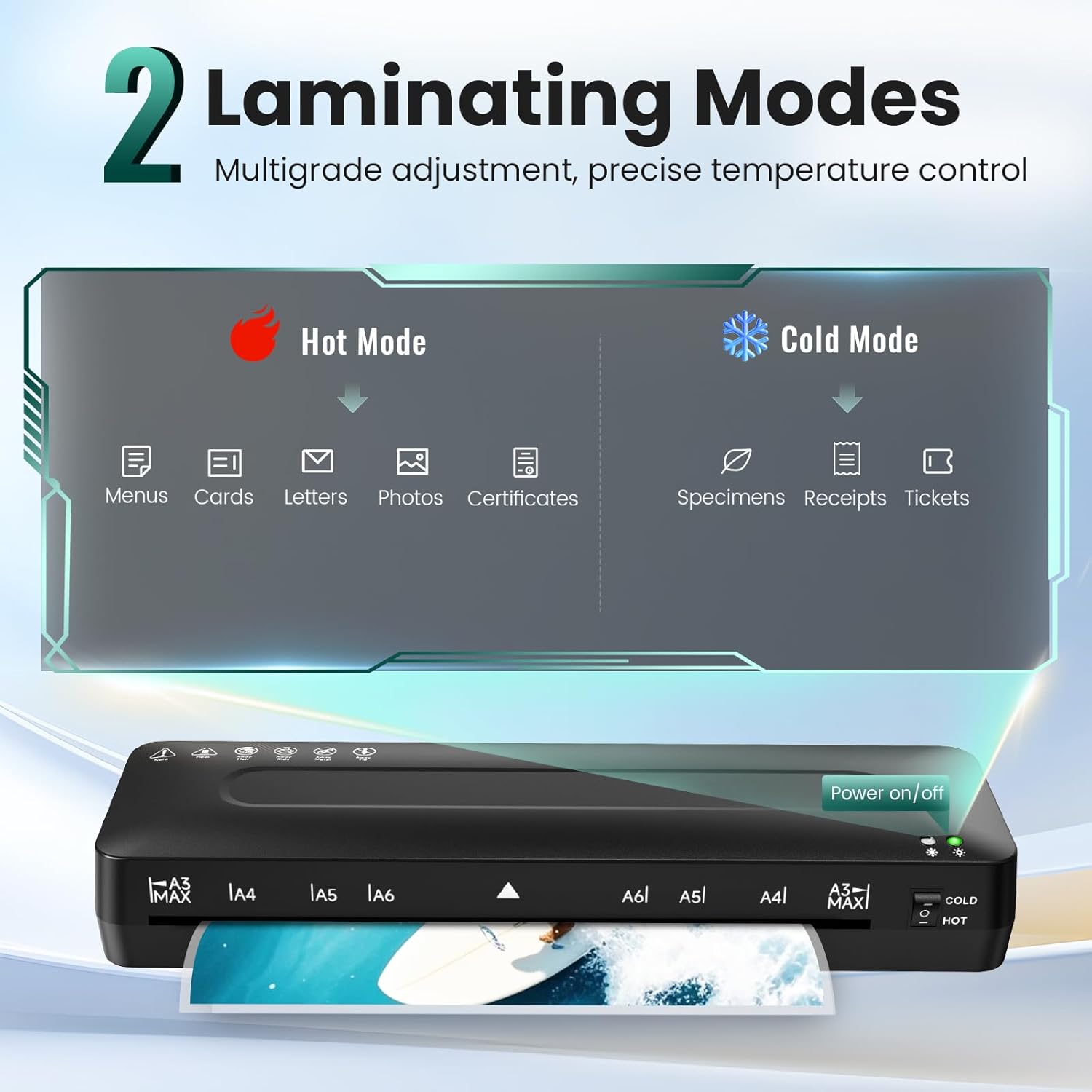
- Lamination modes: cold and thermal.
- Included accessories: laminating sheets for A3/A4/A5/A6, paper trimmer, corner rounder.
- Power: according to the manufacturer (thermal mode requires mains power).
Advantages
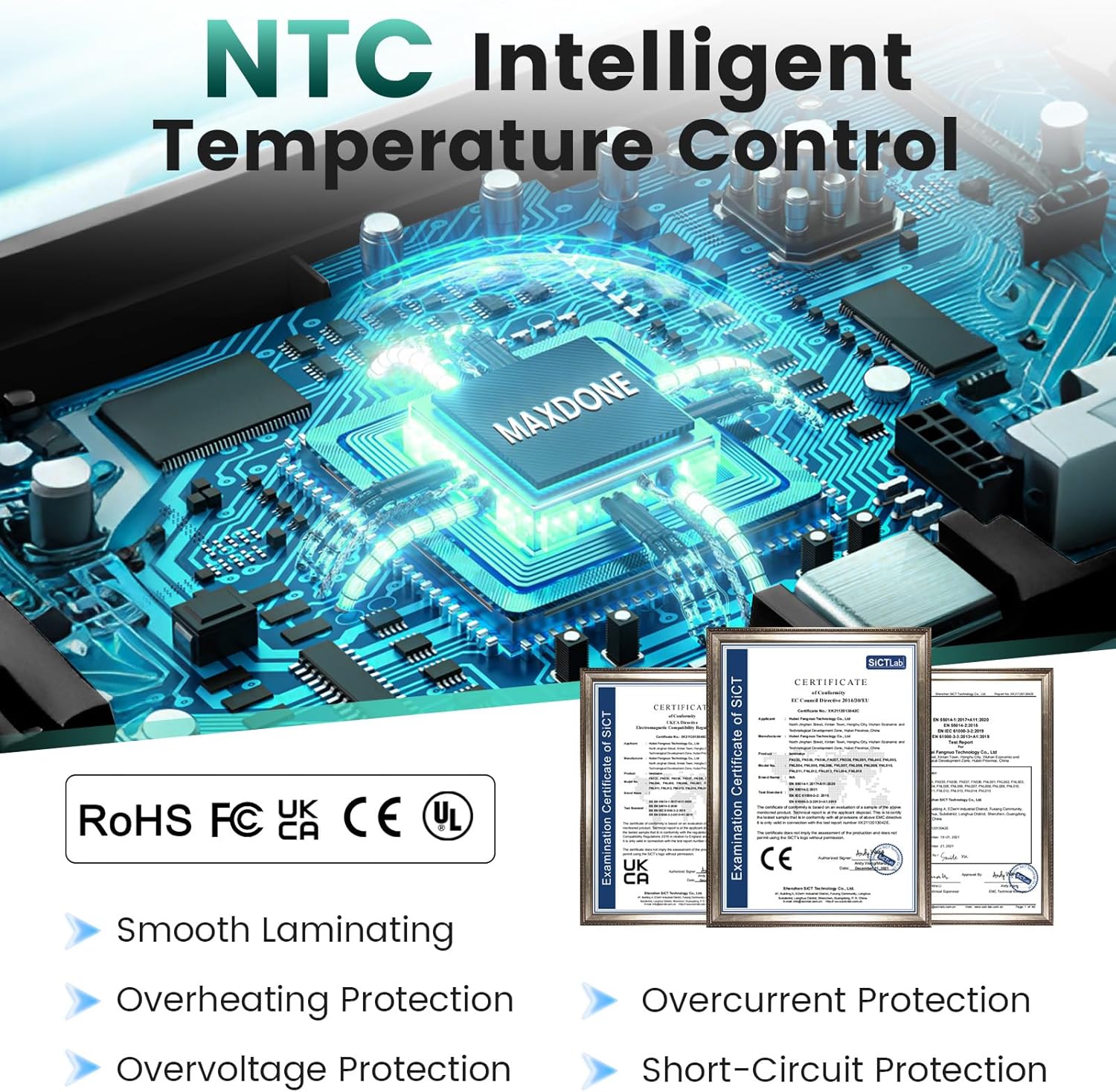
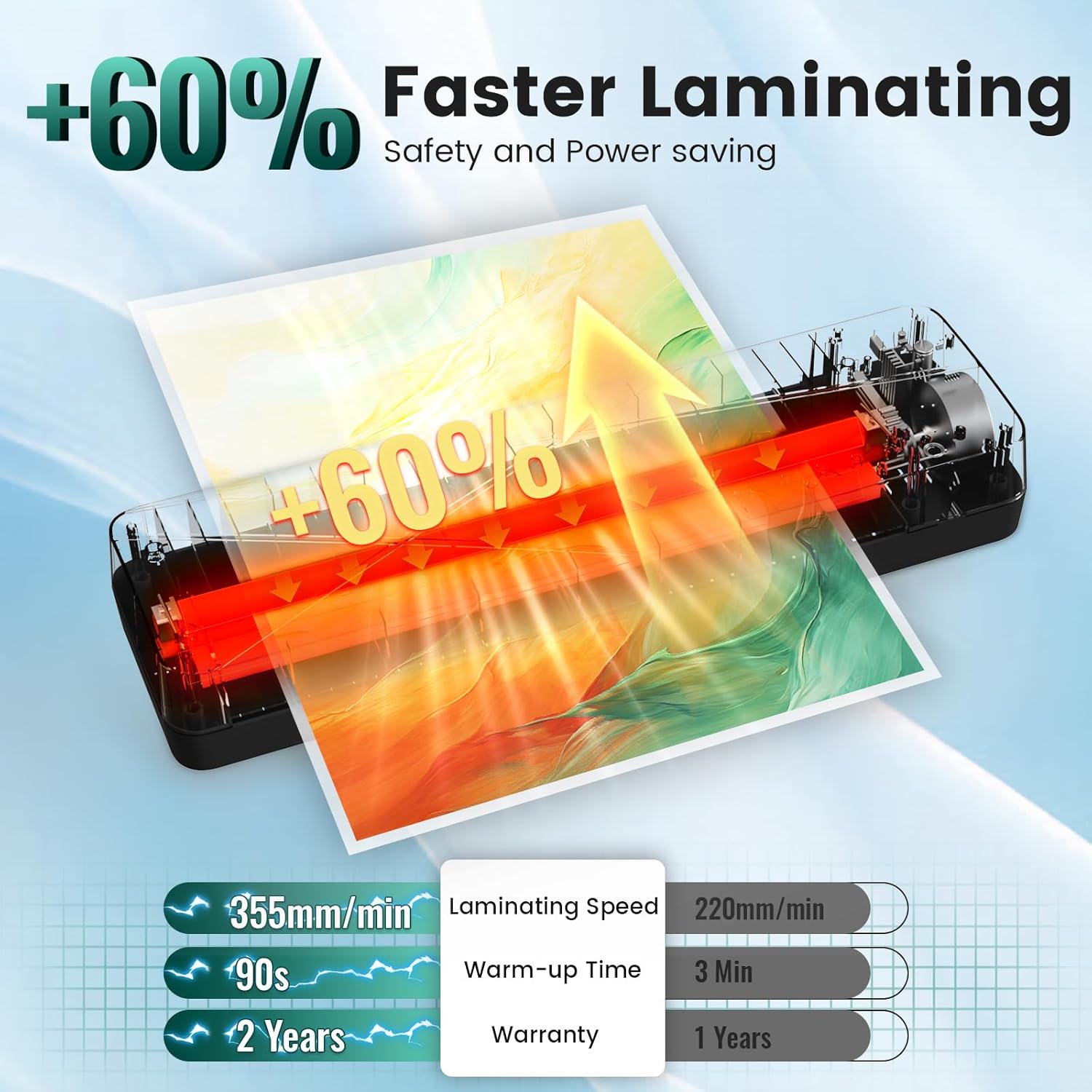
This MAXDONE kit reduces the number of tools needed when preparing printed materials for display or long-term handling, since trimming and corner rounding are integrated. The presence of cold lamination is useful for heat-sensitive items such as photographs or stickers, while the thermal option is suitable for more durable and water-resistant finishes. It also helps keep classroom resources tidy and resistant to frequent handling, which can be particularly helpful for teachers and parents.
Usage Recommendations
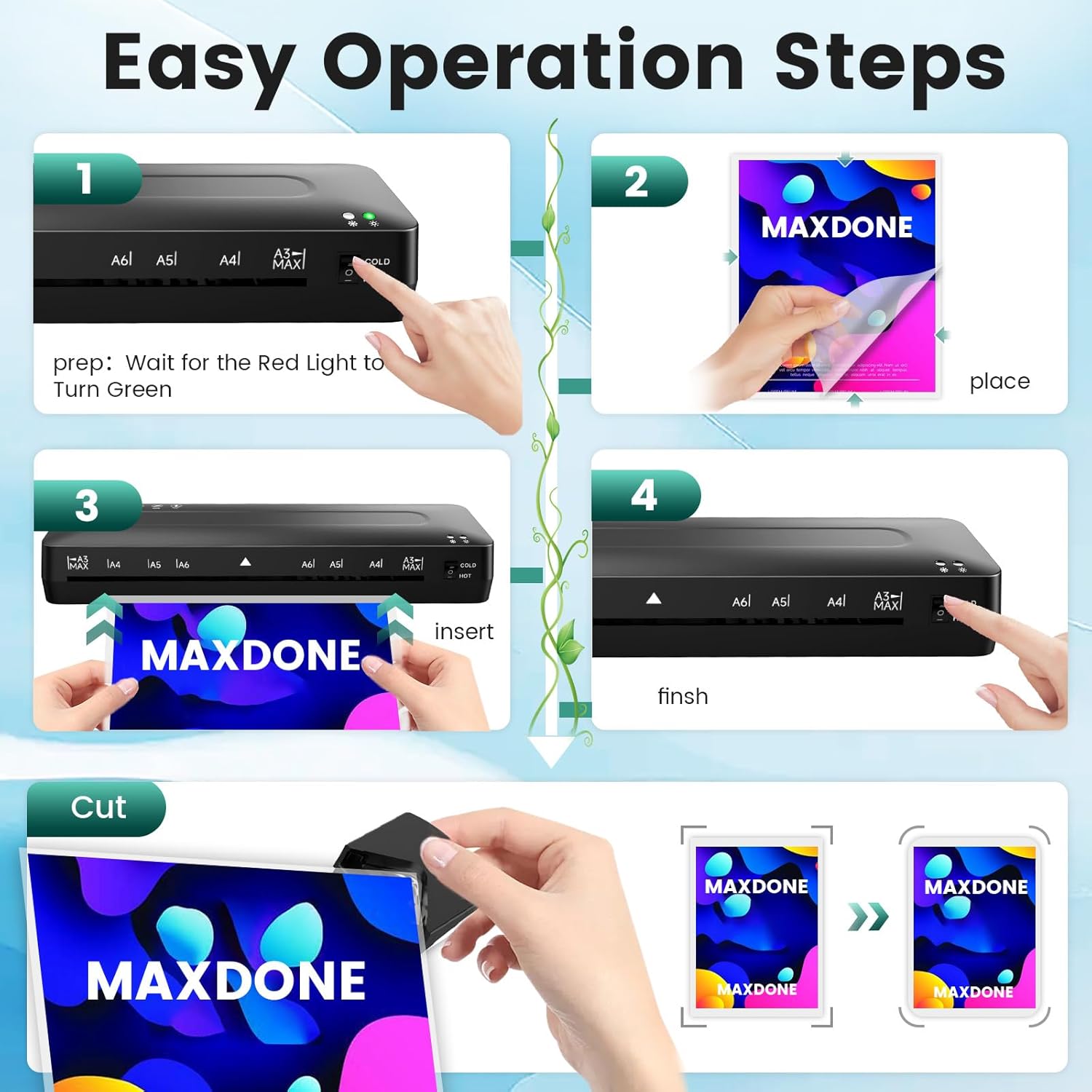
Before laminating, test a single sheet to confirm settings and pouch alignment. Use cold mode for heat-sensitive prints and thin media, switch to thermal mode when a sturdier, professional-looking finish is required. When trimming, measure twice then cut once to avoid waste; the corner rounder will prevent sharp edges that can peel or catch. Allow a brief cool-down period after continuous thermal use according to the manufacturer’s guidance, as extended operation may generate heat.
Notes and practical limitations: the machine is best suited to small runs rather than heavy commercial throughput, and thermal lamination performance depends on mains voltage and pouch quality. Laminating very thick or rigid items may not give uniform results. Some user attention is required to feed pouches squarely to prevent wrinkling or bubbles.
This product includes straightforward accessories that simplify finishing tasks and covers a range of document sizes up to A3, making it a flexible addition for craft work, document protection and basic office preparation.