


65W USB-C Laptop Charger (USB-C PD) for Dell Latitude, XPS & Chromebook
Reviews
Price
Product description
What this 65W USB-C charger is for
If you’re dealing with a laptop charger that’s either lost, worn out, or just plain unreliable, a USB-C power adapter can be a straightforward fix. This 65W USB-C laptop charger is designed to deliver USB-C Power Delivery (PD) power in a way that “reads” your device and then provides the right charging profile.
On paper, it’s built for everyday use with a broad set of compatible Dell Latitude and XPS models, plus some Chromebook and other Dell lines mentioned in the listing. That kind of wide compatibility is often what makes chargers like this appealing: instead of hunting down a specific original brick, you’re buying one USB-C PD adapter that can cover multiple machines.
That said, it’s not magic. Compatibility depends on the laptop’s charging requirements and USB-C charging support. So even with the long model list provided, it’s worth double-checking your exact device and charging needs before you assume it will “just work”.
The essentials (USB-C PD + device recognition)
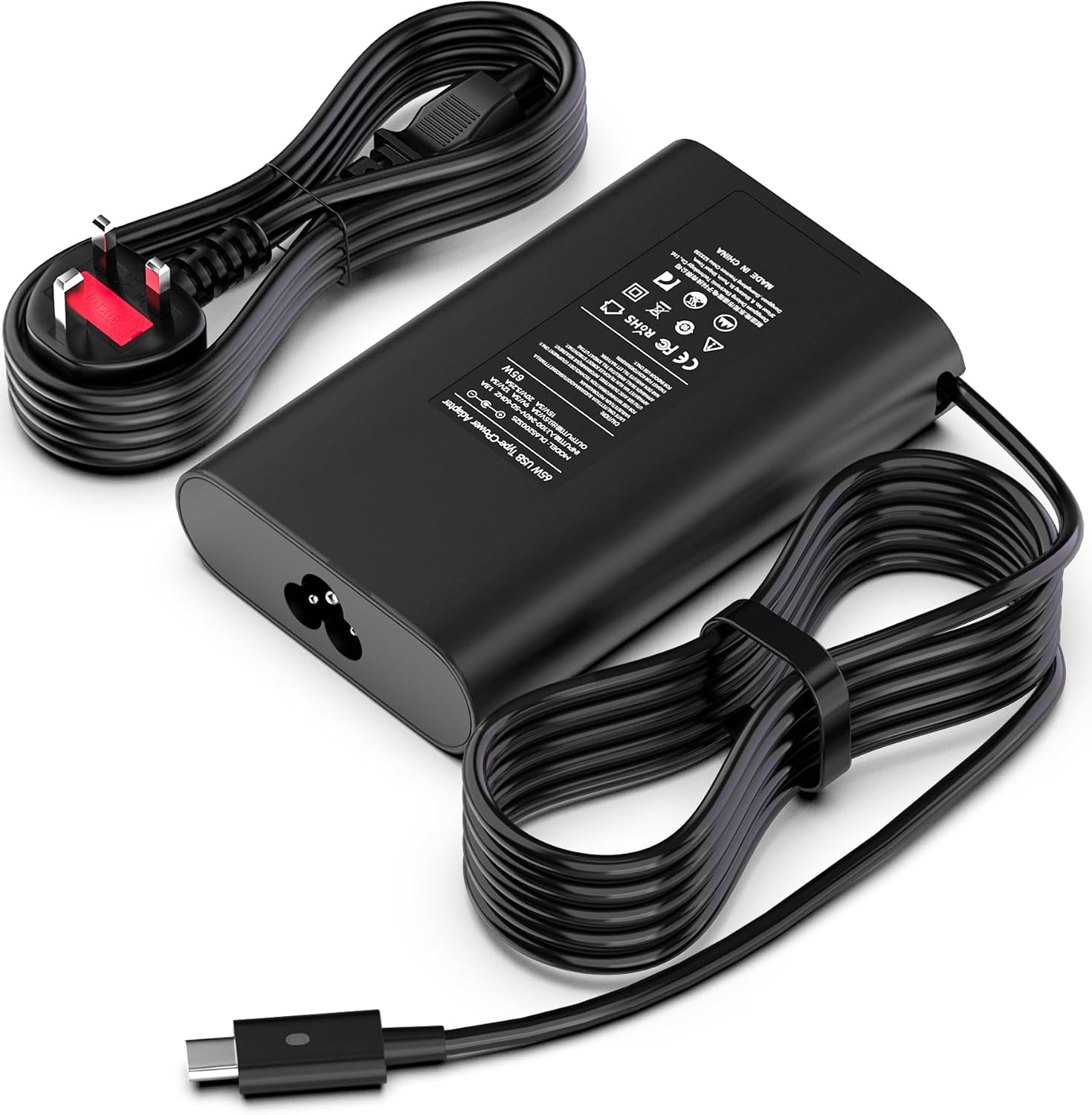
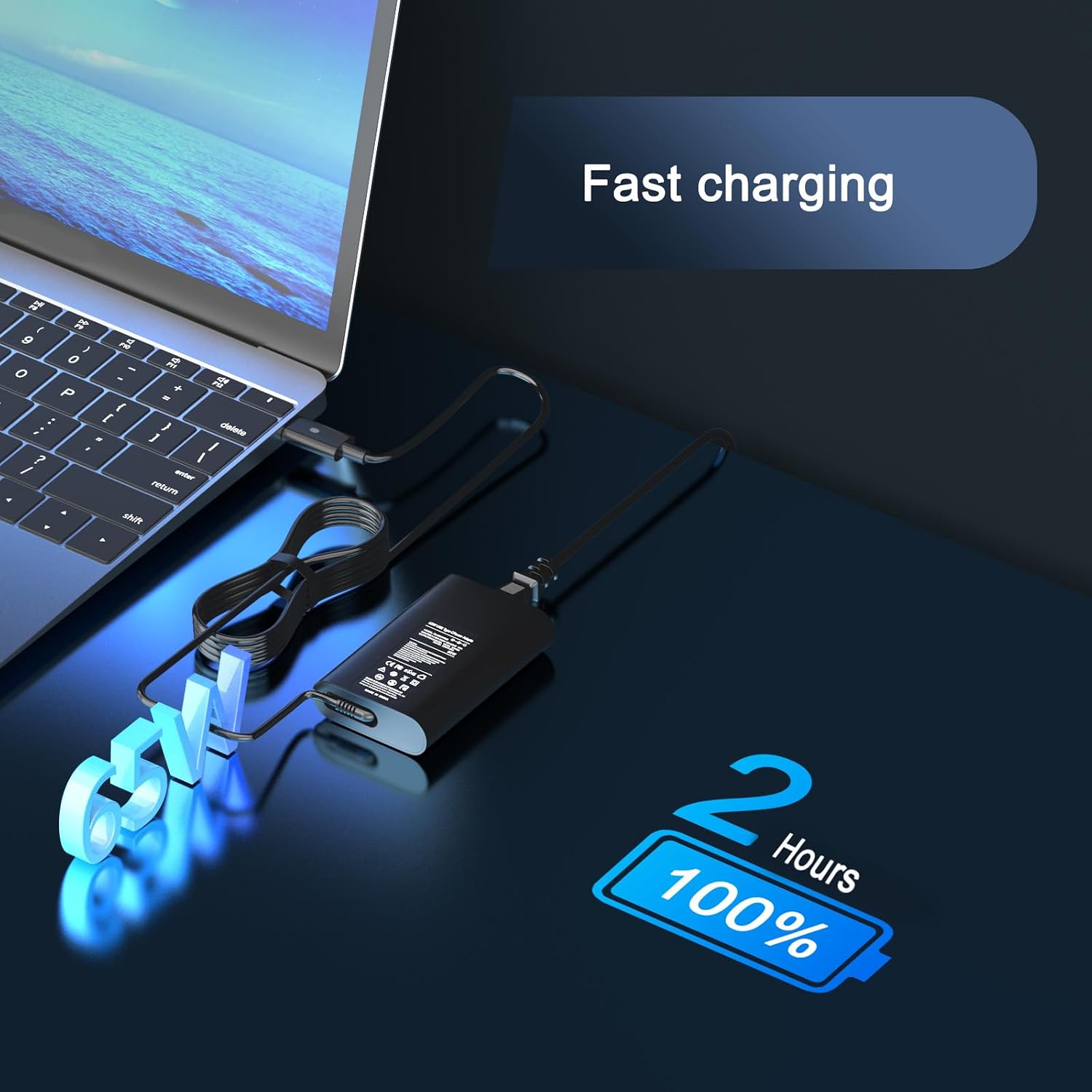
The charger supports USB-C Power Delivery and provides multiple output power levels depending on what the connected device requests. The listing includes these output modes: 20V/3.25A, 15V/3A, 12V/3A, 9V/3A, and 5V/3A.
The key idea is the intelligent PD behaviour: the charger is described as recognising your device and maximising output up to 65W. In real-world terms, that’s usually what you want from a replacement—consistent power delivery rather than a “low-power only” adapter that slows charging or leaves you with an underpowered brick.
Key features that matter day to day
There are a few practical, buying-relevant points in the description that go beyond the headline wattage.
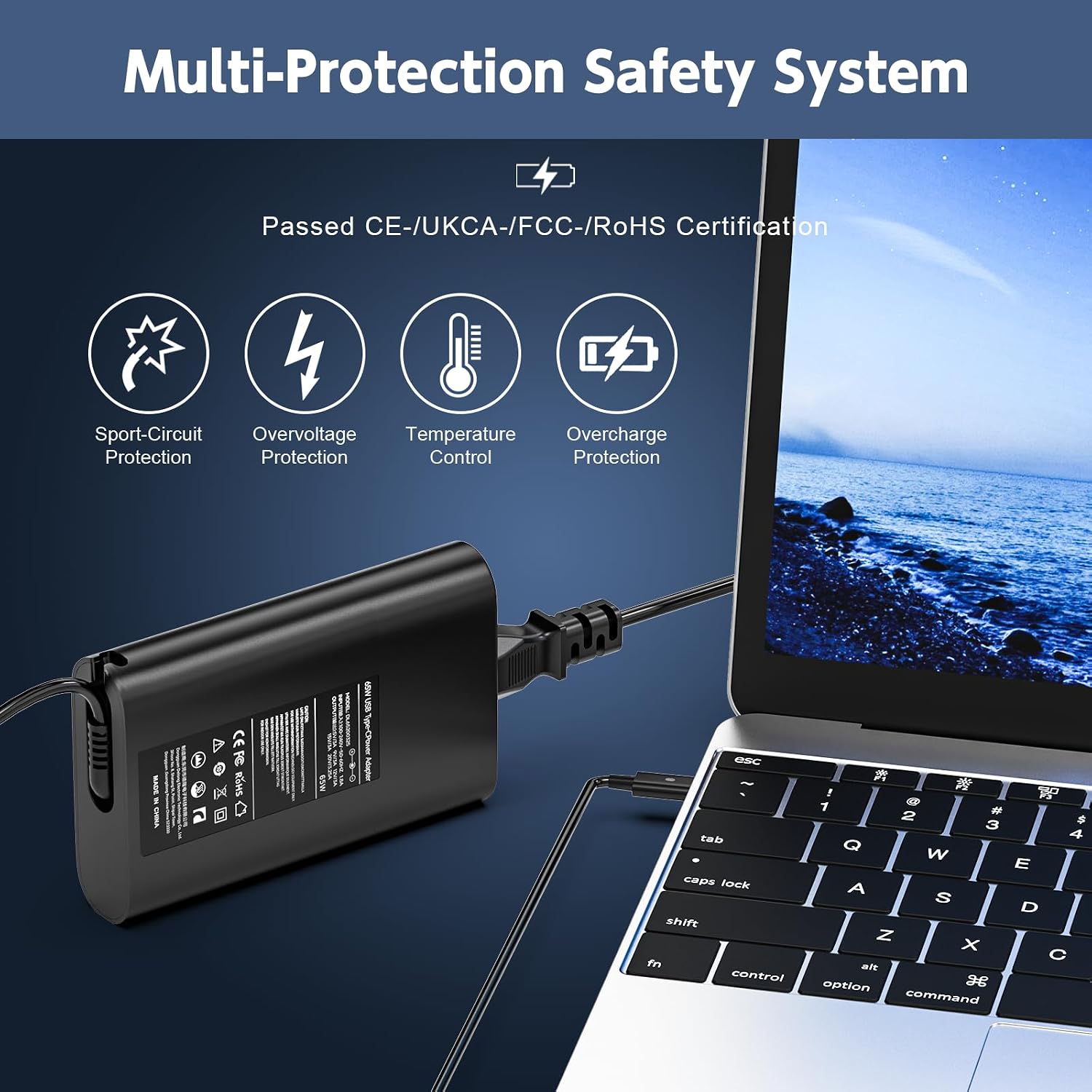
First, the charger is described as using a built-in IC chip technology to help guard against common charging problems like overcurrent, voltage errors, short circuits, and overheating. For a laptop charger, this is the sort of safety language you’d expect, but it’s still a useful signpost—especially if you travel with it or plug it in frequently.
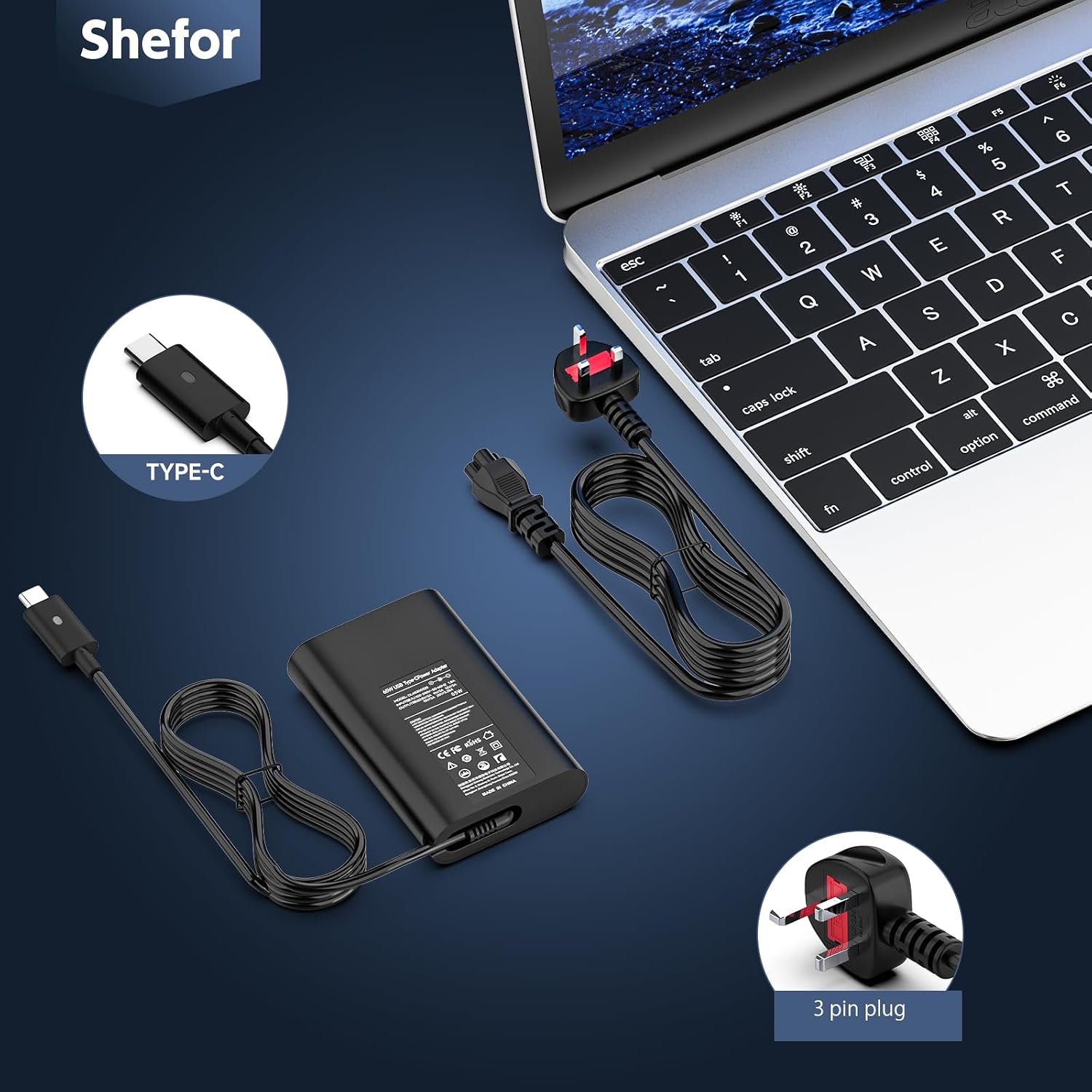
Second, the magnetic-connection angle is mentioned: the charger is described as undergoing factory testing to ensure a strong magnetic connection. If your setup involves a detachable connector or you’re trying to avoid a loose-feeling connection, this is the type of detail you’d look for.
Third, the cable design is described as being engineered with high-density PC material for stability and wear resistance. It also mentions a separate cord design to help reduce tangling and poor connections. Again, not something you can “see” in use immediately, but it can make a difference if you pack your charger often.
What to expect from 65W (and where it can fall short)
65W is a sensible middle ground for many USB-C laptop charging needs. It’s also explicitly positioned here as the maximum output, with mention of compatibility with 29W, 30W, 45W and 61W as well.
However, here’s the limitation to keep in mind: if your laptop specifically needs a different wattage or a particular charging standard beyond what’s described, this charger may not behave as you want. The listing suggests USB-C PD charging with up to 65W, but it can’t cover every possible edge case.
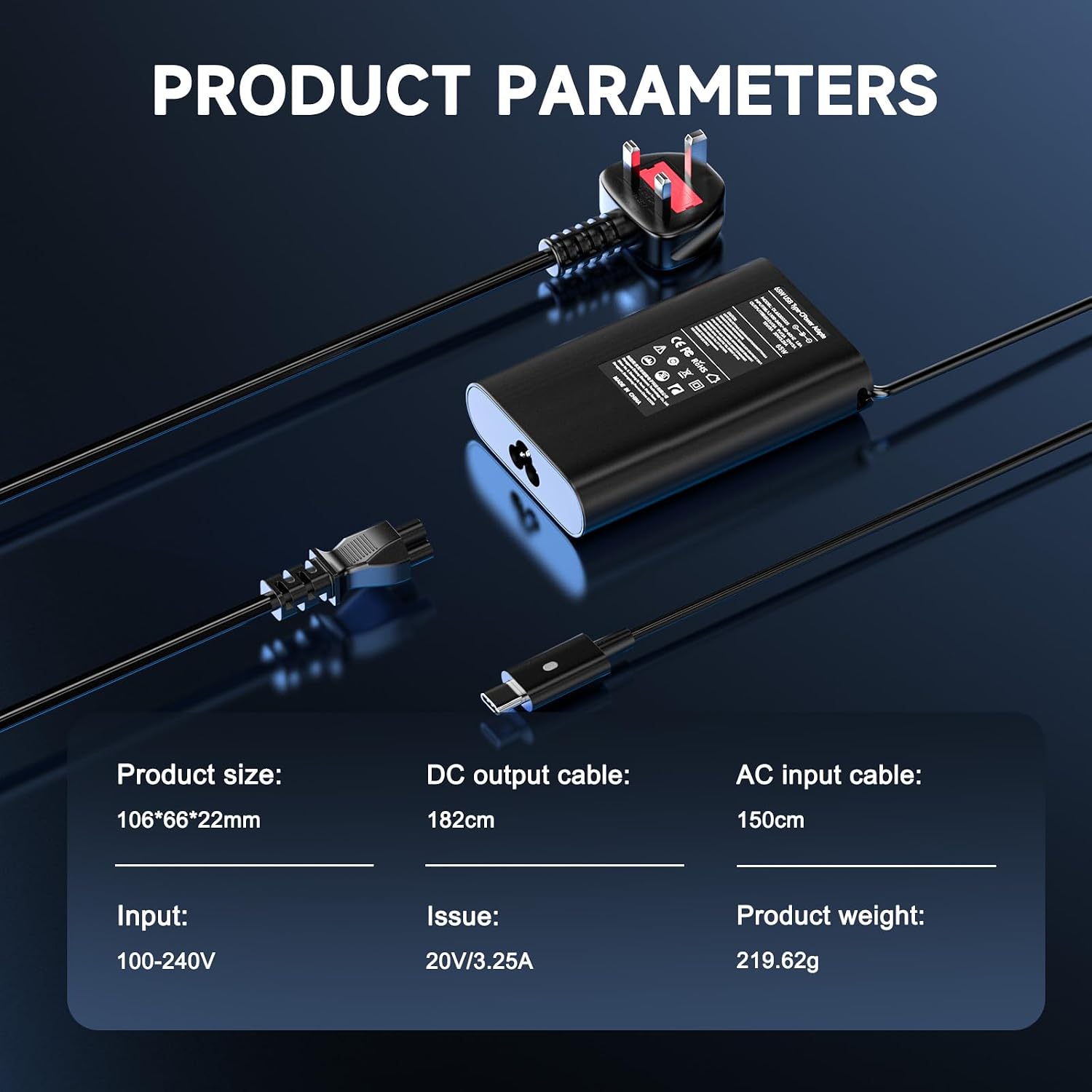
It’s also worth noting that the listing states the model number on the product label is “for illustrative purposes” and the actual product received may vary. That’s not necessarily a bad sign, but it does mean you shouldn’t base your decision solely on what the label might show.
Compatibility: it’s listed widely, but you should still verify
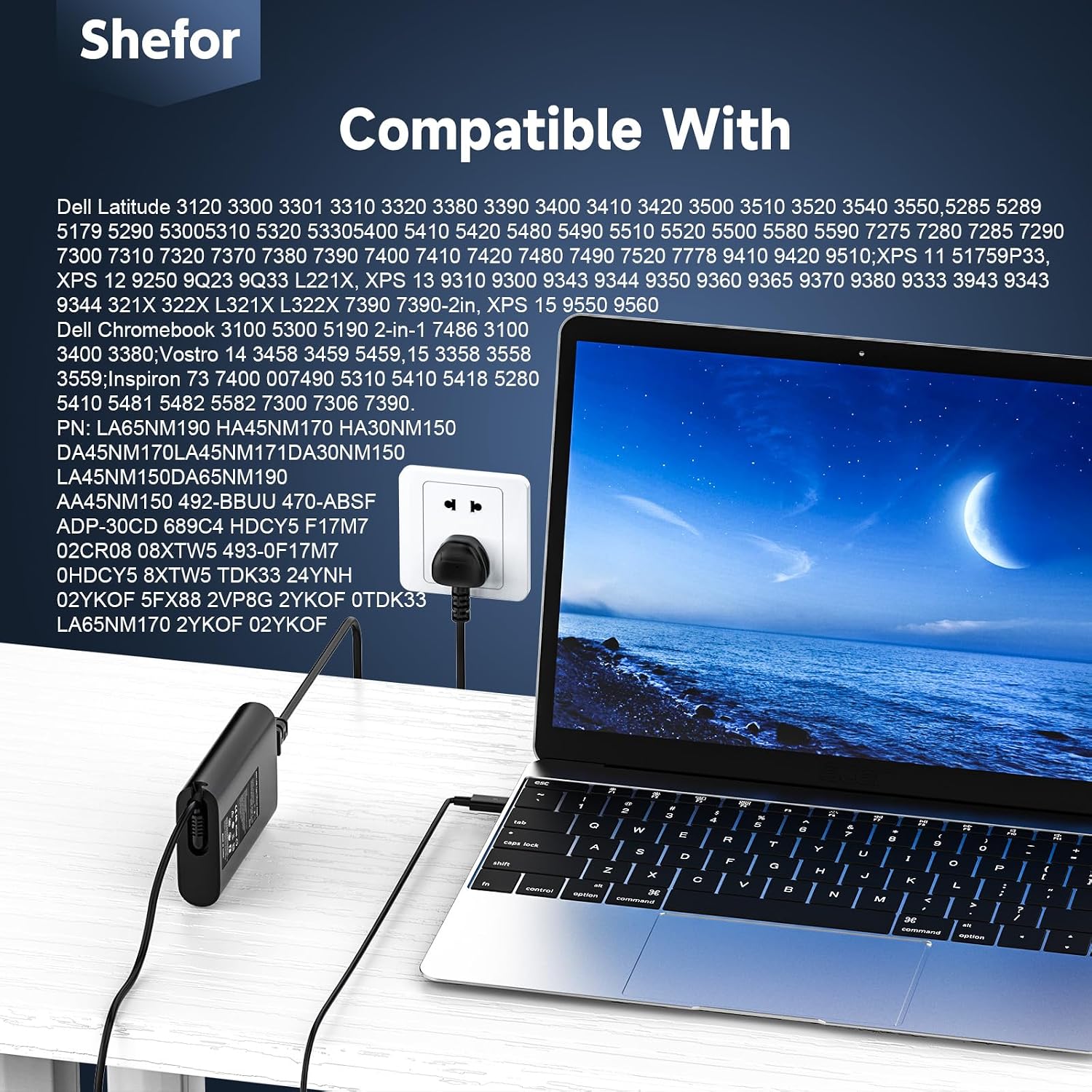
The entry includes a long compatibility list, naming multiple Dell Latitude and XPS models (and also mentions Chromebook models). It also includes several part numbers (PNs) associated with Dell chargers.
In situations like this, the smart way to buy is to cross-check your current charger’s output/power and connector type, then compare that with what your laptop expects. If your device charges over USB-C and is compatible with USB-C Power Delivery, this type of charger is usually the right direction.
If you can’t confirm the charging method your laptop uses, you may end up with a charger that physically fits but doesn’t charge correctly—so it may not be the best purchase if you’re in a rush.
Care and handling tips for longer-lasting charging
No charger lasts forever, but you can extend the working life.
Avoid repeatedly bending the cable sharply near the connector, especially when packing it into a bag. The listing points towards wear resistance and a separate cord design, which suggests the manufacturer is thinking about frequent movement—but materials still fatigue.
Also, keep an eye on the connection quality: since the description highlights a tested magnetic connection, treat the plug like a precision fit rather than a “force it in” situation.
If your laptop sits in a dock or on a desk, try to keep the cable strain-relieved (so it isn’t pulling on the connector while you work).
Should you buy it? (Final verdict)
This 65W USB-C laptop charger looks like a solid replacement-style adapter if you want a USB-C PD charger for a Dell Latitude or XPS laptop (plus some Chromebook models) and you value the safety protections and PD power delivery behaviour described.
Buy it if you need a capable 65W USB-C PD charger for one of the listed device families, and you’re happy to verify your laptop supports USB-C charging.
Skip it if your laptop’s charging requirements don’t match USB-C Power Delivery, if you can’t confirm your exact model’s charging method, or if you’re expecting a charger that will automatically work with every laptop regardless of power standard.
Not the best choice if you’re looking for something genuinely “set-and-forget” without checking compatibility details first—chargers can be annoyingly model-specific, even when the wattage sounds right.
Mini FAQ
Does this charger support USB-C Power Delivery?
Yes. The description explicitly mentions USB-C PD with multiple output profiles, with power delivered up to 65W.
Will it charge at full 65W all the time?
Not necessarily. The listing says it intelligently recognises your device and provides the output accordingly, so the actual charging rate depends on what your laptop requests.
Is it only for Dell laptops?
The listing strongly focuses on Dell Latitude and XPS models and also mentions certain Dell Chromebook models. It may suit other devices, but you should rely on your laptop’s USB-C PD charging support.
Why does the listing say the label model number is illustrative?
It suggests the product received may vary in label details. For buying confidence, it’s better to match by your laptop’s charging needs and the connector type rather than assuming the label will be identical.
How long is the support period?
The description states 12 months support and says questions will be answered within 24 hours.