

4K 64MP Digital Camera (Pink) with 32GB TF Card, 3" 180° Flip Screen, Autofocus & 16x Zoom
Product description
If you’re shopping for a first camera for family days out, vlogging, or simple creative shots, this pink 4K digital camera is built around the basics: high-resolution stills, 4K video, autofocus, and a 3-inch 180° flip screen. On paper it looks aimed at beginners and younger users—although it may also suit adults who just want an easy, portable option without overthinking settings.
The key thing to remember is that the “64MP” headline and “16x zoom” are only part of the story. With compact cameras like this, results depend a lot on lighting and how steady your hand is. Still, for casual shooting, webcam use, and everyday content, it’s the kind of device that can be fun quickly—especially thanks to the flip screen and autofocus.
What it is and what it’s for
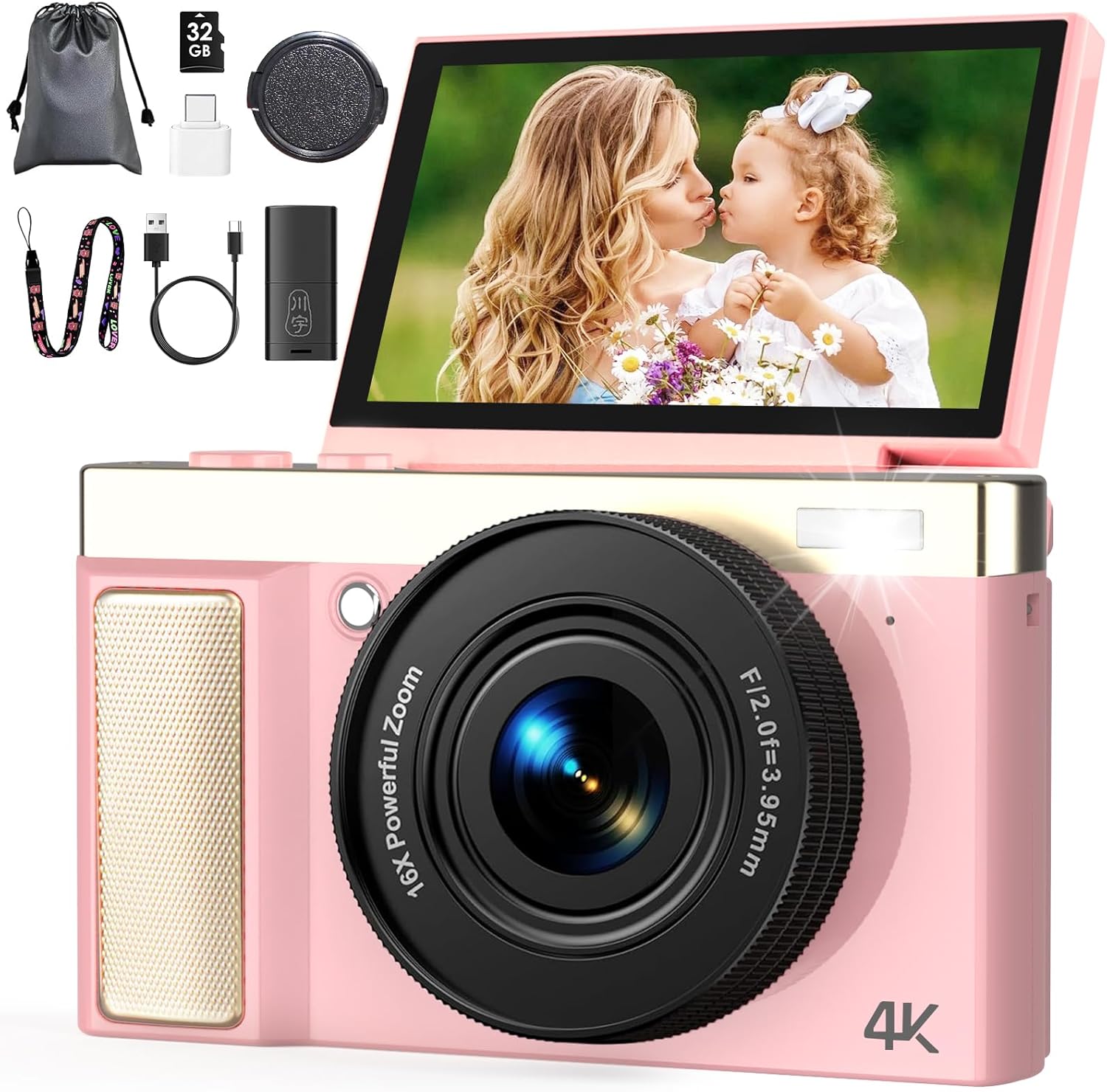
This is a compact digital camera that captures 64MP photos and records 4K Ultra HD video. It’s positioned for people who want a straightforward way to film events, take pictures at home, and do simple vlogging—without needing a complex learning curve.
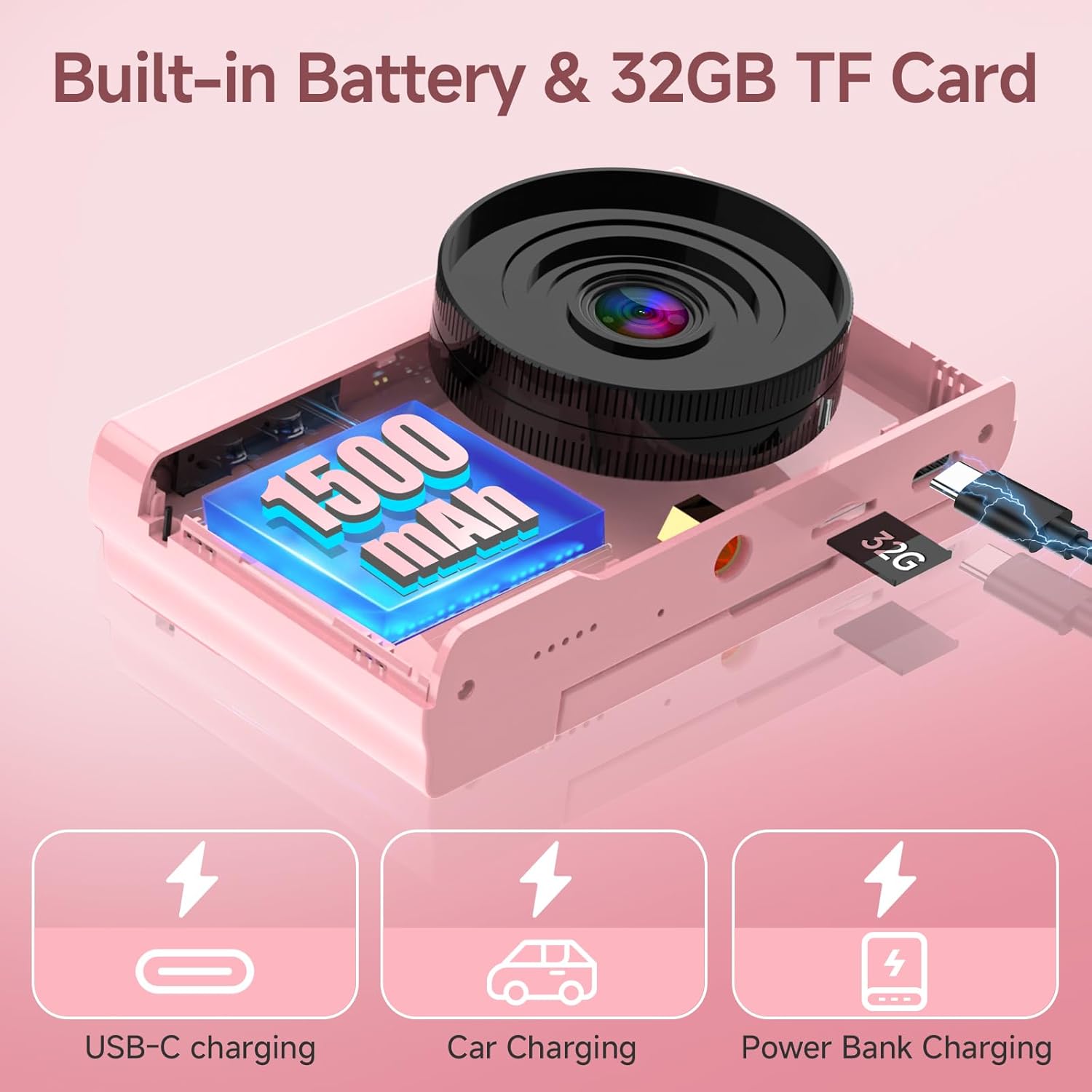
Alongside the camera itself, the setup is meant to feel “ready to go” for beginners. The pack includes a 32GB TF card, and the interface is described as intuitive, with easy-to-understand buttons and menu navigation.
Where it stands out in day-to-day use
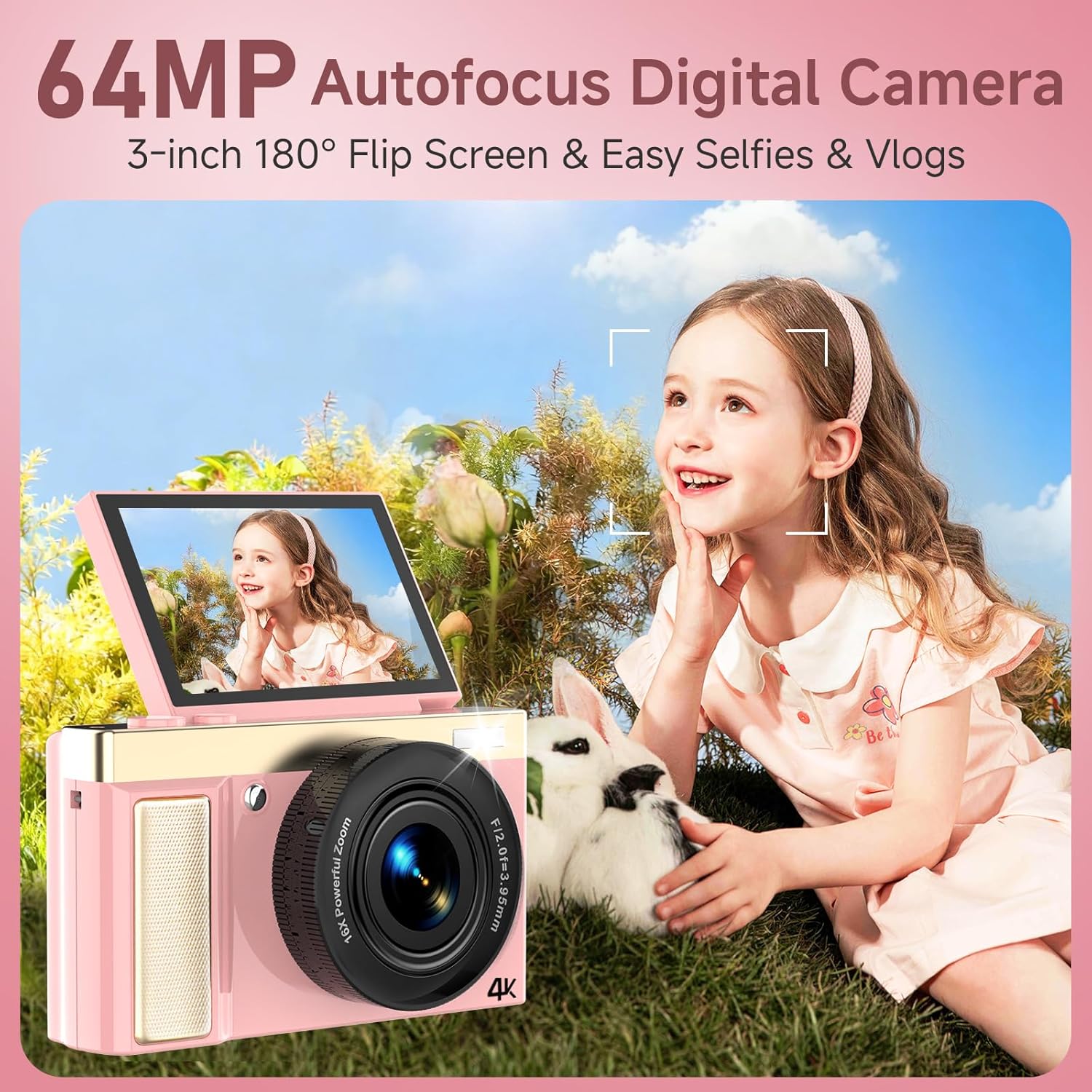
The most practical differentiator here is the 3-inch 180° flip screen. That kind of hinge range is convenient for:
- Selfies and front-facing vlogs
- Group photos where you can frame everyone while walking around
- Video recording from awkward angles (like standing slightly off to the side)
Autofocus is also a big deal for a beginner camera. Instead of guessing focus manually, you press to focus, then press again to capture. For casual snapshots of people and scenes, that tends to reduce the “why is it blurry?” frustration.
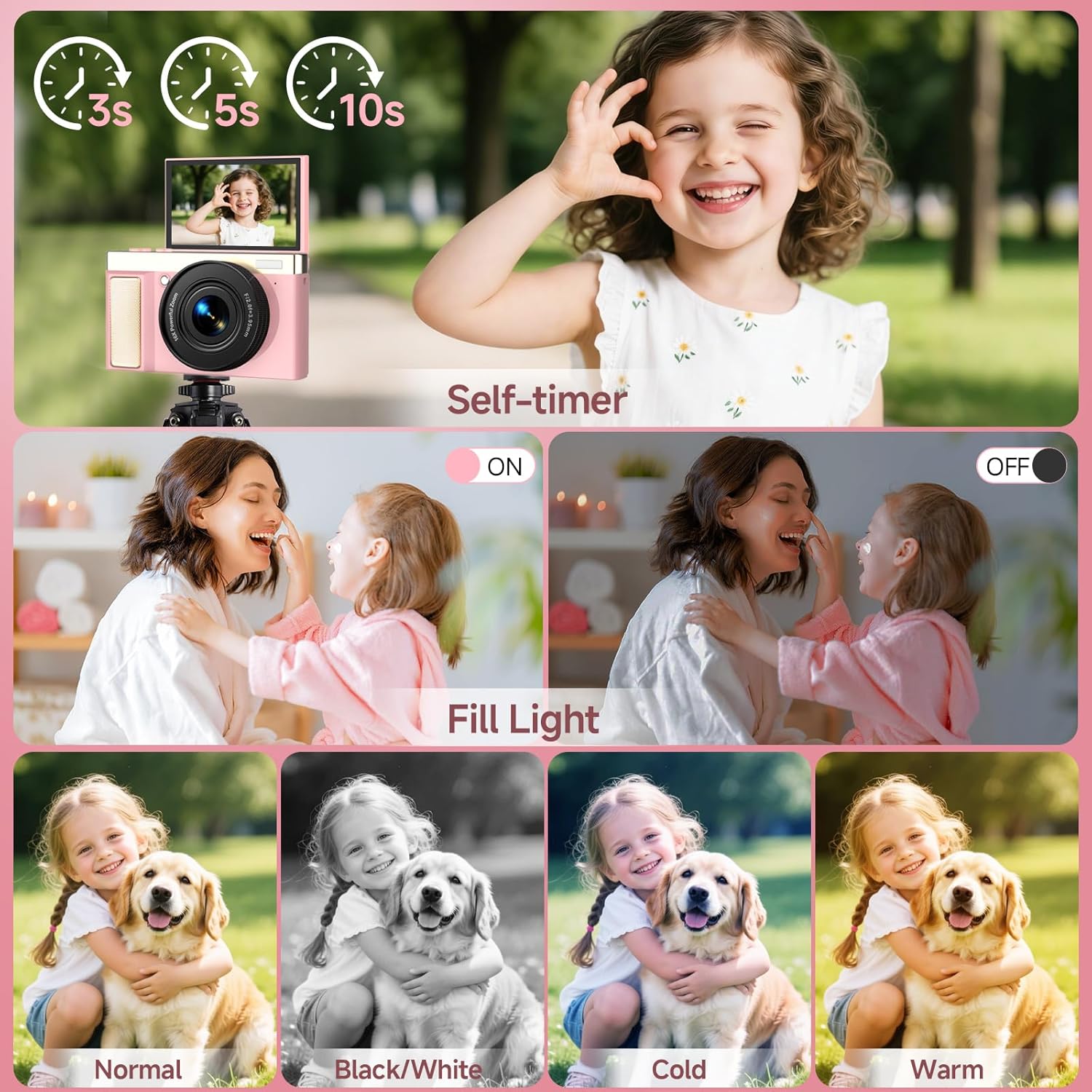
The built-in fill light is another everyday feature that can help in darker indoor settings—think evening dinners or indoor parties—where a phone camera would normally compensate with exposure adjustments.
Video and photo quality: what to expect (and what to be cautious about)
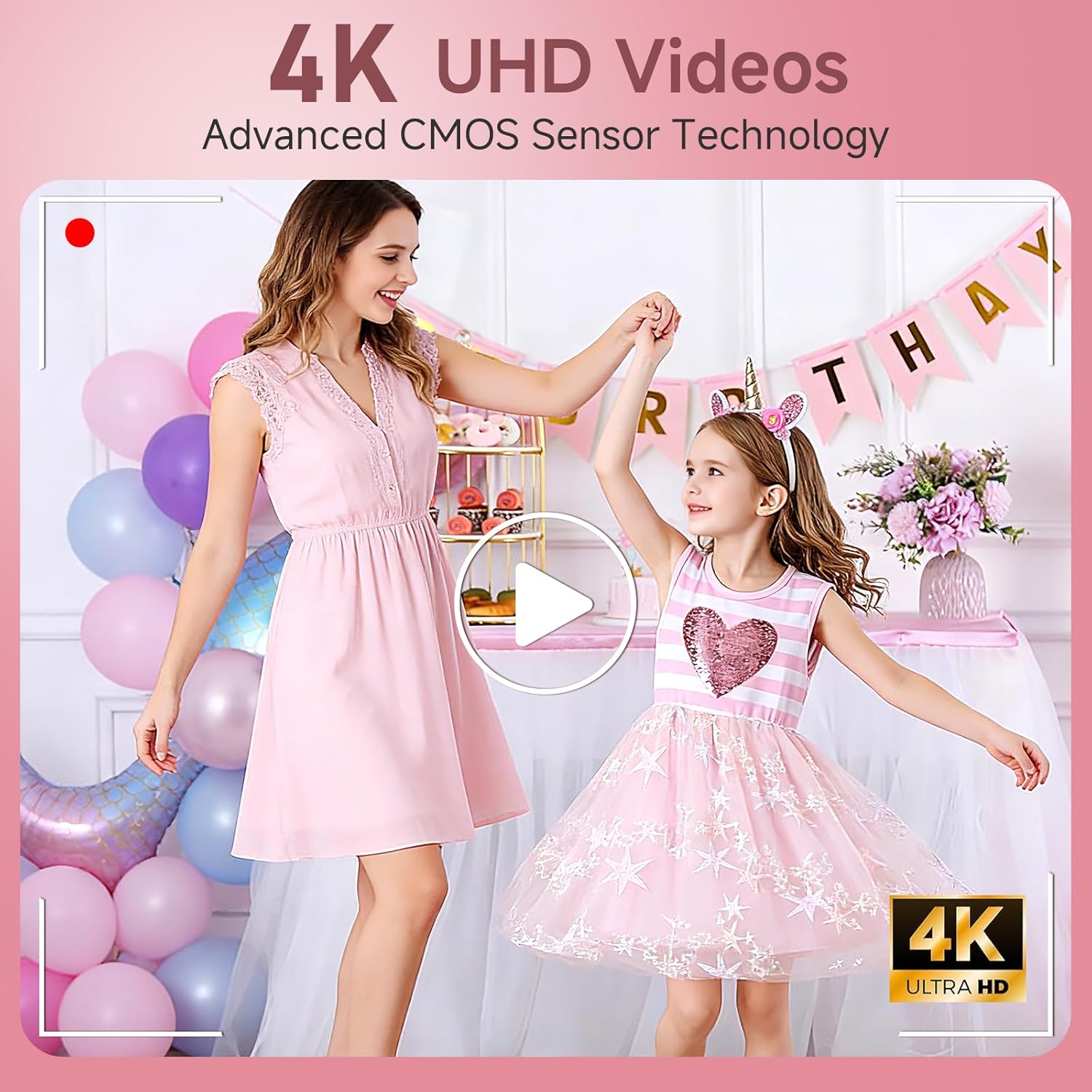
The camera’s headline specs are 4K Ultra HD video and 64MP photos, supported by a CMOS sensor. That suggests it’s designed to produce detailed, sharp-looking results, especially in decent light.
However, it’s worth tempering expectations. A compact camera with zoom and filters can still look great, but it won’t magically overcome poor lighting or shaky hands. Also, “digital zoom” doesn’t behave like optical zoom—so if you’re hoping for crisp detail from far away, you may find it less satisfying than you’d expect.
A good way to judge whether it’s a fit for you is to ask: will you primarily shoot in gardens, streets, rooms with lights on, and daylight? If yes, this kind of camera usually makes sense. If you’re planning a lot of low-light zooming or demanding close-up detail at distance, you might want to look more carefully at the kind of camera that’s designed for that.
Quick overview of key features
Beyond the core stills/video, the camera includes extras that are meant to keep things interesting for beginners:
- 180° flip screen for vlogging and selfies
- Autofocus for easier framing
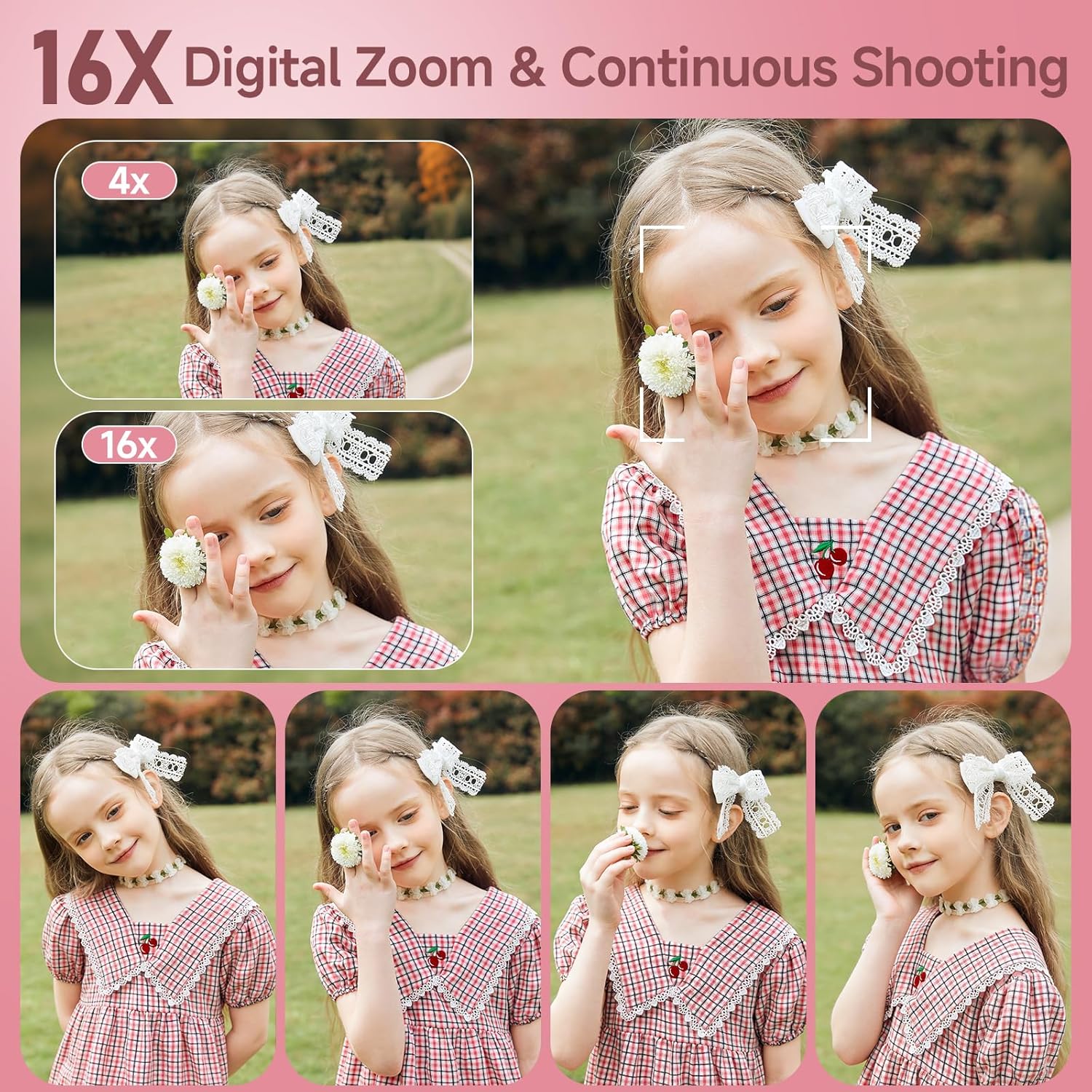
- 16x digital zoom for getting closer (within the limits of digital zoom)
- Built-in fill light for indoor/evening shots
- Webcam function via USB Type-C (Windows systems) for video calls, online classes, or live streaming
- Mass storage / USB disk mode so files can be accessed in the DCIM folder
- Built-in rechargeable battery charged via the USB cable
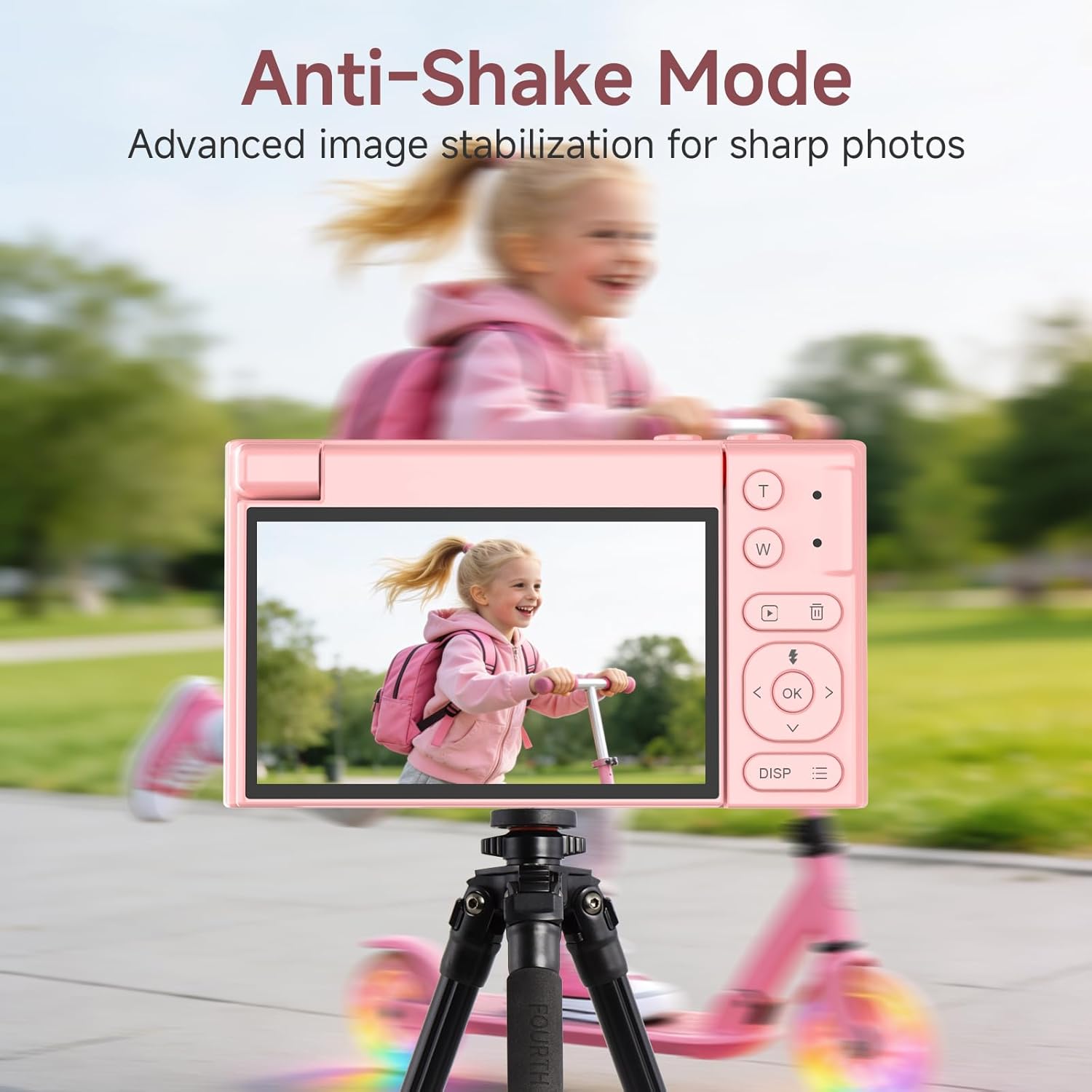
- Creative modes such as filters, beautify, anti-shake mode, automatic shooting, continuous shooting, and time-lapse photography
- Macro support (useful for small subjects—though you’ll still want good lighting)
It’s also described as lightweight and portable, with a compact, giftable design.
Compatibility and practical setup (webcam + file transfer)
The webcam function is straightforward “on paper”: connect to a PC via USB Type-C, switch to USB Camera mode, and you can use it for calls, classes, or live streaming on Windows systems. For file transfers, it works as a mass storage device, with photos and videos available in the DCIM folder.
That means you’re not stuck with a complicated workflow to share content. It’s the sort of setup that suits people who just want photos on a computer quickly.
One limitation to keep in mind: the webcam description mentions Windows systems specifically. If you’re on a different setup, it’s worth checking whether you’ll be able to use it in the same way.
Who it suits best (and who should skip it)
It’s a solid match if you want a beginner-friendly camera for everyday creativity—family events, vlogs with a flip screen, and simple indoor/outdoor moments. It also makes sense if you’re buying for kids or a first-time photographer because the controls are described as intuitive and the autofocus reduces the learning curve.
You may want to skip it if you’re expecting a camera that performs brilliantly in challenging conditions (low light, heavy motion, long-distance detail) or if you specifically want zoom that holds detail the way optical zoom tends to. Compact cameras like this can be entertaining and practical, but they’re usually more “good for daily use” than “serious replacement” for advanced gear.
Mini FAQ
Is it beginner-friendly?
The camera is described as having intuitive buttons and an easy-to-understand menu, and autofocus helps reduce focus issues—so yes, it’s clearly aimed at beginners.
Can it be used as a webcam?
Yes. The description says it can work as a webcam by connecting via USB Type-C, switching to “USB Camera” mode, and using it on Windows systems.
Does it include a memory card?
Yes, it comes with a 32GB TF card mentioned in the product name.
Does the flip screen help with vlogging?
It’s specifically positioned for selfies, vlogs, and group photos thanks to the 3-inch 180° flip screen.
Is the 16x zoom optical?
The listing mentions “16x digital zoom”. Digital zoom is typically more limited than optical zoom, so you should expect variable results depending on lighting and distance.
Final verdict
Should you buy it? It makes sense if you’re after a compact first camera for casual vlogging, family moments, and simple creative modes—especially with the flip screen, autofocus, and fill light doing the heavy lifting day to day. If you’re mainly shooting indoors, taking group selfies, or want a webcam-style setup for online calls, it’s the right sort of camera to consider.
If you need consistently sharp zoomed-in detail at distance, or you’re buying purely for high-end image performance in tough conditions, you may find it more of a mid-range, beginner-focused tool than a “serious” upgrade.