

4K 64MP Digital Camera 2.8Inch Vlogging Camera – Compact UHD Recorder for Kids, Beginners and Teens
Product description
What it is and why it matters
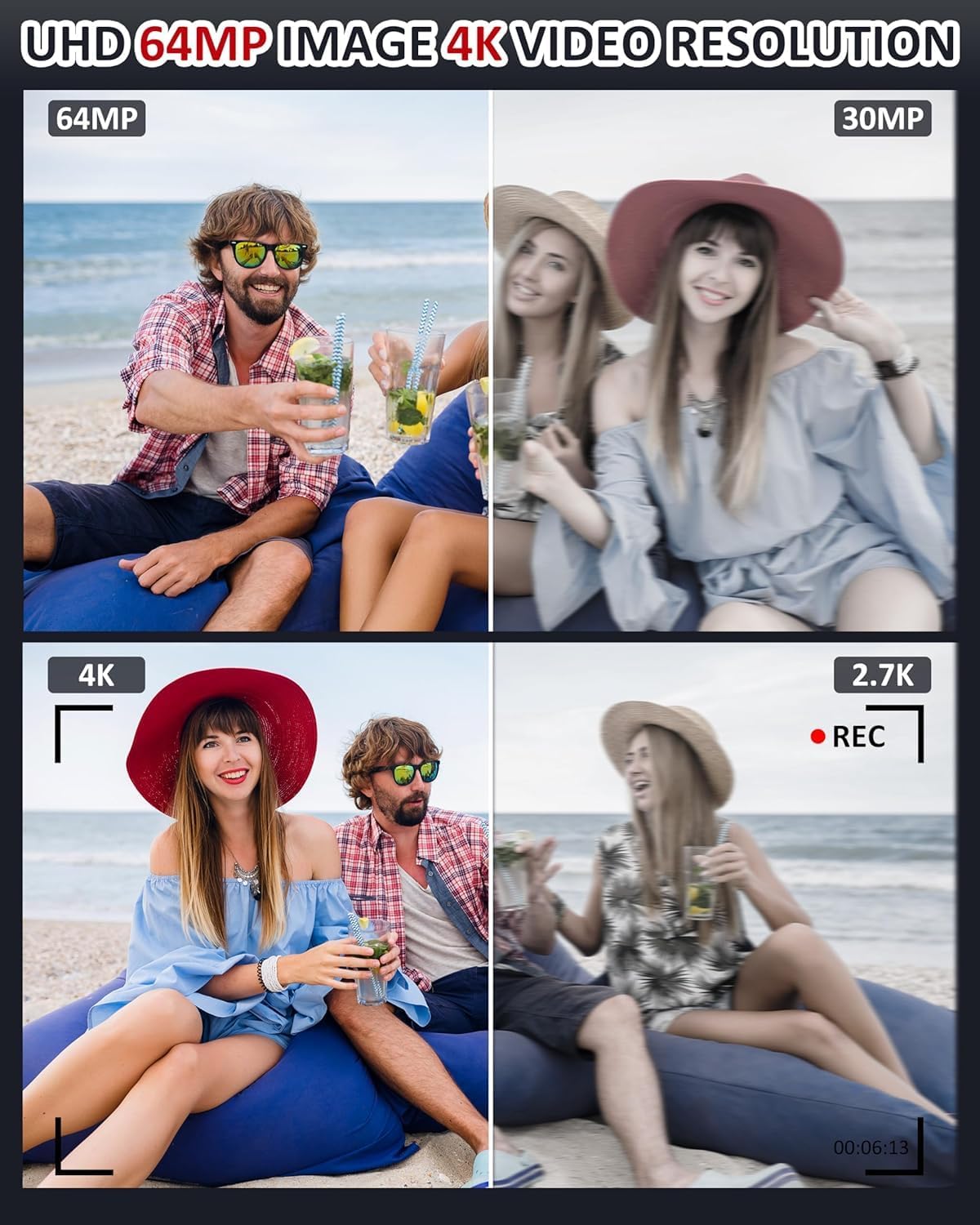
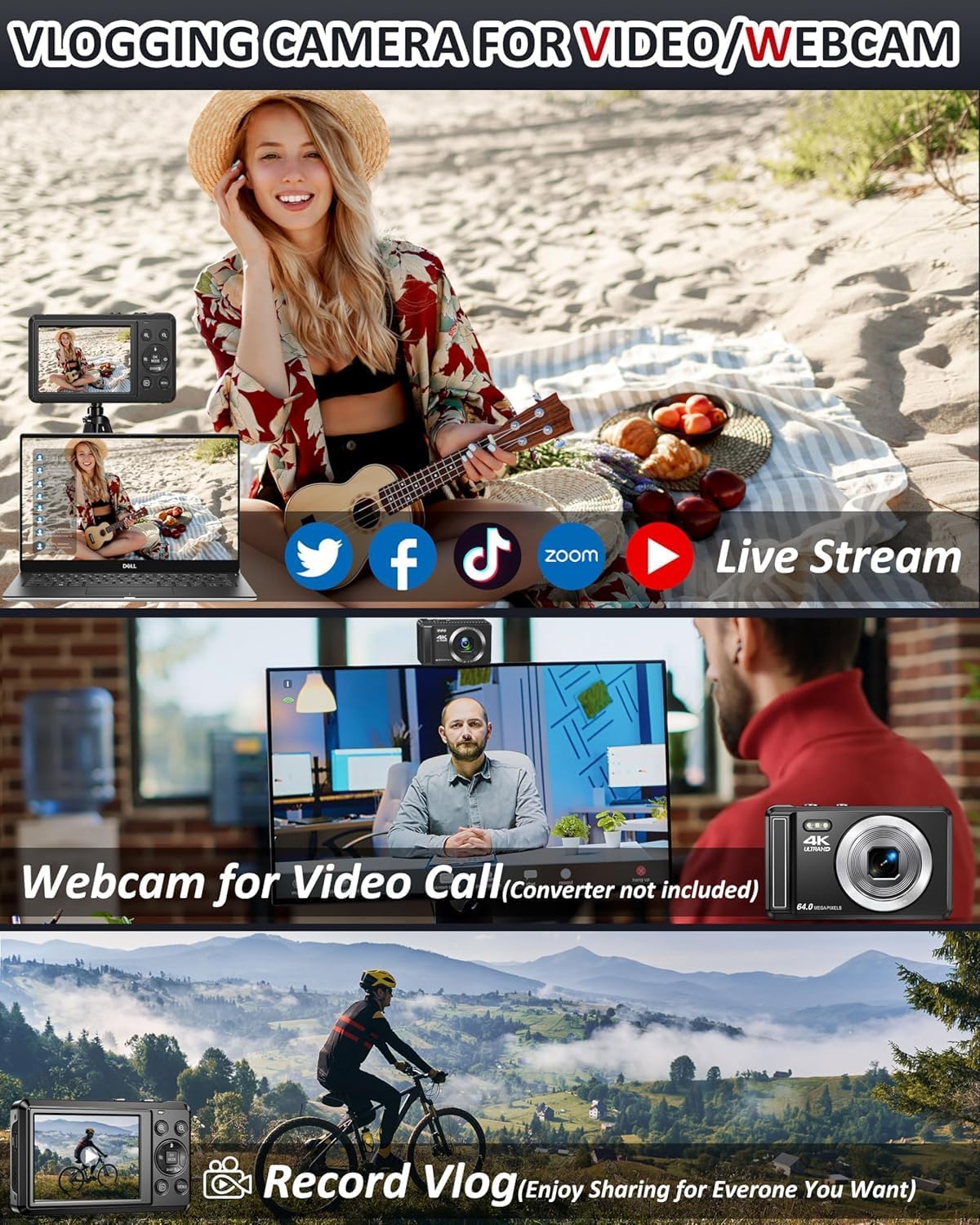
This compact camera is designed as a simple entry point into photography and video for younger users and beginners. It records in 4K video and captures stills at 64MP, which means it can produce clearly detailed memories from family outings, school events, holidays or casual daily moments. The small form factor and intuitive controls aim to reduce friction for first-time users, while a 2.8-inch screen gives a usable preview and framing aid. It also includes a built-in microphone for basic vlogging and a micro SD card-carrying design that makes transferring files straightforward.
Core features at a glance
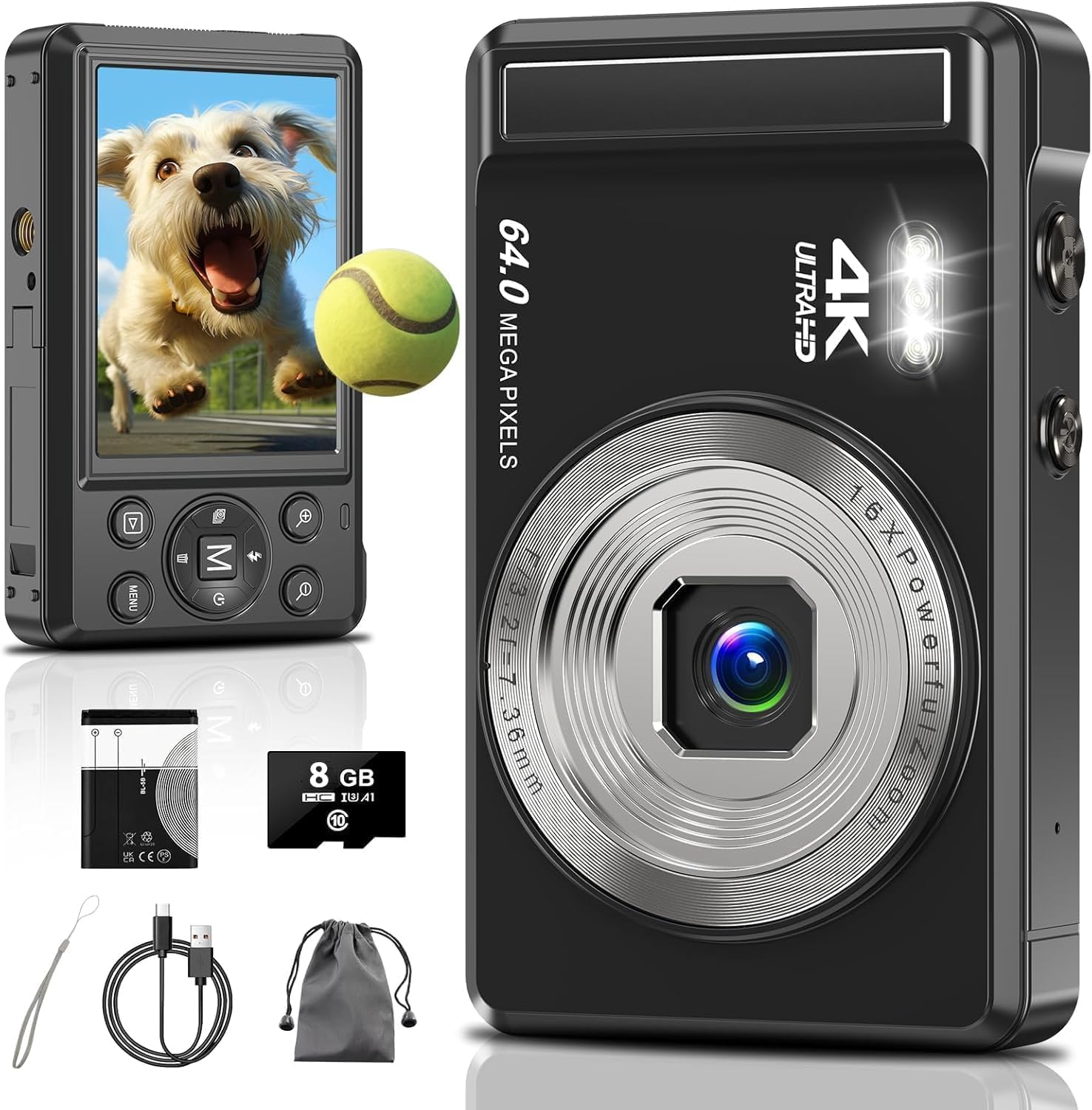
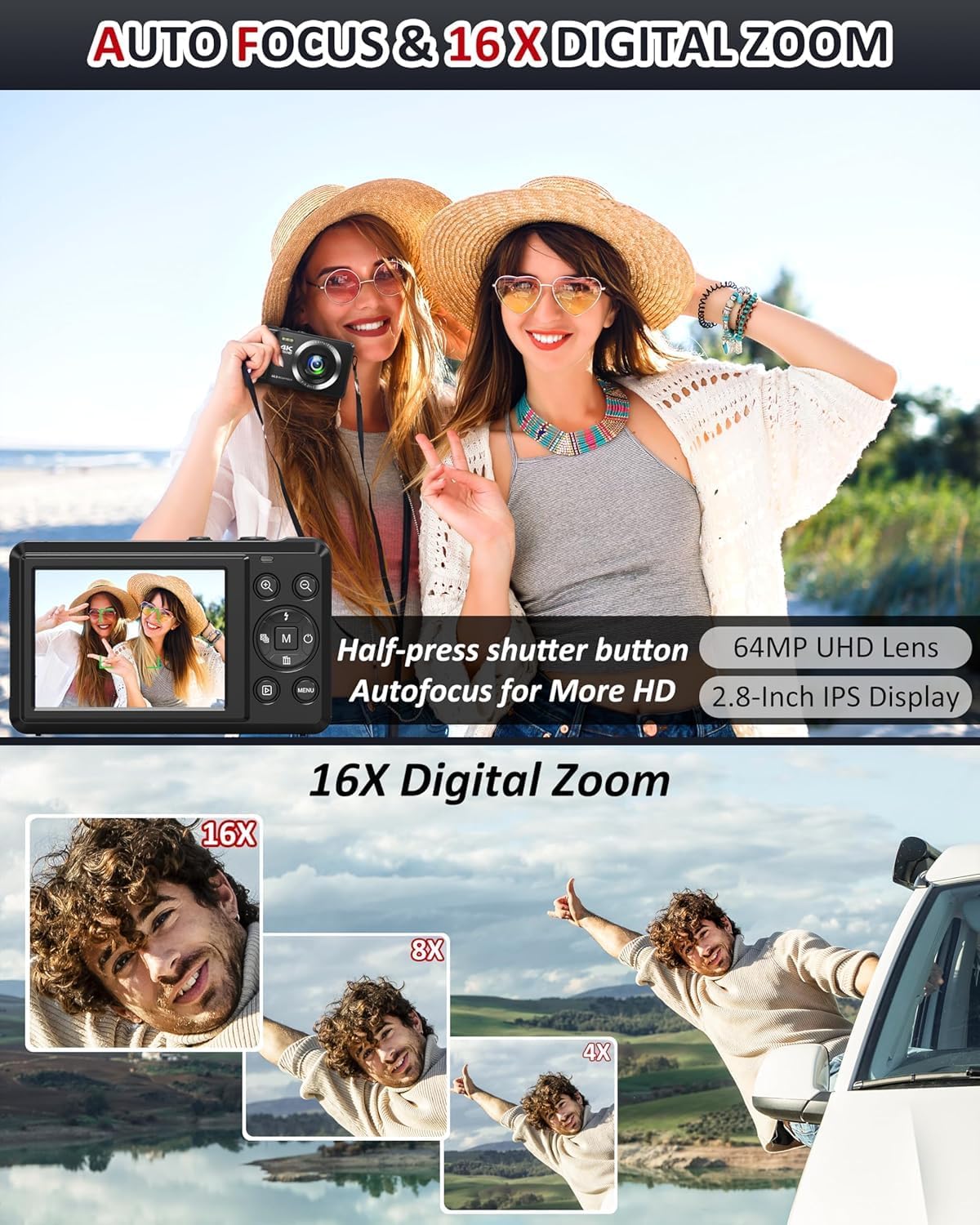
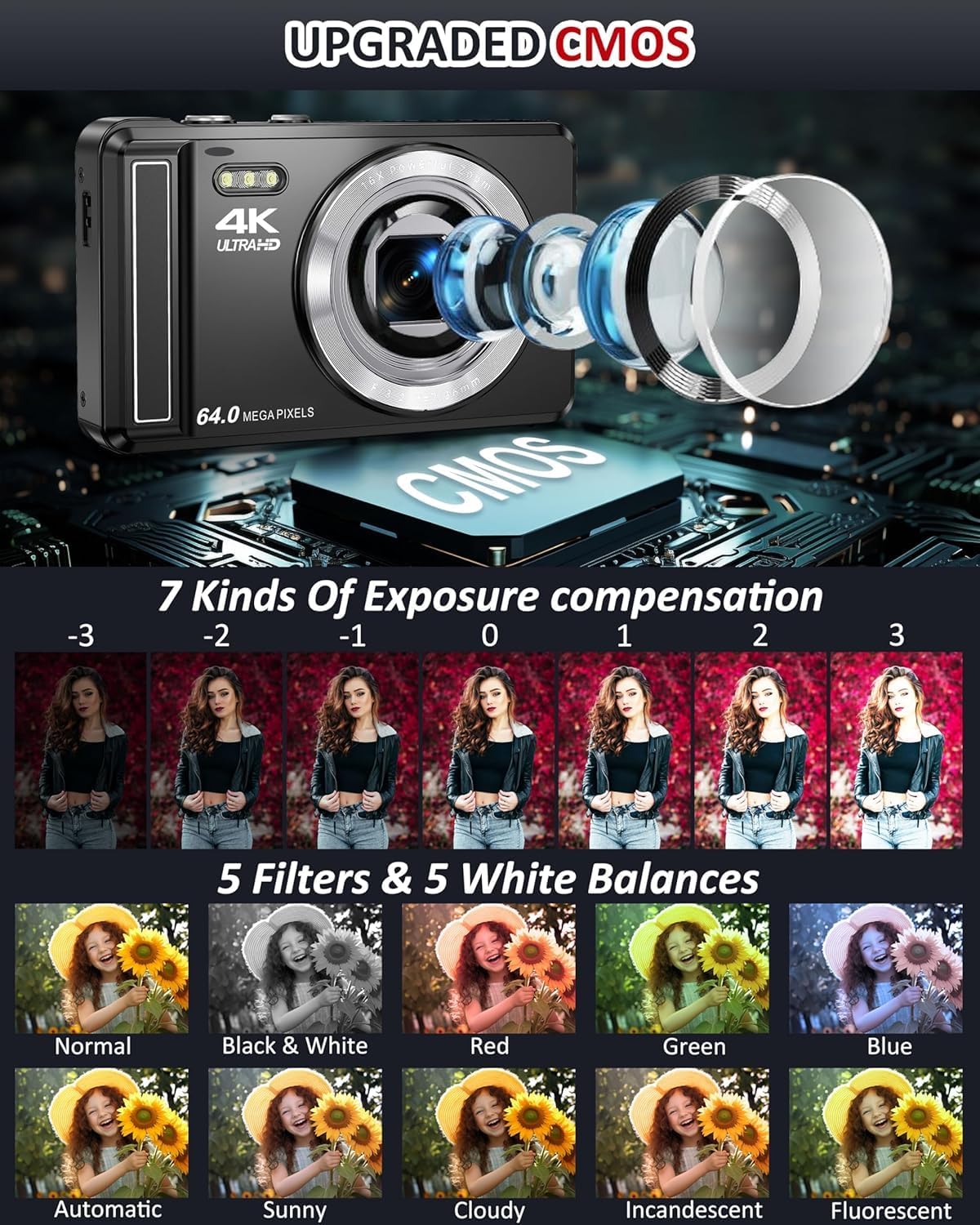
On paper, the standout attributes are 4K video resolution, 64MP image capture, and a 16x digital zoom available in photo mode. Autofocus helps you keep the subject sharp, with a visible red focus box when you press the shutter to assist in composing the shot. The device offers straightforward mode switching (press M to toggle between recording and photography) and on-board exposure, white balance and filter adjustments for a bit of creative control without being overwhelming.
Who this is for
If you’re shopping for a kid, student or beginner who wants a user-friendly device to capture memories and try out vlogging, this camera ticks the basic boxes. The built-in microphone supports basic narration for videos, which is handy for school projects or simple content creation. Its compact size and soft learning curve can help younger users gain confidence in operating a camera without too much added complexity.
What to use it for in everyday life
Think family days out, birthday parties, pet moments, or quick studio-style practice at home. The camera is practical for documenting events where you want a keepable file without needing a high-end setup. A practical note: the 16x digital zoom is available in photo mode, so distant scenes can be cropped in post-production rather than relying on a telephoto lens.
How to use it effectively
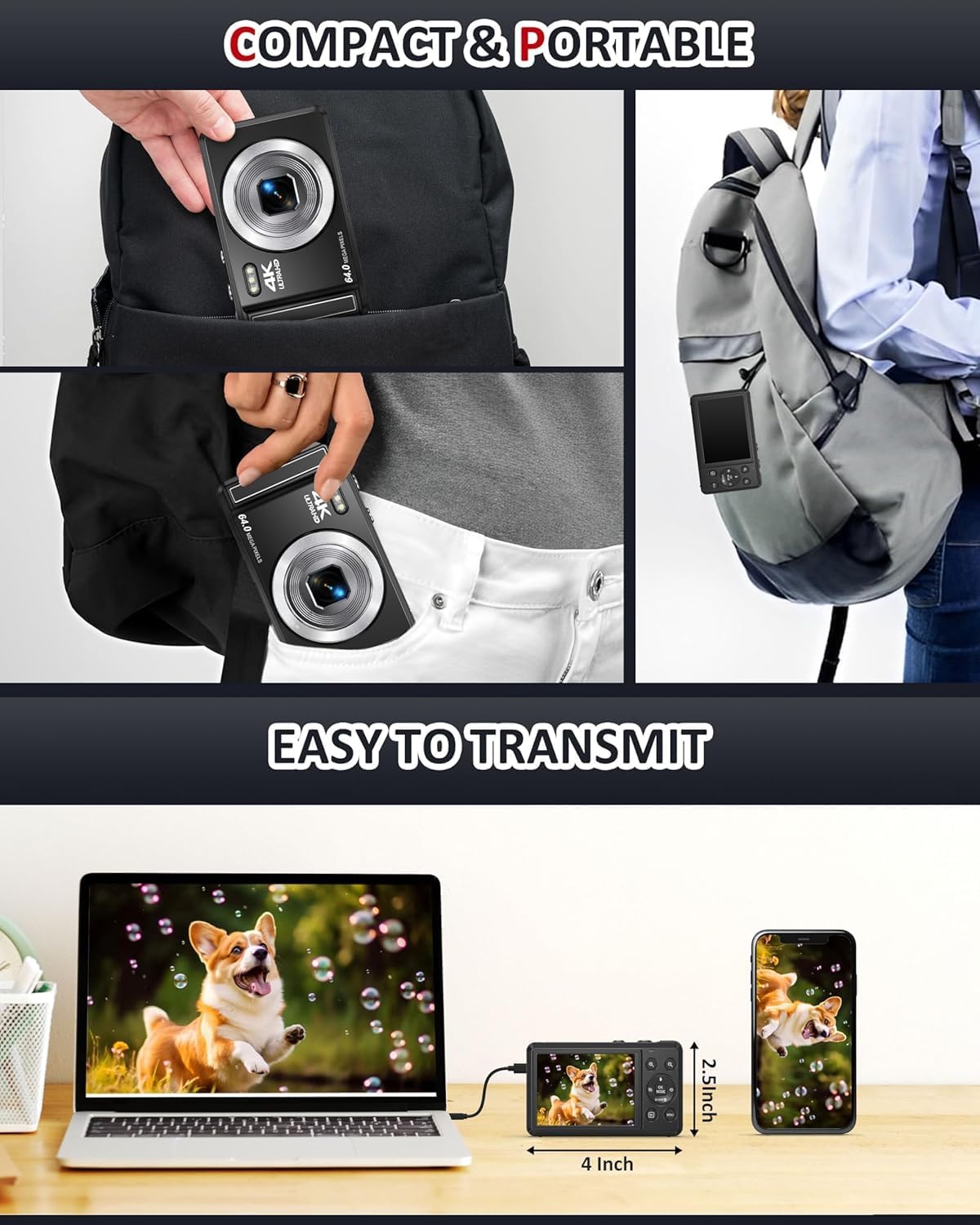
Begin with the basics: switch to the appropriate mode (photo or video) using M, frame your subject on the 2.8-inch display, and press the shutter. If you’re aiming for closer shots, experiment with the zoom controls while maintaining distance to preserve image quality. For videos, remember to speak clearly into the built-in mic and keep the scene reasonably steady. If you want to save footage and photos to a computer, the camera’s file transfer should be straightforward with the included USB‑like connection method.
Strengths and potential limitations
On the pro side, you get 4K video capability and 64MP stills in a compact, affordable package. The autofocus helps with fast moments, and the built-in mic supports basic narration. The design prioritises ease of use, which is valuable for younger users learning how to compose a shot. Potential drawbacks include the reliance on a digital zoom, which can soften details when used aggressively, and the fact that battery life and charging specifics aren’t detailed here—so you may want to plan charging beyond a single session.
What to compare against (contextual buying guides)
If you’re weighing options, this device sits in the entry to mid-range of kid-friendly or beginner cameras. For a family or school environment, it can be more practical than larger, more expensive units unless you need higher dynamic range, better low-light performance or interchangeable lenses. It’s sensible to assess whether you value a bigger screen, longer battery life, or higher quality video than what a basic model provides. Consider your priorities: simple point-and-shoot function with a dash of video capability versus more robust controls and resilience.
Before you buy: key checks
- Confirm the actual battery capacity and stated runtime, since you’ll want to avoid moments where charging becomes a bottleneck. The provided battery is described as 1200mAh, but real-world endurance depends on usage.
- Check what formats are supported for photos and videos, and how easy it is to transfer files to a computer or tablet.
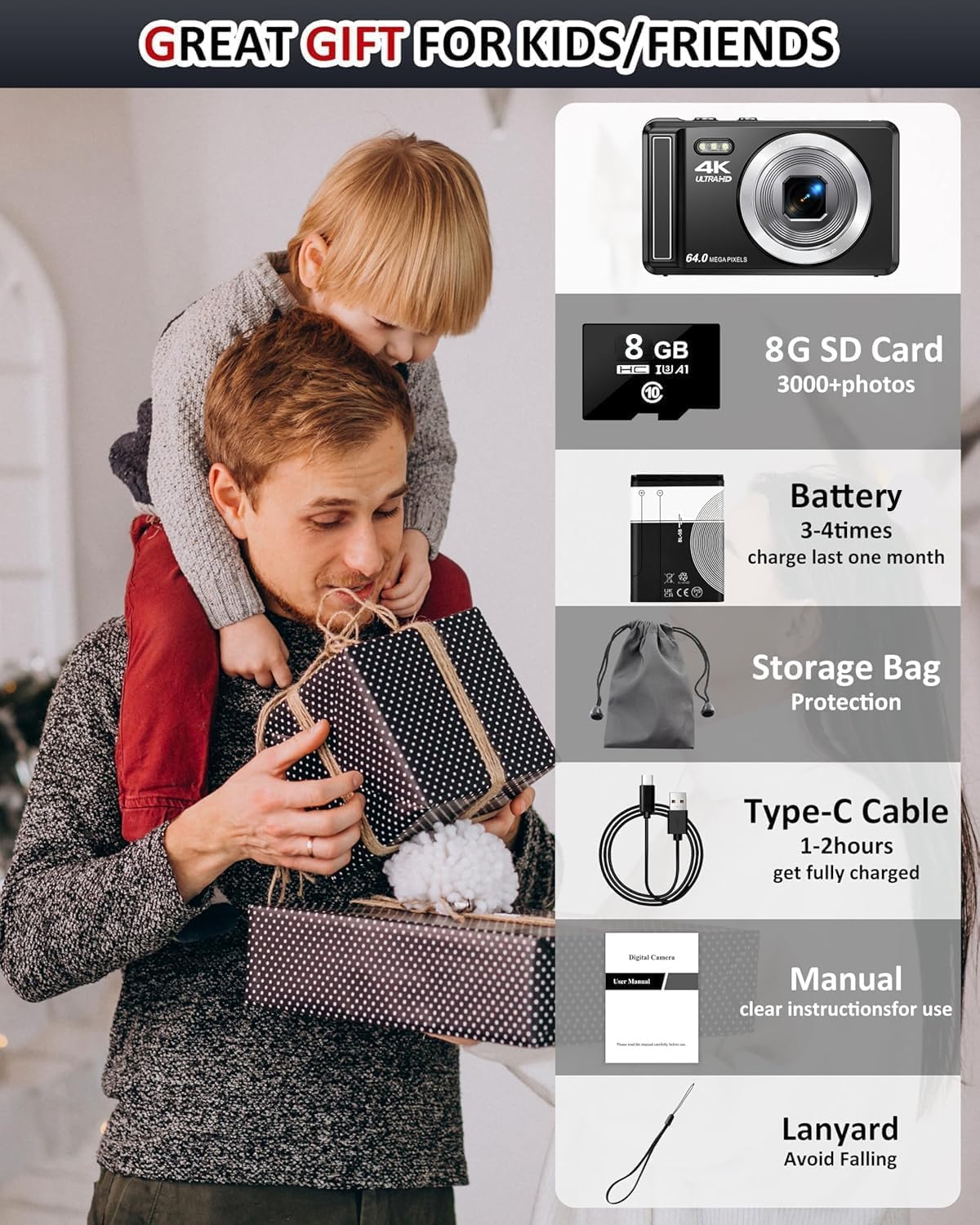
- Look at build quality and protective features (a carry bag and lanyard are included in the pack, which suggests basic protection and portability).
- If you plan frequent blustery or outdoor use, consider how the camera’s durability and splash resistance align with your activities.
Practical usage example
Imagine a weekend trip to the park with a younger photographer. They can switch into photo mode, frame a bright scene on the 2.8-inch display, and press the shutter as the family gathers. Later, they might record a short vlog snippet about their favourite moment, using the built-in mic to narrate while a pet runs by. The 16x zoom helps capture distant details like a statue in the background or a bird on a branch. After the day, you transfer the shots to a computer and start editing a simple montage with minimal fuss.
Realistic verdict: who should consider this now
This camera makes sense if you prioritise a practical, beginner-friendly device that introduces kids and teens to both photography and vlogging without overwhelming them. If your aim is to teach basic concepts—framing, focus, exposure, and simple editing—this model offers a gentle, approachable path. If you’re seeking professional-grade video quality, advanced manual controls, or rugged construction for frequent outdoor use, this would not be the best fit.
Is it worth it?
If you prioritise straightforward operation, family-friendly features, and a compact form that’s easy to carry, this 4K 64MP camera is worth considering as a first step into content creation. It isn’t a high-end camera, but it aims to balance simplicity with useful capabilities for everyday moments and school projects.
Quick FAQ
- Can the camera record in 4K? Yes, it supports 4K video.
- Is there a screen bright enough for outdoor use? The 2.8-inch display is standard for compact cameras, usability may vary in direct sunlight.
- Can you connect it to a computer directly? Yes, it supports file transfer to a computer via its built-in connectivity.
- Does it come with accessories? The pack includes a storage bag and lanyard, with a rechargeable battery and a charging option mentioned.
- Is the zoom useful for distant subjects? The 16x digital zoom helps in photo mode, but keep expectations aligned with digital zoom limitations.