

2025 Pro Mini Wireless CarPlay Adapter

Price evolution
Product description
This compact Wireless CarPlay Adapter converts a wired CarPlay or Android Auto connection into a fast, stable wireless link for cars from 2016 onwards. It aims to reduce latency and speed up reconnection so navigation, calls and media respond more promptly while you drive.
Key Points
The adapter uses a gold-plated USB connector and a deep-seat design to maintain a reliable physical link even on rough roads, helping prevent intermittent dropouts. It is said to deliver data transfer speeds up to three times faster than standard adapters, aided by an internal dual-core processor that reduces lag and manages heat during extended journeys. 🔋
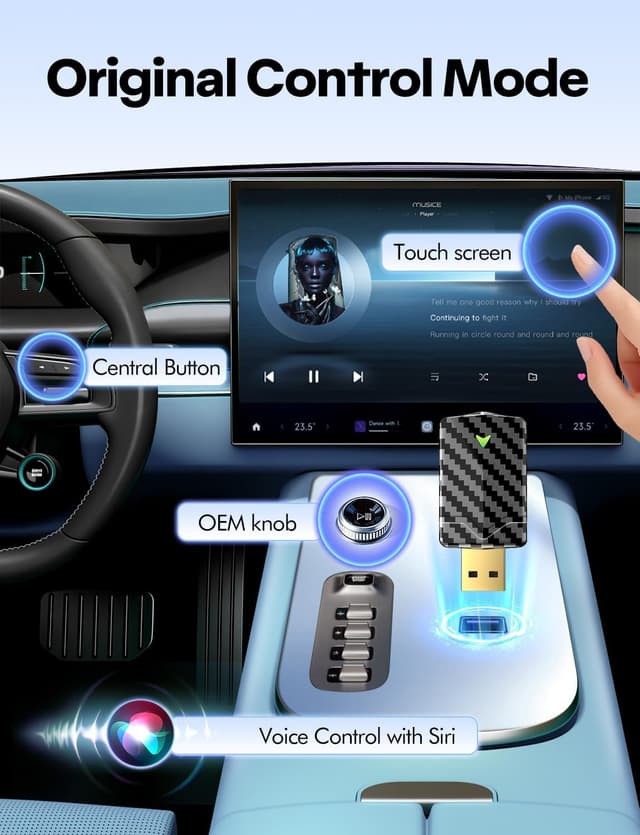
Setup is straightforward: plug into a vehicle’s USB-A or USB-C port, pair the phone once and the device should reconnect automatically in around five seconds according to the manufacturer. There is no app to install, and phones can remain in pockets while the system operates, keeping the cabin tidy by removing extra cables. 🎧
A compact carbon-fibre-style housing keeps the unit discreet and reduces clutter on the dashboard. Note that video playback from apps such as YouTube or Netflix is restricted while driving for safety, and compatibility depends on the vehicle’s original wired CarPlay or Android Auto implementation.
Technical Specifications
- Name: 2025 Pro Mini
- Compatibility: iOS 10+ and Android 10+, supports over 800 car models from 2016 onwards
- Connectors: USB-A and USB-C
- Processor: Dual-core processor (manufacturer specification)
- Features: Fast wireless CarPlay and Android Auto, automatic reconnection in ~5 seconds
Usage Recommendations
Use this adapter in vehicles that already support wired CarPlay or Android Auto to add wireless convenience without changing the head unit. For best performance, plug the adapter directly into a powered USB port rather than a low-current hub or passenger socket. If the vehicle has multiple USB outlets, place the adapter in the port used by the factory infotainment system so the car recognises it as the CarPlay connection.
Keep firmware updated if the vendor provides files, since firmware updates can improve compatibility with newer phones and address occasional quirks. Consider that very old or highly customised aftermarket head units may not behave the same as factory systems, and in those cases pairing behaviour or features can vary.