

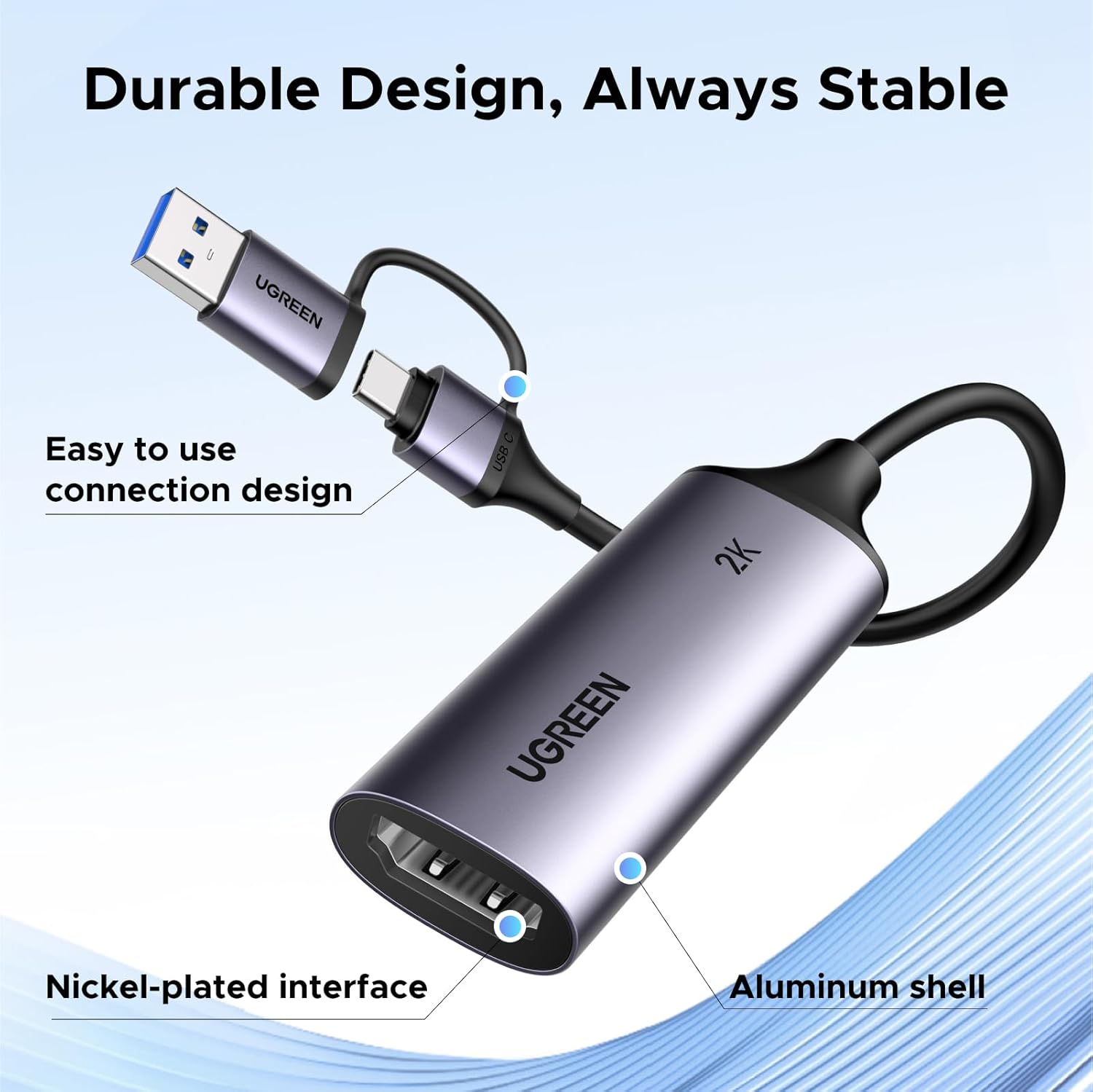
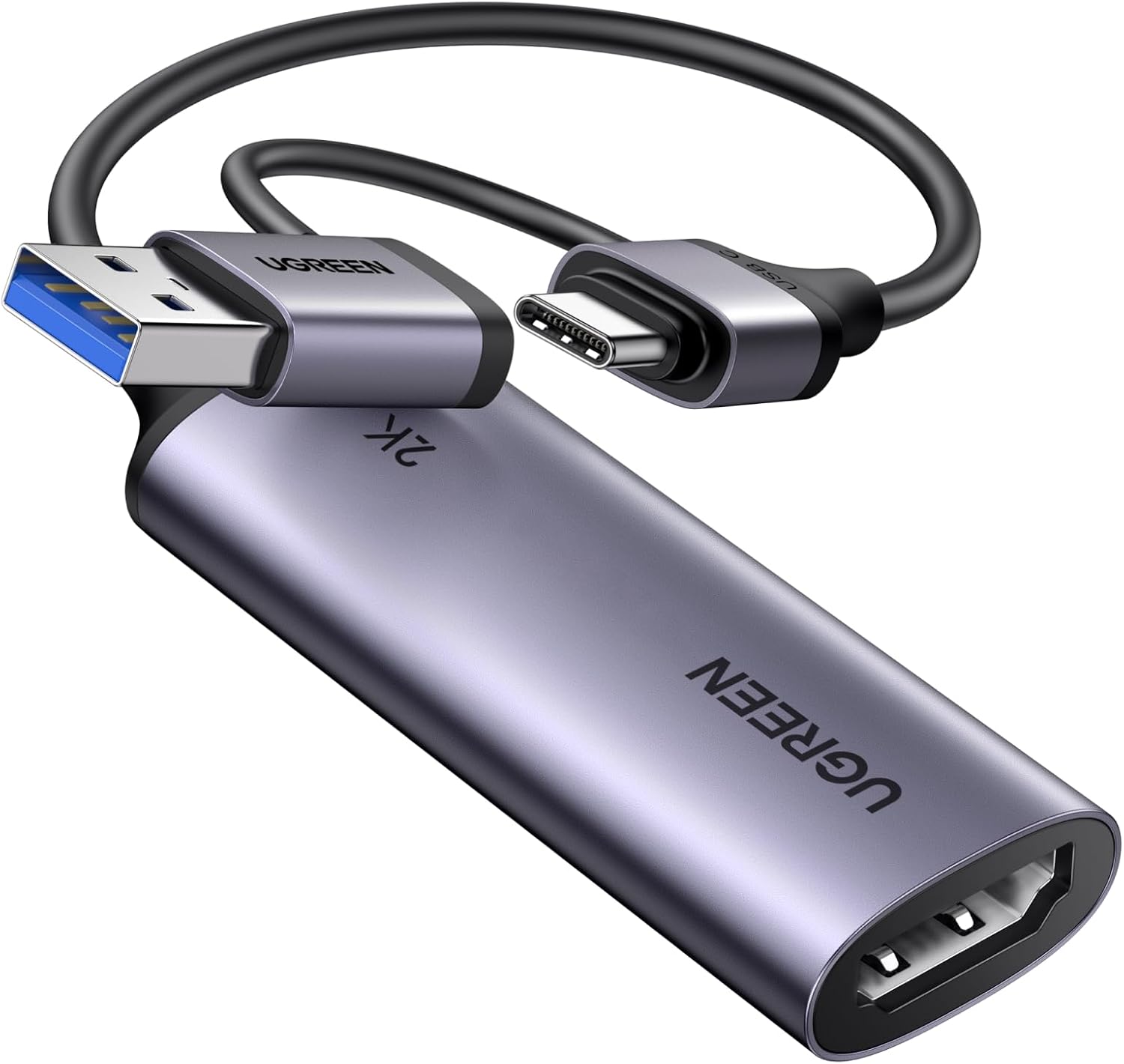
UGREEN 15389 HDMI to USB-C Capture Card, 2K@30Hz and 1080p@60fps
Product description
The UGREEN 15389 turns an HDMI source into a USB capture feed, making it easier to stream or record gameplay and camera video on a compatible computer, tablet or phone. It captures at up to 2K 1440p@30Hz or 1080p@60Hz, with a 5Gbps bandwidth connection for streaming and recording.
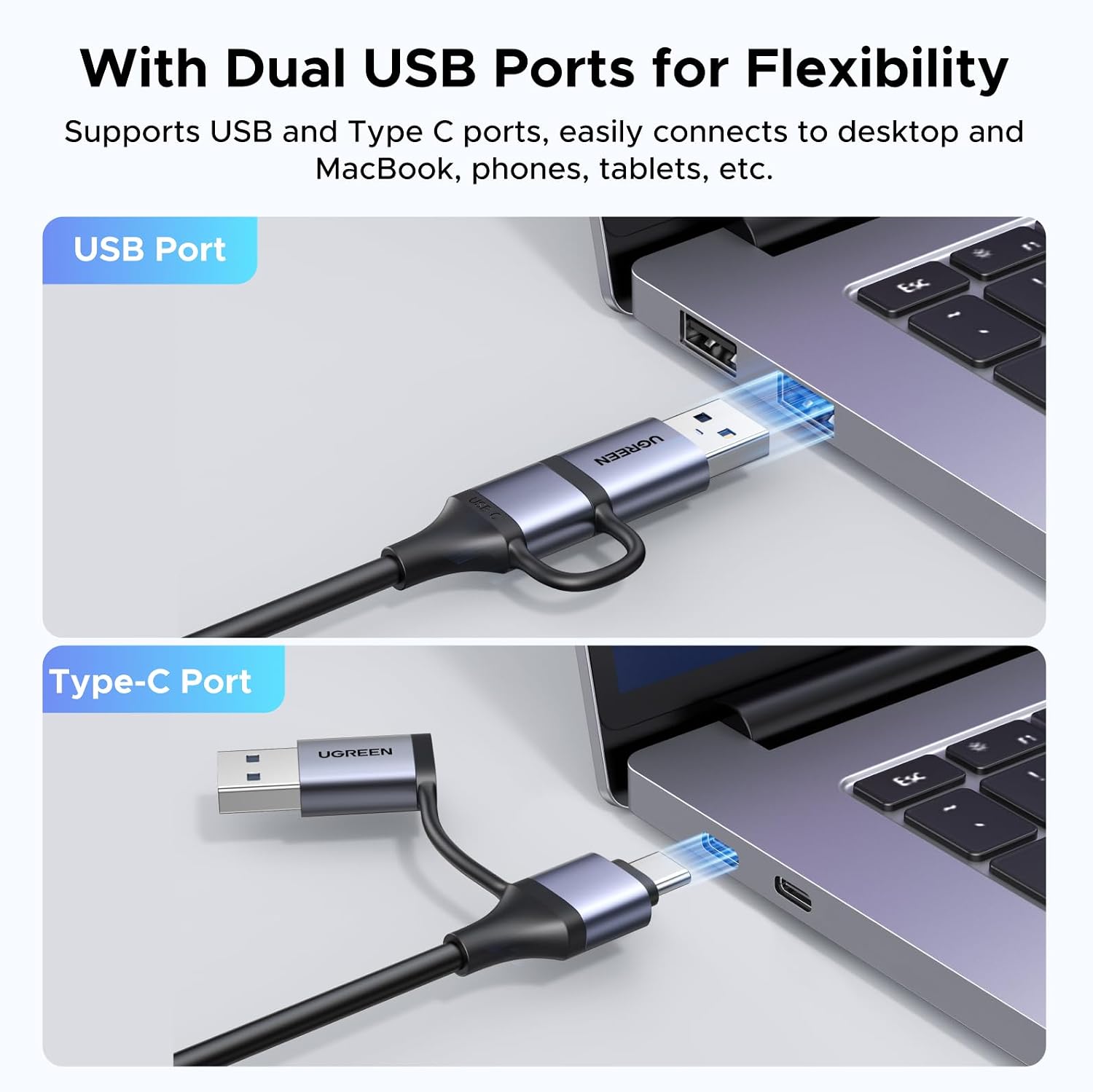
Its integrated 2-in-1 USB cable supports USB-C and USB-A connections, and the card works with widely used capture software such as OBS, Streamlabs and XSplit.
Practical tips
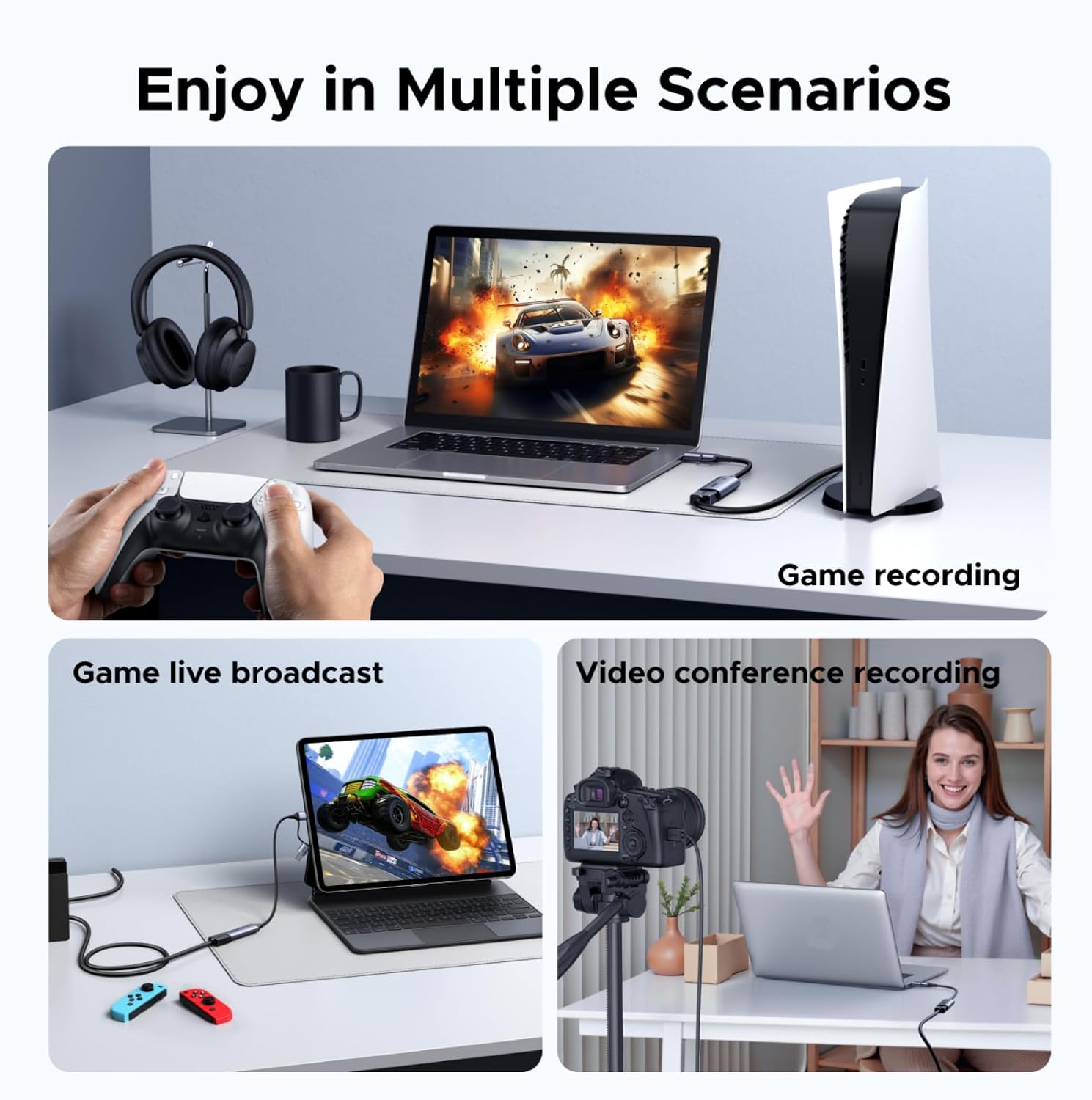
Connect the HDMI source to the card, then connect its USB cable to your recording device and open compatible streaming or capture software. For example, you can connect a console to a laptop and use OBS to record gameplay or prepare a live stream. The card is designed for plug-and-play use on compatible devices, without a separate driver installation.
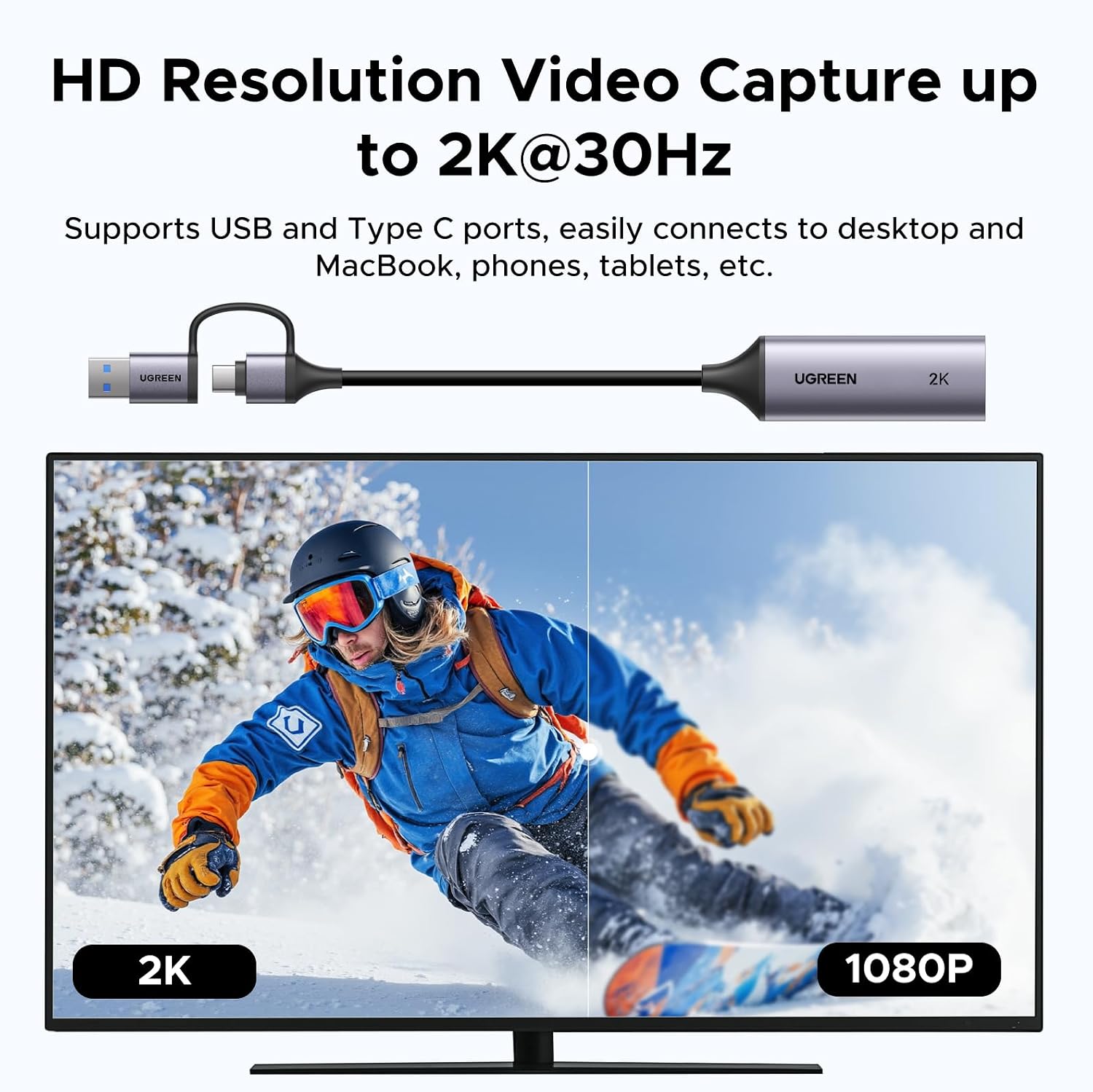
The HDMI input supports up to 4K@60Hz (4:2:0) or 4K@30Hz (4:4:4), while the USB capture output reaches up to 2K@30Hz or 1080p@60Hz. Set the capture resolution within those output limits for the format you want to record or stream.
Where it shines
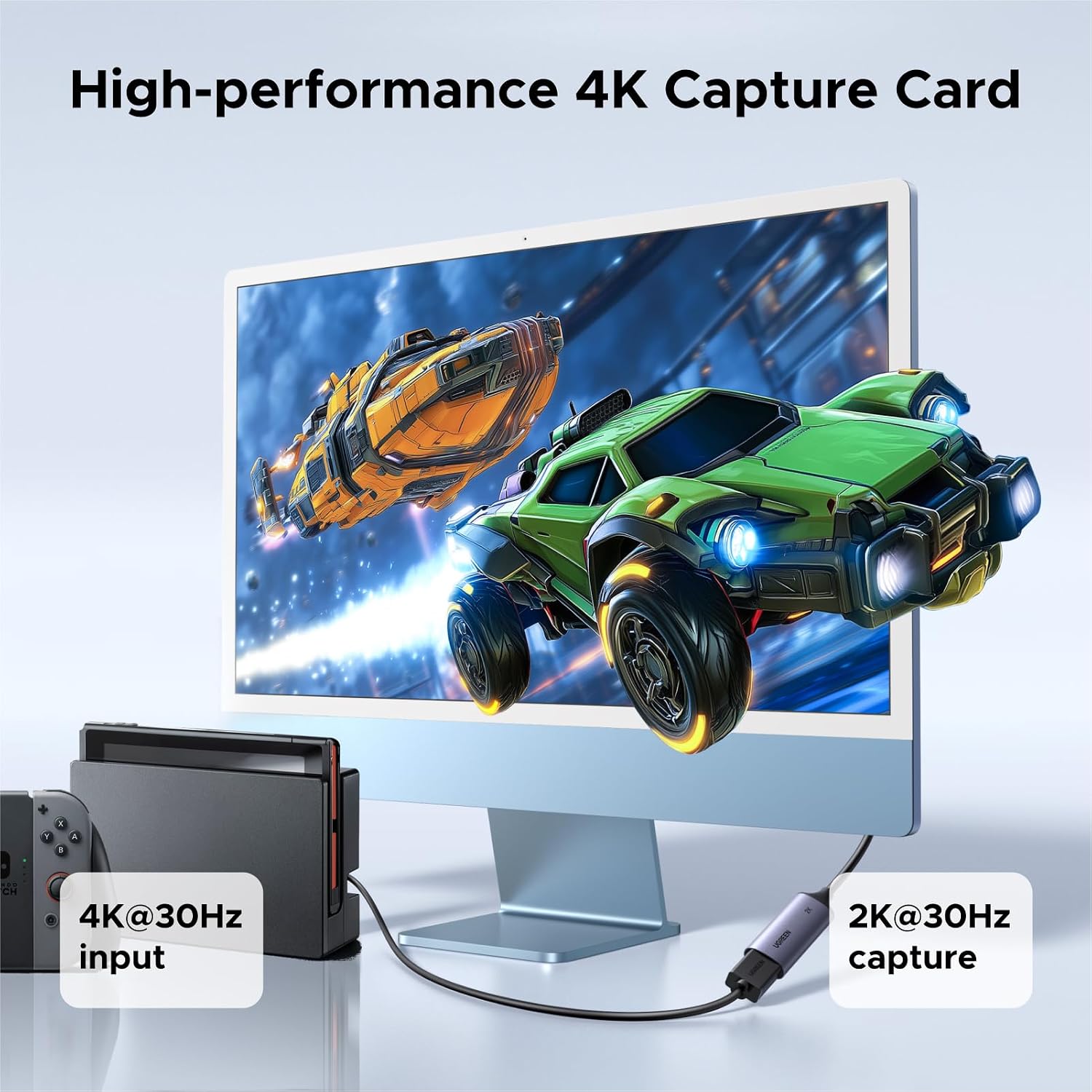
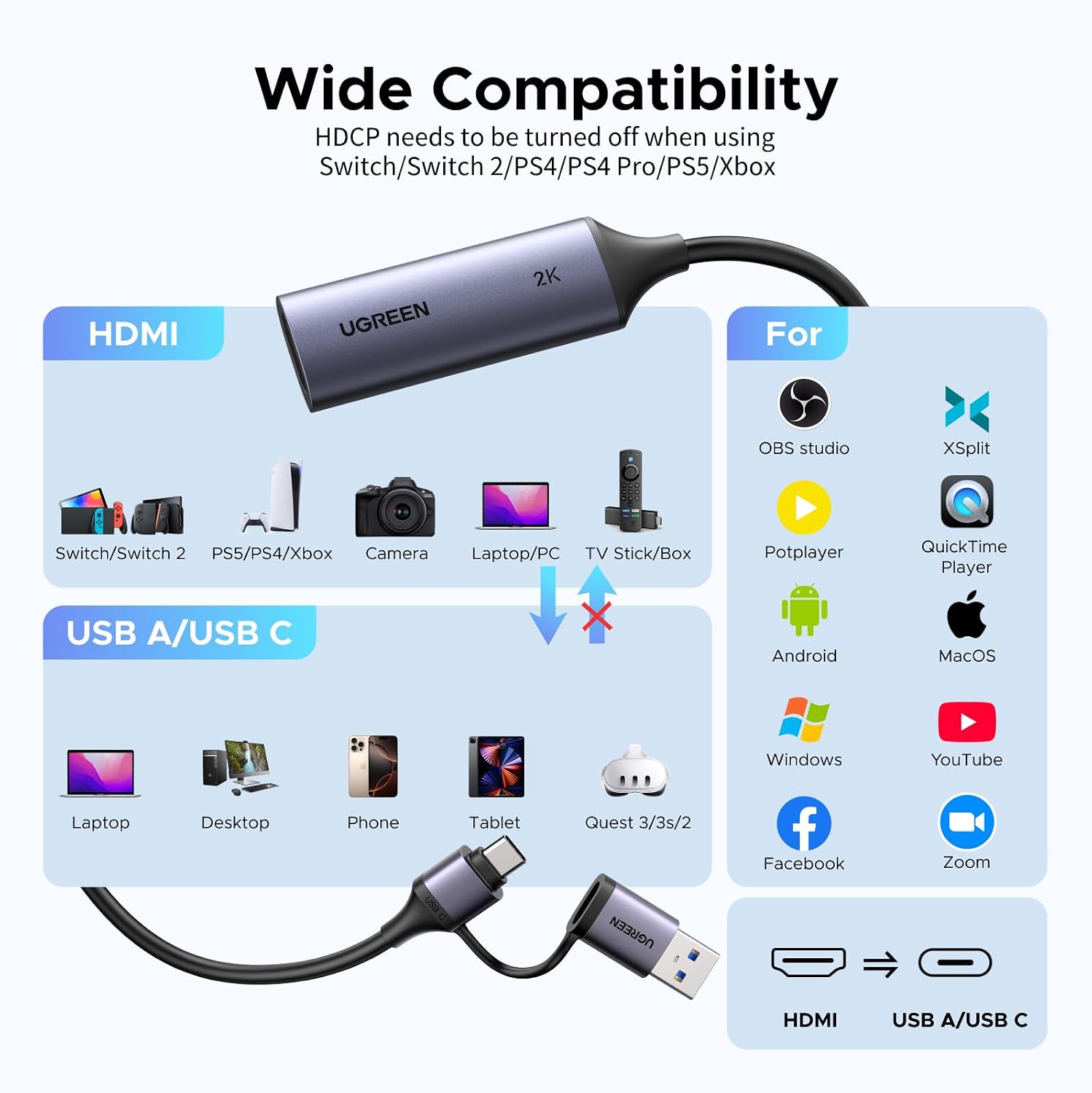
This card is useful when you want to bring a console, camera or other HDMI source into a computer-based streaming setup rather than simply view it on a separate screen. Use it to capture gameplay from a PS5, PS4, Xbox Series console or Nintendo Switch, record camera footage on a laptop, or create a live stream using a supported platform such as YouTube or Twitch. Its compact 50-gram design and integrated cable also make it practical for a setup that needs to be connected and packed away between sessions.
It can also connect with compatible iPad models and Quest headsets, giving you more ways to work with an HDMI source. For Quest 3, 3S, 2 or Pro, the specified requirement is V67 or later with Quest HDMI Link, supported iPad models require iPadOS 17 or 18.
Worth noting
The capture card needs streaming or capture software to record or broadcast. It does not support HDCP-protected content, 3D, HDR or Blu-ray/DVD playback, disable HDCP on a supported console before capturing where required. These details help you plan a straightforward gameplay or camera setup around the content you intend to record.
Buyers often describe the card as easy to set up and reliable. Feedback on captured picture quality and latency is mixed, and some buyers report compatibility issues with iMac, so experiences can vary by setup. The stated software and device compatibility makes it worth matching the capture device, connection and software to your intended workflow.
Before you decide
What capture resolutions does it support? It captures at up to 2K 1440p@30Hz or 1080p@60Hz. HDMI input can be up to 4K@60Hz (4:2:0) or 4K@30Hz (4:4:4).
Does it work with OBS or Streamlabs? Yes. It is compatible with capture and streaming software including OBS, Streamlabs, XSplit, Twitch and YouTube, use the software to record or stream the incoming video.
Can it capture from a PS5 or Switch? These consoles are listed as compatible HDMI sources. For PS5, PS4, Switch or Xbox, disable HDCP when needed, as the card does not support HDCP-protected content.
Is it worth it?
For a streamer, gamer or camera user who wants to capture an HDMI source on a compatible USB device, the UGREEN 15389 combines broad source compatibility, an integrated USB-A/USB-C cable and clear capture options up to 2K@30Hz or 1080p@60Hz. It is a practical fit for building a software-based recording or live-streaming setup without adding a separate capture workflow for each source.