

SUPVAN E12 Bluetooth Label Maker with QWERTY Keyboard and Backlit Display
Product description
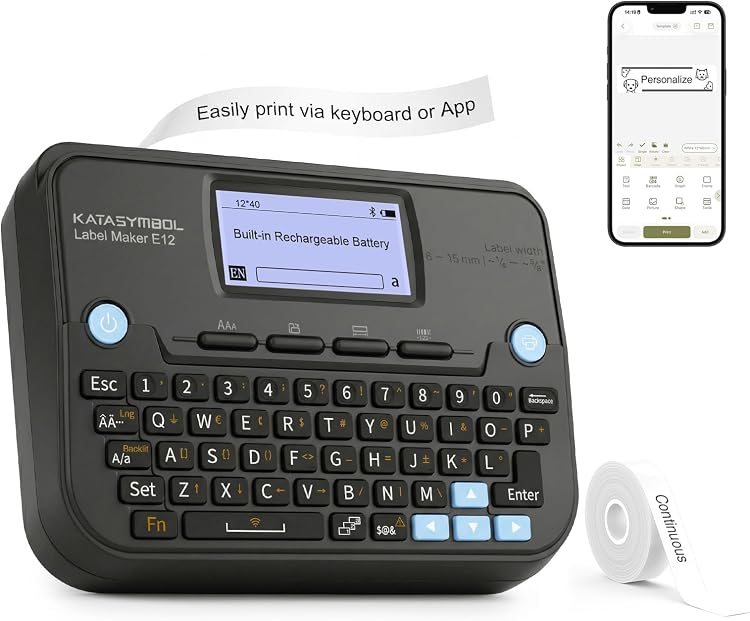
For school, office and home organisation, the SUPVAN E12 makes it straightforward to create labels where you need them. Its built-in QWERTY keyboard lets you enter letters, numbers and special characters directly, while Bluetooth connects it to the app for more design choices.
The backlit display is designed to keep text easy to read in bright or low-light settings, and the rechargeable battery supports portable use around the house or workplace.
Worth noting
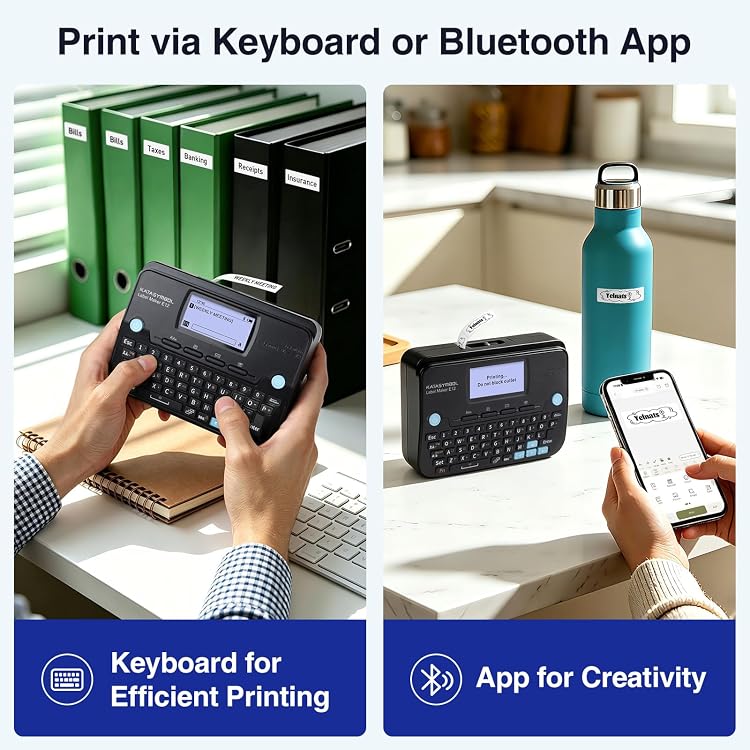
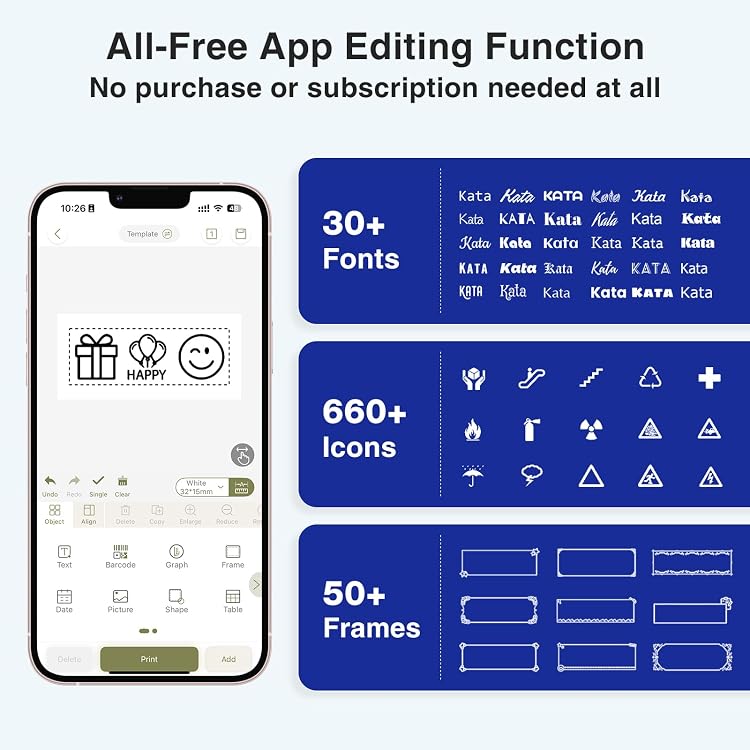
The E12 combines standalone keyboard operation with Bluetooth app design. Use the keyboard to prepare a label without relying on a phone, or connect through the app when you want to choose from more fonts, symbols and frames. The app also supports QR codes, barcodes and image printing, giving you options for practical identification as well as creative projects. Bluetooth connection is available without registration.
Its thermal, monochrome printing uses label media, with a print resolution of 203 dpi. That makes the E12 a focused tool for producing text and graphic labels rather than a general-purpose colour printer. The product is compatible with over 40 SUPVAN label tapes in different sizes and colours. The tapes are described as having strong adhesion on a wide range of surfaces while removing cleanly, which is useful for organising belongings without leaving residue behind.
Size & fit
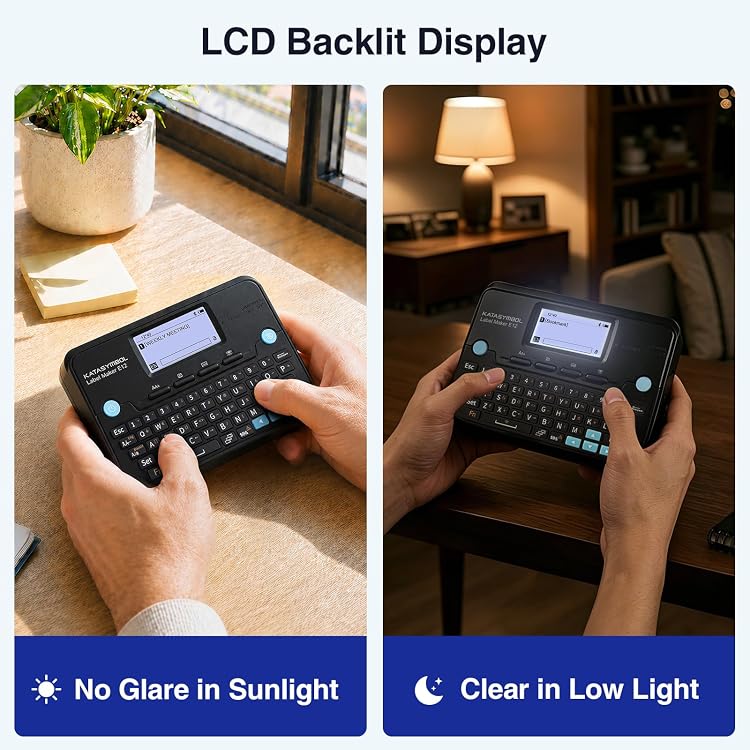
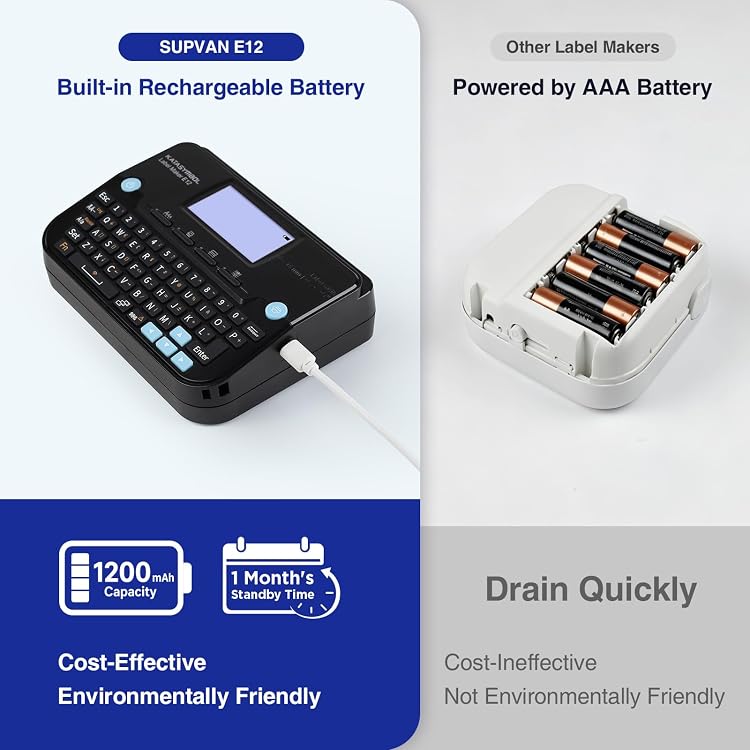
Measuring 5.2D x 17W x 9H centimetres and weighing 280 grams, the E12 is a compact label maker to keep close at a desk or move between rooms. Its landscape QWERTY keyboard has a wider key layout for two-handed input, while the backlit LCD graphic display helps make text visible across different lighting conditions. The rechargeable 1200mAh battery is specified for up to one month of use on a single charge, supporting regular labelling without relying on AAA batteries.
Everyday use
At home, label storage containers, household items or supplies, in an office, use clearly named labels to sort files and equipment, for school, mark personal or classroom materials. The direct keyboard is useful when you want to type a simple label immediately, while the app offers a broader set of design tools for a more customised result. For example, you can create a straightforward name label at the machine, then use the app to make a framed label or add a barcode for an organisational project.
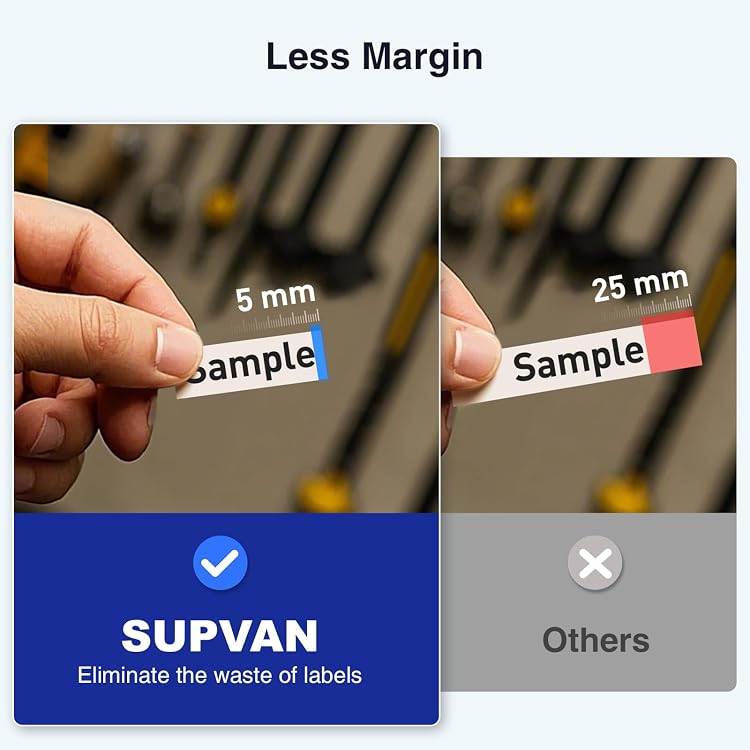
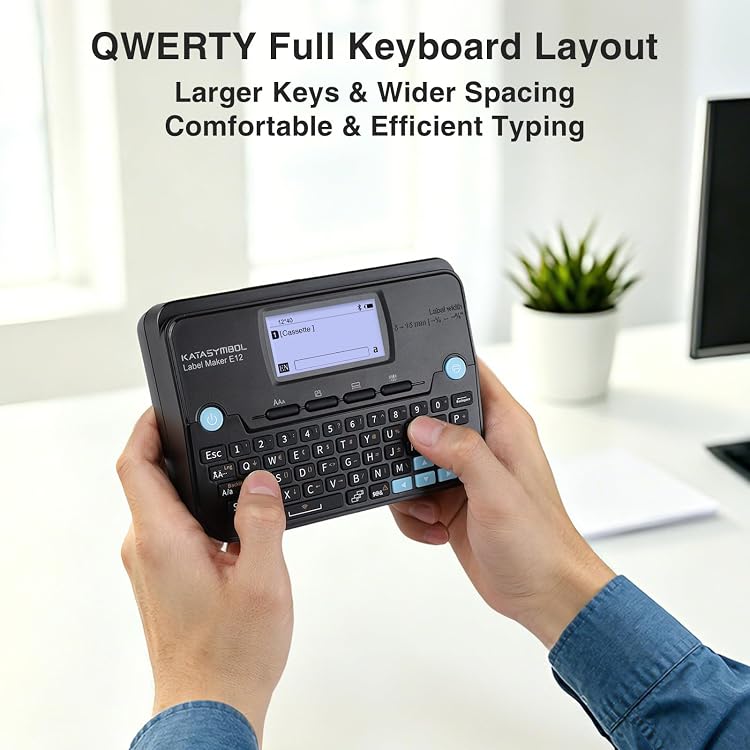
Compared with a label maker that depends entirely on phone-based input, the E12 gives you both a physical QWERTY keyboard and app control. Choose the keyboard for quick, direct entry and the app when its extra fonts, icons, frames or code options suit the task. The combination supports everyday labelling as well as more considered home or office organisation.
Is it worth it?
The SUPVAN E12 is suited to people who want a portable label maker with two ways to create labels. Its QWERTY keyboard handles direct input, while Bluetooth app features extend the design options to icons, frames, QR codes, barcodes and images. With a backlit display, rechargeable battery and compatibility with SUPVAN label tapes in a range of sizes and colours, it is a practical fit for keeping school, office and household items clearly organised.