

L'Puluva UZ014 4K HDMI Splitter, 1 Input to 4 Outputs
Product description
If you want the same picture on several screens, the L'Puluva UZ014 sends one HDMI source to four displays. It is designed for mirroring, rather than creating separate desktop screens or switching between different inputs. With support for 4K at 30Hz, it can share films, presentations or other content across TVs, monitors and projectors.
Tech specs
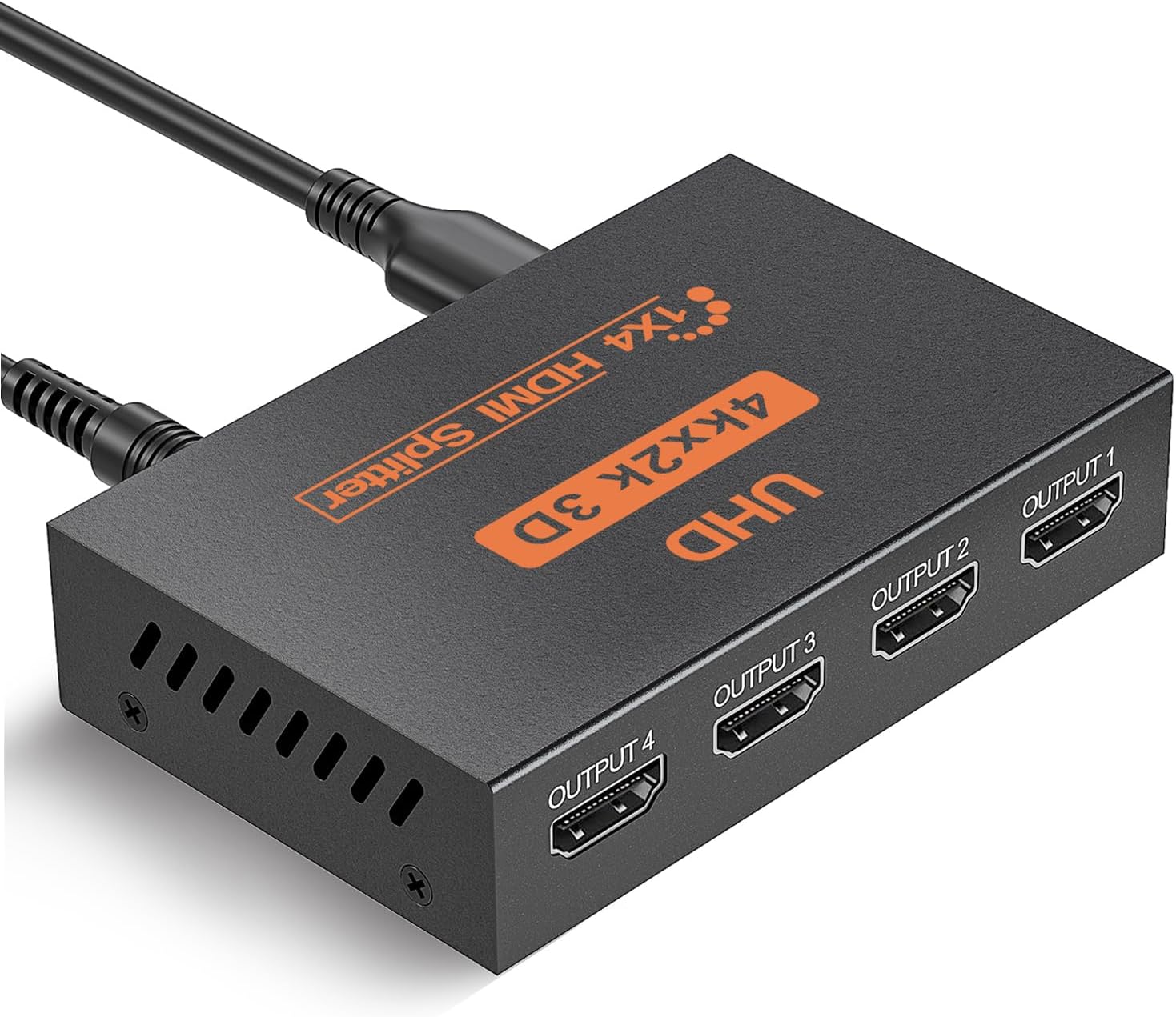
- Type: 1-in-4 HDMI splitter
- Resolution: Up to 4K at 30Hz, also supports 1080p and other listed lower resolutions
- Features: 3D, HDR and EDID management
- Colour: Black
- What’s included: HDMI splitter, Micro USB cable and instruction manual
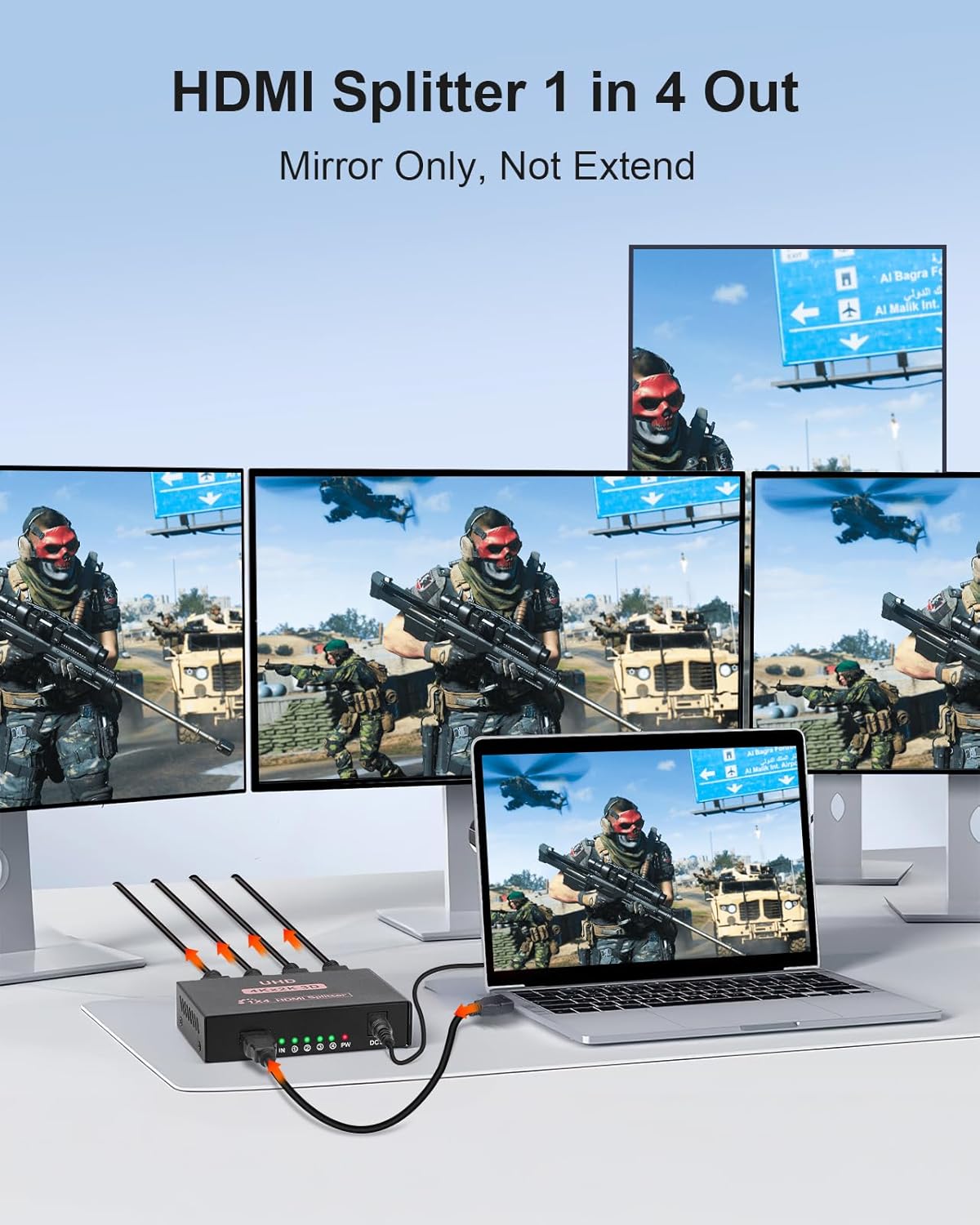
The four outputs show the same image, making this a practical way to distribute a single source around a room or to multiple display areas. For 4K output, use HDMI 2.0 or higher cables and ensure the source and displays support 4K at 30Hz. When connected screens use different resolutions, output follows the lowest resolution among them, so matching display settings help keep the picture consistent.
Compatibility & requirements
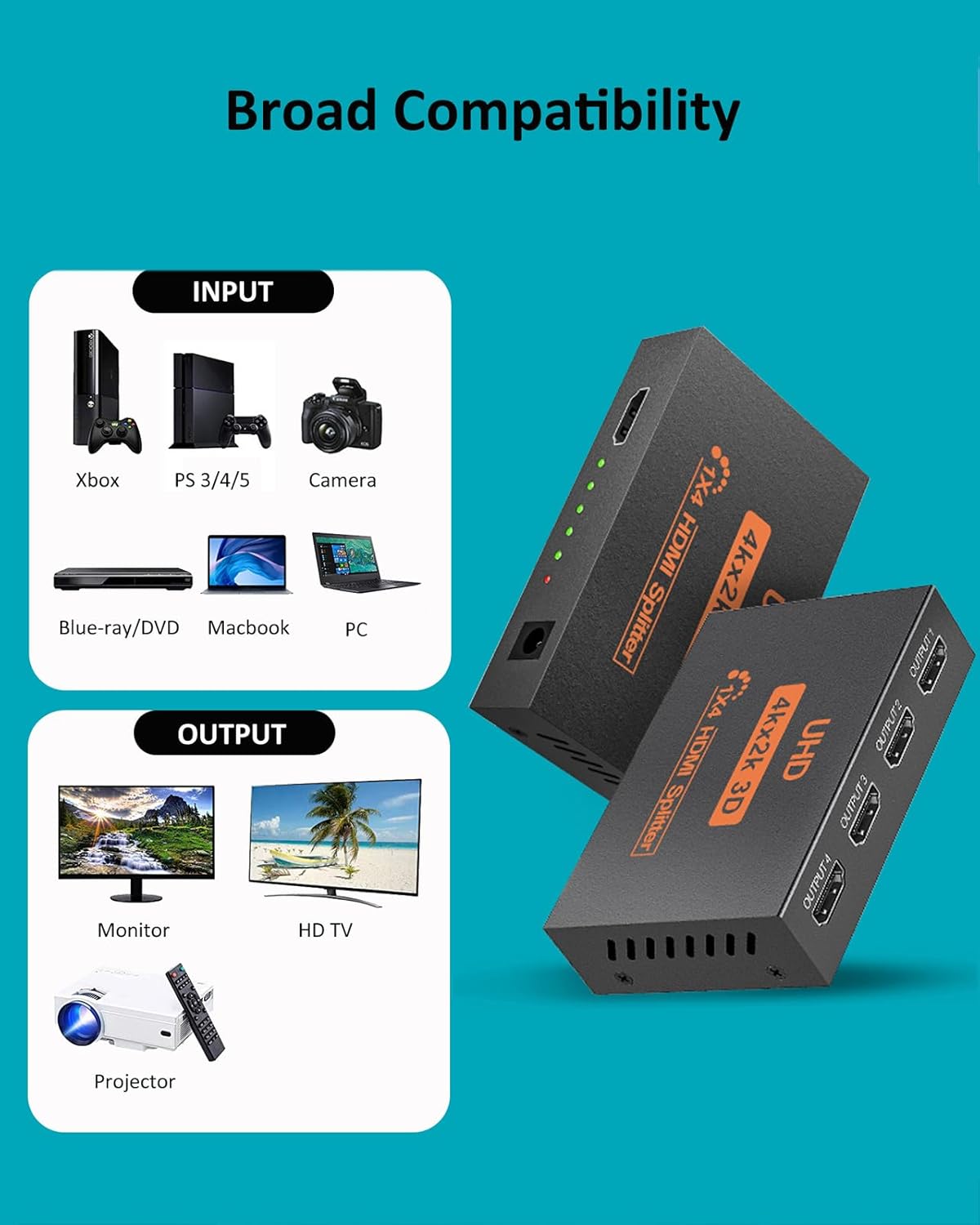
Connect an HDMI source such as a PC, laptop, games console, Blu-ray or DVD player, satellite receiver or TV box, then connect up to four HDMI displays. Compatible display types include HDTVs, HD monitors and projectors. This is a duplicate-only splitter: it does not extend a computer desktop across independent screens, switch between multiple HDMI inputs, or extract audio for a separate sound system. ARC is not supported.
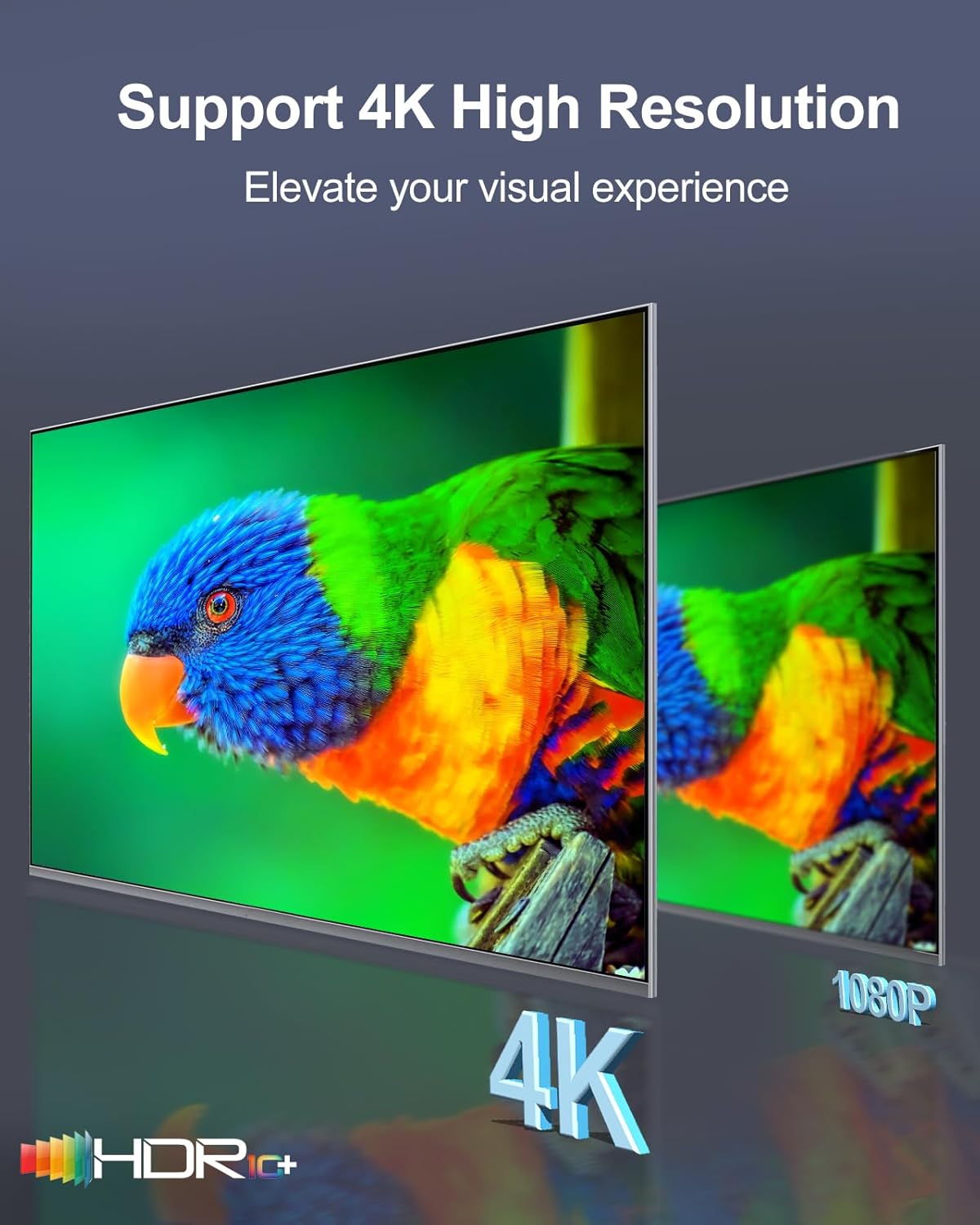
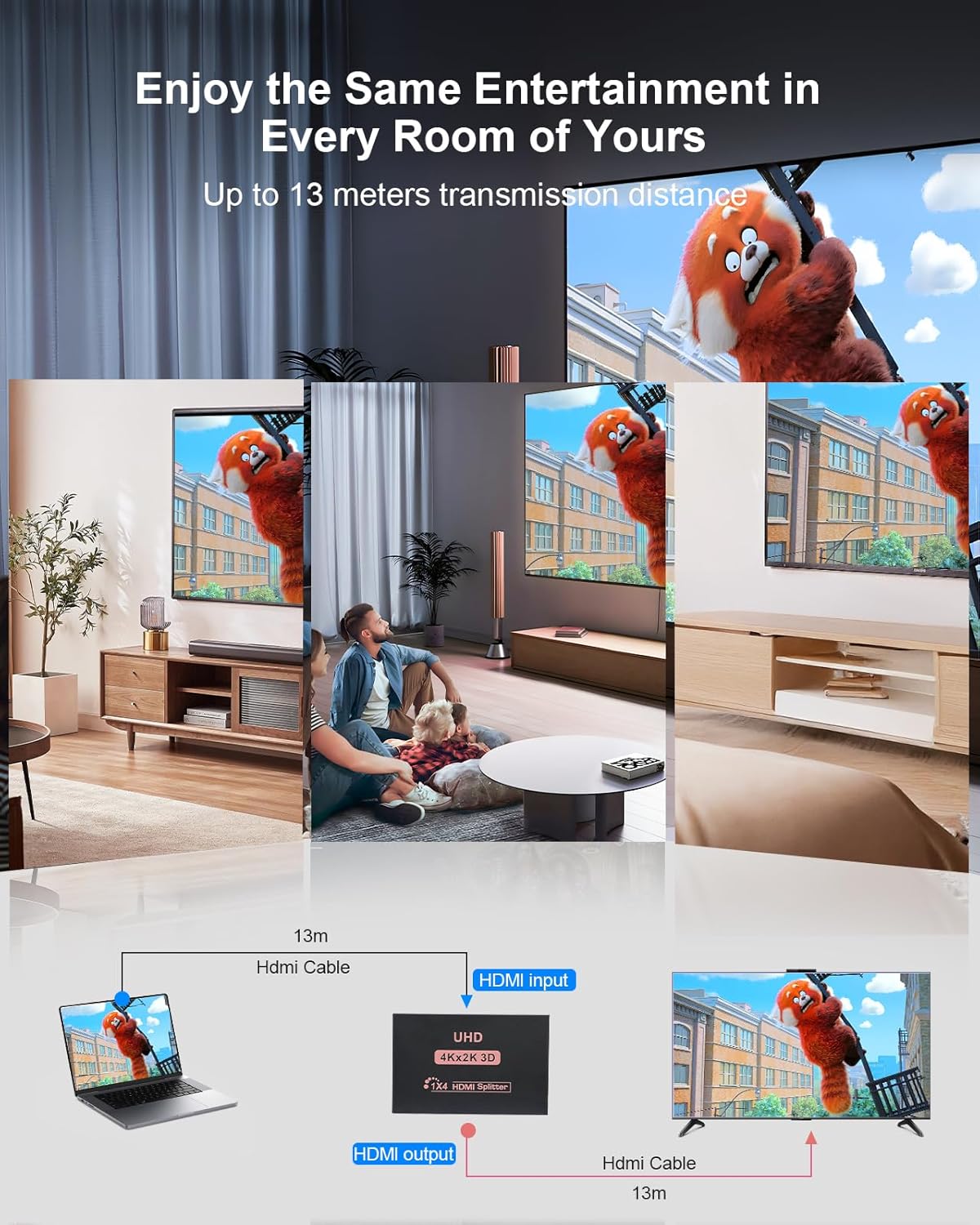
The splitter needs to remain connected to a power source while in use. A Micro USB cable is supplied, the power adapter is not included. For a straightforward setup, connect the source and displays, attach the Micro USB power cable, then select the relevant HDMI input on each screen. If the connected displays have different resolutions, the lowest one determines the shared output. The recommended HDMI cable length is up to 13 metres.
Tips for day-to-day use
This layout suits a meeting room, shop display or home viewing area where several screens need to show the same programme or presentation. For instance, a laptop can feed a projector and additional monitors at once, while each screen displays identical content. The laptop can still be used independently, but the connected displays mirror its image rather than showing separate applications.
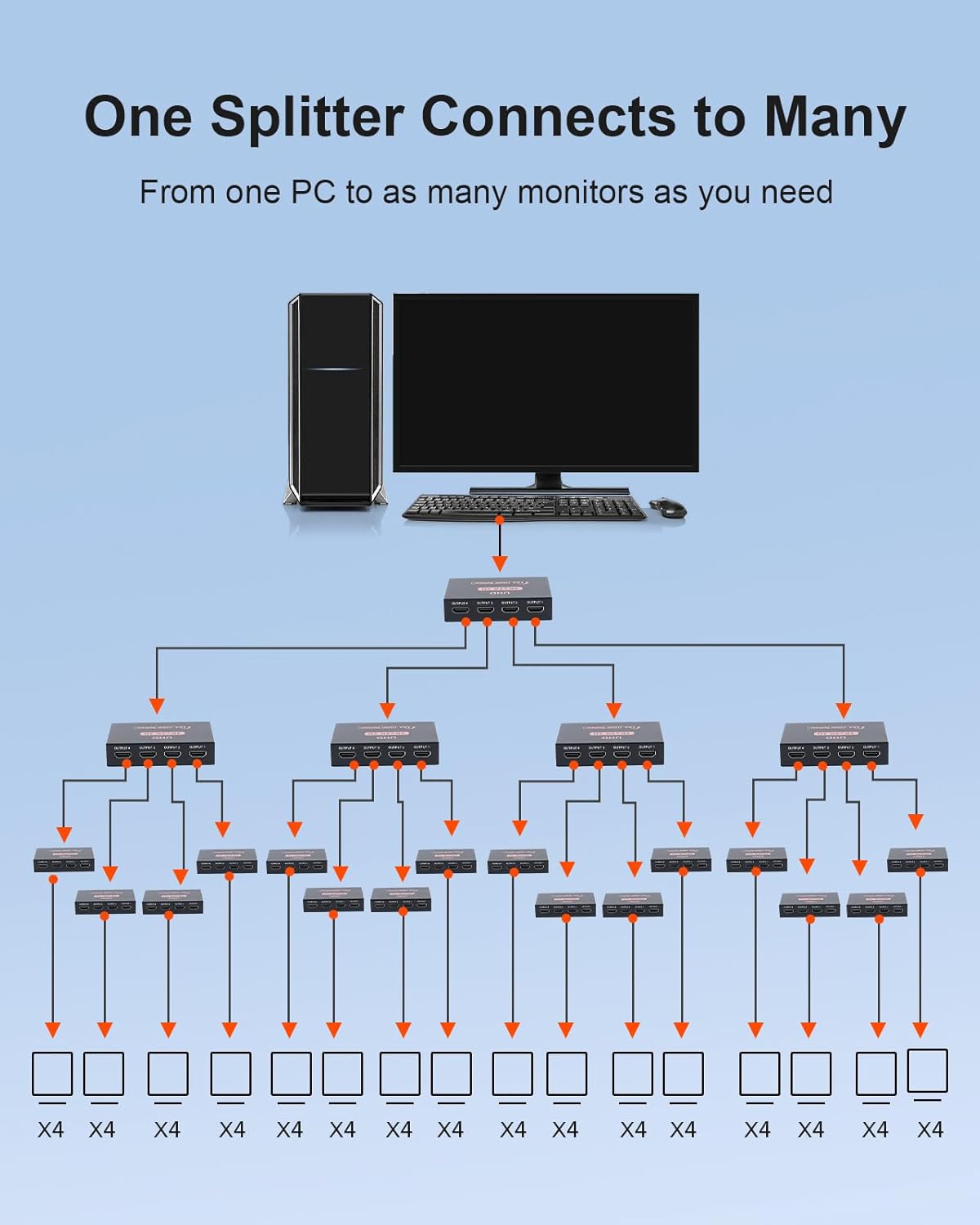
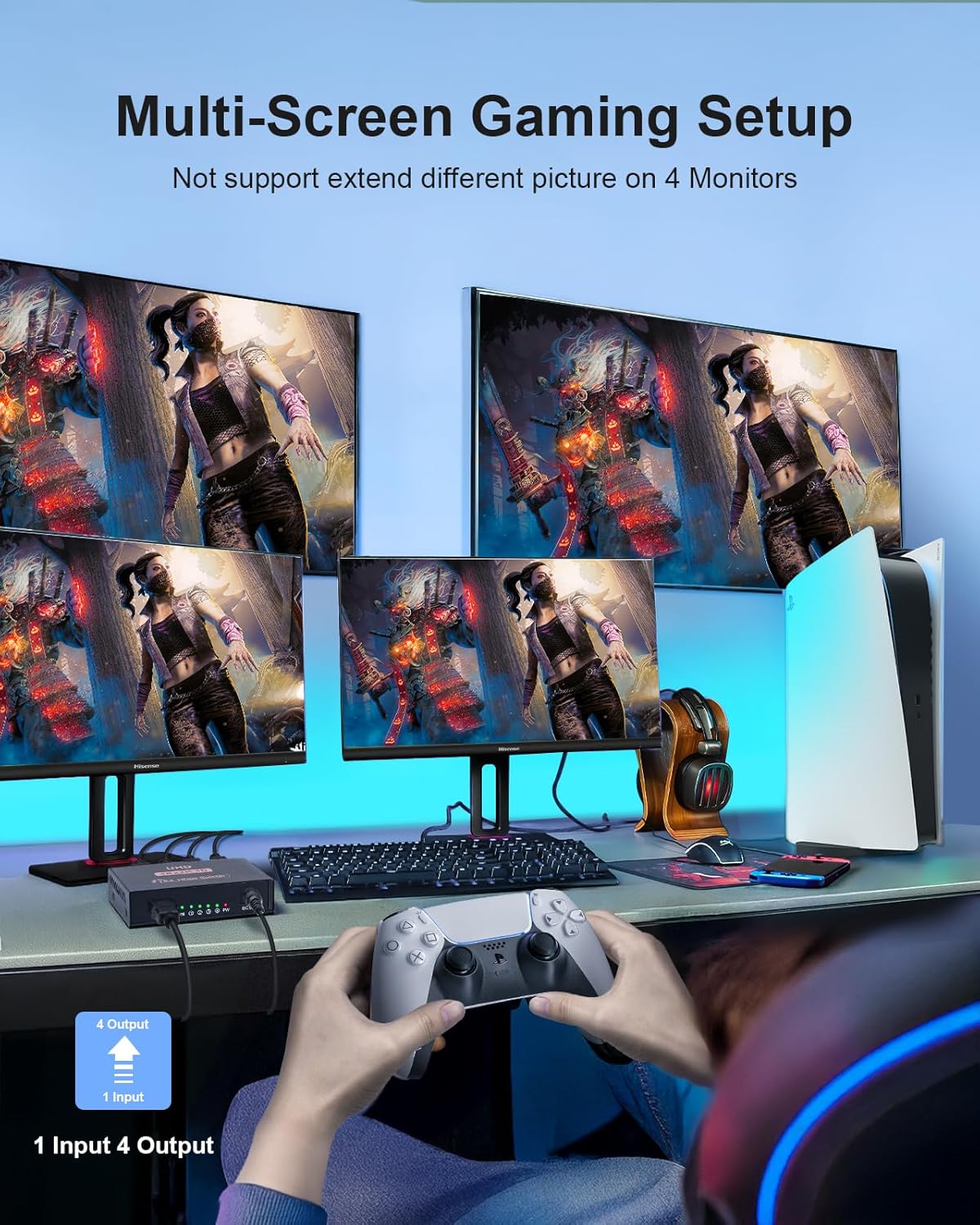
Buyers often describe setup as simple, and some appreciate the splitter for sharing content across screens. Feedback on reliability and connectivity is mixed, so ensure the source, cables and displays are suited to the intended resolution and mirroring setup. Keeping the connected screens on a common resolution is a useful way to maintain consistent output.
Is it worth it?
It makes sense if your priority is sending one HDMI signal to as many as four displays without managing separate content on each screen. The 4K-at-30Hz support, broad range of HDMI source types and duplicate-display setup make it useful for shared viewing, presentations and signage. If you need every screen to show a different workspace, this is not the function it is designed to provide, for a shared image across TVs, monitors or projectors, the UZ014 offers a clear, purpose-built solution.