

KUIYN B3 Wireless Presentation Clicker with Red Pointer and 2.4 GHz RF
Product description
For teachers and meeting presenters who need to move around while advancing slides, the KUIYN B3 offers wireless control and a red pointer. Its plug-and-play USB receiver keeps setup straightforward. Use it to guide an audience through a lecture, meeting or live demonstration. It suits presenters who want to move freely, rather than stay beside a laptop to change each slide.
What stands out
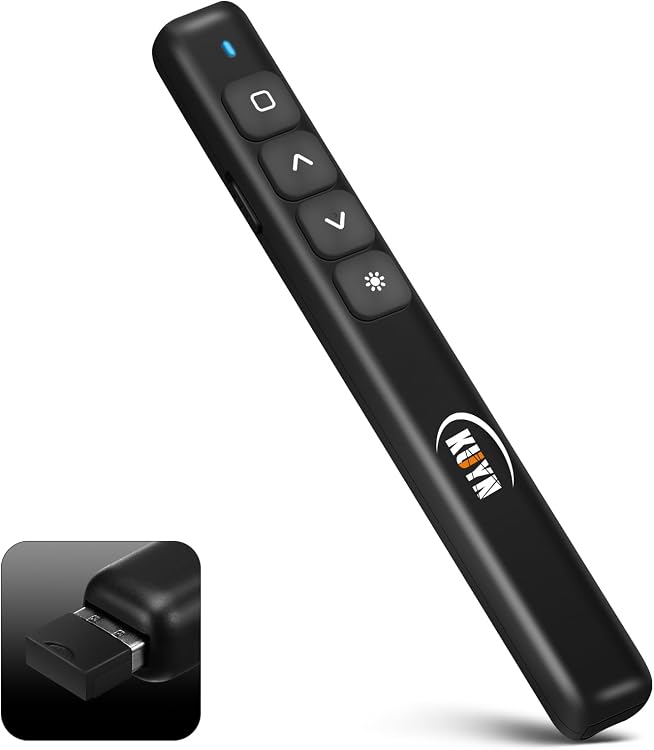
The B3 uses 2.4 GHz RF connectivity, with a stated range of up to 328 feet, so you can operate your presentation from different parts of a room. The receiver connects by USB and the clicker needs no programming, making it a practical choice for sessions where you want to get started without configuring a remote. A dedicated red pointer helps draw attention to key points on projection surfaces, pointer visibility may be reduced on LED or LCD screens.
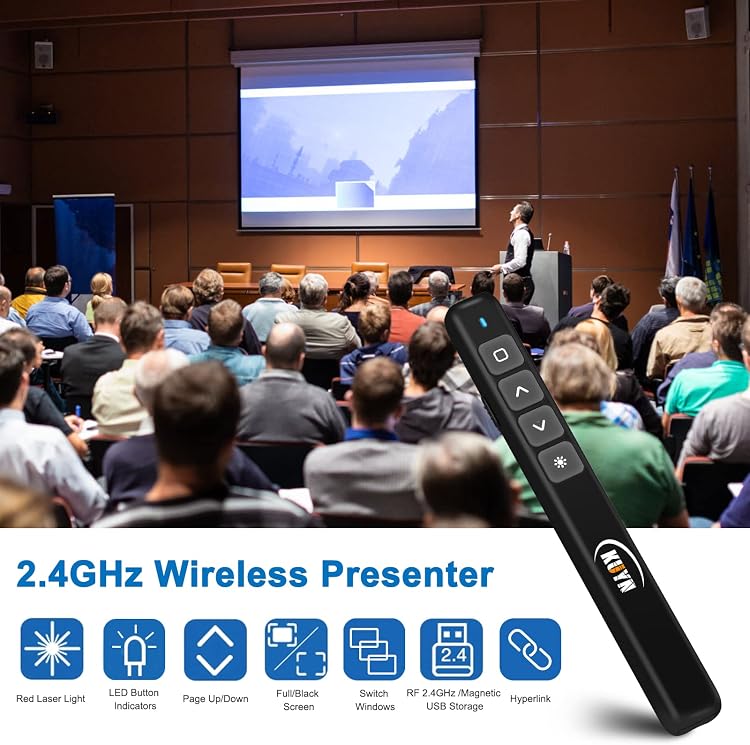
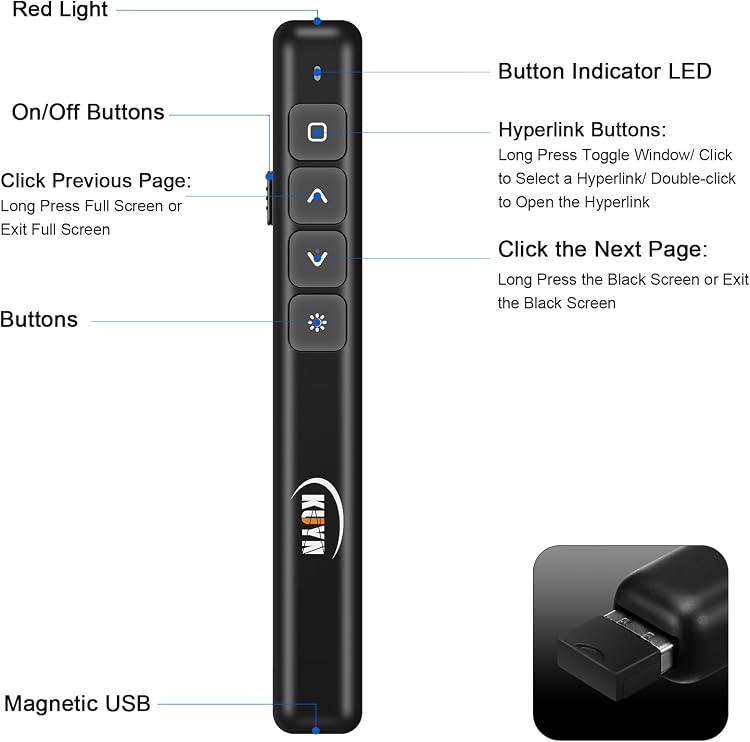
Slide controls cover the essential actions: move to the previous or next slide, select a hyperlink with one click and open it with a double-click. Long presses also provide presentation controls such as full-screen mode and a black screen. That combination is useful when you need to direct attention to a particular detail, then return smoothly to the slides.
Buyers describe the clicker as easy to use and effective for presentations, with some highlighting straightforward connection and operation. These are user impressions rather than a guarantee of results, but they point to the appeal of a simple handheld control for regular teaching or meeting duties.
The essentials
- Model: B3
- Connectivity: 2.4 GHz RF with USB receiver
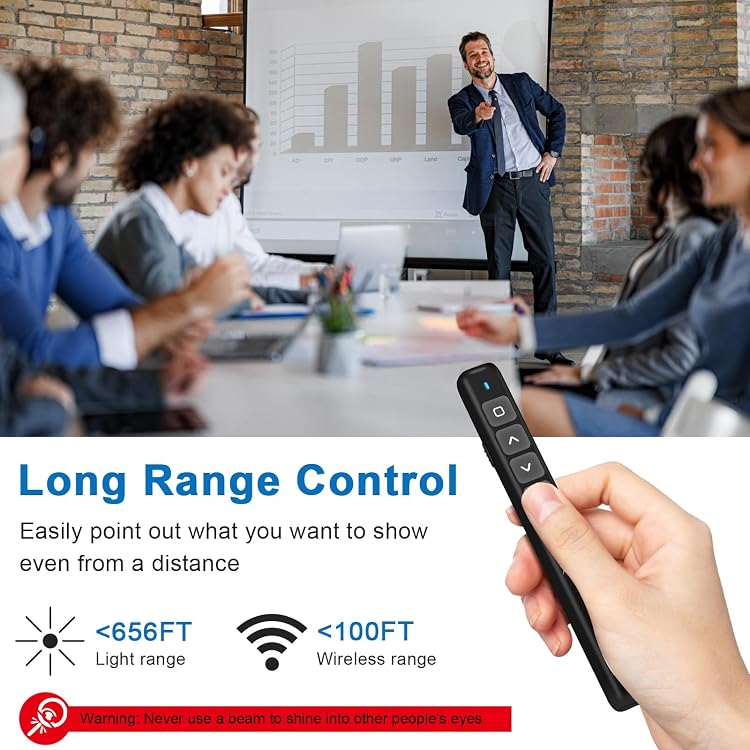
- Stated wireless range: up to 328 feet
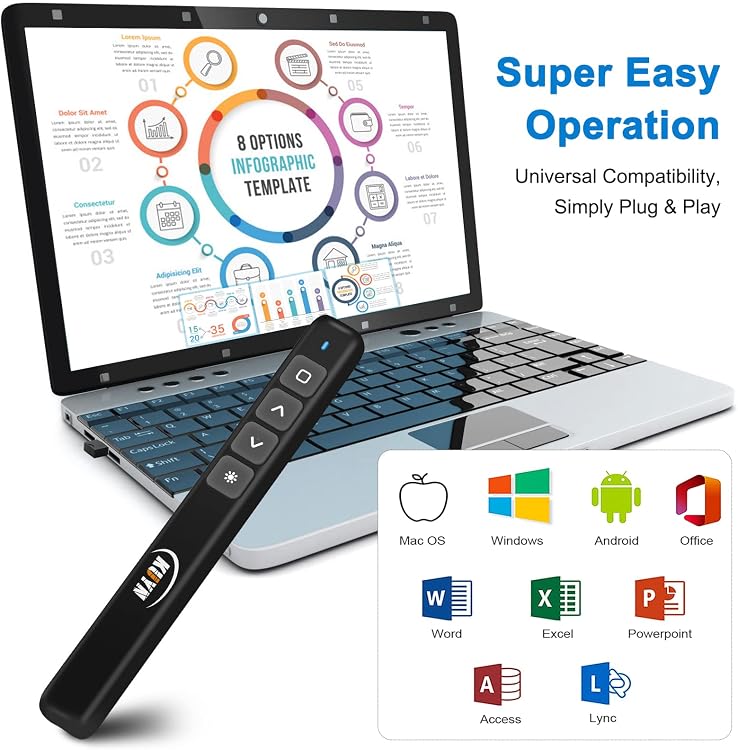
- Compatible systems: Windows and Mac
- Supported presentation software: PowerPoint, Keynote, Google Slides, Prezi and iWork
- Pointer: Red, intended for projection surfaces
- Power: One AAA battery, not included
- In the box: Presenter, USB receiver, flannel pouch and instruction card
The receiver draws power through USB, while the remote requires one AAA battery. The receiver supports USB 1.1, USB 2.0 and USB 3.0 interfaces. For safe use, avoid pointing the beam directly at anyone’s eyes and follow the supplied operating guidance.
Best use cases
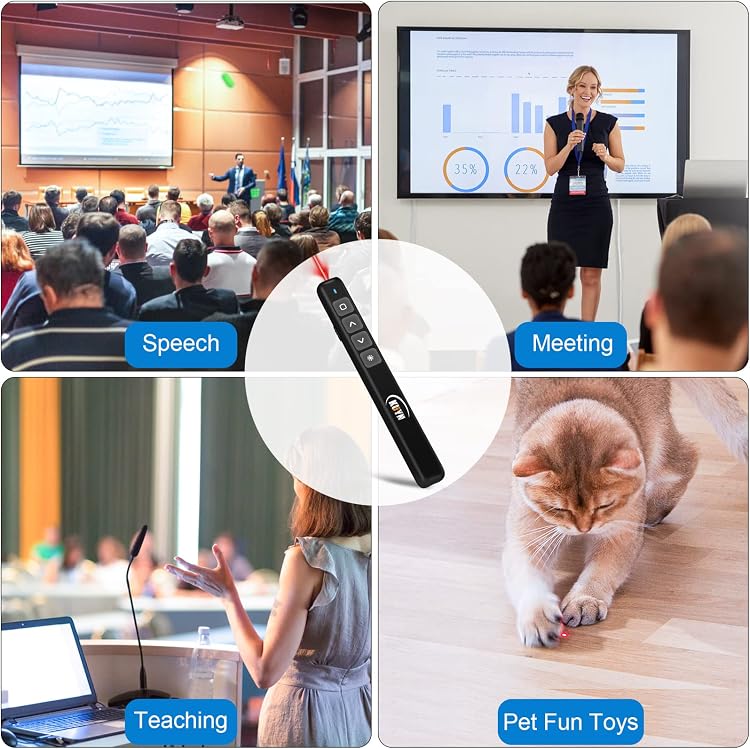
The B3 is suited to classrooms, boardrooms, training sessions and presentations where the speaker needs to move away from the computer. For example, a teacher can advance slides from beside a screen while using the red pointer to highlight a chart, then select a hyperlink during a lesson. If your priority is to control a presentation while remaining mobile, a wireless clicker offers a more practical approach than changing slides at the laptop, if the task is mainly desk-based, the laptop’s own controls may be enough.
Its controls also support live demonstrations involving documents: the listed software compatibility includes Word and Excel, as well as presentation tools. That makes the remote useful when a session moves between slides and on-screen material, without requiring a separate control for each task.
Should you buy it?
The KUIYN B3 is a strong fit for presenters who want simple wireless slide control, a red pointer and the freedom to move around a room. Plug-and-play operation, a USB receiver and familiar presentation controls make it well suited to recurring lessons, meetings and training sessions. It makes sense if you want to keep the audience’s focus on the material while managing slides from where you are speaking.