

Dymo LabelWriter 450 Twin Turbo Thermal Label Printer, USB, Dual Rolls
Product description
Two label rolls and automatic switching help keep labelling jobs moving, without stopping to change rolls when one runs out. The Dymo LabelWriter 450 Twin Turbo uses direct thermal printing, so there’s no need for ink or toner. It connects by USB and prints up to 71 labels per minute. Use it for address, shipping, file folder and barcode labels, as well as name badges.
Technical overview
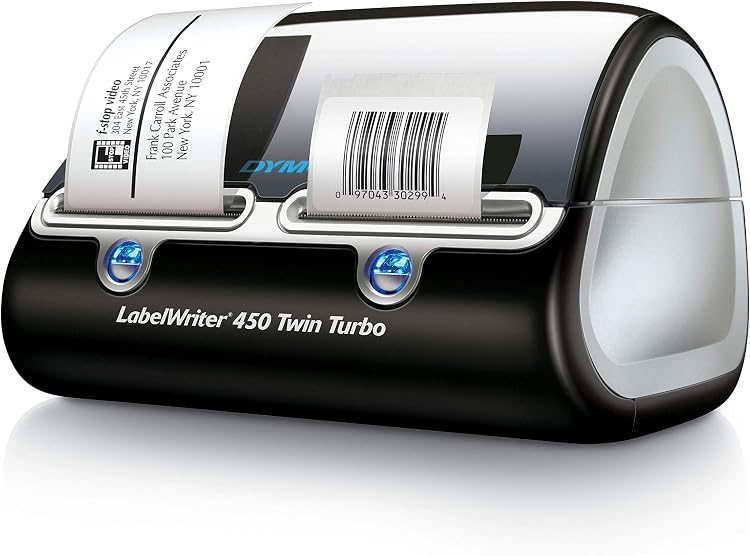
The Twin Turbo’s two spools are useful when a task involves different label types or a high volume of printing. Once the first roll is finished, the printer automatically starts the second, helping you maintain a steady workflow for everyday office or home admin. Thermal printing also keeps the setup focused on labels rather than ink or toner supplies.
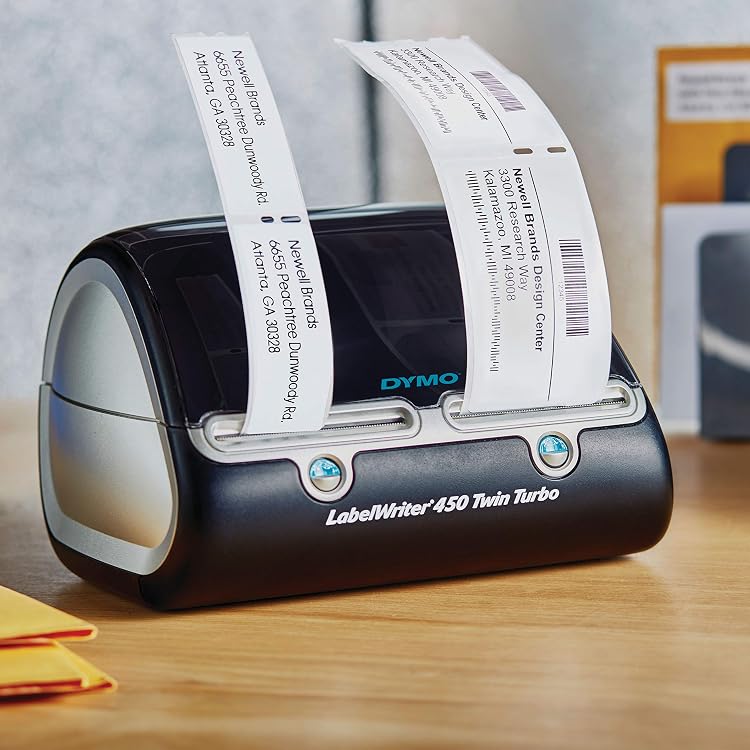
- Type: Direct thermal label printer
- Connectivity: USB
- Print speed: Up to 71 labels per minute
- Label capacity: Two rolls, with automatic switching
- Colour: Black and silver
- Weight: 1.09 kg
- Dimensions: 14D x 28.9W x 21.3H centimetres
DYMO label software lets you customise and print address, file folder and barcode labels, plus name badges, from a PC or Mac. That makes it a practical choice for preparing post, organising paperwork or producing labels for regular office tasks. Buyer feedback is mixed: some praise its labelling results, while others mention jams and raise concerns about reliability, label quality and value.
Everyday compatibility
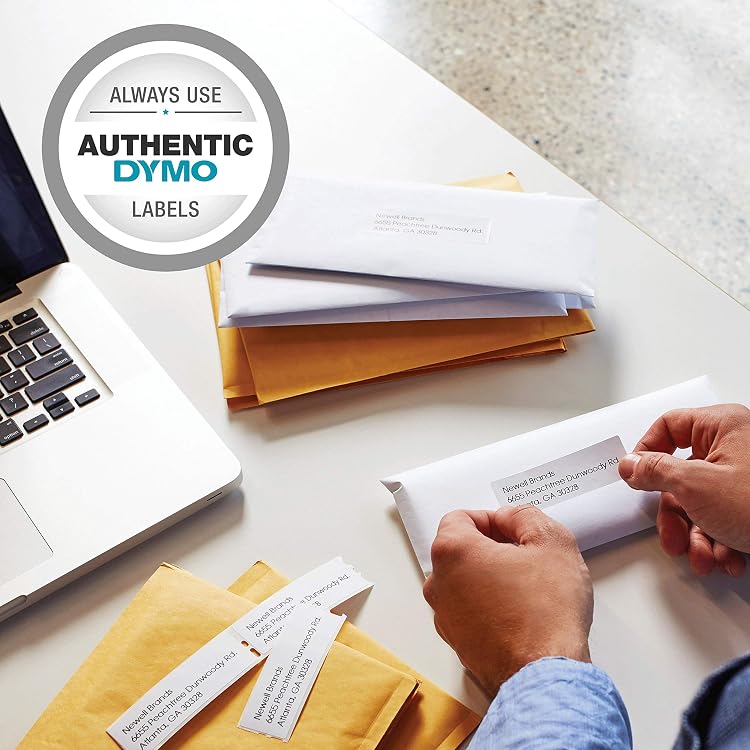
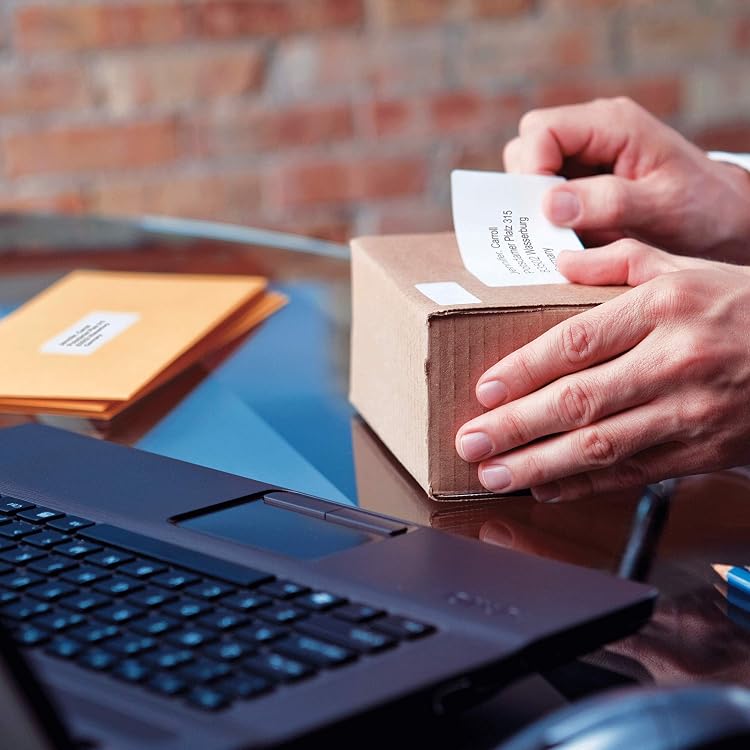
The printer connects to a computer through USB, and DYMO software supports label creation from a PC or Mac. This suits a desk-based setup where labels are designed and printed as part of admin or dispatch work. It is a dedicated label printer rather than an all-purpose document printer, so its strengths are most relevant when you regularly need printed labels, barcodes or name badges.
For example, a small office handling outgoing post can prepare shipping labels on the computer, print a batch, then use the second roll for another label type without manually changing rolls mid-task. At home, the same setup can help keep folders and stored items clearly labelled.
Usage tips
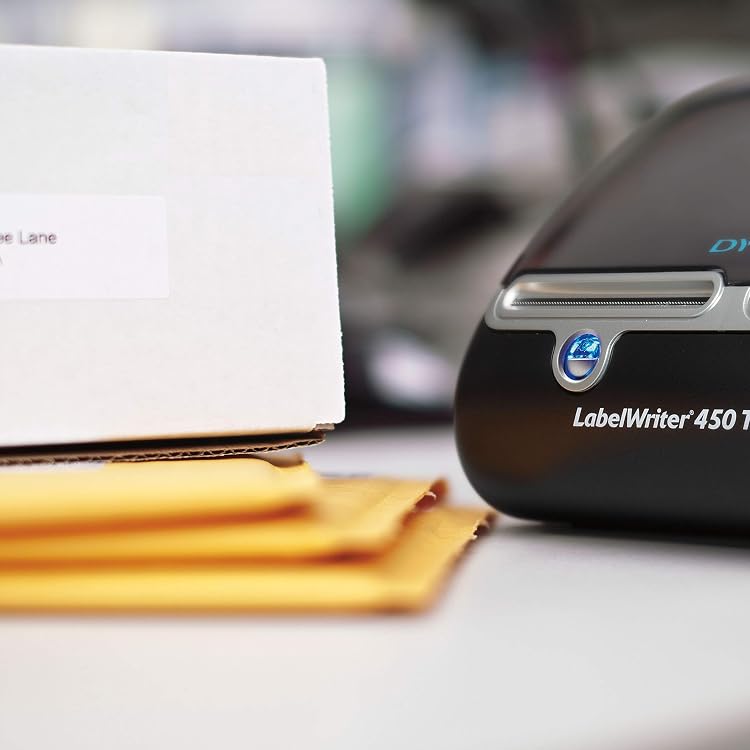
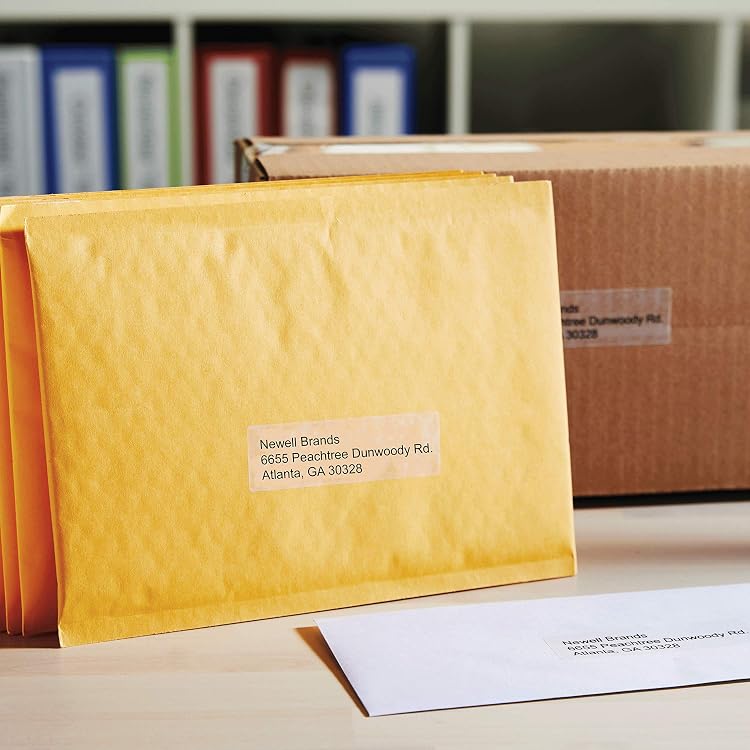
Choose the label layout in DYMO software, connect the printer to your computer by USB and load the roll suited to the task. Keep the two spools arranged for the labels you use most often, automatic roll switching can then take over when the first roll is empty. For a batch of post, file labels or barcodes, prepare the designs on the computer before printing so the run is ready to go.
The fast stated output makes the Twin Turbo particularly relevant for repeat labelling rather than occasional single labels. Its two-roll design also offers a different approach from a printer that requires a roll change between label types, especially when you alternate between address and filing tasks.
Final verdict
The Dymo LabelWriter 450 Twin Turbo is suited to home and office users who print labels regularly and want a computer-connected, ink-free setup. Its defining advantage is the pair of rolls with automatic switching, backed by output of up to 71 labels per minute. That combination makes it a practical fit for organising paperwork, preparing post and producing barcodes or name badges from a PC or Mac.