

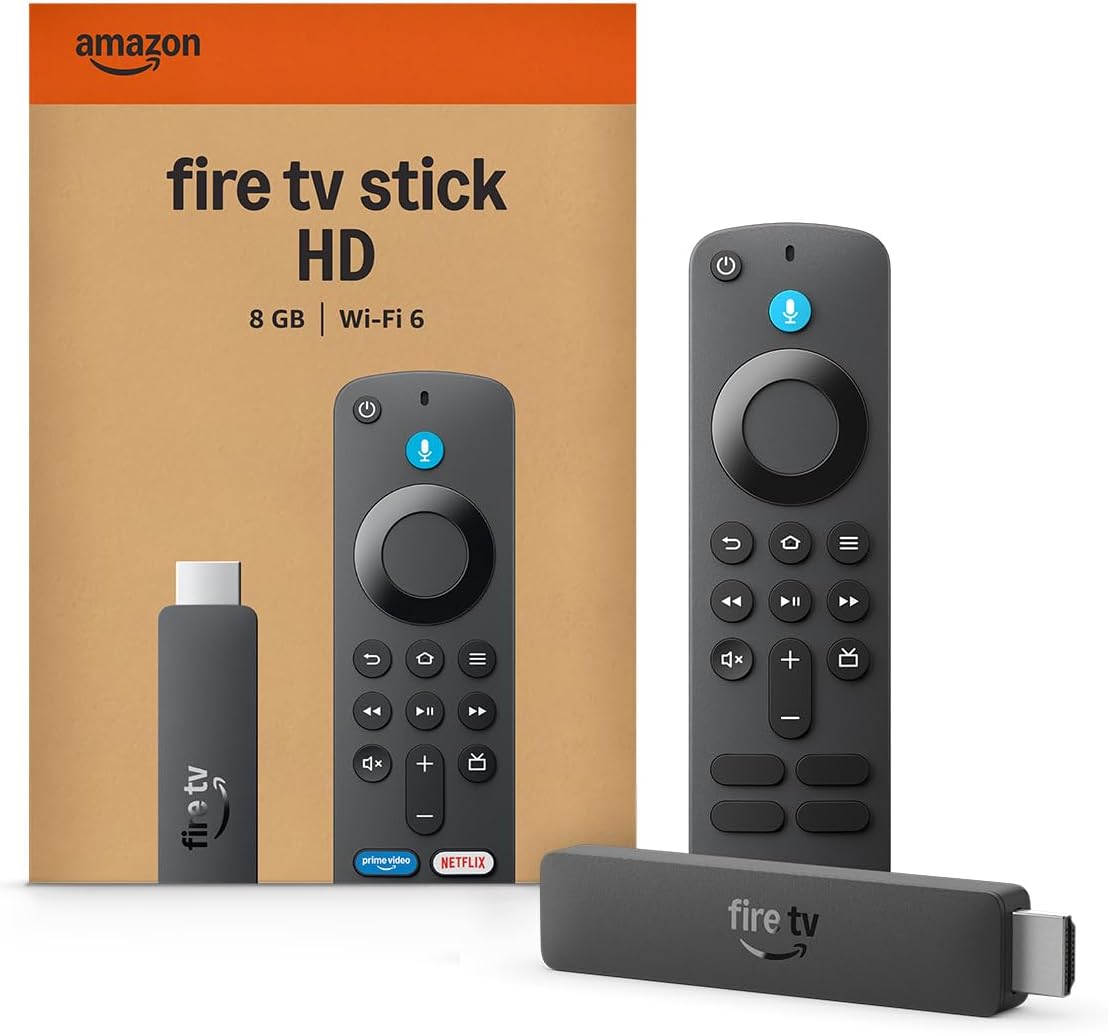
Amazon Fire TV Stick HD
Product description
Highlights
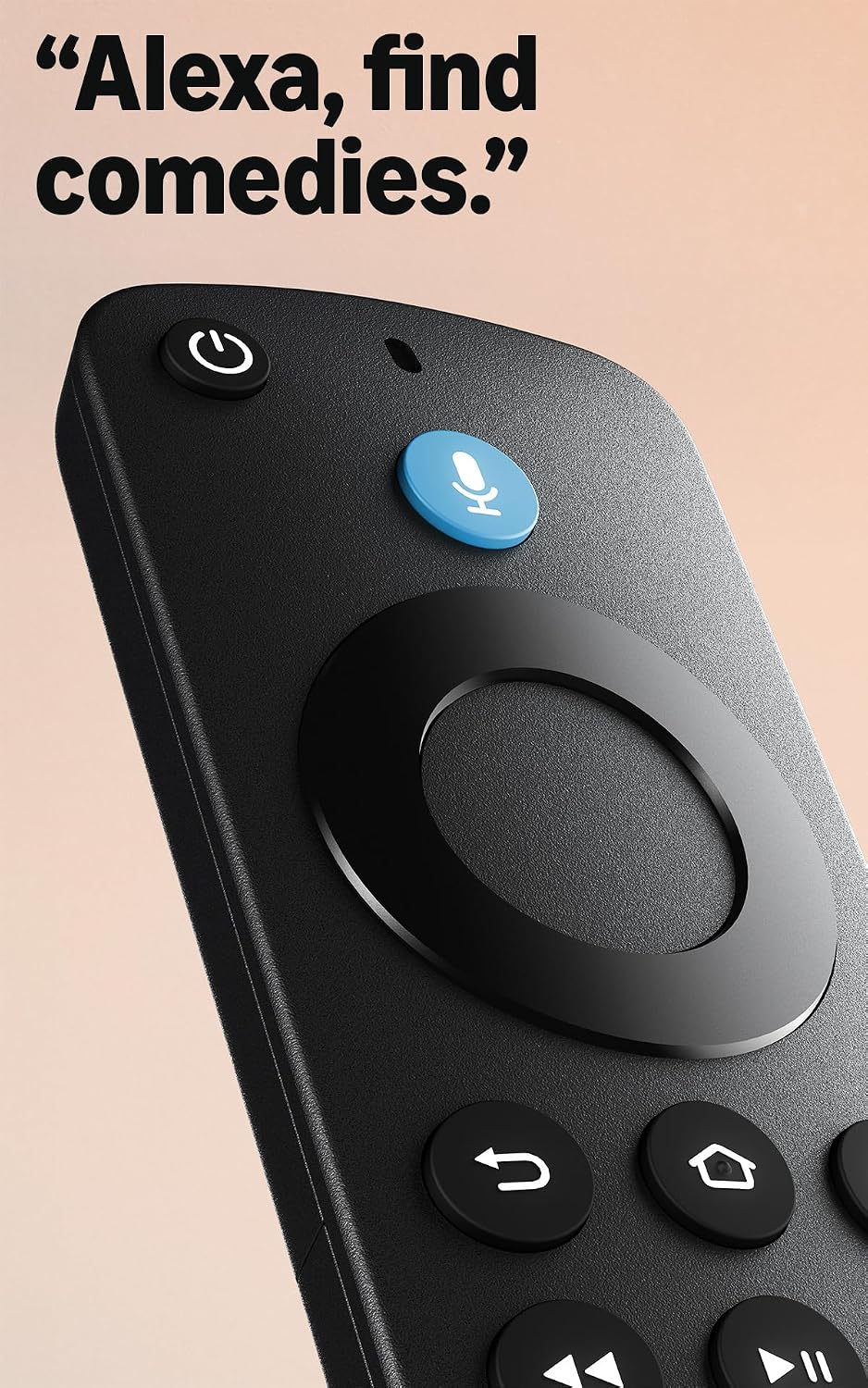
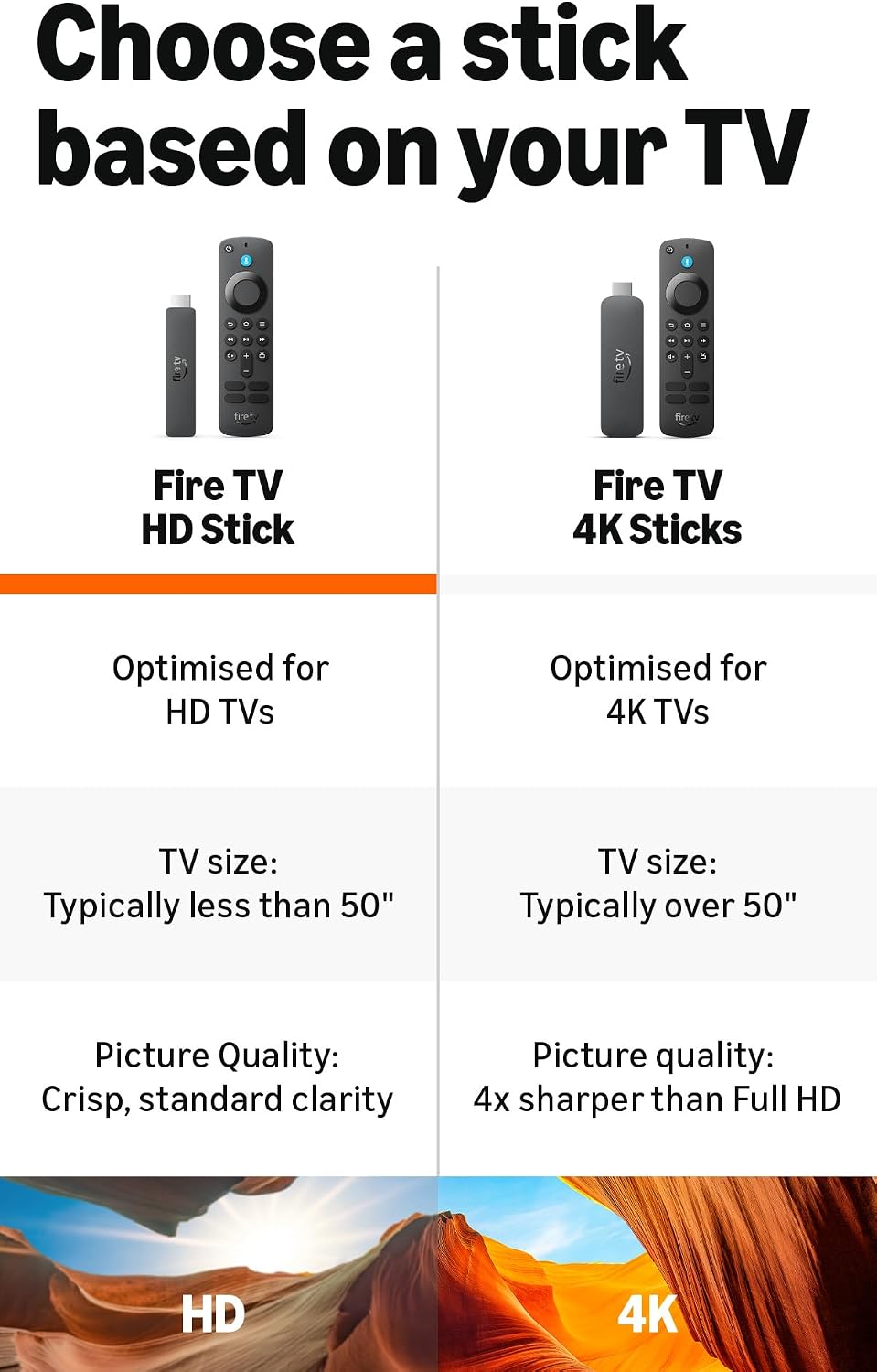
Full HD playback gives the amazon Fire TV Stick HD a straightforward way to bring streaming apps and live TV to a compatible television. It connects through the TV’s HDMI port, and its slim shape is designed not to block other ports. Wi-Fi 6 support is included, while the Alexa Voice Remote can search for and launch programmes across apps.
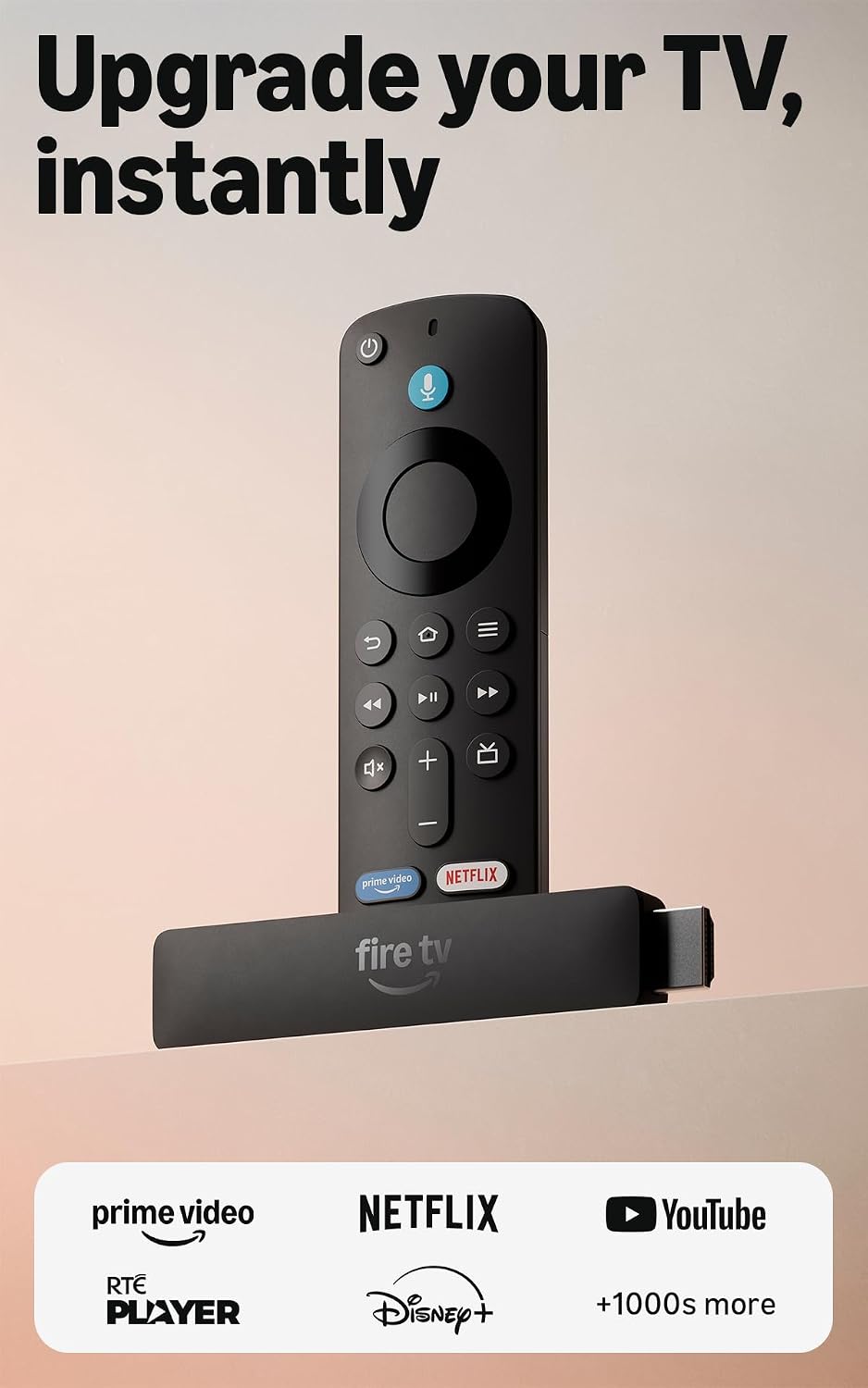
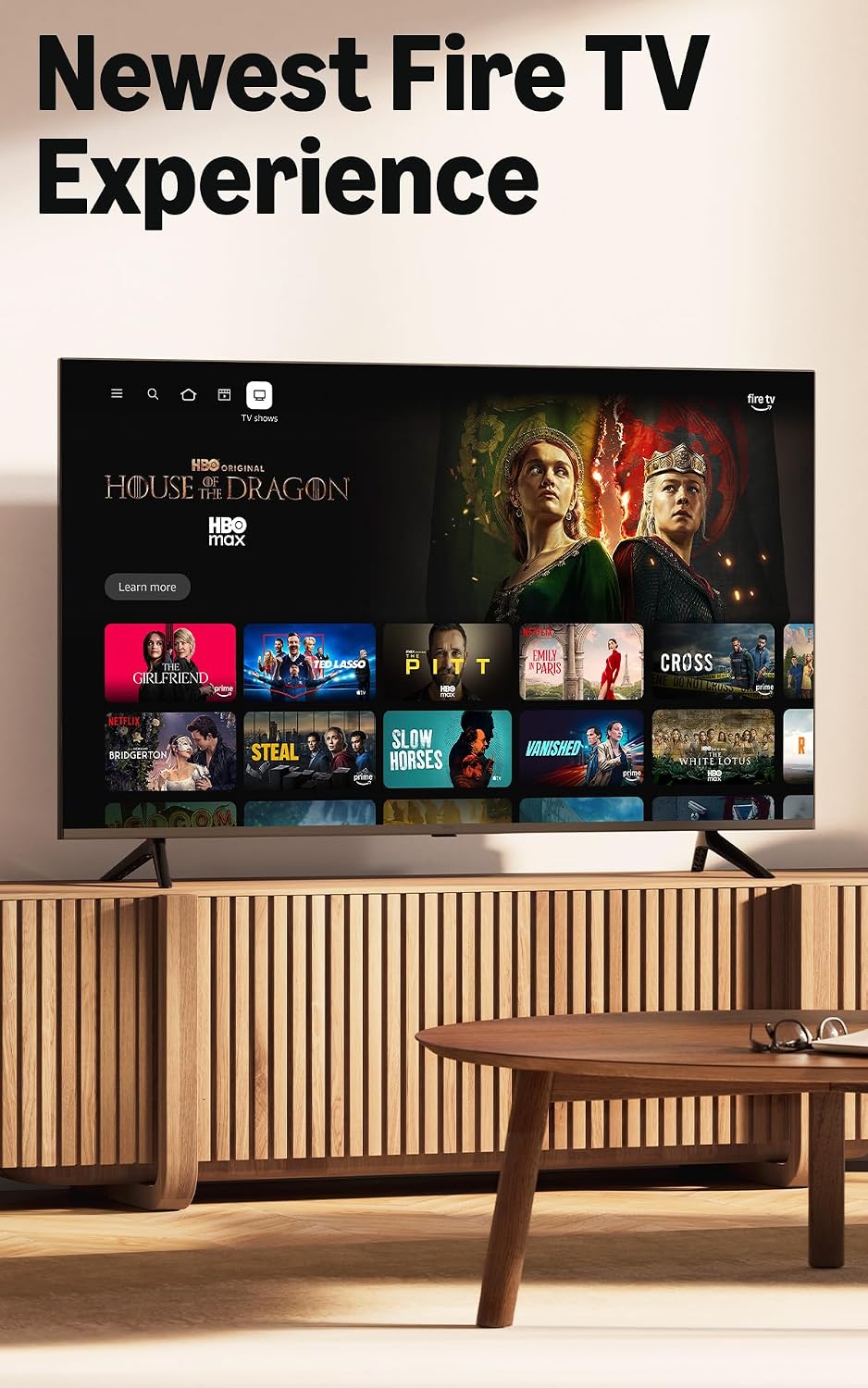
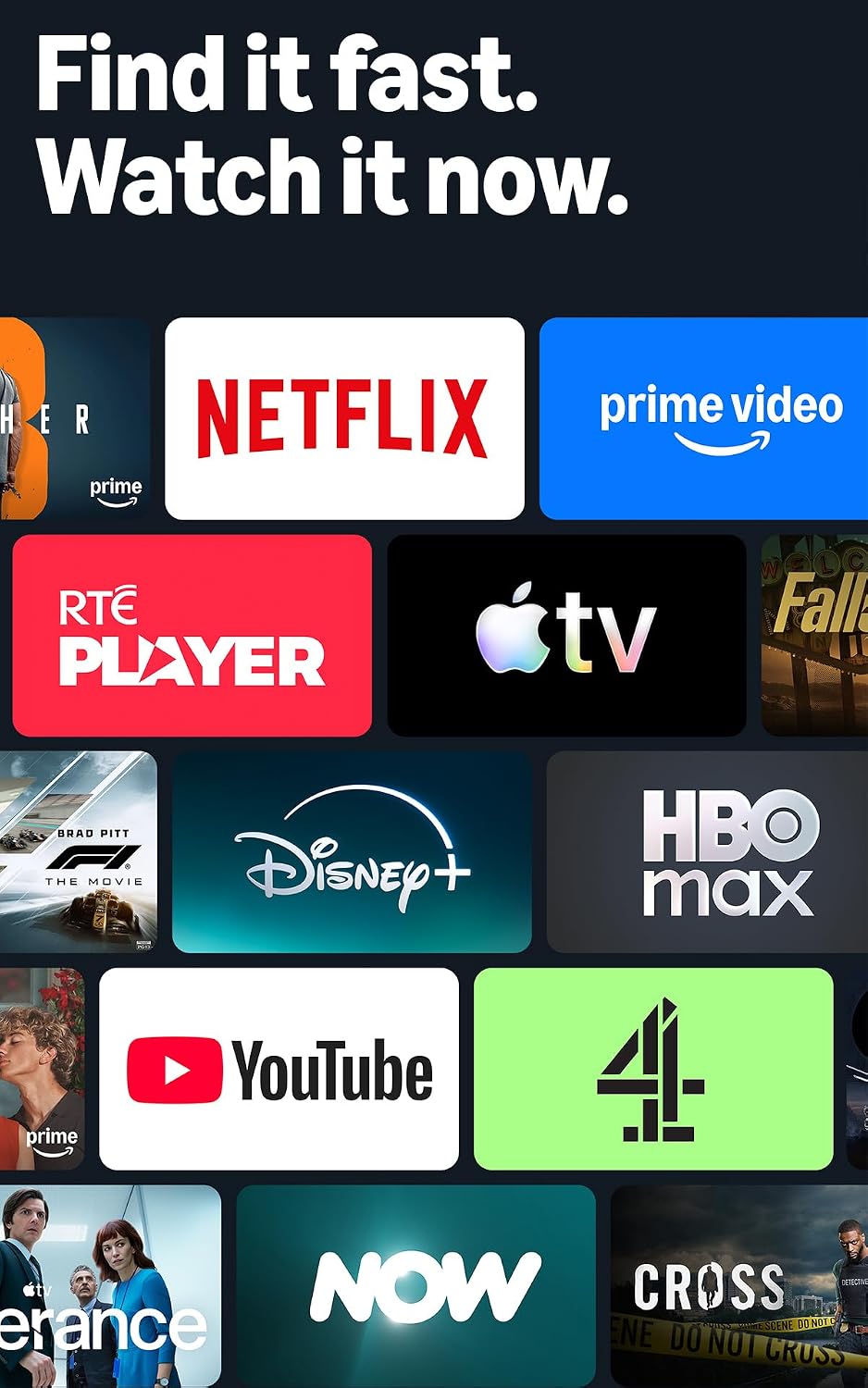
The Fire TV interface groups content into categories, lets you pin favourite apps and offers personalised recommendations. Services listed include Prime Video, Netflix, YouTube, Disney+, Channel 4, NOW, Apple TV and HBO Max, alongside free, ad-supported films and episodes. Availability can vary, and subscription fees may apply.
How to use it
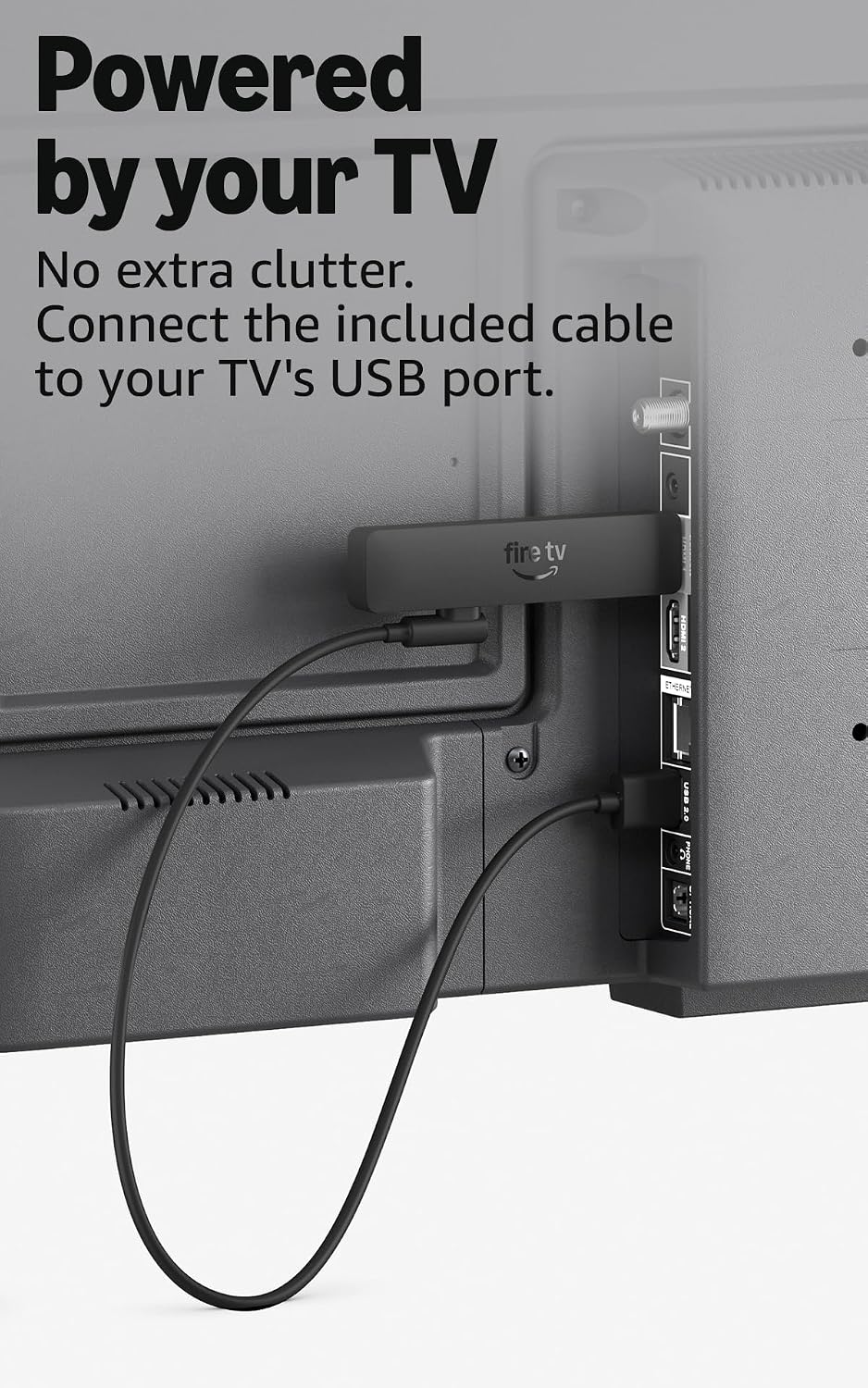
Plug the stick into your TV’s HDMI port and connect the included USB-C cable for power. The stated setup uses the TV for power instead of a wall adaptor, which keeps the arrangement tidier, bear in mind that this depends on using the supplied cable and the TV-powered setup described. Once connected, use the remote to browse, search by voice or control compatible TV and audio equipment with its power and volume buttons.
For example, you could settle in after work, ask Alexa to find a programme and start watching without searching through each app by hand. Bluetooth headphone support also gives you the option of listening privately when other people nearby would rather not have the TV on.
Practical tips
Think about where the stick will sit before connecting it: it is intended to plug directly into HDMI, so there is no separate streaming box to place beside the television. The included cable handles power, but the product information does not specify cable length or the power requirements of individual TVs, so those details are worth considering for your setup.
It also does more than play video. Alexa can be used for tasks such as checking the weather, viewing Ring cameras and dimming lights, while control of a TV, soundbar or receiver is limited to compatible equipment. If you mainly want a simple way to reach streaming apps, that extra voice control may be useful, if you need more detailed technical information before buying, the supplied details leave some setup questions unanswered.
Dudas de compra
Are all films and programmes free to watch? No. The listing mentions free, ad-supported content, but also notes that subscription fees may apply for some services or programmes.
Does it include a wall adaptor? The stated setup uses the included USB-C cable and power from the TV, eliminating the need for a wall adaptor in that arrangement.
Can I listen through Bluetooth headphones? Yes, Bluetooth headphones can be connected for private listening. The listing does not give further detail on supported headphone models.
En tu caso
It’s a good option if you want Full HD streaming, voice search and a compact HDMI stick without adding a separate box to the TV stand. Given its design, the appeal is convenience and access to apps rather than a promise that every programme is included for free. It may not be the best option if you want a completely subscription-free way to watch all your chosen content, or if your priority is a streaming device with detailed specifications that are not provided here. Choose it for a tidy, app-focused setup, look at a different approach if those limits matter more than direct TV power and Alexa control.