App bei Google Play herunterladen


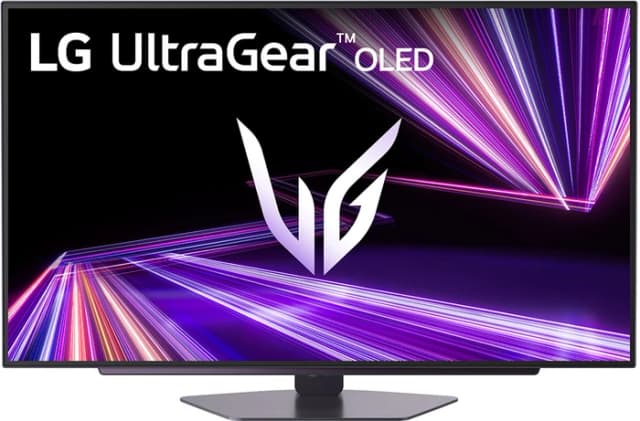
Imagen de LG UltraGear OLED 27GX704A-B Quad HD 27 Zoll Gaming-Monitor en OfertitasTOP
Neues Angebot
Thumbnail principal de LG UltraGear OLED 27GX704A-B Quad HD 27 Zoll Gaming-Monitor
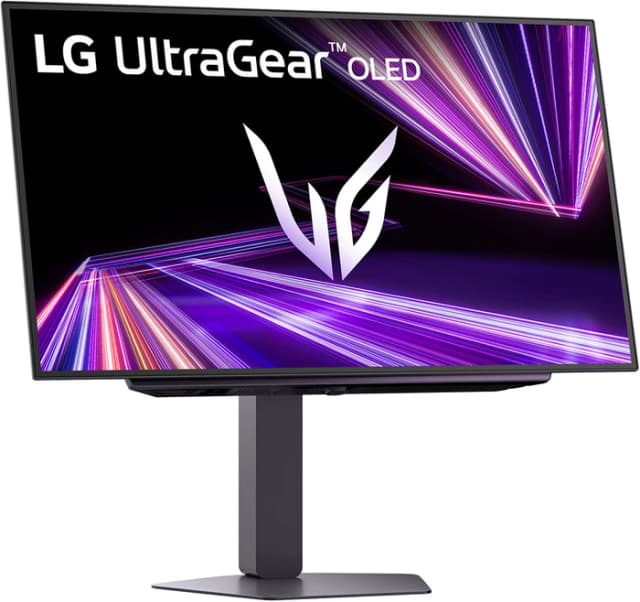
Thumbnail 1 de LG UltraGear OLED 27GX704A-B Quad HD 27 Zoll Gaming-Monitor
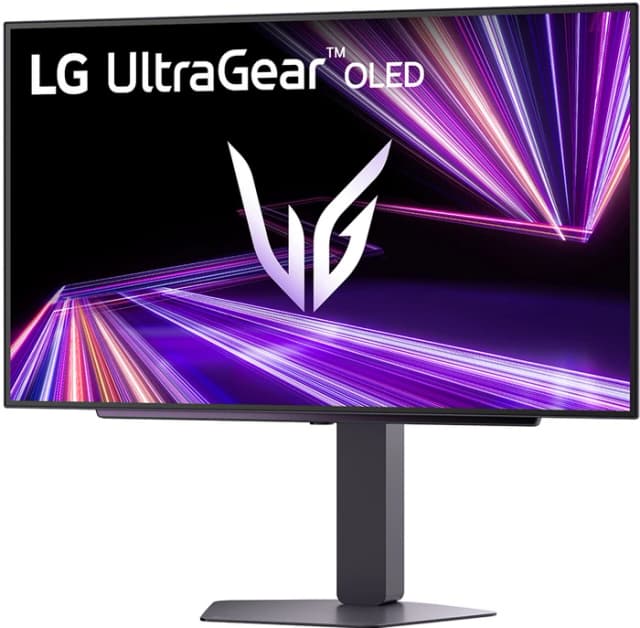
Thumbnail 2 de LG UltraGear OLED 27GX704A-B Quad HD 27 Zoll Gaming-Monitor
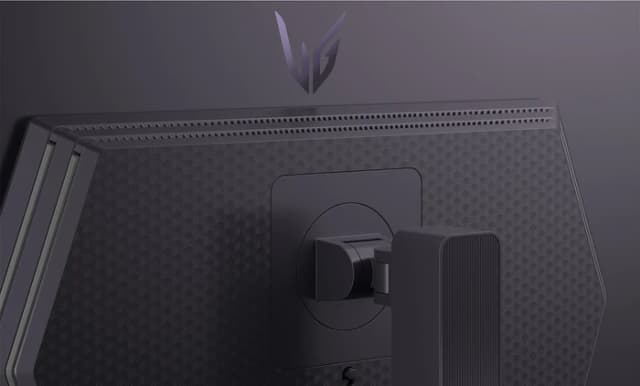
Thumbnail 3 de LG UltraGear OLED 27GX704A-B Quad HD 27 Zoll Gaming-Monitor
Thumbnail 4 de LG UltraGear OLED 27GX704A-B Quad HD 27 Zoll Gaming-Monitor
Thumbnail 5 de LG UltraGear OLED 27GX704A-B Quad HD 27 Zoll Gaming-Monitor
Thumbnail 6 de LG UltraGear OLED 27GX704A-B Quad HD 27 Zoll Gaming-Monitor
Thumbnail 7 de LG UltraGear OLED 27GX704A-B Quad HD 27 Zoll Gaming-Monitor
Thumbnail 8 de LG UltraGear OLED 27GX704A-B Quad HD 27 Zoll Gaming-Monitor
Thumbnail 9 de LG UltraGear OLED 27GX704A-B Quad HD 27 Zoll Gaming-Monitor
Thumbnail 10 de LG UltraGear OLED 27GX704A-B Quad HD 27 Zoll Gaming-Monitor
Thumbnail 11 de LG UltraGear OLED 27GX704A-B Quad HD 27 Zoll Gaming-Monitor
Thumbnail 12 de LG UltraGear OLED 27GX704A-B Quad HD 27 Zoll Gaming-Monitor
Thumbnail 13 de LG UltraGear OLED 27GX704A-B Quad HD 27 Zoll Gaming-Monitor
Thumbnail 14 de LG UltraGear OLED 27GX704A-B Quad HD 27 Zoll Gaming-Monitor
Thumbnail 15 de LG UltraGear OLED 27GX704A-B Quad HD 27 Zoll Gaming-Monitor
Thumbnail 16 de LG UltraGear OLED 27GX704A-B Quad HD 27 Zoll Gaming-Monitor
Thumbnail 17 de LG UltraGear OLED 27GX704A-B Quad HD 27 Zoll Gaming-Monitor
Thumbnail 18 de LG UltraGear OLED 27GX704A-B Quad HD 27 Zoll Gaming-Monitor
Thumbnail 19 de LG UltraGear OLED 27GX704A-B Quad HD 27 Zoll Gaming-Monitor

LG UltraGear OLED 27GX704A-B Quad HD 27 Zoll Gaming-Monitor

Coolblue
Marke: LG
P/N: 27GX704A-B.AEU
Bewertungen
4,95
+4

Bewertungen

4,95
+4 Bewertungen

Preis

599 €439 €-27%
Angebot ansehen
Preisentwicklung · Historisches Minimum: 449 €

Angebot ansehen

Preisentwicklung

Historisches Minimum: 449 €

Produktbeschreibung

Auf einen Blick

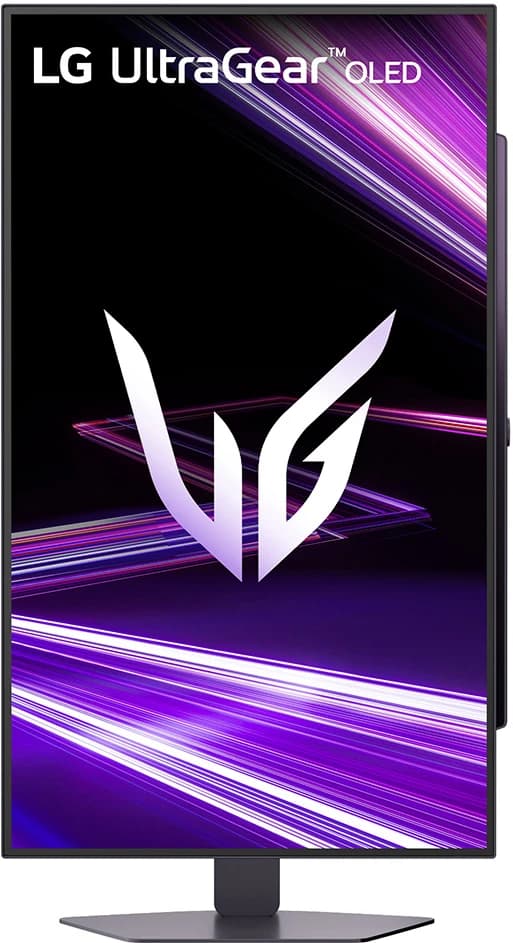
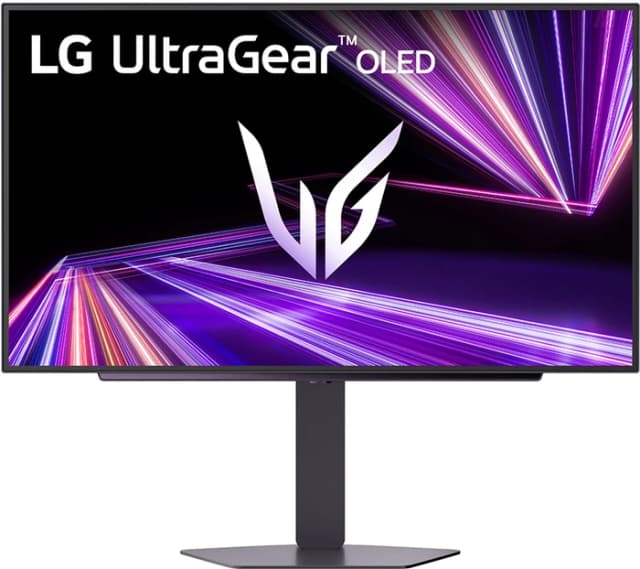
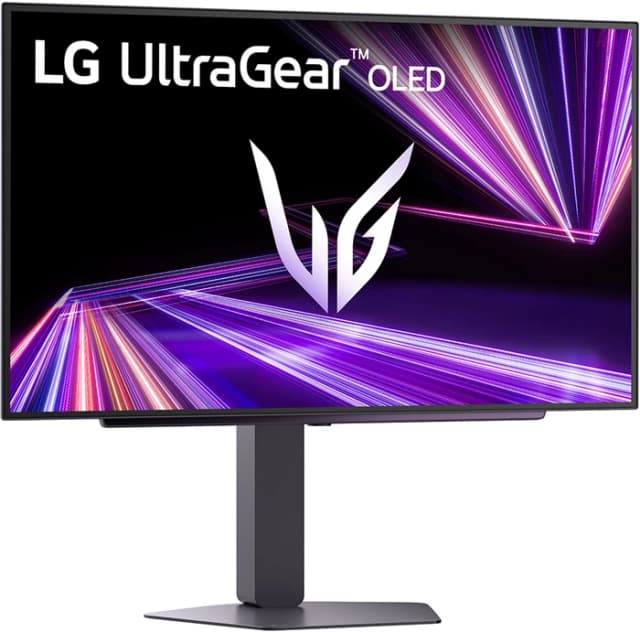
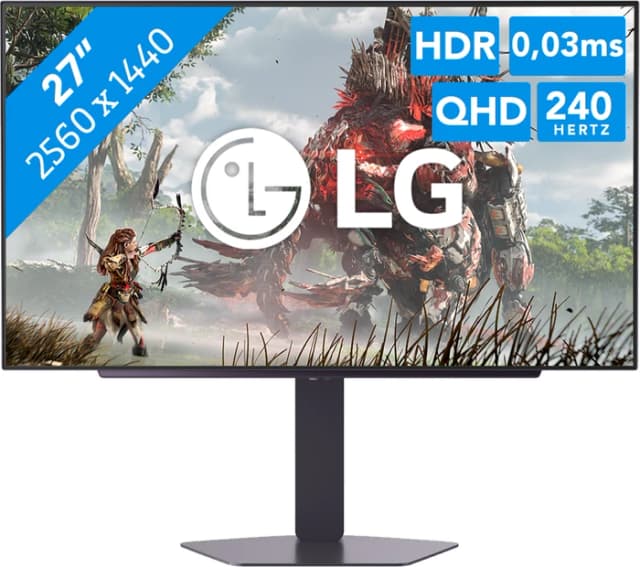
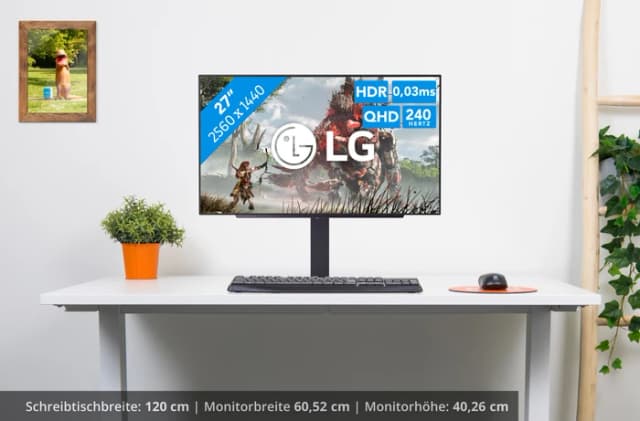
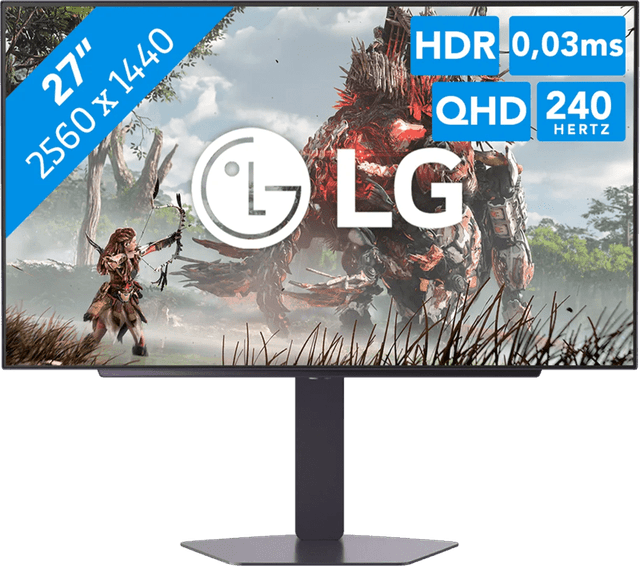
Dieses Modell von LG bietet eine beeindruckende 27‑Zoll‑OLED‑Anzeige mit Quad‑HD-Auflösung, die jedes Detail in lebendigen Farben darstellt. Durch HDR10 und eine Bildwiederholfrequenz von 240 Hz entsteht ein flüssiges Spielerlebnis ohne Verzögerungen. Die Reaktionszeit von 0,03 ms sorgt dafür, dass schnelle Bewegungen klar bleiben.
Detalle de LG UltraGear OLED 27GX704A-B Quad HD 27 Zoll Gaming-Monitor

Technischer Überblick

Detalle 1 de LG UltraGear OLED 27GX704A-B Quad HD 27 Zoll Gaming-Monitor
Detalle 2 de LG UltraGear OLED 27GX704A-B Quad HD 27 Zoll Gaming-Monitor
  • Display: OLED, 27 Zoll
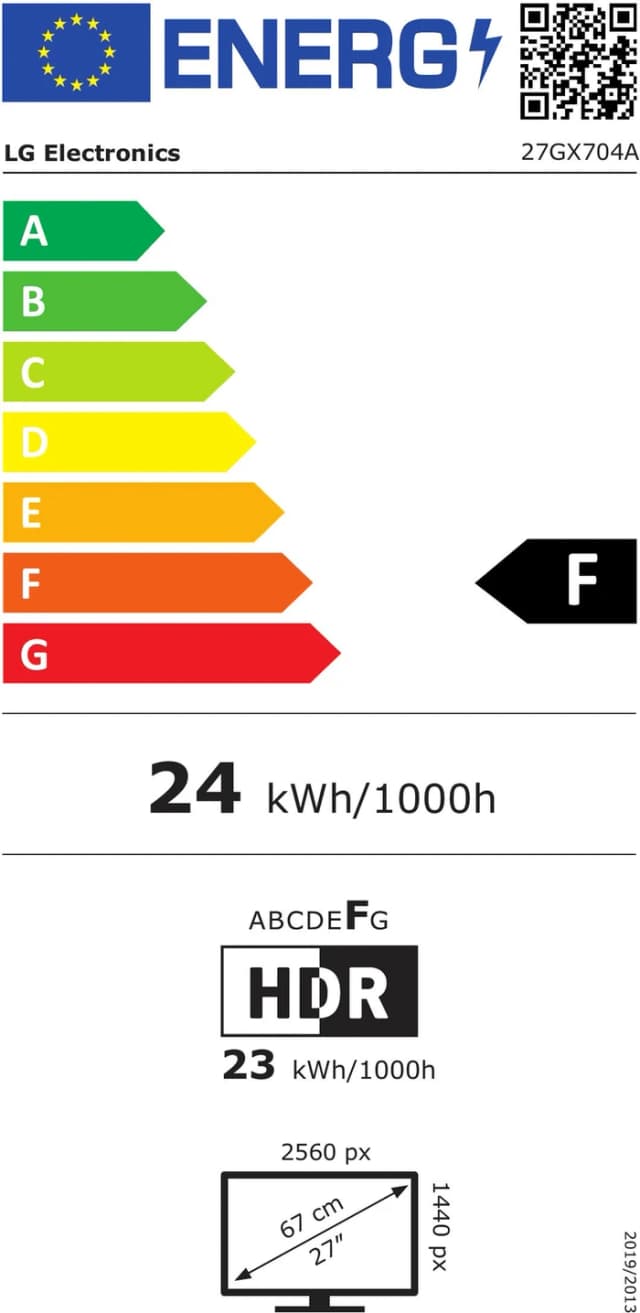
  • Auflösung: Quad‑HD (2560×1440)
  • Bildwiederholfrequenz: 240 Hz
  • Reaktionszeit: 0,03 ms
  • HDR: HDR10
  • Adaptive Sync: G‑Sync / FreeSync
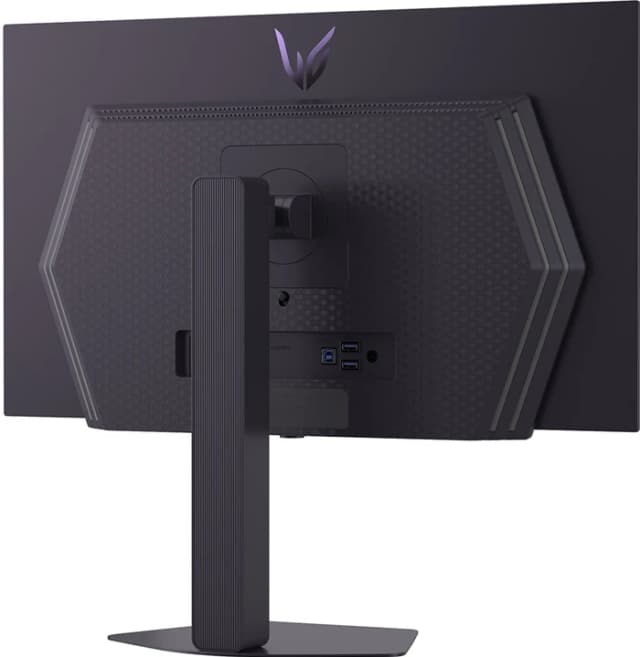
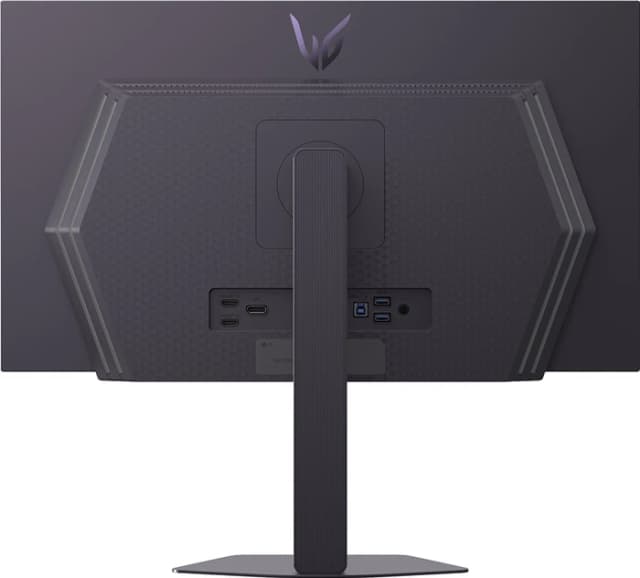
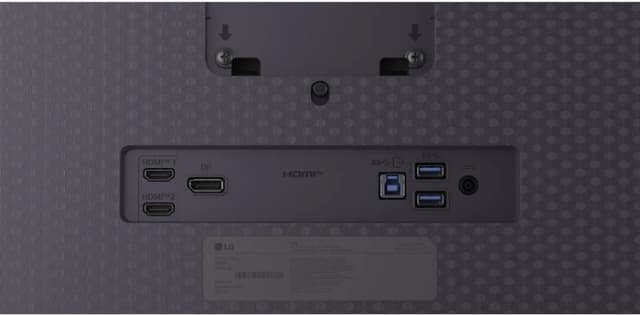
  • Anschlüsse: HDMI, DisplayPort, USB-C
Detalle de LG UltraGear OLED 27GX704A-B Quad HD 27 Zoll Gaming-Monitor

Für wen es passt

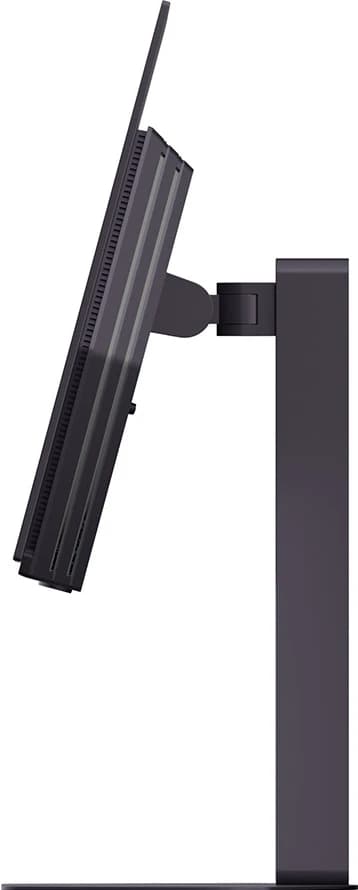
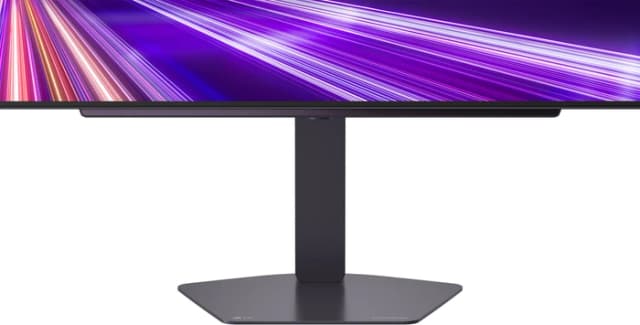
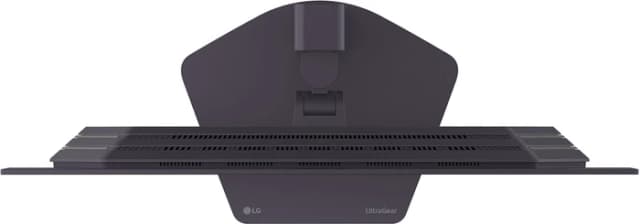
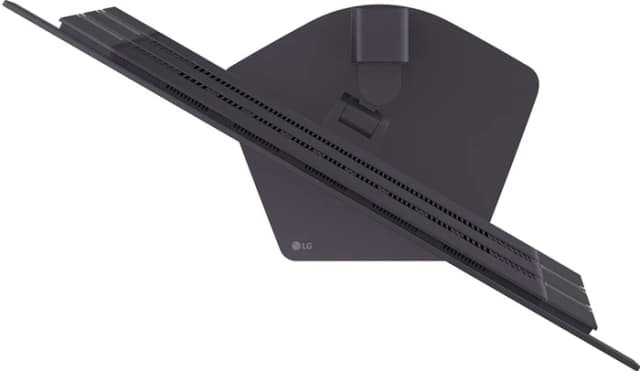
Ideal für Hardcore-Gamer, die Wert auf maximale Bildqualität und minimale Latenz legen. Durch die ergonomische Höhenverstellung kann der Monitor bequem an unterschiedliche Sitzpositionen angepasst werden, sodass Rücken‑ oder Nackenbeschwerden vermieden werden.
Detalle de LG UltraGear OLED 27GX704A-B Quad HD 27 Zoll Gaming-Monitor
Detalle 1 de LG UltraGear OLED 27GX704A-B Quad HD 27 Zoll Gaming-Monitor
Detalle 2 de LG UltraGear OLED 27GX704A-B Quad HD 27 Zoll Gaming-Monitor

Was überzeugt

Die OLED-Technologie liefert einen tiefen Schwarzwert und ein breites Farbspektrum, was besonders bei dunklen Spielwelten auffällt. Die hohe Bildwiederholfrequenz in Kombination mit der niedrigen Reaktionszeit minimiert Bewegungsunschärfe und sorgt für ein reibungsloses Gameplay. Zudem unterstützt der Monitor sowohl NVIDIA G‑Sync als auch AMD FreeSync, sodass die Bildrate optimal an die Grafikkarte angepasst wird.

Detalle de LG UltraGear OLED 27GX704A-B Quad HD 27 Zoll Gaming-Monitor

Pflegehinweise

Um die Lebensdauer des OLED‑Displays zu verlängern, sollten Sie den Bildschirm regelmäßig reinigen und bei längerer Standzeit einen automatischen Energiesparmodus aktivieren. Vermeiden Sie direkte Sonneneinstrahlung und stellen Sie sicher, dass der Monitor in einem gut belüfteten Raum steht.