

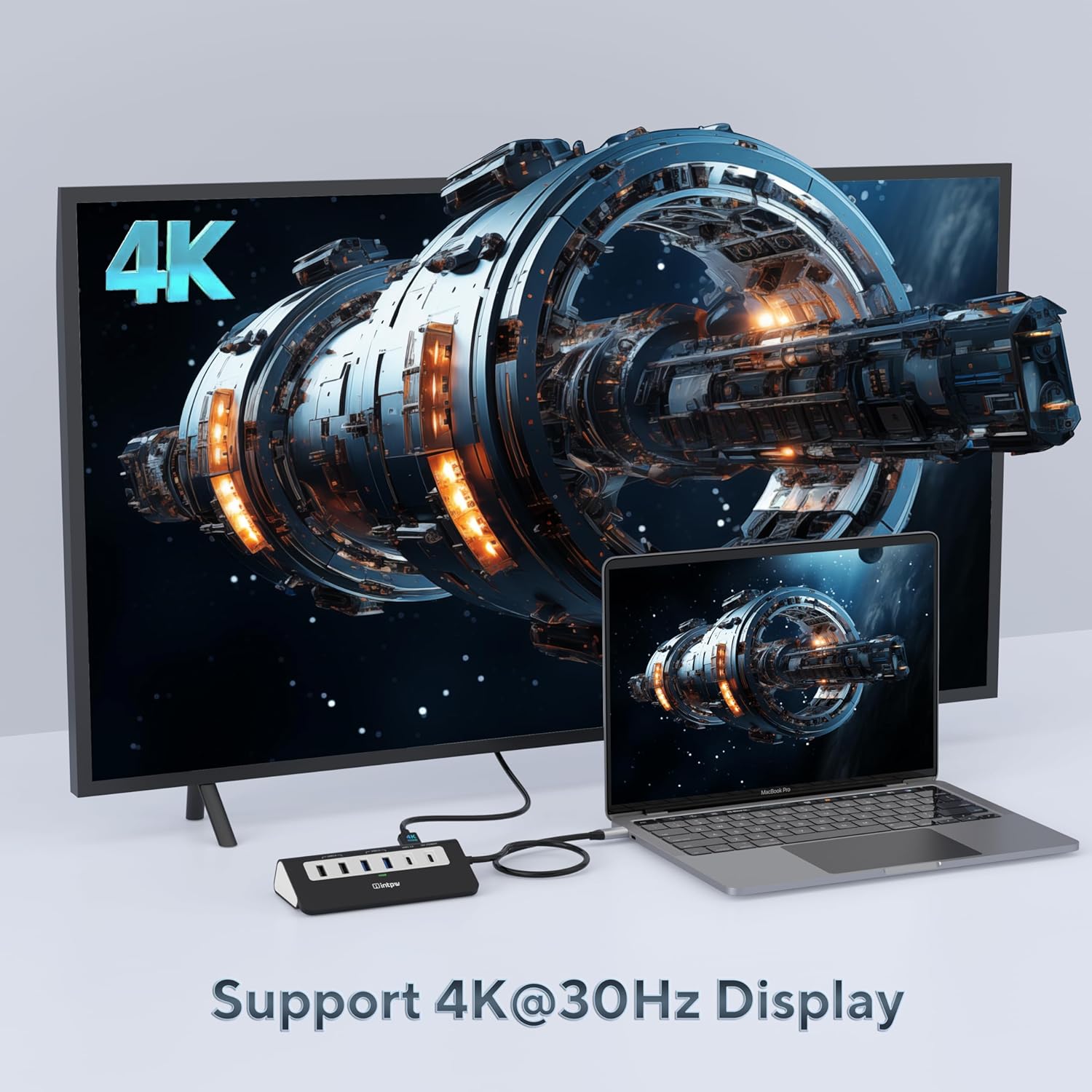
Intpw USB Hub 9-in-1 USB-C Docking Station – 4K HDMI, PD 100W, 2x USB 3.0, 2x USB 2.0, SD/TF
Bewertungen
Preis
Produktbeschreibung
Überblick
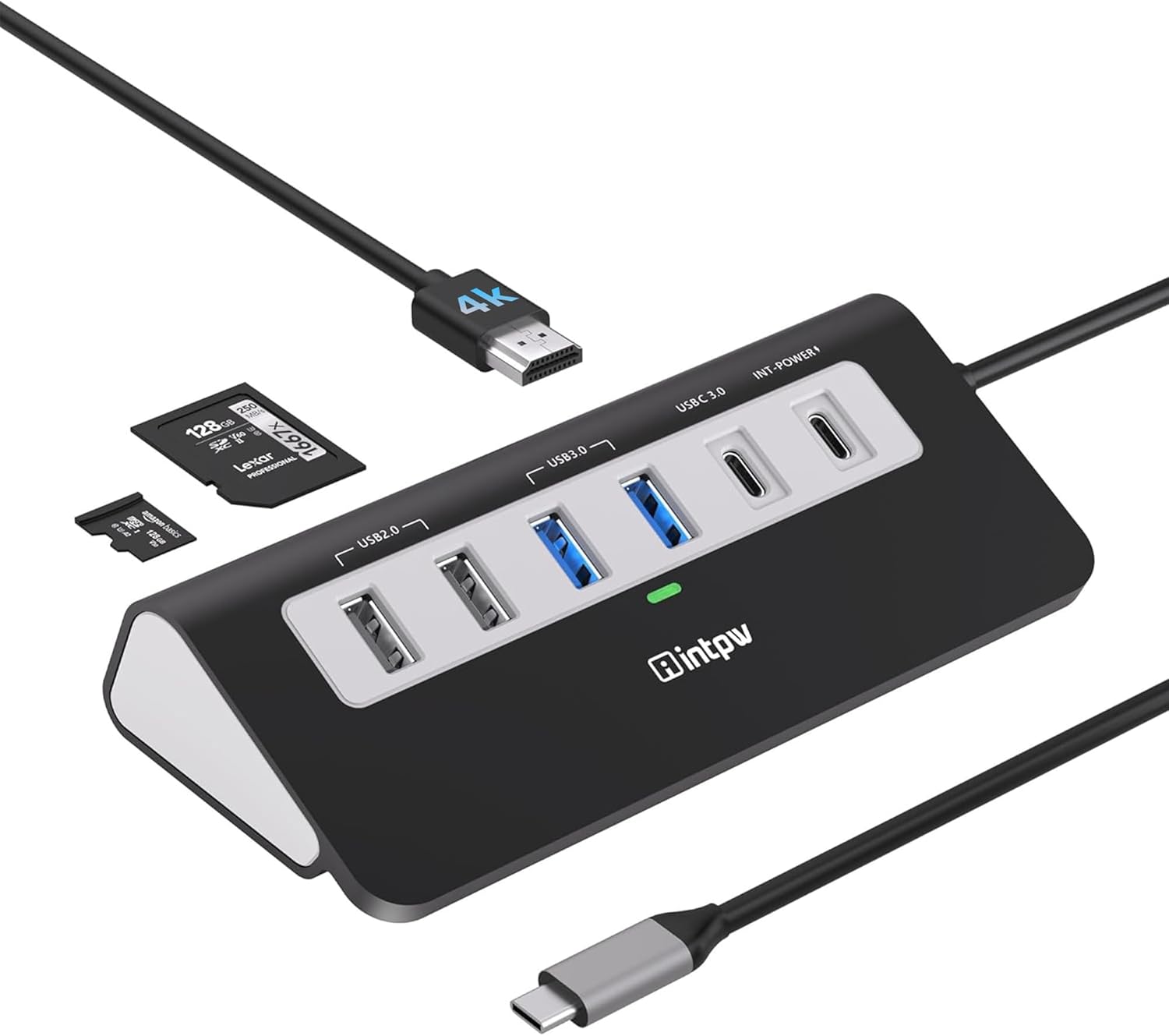
Der Intpw USB-C Hub ist eine 9-in-1-Docking-Lösung, die Anschlussvielfalt für MacBook, MacBook Pro, MacBook Air, iPad und Tablets mit USB-C bietet. Er kombiniert Datentransfer, Videoausgabe, Speicherkarten-Slots und Power Delivery in einem kompakten Aluminium-Gehäuse.
Was macht ihn besonders
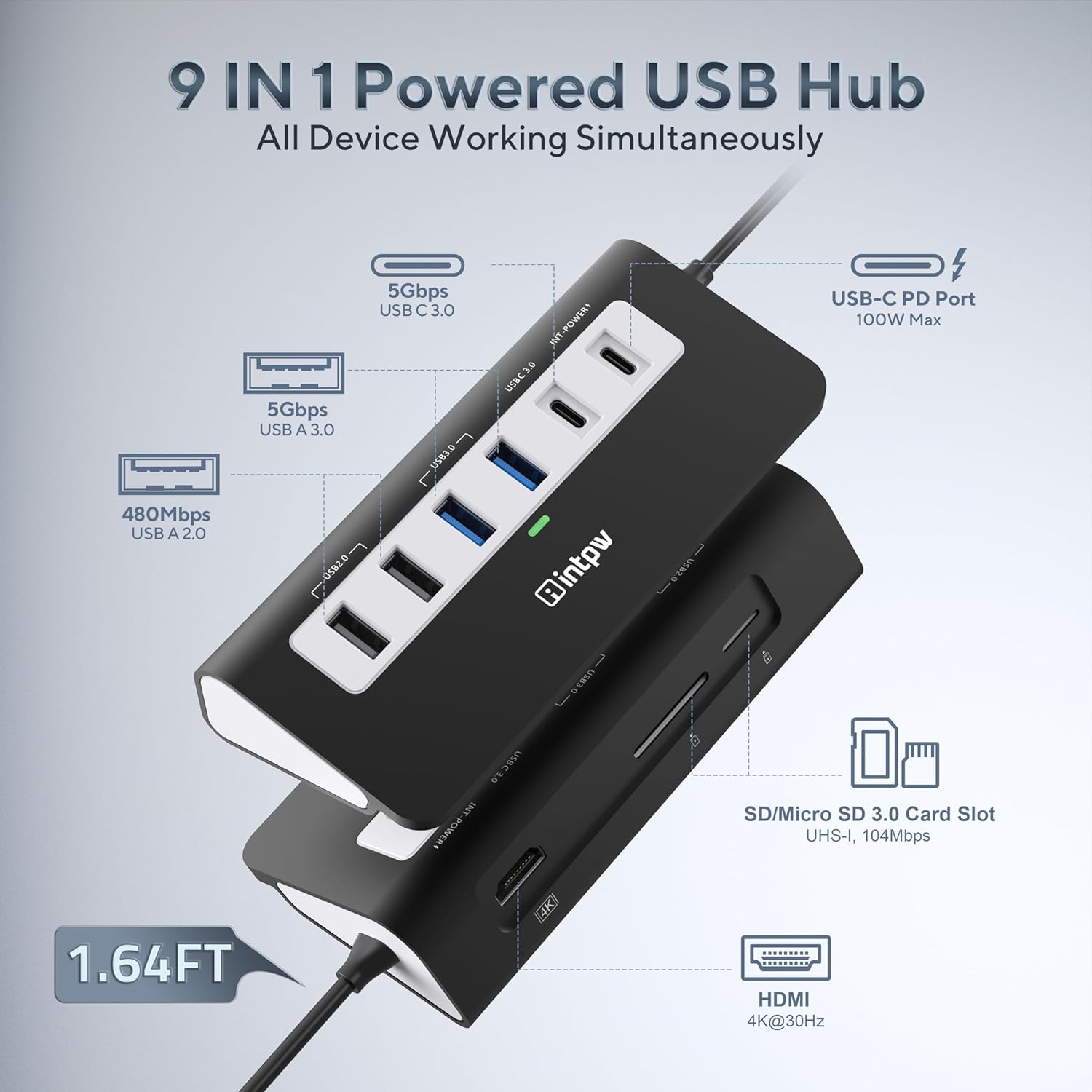
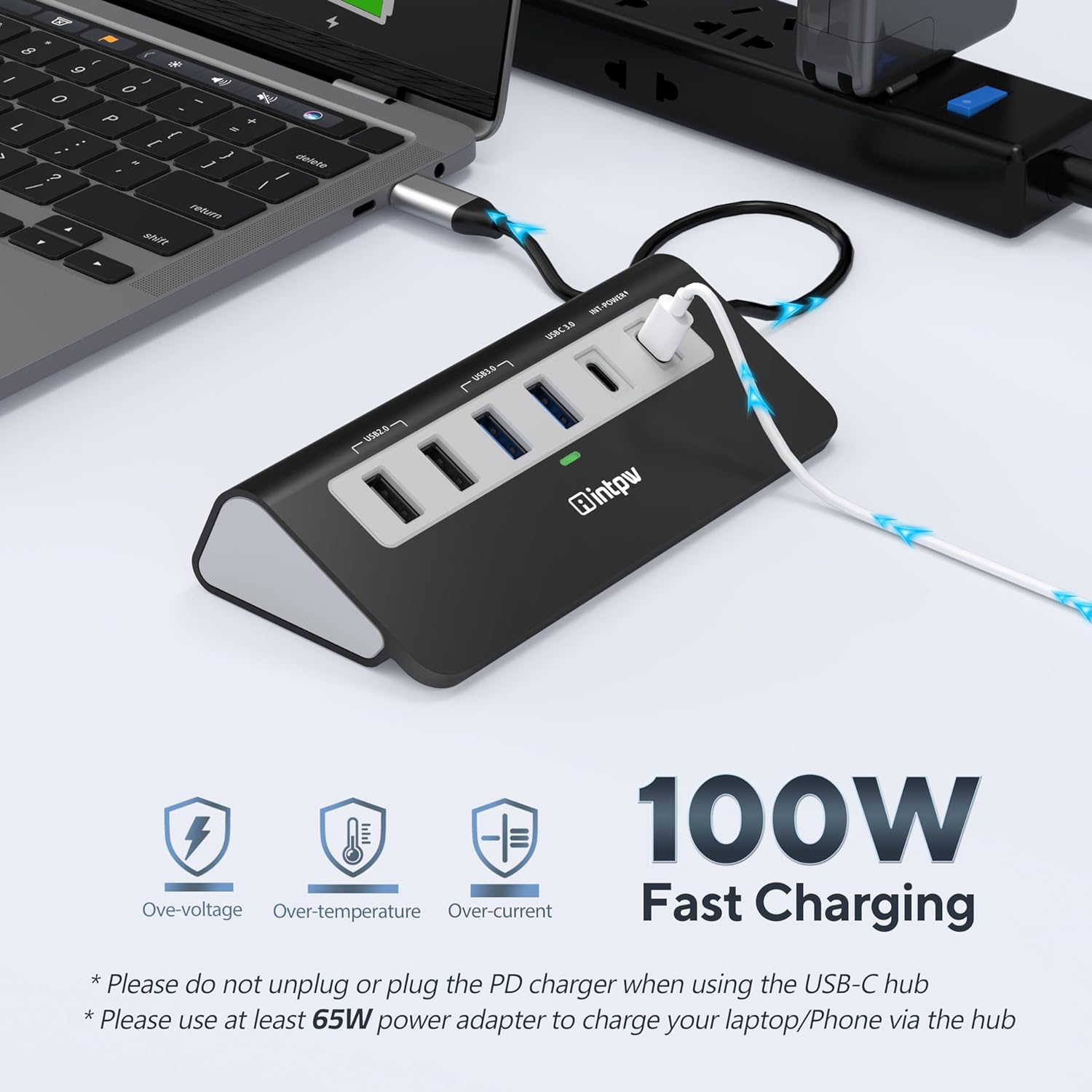
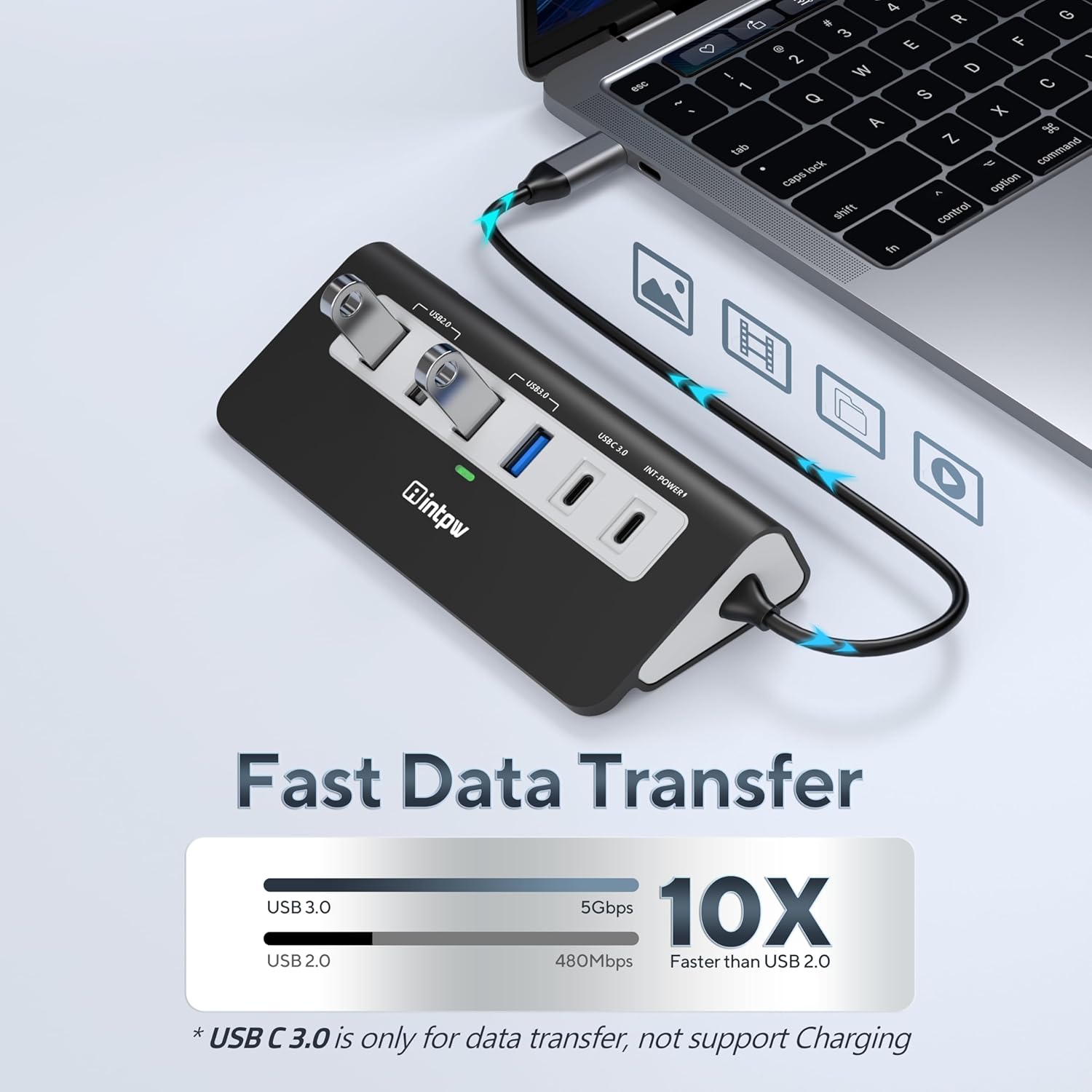
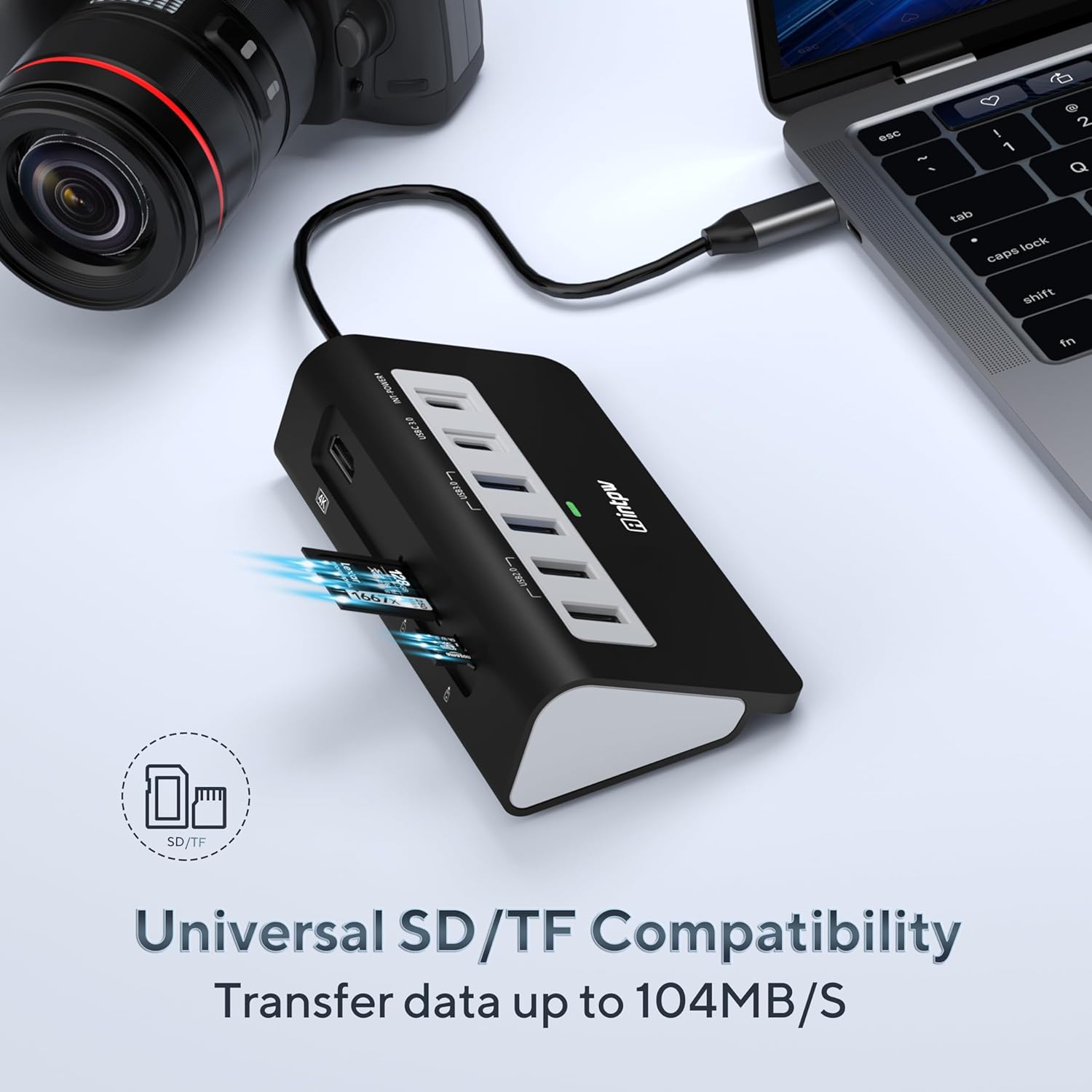
Auf dem Papier vereint der Hub drei USB 3.0 Ports (bis 5 Gbps), zwei USB 2.0 Ports sowie HDMI-Ausgabe für 4K-Video. Dazu kommt eine 100-W-PD-Ladefähigkeit, sodass sich das Laptop-Netzteil unabhängig von Peripherie anschließen lässt. Die SD/TF-Kartenleser erweitern die Datenspeicherung unterwegs.
Vorteile in der Praxis
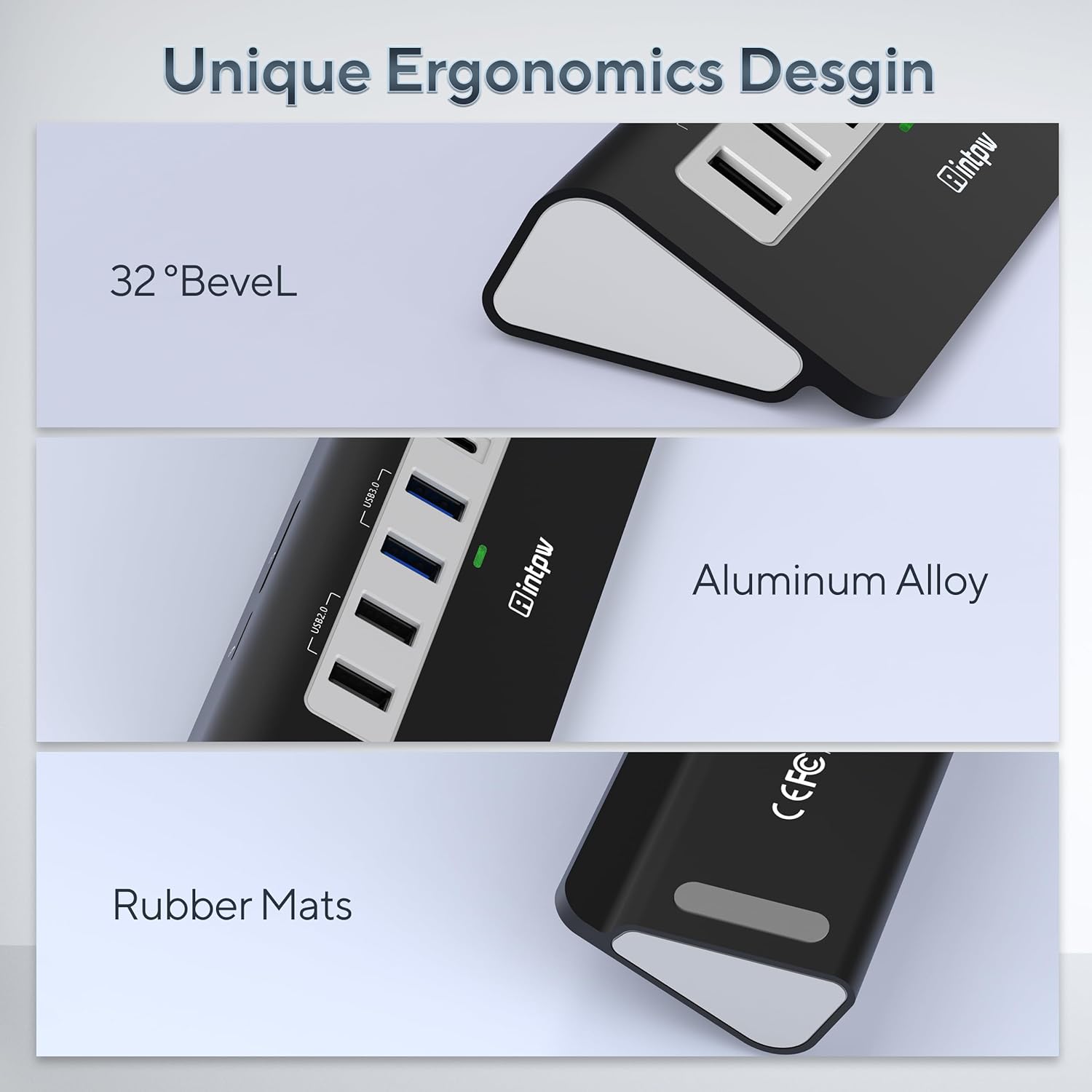
Die HDMI-Ausgabe ermöglicht 4K-Video (bis 30 Hz) bzw. 2560×1600 (60 Hz) oder 2K/1080p in höheren Bildwiederholraten, wodurch sich Inhalte zuverlässig auf Monitoren oder Beamer darstellen lassen. Das Gehäuse aus Aluminium sorgt für Passung, Stabilität und eine gute Wärmeableitung, der Festwert von unter 45 °C während des Betriebs unterstützt eine sichere Nutzung mehrerer Ports gleichzeitig.
Einschränkungen und Dinge, die man beachten sollte
- Der Host-USB-C-Port muss DisplayPort Alt-Modus unterstützen, damit HDMI 4K funktioniert.
- Die maximale HDMI-Auflösung hängt vom Host-Gerät und dessen DP-Alt-Modus ab, realistische 4K-Bei 30 Hz oder 2K bei höheren Hz sollten berücksichtigt werden.
- Die USB-C-Verbindung hat eine Kabellänge von ca. 50 cm, was für den Großteil der Arbeitsplätze gut passt, aber bei sehr engen Desk-Situationen eine Planung erfordert.
- Für manche Anwender könnte der Hub eher als Ergänzung denn als zentrale Docking-Station dienen, insbesondere wenn permanentes Multi-Mroom-Cappen gewünscht ist.
Zielgruppe und Anwendungsfall
Wenn du regelmäßig unterwegs oder am Home-Office-Arbeitsplatz arbeitest und mehrere Peripherie-Geräte gleichzeitig nutzen willst, bietet der Hub eine pragmatic Lösung: Drucktasten-Peripherie, Tastatur/Maus, externes Laufwerk, Kartenleser und ein externes Display auf einen einzigen USB-C-Port. Er eignet sich besonders für Nutzer von MacBook Pro/Air, iPad mit Typ-C, Tablets oder anderen USB-C-Geräten, die eine zuverlässige Plug-and-Play-Erweiterung suchen.
Wann Sinn macht, ihn zu kaufen
- Du willst deinen USB-C Laptop schnell um mehrere Ports erweitern, ohne dabei aufwändige Dockingsstationen zu benötigen.
- Du brauchst eine 4K-Videoausgabe am externen Monitor zusammen mit Datentransfer und externem Speicher.
- Du legst Wert auf effizientes Temperature-Management dank Aluminiumgehäuse und moderaten Temperaturen.
Wann du besser andere Optionen prüfen solltest
- Wenn du mehr als 2x USB 3.0 oder schnellere HDMI-Optionen jenseits 4K 30 Hz benötigst, könnte eine leistungsstärkere Docking-Lösung sinnvoll sein.
- Falls du keine DisplayPort Alt-Modus-Unterstützung am Host hast, funktioniert die 4K-Ausgabe möglicherweise nicht wie erwartet.
Technische Eckdaten (aus der Produktbeschreibung)
- 9-in-1 USB-C Hub mit PD 100W
- 3x USB 3.0 Ports (bis 5 Gbps), 2x USB 2.0 Ports
- HDMI-Ausgabe bis 4K/30 Hz, 2K bis 75 Hz, 1080p bis 144 Hz
- SD/TF Kartenleser
- Kabellänge ca. 50 cm
- Material: Aluminium
- Temperaturbetrieb unter 45 °C
- Ergonomischer 32° Winkel
Kaufentscheidung (Fazit)
Lohnt es sich? Ja, wenn du eine kompakte, vielseitige Lösung suchst, die USB-C-Laptops mit mehreren Ports, Speicher- und Display-Unterstützung versorgt, ohne eine große Docking-Station mitzuführen. Es ist besonders geeignet, wenn du Wert auf moderate Wärmeentwicklung, Plug-and-Play-Kompatibilität und eine einfache, mobile Lösung legst.
FAQ
- Funktioniert der HDMI-Anschluss wirklich in 4K? Ja, abhängig von DP Alt-Modus des Host-Geräts, 4K60Hz wird nicht immer unterstützt, daher prüfe, welche Auflösung dein Keyboard/Monitor unterstützt.
- Passt der Hub zu meinem MacBook Pro/Air? Die Kompatibilität gilt allgemein für USB-C-Geräte mit DP Alt-Modus. Das Produkt nennt MacBook Pro/Air sowie weitere Geräte als Zielgruppe.
- Ist der PD-Anschluss ausschließlich zum Laden reserviert? Der PD-Port unterstützt gleichzeitiges Laden und den Betrieb mehrerer Peripherie-Geräte, sodass du Laden und Arbeiten verbinden kannst.