


Uineer Wireless Mouse 12,800 DPI
Product description
What to know
At a shared desk, in a quiet office or while moving between a laptop and tablet, connection flexibility can matter as much as cursor control. This Uineer mouse offers Bluetooth 5.0, 2.4 GHz wireless and USB-A wired modes.
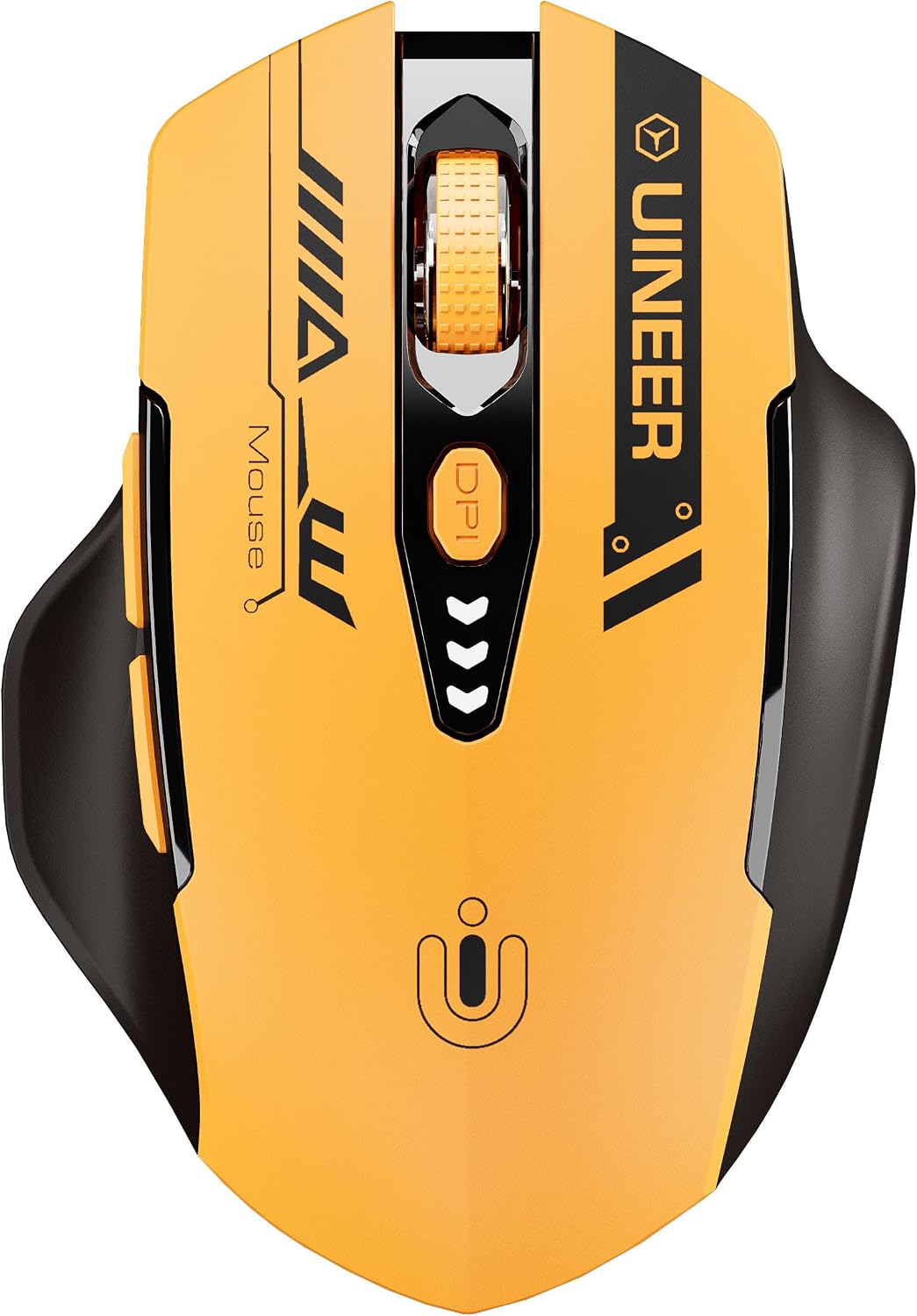
It has six adjustable DPI levels, from 800 to 12,800, plus a switchable polling rate of up to 1000 Hz. That gives you room to change how quickly the pointer moves, though the highest setting won’t be useful for every task.
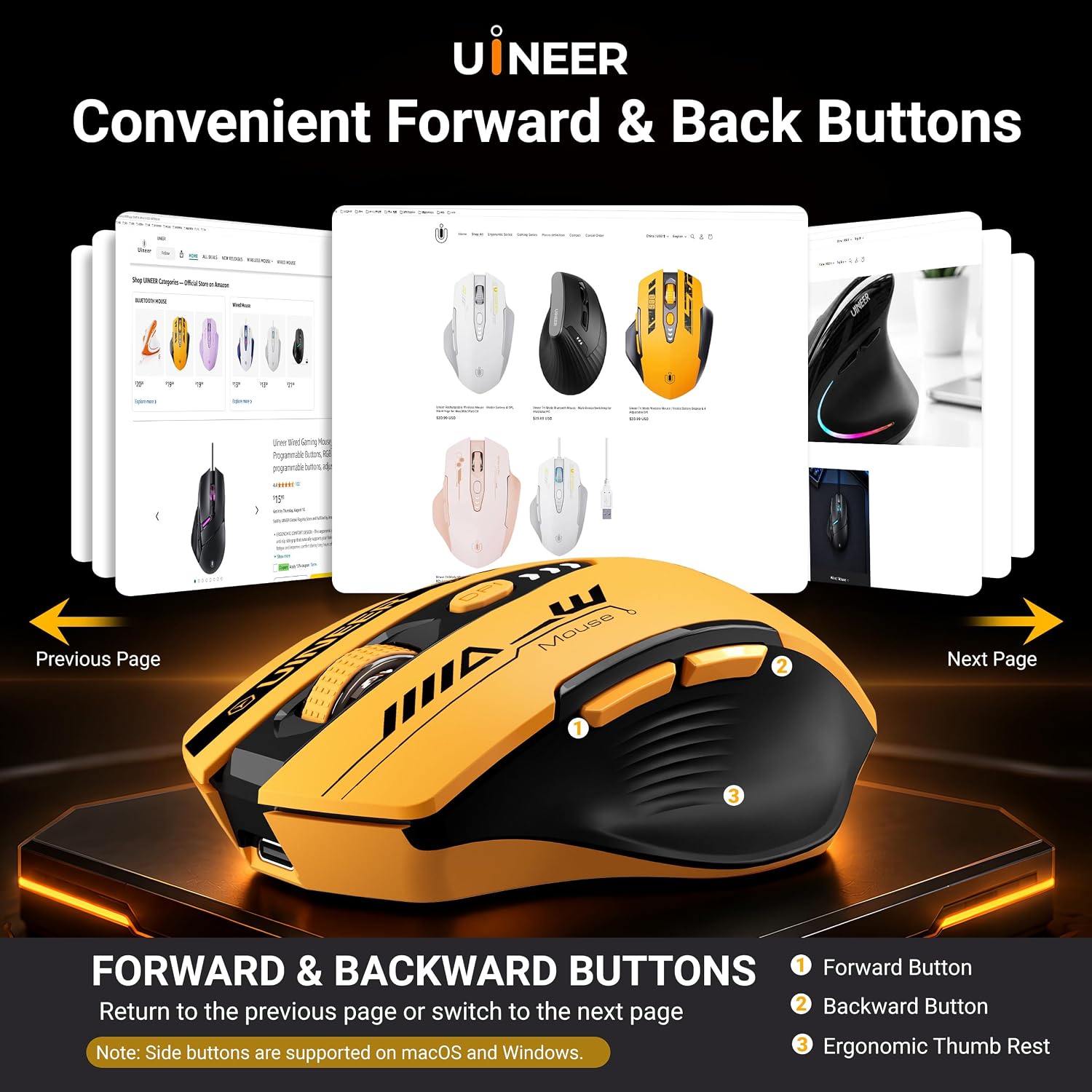
The built-in 500mAh battery recharges through USB-C, so there’s no need for disposable batteries. Its left and right buttons are designed for quieter clicks, and the mouse also has forward and back buttons.

Best use cases
The three connection options make this a flexible choice for a desk shared by different devices. Bluetooth suits a compatible laptop or tablet, 2.4 GHz keeps a desktop setup wireless, and the USB-A wired mode offers a direct connection for work or gaming. You can switch between these approaches rather than buying a mouse tied to just one connection type.
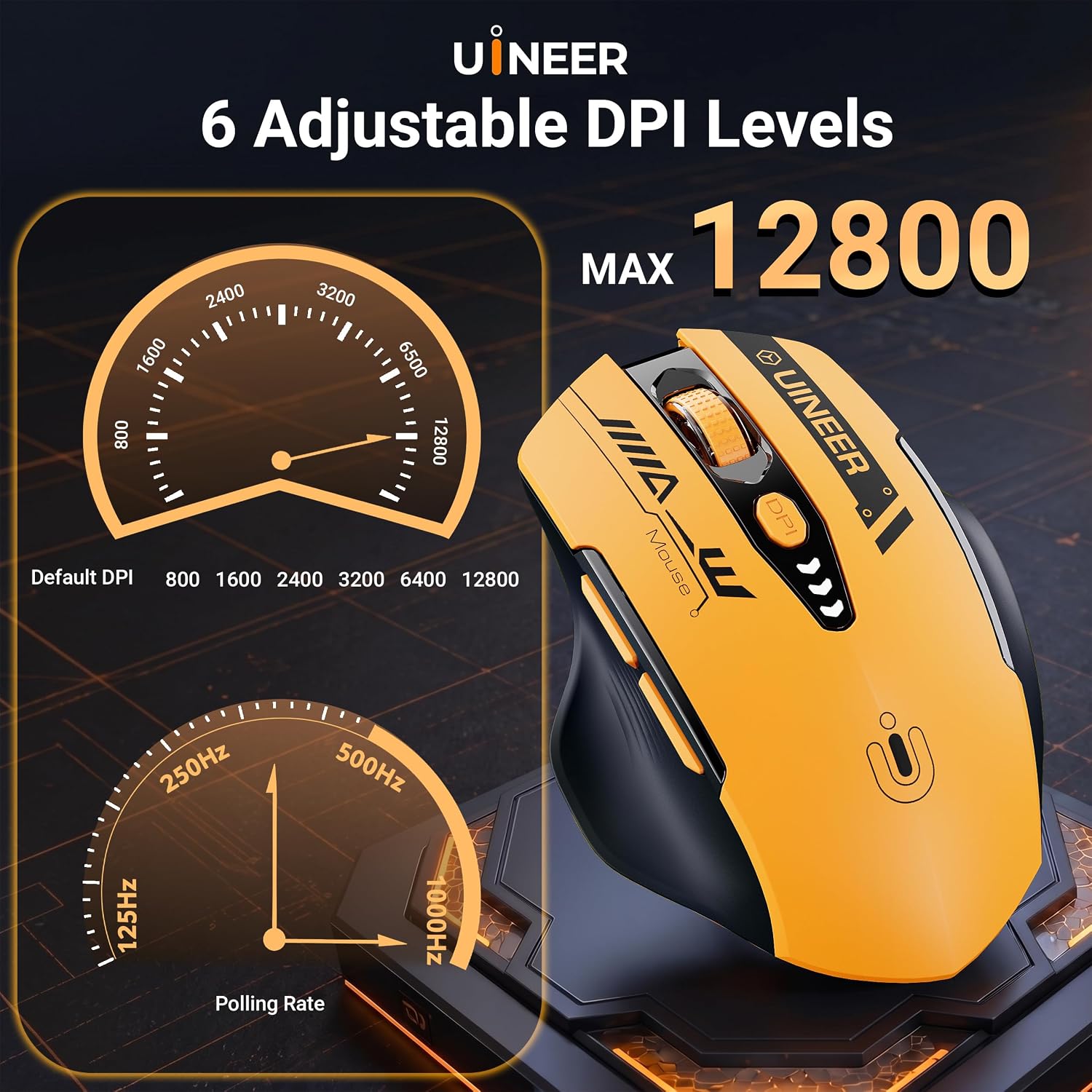
For everyday browsing, a lower DPI setting can make careful movements easier, a higher setting moves the cursor farther with less hand movement. For example, you could use a slower setting to select text in a document, then switch up when navigating a large display. The six levels are selected using the physical button, while Windows software lets you customize DPI settings and program the mouse’s six buttons.
It may suit you if you want one mouse for routine work, browsing and some gaming, with both wireless and wired choices. It may not suit you if you need every button to be quiet: the forward and back buttons are specifically not silent-click buttons. Also, software-based customization is described for Windows, so don’t assume the same programming options are available on other systems.

Tips for day-to-day use
Choose the connection that fits the device and workspace: Bluetooth for a compatible mobile setup, 2.4 GHz for a wireless desktop, or USB-A wired when you prefer a cable. The product lists compatibility with Windows Vista and later, Linux, macOS and ChromeOS, but connection options and software functions may differ by operating system.

Try the physical DPI control before settling on a sensitivity. Lower settings are aimed at more controlled movement, while higher settings are intended to move the cursor faster. The polling rate can be set to 125, 250, 500 or 1000 Hz, having several options is useful, but the listing doesn’t explain how battery life changes at each setting. Ten-minute setup? Not a claim this product makes, so allow time to select your preferred mode and settings.
The wider finger rest and ergonomic shape are intended to support extended use, but there are no dimensions or hand-size recommendations in the supplied details. If mouse fit is a priority, that missing sizing information is worth bearing in mind before choosing it.
Before you decide
Does it use disposable batteries? No. It has a built-in 500mAh rechargeable battery and charges via USB-C.
Can the buttons be programmed? The six buttons can be programmed using Windows software. The listing doesn’t specify equivalent software support for other operating systems.
Are all the buttons silent? No. The left and right buttons are described as quiet, the forward and back buttons are not silent-click buttons.
Is it worth it?
The appeal here is practical versatility: three connection modes, adjustable sensitivity, rechargeable power and quieter main clicks in one mouse. That’s a more adaptable approach than choosing a basic mouse with only one connection method, especially if you move between devices or want the option of a cable for gaming.
The trade-off is that important fit details, such as dimensions and hand-size guidance, aren’t provided, and the silent-click description applies only to the left and right buttons. Consider it if those limits work for your setup and you’ll use the connection choices or DPI controls. If you need every button quiet, or want clearer sizing guidance before buying, a more specifically documented mouse would be a safer fit.