

Tera HW0002 2D Wireless Barcode Scanner with Stand and Battery Indicator
Reviews
Price
Product description
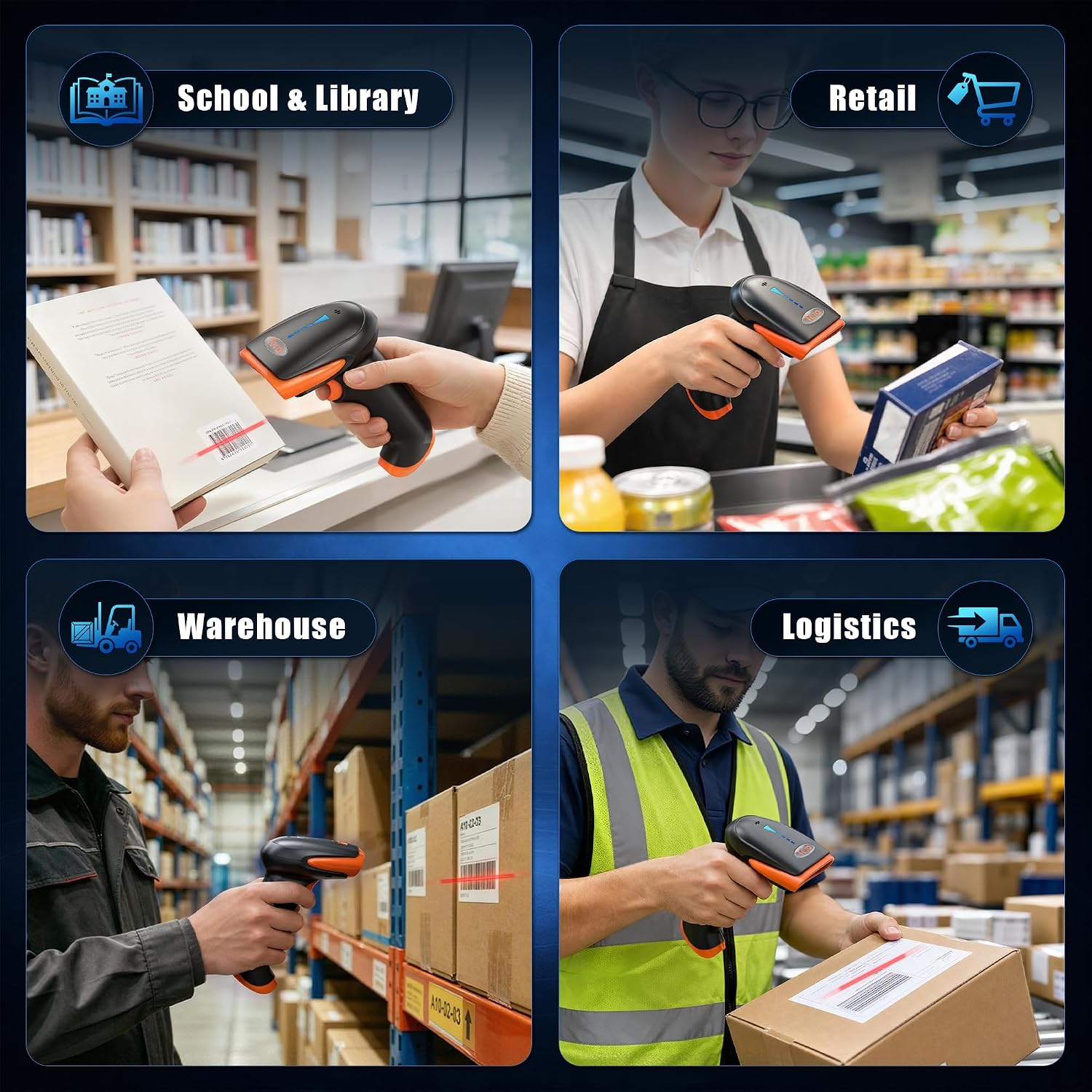
For retail, warehouse, school and logistics teams that need to scan both printed labels and codes on screens, the Tera HW0002 offers a flexible handheld setup. It reads 1D and 2D codes and connects by Bluetooth, 2.4G wireless or USB. A hands-free stand and battery indicator make it easier to fit scanning into a counter or workbench routine. Need to adjust how scan data is entered? The scanner also supports configurable data editing.
What you’ll notice day to day
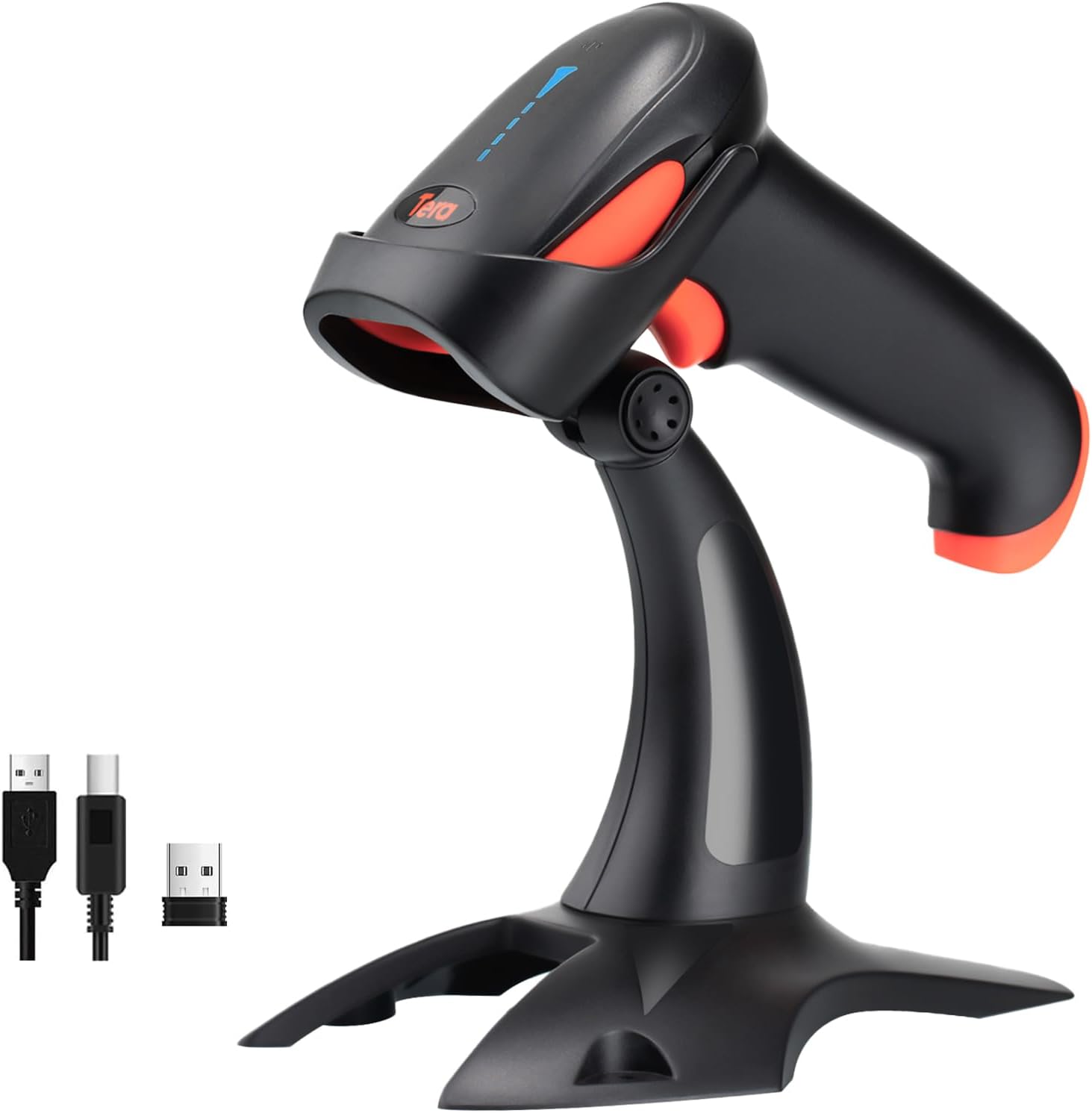
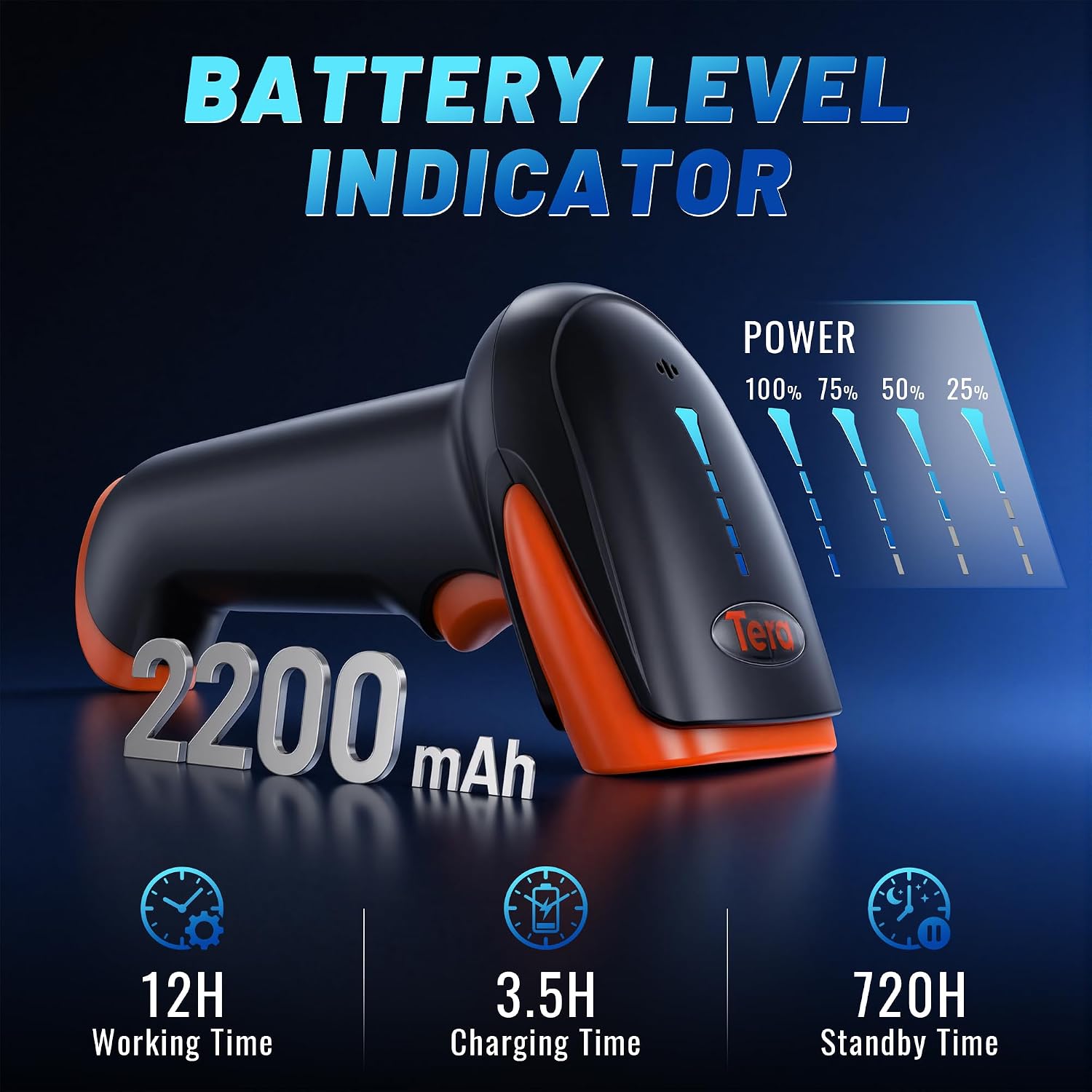
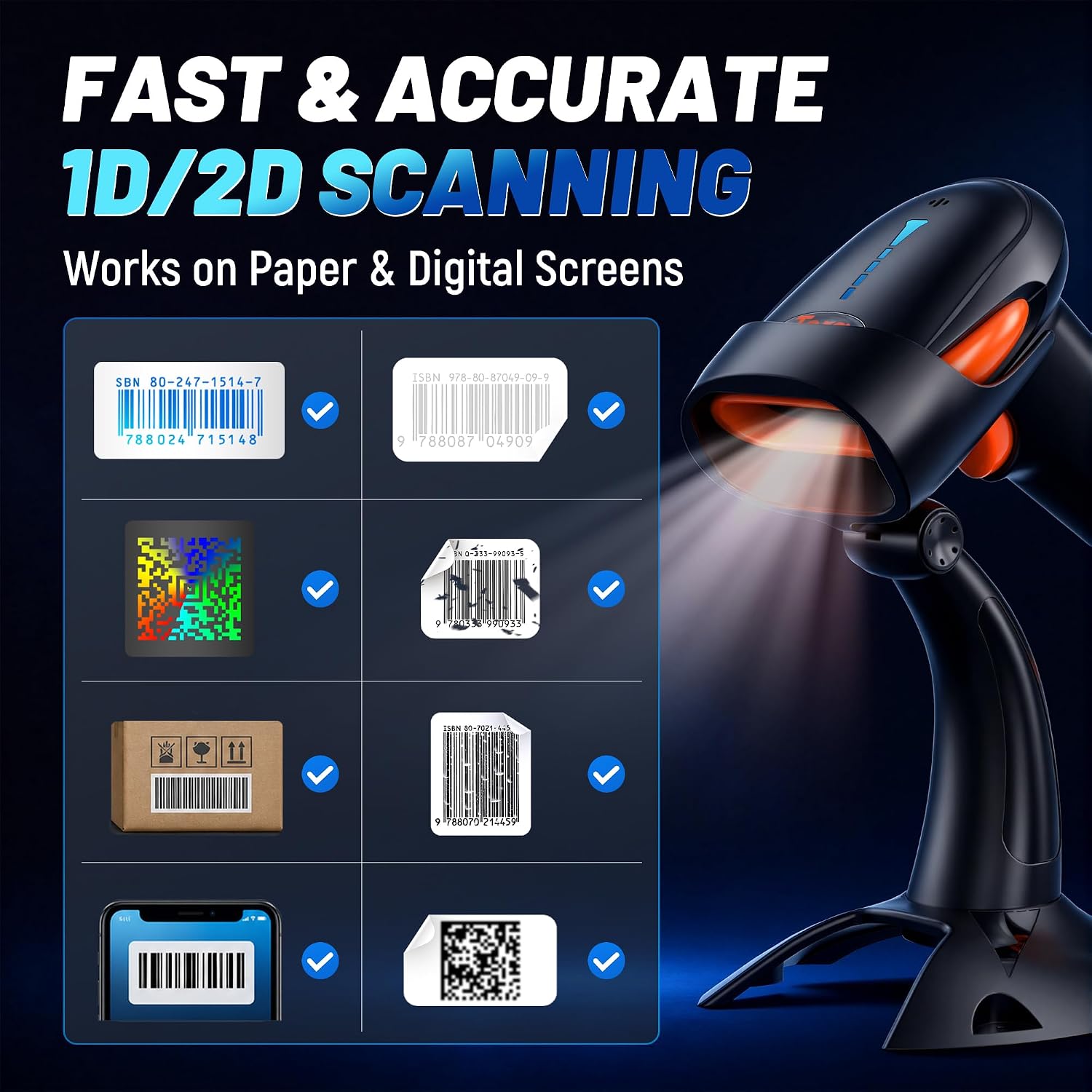
Use the HW0002 as a handheld reader for labels and packaging, or place it in the stand for hands-free scanning. It can read codes shown on a cell phone, tablet or computer screen as well as printed barcodes, which is useful when work moves between digital records and physical items. Successful scans can be signalled with sound, LED illumination and a mild vibration, the buzzer can be muted for quieter work areas. The battery indicator provides a quick visual check of charge status.
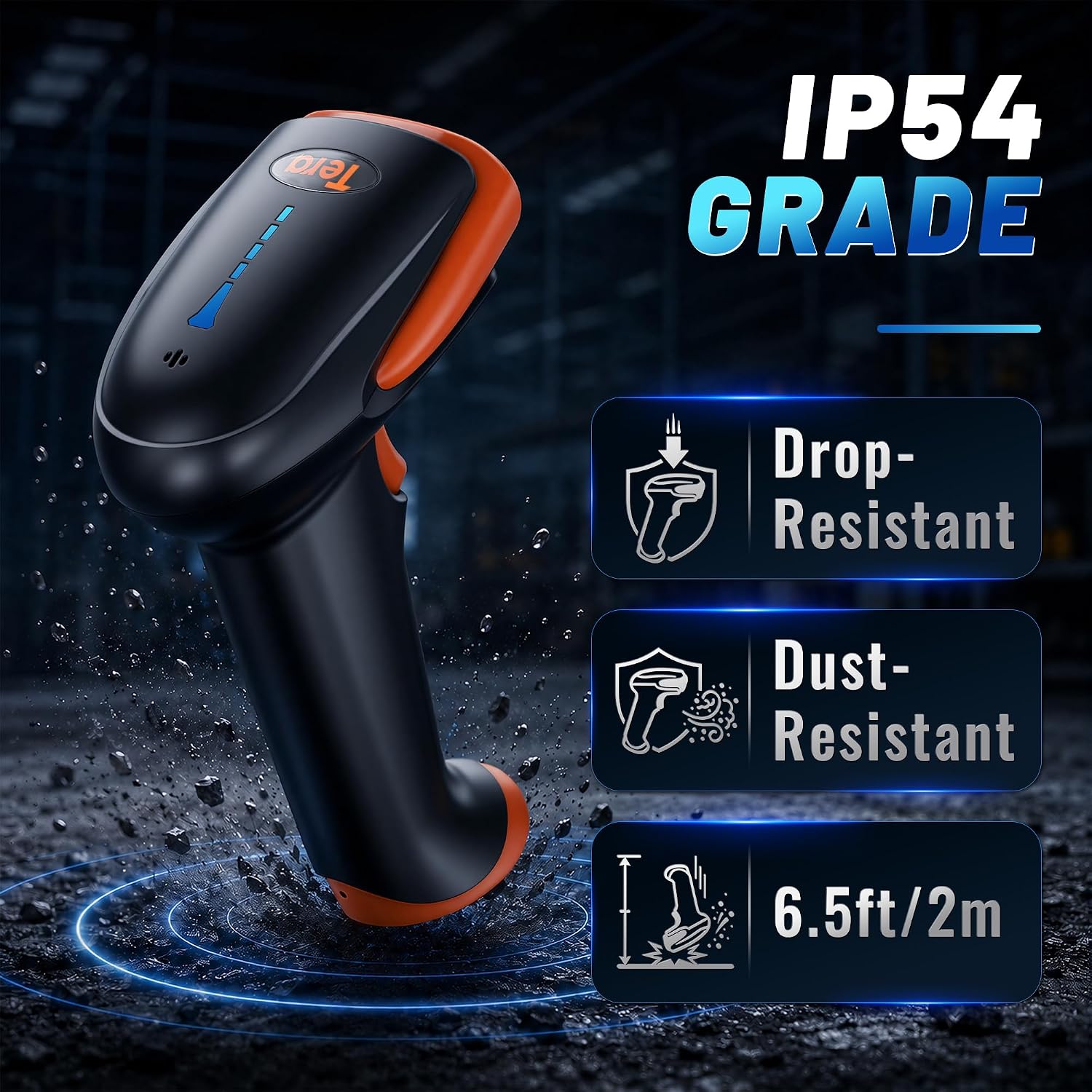
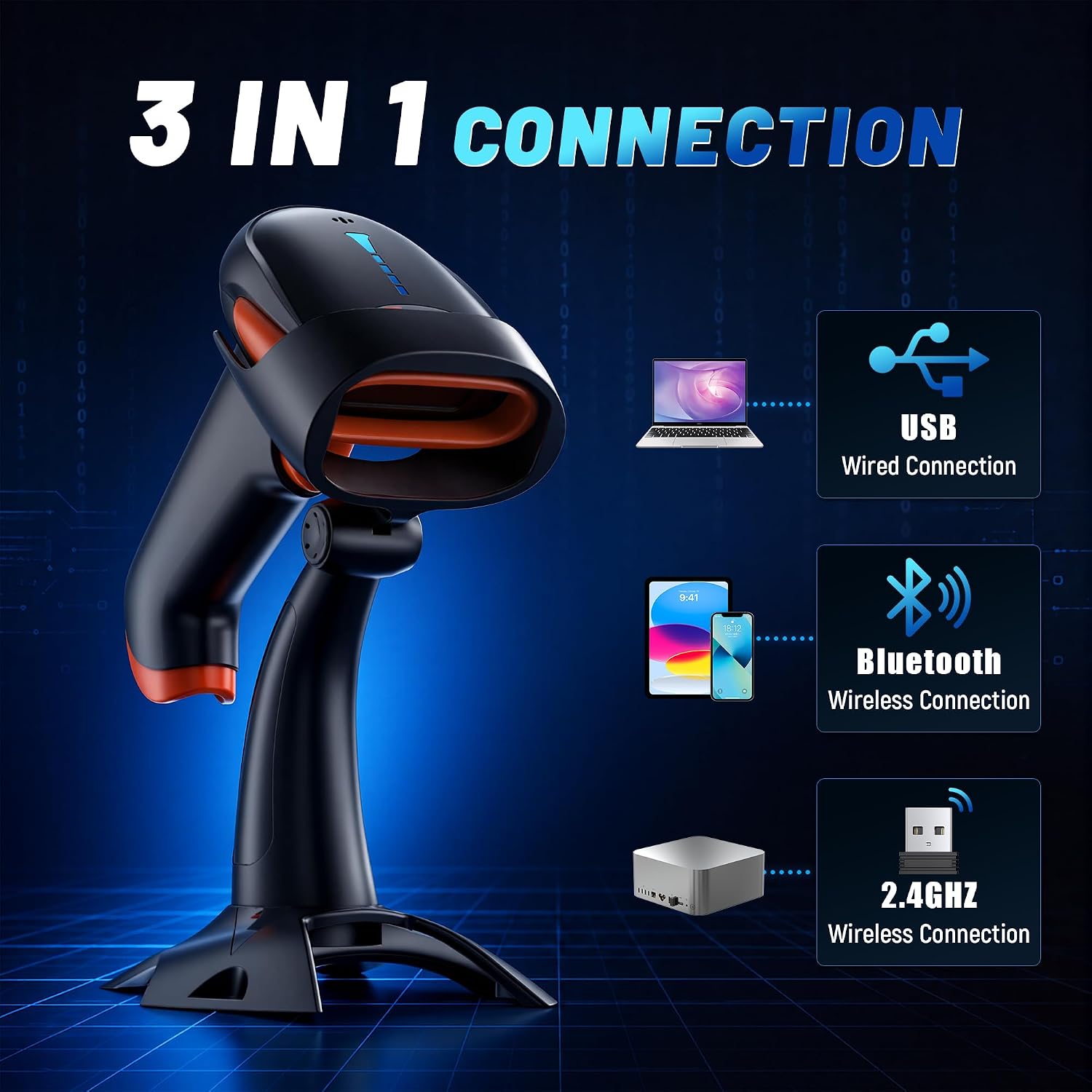
With Bluetooth, 2.4G wireless and wired USB connection options, the scanner can suit different workstation layouts and device setups. A fixed wired reader may suit a permanent counter, while the HW0002 gives teams the option to move between wireless and wired use. Its orange silicone protective cover helps guard against scratches and friction from everyday handling. The stand, USB cable and 2.4G dongle are included, so the setup can support both hands-free use and wireless connection.
Key features
The HW0002 supports 1D and 2D symbologies, including Code 39, Code 128, EAN-13, UPC-A, QR, Data Matrix and PDF417. It can also read codes from screens, plus codes on reflective material and silver paper. That range is useful when a workplace handles varied labels, documents and digital codes rather than relying on a single barcode format.
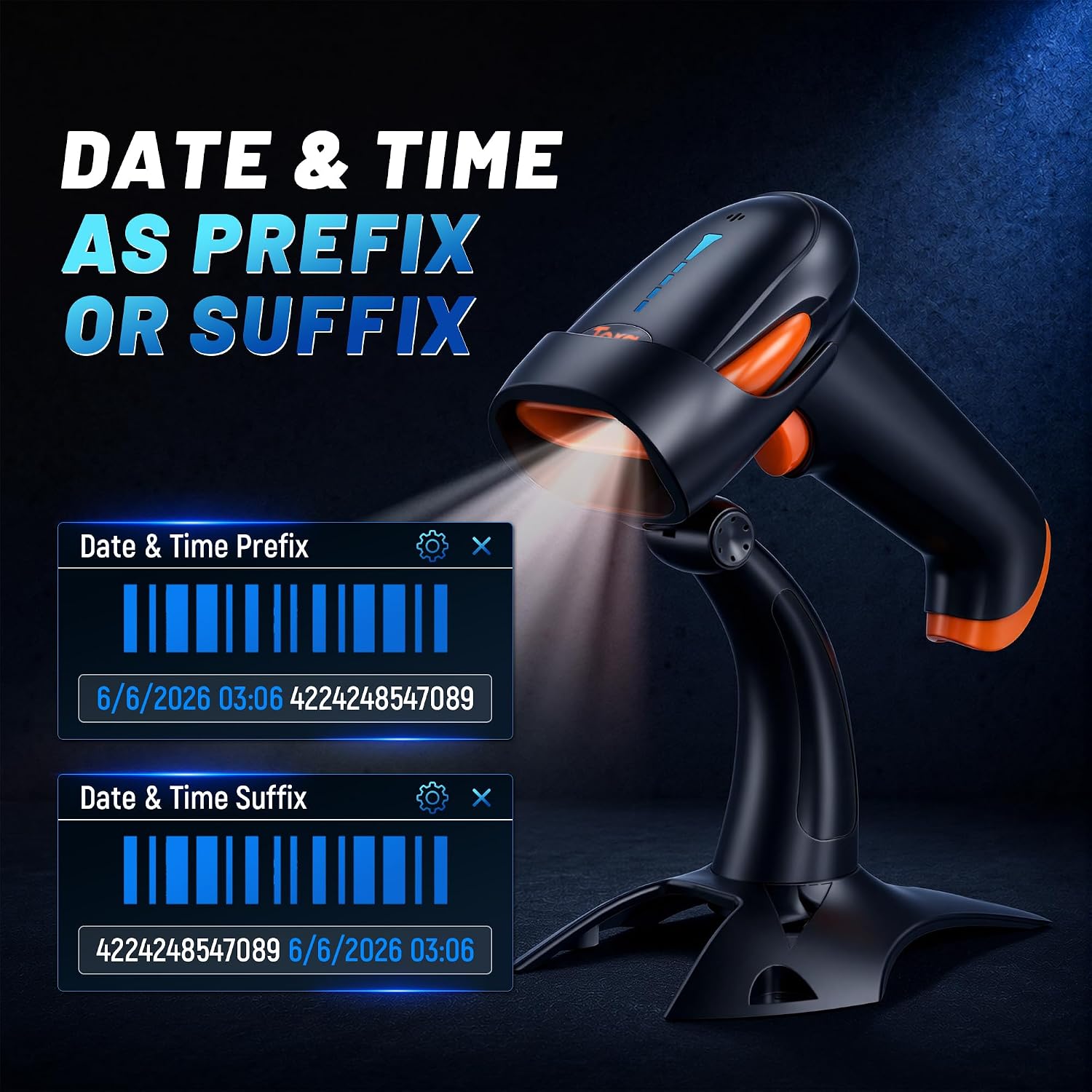
For workflows that need more than a direct scan, the scanner supports storage and instant upload modes. It can also add prefixes or suffixes and apply edits to selected symbologies—for example, changing the data from Code 39 scans without applying the same edit to other barcode types. Keyboard language can be configured for data entry. These settings help tailor scan output to an existing workflow, whether items are being checked at a counter or processed in a warehouse.
Getting the most from it
Choose the connection method that suits the workstation: Bluetooth, the 2.4G dongle or wired USB. The scanner is listed as compatible with laptops, desktops, tablets, smartphones and POS devices, with operating system support including Windows, macOS, iOS, Android and Linux. For a shared or repeat scanning station, position the stand where the scanner can be picked up and returned easily, for individual scanning, use it handheld. Set the alert volume to suit the room, and configure symbology-specific edits or prefix and suffix data where the workflow calls for them.
Buyer feedback on connectivity is mixed: some customers appreciate being able to use the scanner wirelessly or by cable, while others report connection difficulties. Overall quality feedback is also divided. The three connection choices and configurable scan output are practical features to weigh against the needs of the intended workstation.
What to clarify
Which barcode types can it read? It supports 1D formats such as Code 39, Code 128, EAN-13 and UPC-A, as well as 2D formats including QR, Data Matrix and PDF417. It can scan printed codes and codes displayed on a screen.
How can it connect to a device? Choose Bluetooth, 2.4G wireless with the included dongle, or wired USB. Listed compatible devices include computers, tablets, smartphones and POS systems.
Can scan data be customized? Yes. The scanner supports prefixes and suffixes, keyboard language settings and data edits for specific symbologies, so an edit can be applied to one barcode type without changing the output from others.
Final verdict
For teams handling a mix of printed and on-screen 1D and 2D codes, the Tera HW0002 combines flexible connection choices with hands-free scanning and adjustable data output. Its stand, battery indicator and range of scan settings make it a practical fit for retail counters, warehouse stations, schools and other work areas where scanning needs to adapt to the task.