

Telonixium smart digital calendar, 10.1-inch
Product description
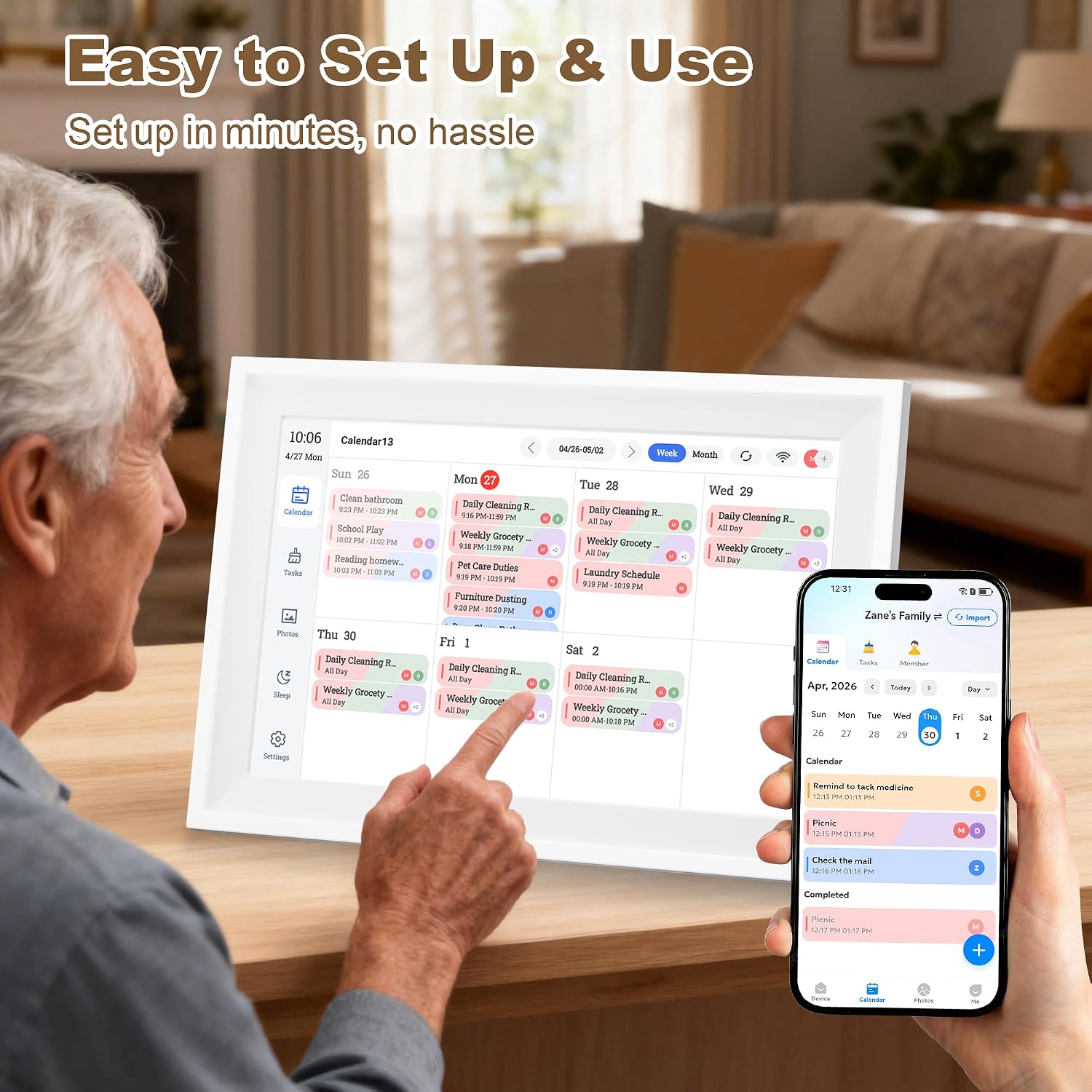
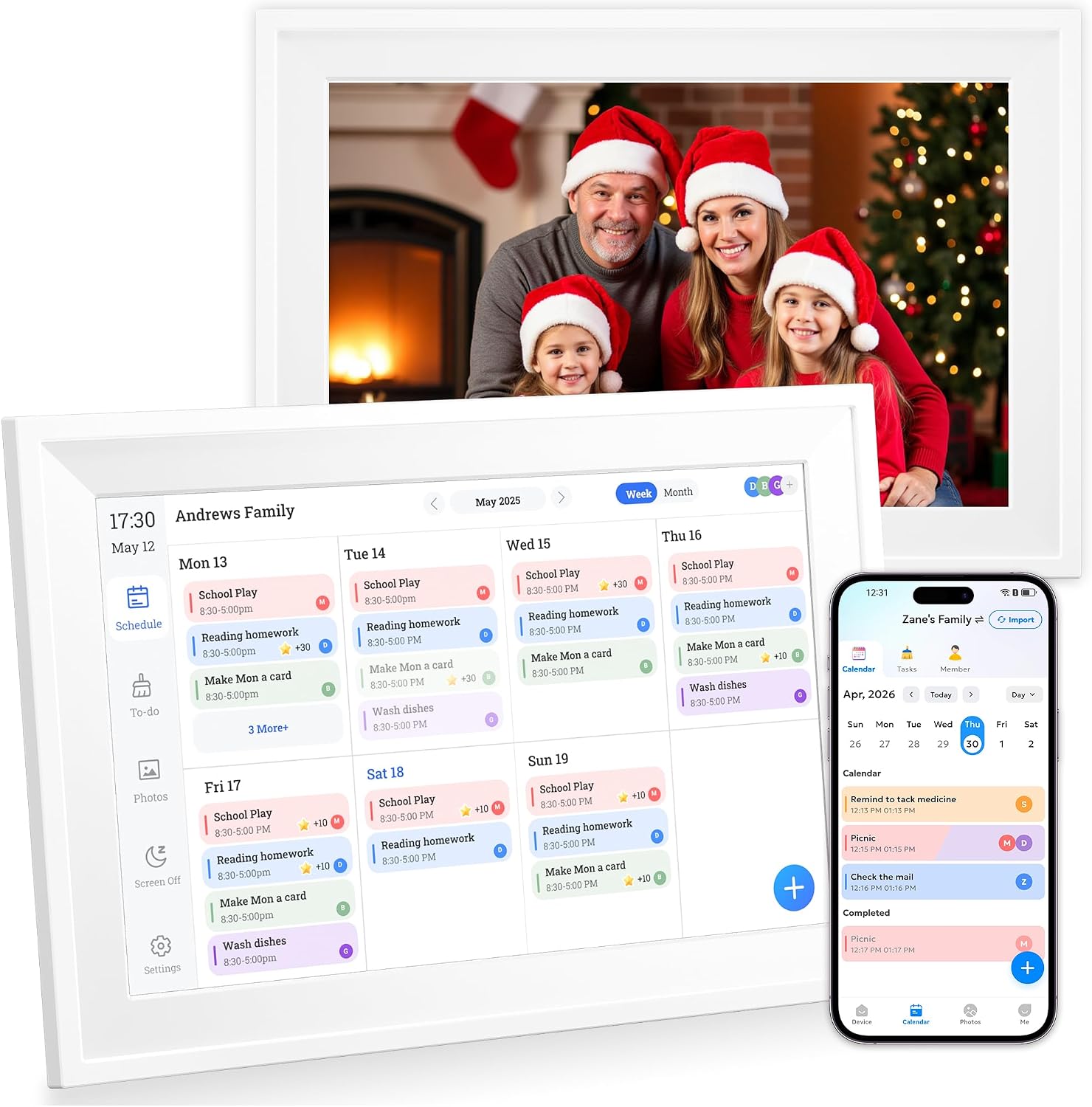
The 10.1-inch touchscreen brings shared plans, chores and photos together in one display, so the family schedule is easier to scan at a glance.
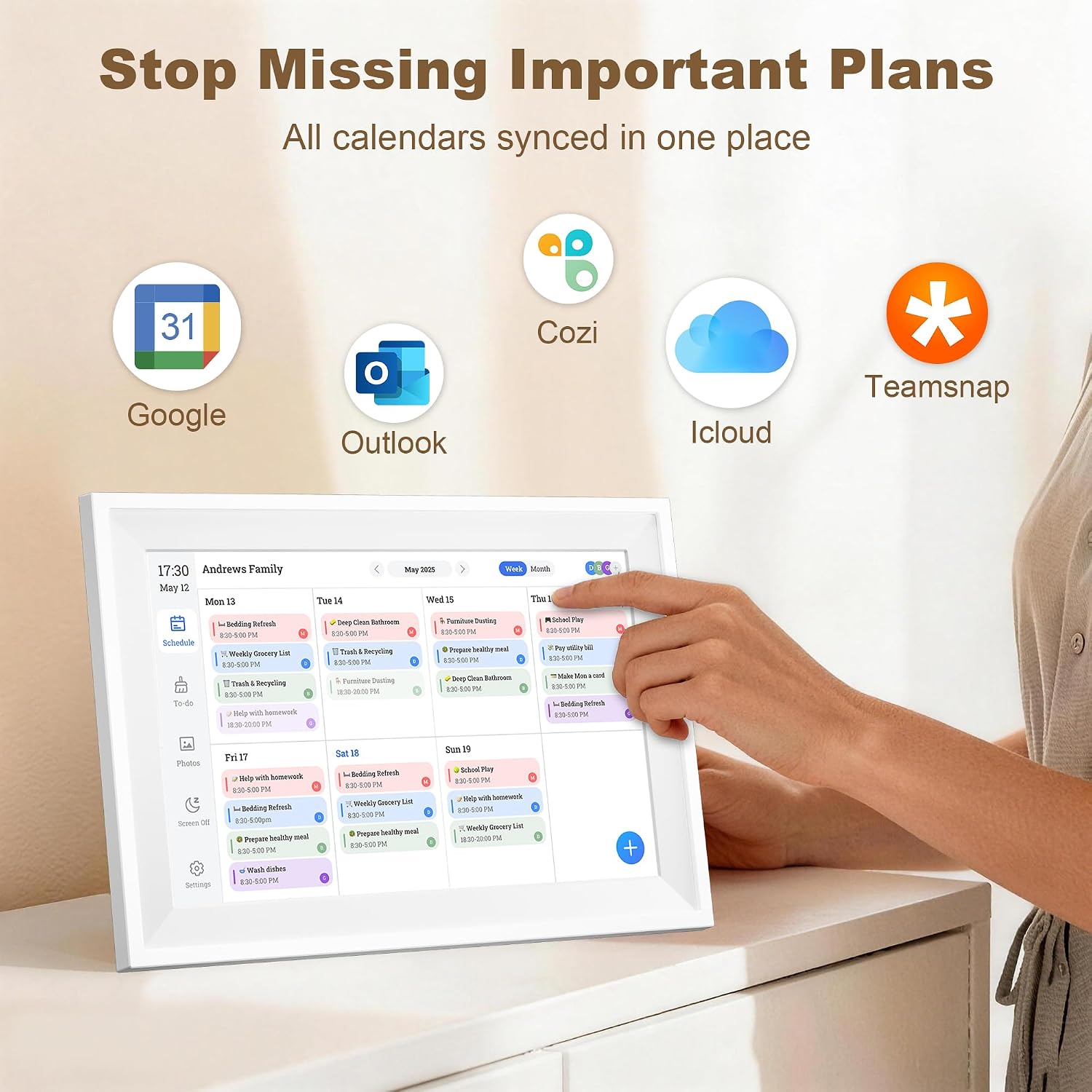
It can sync with Google Calendar, Outlook and iCloud, or pull in Cozi and TeamSnap schedules by URL. Family members can also add plans and tasks through the companion app.
That makes it a more interactive alternative to a paper calendar. If you prioritise quick updates and shared access, it has useful advantages, if you prefer a simple, no-setup wall planner, a paper calendar may suit you better.
Getting the most from it
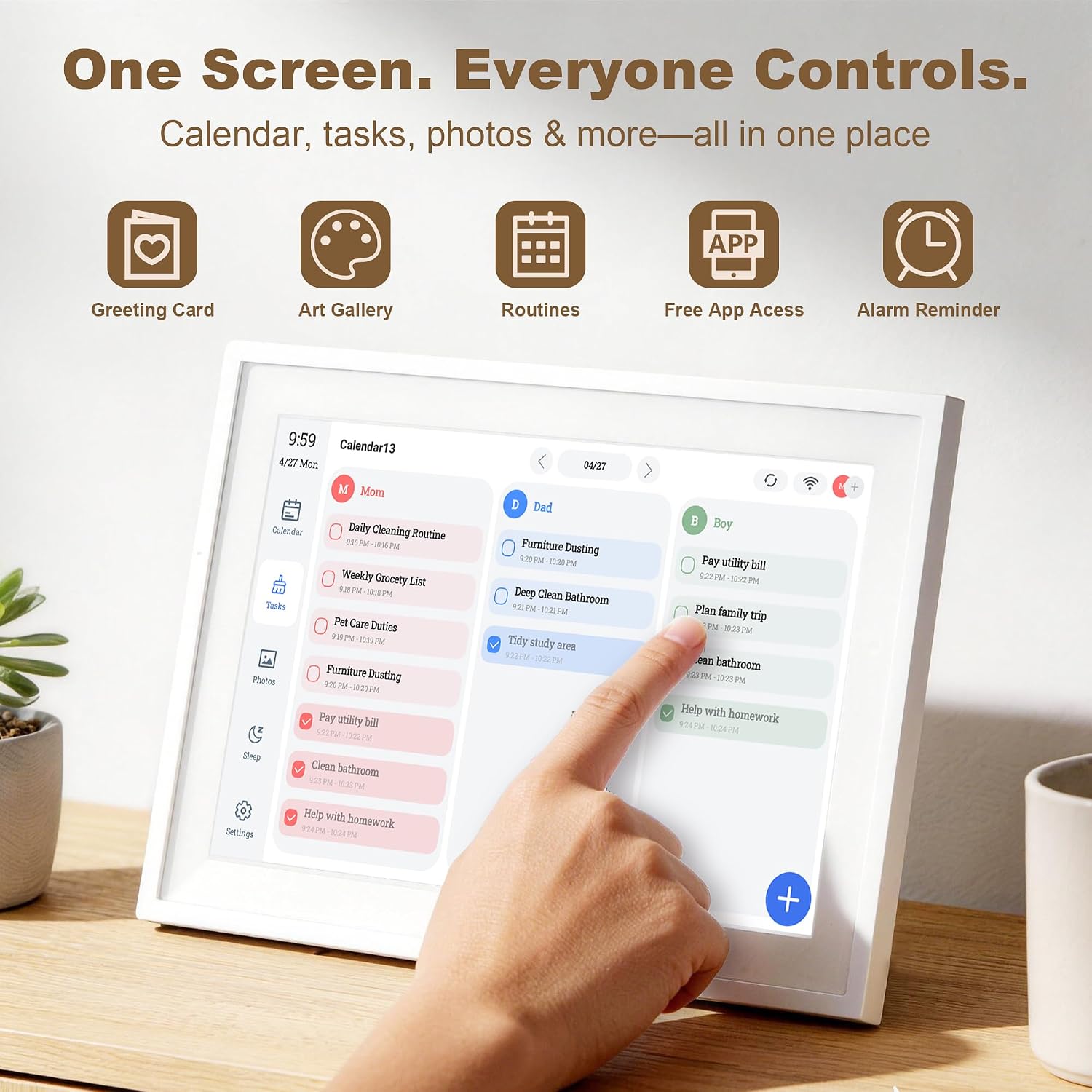
Place the display somewhere the household naturally checks, such as a kitchen counter or desk, and use the monthly, weekly or daily view that fits the moment. For example, a parent could check the day’s appointments while a child taps through assigned chores, rather than having everyone ask what is coming up next.
The touchscreen lets you add events and switch views directly on the display. For changes made away from home, the free companion app lets family members update plans and tasks from their phones. Linking calendar accounts during initial setup is recommended, that first step matters if you want existing schedules to appear together instead of entering them all again.

It also doubles as a chore chart and digital photo frame, with photos and videos sent to the display. Those extra roles make more sense if the screen will be used in a shared space than if you only need a dedicated calendar. No monthly subscription is required for the listed features.
Why it’s worth it
Its main appeal is combining several family routines in one place: appointments, assigned chores and shared photos. Rather than buying a basic digital calendar that only shows events, this device is designed to make the display part of everyday household organisation. The 1080P HD touchscreen gives plans a clear visual home, while calendar syncing can reduce duplicate entry for families already using supported services.

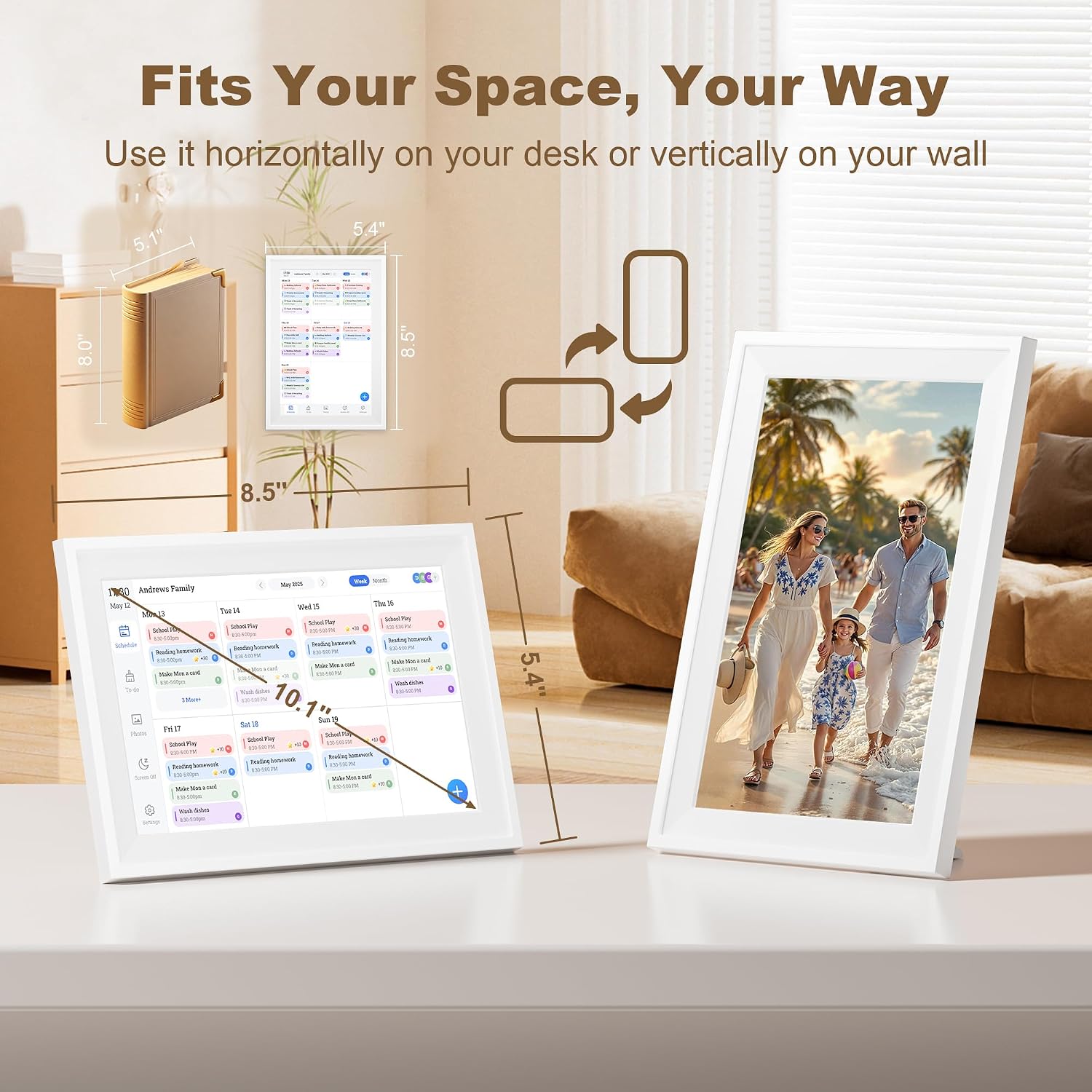
It makes sense if you want a central schedule that different family members can update, and would also use the chore chart or photo display. Given its design, it is best treated as a shared household hub, not simply as a larger version of a phone calendar. One practical limitation: the wall-mount bracket is sold separately, so the included desktop stand is the ready-to-use option if you want it on a counter or desk.
At a glance
- Display: 10.1-inch 1080P HD touchscreen
- Calendar options: Google Calendar, Outlook and iCloud sync, Cozi and TeamSnap schedules can be pulled in by URL
- Other functions: Chore chart and digital photo frame, with photo and video sharing
- Setup and access: Wi-Fi setup, free companion app and no monthly subscription
- Placement: Desktop stand included, wall-mount bracket sold separately
The listed calendar connections are useful if your household already relies on those services. Still, Cozi and TeamSnap are described as URL-based schedule imports, so don’t assume they work exactly like the two-way sync specified for Google Calendar, Outlook and iCloud.
When to choose it
It is worth considering when several people need one visible place for plans and chores, especially if you want photos on the same screen. The stand also suits a kitchen counter or office desk where the display can be checked throughout the day. If you want a fixed wall display, remember that the mounting bracket is an extra purchase. It is not worth it if all you need is a basic written schedule, or if your household won’t use the touchscreen, app sharing or photo features.